Dell 65W Adapters
Find the perfect power solution for your compatible devices with a dell 65w adapter. Designed to keep your laptop or notebook charged and ready, these adapters are ideal for home, office, or travel use. Browse a selection of reliable options to ensure your device stays powered throughout your day. Whether you need a replacement or an extra adapter for convenience, discover the right dell 65w adapter to suit your needs.
Sort


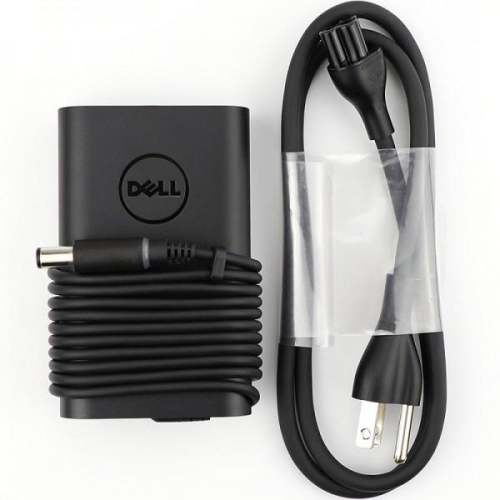


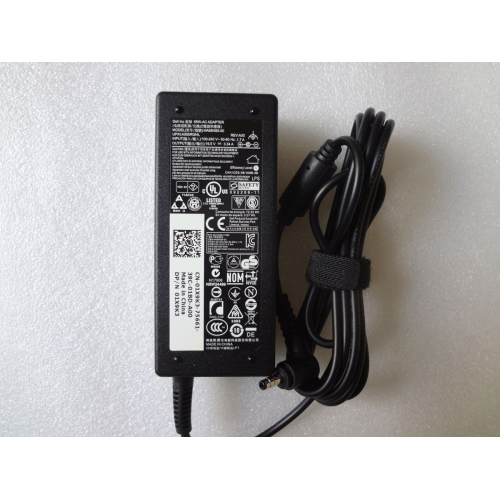



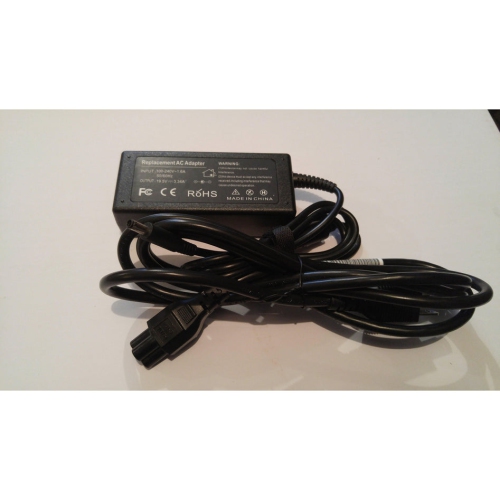


Why laptop charger compatibility goes beyond wattage alone
A 65W laptop adapter supplies up to 65 watts of power to a compatible computer, supporting battery charging and everyday operation through a connection designed for that laptop. It is a common power class for notebooks used for documents, email, video calls, coursework, and general browsing, although a computer’s required wattage depends on its design rather than its screen size or intended use alone. The most important distinction is that two adapters marked 65W are not necessarily interchangeable. Compatibility also depends on the connector, output voltage, electrical requirements, and any charging identification system used by the computer. Barrel connectors can look almost identical while differing in their outer diameter, inner diameter, or centre-pin arrangement. A plug that appears to fit may still be unsuitable, and a connector should never need force to seat properly. USB-C adapters use a different approach: compatible laptops and chargers generally rely on USB Power Delivery to negotiate a supported power level. A USB-C socket does not automatically mean that a laptop accepts charging through that port, so the computer’s specifications remain important. For a replacement adapter, the exact laptop model and the electrical information on the original power supply provide a more reliable reference than appearance alone. With barrel-style connections, the specified voltage, polarity, connector dimensions, and manufacturer compatibility information all matter. With USB-C connections, the charger must support the power profiles the laptop requires. A detachable USB-C cable also needs an appropriate power rating; a cable limited to 60W can prevent a connection from delivering the full 65W. These details are especially relevant when replacing a missing charger, setting up a permanent workspace, or choosing a separate adapter for a laptop bag. The right match provides a dependable connection without relying on a loose-fitting tip, an uncertain conversion accessory, or a wattage label that tells only part of the story.
The physical design of an adapter makes a noticeable difference in daily use. Most laptop power supplies combine a protective enclosure with insulated cables and reinforced sections where the cords enter the adapter body or connector. These strain-relief sections help manage repeated bending, but they work best when the cable has room to curve naturally rather than being pulled sharply against the edge of a desk. Flexible insulation makes a cord easier to route around furniture, while the enclosure protects the internal electronics during ordinary handling. Overall durability depends on construction, connection quality, and how the adapter is carried and stored, not simply on whether its casing feels heavy or light. At a home office desk, a longer cable arrangement may make it easier to reach a wall outlet without leaving the power supply hanging from its connector. In a shared workspace or classroom, a more compact design may be easier to tuck into a bag alongside a notebook and headphones. Cable length is worth considering across the complete setup, including both the wall-side cord and the lead running to the laptop. Some adapters have a detachable AC cord, while others use a different wall connection, so the arrangement should suit the outlets and spaces where it will be used. Plug shape also matters for Canadian wall outlets. For travel, an input label showing support for a broad voltage range can be helpful, but electrical input compatibility and physical plug compatibility are separate considerations. A travel plug changes the connection to an outlet; it does not, by itself, convert voltage. At a desk with a USB-C hub or dock, power delivery can be more complicated because the accessory may reserve some incoming power for its own operation. A charger rated for 65W therefore does not guarantee that the laptop receives all 65 watts through every intermediary device. The dock’s stated power requirements and pass-through specifications help clarify whether that arrangement suits the computer.
A dedicated adapter can make sense for anyone who regularly moves between two work areas, studies away from home, or shares a household charging space. Keeping one suitable power supply at a desk and another with a travel bag reduces repeated packing and the chance of arriving without a charger. It also avoids the daily strain of reaching behind furniture to disconnect a cord. For a replacement or practical gift, knowing the recipient’s exact laptop model is more useful than knowing only the computer’s age or appearance. The broader Adapter 65W category offers another way to browse this power class, with connector type and documented compatibility remaining central to a suitable match. A laptop designed for a higher-wattage supply may charge slowly, display a power warning, reduce performance, or continue drawing from its battery when connected to an insufficient adapter. Conversely, a compatible USB-C power supply with a higher maximum wattage does not automatically force that full output into the computer; properly matched devices negotiate the power they support. Care is straightforward but important. Loose cable loops are gentler on internal conductors than wrapping a cord tightly around the adapter body, and unplugging by the connector rather than tugging the cable helps protect the termination. A separate pouch can keep the plug from scraping against other belongings and prevent the cord from catching on objects inside a bag. During operation, an adapter belongs on an uncovered surface with space around it, rather than beneath bedding or inside a closed bag. Some warmth is normal, but damaged insulation, exposed wiring, a cracked housing, unusual odours, or an unreliable connection are reasons to stop using it. Cleaning generally calls for disconnecting the adapter and wiping its exterior with a dry, soft cloth, keeping moisture away from connectors and openings. With the correct electrical match and sensible handling, a 65W adapter can serve as a dependable part of a laptop setup, whether it stays beside a monitor or travels between home, school, and work.
The physical design of an adapter makes a noticeable difference in daily use. Most laptop power supplies combine a protective enclosure with insulated cables and reinforced sections where the cords enter the adapter body or connector. These strain-relief sections help manage repeated bending, but they work best when the cable has room to curve naturally rather than being pulled sharply against the edge of a desk. Flexible insulation makes a cord easier to route around furniture, while the enclosure protects the internal electronics during ordinary handling. Overall durability depends on construction, connection quality, and how the adapter is carried and stored, not simply on whether its casing feels heavy or light. At a home office desk, a longer cable arrangement may make it easier to reach a wall outlet without leaving the power supply hanging from its connector. In a shared workspace or classroom, a more compact design may be easier to tuck into a bag alongside a notebook and headphones. Cable length is worth considering across the complete setup, including both the wall-side cord and the lead running to the laptop. Some adapters have a detachable AC cord, while others use a different wall connection, so the arrangement should suit the outlets and spaces where it will be used. Plug shape also matters for Canadian wall outlets. For travel, an input label showing support for a broad voltage range can be helpful, but electrical input compatibility and physical plug compatibility are separate considerations. A travel plug changes the connection to an outlet; it does not, by itself, convert voltage. At a desk with a USB-C hub or dock, power delivery can be more complicated because the accessory may reserve some incoming power for its own operation. A charger rated for 65W therefore does not guarantee that the laptop receives all 65 watts through every intermediary device. The dock’s stated power requirements and pass-through specifications help clarify whether that arrangement suits the computer.
A dedicated adapter can make sense for anyone who regularly moves between two work areas, studies away from home, or shares a household charging space. Keeping one suitable power supply at a desk and another with a travel bag reduces repeated packing and the chance of arriving without a charger. It also avoids the daily strain of reaching behind furniture to disconnect a cord. For a replacement or practical gift, knowing the recipient’s exact laptop model is more useful than knowing only the computer’s age or appearance. The broader Adapter 65W category offers another way to browse this power class, with connector type and documented compatibility remaining central to a suitable match. A laptop designed for a higher-wattage supply may charge slowly, display a power warning, reduce performance, or continue drawing from its battery when connected to an insufficient adapter. Conversely, a compatible USB-C power supply with a higher maximum wattage does not automatically force that full output into the computer; properly matched devices negotiate the power they support. Care is straightforward but important. Loose cable loops are gentler on internal conductors than wrapping a cord tightly around the adapter body, and unplugging by the connector rather than tugging the cable helps protect the termination. A separate pouch can keep the plug from scraping against other belongings and prevent the cord from catching on objects inside a bag. During operation, an adapter belongs on an uncovered surface with space around it, rather than beneath bedding or inside a closed bag. Some warmth is normal, but damaged insulation, exposed wiring, a cracked housing, unusual odours, or an unreliable connection are reasons to stop using it. Cleaning generally calls for disconnecting the adapter and wiping its exterior with a dry, soft cloth, keeping moisture away from connectors and openings. With the correct electrical match and sensible handling, a 65W adapter can serve as a dependable part of a laptop setup, whether it stays beside a monitor or travels between home, school, and work.
Top selling and popular products
-
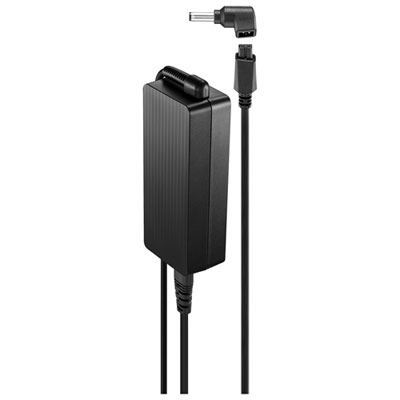 Your price for this item is $69.99
-
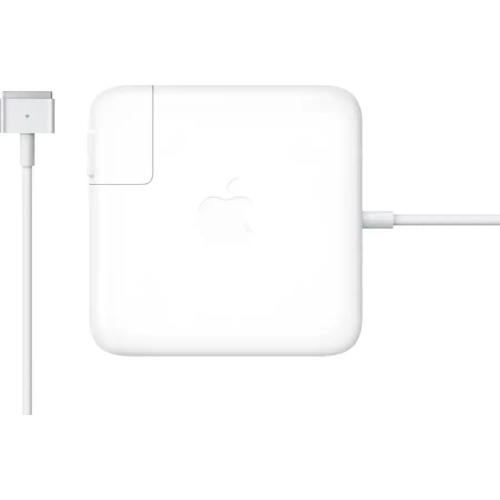 Your price for this item is $117.37
-
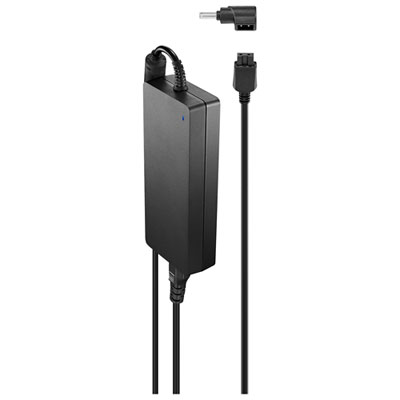 Your price for this item is $109.99
-
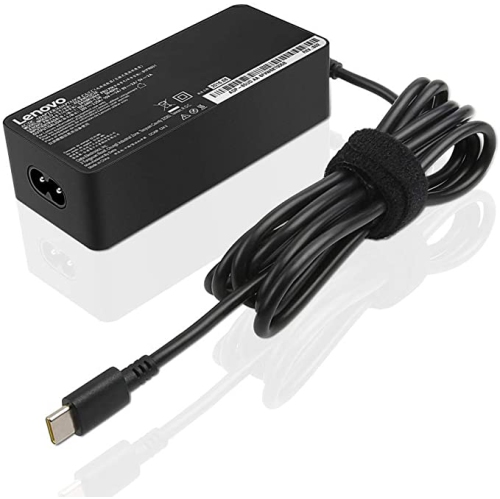 Your price for this item is $67
-
 Your price for this item is $49.99
-
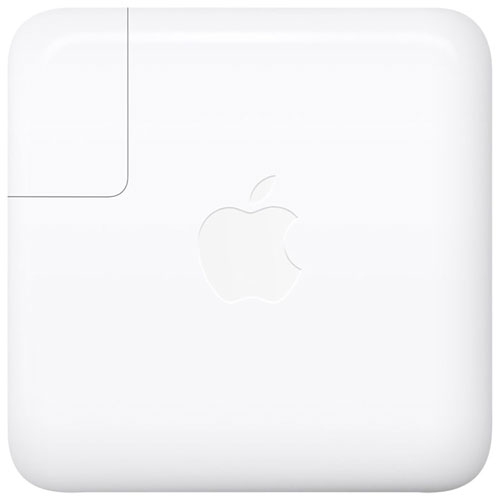 Your price for this item is $71
-
 Your price for this item is $46.68
-
 Your price for this item is $68.68
Discover more categories related to Dell 65W Adapters


Top Collections:
Pokemon Centers, Pokémon 30th Celebration Cards, Best Budget Office Chairs, Kindle Devices, Best Cameras for Sports Photography, Canon G7X Cameras, Best Black Friday Deals On Electronics, Best Laptops for Writers, iPhone 15 Apple, Jackery Power Stations
Some products may be subject to Environmental Handling Fees
(EHF) depending on your province.
Learn more about EHFs.