Power Distribution Units
When it comes to managing the power needs of your electronics and appliances, a reliable power distribution unit (PDU) is an essential component. These versatile devices allow you to efficiently distribute power to multiple devices from a single source, ensuring optimal performance and protection against power surges. Whether you're setting up a home office, a data center, or simply need a solution for your home entertainment system, our range of PDUs offers a variety of options to suit your needs. With features such as surge protection, built-in circuit breakers, and customizable outlets, you can easily find the perfect PDU to keep your devices powered up and running smoothly.
Sort
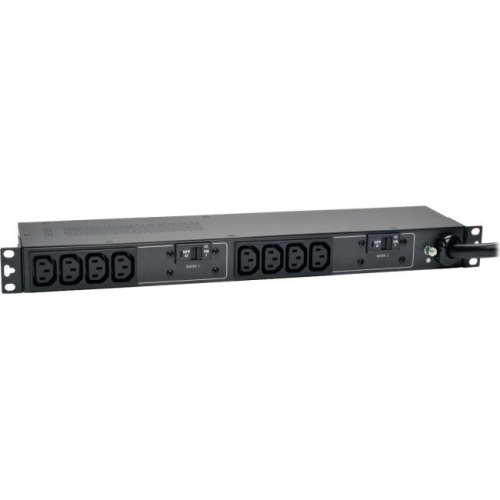
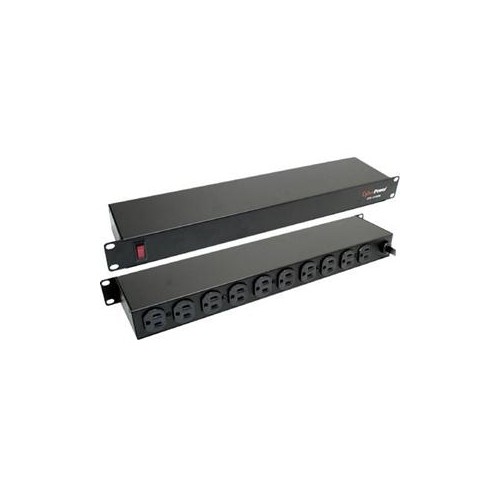
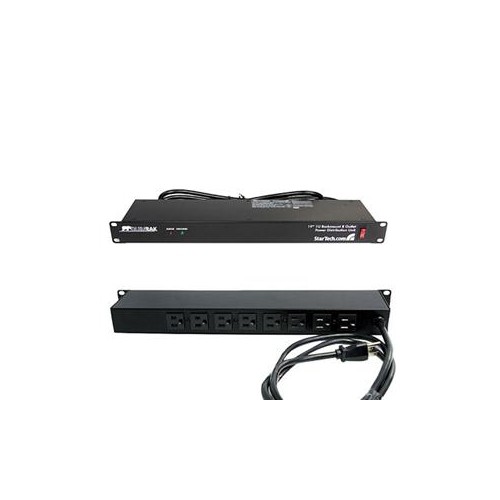
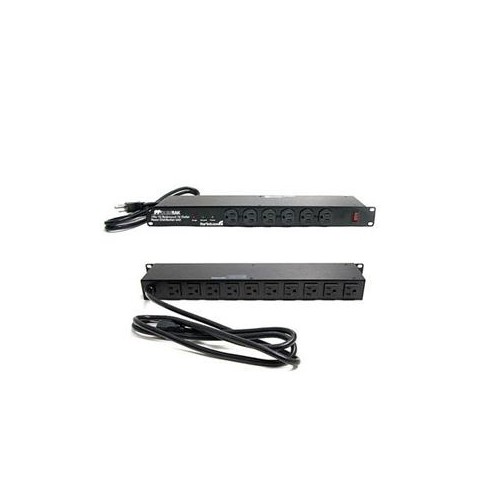
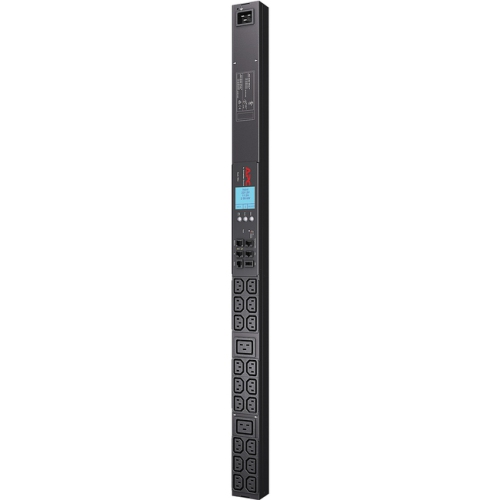
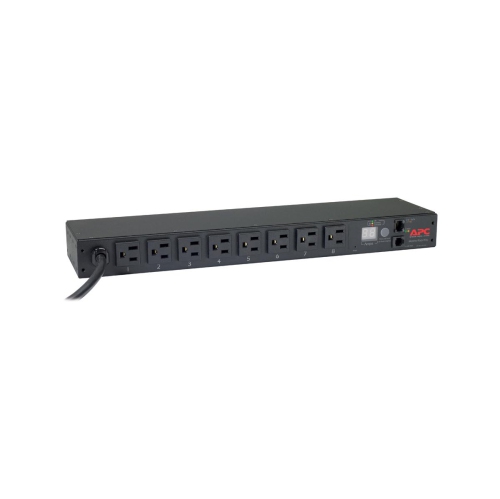
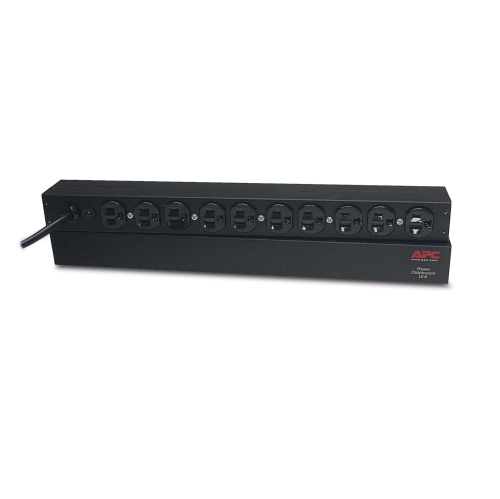
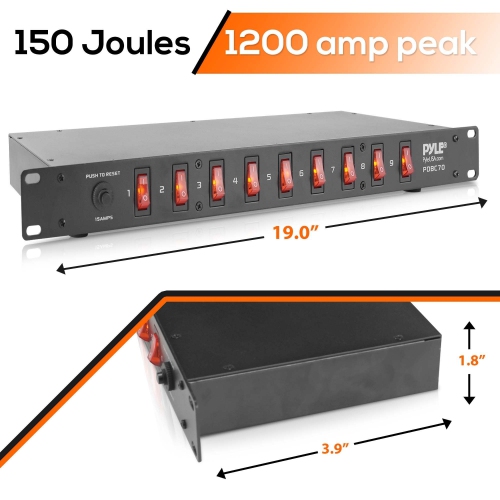
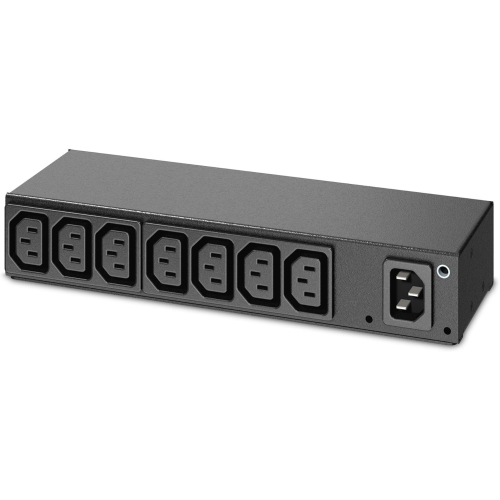
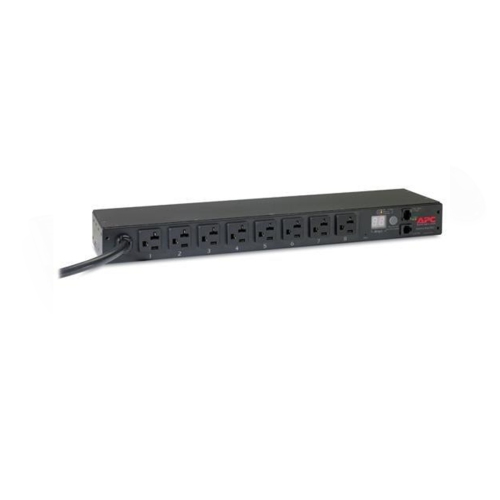
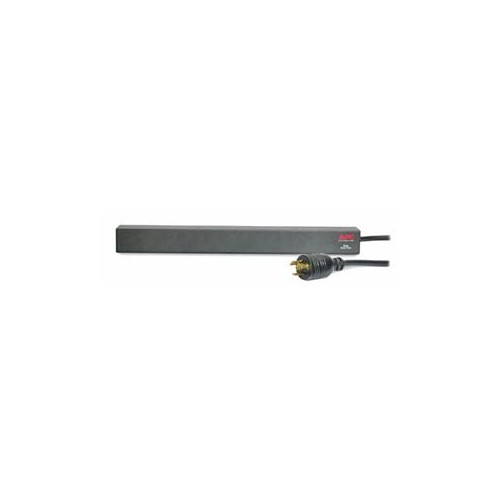
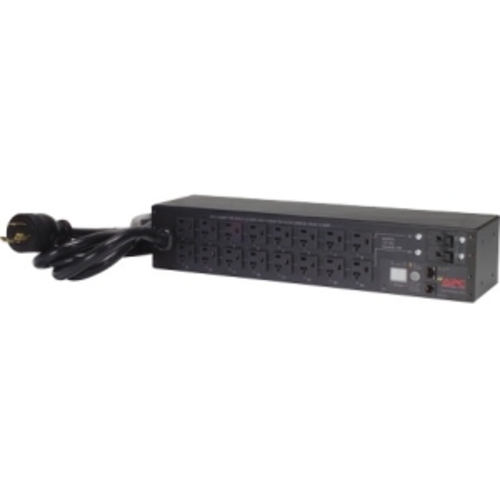

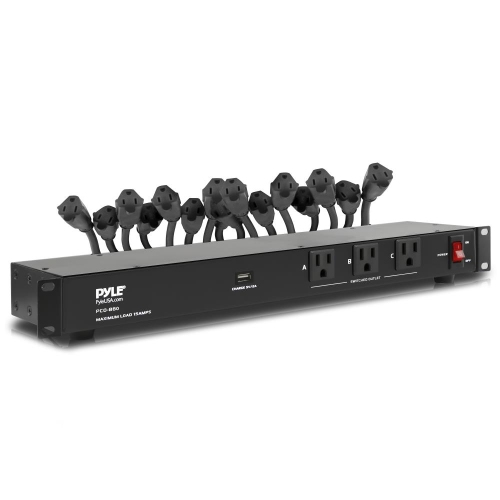
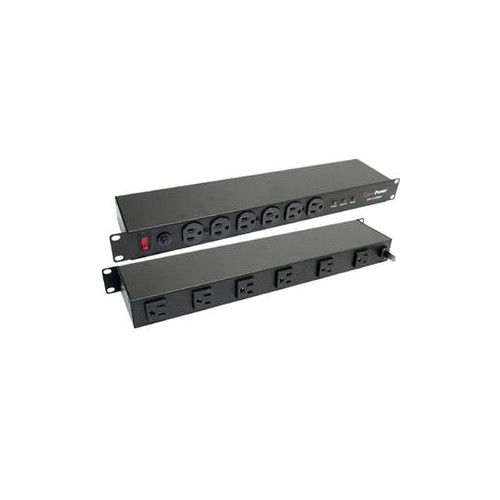
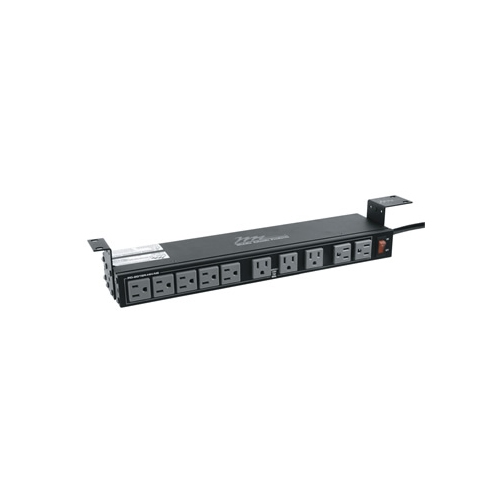
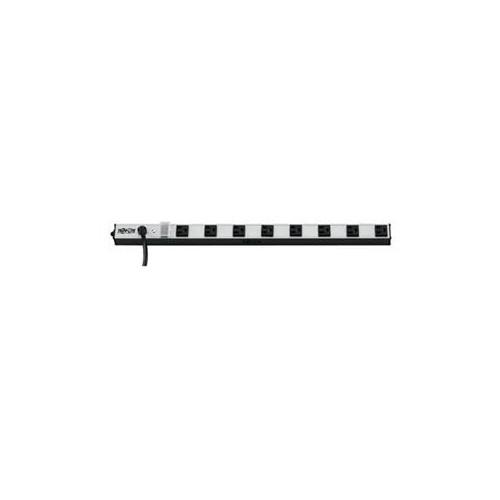


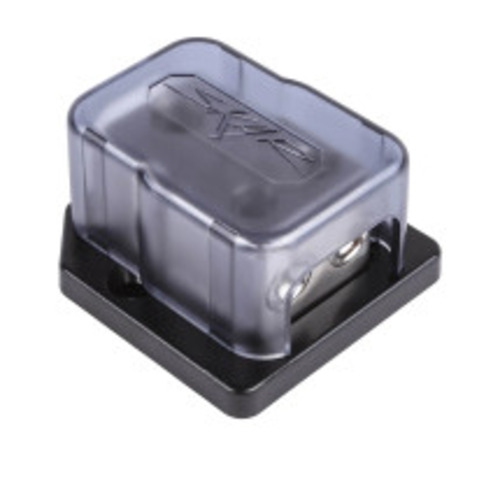
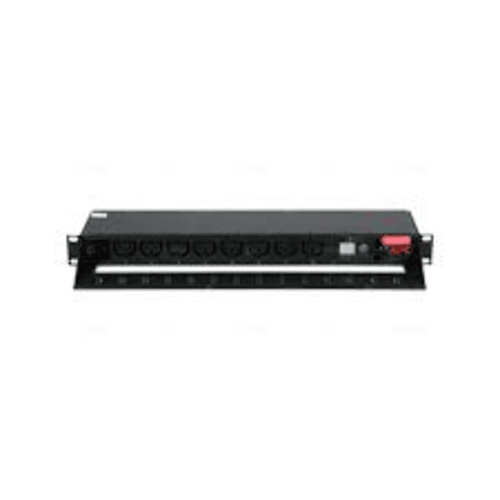
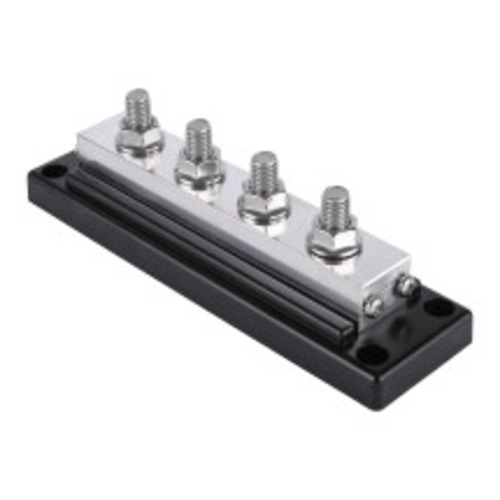
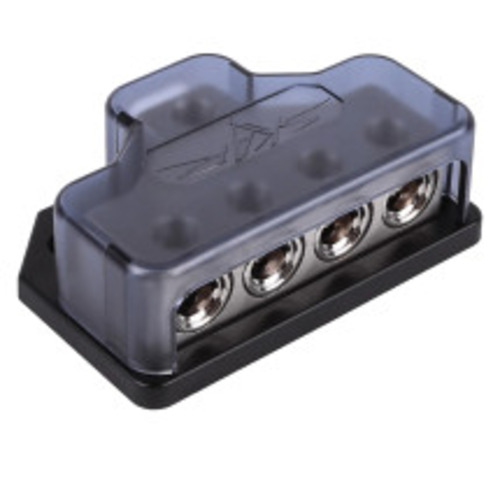
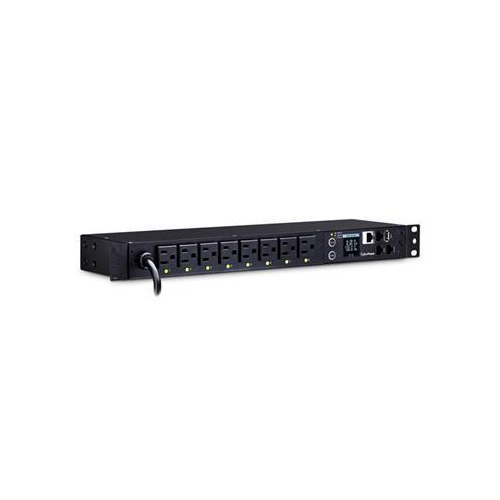
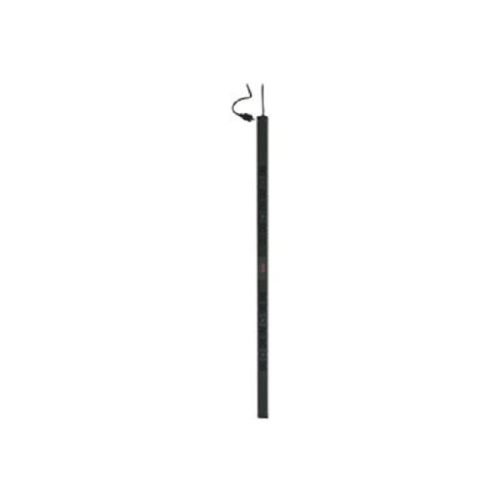
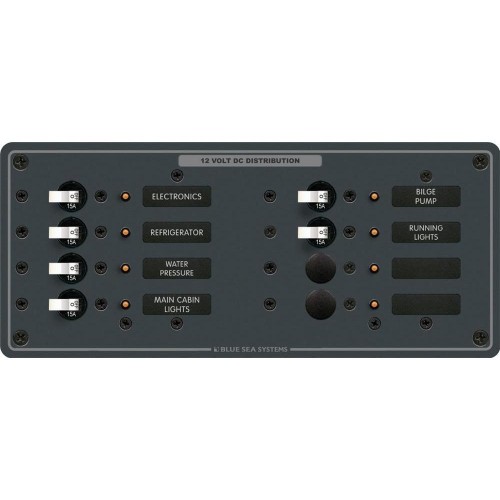

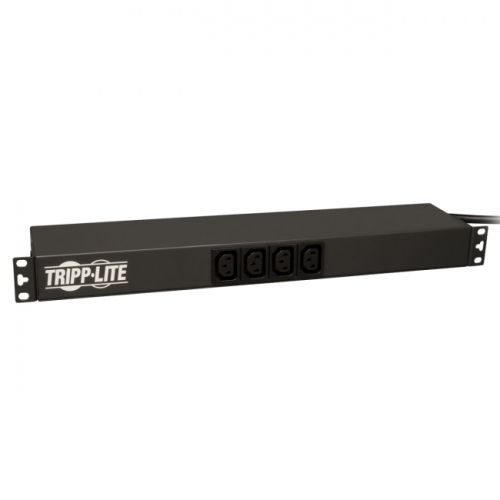
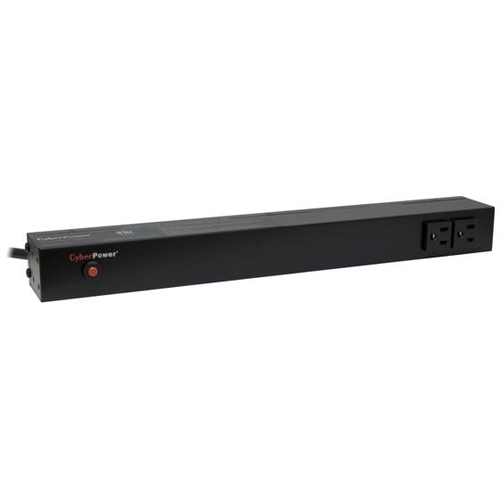
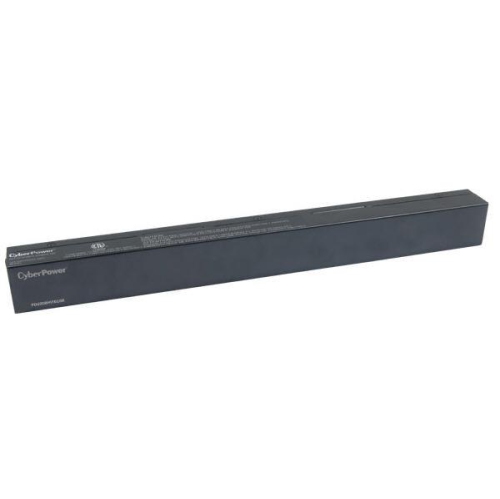
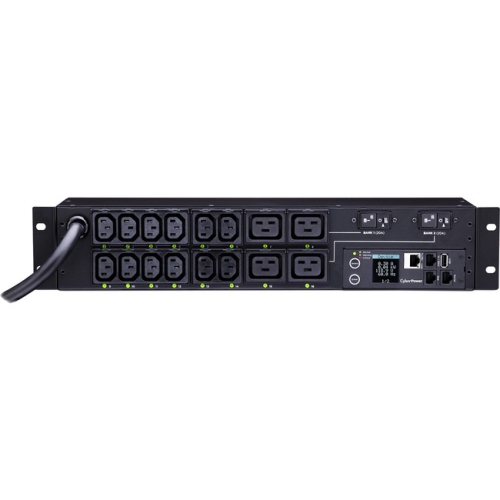
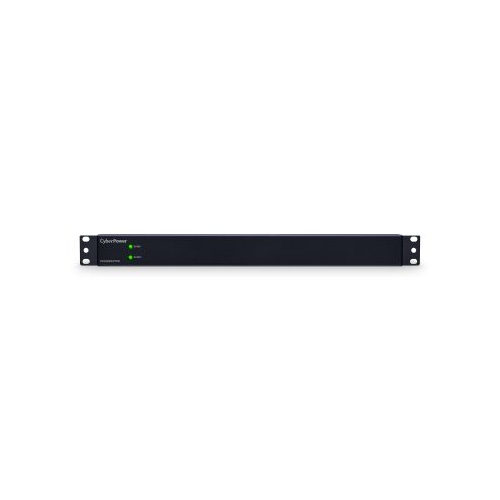
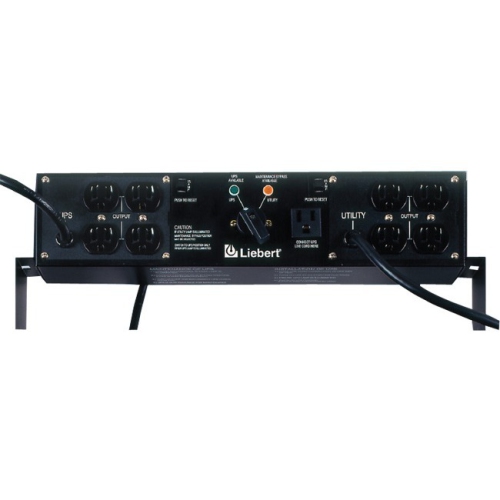
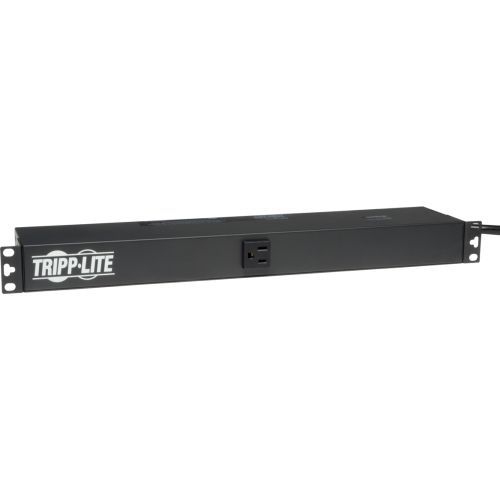
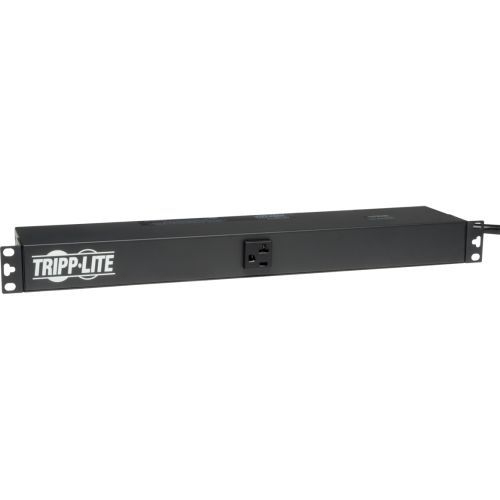
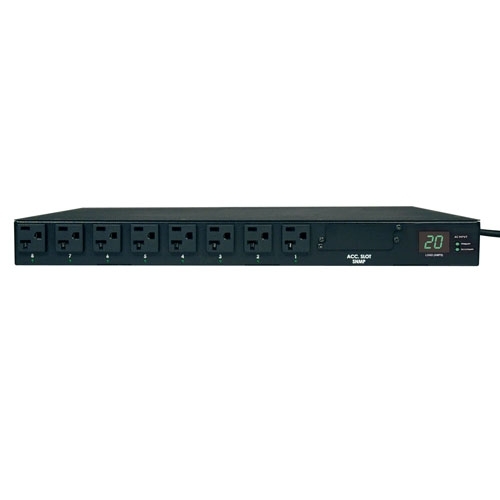
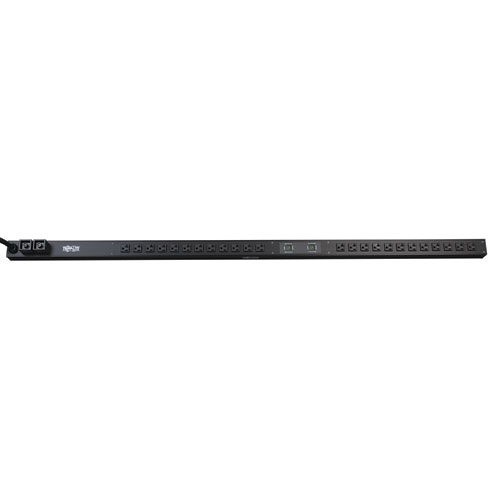
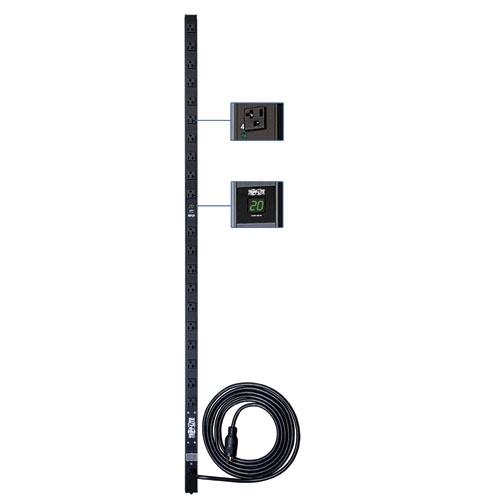
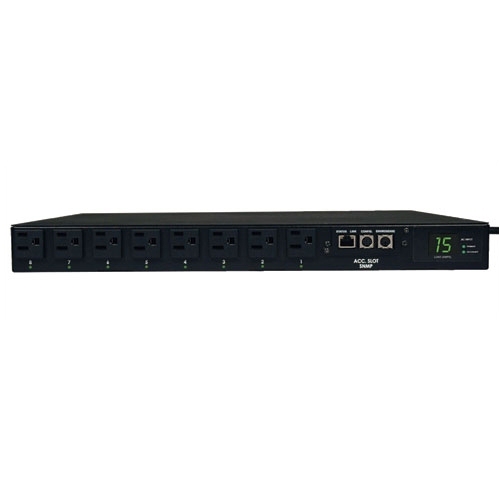
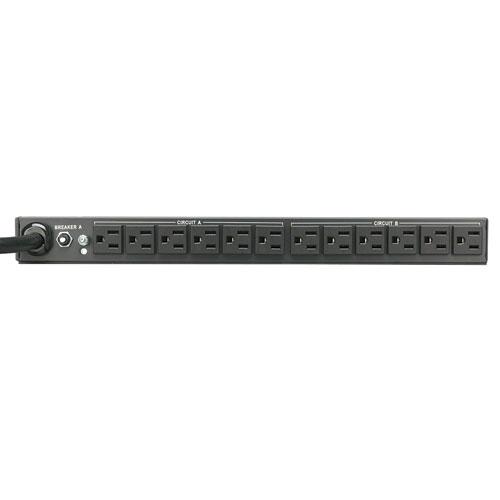
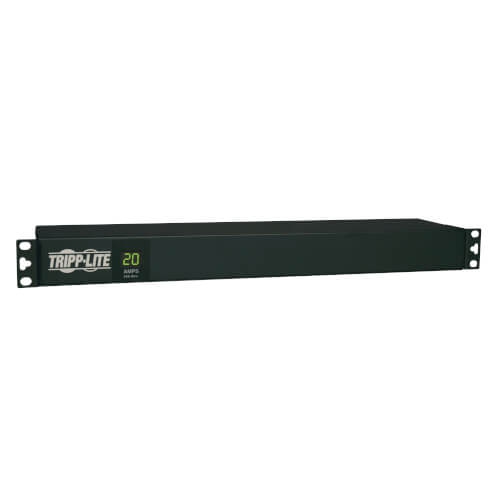
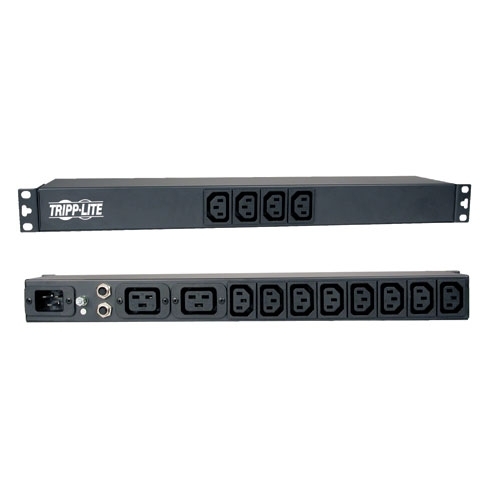
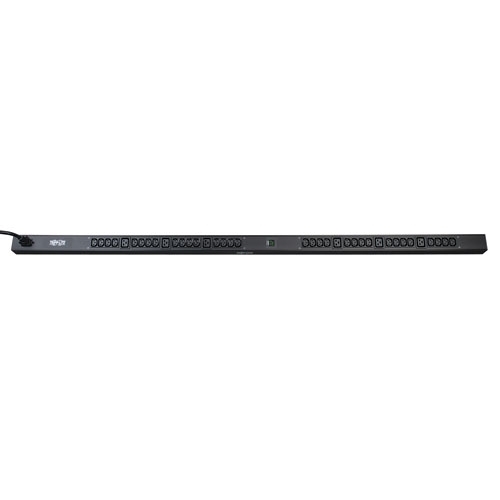
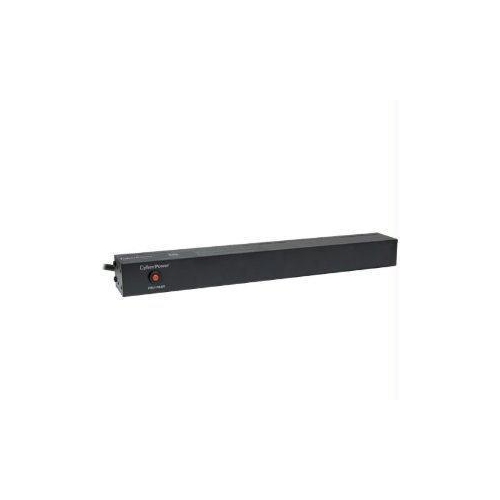
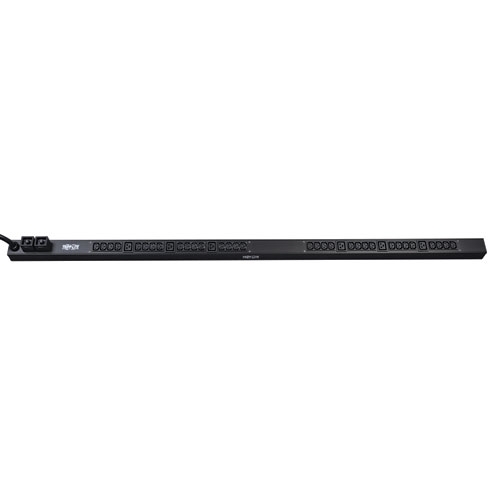
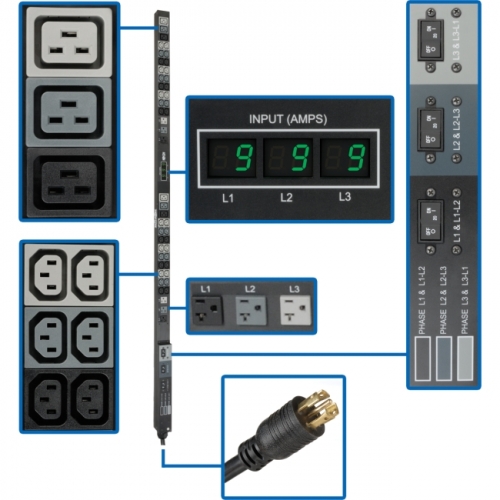

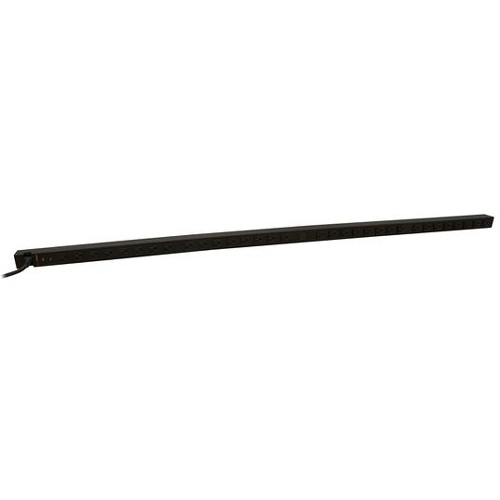
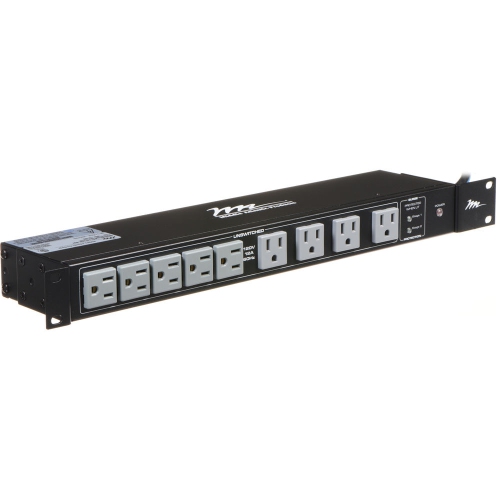
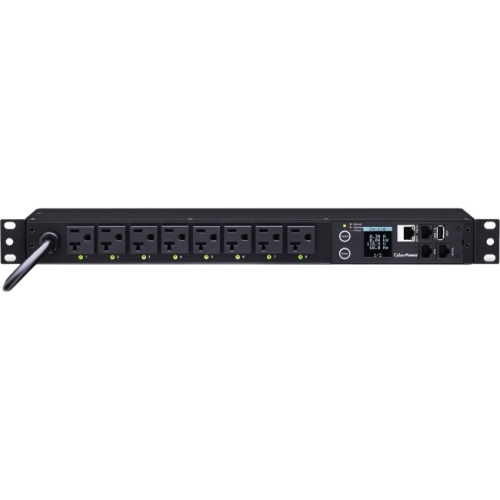
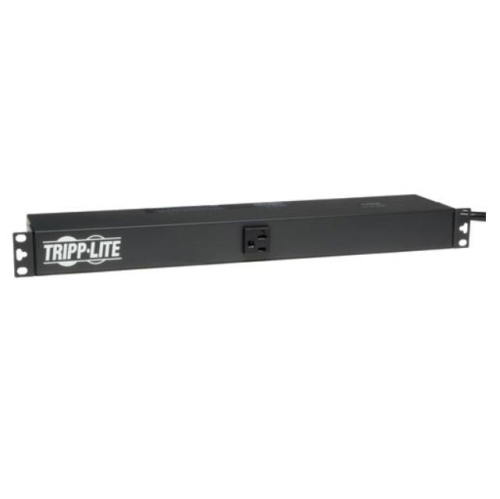

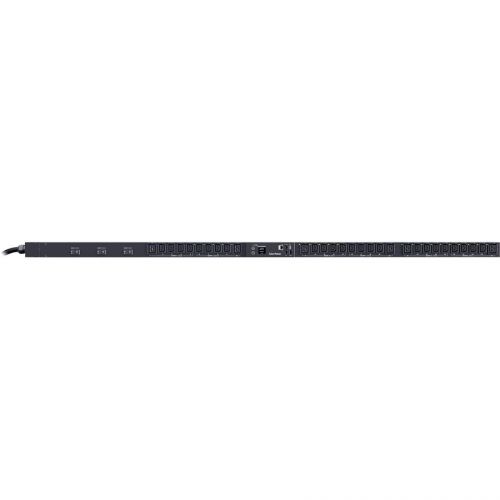
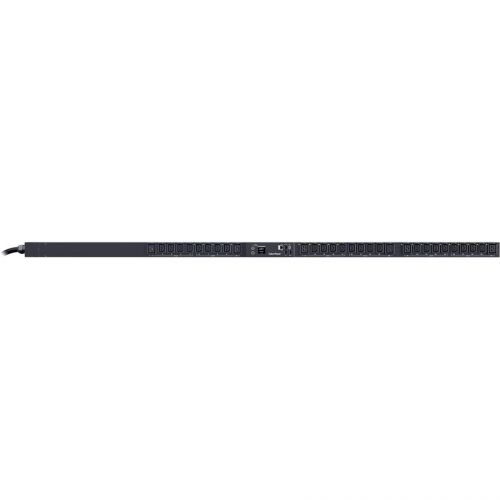
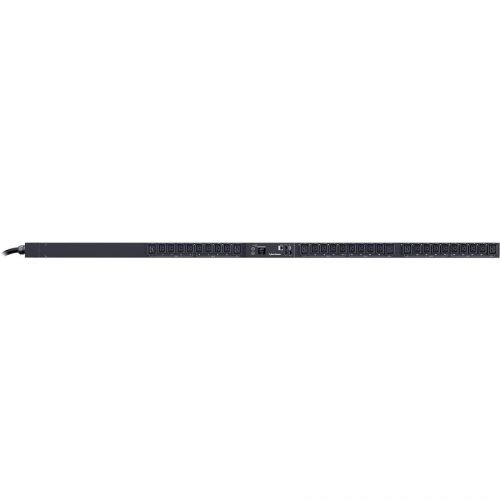

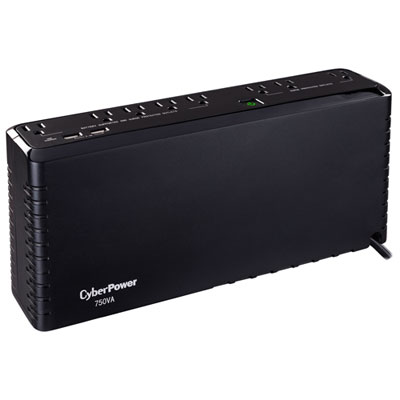
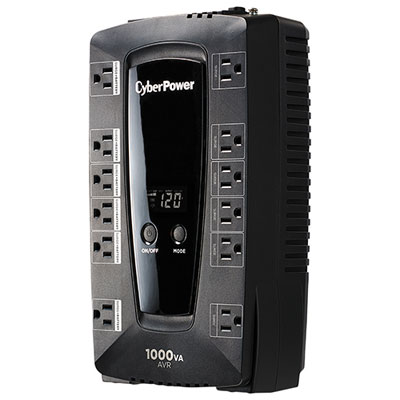
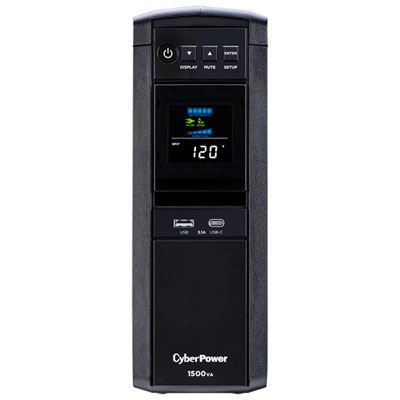
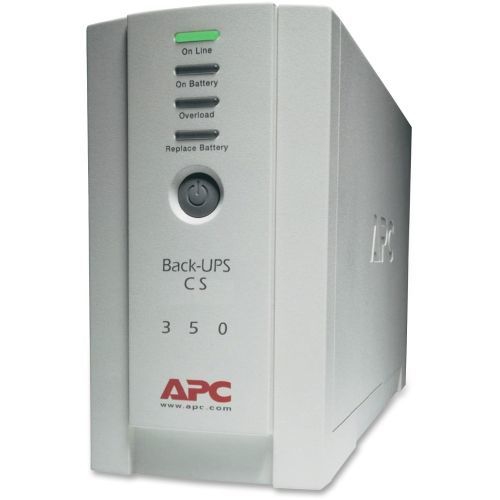

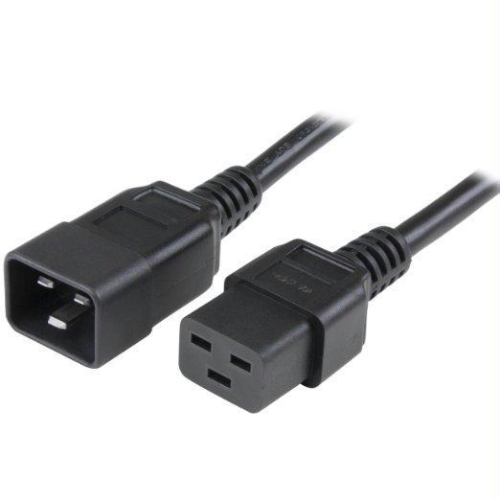

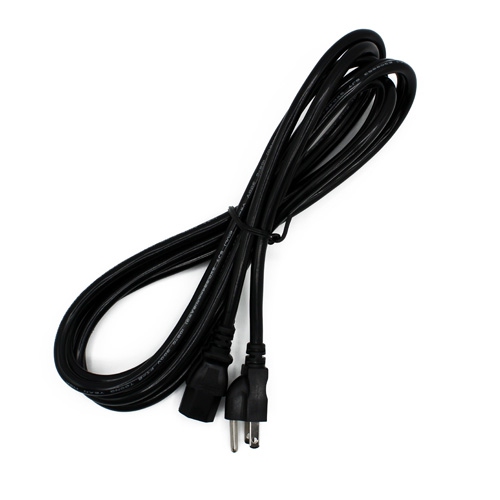
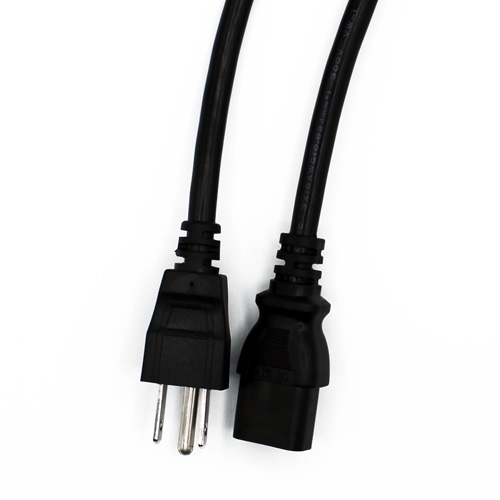
Rack power management with capacity, access, and control
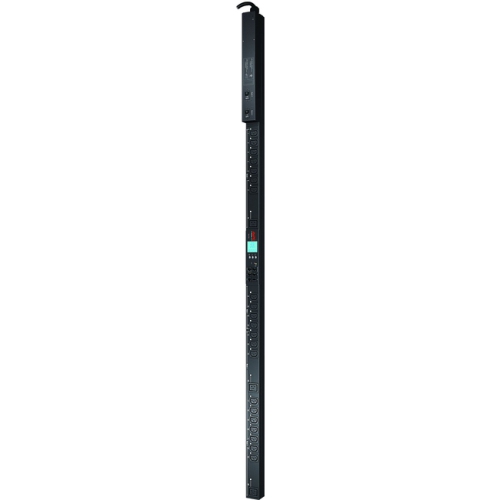
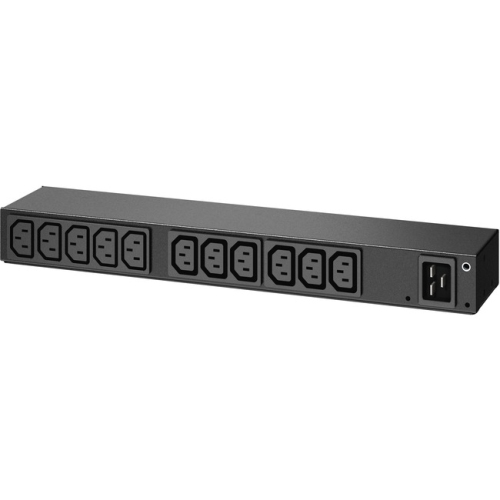
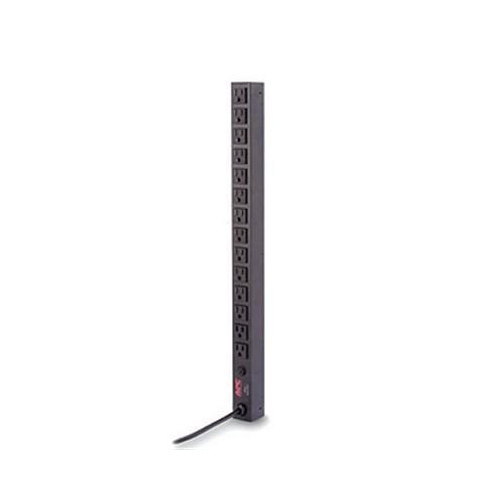
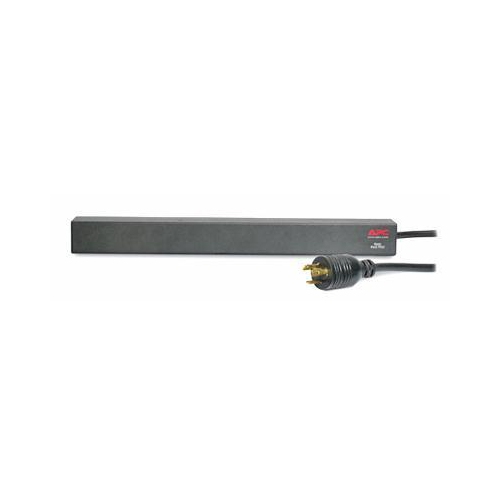
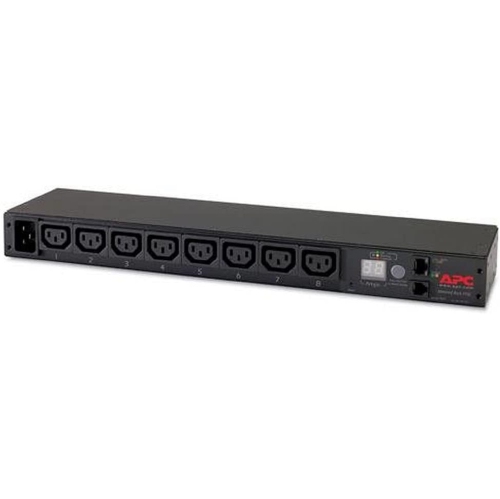
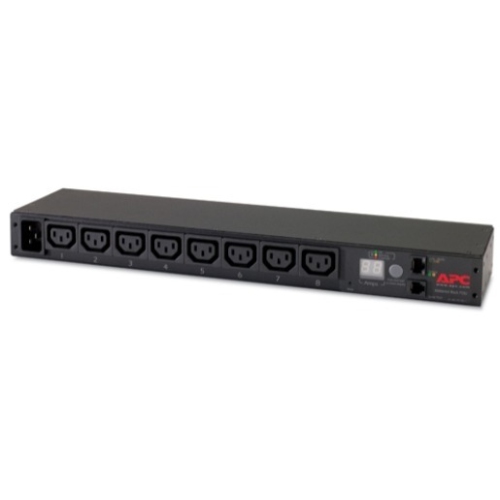
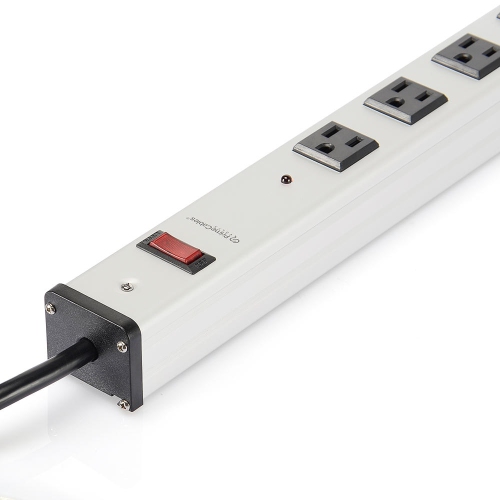
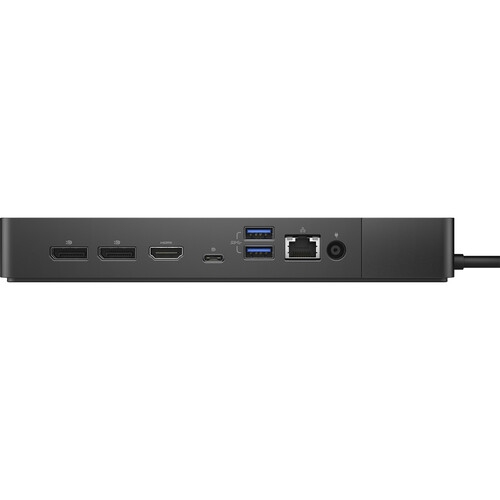
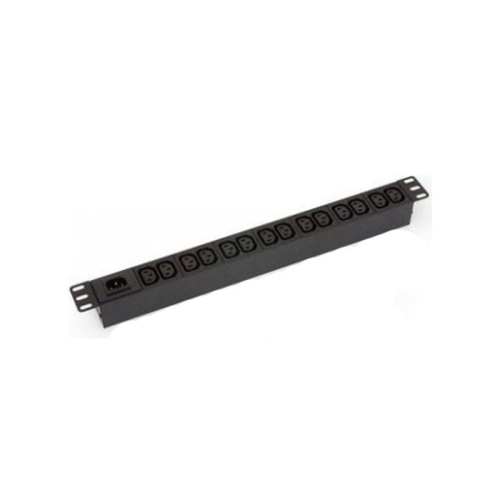
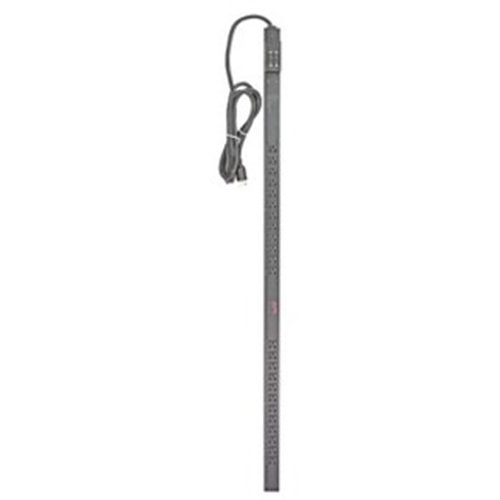
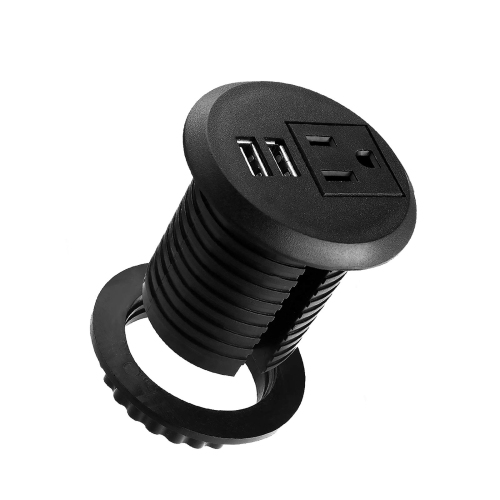
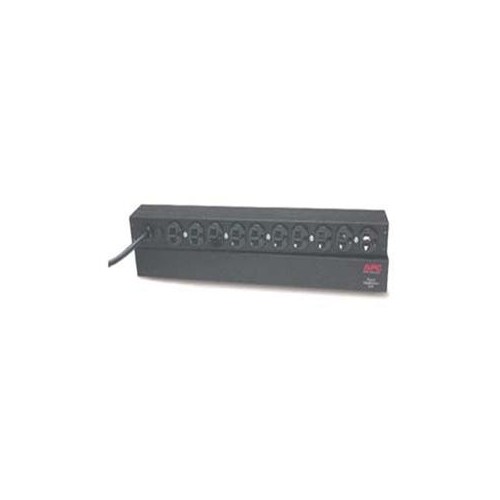
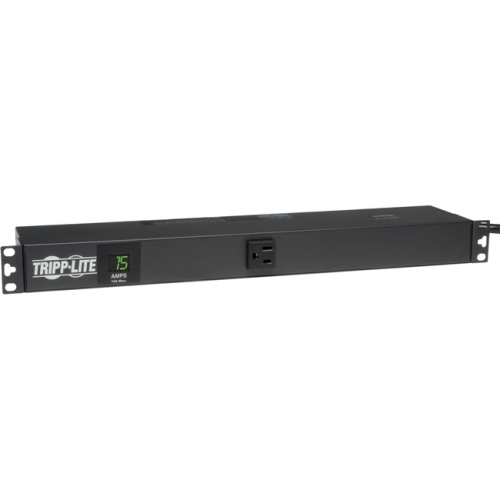
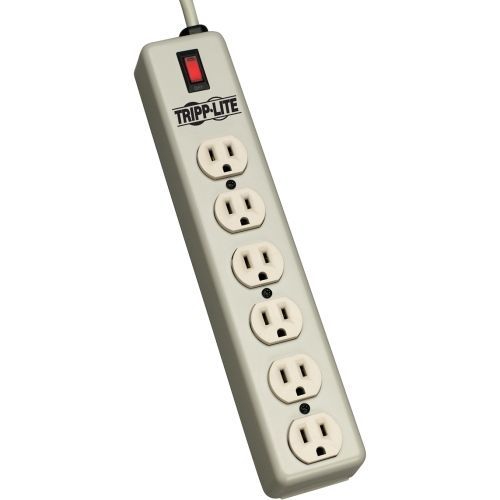
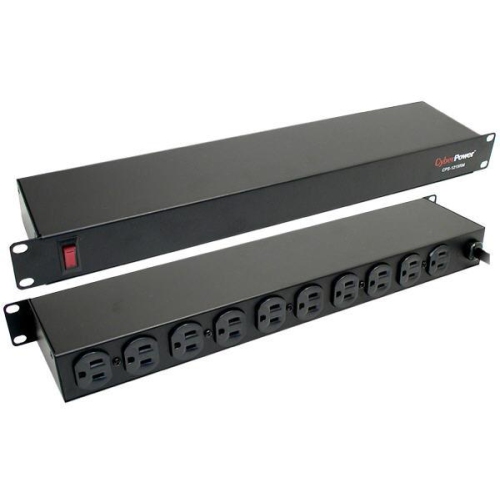
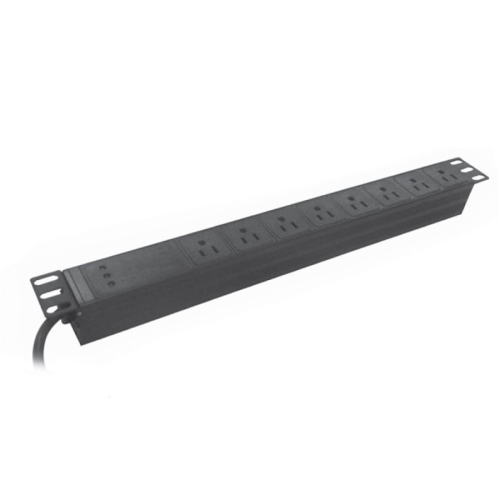
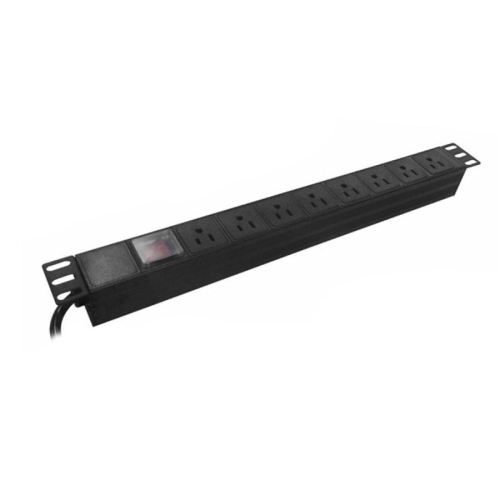
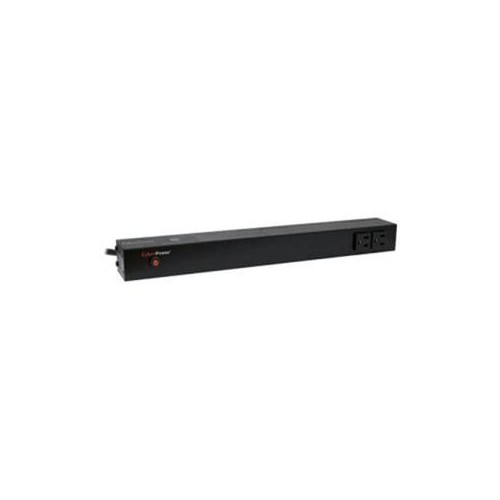
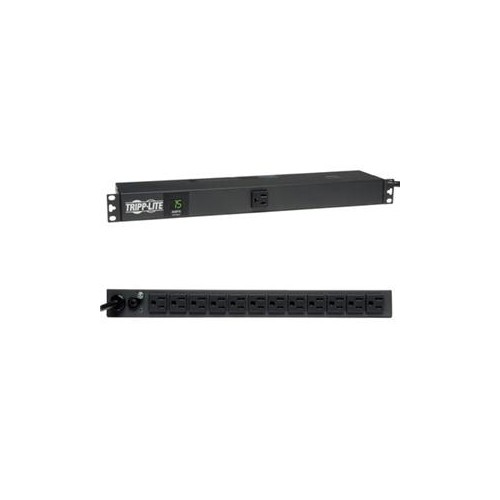
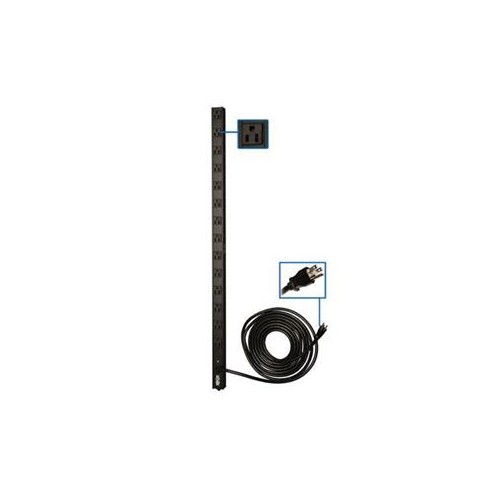
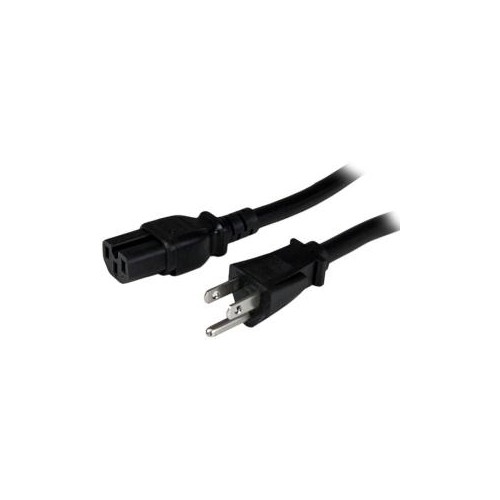
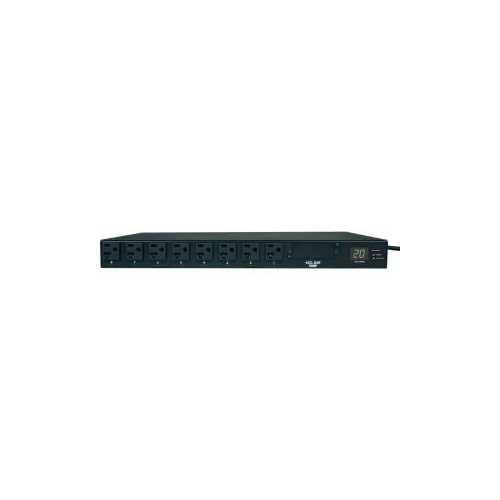
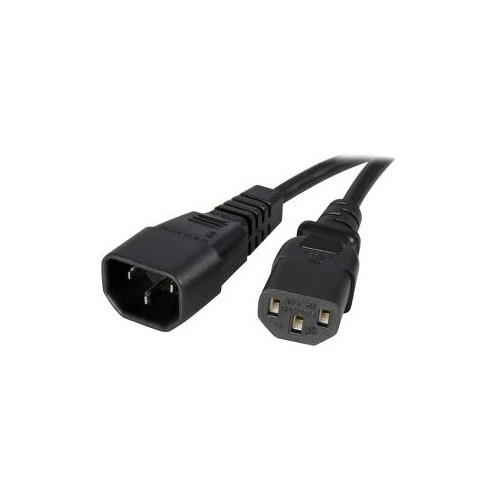
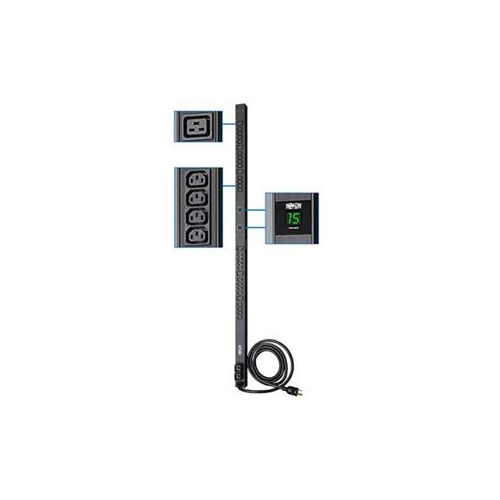
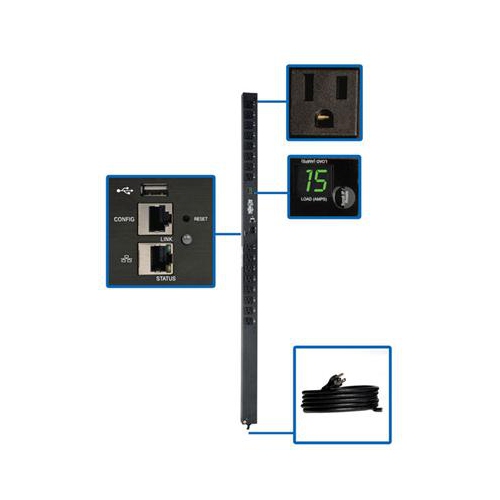
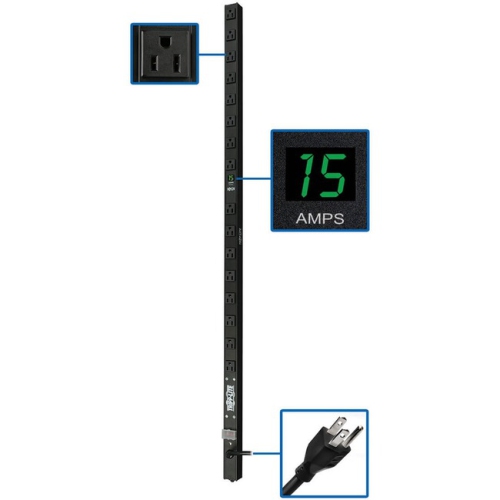
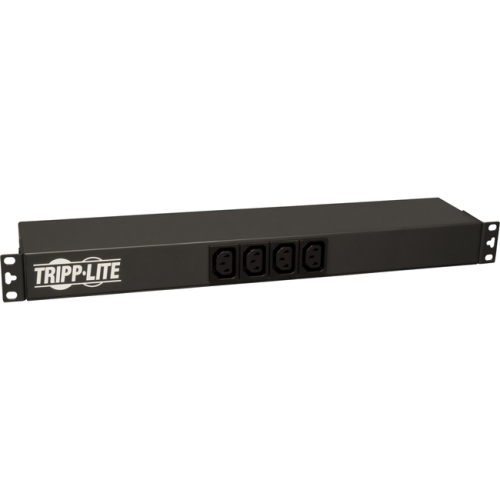
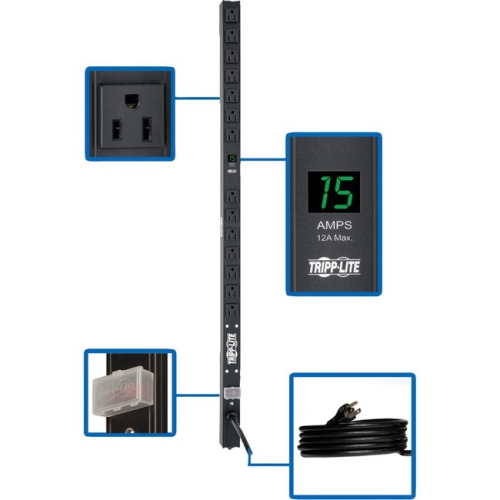
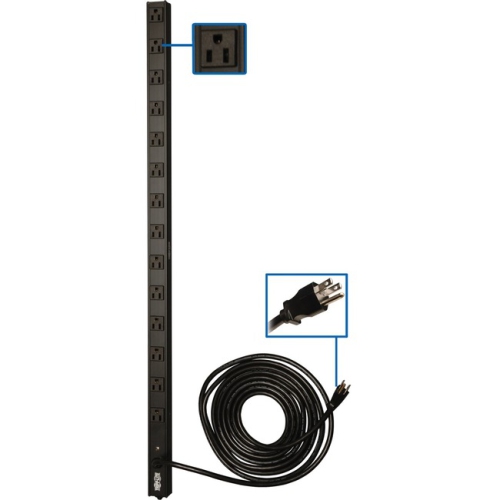
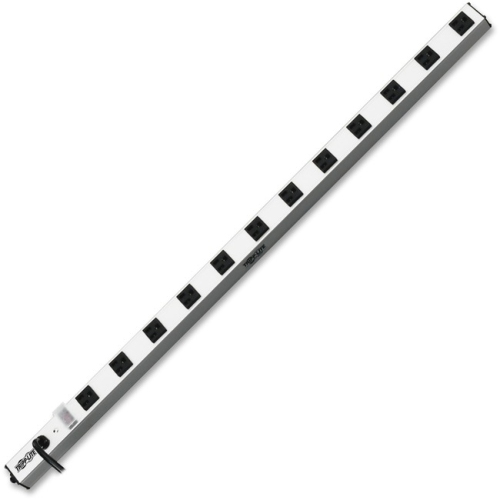
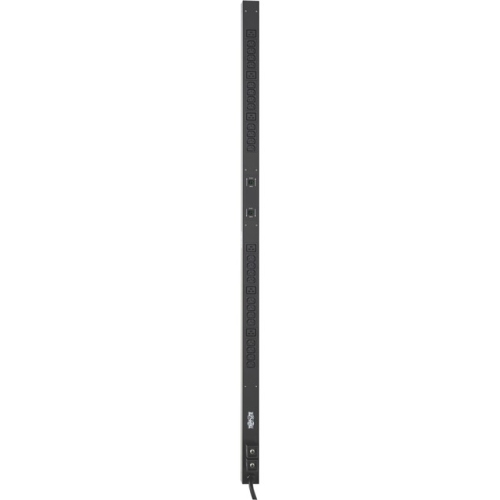
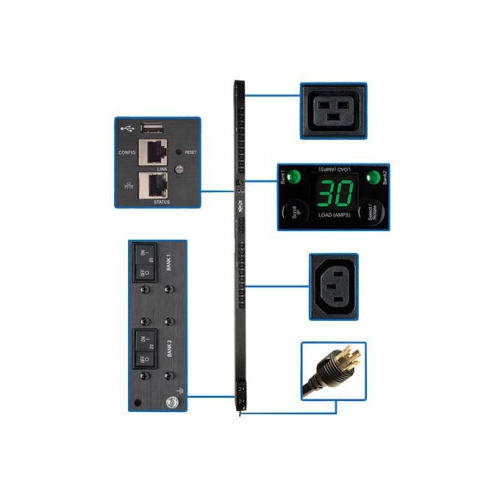
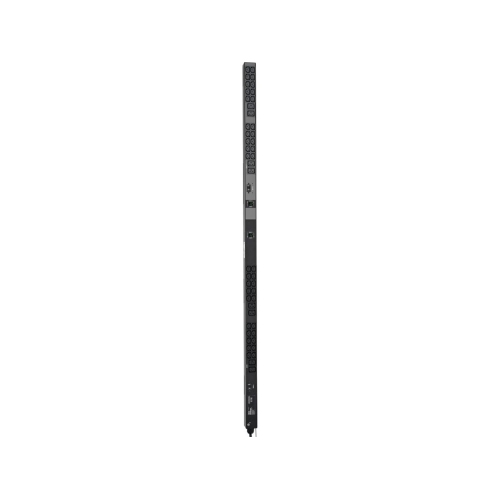
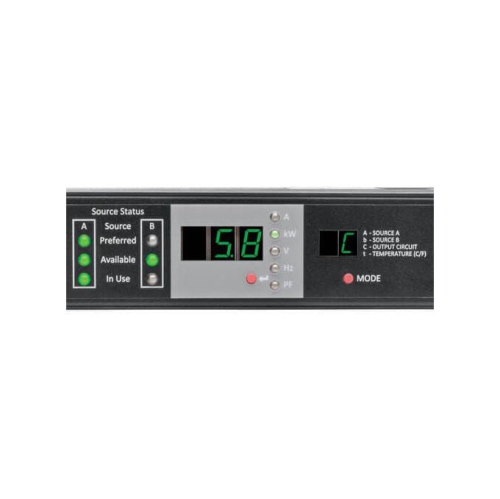
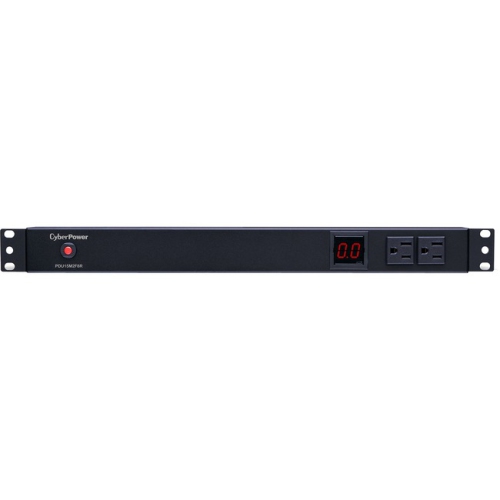
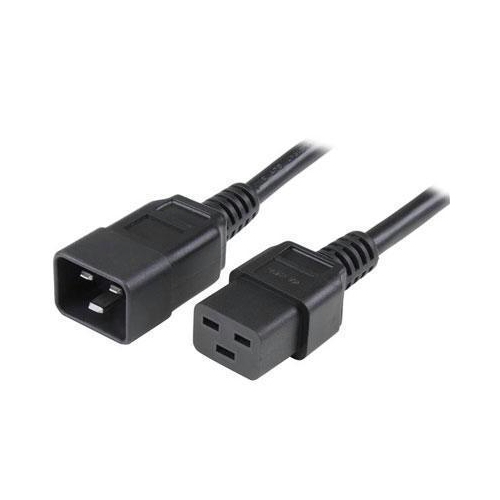
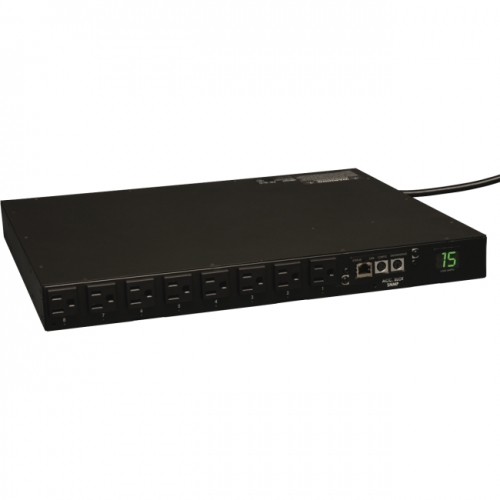
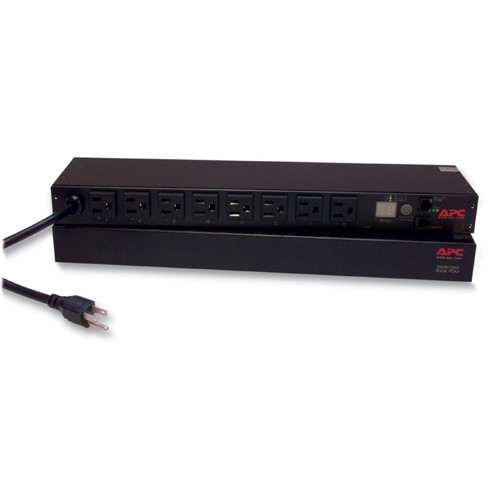
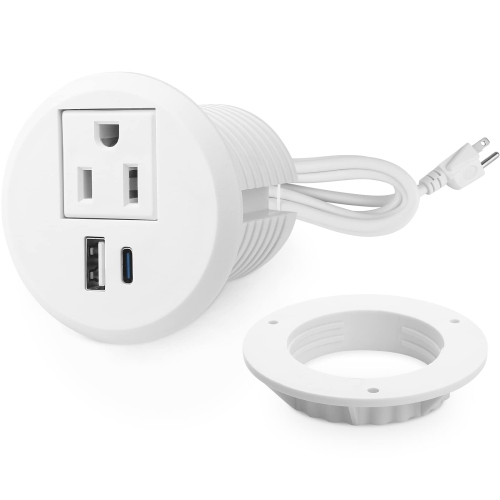
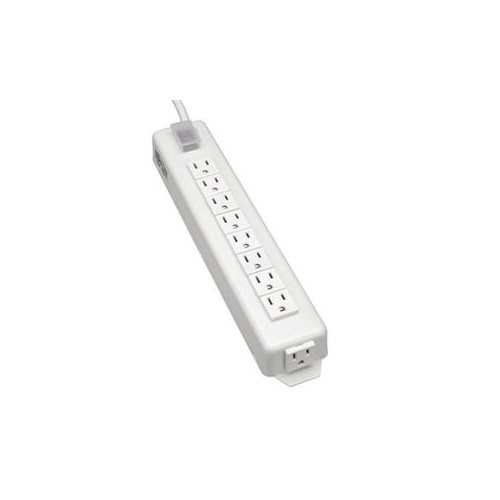
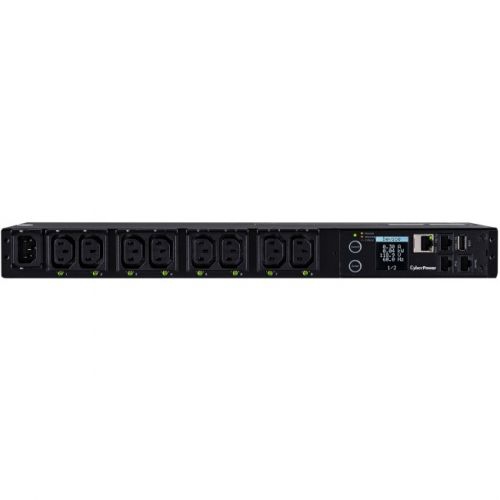
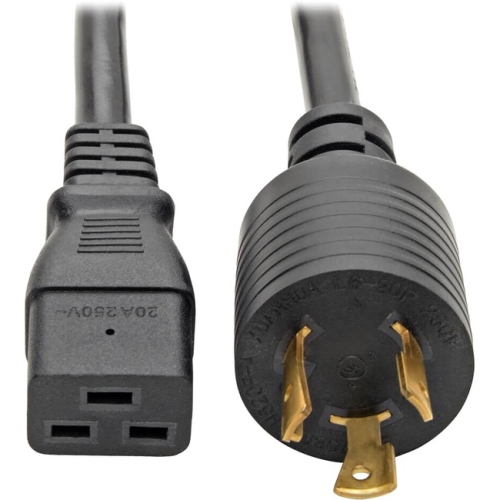
Power distribution units (PDUs) are designed to distribute electrical power to multiple devices in a server rack, network cabinet, workstation, or equipment room. At their simplest, they function like heavy-duty power strips built for organized, reliable use, with several outlets arranged to support servers, switches, routers, storage systems, security hardware, audio-visual equipment, and other connected devices. A PDU can help reduce cable clutter by bringing outlets closer to rack-mounted equipment, while also making it easier to trace which devices share a power source. This makes them useful for businesses, IT departments, home lab enthusiasts, offices, studios, and anyone building a structured technology setup. When selecting a unit, begin by identifying the equipment that will be connected and adding up its expected power draw. Check the voltage, amperage, plug style, outlet configuration, and cord length required for the installation, then confirm that the PDU can handle the total load with suitable capacity. It is wise to leave headroom rather than operating close to the maximum rating, particularly when equipment may be added later or when devices draw more power during startup. A basic PDU may be the right choice for straightforward distribution, while a metered model can provide a local display for checking voltage or current draw. Switched and intelligent PDUs can add remote access, outlet-level control, usage tracking, alerts, and other management features for installations where visibility and control are important. Always match the unit to the rack layout and electrical service, and follow the manufacturer’s instructions for mounting, grounding, ventilation, and safe connection.
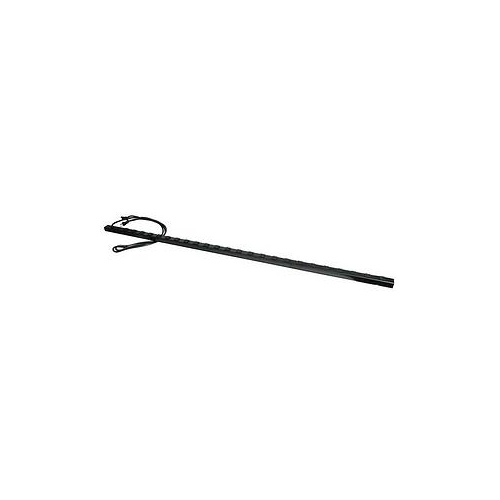
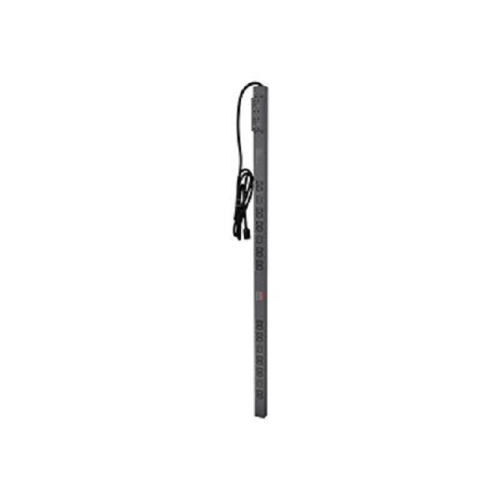
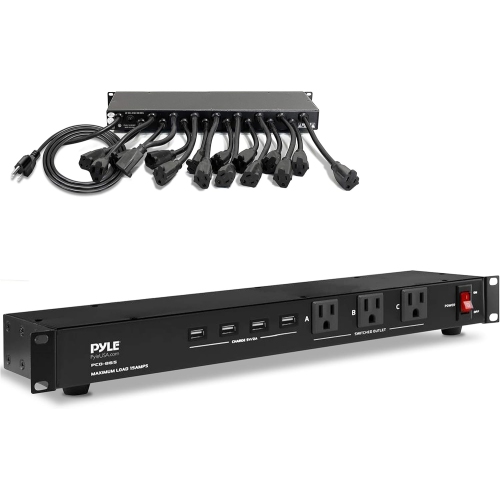
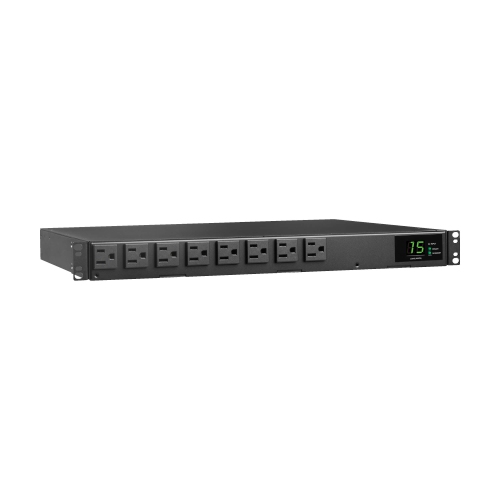
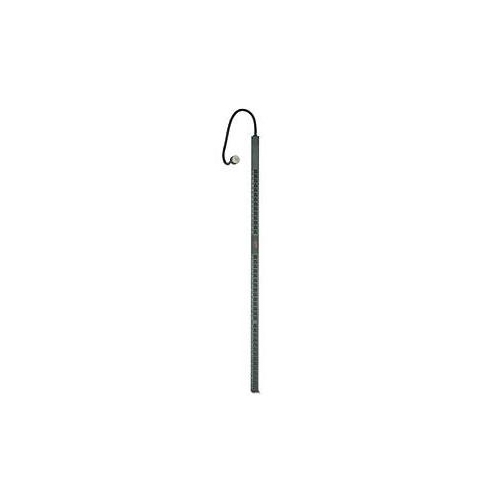
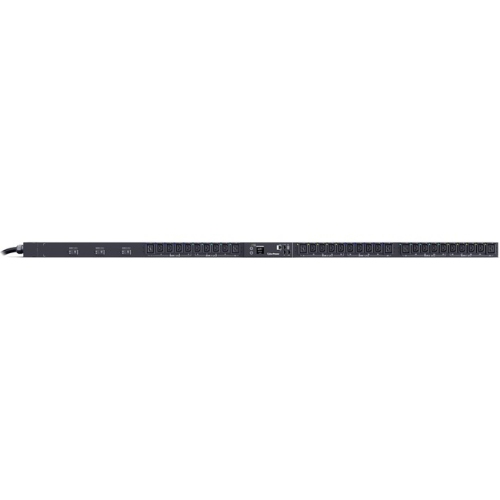
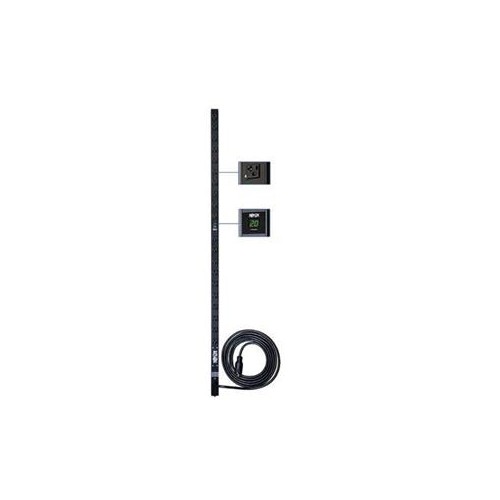
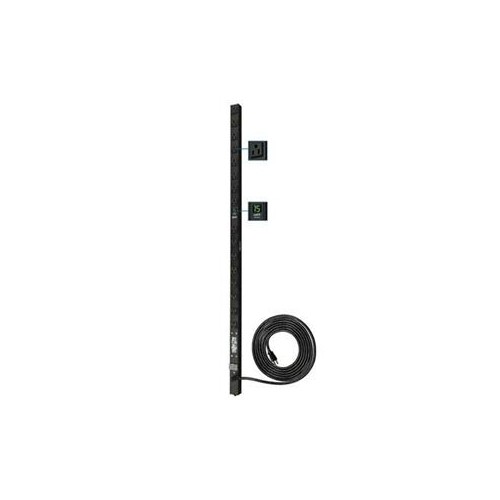
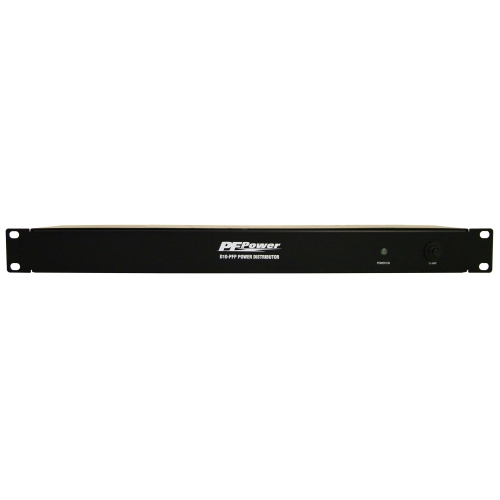
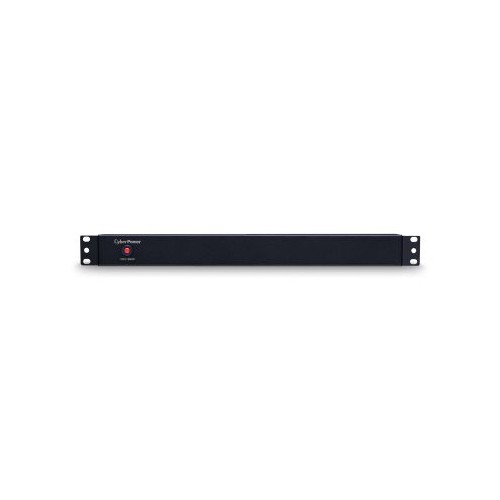
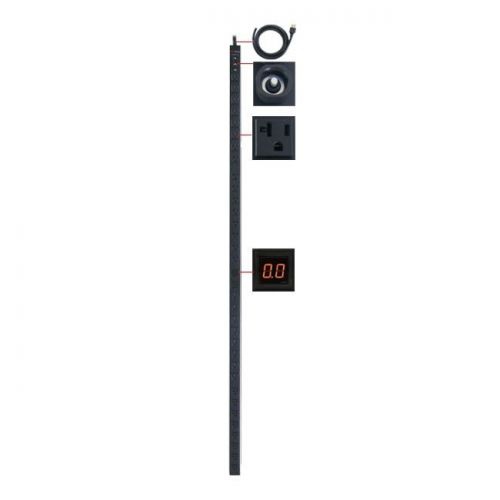
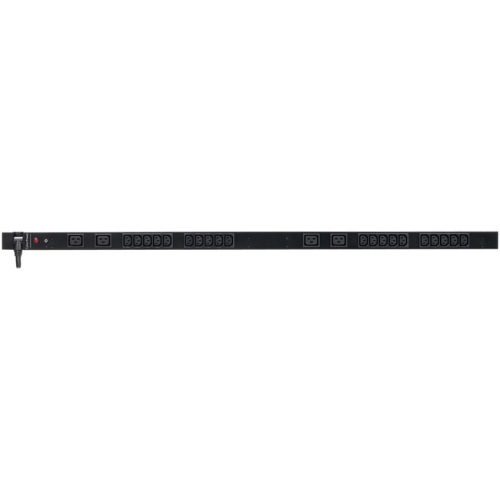
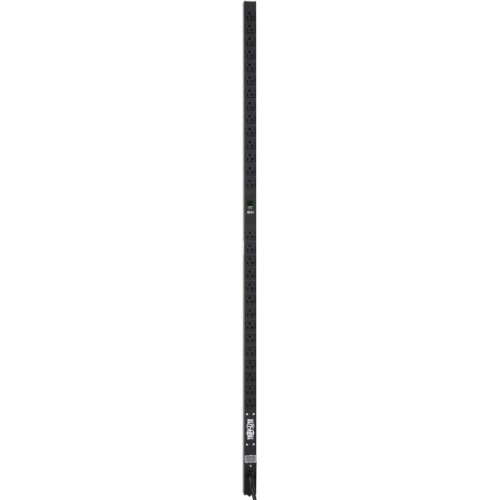
The physical design of a PDU is another important consideration. Rackmount models are commonly described as 1U or 2U, referring to the amount of vertical rack space they occupy when mounted horizontally. They can be a practical fit when outlets need to be positioned at the front or rear of a cabinet and the rack has available mounting space. Vertical, or 0U, PDUs mount along the side or rear of a rack, helping preserve rack space for servers and networking equipment while providing outlets at convenient intervals. The number and orientation of outlets should suit the plugs on the connected equipment, including larger power adapters that may block neighbouring sockets. Pay attention to whether outlets face forward, backward, or to the side, since that detail can affect cable routing and access once a rack is populated. A model with a longer power cord may be useful when the cabinet is positioned away from the wall connection, whereas a compact cord can help prevent excess cable from collecting behind a desk or cabinet. For managed installations, remote monitoring can help an administrator review load levels, receive alerts, or restart a device without travelling to the rack. Local metering can be helpful in smaller setups where a quick visual check is preferable. Basic units remain useful for dependable distribution where advanced monitoring is not needed. Consider the number of outlets required today, the possibility of future expansion, and whether the PDU will be used in a standard household, office, workshop, communications room, or dedicated data-centre-style installation. For equipment that requires a specific low-voltage output rather than direct distribution from an outlet, explore related options such as DC Power Supplies.
PDUs are often chosen by people who want a cleaner, more serviceable technology area. A small business can use one to organize network equipment in a cabinet, while a remote worker may use a rack-mounted unit to manage a modem, router, backup storage, and other connected devices in a home office. A home lab builder might value individual outlet control for testing equipment, and an audio-visual installer may appreciate a layout that keeps power connections accessible behind a rack of components. They can also be useful in workshops, classrooms, reception areas, retail spaces, and seasonal setups where several electronic devices need to be supplied from one properly rated connection. Although a PDU can make a thoughtful gift for a technology enthusiast who is assembling a server rack or home lab, it is best to confirm the recipient’s rack size, outlet requirements, voltage, and preferred features before choosing one. During the cooler months, when people may spend more time indoors maintaining home offices, media rooms, and hobby workspaces, a well-organized power setup can make routine troubleshooting less frustrating. The same benefit applies year-round in professional spaces: clearly arranged cables and accessible outlets can make it easier to identify a connection, replace equipment, or safely disconnect a device. PDUs are not a substitute for surge protection, backup power, or professional electrical work unless those functions are specifically included and rated for the intended use. Review the specifications carefully to determine whether a model offers overload protection, surge protection, monitoring, or remote switching, and verify that those features meet the needs of the connected equipment. For installations involving high loads, hardwiring, unusual voltage, three-phase service, or uncertainty about electrical compatibility, consult a qualified electrician before setup. Choosing the right PDU means balancing capacity, outlet layout, mounting style, monitoring features, cable reach, and the demands of the equipment, resulting in a power distribution solution that is easier to manage and better suited to the space.
The physical design of a PDU is another important consideration. Rackmount models are commonly described as 1U or 2U, referring to the amount of vertical rack space they occupy when mounted horizontally. They can be a practical fit when outlets need to be positioned at the front or rear of a cabinet and the rack has available mounting space. Vertical, or 0U, PDUs mount along the side or rear of a rack, helping preserve rack space for servers and networking equipment while providing outlets at convenient intervals. The number and orientation of outlets should suit the plugs on the connected equipment, including larger power adapters that may block neighbouring sockets. Pay attention to whether outlets face forward, backward, or to the side, since that detail can affect cable routing and access once a rack is populated. A model with a longer power cord may be useful when the cabinet is positioned away from the wall connection, whereas a compact cord can help prevent excess cable from collecting behind a desk or cabinet. For managed installations, remote monitoring can help an administrator review load levels, receive alerts, or restart a device without travelling to the rack. Local metering can be helpful in smaller setups where a quick visual check is preferable. Basic units remain useful for dependable distribution where advanced monitoring is not needed. Consider the number of outlets required today, the possibility of future expansion, and whether the PDU will be used in a standard household, office, workshop, communications room, or dedicated data-centre-style installation. For equipment that requires a specific low-voltage output rather than direct distribution from an outlet, explore related options such as DC Power Supplies.
PDUs are often chosen by people who want a cleaner, more serviceable technology area. A small business can use one to organize network equipment in a cabinet, while a remote worker may use a rack-mounted unit to manage a modem, router, backup storage, and other connected devices in a home office. A home lab builder might value individual outlet control for testing equipment, and an audio-visual installer may appreciate a layout that keeps power connections accessible behind a rack of components. They can also be useful in workshops, classrooms, reception areas, retail spaces, and seasonal setups where several electronic devices need to be supplied from one properly rated connection. Although a PDU can make a thoughtful gift for a technology enthusiast who is assembling a server rack or home lab, it is best to confirm the recipient’s rack size, outlet requirements, voltage, and preferred features before choosing one. During the cooler months, when people may spend more time indoors maintaining home offices, media rooms, and hobby workspaces, a well-organized power setup can make routine troubleshooting less frustrating. The same benefit applies year-round in professional spaces: clearly arranged cables and accessible outlets can make it easier to identify a connection, replace equipment, or safely disconnect a device. PDUs are not a substitute for surge protection, backup power, or professional electrical work unless those functions are specifically included and rated for the intended use. Review the specifications carefully to determine whether a model offers overload protection, surge protection, monitoring, or remote switching, and verify that those features meet the needs of the connected equipment. For installations involving high loads, hardwiring, unusual voltage, three-phase service, or uncertainty about electrical compatibility, consult a qualified electrician before setup. Choosing the right PDU means balancing capacity, outlet layout, mounting style, monitoring features, cable reach, and the demands of the equipment, resulting in a power distribution solution that is easier to manage and better suited to the space.
Top selling and popular products
-
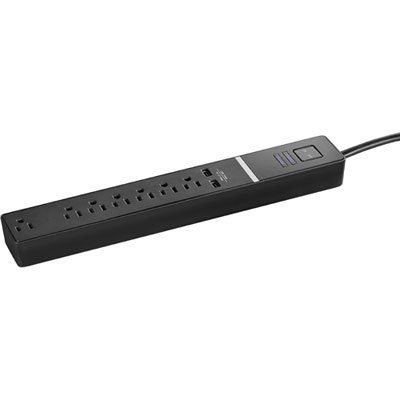 Your price for this item is $24.97
 -
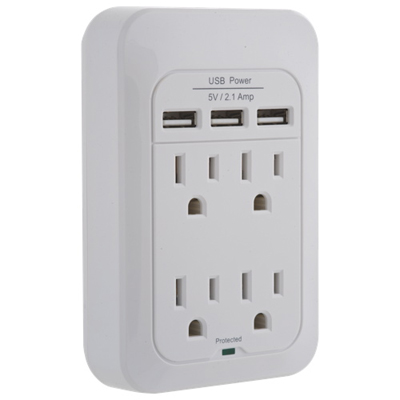 Your price for this item is $28.97
 -
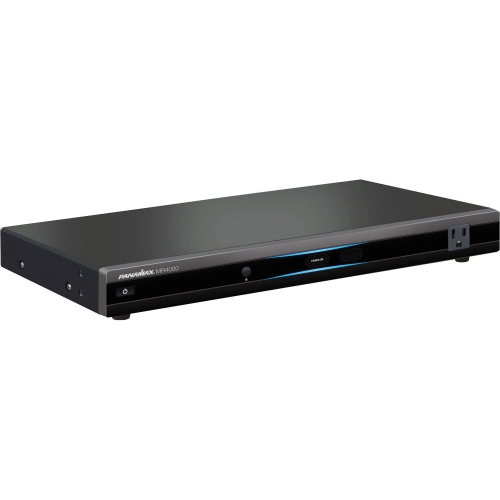 Your price for this item is $389.82
 -
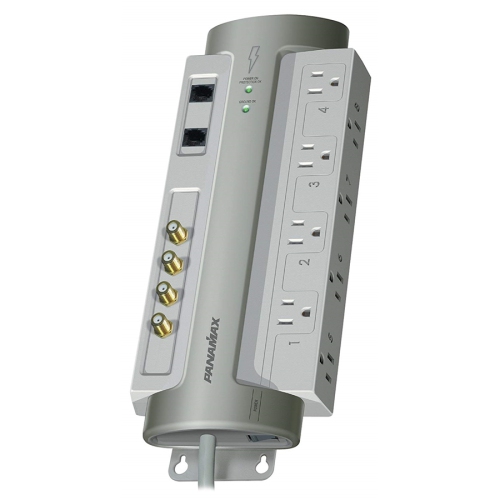 Your price for this item is $190
 -
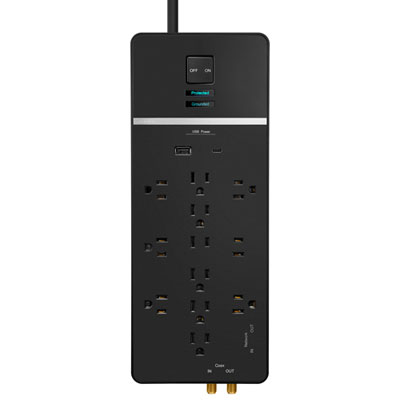 Your price for this item is $89.99
 -
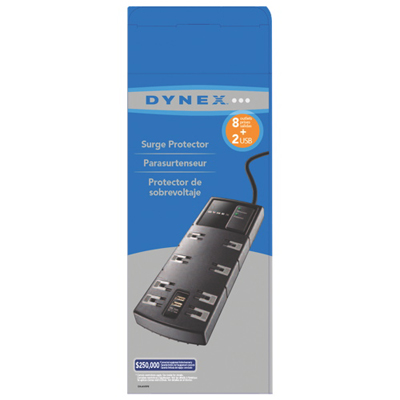 Your price for this item is $29.97
 -
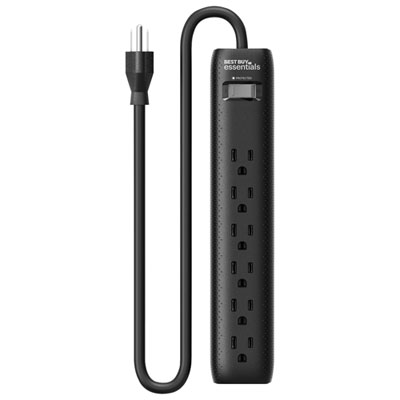 Your price for this item is $14.99
 -
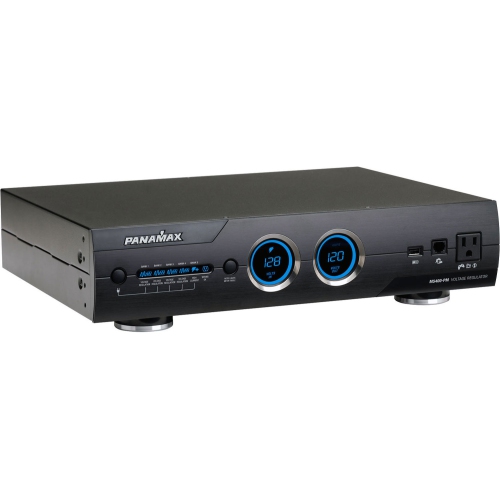 Your price for this item is $1329
Discover more categories related to Power Distribution Units


Top Collections:
Pokemon Centers, Kindle Devices, Best Budget Office Chairs, Apple iPhones 16, Best Laptops for Writers, iPhone 15 Apple, Canon G7X Cameras, Refurbished Apple Laptops, Alarm Clock, Motorola Razr Phones
Some products may be subject to Environmental Handling Fees
(EHF) depending on your province.
Learn more about EHFs.