Premium Tablets
Tablets are great for reading, surfing the web, watching videos and playing games. They're also handy for keeping up with email, planning a meal, or even making a shopping list. But not all tablets are created equal. Some have better displays than others, some have better cameras, and some are better suited to business users than others. Here's a look at some of the best premium tablets on the market today.
Sort

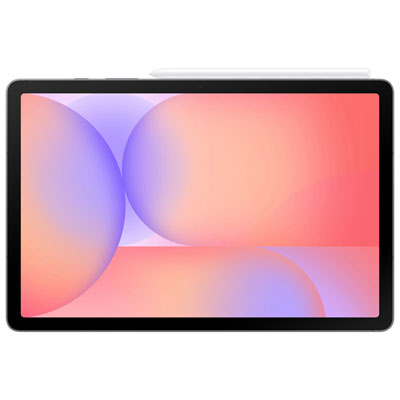
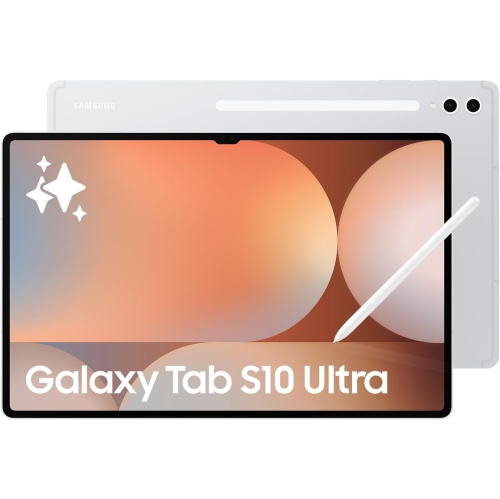
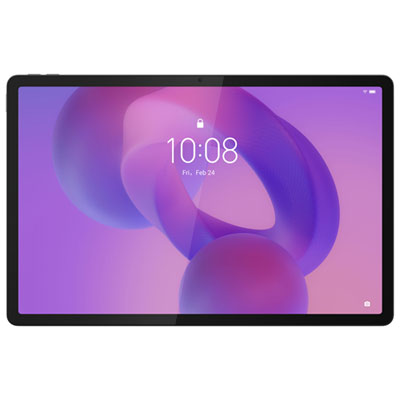
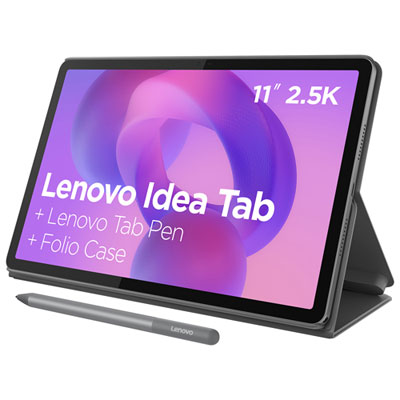
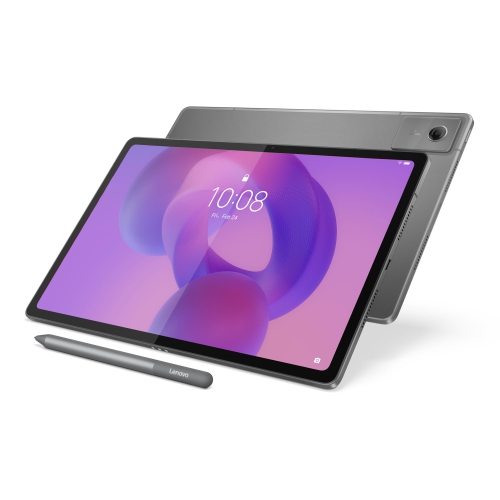
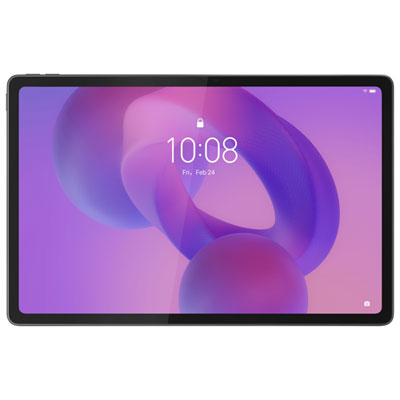
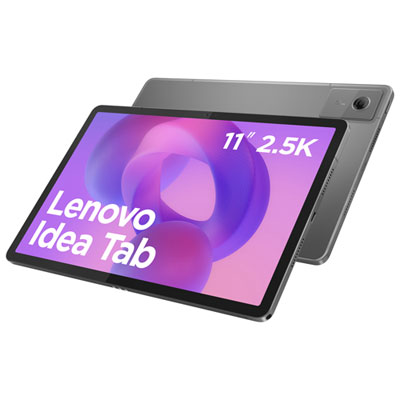
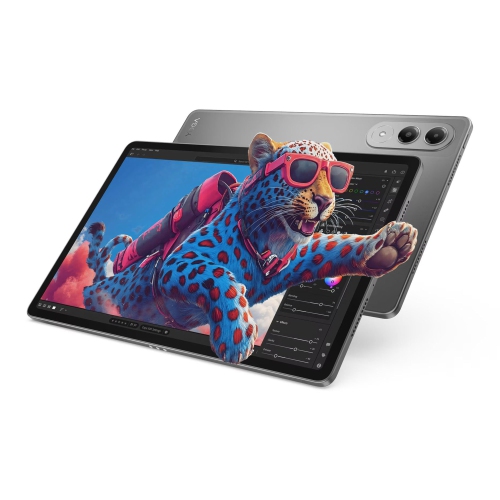
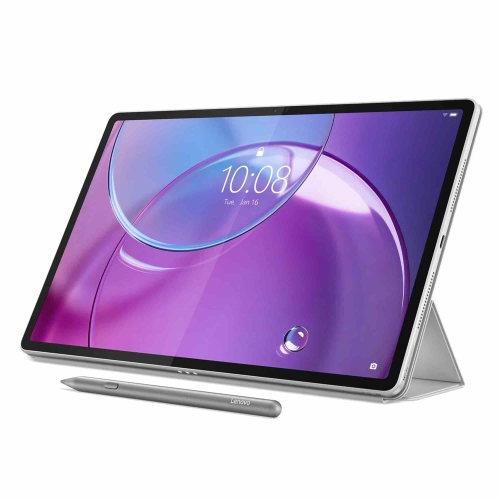
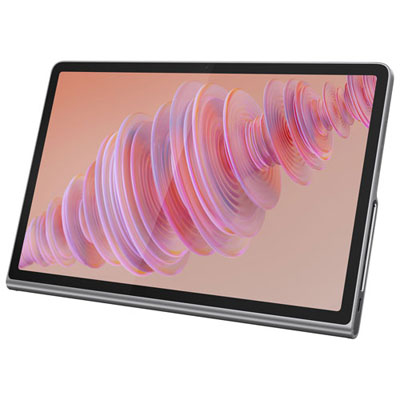
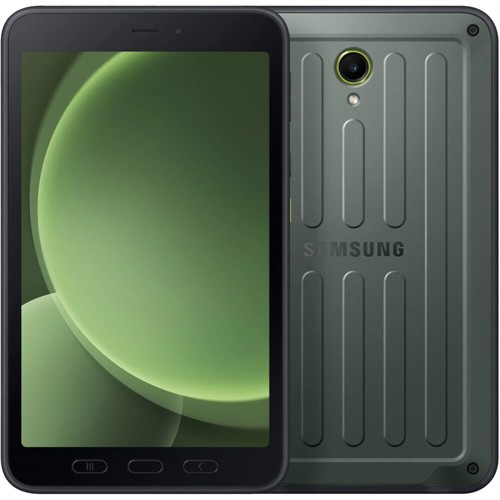
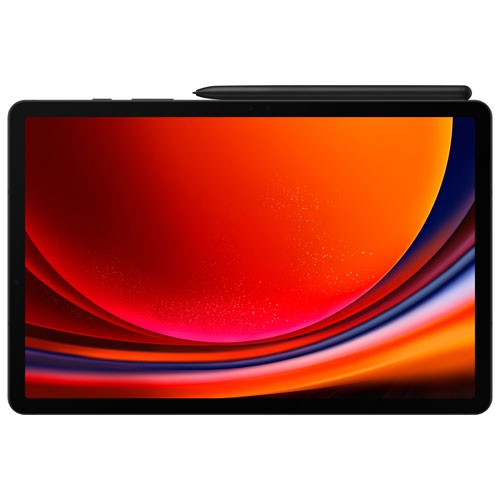
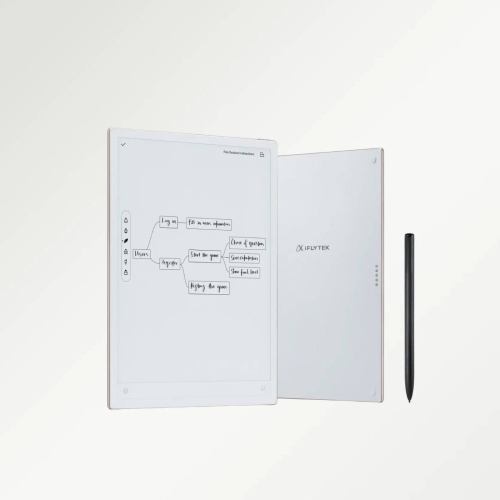
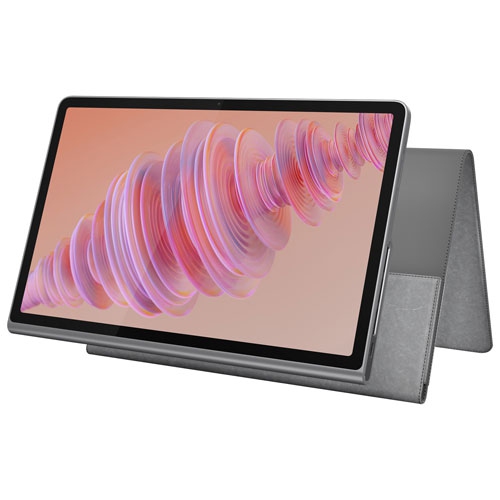

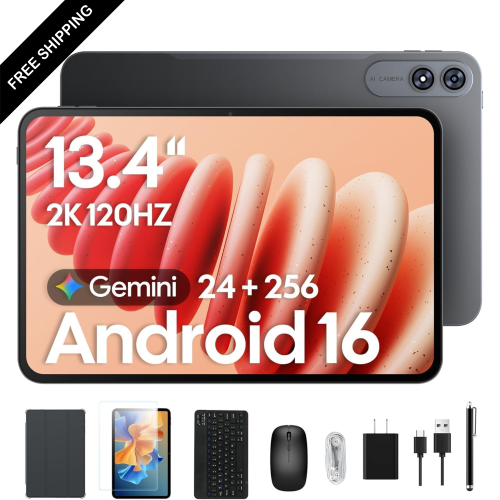
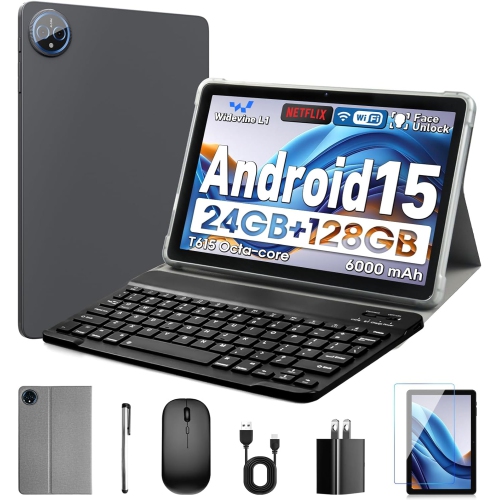
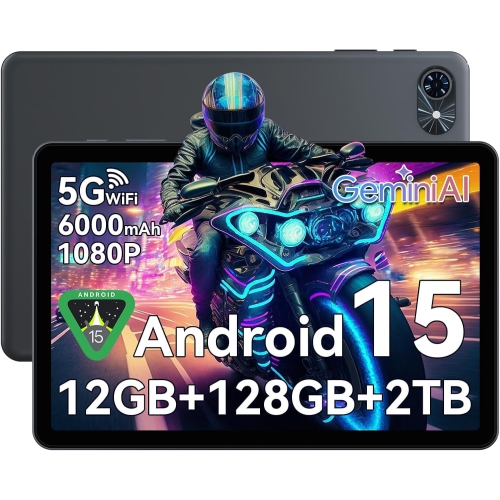
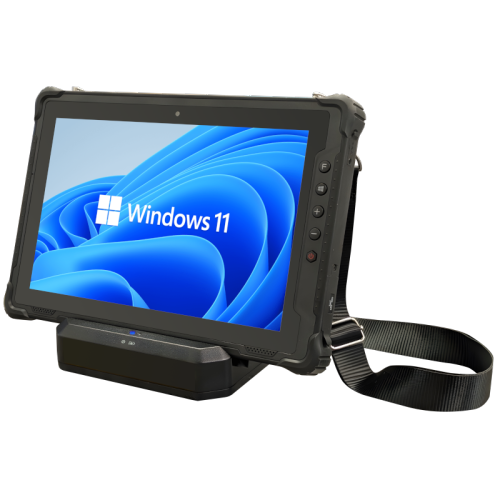
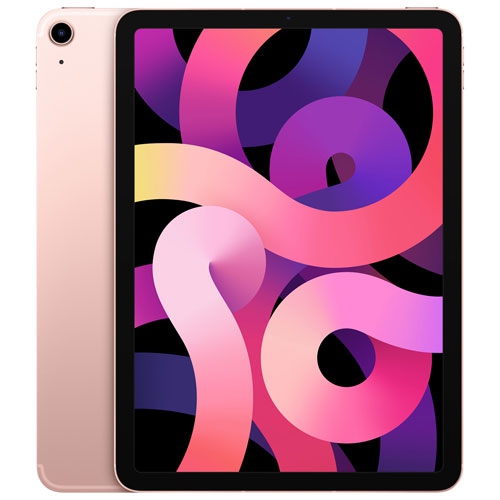
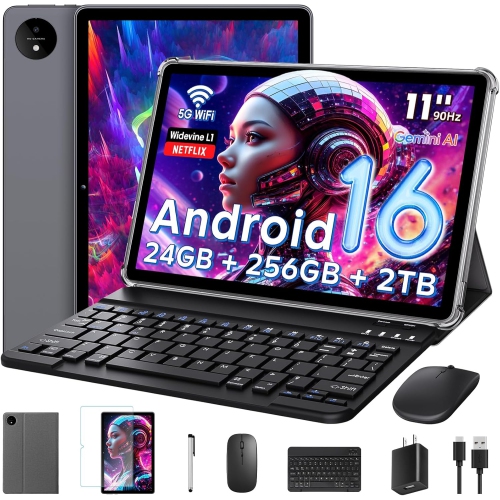
Powerful performance and polished features for demanding everyday use
Premium tablets bring laptop-class performance, high-end displays, refined designs, and versatile software together in a portable format. They are well suited to people who want more power and polish than a basic tablet can offer, whether that means editing large documents, creating detailed artwork, managing demanding projects, playing graphics-intensive games, or enjoying films and shows on a beautiful screen. Many premium tablets use advanced processors with enough speed for demanding apps, smooth multitasking, and quick switching between several open windows. High refresh rate displays can make scrolling, handwriting, animation, and gaming feel fluid, while OLED or AMOLED panels are valued for rich contrast, deep blacks, vivid colour, and excellent detail. Screen size is another important consideration. A compact premium tablet can slip easily into a tote or backpack and is comfortable to hold while reading, travelling, or taking notes. Larger models, including options with displays measuring around 12 or 14 inch, provide more room for split-screen work, timelines, spreadsheets, digital canvases, and full-screen entertainment. A thin design can make a premium tablet easier to carry, but it is also worth considering the overall build, the feel of the frame, the quality of the speakers, and whether the tablet is comfortable to use for long stretches. These details matter when a tablet moves between a desk, kitchen counter, sofa, classroom, and travel bag throughout the day. Buyers who want a premium experience can explore this selection alongside our Luxury Tablets assortment for additional high-end options.
Choosing the right premium tablet starts with matching the operating system and features to the way it will be used. Tablet platforms vary in their app libraries, file management, accessory support, and compatibility with phones and computers, so people who already use a particular ecosystem may appreciate a familiar interface and simple device-to-device sharing. For creative work, look for accurate colour, a responsive stylus, low-latency pen input, palm rejection, and enough storage for layered illustrations, photographs, video clips, and music projects. A tablet with a compatible keyboard cover can become a capable mobile workstation for email, research, presentations, and document editing, especially when it supports a desktop-style interface, multiple windows, external displays, or a trackpad. Students can use premium tablets to annotate readings, organize lecture notes, record ideas, and keep reference material open beside an assignment. Professionals may use one for presentations, video calls, point-of-sale tasks, remote work, or reviewing plans and documents away from a traditional office. For entertainment, consider a bright display, strong speakers, fast wireless connectivity, ample storage, and a battery that can handle extended streaming or gaming sessions. Gamers may also value a powerful graphics processor, responsive touch controls, a high refresh rate, and support for a controller. Storage should reflect the type of files kept locally; casual streaming requires less space than a large collection of downloaded films, high-resolution photos, design files, or games. Cloud storage can extend capacity, but local storage remains useful for flights, cottages, commutes, and other places where an internet connection may be limited.
Connectivity and everyday practicality can be just as important as performance. Wi-Fi models are often a good fit for home, school, office, and other locations with reliable wireless access, while cellular or 5G connectivity can help people stay connected on commutes, work trips, campus grounds, or family travel without relying on public networks. Battery life depends on brightness, apps, gaming, video calls, and network use, so compare stated battery performance with the activities that matter most. Fast charging can be helpful when a tablet needs a quick boost between meetings or before leaving the house. Features such as biometric login, a durable cover, water resistance, a quality front-facing camera, and clear microphones can make a premium tablet more useful from morning through evening. A premium tablet can also make a thoughtful gift for a student beginning a new term, a family member who enjoys reading and streaming, a creative person building a portable studio, or a professional who travels frequently. Accessories can shape the experience: a stylus supports handwriting and drawing, a keyboard enables longer typing sessions, and a stand improves comfort for video calls or recipes. During the warmer months, a lightweight tablet can travel easily to a patio, cottage, or road-trip stop; during the cooler months, it can provide a convenient screen for reading, planning, learning, and entertainment at home. Before choosing, consider screen size, operating system, processor performance, display technology, storage, battery life, connectivity, accessory compatibility, and the tasks the tablet needs to handle. A premium tablet should feel fast and comfortable in everyday use while offering enough flexibility to remain useful as work, study, creativity, and entertainment needs change.
Choosing the right premium tablet starts with matching the operating system and features to the way it will be used. Tablet platforms vary in their app libraries, file management, accessory support, and compatibility with phones and computers, so people who already use a particular ecosystem may appreciate a familiar interface and simple device-to-device sharing. For creative work, look for accurate colour, a responsive stylus, low-latency pen input, palm rejection, and enough storage for layered illustrations, photographs, video clips, and music projects. A tablet with a compatible keyboard cover can become a capable mobile workstation for email, research, presentations, and document editing, especially when it supports a desktop-style interface, multiple windows, external displays, or a trackpad. Students can use premium tablets to annotate readings, organize lecture notes, record ideas, and keep reference material open beside an assignment. Professionals may use one for presentations, video calls, point-of-sale tasks, remote work, or reviewing plans and documents away from a traditional office. For entertainment, consider a bright display, strong speakers, fast wireless connectivity, ample storage, and a battery that can handle extended streaming or gaming sessions. Gamers may also value a powerful graphics processor, responsive touch controls, a high refresh rate, and support for a controller. Storage should reflect the type of files kept locally; casual streaming requires less space than a large collection of downloaded films, high-resolution photos, design files, or games. Cloud storage can extend capacity, but local storage remains useful for flights, cottages, commutes, and other places where an internet connection may be limited.
Connectivity and everyday practicality can be just as important as performance. Wi-Fi models are often a good fit for home, school, office, and other locations with reliable wireless access, while cellular or 5G connectivity can help people stay connected on commutes, work trips, campus grounds, or family travel without relying on public networks. Battery life depends on brightness, apps, gaming, video calls, and network use, so compare stated battery performance with the activities that matter most. Fast charging can be helpful when a tablet needs a quick boost between meetings or before leaving the house. Features such as biometric login, a durable cover, water resistance, a quality front-facing camera, and clear microphones can make a premium tablet more useful from morning through evening. A premium tablet can also make a thoughtful gift for a student beginning a new term, a family member who enjoys reading and streaming, a creative person building a portable studio, or a professional who travels frequently. Accessories can shape the experience: a stylus supports handwriting and drawing, a keyboard enables longer typing sessions, and a stand improves comfort for video calls or recipes. During the warmer months, a lightweight tablet can travel easily to a patio, cottage, or road-trip stop; during the cooler months, it can provide a convenient screen for reading, planning, learning, and entertainment at home. Before choosing, consider screen size, operating system, processor performance, display technology, storage, battery life, connectivity, accessory compatibility, and the tasks the tablet needs to handle. A premium tablet should feel fast and comfortable in everyday use while offering enough flexibility to remain useful as work, study, creativity, and entertainment needs change.
Top selling and popular products
-
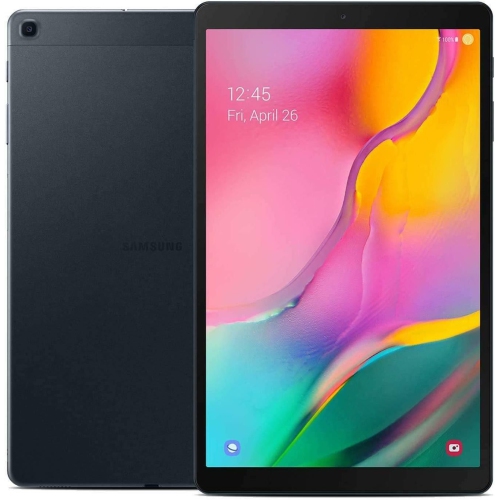 Your price for this item is $301.99
 -
 Your price for this item is $499.99
 -
 Your price for this item is $199.95
 -
 Your price for this item is $325
 -
 Your price for this item is $579.99
 -
 Your price for this item is $139.99
 -
 Your price for this item is $119.99
 -
 Your price for this item is $799.99
Discover more categories related to Premium Tablets


Top Collections:
Pokemon Centers, Budget 4K TVs, Best Budget Office Chairs, Kindle Devices, Canon G7X Cameras, Apple iPhones 16, iPhone 15 Apple, Laptops for Business Work, Xiaomi Phones, Flip Phones
Some products may be subject to Environmental Handling Fees
(EHF) depending on your province.
Learn more about EHFs.