Printers for Documents
Printers for documents make it easy to handle everyday printing needs at home, in the office, or on the go. Whether you’re preparing reports, organizing paperwork, or managing school assignments, the right printer can streamline your workflow and deliver reliable results. Explore a wide selection of printers for documents designed to help you print clearly and efficiently, so you can stay focused on what matters most.
Sort

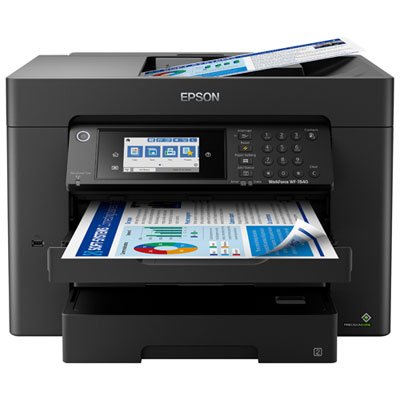
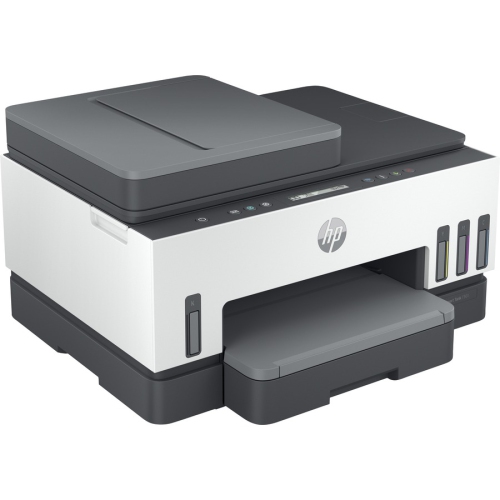

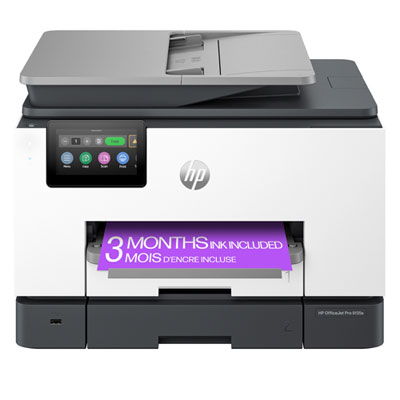
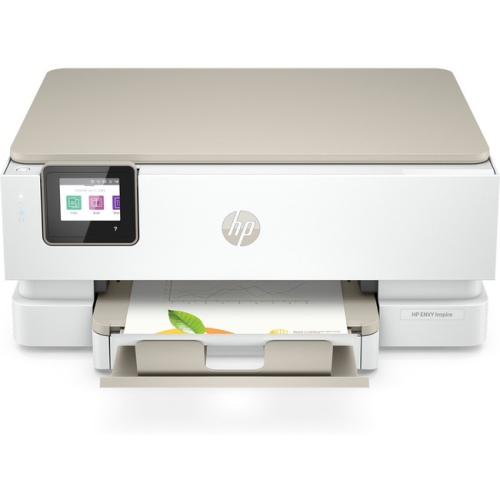
Why sharp text takes more than printer technology
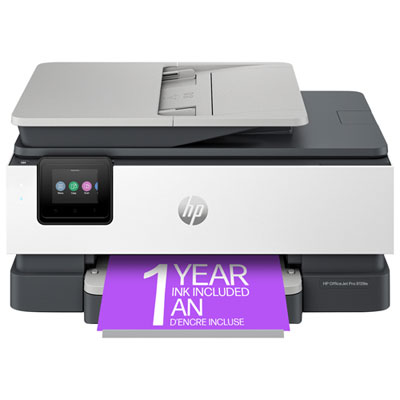
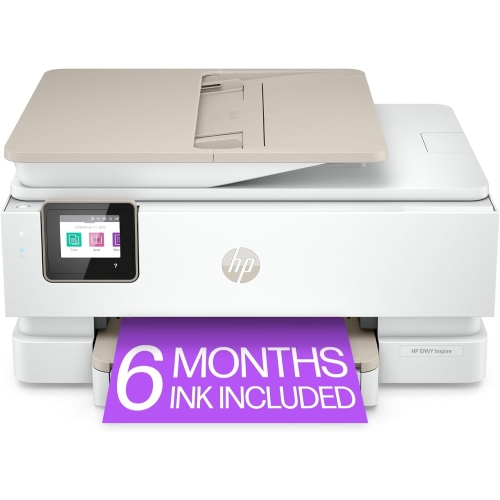
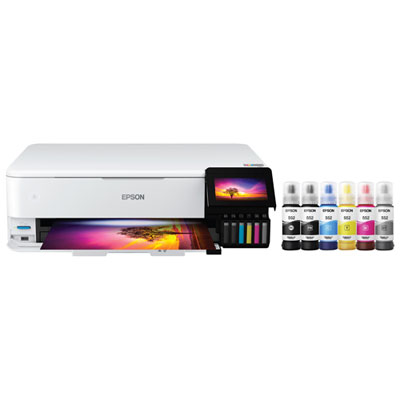
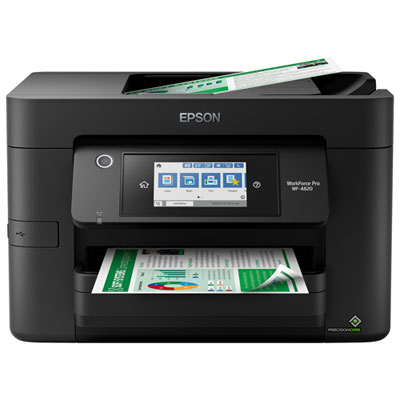
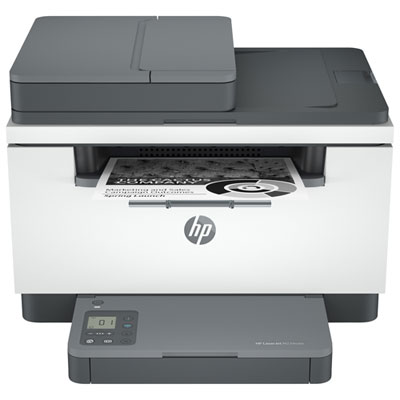
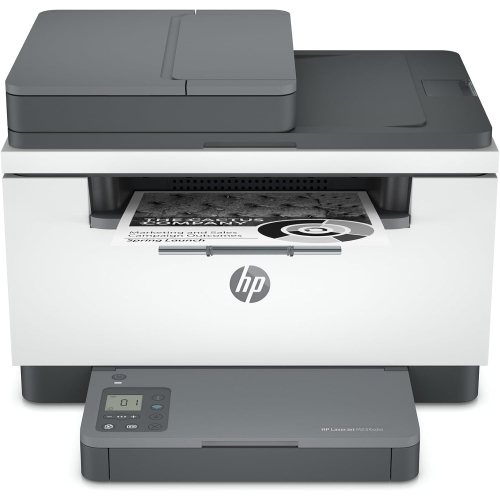
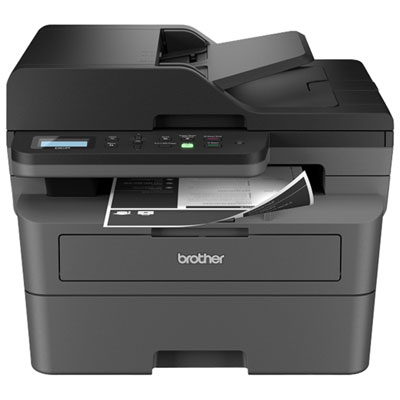
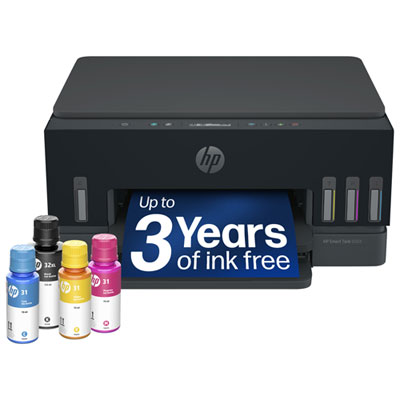
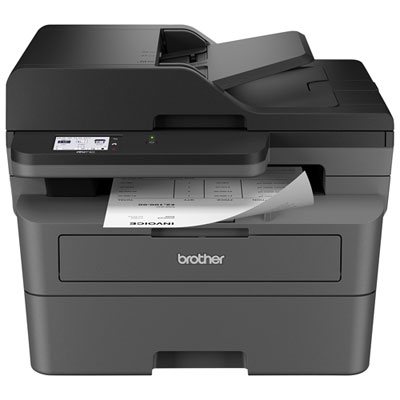
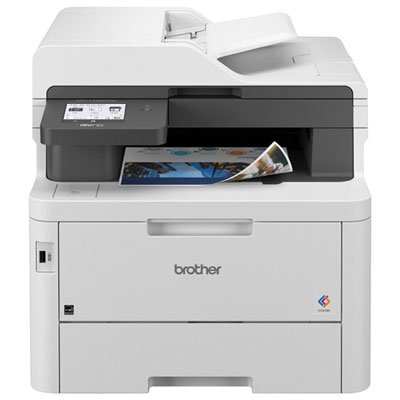
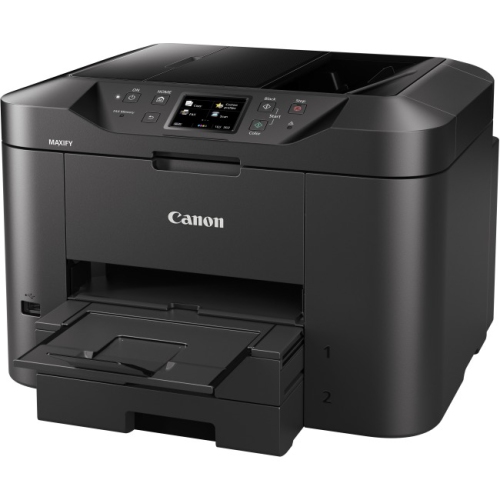
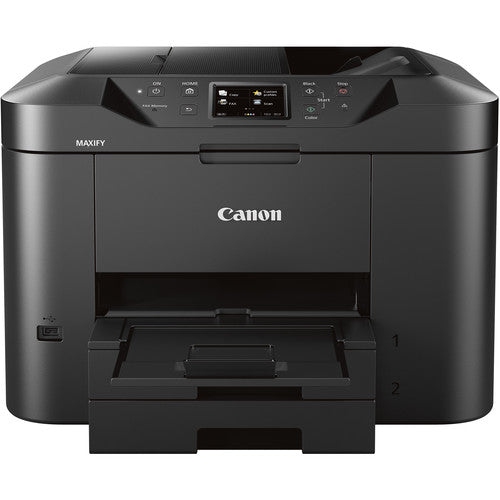
Printers for documents turn digital files into clear, readable pages for schoolwork, household paperwork, correspondence, and business records. Their most useful qualities are sharp text, dependable paper handling, and features that suit the amount and type of printing a household or office does. A student printing lecture notes has different needs from a small business producing invoices, contracts, and client handouts throughout the day. Monochrome laser printers are well suited to text-heavy documents in black and white, while colour laser printers add charts, highlighted sections, and presentation graphics. Laser technology uses toner rather than liquid ink and is often a practical fit for frequent batches of reports or correspondence. Inkjet printers can handle text alongside colour illustrations and graphics, making them useful for mixed household and office tasks. Some use cartridges, while others have refillable ink tanks intended to support larger printing workloads. Text quality depends on more than the technology alone: the print setting, paper surface, and original file all affect how small lettering, fine lines, and shaded tables appear. For a page of meeting notes, standard print quality may be sufficient; a résumé or formal letter benefits from clean edges and consistent coverage. Print speed is usually stated in pages per minute, but colour output, double-sided printing, and more detailed settings can change the pace. First-page time also matters for someone who usually prints one shipping document or appointment form at a time rather than a long stack. A printer that starts promptly may feel more convenient in that setting than one whose main strength is sustained speed across large jobs. For routine forms, assignments, and correspondence, Printers for Everyday Document Printing brings the focus to familiar home and office tasks. Whether the output is a single permission slip or a multipage proposal, the best fit is a printer whose capabilities match the documents it will regularly produce.
Document printing often sits alongside scanning and copying, which makes an all-in-one printer useful where paperwork moves between physical and digital formats. A signed form can become a saved file, a paper receipt can be copied for a record, and handwritten annotations can be shared without retyping them. A flatbed scanner accommodates single sheets and bound material that can rest safely on the glass, while an automatic document feeder moves a stack of suitable loose pages through the scanner. These features serve different purposes: a feeder is convenient for a lengthy agreement, but a fragile original is generally better handled on the flatbed according to the printer’s instructions. Automatic double-sided printing, also called duplex printing, puts content on both sides of a sheet without requiring each page to be turned by hand. Double-sided scanning is a separate capability, so a printer that produces duplex documents does not necessarily scan both sides automatically. For shared workspaces, paper-tray capacity helps determine how often someone needs to refill the machine during a busy day. An additional tray or a manual feed slot can make it easier to switch between ordinary sheets, letterhead, and supported envelopes. Connectivity shapes daily convenience just as much as paper handling. Wi-Fi printing allows compatible computers and mobile devices to send documents without a direct cable, while a USB connection suits a straightforward setup at a single desk. Ethernet can provide a wired network connection in an office where several people share the printer. Wireless features vary, including supported network bands, mobile printing methods, and whether direct printing without a router is possible. Compatibility with the devices and operating systems in use helps keep everyday tasks simple. A readable display and accessible controls are also valuable when copying a form, checking a paper warning, or cancelling an accidental print job. In a shared office, supported security features such as authenticated print release can help keep sensitive documents from sitting unattended in the output tray.
Physical fit and routine care have a lasting effect on how comfortably a document printer works in a room. The footprint shown in specifications may not include a fully extended output tray, an open scanner lid, or the clearance needed to load paper and replace supplies. A compact printer on a study shelf still needs a stable, level surface and enough surrounding space for ventilation and access. In a home office used for calls, operating noise and the location of the printer can matter as much as its dimensions. Paper compatibility deserves similar attention. Letter-size sheets suit many everyday documents in Canada, while legal-size forms, envelopes, labels, and heavier presentation paper require explicit support from the printer and the relevant feed path. Letter-size scanning does not automatically mean the scanner can capture a full legal-size page, even when the printer can print one. Smooth paper intended for the printing technology helps text look crisp and supports consistent feeding. Labels must be suitable for the printer type, particularly when passing through a laser printer’s heated printing process. Paper weight limits also apply to duplex printing, so heavier stock may need a different handling method. Keeping unused sheets flat in their packaging, adjusting tray guides without squeezing the stack, and avoiding overfilled trays can help reduce skewed pages and jams. Durable use depends on matching the printer to a realistic workload rather than relying only on its maximum duty-cycle figure; the suggested monthly print volume is generally a more useful indication of routine capacity. Toner, ink, drums, and maintenance components have different replacement schedules depending on the design. Inkjet printers may need periodic use and built-in cleaning cycles to maintain consistent output, while laser printers also benefit from cleaning and maintenance performed as directed. Easy access to paper paths and replaceable components makes upkeep less awkward, especially beneath a desk or beside a filing cabinet. With suitable paper, compatible connections, and a workload the machine is built to handle, a document printer can become a dependable part of daily administration, study, and professional work.
Document printing often sits alongside scanning and copying, which makes an all-in-one printer useful where paperwork moves between physical and digital formats. A signed form can become a saved file, a paper receipt can be copied for a record, and handwritten annotations can be shared without retyping them. A flatbed scanner accommodates single sheets and bound material that can rest safely on the glass, while an automatic document feeder moves a stack of suitable loose pages through the scanner. These features serve different purposes: a feeder is convenient for a lengthy agreement, but a fragile original is generally better handled on the flatbed according to the printer’s instructions. Automatic double-sided printing, also called duplex printing, puts content on both sides of a sheet without requiring each page to be turned by hand. Double-sided scanning is a separate capability, so a printer that produces duplex documents does not necessarily scan both sides automatically. For shared workspaces, paper-tray capacity helps determine how often someone needs to refill the machine during a busy day. An additional tray or a manual feed slot can make it easier to switch between ordinary sheets, letterhead, and supported envelopes. Connectivity shapes daily convenience just as much as paper handling. Wi-Fi printing allows compatible computers and mobile devices to send documents without a direct cable, while a USB connection suits a straightforward setup at a single desk. Ethernet can provide a wired network connection in an office where several people share the printer. Wireless features vary, including supported network bands, mobile printing methods, and whether direct printing without a router is possible. Compatibility with the devices and operating systems in use helps keep everyday tasks simple. A readable display and accessible controls are also valuable when copying a form, checking a paper warning, or cancelling an accidental print job. In a shared office, supported security features such as authenticated print release can help keep sensitive documents from sitting unattended in the output tray.
Physical fit and routine care have a lasting effect on how comfortably a document printer works in a room. The footprint shown in specifications may not include a fully extended output tray, an open scanner lid, or the clearance needed to load paper and replace supplies. A compact printer on a study shelf still needs a stable, level surface and enough surrounding space for ventilation and access. In a home office used for calls, operating noise and the location of the printer can matter as much as its dimensions. Paper compatibility deserves similar attention. Letter-size sheets suit many everyday documents in Canada, while legal-size forms, envelopes, labels, and heavier presentation paper require explicit support from the printer and the relevant feed path. Letter-size scanning does not automatically mean the scanner can capture a full legal-size page, even when the printer can print one. Smooth paper intended for the printing technology helps text look crisp and supports consistent feeding. Labels must be suitable for the printer type, particularly when passing through a laser printer’s heated printing process. Paper weight limits also apply to duplex printing, so heavier stock may need a different handling method. Keeping unused sheets flat in their packaging, adjusting tray guides without squeezing the stack, and avoiding overfilled trays can help reduce skewed pages and jams. Durable use depends on matching the printer to a realistic workload rather than relying only on its maximum duty-cycle figure; the suggested monthly print volume is generally a more useful indication of routine capacity. Toner, ink, drums, and maintenance components have different replacement schedules depending on the design. Inkjet printers may need periodic use and built-in cleaning cycles to maintain consistent output, while laser printers also benefit from cleaning and maintenance performed as directed. Easy access to paper paths and replaceable components makes upkeep less awkward, especially beneath a desk or beside a filing cabinet. With suitable paper, compatible connections, and a workload the machine is built to handle, a document printer can become a dependable part of daily administration, study, and professional work.
Top selling and popular products
-
 Your price for this item is $249.99
 -
 Your price for this item is $173.68
 -
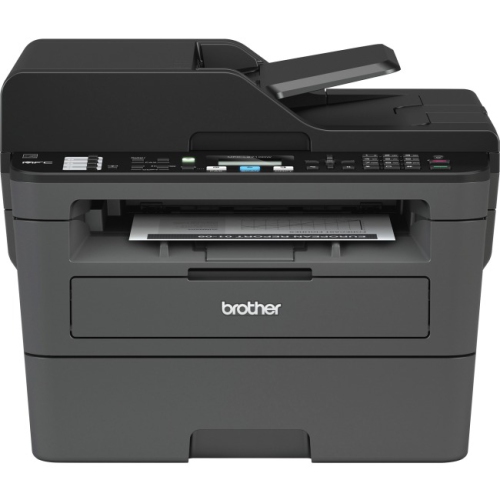 Your price for this item is $309.47
 -
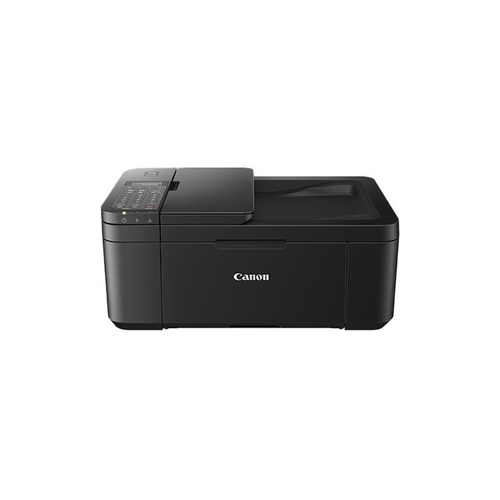 Your price for this item is $247.92
 -
 Your price for this item is $79.99
 -
 Your price for this item is $214.99
 -
 Your price for this item is $199.99
 -
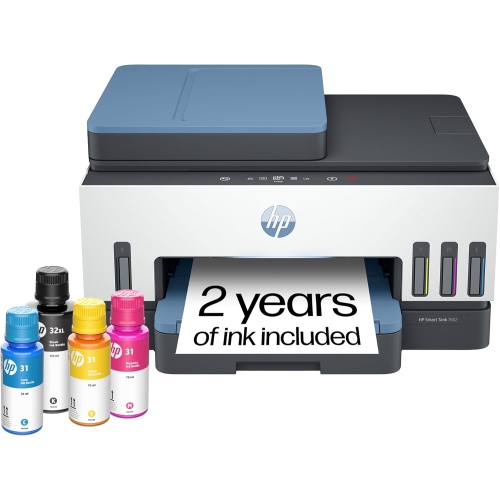 Your price for this item is $569.89
Discover more categories related to Printers for Documents
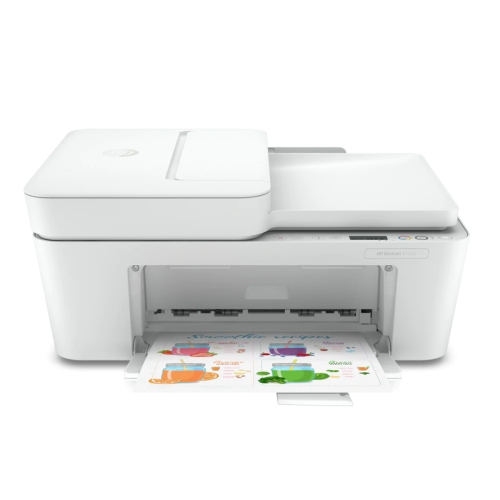
Top Collections:
Pokemon Centers, Kindle Devices, Best Budget Office Chairs, Apple iPhones 16, Best Laptops for Writers, iPhone 15 Apple, Canon G7X Cameras, Refurbished Apple Laptops, Alarm Clock, Motorola Razr Phones
Some products may be subject to Environmental Handling Fees
(EHF) depending on your province.
Learn more about EHFs.