Printers for Printing Invitations
Printers for Printing Invitations make it easy to bring your creative vision to life, whether you’re preparing for weddings, birthdays, or special events. With the right printer, you can achieve crisp text and vivid images that help your invitations stand out. Explore a selection of printers designed to handle various paper types and sizes, perfect for personalizing every detail. Find the ideal option to ensure your invitations look polished and professional from the very first print.
Sort
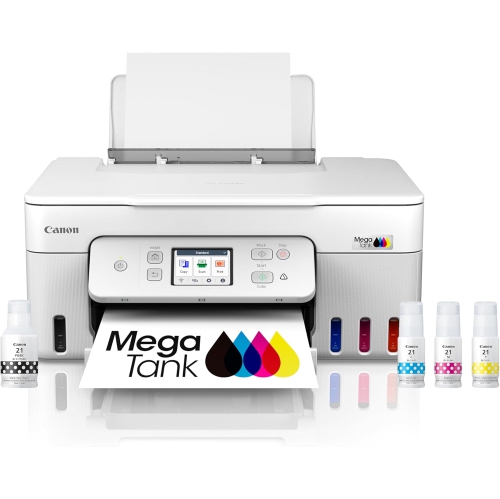
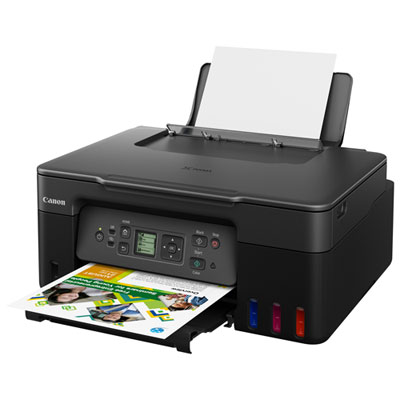
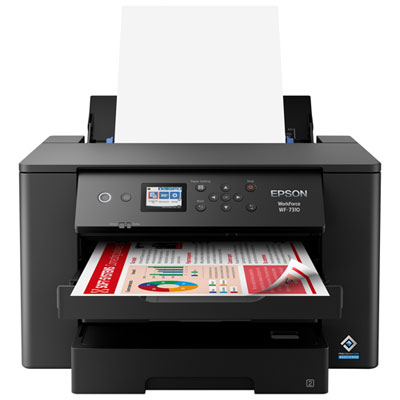
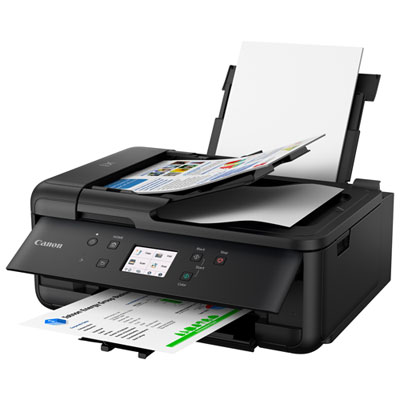
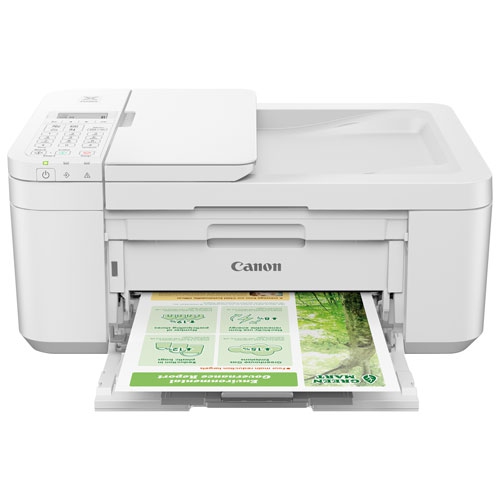


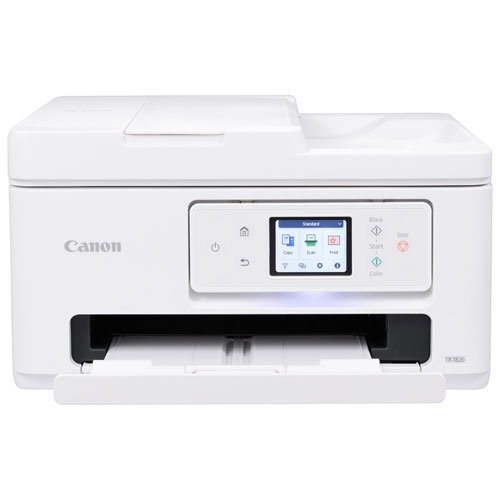
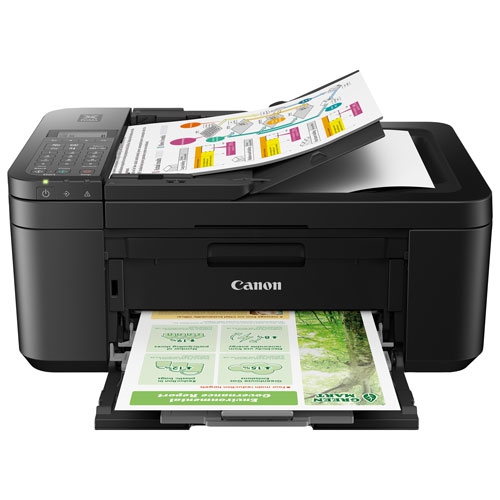
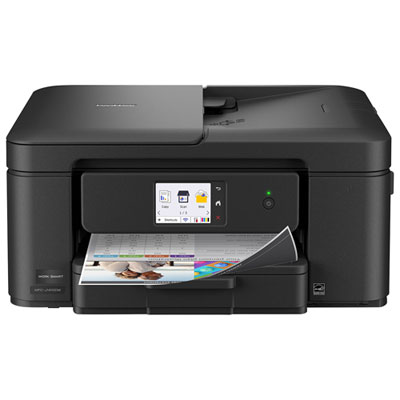
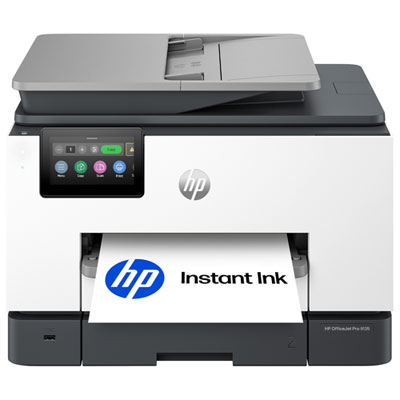
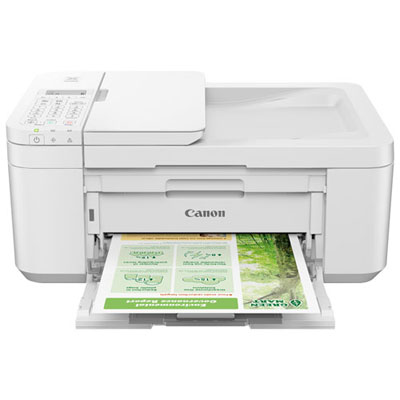
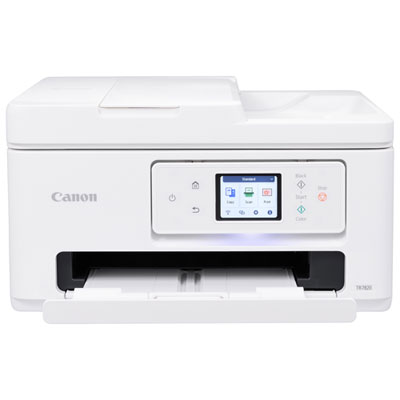
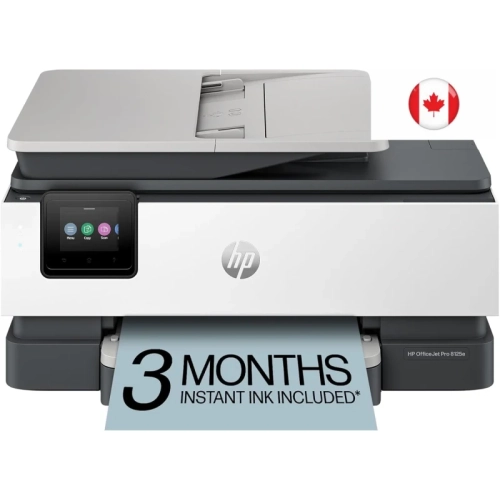

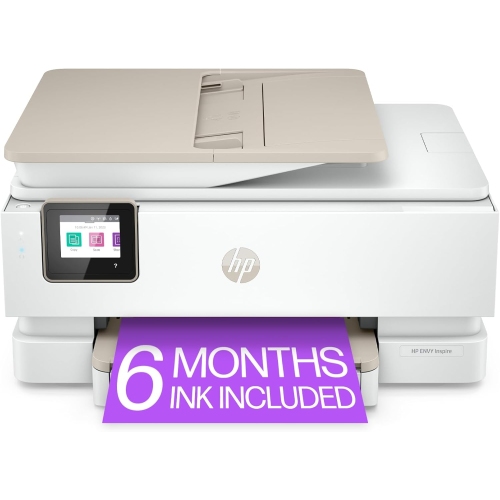
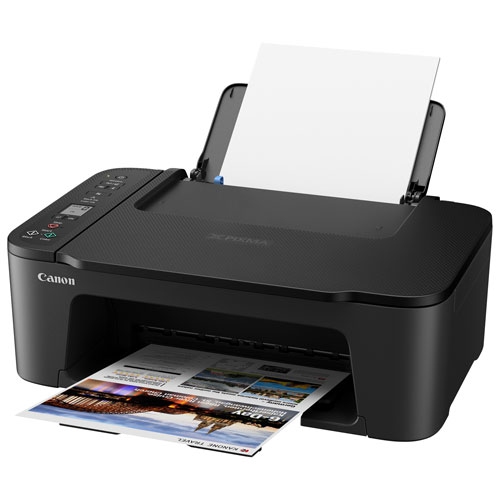
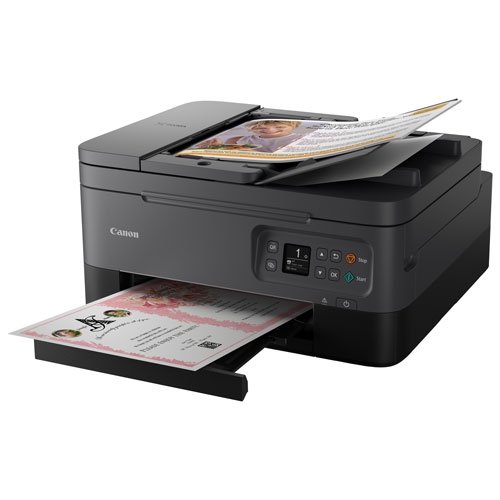
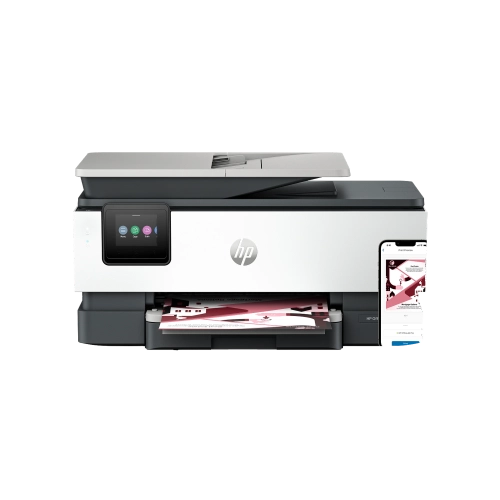
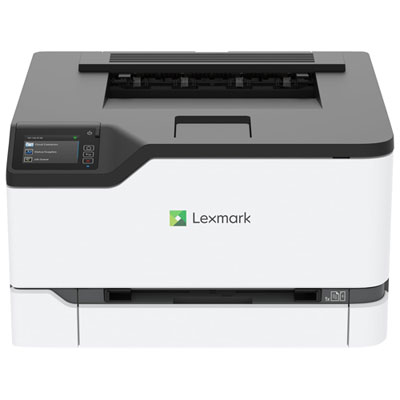
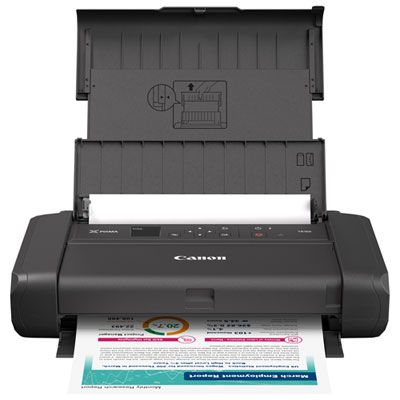
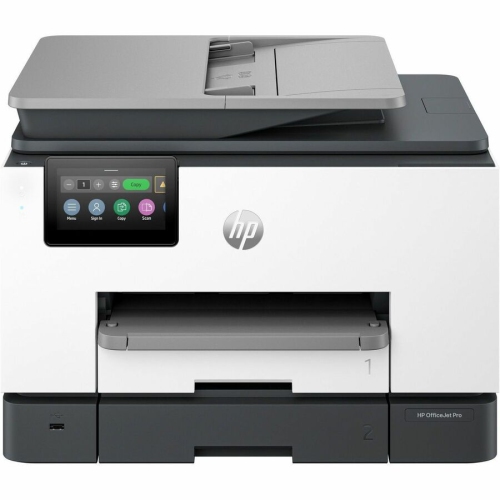
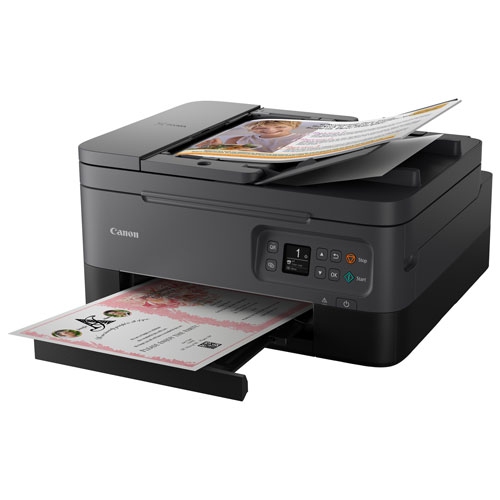
Beautiful invitations depend on more than print quality
Printers for printing invitations give event stationery a personal touch, whether the design features a watercolour floral border, a favourite photograph, or simple black lettering on an ivory card. Wedding invitations, birthday announcements, baby showers, anniversary celebrations, and graduation parties all call for slightly different combinations of colour, paper, and detail. A printer suited to invitation work needs to do more than produce a readable document: it should support the chosen paper, keep small text crisp, and reproduce artwork with enough clarity to preserve fine lines and subtle shading. Inkjet printers are often a strong fit for this purpose, particularly for designs that combine photographs, illustrations, and rich colour. Some photo-oriented inkjet printers use additional ink colours to help reproduce smoother tonal transitions, which can be useful for portraits, pale backgrounds, and softly shaded artwork. Colour laser printers can also suit invitations built around sharp typography, solid graphics, and repeated layouts, provided the paper is approved for the printer’s heat-based printing process. Neither technology guarantees compatibility with thick cardstock, so supported media specifications matter as much as print quality. For a formal invitation with delicate script, clear letterforms and consistent ink placement may be more important than a dramatic colour palette. For a child’s birthday invitation filled with bright illustrations, even colour coverage can make the design feel lively without obscuring the party details. Print resolution is one consideration, but the quality of the original artwork, the paper surface, and the selected print settings also influence the finished result. A high-resolution photograph or properly prepared design file gives the printer better material to work with than a small image enlarged beyond its original dimensions. The most suitable printer is one whose strengths match the intended stationery, from a handful of personalized cards to a coordinated set of invitations, reply cards, and event inserts.
Paper handling is especially important because invitation stock is often thicker, stiffer, or more textured than everyday document paper. Cover stock labelled 80 lb to 110 lb is common for invitations, but those figures refer to a particular paper weight system and do not establish universal printer compatibility. Where specifications are listed in grams per square metre, or gsm, they provide another useful reference for matching paper to a printer’s supported range. Thickness and surface treatment still matter, since two papers with similar weights can feed differently. A rear feed or dedicated manual feed can be helpful for heavier sheets, especially when it provides a straighter paper path that reduces bending. A rear tray alone, however, does not mean a printer can accept every type of cardstock. The supported weight, thickness, size, and media type remain the deciding factors. Smooth matte cardstock offers a clean surface for text and illustrations, while inkjet-compatible coated paper can help photographs and saturated colours appear more defined. Textured stock adds a tactile quality, but its uneven surface may soften fine details or interrupt solid areas of colour. Glossy, metallic, and other specialty finishes need explicit compatibility with the printing technology; paper intended for inkjet use should not automatically be treated as suitable for a laser printer. Borderless printing can help create artwork that reaches the edges of an invitation, although support may be limited to certain sizes and paper types. Printing on a larger sheet and trimming after printing is another way to achieve an edge-to-edge design when the file includes suitable bleed. Automatic double-sided printing is convenient for documents, but it may not support the heavier stock used for invitations. Envelope printing is a separate consideration, with its own size limits, loading requirements, and restrictions on flaps or seams. Reliable feeding helps keep names, addresses, and event details aligned, while paper that stays flat and has clean, undamaged edges is less likely to cause skewing or jams.
Practical features make a difference when invitation printing becomes part of a larger creative routine. Wi-Fi connectivity can make it easier to send a finished design from a compatible computer or mobile device, while a USB connection offers a direct option for a dedicated workspace. Mobile printing support varies, so compatibility with the device and design application matters, particularly when the layout depends on exact dimensions. An all-in-one printer adds scanning and copying functions that can be useful for bringing a hand-drawn motif or handwritten message into a stationery project. For invitations, controls for paper size, media type, print quality, and scaling are especially valuable: a design prepared at its final dimensions can shift or shrink if the application automatically fits it to the page. A sample printed on the intended stock reveals details that a screen cannot, including whether pale lettering is legible, a dark background prints evenly, and the finished card fits its envelope. Inkjet output may need time to dry before stacking, folding, or handling, particularly on coated paper or designs with heavy ink coverage. Printed stationery is also not automatically water-resistant; resistance to moisture and smudging depends on the ink and paper combination. For larger batches, paper capacity, supported print volume, and consistent feeding become more important, while occasional users may place greater value on a compact footprint and straightforward maintenance. Keeping paper dry, protecting it from dust, and following the printer’s cleaning procedures can help maintain dependable results. Inkjet printers may also benefit from regular use and manufacturer-recommended nozzle checks when gaps or streaks appear. Beyond a single event, a compatible printer can support thank-you cards, place cards, photo inserts, and other matching pieces that carry the same colours and typefaces through a celebration. Creative households may also find related uses in memory keeping, with Printers for Scrapbooking offering a natural connection to projects that combine photographs, captions, and printed artwork. For someone who enjoys making stationery, the lasting value comes from reliable media handling and print quality suited to the projects they actually create.
Paper handling is especially important because invitation stock is often thicker, stiffer, or more textured than everyday document paper. Cover stock labelled 80 lb to 110 lb is common for invitations, but those figures refer to a particular paper weight system and do not establish universal printer compatibility. Where specifications are listed in grams per square metre, or gsm, they provide another useful reference for matching paper to a printer’s supported range. Thickness and surface treatment still matter, since two papers with similar weights can feed differently. A rear feed or dedicated manual feed can be helpful for heavier sheets, especially when it provides a straighter paper path that reduces bending. A rear tray alone, however, does not mean a printer can accept every type of cardstock. The supported weight, thickness, size, and media type remain the deciding factors. Smooth matte cardstock offers a clean surface for text and illustrations, while inkjet-compatible coated paper can help photographs and saturated colours appear more defined. Textured stock adds a tactile quality, but its uneven surface may soften fine details or interrupt solid areas of colour. Glossy, metallic, and other specialty finishes need explicit compatibility with the printing technology; paper intended for inkjet use should not automatically be treated as suitable for a laser printer. Borderless printing can help create artwork that reaches the edges of an invitation, although support may be limited to certain sizes and paper types. Printing on a larger sheet and trimming after printing is another way to achieve an edge-to-edge design when the file includes suitable bleed. Automatic double-sided printing is convenient for documents, but it may not support the heavier stock used for invitations. Envelope printing is a separate consideration, with its own size limits, loading requirements, and restrictions on flaps or seams. Reliable feeding helps keep names, addresses, and event details aligned, while paper that stays flat and has clean, undamaged edges is less likely to cause skewing or jams.
Practical features make a difference when invitation printing becomes part of a larger creative routine. Wi-Fi connectivity can make it easier to send a finished design from a compatible computer or mobile device, while a USB connection offers a direct option for a dedicated workspace. Mobile printing support varies, so compatibility with the device and design application matters, particularly when the layout depends on exact dimensions. An all-in-one printer adds scanning and copying functions that can be useful for bringing a hand-drawn motif or handwritten message into a stationery project. For invitations, controls for paper size, media type, print quality, and scaling are especially valuable: a design prepared at its final dimensions can shift or shrink if the application automatically fits it to the page. A sample printed on the intended stock reveals details that a screen cannot, including whether pale lettering is legible, a dark background prints evenly, and the finished card fits its envelope. Inkjet output may need time to dry before stacking, folding, or handling, particularly on coated paper or designs with heavy ink coverage. Printed stationery is also not automatically water-resistant; resistance to moisture and smudging depends on the ink and paper combination. For larger batches, paper capacity, supported print volume, and consistent feeding become more important, while occasional users may place greater value on a compact footprint and straightforward maintenance. Keeping paper dry, protecting it from dust, and following the printer’s cleaning procedures can help maintain dependable results. Inkjet printers may also benefit from regular use and manufacturer-recommended nozzle checks when gaps or streaks appear. Beyond a single event, a compatible printer can support thank-you cards, place cards, photo inserts, and other matching pieces that carry the same colours and typefaces through a celebration. Creative households may also find related uses in memory keeping, with Printers for Scrapbooking offering a natural connection to projects that combine photographs, captions, and printed artwork. For someone who enjoys making stationery, the lasting value comes from reliable media handling and print quality suited to the projects they actually create.
Top selling and popular products
-
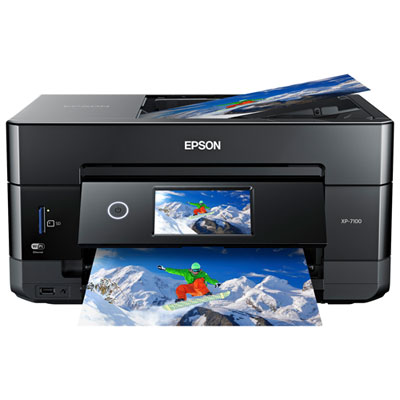 Your price for this item is $199.99
-
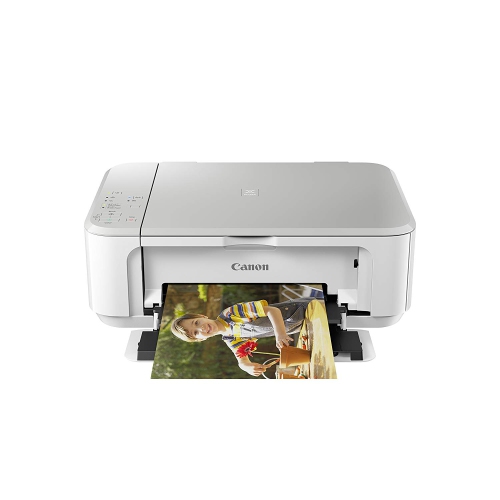 Your price for this item is $84.95
-
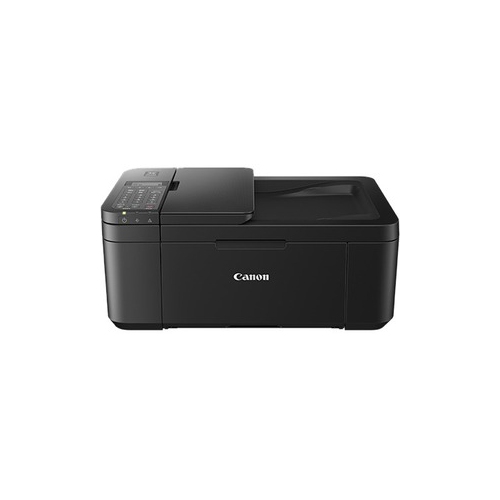 Your price for this item is $247.92
-
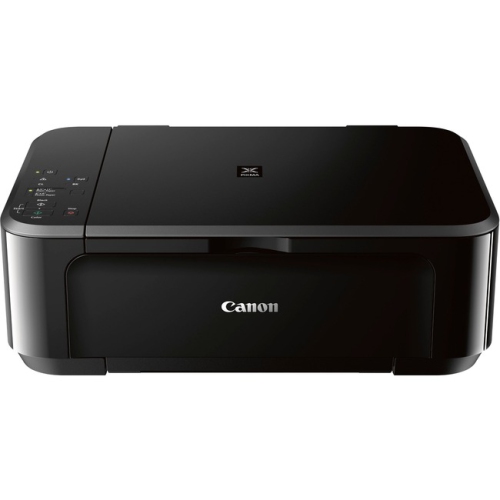 Your price for this item is $69.95
-
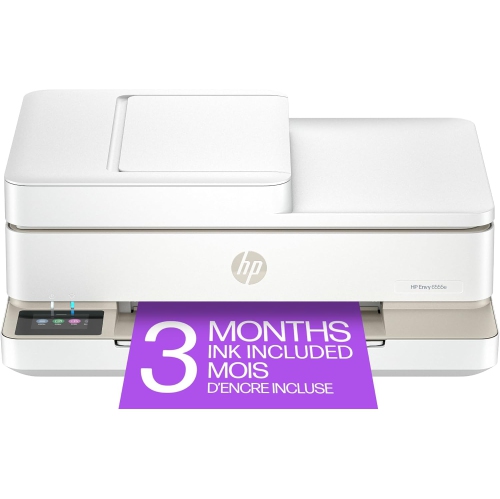 Your price for this item is $214.79
-
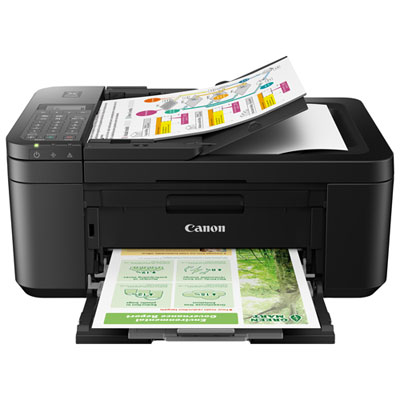 Your price for this item is $79.99
-
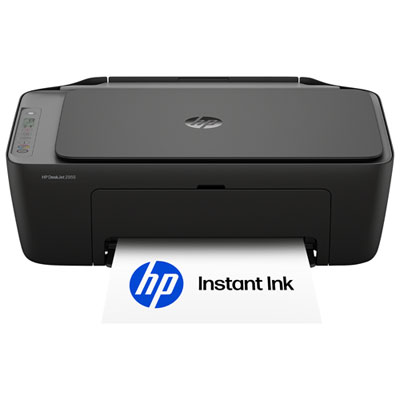 Your price for this item is $49.99
-
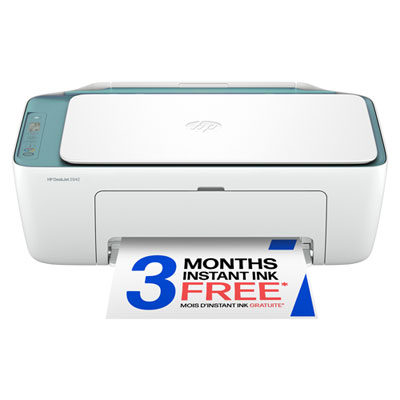 Your price for this item is $49.99
Discover more categories related to Printers for Printing Invitations
Top Collections:
Pokemon Centers, Kindle Devices, Best Cameras for Sports Photography, Pokémon 30th Celebration Cards, Canon G7X Cameras, Samsung Galaxy Phones, iPhone 15 Apple, Best Black Friday Deals On Electronics, Jackery Power Stations, Solar Generators for Home
Some products may be subject to Environmental Handling Fees
(EHF) depending on your province.
Learn more about EHFs.