Printers With Ink Tank System
Printers with ink tank system offer a convenient and efficient solution for home offices, small businesses, and anyone looking to streamline their printing needs. Designed to handle high-volume tasks with ease, these printers provide consistent performance for documents, photos, and more. Explore a wide range of options to find the right fit for your workspace, whether you need reliable everyday printing or enhanced productivity for larger projects. Discover how printers with ink tank system can help simplify your workflow and keep you focused on what matters most.
Sort
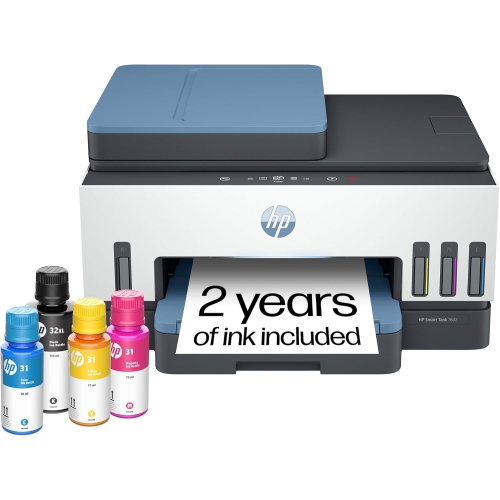
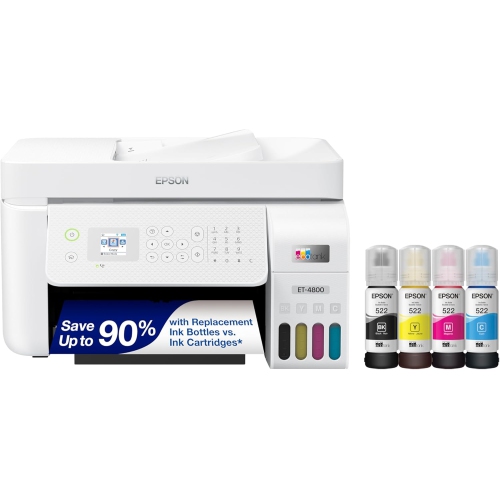

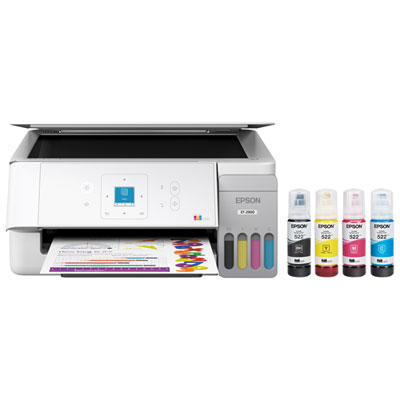
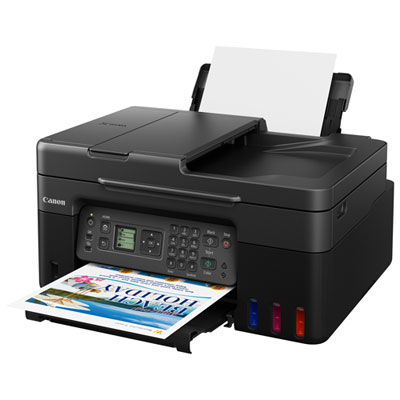
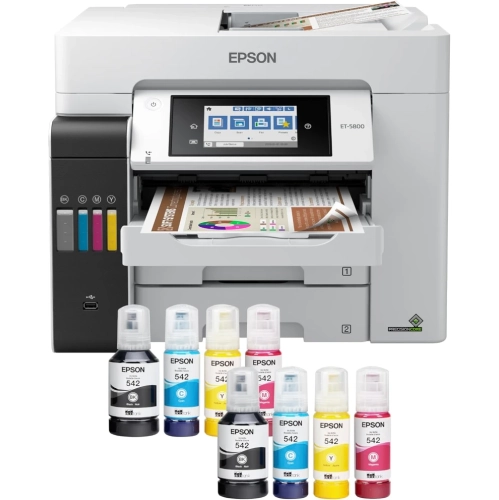
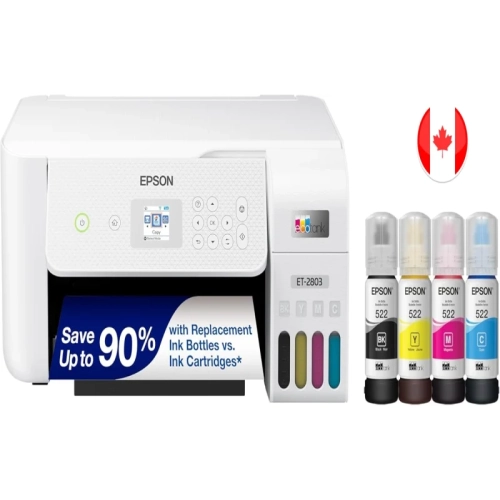
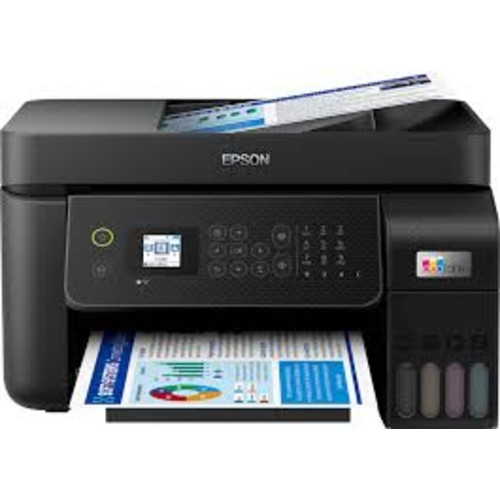

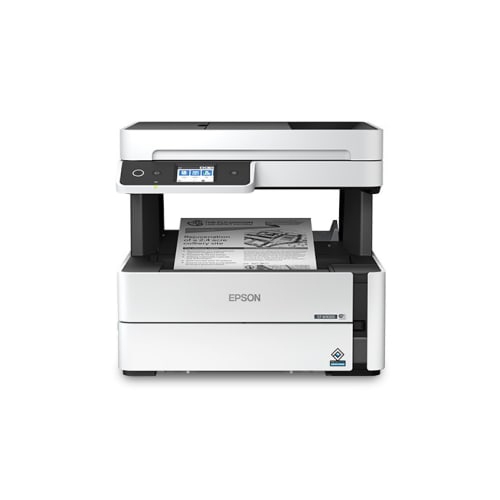
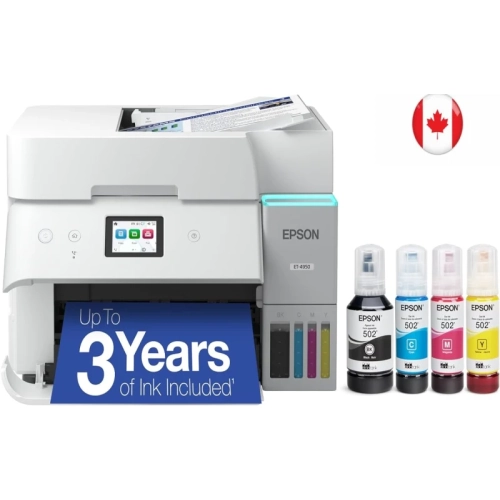
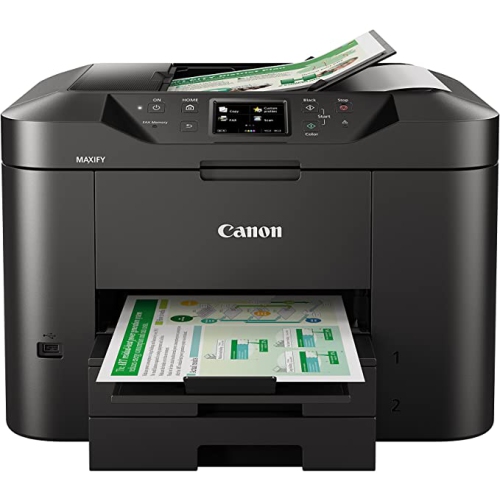
What a larger ink supply means for everyday printing
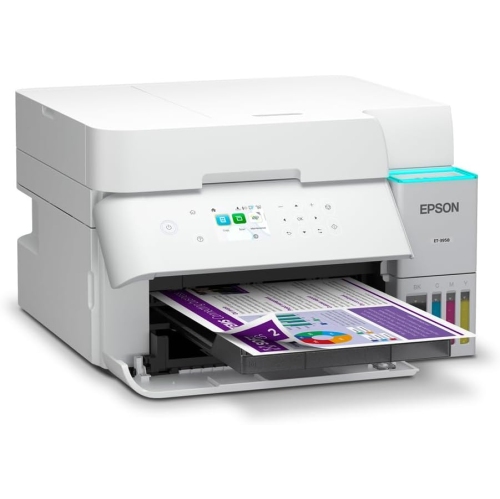
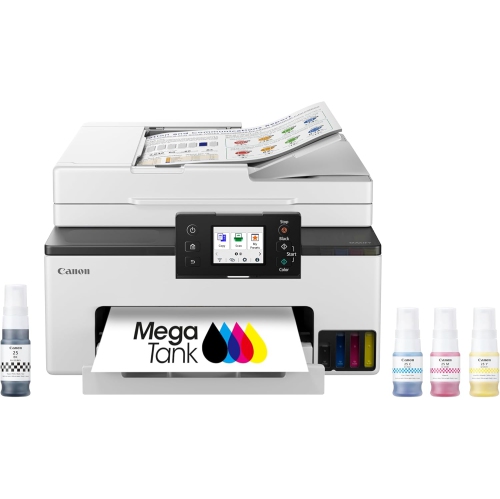
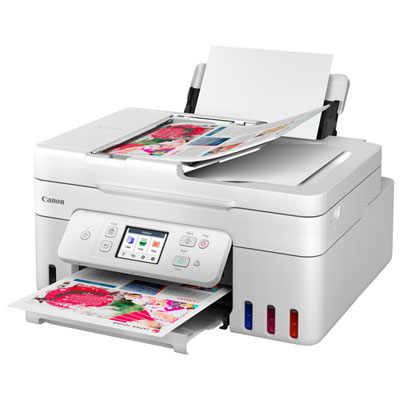
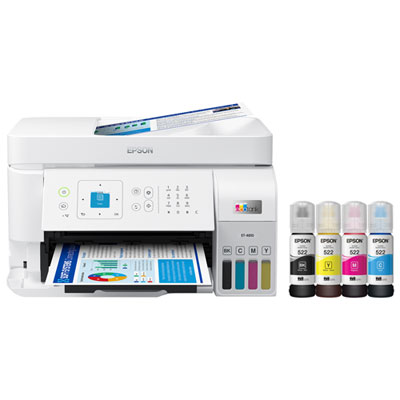
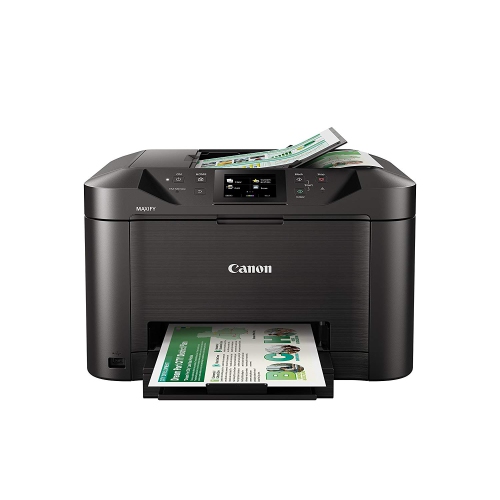
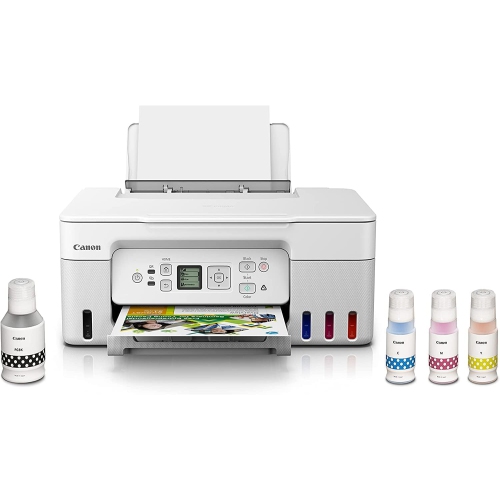
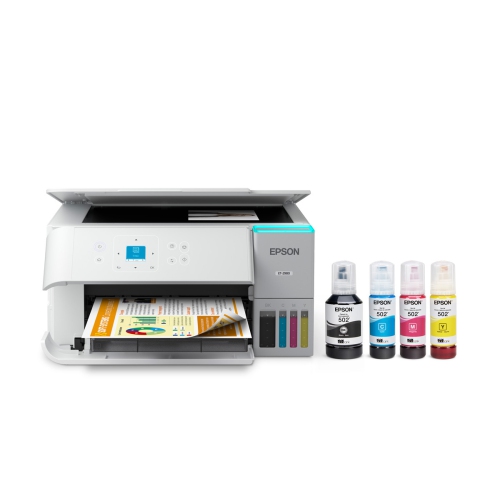
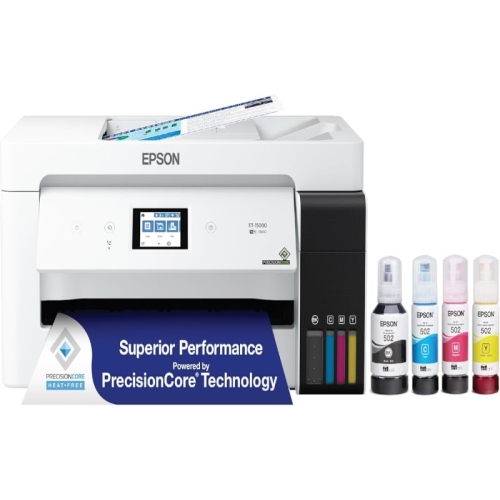
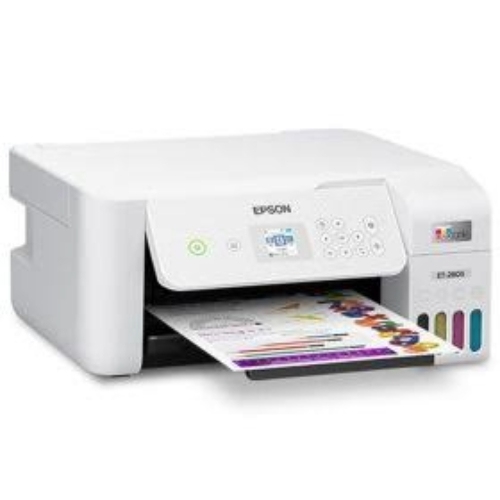
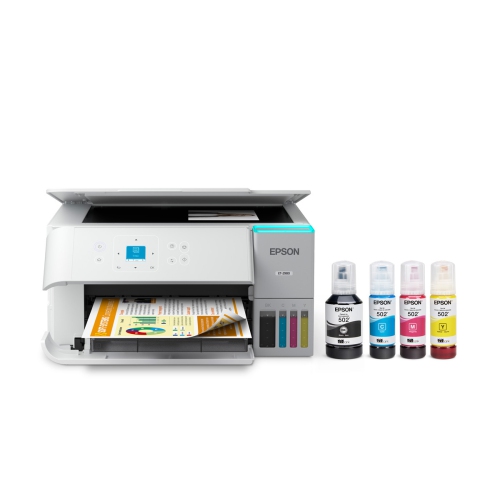
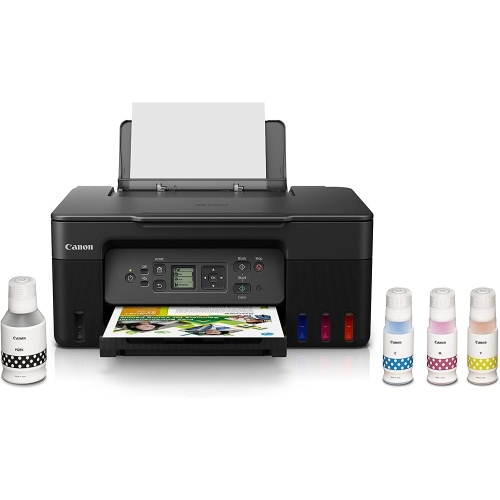
Printers with an ink tank system use refillable reservoirs to feed ink to the printhead instead of relying on small replacement ink cartridges. Often called refillable ink tank or supertank printers, they are designed to hold a substantial ink supply between refills. Depending on the model and its stated yield, a set of bottles may support thousands of printed pages, although actual results depend on page coverage, print settings, maintenance cycles, and the mix of text and images. That capacity makes these printers a practical fit for recurring tasks such as school assignments, meeting notes, shipping labels on compatible sheets, and colour documents for a home business. Most colour ink tank printers use separate reservoirs for black, cyan, magenta, and yellow ink, while monochrome designs focus on black-and-white output. Visible tank windows or ink-level indicators make it easier to monitor each reservoir, particularly when one colour gets more use than the others. Refill bottles must match the printer’s specifications; ink formulas and bottle fittings are not interchangeable across all designs. Some systems have keyed openings and controlled-flow bottles that help simplify filling, though careful handling still matters. Print quality depends on more than reservoir size. Pigment black ink can support crisp document text, while dye-based colour inks are commonly used for vivid graphics and photographs; the exact ink combination varies by printer. Paper choice also changes the result. Plain office paper suits everyday documents, while compatible matte or glossy photo paper helps bring out detail in images. A printer used for family photographs has different demands from one producing mostly text, so supported media, print resolution, and borderless printing capabilities are useful distinctions within this category. A large ink supply does not automatically mean faster printing, either. Document speed, photo speed, and the time before the first page emerges remain separate performance characteristics, especially when comparing a short homework assignment with a lengthy report containing charts and full-page colour images.
Ink tank printers range from print-only designs to all-in-one machines that combine printing, scanning, and copying, with fax functions on some models. For a household that needs to copy a signed form or scan a child’s artwork, a flatbed scanner adds useful flexibility without requiring a separate device. An automatic document feeder serves a different purpose: it moves a stack of suitable loose pages through the scanner, making multi-page paperwork less hands-on. Automatic two-sided scanning is a separate feature from a document feeder, just as automatic two-sided printing differs from manually turning a stack of sheets. Those distinctions matter when a small office regularly processes agreements, receipts, or reference documents. Paper handling also shapes everyday convenience. A main tray that holds a larger stack can reduce interruptions during longer jobs, while a separate feed path may accommodate envelopes, photo paper, or other supported media. Maximum paper size, paper weight limits, and the printable area are particularly relevant for anyone making presentation materials or detailed layouts. Connectivity determines how comfortably the printer fits into an existing setup. Wi-Fi enables printing over a compatible wireless network, USB provides a direct connection to a computer, and Ethernet on equipped models supports a wired network connection. Mobile printing support can make it easier to print a document received on a phone, but supported apps, operating systems, and network requirements vary. Some printers support direct wireless connections without a router, while others depend on the home or office network for particular functions. A shared family printer benefits from straightforward controls and clear status messages, especially when several people use it from different devices. Touchscreens, physical buttons, and companion software offer different ways to manage copying, check ink levels, or adjust print settings. For scanned paperwork, resolution, file-format options, and supported destinations also influence how easily documents move from a paper stack into an organized digital folder.
The physical fit of an ink tank printer deserves as much attention as its feature list. Its listed dimensions may describe the machine with trays closed, rather than the space it needs while printing or scanning. A desk or shelf needs room for the paper support, output tray, power cable, and any rear access panel, along with clearance to lift the scanner lid and reach the refill ports. A stable, level surface helps keep the printer secure during use and is especially important when handling bottled ink. Outer housings are commonly plastic, while all-in-one models also have a glass scanning surface that needs protection from scratches and residue. A printer beside a study area may be used for a few pages at a time, whereas one in a shared workspace may handle repeated jobs throughout the day; recommended monthly print volumes and paper capacity help distinguish those roles. Refillable designs, including those in the Smart Tank Printers category, are particularly relevant where printing is a regular part of household routines or business administration. Students may need readable notes and diagrams, families may print forms and activity sheets, and a home-based business may produce customer paperwork and internal reference material. Reliable results also depend on routine care. Like other inkjet printers, tank models can develop nozzle issues after extended periods without use, so a large reservoir does not remove the need to follow the manufacturer’s maintenance recommendations. Nozzle checks and cleaning cycles can help address gaps or streaks, but repeated cleaning also uses ink. Keeping paper dry and neatly stacked, removing jams as directed, and cleaning the scanner glass with an appropriate method can help maintain consistent output. Bottles should stay capped and stored according to their instructions, and tanks should not be filled beyond their marked limits. The strongest fit is a printer whose document quality, scanning functions, connection options, and physical size match the work it will handle, with refillable ink capacity supporting that routine rather than defining it alone.
Top selling and popular products
-
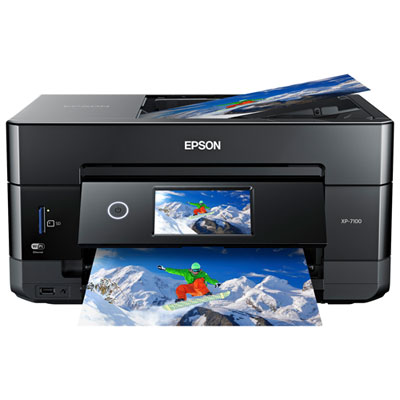 Your price for this item is $249.99
-
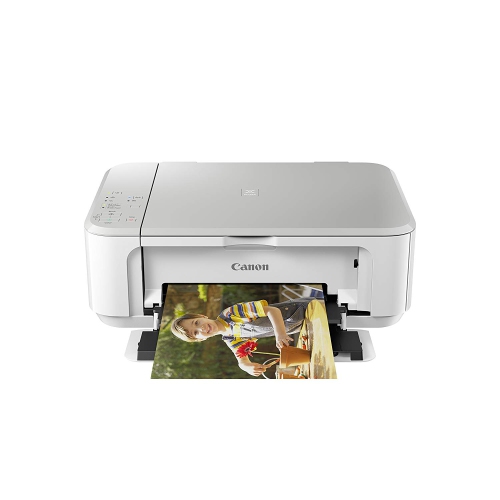 Your price for this item is $69.95
-
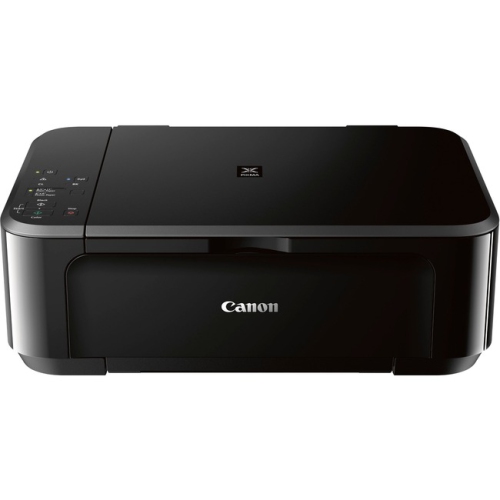 Your price for this item is $67.5
-
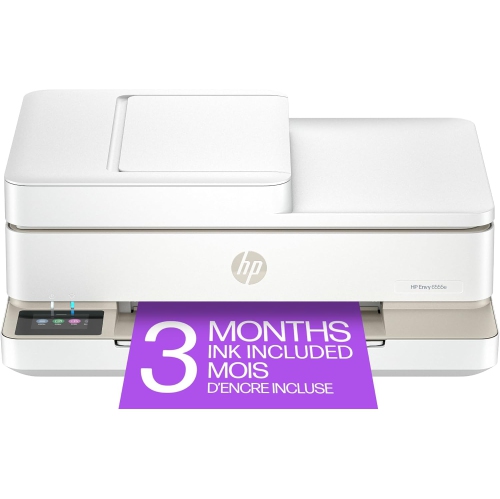 Your price for this item is $214.79
-
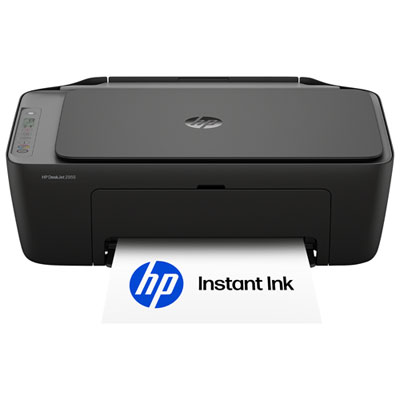 Your price for this item is $99.99
-
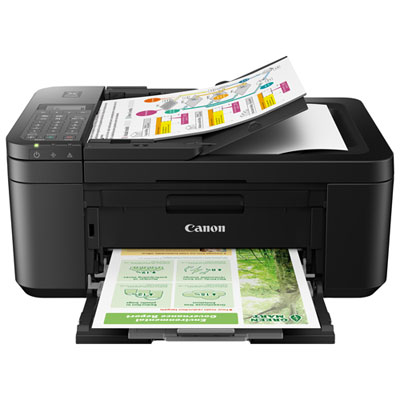 Your price for this item is $149.99
-
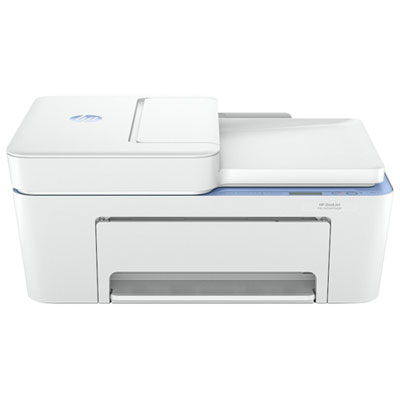 Your price for this item is $49.99
-
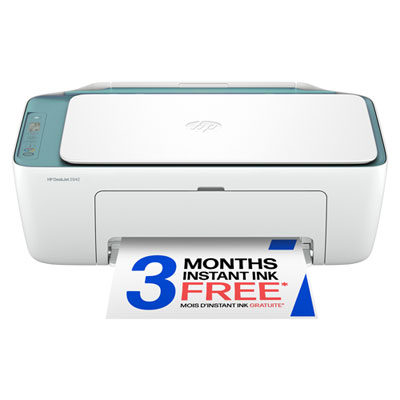 Your price for this item is $49.99
Discover more categories related to Printers With Ink Tank System
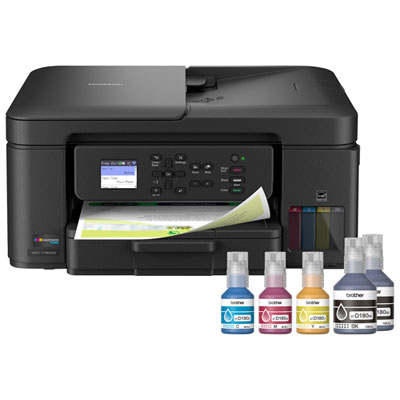
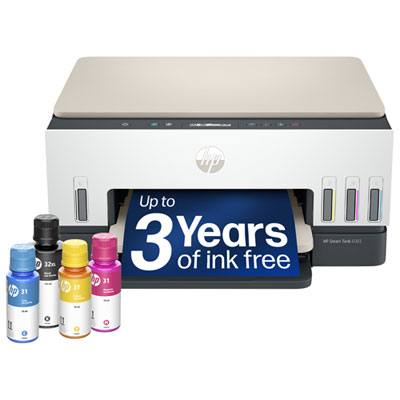
Top Collections:
Best Black Friday Deals This Year, Best Black Friday Deals On Electronics, Kindle Devices, Pokemon Centers, Best Black Friday Deals On Apple Products, Best Cameras for Sports Photography, Dyson Airwrap, Pokémon 30th Celebration Cards, Apple iPhone 17 Pro, Canon G7X Cameras
Some products may be subject to Environmental Handling Fees
(EHF) depending on your province.
Learn more about EHFs.