Smart Tank Printers
Smart Tank Printers offer a reliable and efficient printing solution for homes, offices, and small businesses. Designed to handle a variety of printing tasks with ease, these printers are ideal for producing everything from documents to vibrant photos. Smart Tank Printers combine advanced technology with user-friendly operation, making them a top choice for anyone looking to streamline their printing needs. Explore the latest options and find the perfect Smart Tank Printer to keep your workflow running smoothly.
Sort

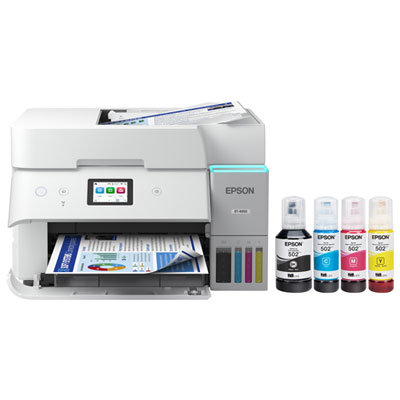
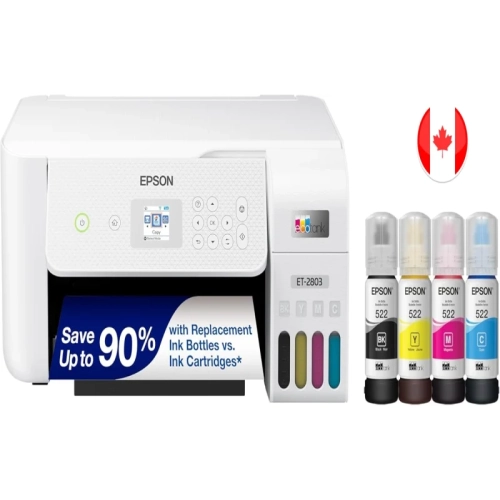
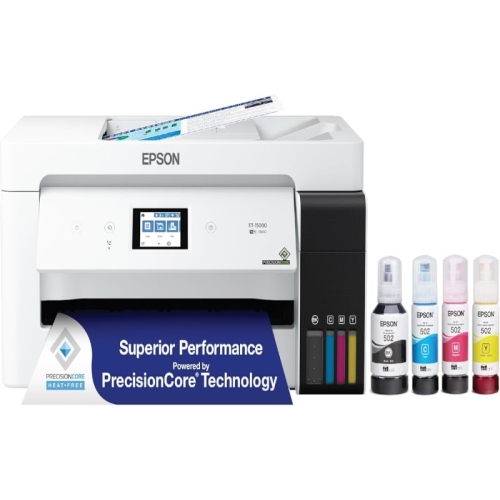
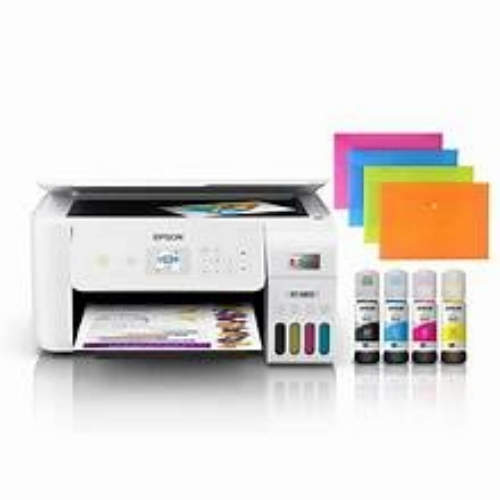
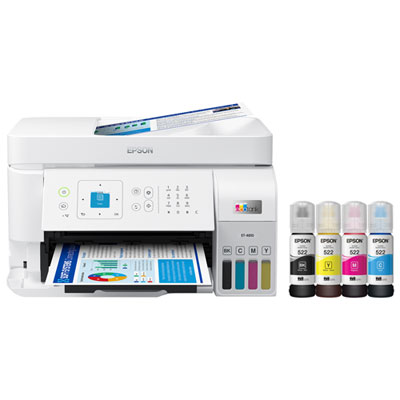
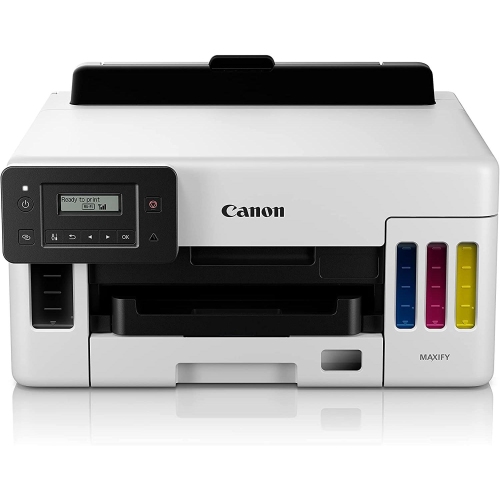
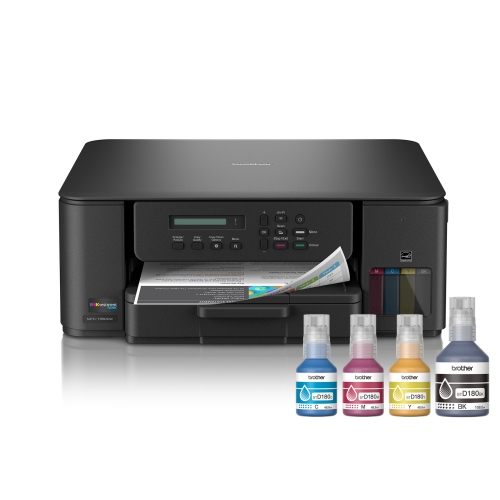
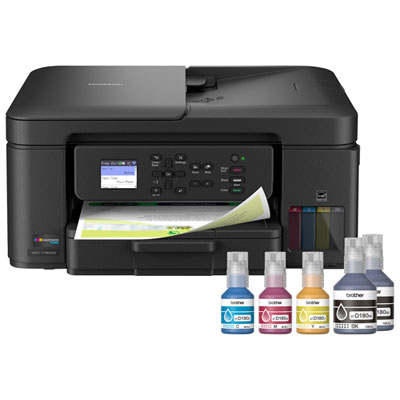
What refillable ink means for your everyday printing
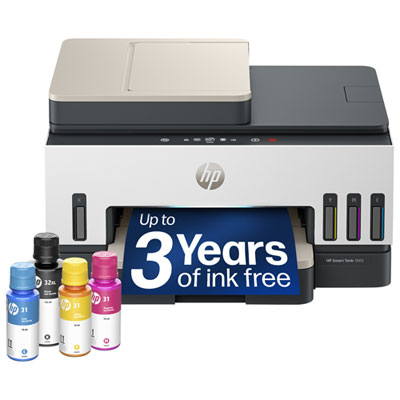
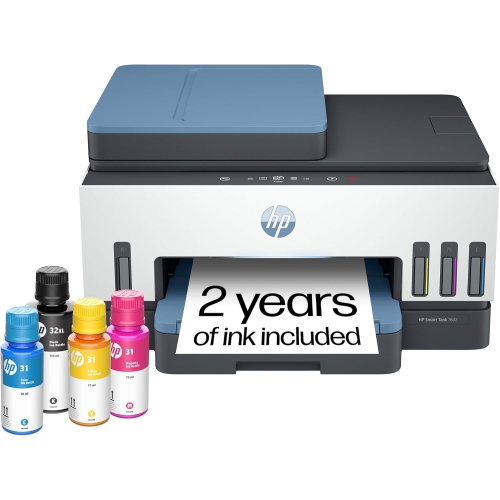
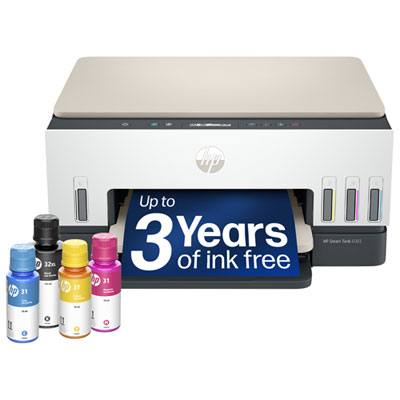
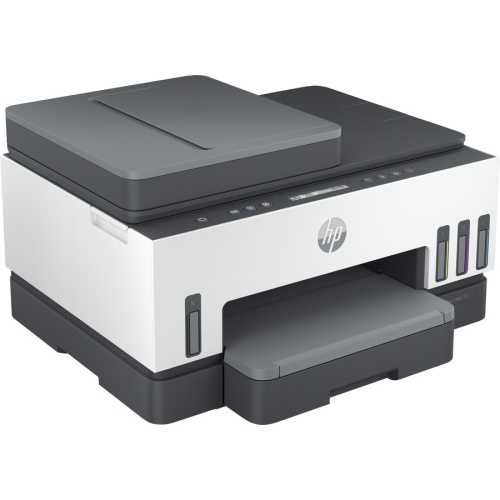
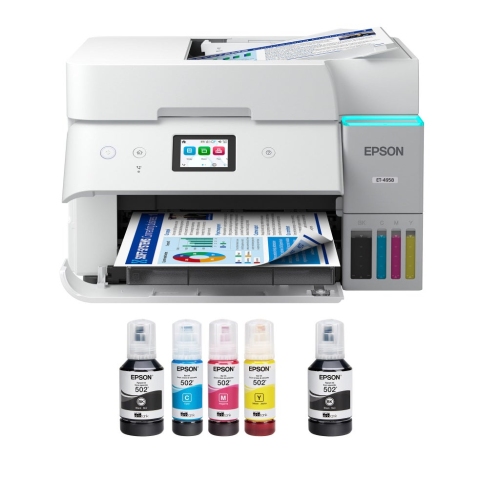
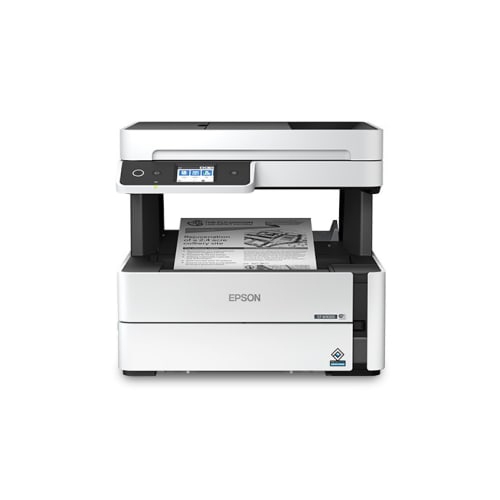
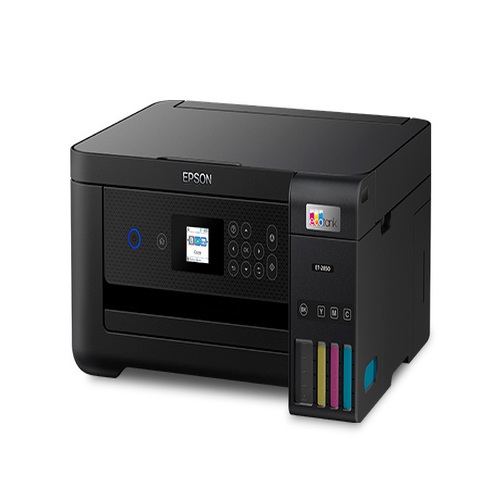
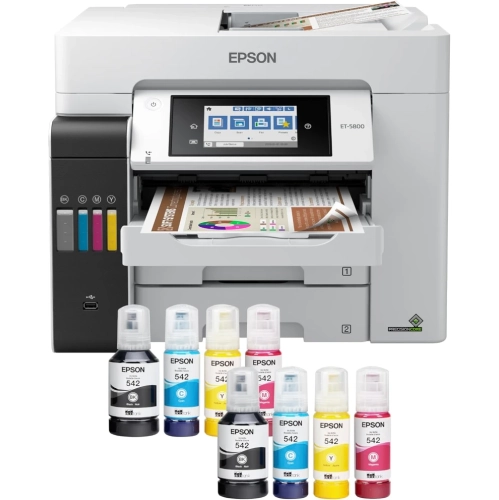
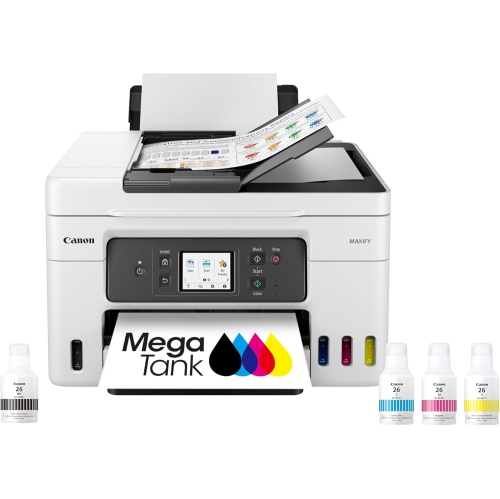
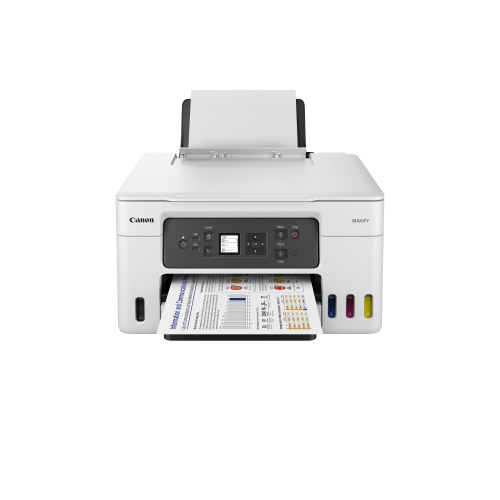
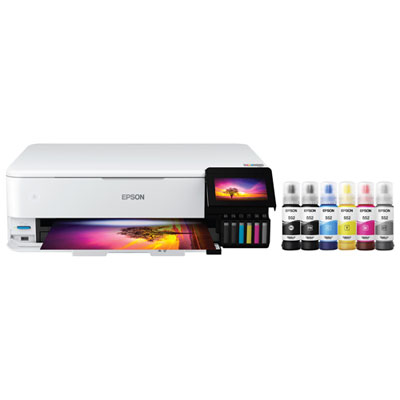
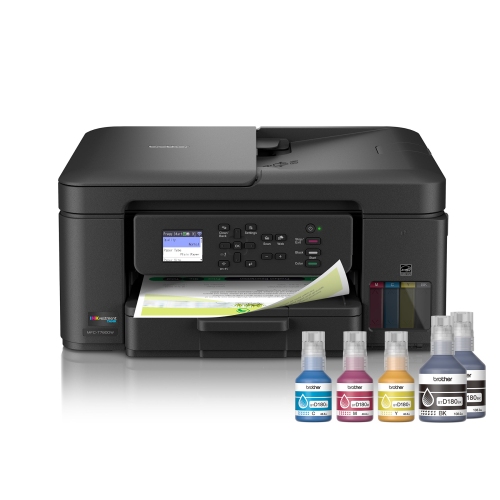
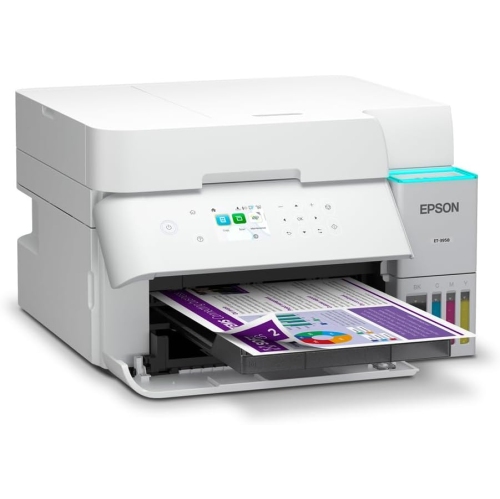
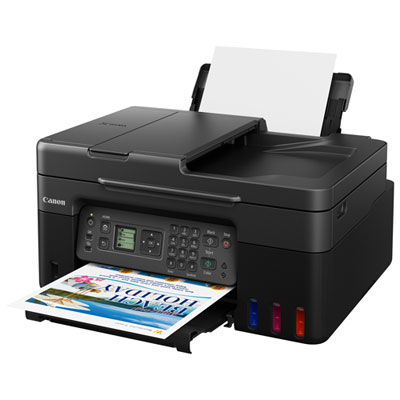
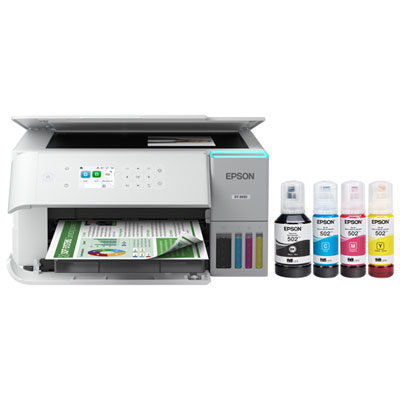
Smart tank printers are inkjet printers that use refillable ink reservoirs rather than traditional replacement cartridges. Ink is added from compatible bottles, and separate tanks hold black and colour inks for everyday documents, graphics, and photographs. Their high-capacity design suits households and small offices with regular printing needs, from school assignments and family schedules to invoices, client handouts, and presentation notes. Depending on the printer, ink supply, and test conditions, a fill can support thousands of pages, although actual output varies with page coverage, colour use, print settings, and maintenance. A page of text uses ink differently from a full-page photograph or a presentation filled with shaded charts, so published page yields are best understood as a reference rather than a fixed result for every household. Print speed also needs context: black-and-white documents, detailed colour images, and two-sided jobs can take different amounts of time, while higher-quality settings generally require more time than draft output. For someone printing a few forms each week, simple operation and a manageable footprint may matter most. A household sharing one printer for homework, shipping labels, and work documents may benefit more from a larger paper tray and convenient wireless access. Physical fit matters beyond the dimensions of the printer itself. The scanner lid needs room to open, paper supports may extend above or behind the body, and the output tray needs clearance to catch finished sheets without curling them against a wall. Many printers have plastic housings and folding trays that work best on a stable, level surface with space for refilling and routine access. A dedicated shelf or desk corner can keep the paper path clear and prevent a busy workspace from turning into a pile of unfinished print jobs.
The features on a smart tank printer shape how comfortably it fits into a daily routine. All-in-one models combine printing, scanning, and copying, which can be useful when a signed form needs to become a digital file or a worksheet needs an extra copy. A flatbed scanner provides a glass surface for individual sheets, photographs, and suitable bound materials, while an automatic document feeder can move a stack of compatible pages through the scanner with less handling. That distinction becomes noticeable when digitizing a multipage agreement or copying several pages of class notes. An automatic document feeder does not necessarily scan both sides of a sheet, and automatic two-sided printing is a separate feature, so these capabilities should match the tasks the printer will handle. Automatic duplex printing is convenient for longer reports and reading packages; models without it may require pages to be turned and reloaded manually. Paper capacity matters when several people send jobs to the same printer, especially if a long document would otherwise stop midway for a refill. Output quality depends on more than resolution alone. The ink formulation, paper surface, print settings, and source file all affect the finished page. Everyday text usually suits compatible plain paper, while photographs and image-heavy projects benefit from paper designed for inkjet printing. Borderless printing, supported photo sizes, envelope handling, and heavier media support vary by model. Someone preparing greeting cards or craft materials needs a printer whose stated paper specifications cover those projects, rather than assuming every sheet that fits the tray will feed correctly. Crisp text and clear charts serve a home office differently from detailed photo output, so the strongest match is the printer whose capabilities reflect the work it will do most often. For a student or family member receiving one as a gift, compatibility with their computer, available desk space, and typical printing tasks can be more useful considerations than a long feature list.
Connectivity and straightforward care help make a smart tank printer practical over time. Wi-Fi allows compatible computers and mobile devices to share a printer without a direct cable connection, while mobile printing features can make it easier to send a form or photograph from a phone. Supported operating systems, printing services, app features, and Wi-Fi bands differ, so compatibility matters as much as the presence of a wireless symbol. A printer that supports only one Wi-Fi band may need a matching network during setup. Ethernet, where offered, provides a wired network connection, while USB can suit a single computer positioned nearby. Wireless printing over a home network and direct wireless connections are distinct options, and neither should be assumed to work in every setup. Scanning to a phone, saving to a computer, or using remote features may involve different software and account requirements. For shared household use, a clear control panel and visible ink levels can make everyday tasks easier to manage. Refilling should follow the printer’s instructions, using the correct ink type and the designated opening for each colour. Bottle fittings and filling methods vary, and ink should not be treated as interchangeable simply because two printers both use tanks. Related refillable options such as Canon Megatank Printers provide another point of comparison for printing, scanning, and connectivity needs, but each printer requires its own compatible supplies. Keep bottles capped and stored as directed, and protect the work surface when handling ink. Routine care includes loading clean, dry paper within the tray’s limits, keeping scanner glass free of marks, and following maintenance prompts. If streaks or missing lines appear, the printer’s diagnostic tools can help identify whether nozzle cleaning or another step is needed. Regular use can help keep an inkjet printer ready for everyday jobs, while following its shutdown procedure helps protect the printhead between sessions. A well-matched smart tank printer brings together suitable capacity, useful features, and manageable upkeep for the documents and images that move through a home or small office.
Top selling and popular products
-
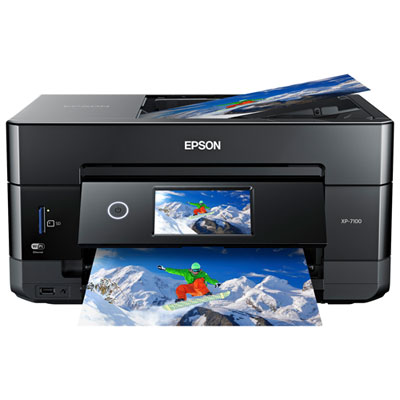 Your price for this item is $249.99
-
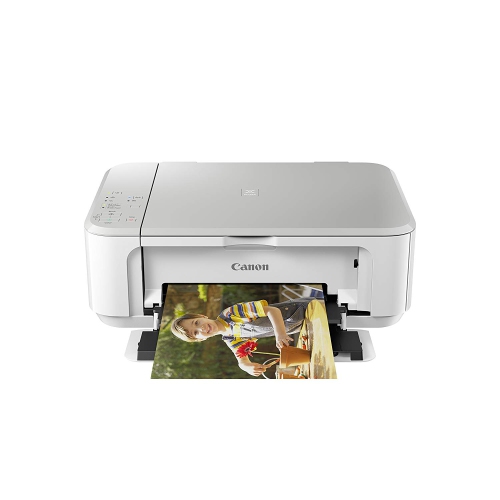 Your price for this item is $69.95
-
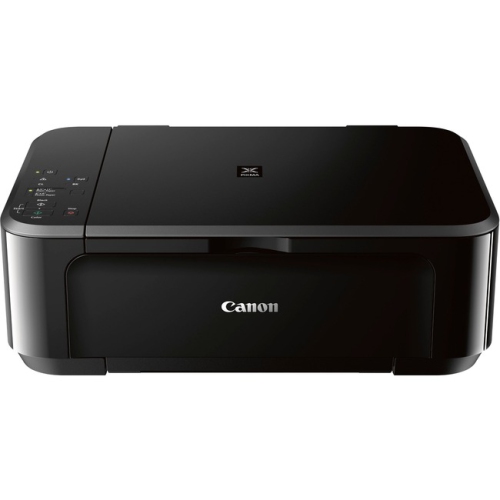 Your price for this item is $67.5
-
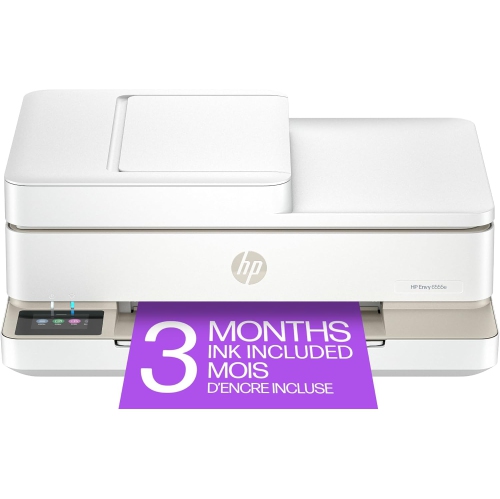 Your price for this item is $214.79
-
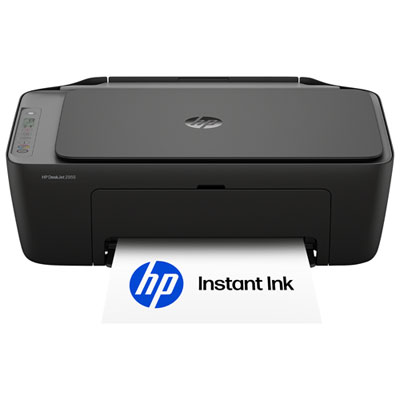 Your price for this item is $99.99
-
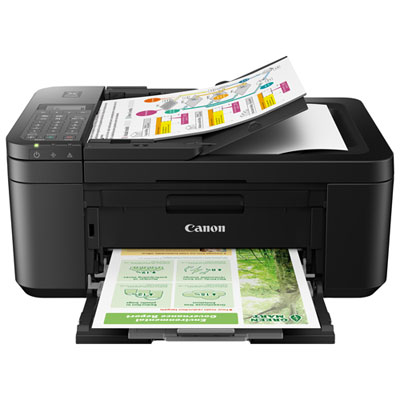 Your price for this item is $149.99
-
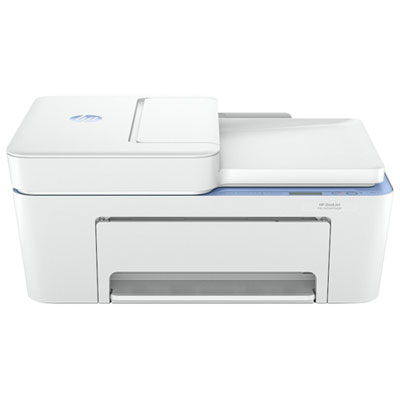 Your price for this item is $49.99
-
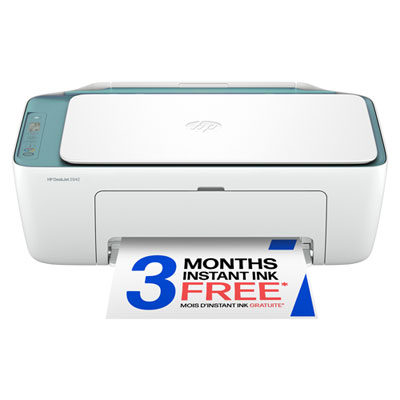 Your price for this item is $49.99
Discover more categories related to Smart Tank Printers
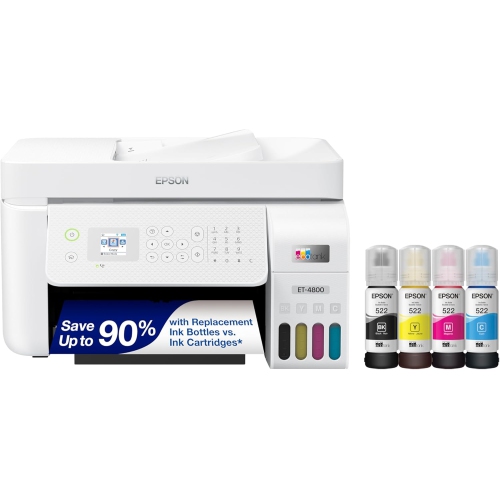
Top Collections:
Best Black Friday Deals This Year, Best Black Friday Deals On Electronics, Kindle Devices, Pokemon Centers, Best Black Friday Deals On Apple Products, Best Cameras for Sports Photography, Dyson Airwrap, Pokémon 30th Celebration Cards, Apple iPhone 17 Pro, Canon G7X Cameras
Some products may be subject to Environmental Handling Fees
(EHF) depending on your province.
Learn more about EHFs.