Productivity Tech For School
Productivity Tech For School brings together a wide range of tools designed to help students stay organized and efficient throughout the academic year. Whether you’re taking notes, managing assignments, or collaborating on group projects, the right technology can make a big difference in your daily routine. Explore options that support learning, boost focus, and streamline tasks so you can make the most of your time both in and out of the classroom.
Sort


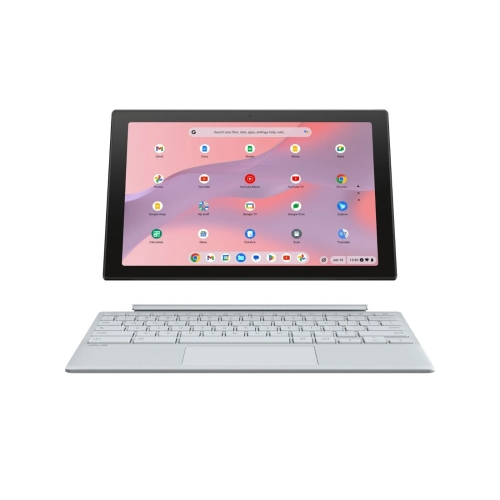
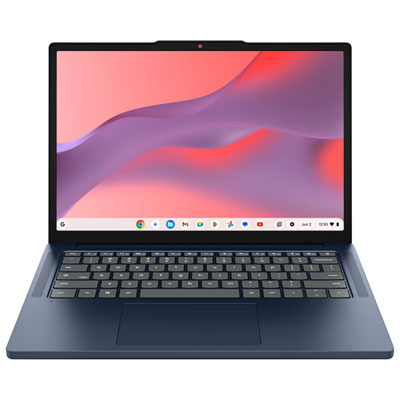

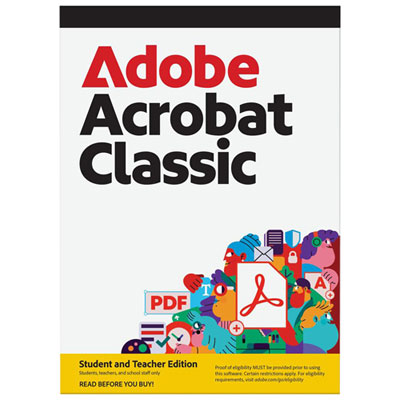
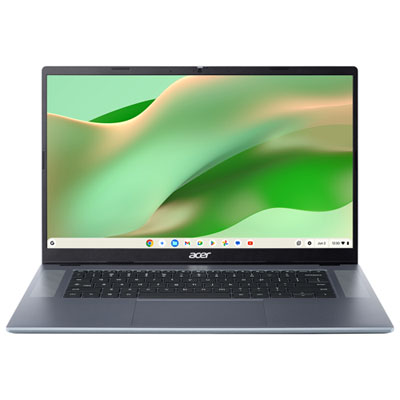

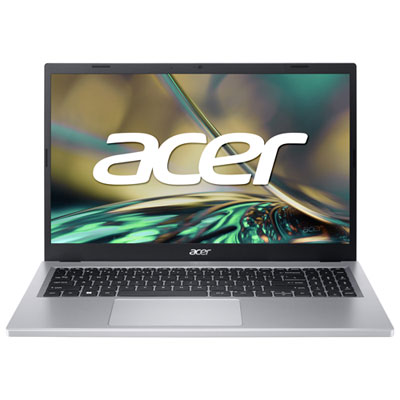
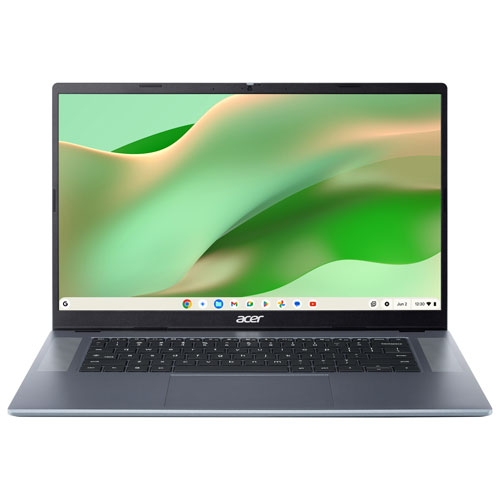

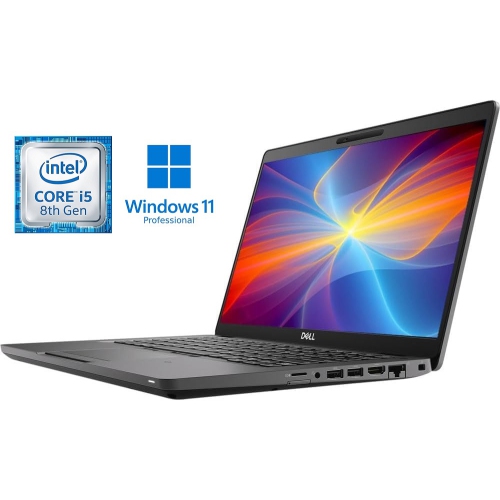
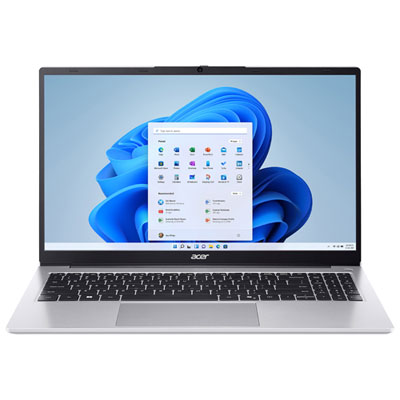
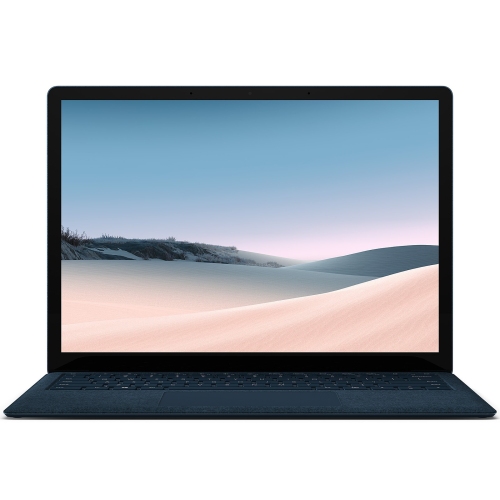

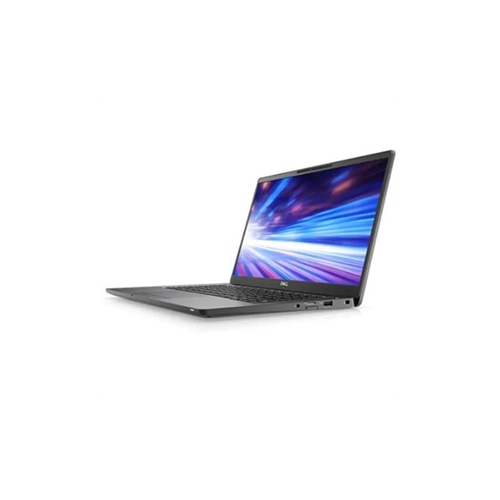
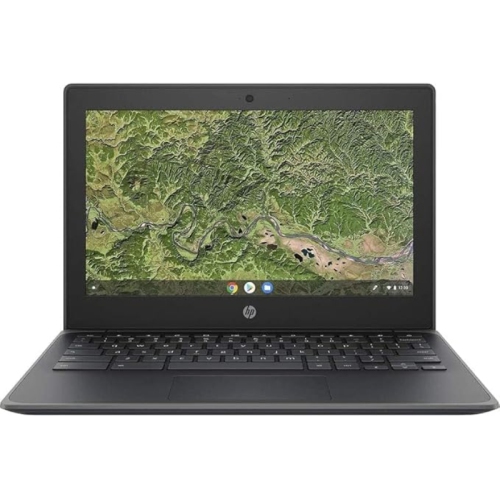
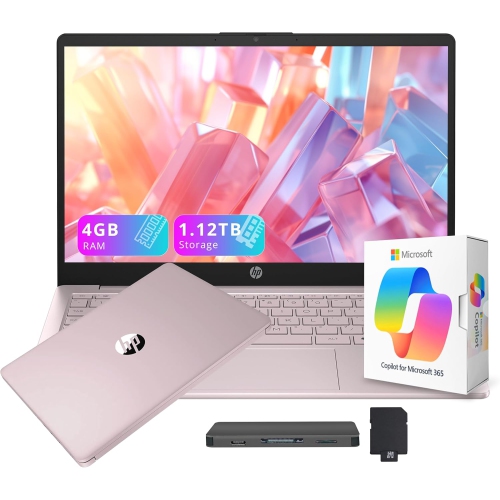
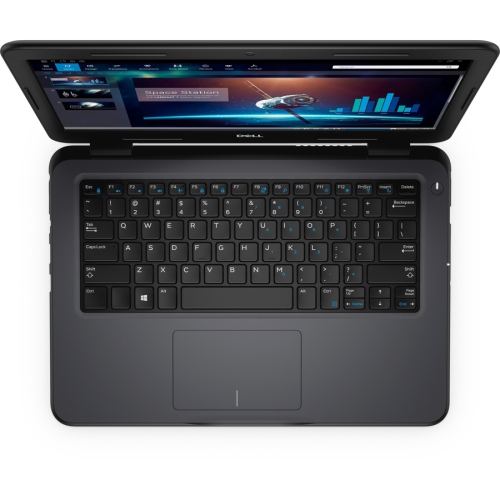
The right study setup starts with your coursework
Schoolwork often moves between a classroom desk, a library table, and a quiet corner at home, so productivity tech for school needs to suit more than one setting. A laptop can bring writing, research, presentations, and video calls together in a portable format, while a desktop can provide a dedicated place for longer assignments and more demanding coursework. The right balance depends on the work being done: reading articles and preparing essays place different demands on a computer than editing video, building detailed design projects, or running specialized software. A capable processor, enough memory for several applications, and storage suited to course files help keep everyday tasks manageable. Solid-state storage supports responsive file access, while storage capacity matters when projects include large media files or software installations. Compatibility with school-required programs is especially important, since some applications need a particular operating system or hardware configuration. For students carrying a computer between classes, device weight, charger size, and a comfortable fit inside a backpack can matter just as much as performance. A sturdy hinge, a keyboard with well-spaced keys, and a screen that remains readable in different indoor lighting conditions all affect the experience of using a computer throughout the day. Battery life also deserves context: video meetings, brighter screens, and demanding applications can use power differently from reading documents, so published estimates may not match every school routine. Younger learners may benefit from straightforward controls and a setup that is easy to share with a caregiver, while college, university, and continuing-education students may need greater flexibility for independent projects. Explore Student Productivity Tech for technology centred on these everyday academic tasks. Whether coursework involves a short response paper or a collaborative presentation, the most useful setup is one that fits the actual assignments, the places where studying happens, and the tools a school expects students to use. Accessibility features, including adjustable text sizes, dictation, captions, and keyboard navigation, can also make a meaningful difference to how comfortably someone reads, writes, and participates.
A productive study space does not have to be elaborate, but the relationship between the screen, keyboard, and available work surface makes a noticeable difference during longer sessions. A separate monitor can provide room to view research beside a draft rather than switching constantly between windows. Screen size should suit both the available desk depth and the type of work: a display that feels spacious on a large desktop may be awkward on a narrow shared table. Adjustable stands and monitor supports can help position a screen at a comfortable viewing height, while a separate keyboard and mouse allow more freedom to arrange the workspace. Keyboard size, key feel, mouse shape, and left- or right-handed use are practical considerations, particularly when typing notes or navigating detailed spreadsheets for extended periods. Connection details matter, too. A monitor, docking station, or adapter needs compatible ports, and a connector that fits physically does not necessarily support every display or charging function. Checking supported connections helps avoid a setup that handles file transfers but not the intended screen arrangement. Reliable Wi-Fi supports research, learning platforms, and group calls, although connection quality also depends on the network, distance from the router, and other household activity. Headphones or a headset can make recorded lectures easier to follow in a shared room, and a clear microphone helps classmates hear contributions during remote collaboration. Noise-cancelling features may reduce distractions, but fit, ear-cushion materials, and comfort remain important for longer listening sessions. For handwritten equations, diagrams, or annotated readings, a compatible pen-enabled device can complement a computer rather than replace software required for coursework. Students who move between paper and digital notes may appreciate having both methods available. Thoughtful cable routing keeps charging leads away from walking paths and leaves space for notebooks, textbooks, and a glass placed safely away from electronics. A compact arrangement can be especially useful in a shared bedroom or residence room, where the same work surface may need to support studying, hobbies, and everyday routines.
Durability and care become especially important when school technology travels frequently or is used by several people. Metal and plastic housings each vary in weight, finish, and construction, so a device’s overall build matters more than the material name alone. Secure hinges, well-fitted ports, and a protective sleeve can help a computer stand up to everyday handling, although no carrying case makes a device immune to damage. A padded compartment should hold the device securely without forcing the zipper closed, with accessories stored separately so a charger or loose pen does not press against the screen. At home, keeping ventilation openings clear helps equipment operate as intended; soft bedding and cushions can obstruct airflow. Cleaning should follow the manufacturer’s directions, with a suitable soft cloth and no liquid sprayed directly onto a screen or keyboard. Small habits, such as handling cables by their connectors and keeping food away from keys, can help preserve the parts touched most often. File organization deserves similar attention. Clearly named folders for each course, consistent document names, and a dependable backup routine make assignments easier to find and reduce the risk of losing work. An external drive or a school-approved online storage service can support that routine, provided files are actually backed up rather than simply moved to a different location. Device locks, software updates, and secure account sign-ins also matter when a computer accompanies a student to shared study spaces. For a gift, practical fit usually matters more than an impressive feature list: the recipient’s course requirements, existing connections, preferred typing setup, and carrying needs all help determine what will be useful. A student beginning a writing-heavy program may value a comfortable keyboard and dependable portability, while someone studying digital design may need hardware that meets specific application requirements. Technology that suits those routines can support the quieter parts of academic progress: collecting sources, revising a paragraph, comparing results, and returning to an assignment with everything ready to continue.
Top selling and popular products
-
 Your price for this item is $449
-
 Your price for this item is $3099
-
 Your price for this item is $1800.68
-
 Your price for this item is $664.05
-
 Your price for this item is $3400.68
-
 Your price for this item is $489.7
-
 Your price for this item is $1199
-
 Your price for this item is $1951.79
Discover more categories related to Productivity Tech For School

Top Collections:
Best Black Friday Deals This Year, Best Black Friday Deals On Electronics, Kindle Devices, Dyson Airwrap, Best Cameras for Sports Photography, Best Budget Office Chairs, Canon G7X Cameras, PS5 Pro Consoles, Best Black Friday Deals On Apple Products, XBOX One S Consoles
Some products may be subject to Environmental Handling Fees
(EHF) depending on your province.
Learn more about EHFs.