Professional Color Laser Printers
Professional Color Laser Printers deliver high-quality results and reliable performance, making them an essential addition to any office or workspace. Designed to meet the demands of busy environments, these printers offer vibrant color output and crisp text for all your business documents, presentations, and marketing materials. Explore a wide selection of Professional Color Laser Printers to find the perfect solution for your printing needs, whether you’re outfitting a small office or upgrading your current setup.
Sort
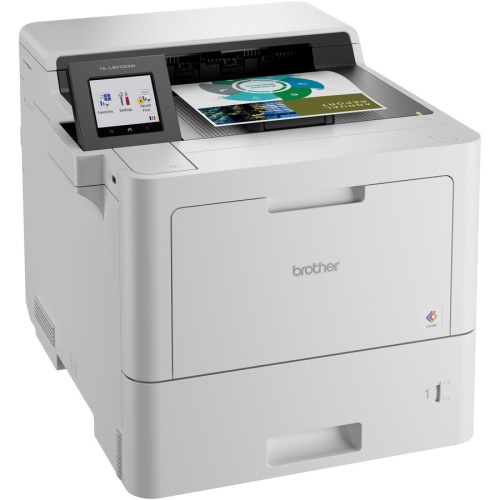
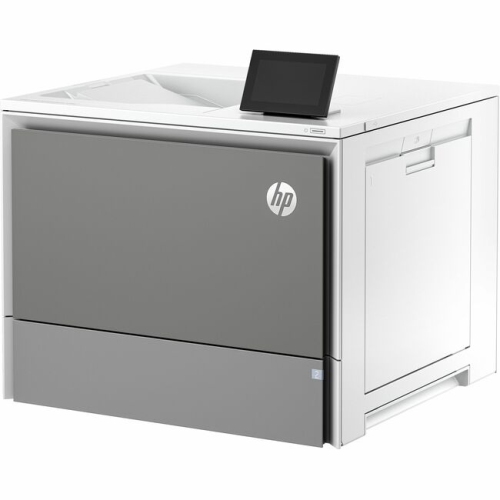
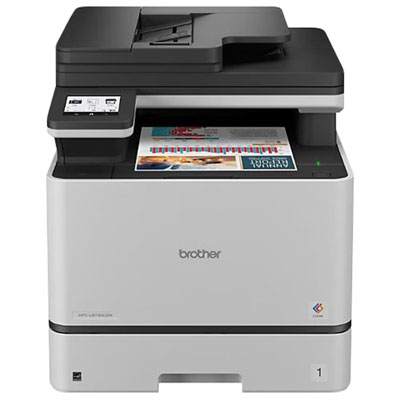
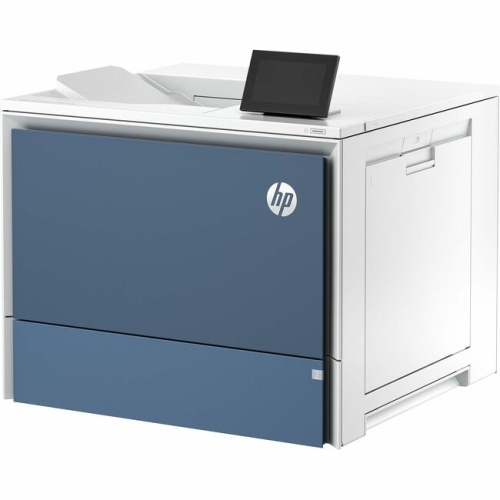
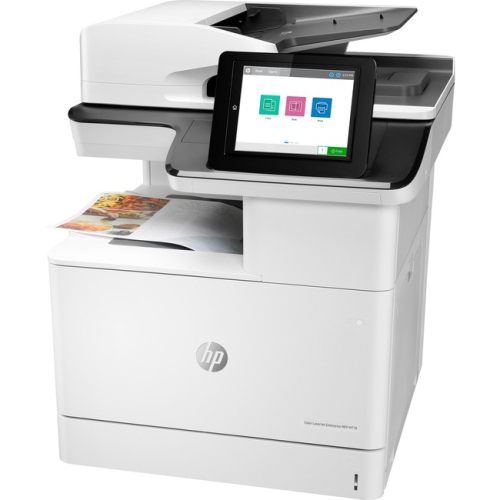

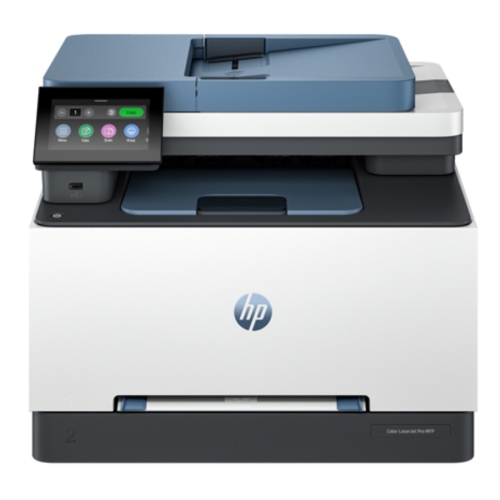
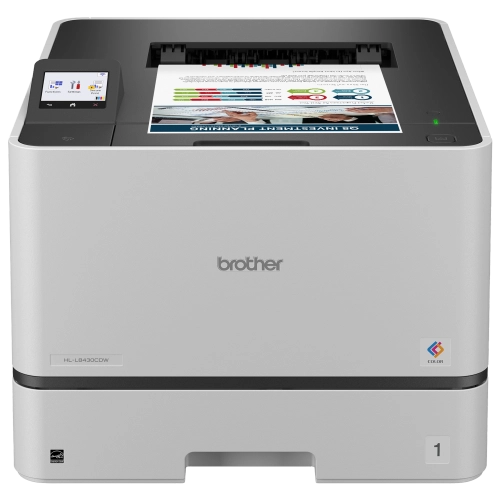
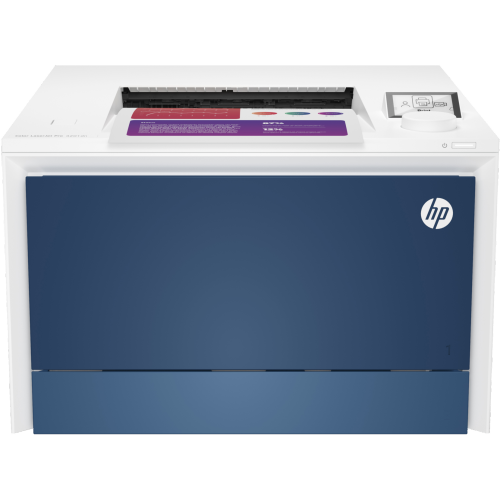
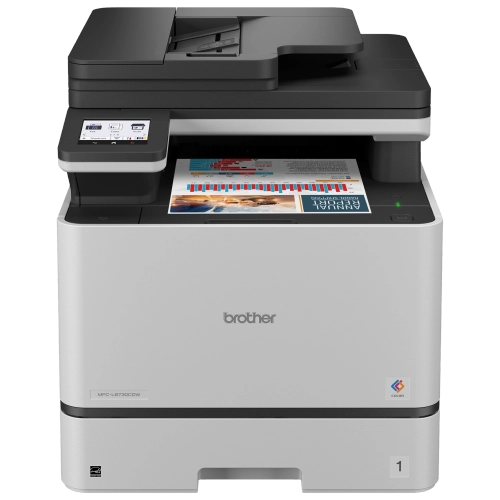
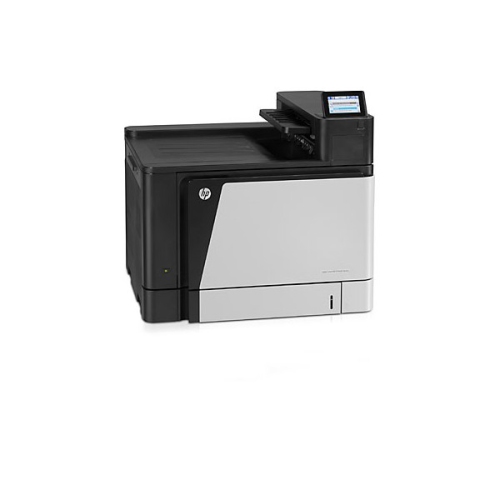
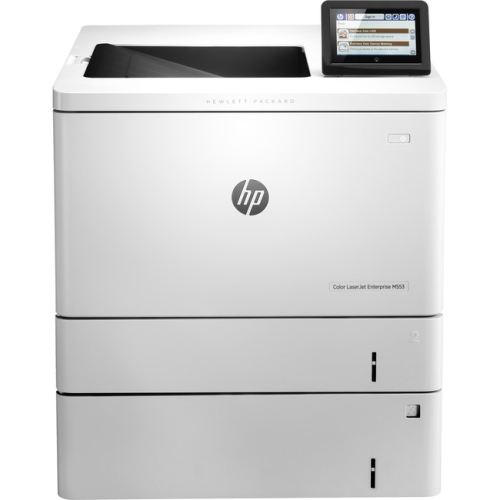

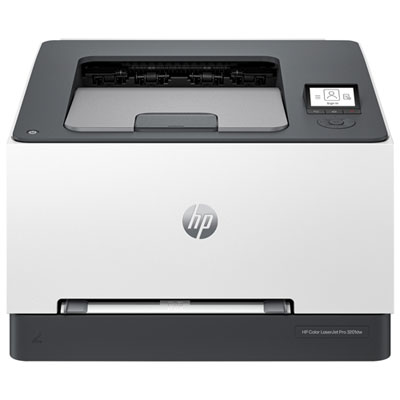
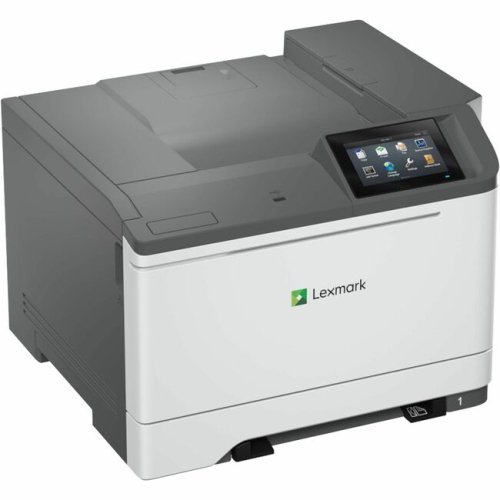
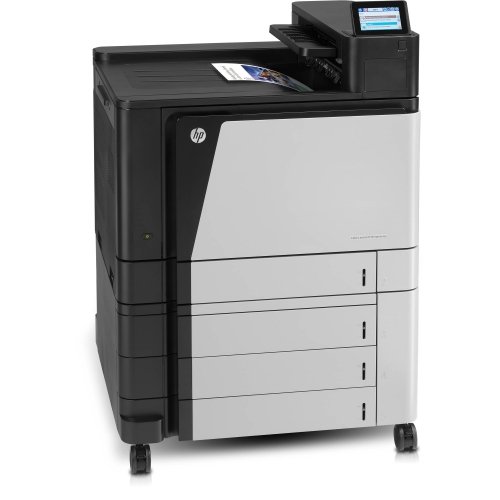
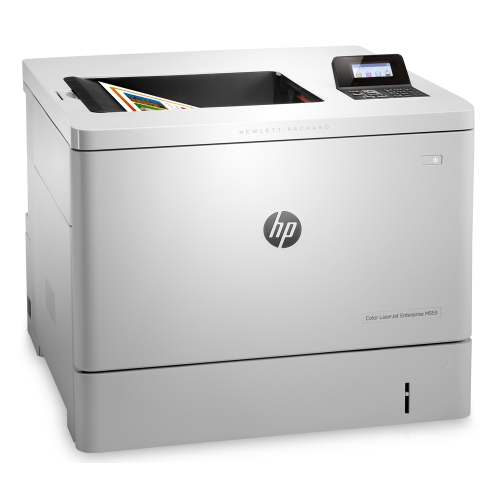
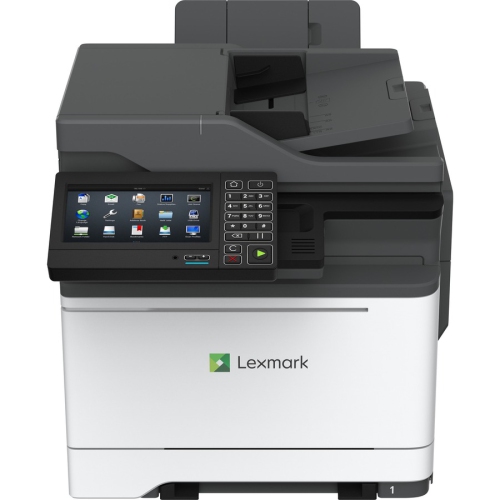

What busy offices need beyond sharp colour prints
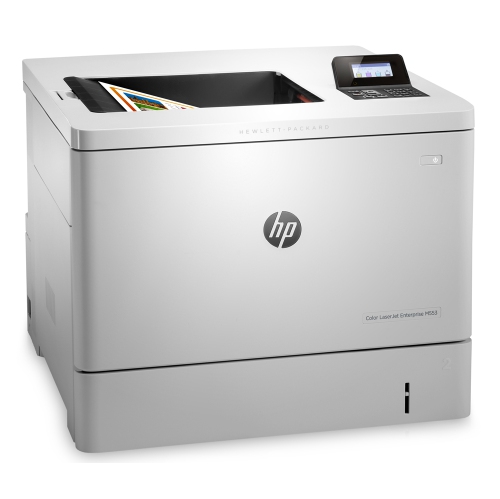
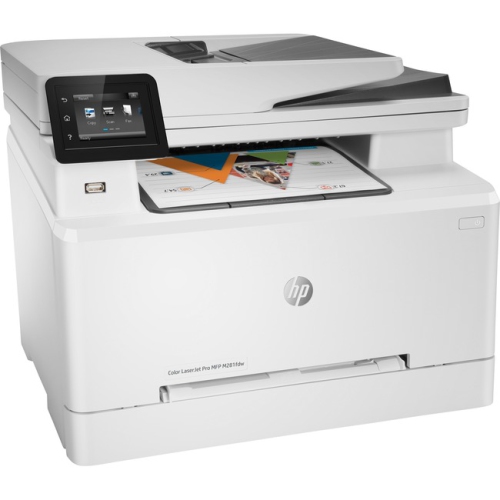
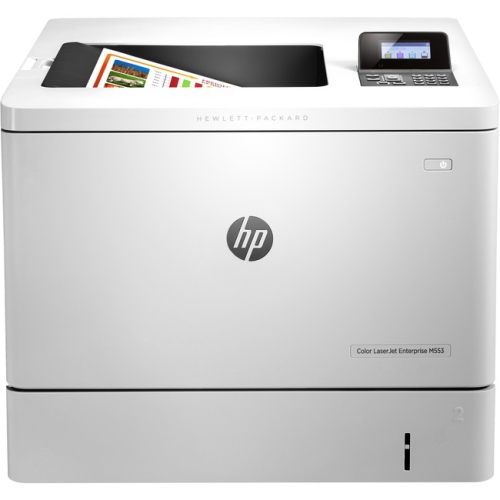
Professional colour laser printers are business-focused printers designed to produce sharp text, clear colour graphics, and consistent documents across repeated office print jobs. They use powdered toner that is transferred onto paper and bonded with heat, making them well suited to reports, presentations, invoices, training materials, and other documents that combine text with visual information. Colour can make a practical difference: separate lines on a sales chart become easier to follow, highlighted sections stand out in a proposal, and department labels are simpler to recognize at a glance. For a small business, a compact desktop printer may handle correspondence and client handouts; in a shared office, a larger workgroup printer can support several people sending longer jobs throughout the day. Print-only models focus on document output, while multifunction colour laser printers add capabilities such as scanning and copying, with faxing included on some models. This distinction matters for reception desks, administrative teams, and home offices where a signed form might need to be copied, scanned, and filed without moving between devices. Professional laser printing is particularly useful when crisp lettering, readable fine lines, and repeatable results matter more than the photographic finish associated with dedicated photo printing. Print resolution contributes to detail, but colour processing, toner formulation, paper choice, and the original file also affect the finished page. A presentation with solid colour blocks or subtle gradients can reveal differences that are less noticeable in a simple letter. Accurate brand colours may require suitable settings and a managed colour workflow rather than relying on default output alone. Within the broader category of Office Color Printers, professional laser models are a practical fit for businesses that regularly turn digital files into polished, readable documents for colleagues, clients, and customers.
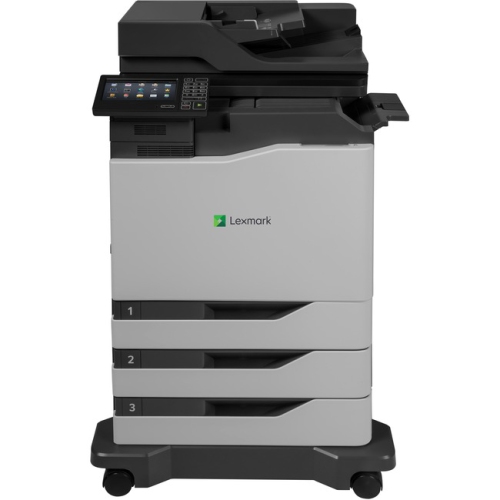
Workload and paper handling help distinguish a personal office printer from a device intended for a busy team. Pages-per-minute ratings provide a useful measure of printing speed, although colour output, two-sided printing, document complexity, and print settings can affect actual results. First-page-out time matters for someone printing a single shipping document between calls, while sustained speed becomes more noticeable when an administrator produces a stack of meeting packs. A printer’s recommended monthly print volume is generally more useful for matching everyday demand than its maximum monthly duty cycle, which describes an upper workload limit rather than a comfortable ongoing target. Input capacity also shapes the working day. Larger trays reduce interruptions during lengthy jobs, and additional trays can keep letterhead, plain paper, or another supported size separate. Automatic duplex printing handles both sides of a sheet without manual reinsertion, helping keep multi-page reports compact and neatly organized. For multifunction devices, an automatic document feeder simplifies scanning a bundle of pages, while single-pass two-sided scanning, where included, can speed up the processing of double-sided originals. Paper compatibility deserves equal attention. Letter and legal documents are common office requirements, but larger formats require a printer specifically built to handle them. Cardstock, labels, envelopes, and coated papers must fall within the supported sizes, weights, and media types; materials used in a laser printer also need to tolerate its fusing process. A multipurpose feed tray can be useful for occasional envelopes or heavier covers without disturbing the main paper supply. Physical fit extends beyond the printer’s stated width and depth. Open trays, raised scanner lids, access doors, and cartridge replacement all need clearance. A stable surface, accessible output tray, and unobstructed ventilation make daily use easier, especially in a shared workspace where several people collect documents. Sturdy paper guides and accessible feed paths are practical details that matter when a printer handles frequent use.
Connectivity, document security, and routine maintenance are central to how a professional colour laser printer fits into an office. USB can suit a dedicated workstation, Ethernet provides a wired connection for a shared network, and Wi-Fi offers placement flexibility where supported. Compatibility with the computers, mobile devices, operating systems, and business applications in use is more important than a long list of connection options. Mobile printing can be helpful for staff moving between meeting rooms, while scan-to-email or scan-to-folder functions can reduce the steps between receiving a paper document and sharing a digital copy. These functions vary by model and may depend on network configuration or administrator setup. In offices handling personnel files, financial statements, or client records, security features deserve particular attention. PIN-protected printing or authenticated release, where supported, can hold a job until its owner reaches the device instead of leaving sensitive pages in the output tray. Access controls, supported encryption, and firmware updates can also form part of an organization’s broader approach to protecting business information. Day-to-day usability is just as tangible: a clear display, understandable status messages, and easy access to trays can reduce interruptions when several people share responsibility for the printer. Toner cartridges, imaging drums, transfer components, and waste-toner containers have different replacement schedules, depending on the design. Published toner yields are based on standardized testing, so documents with large photographs, dense graphics, or heavy colour coverage can use toner faster than lightly printed pages. Keeping paper dry and flat, loading it within tray limits, and following the manufacturer’s cleaning procedures help support reliable feeding and clean output. Repeated streaks, marks, or colour shifts may call for calibration, cleaning, or attention to a replaceable component rather than a change to the document itself. For small businesses, professional practices, administrative departments, and shared home offices, the strongest fit is a printer whose output quality, workload capacity, document features, and upkeep requirements match the work it will handle every day.
Top selling and popular products
-
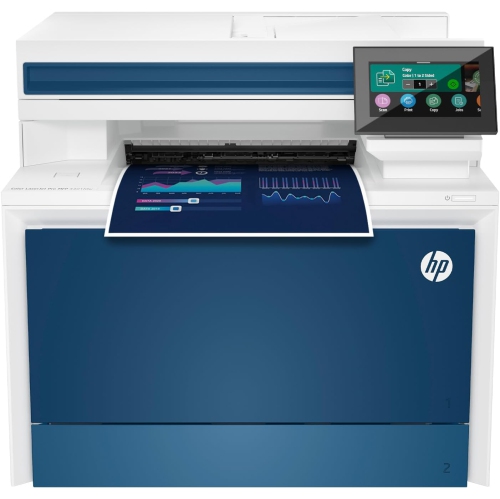 Your price for this item is $929.89
-
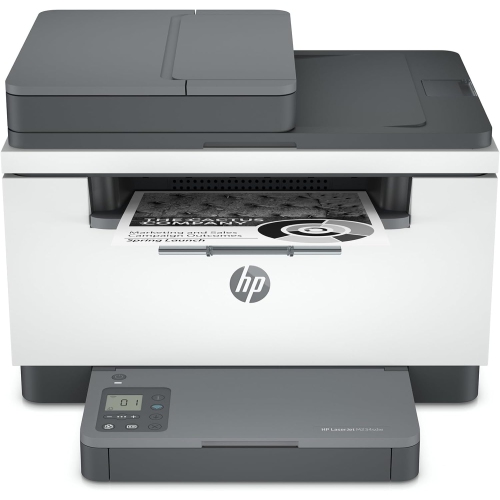 Your price for this item is $371.83
-
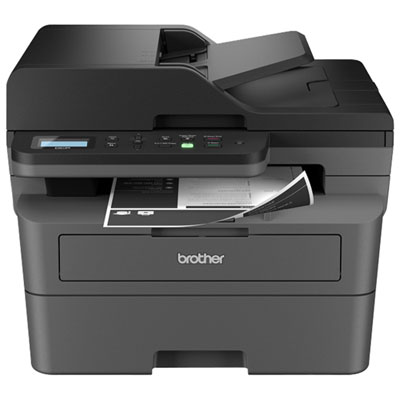 Your price for this item is $199.99
-
 Your price for this item is $599.68
-
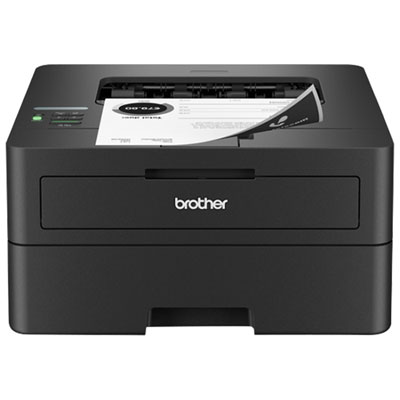 Your price for this item is $249.99
-
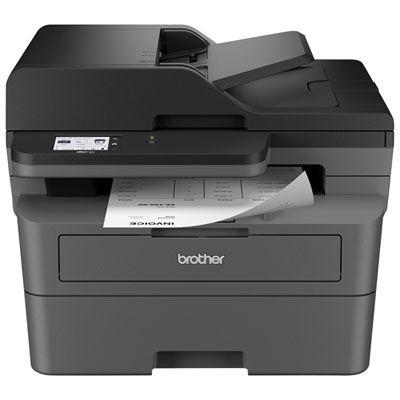 Your price for this item is $279.99
-
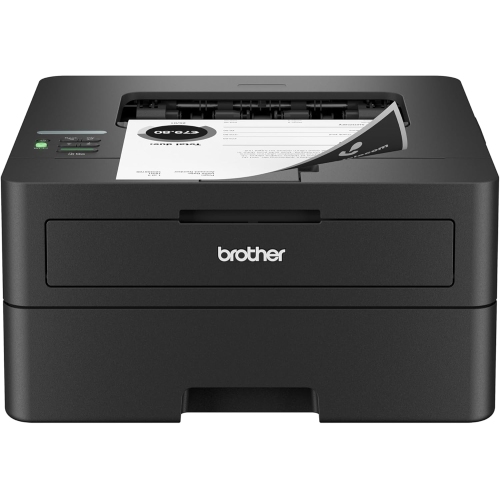 Your price for this item is $249.99
-
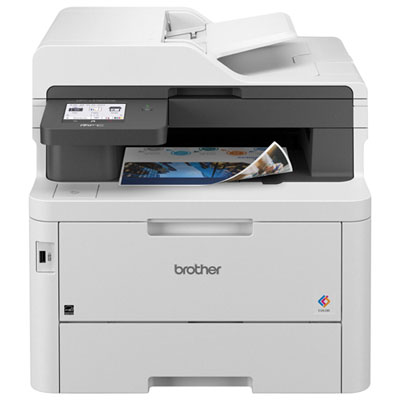 Your price for this item is $779.99
Discover more categories related to Professional Color Laser Printers
Top Collections:
Best Black Friday Deals This Year, Best Black Friday Deals On Electronics, Kindle Devices, Dyson Airwrap, Best Cameras for Sports Photography, Best Black Friday Deals On Apple Products, PS5 Pro Consoles, Portable Snow Blowers, Canon G7X Cameras, Pokémon 30th Celebration Cards
Some products may be subject to Environmental Handling Fees
(EHF) depending on your province.
Learn more about EHFs.