Office Color Printers
Office Color Printers are essential for any workplace looking to produce vibrant documents, presentations, and marketing materials. Whether you need to print reports, graphics, or everyday paperwork, these printers offer reliable performance to keep your office running smoothly. Explore a wide selection of models designed to handle the demands of a busy environment while delivering professional-quality results. Find the perfect Office Color Printer to help boost productivity and bring color to your workspace.
Sort
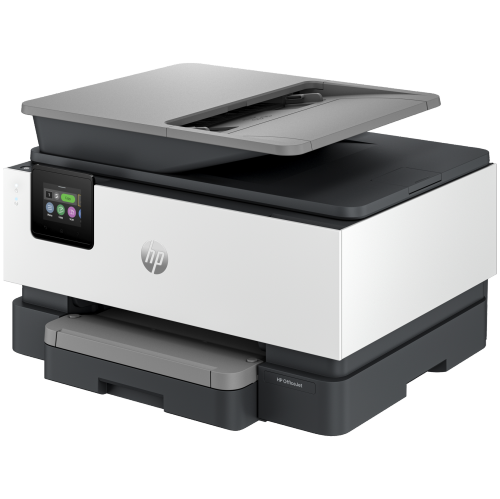
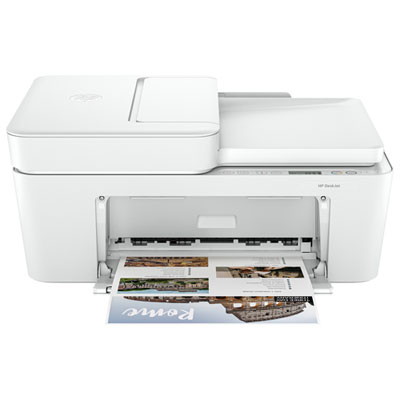
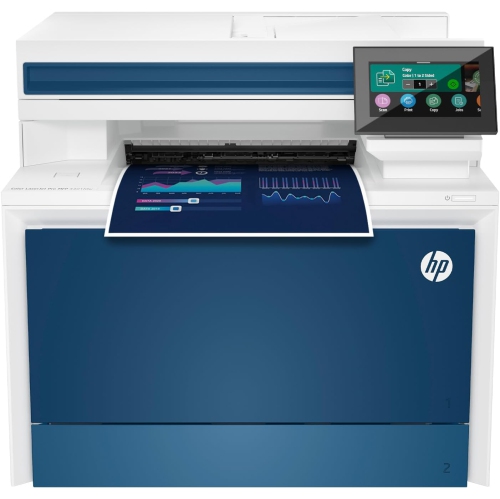
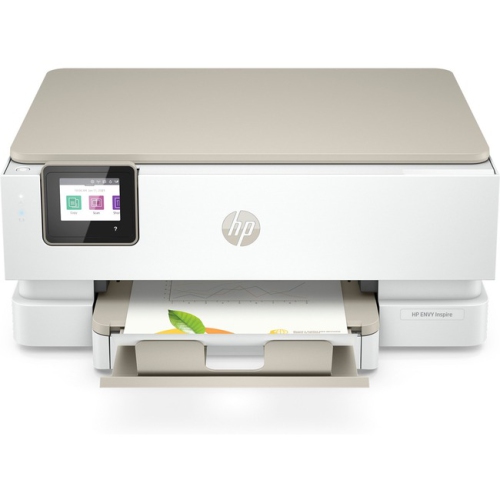
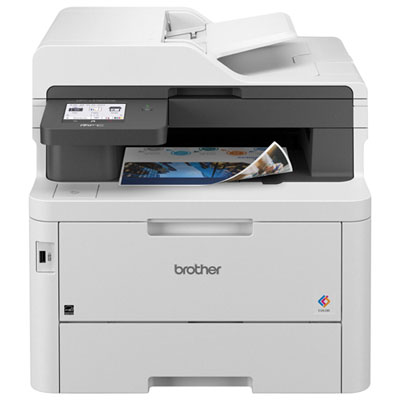
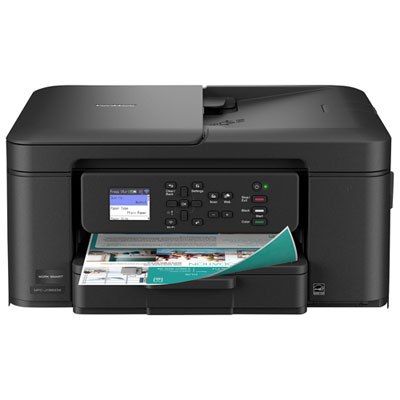
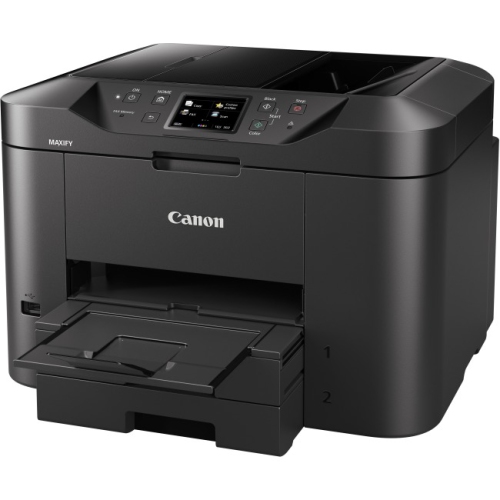
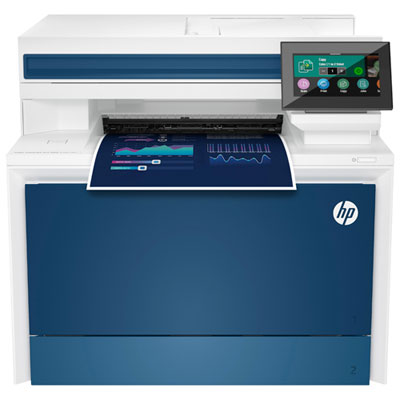
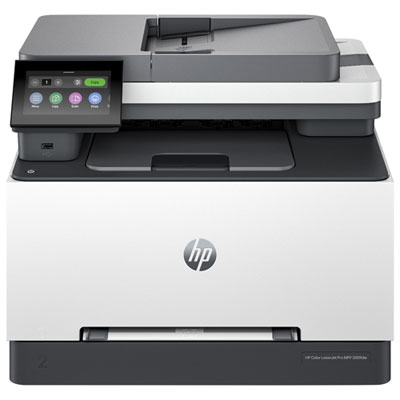
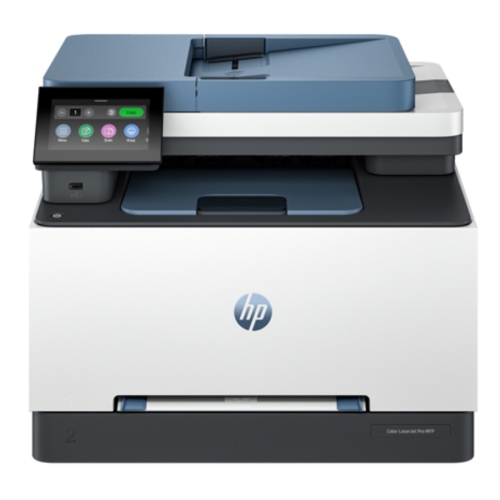
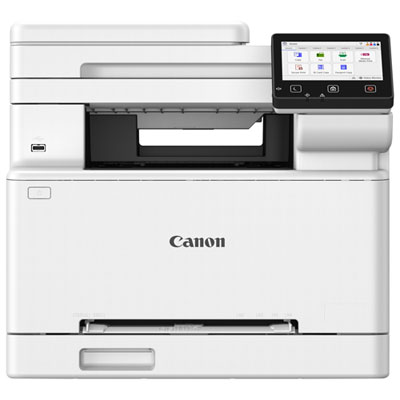
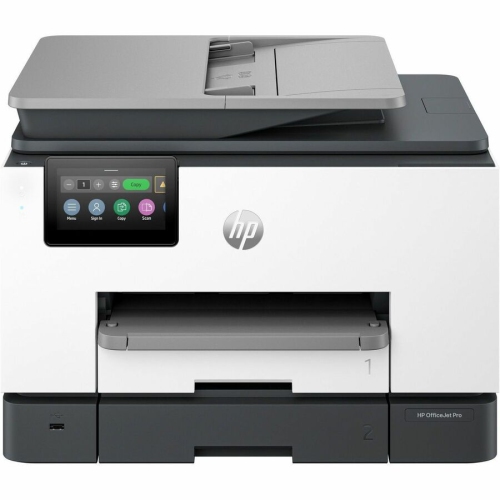
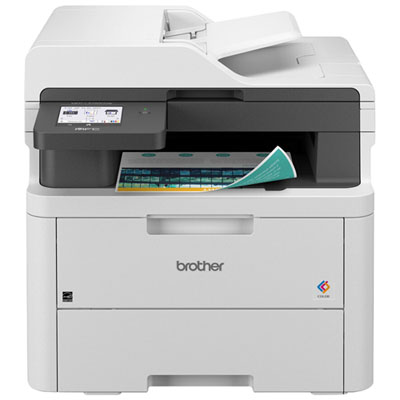
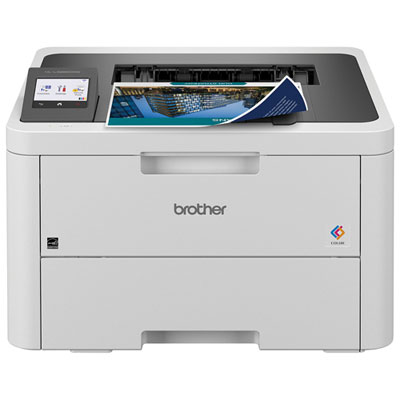
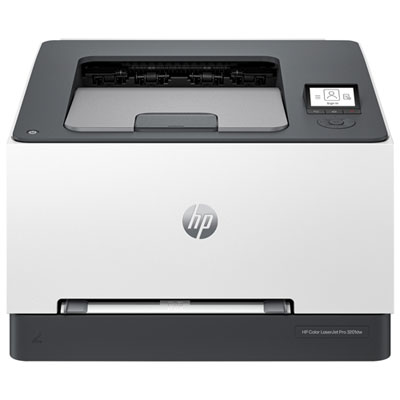
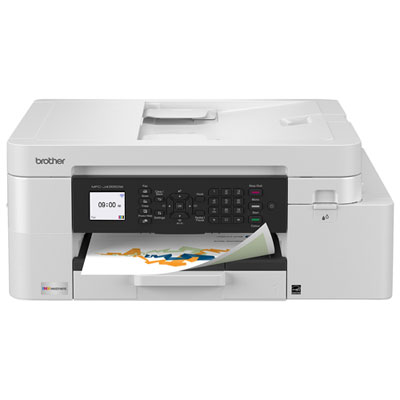
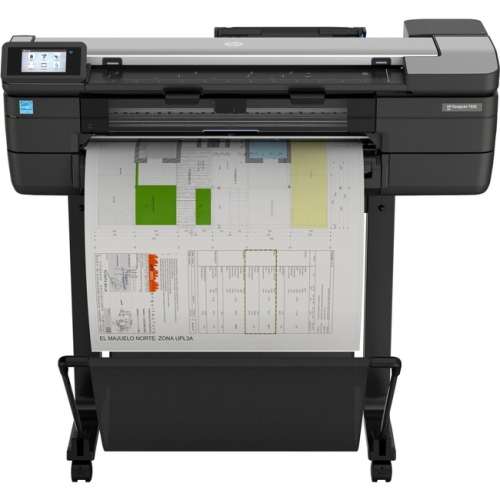
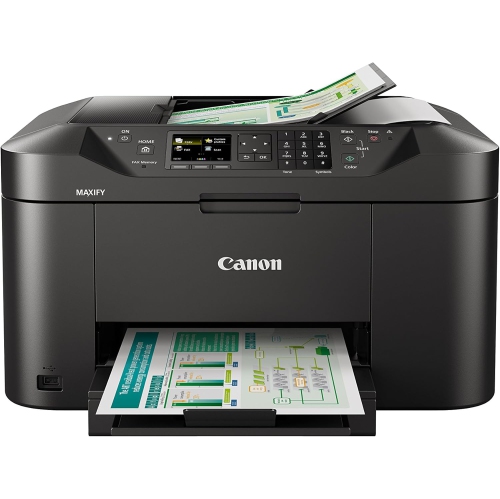
How your workload shapes the printer you need
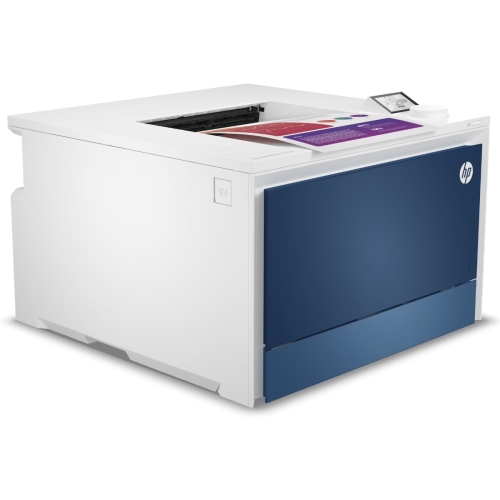
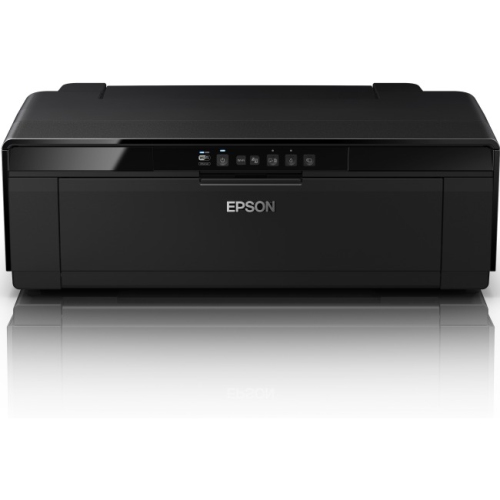
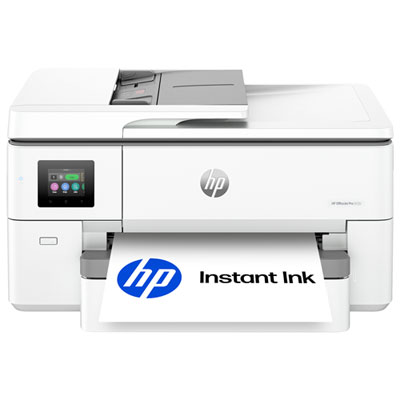
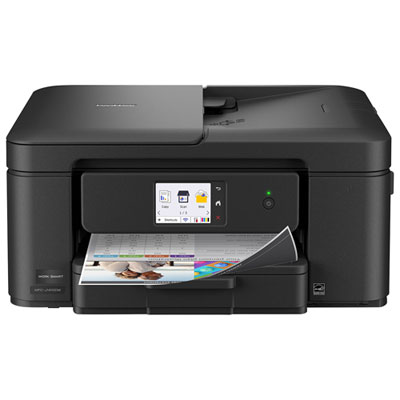
Office colour printers support everyday business printing, from sharp meeting agendas and invoices to presentations with colour-coded charts, branded handouts, and training materials. For small businesses, shared offices, and growing workgroups, the most suitable printer is one that matches both the documents being produced and the number of people sending them. Colour laser printers use toner and heat to produce text and graphics, making them well suited to recurring batches of reports, proposals, and other business documents. Office inkjet printers use liquid ink and can suit mixed workloads that include text, illustrations, and detailed images, with results depending on the printer, paper, and print settings. Refillable ink tank designs offer another format for offices with regular printing needs, while cartridge-based designs use replaceable ink cartridges. A single-function printer focuses on printing, whereas a multifunction printer combines printing with scanning and copying; some also include fax capabilities for workplaces that still use them. The distinction matters in a reception area where signed forms need to be copied, or in a small office where a contract must be scanned and sent before the next appointment. Output quality is about more than a resolution figure. Small lettering should remain readable, spreadsheet lines should be distinct, and coloured graphics should communicate information clearly without obscuring text. Paper choice also affects the finished page: everyday office paper suits internal documents, while compatible presentation paper can give client-facing material a more polished appearance. Businesses preparing brochures or image-heavy layouts may also need to check printable margins and supported media, since borderless output and heavier paper handling are not universal features. For frequent document printing, a recommended monthly print volume is generally a more useful workload reference than a maximum duty-cycle figure, which should not be treated as a normal monthly target.
A printer’s usefulness also depends on how smoothly it fits into the working day. A compact team may print only a few pages at a time, making the delay before the first page appears particularly noticeable. A larger department producing training packs or meeting documents may place more value on sustained output speed, input capacity, and an output tray that holds a full job without constant attention. Listed pages-per-minute figures are helpful for comparison, but actual performance varies with document complexity, colour settings, connection type, and whether printing is single-sided or double-sided. For workplaces that regularly need multiple copies before a meeting, fast colour printers are especially relevant to that workflow. Automatic two-sided printing keeps longer reports manageable, while a separate multipurpose tray can simplify occasional use of envelopes, labels, or letterhead when those materials are supported. An automatic document feeder is useful for scanning a stack of signed forms rather than placing each sheet on the glass. Two-sided scanning is a separate capability from two-sided printing, so offices handling double-sided paperwork benefit from checking both. A flatbed scanner remains useful for bound documents, small receipts, or originals that should not pass through a feeder. Connectivity determines how easily employees can share these functions. USB can suit a dedicated workstation, Ethernet offers a wired network connection, and Wi-Fi allows network printing without running a cable directly to the printer. Compatible mobile printing can help staff send documents from a phone or tablet, although supported apps, operating systems, and network requirements vary. In shared workplaces, features such as PIN-protected print release, user permissions, and supported security updates can help manage access to documents. A clear touchscreen or control panel also makes a practical difference when several people need to choose copy settings, check a paper mismatch, or retrieve a scan without interrupting a colleague.
Physical fit and routine care deserve as much attention as the feature list. An office colour printer needs a stable surface that can support its weight, along with enough clearance for ventilation, paper trays, lids, and access panels. Dimensions measured with trays closed may not reflect the space needed during use, particularly when a rear feed path or scanner lid is open. A shared printer beside a busy desk can also introduce operating noise and foot traffic, so placement near a convenient network connection and accessible paper storage may work better than squeezing it onto an individual desktop. Larger input trays and additional paper drawers can reduce interruptions in a busy office, especially when different paper sizes are used regularly. Letter and legal documents, envelopes, labels, and heavier presentation sheets each have their own handling requirements; supported sizes, weights, and feed paths should match the intended work. Durability depends partly on choosing equipment for the expected workload and following its maintenance requirements. Replaceable parts may include imaging drums, waste toner containers, maintenance boxes, or other components in addition to ink or toner, depending on the printing technology and design. Published supply yields are based on defined testing conditions, and pages filled with photographs or dense graphics can use more ink or toner than lightly printed text. Keeping paper dry, flat, and within the printer’s specifications helps reduce feed problems, while correctly loading trays and adjusting paper guides helps prevent skewed pages. Cleaning should follow the manufacturer’s directions, with attention to scanner glass, accessible rollers, and any prescribed maintenance routines. Inkjet printers may require printhead cleaning or other maintenance after periods without use, while laser printers have their own handling and replacement procedures. For a home-based consultant, a compact multifunction printer may bring document tasks together in one place. For an administrative team, greater paper capacity, straightforward network access, and dependable handling of repeated jobs may matter more. Matching those practical needs to the printer’s capabilities helps keep everyday paperwork moving, whether the task is a single signed agreement or a complete set of colour presentation packs.
Top selling and popular products
-
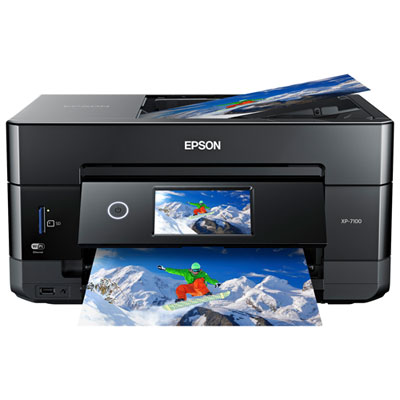 Your price for this item is $249.99
-
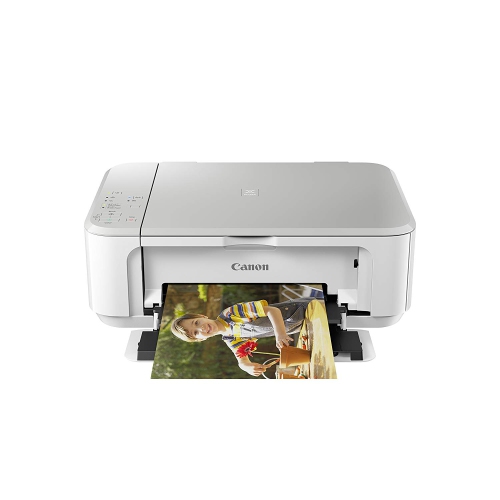 Your price for this item is $173.68
-
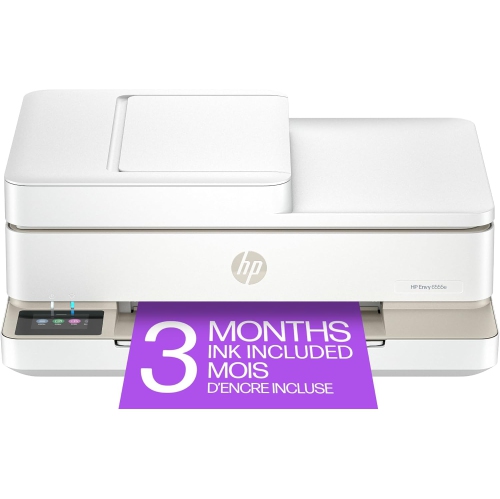 Your price for this item is $214.79
-
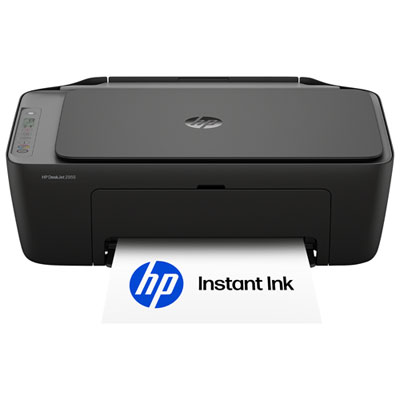 Your price for this item is $49.99
-
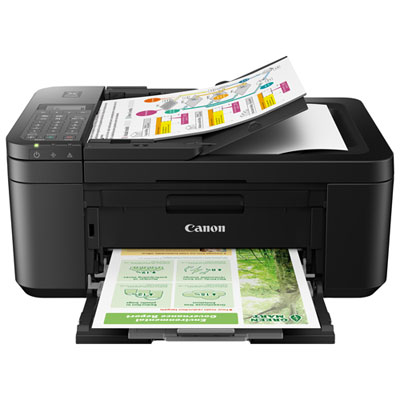 Your price for this item is $149.99
-
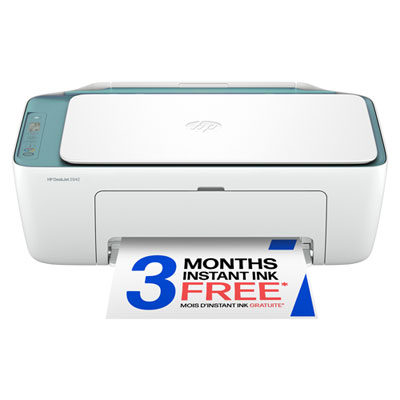 Your price for this item is $49.95
-
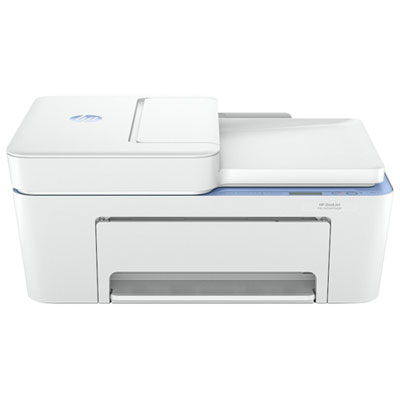 Your price for this item is $49.99
-
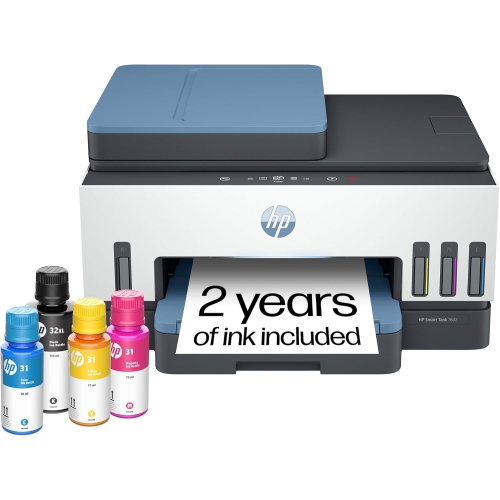 Your price for this item is $569.89
Discover more categories related to Office Color Printers
Top Collections:
Best Black Friday Deals This Year, Best Black Friday Deals On Electronics, Kindle Devices, Dyson Airwrap, Best Cameras for Sports Photography, Best Black Friday Deals On Apple Products, PS5 Pro Consoles, Portable Snow Blowers, Canon G7X Cameras, Pokémon 30th Celebration Cards
Some products may be subject to Environmental Handling Fees
(EHF) depending on your province.
Learn more about EHFs.