Professional Photo Printing With Inkjet Printers
Achieving professional photo printing with inkjet printers has never been easier or more accessible. With advancements in technology, inkjet printers are now capable of producing high-quality prints that rival those from a photo lab. Whether you're a professional photographer looking to bring your images to life or an enthusiast wanting to capture stunning memories, the right inkjet printer can make all the difference. Explore our range of options designed to meet your needs, delivering exceptional detail, vibrant colors, and long-lasting results for all your photo printing projects.
Sort
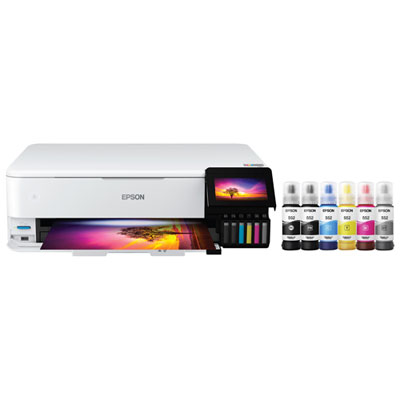
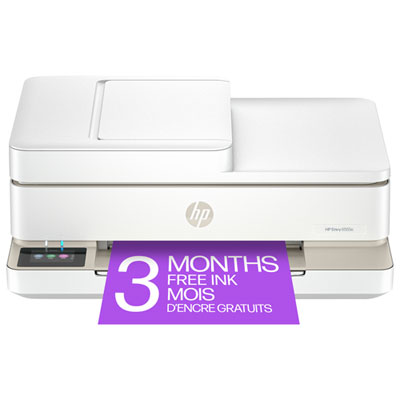
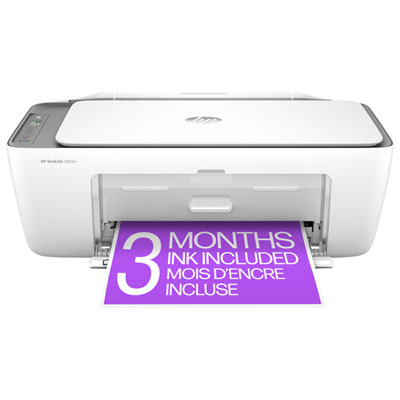
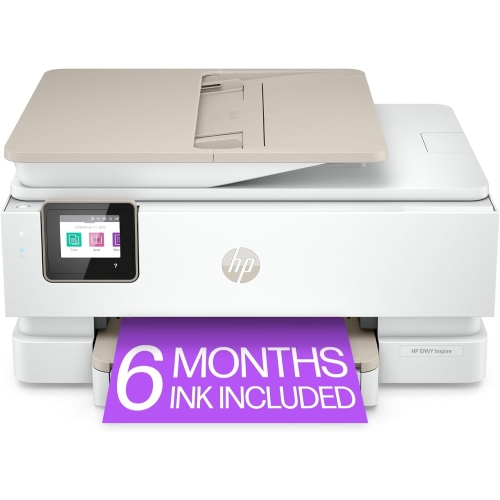
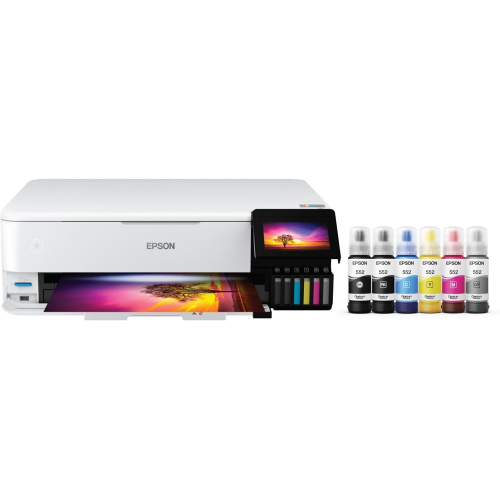
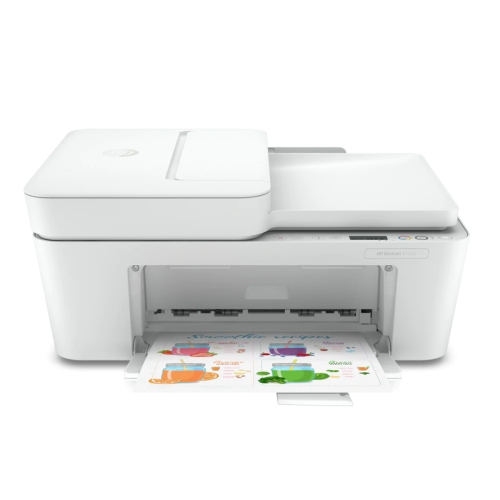
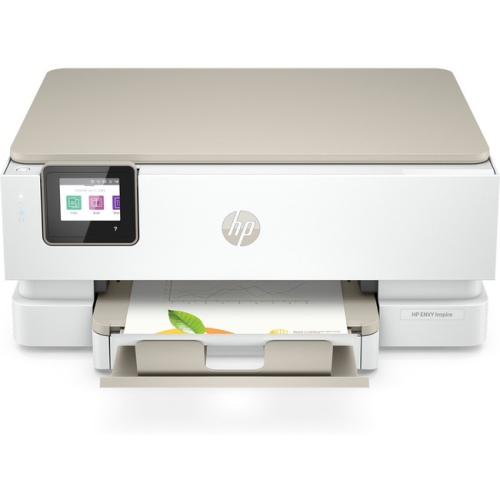
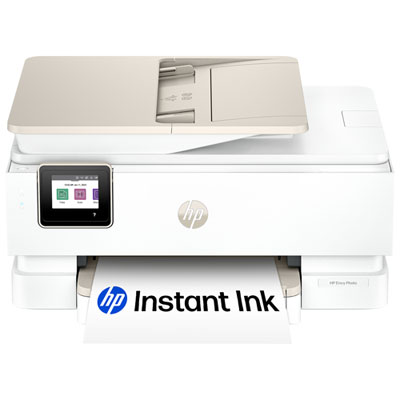
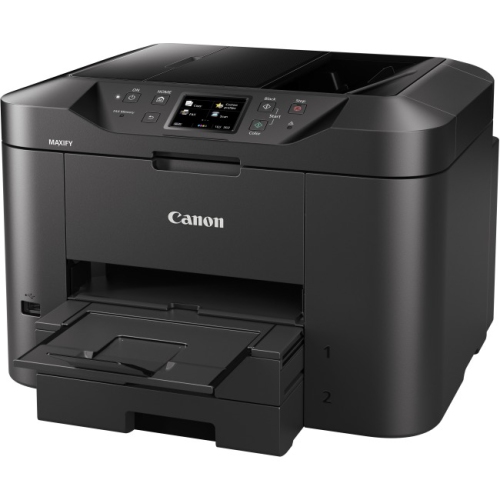
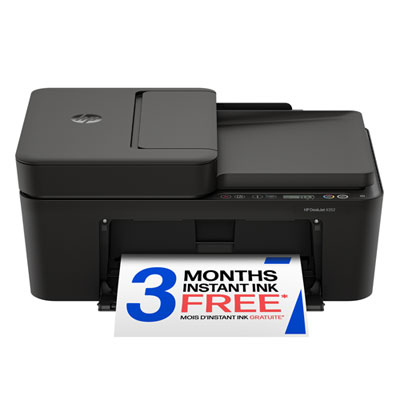
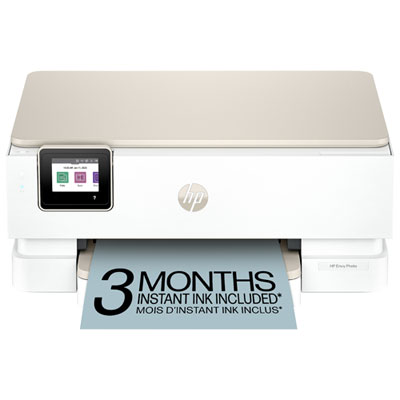
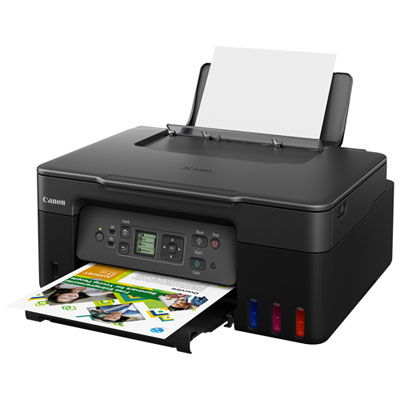
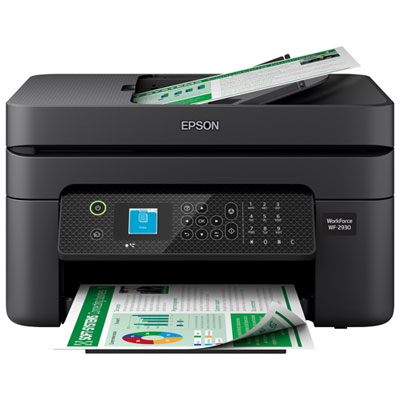
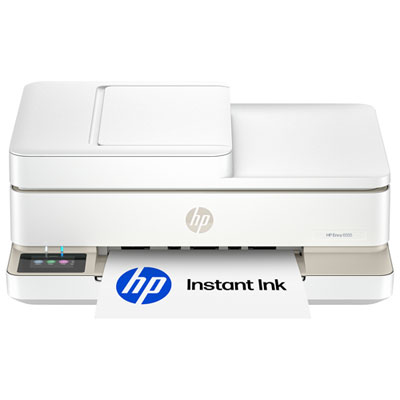
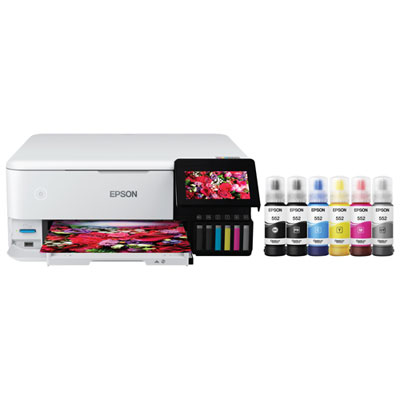
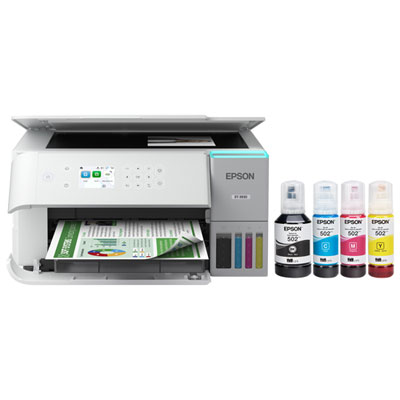
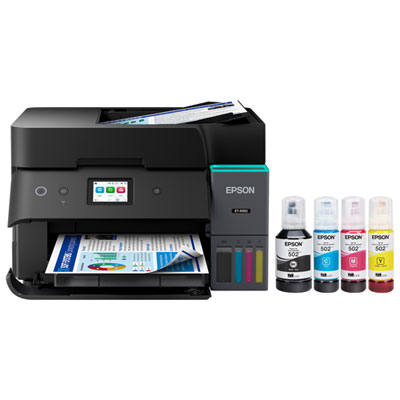
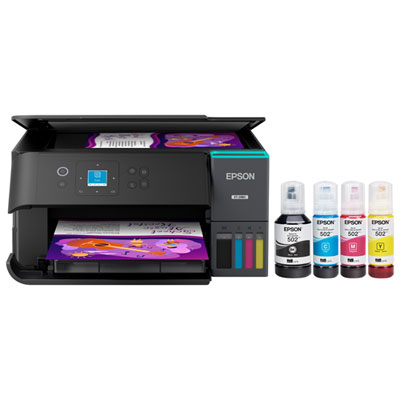
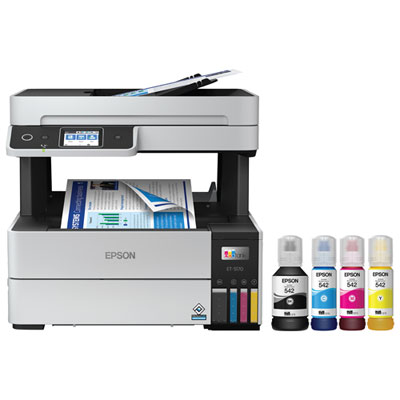
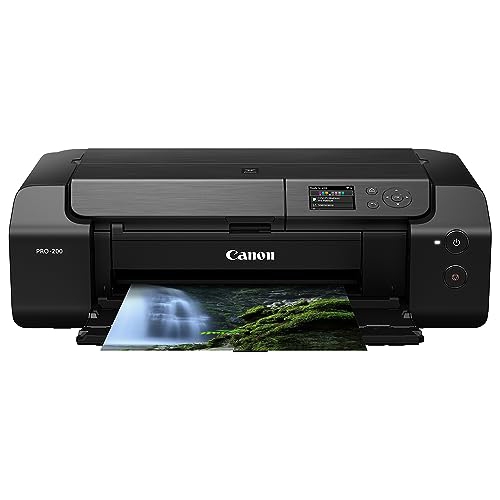
Turn carefully edited images into lasting, detailed prints
Professional photo printing with inkjet printers gives photographers, artists, designers and serious hobbyists more control over the finished image than ordering standard prints from a general service. These printers are designed to translate detailed digital files into physical photographs with rich colour, smooth tonal transitions and crisp fine detail. When comparing options, look at the printer’s maximum paper size, supported media types, ink system, connectivity and suitability for the volume of printing you expect to do. A compact model may be practical for everyday 4 x 6 inch and 8 x 10 inch prints, while a larger-format printer can be a better fit for exhibition pieces, portfolio work, framed wall art or panoramic landscapes. Professional-oriented inkjet printers often use multiple colour channels rather than relying on only the usual cyan, magenta, yellow and black cartridges. Some advanced systems include nine to eleven pigment inks, with additional shades that help produce more nuanced skin tones, subtle skies, delicate shadows and deeper blacks. Pigment inks are valued for their strong detail and longevity, particularly when paired with suitable archival paper and proper handling. Dye-based inks can also produce striking colour and a glossy, vibrant appearance, so the right choice depends on how you plan to display, store or share your prints. Before choosing a printer, consider whether you mostly create colour portraits, black-and-white photography, artwork reproductions, wedding albums, travel images or business materials. A photographer who routinely makes large gallery-style prints will likely value wide-format support, fine-art media compatibility and precise colour management, while someone preparing family portraits and occasional gifts may prefer a printer that balances professional output with straightforward operation. Exploring Professional Quality Photo Printers can help narrow the selection according to print size, features and intended use.
Paper selection has a major effect on the character of a finished photograph. Glossy and lustre papers can make bright colours appear more luminous, emphasize sharp detail and give prints a polished finish that suits colourful travel scenes, product photography and family portraits. Matte paper reduces reflections and can lend a softer, more tactile appearance to landscapes, illustrations and black-and-white images. Fine-art papers may include cotton or textured surfaces that add depth and a handcrafted quality, making them suitable for signed prints, portfolios and images intended for display. Always confirm that the paper is compatible with the printer and ink type, and select the correct media setting before printing; this allows the printer to apply the appropriate amount of ink and drying behaviour for the surface. Colour management is equally important. A calibrated monitor provides a more reliable reference for brightness, contrast and colour, helping reduce the disappointment of prints that look unexpectedly dark or have a noticeable colour cast. ICC profiles, which match a particular printer, ink and paper combination, can improve colour translation by telling editing or printing software how that combination behaves. Profiles are especially useful when switching between glossy, matte and fine-art media. For the source file, shooting in RAW preserves more image information for editing than a compressed format, which can be helpful when recovering shadow detail or adjusting highlights. Before sending an image to print, check the crop and aspect ratio, sharpen appropriately for the selected paper and export at the highest practical quality. A resolution near 300 DPI is a common target for detailed photographic prints, although the ideal setting can vary with the print size and viewing distance. Soft proofing, test strips and border previews can also help confirm the result before using a full sheet of premium paper.
These printers can become part of a flexible creative workspace at home, in a studio, classroom, small business or design office. A professional photographer may use one to review client images, make presentation prints or produce a carefully matched portfolio without waiting for outside production. An artist can print reproductions on different textures, compare colour treatments and prepare signed editions, while a designer can check how a brand colour, illustration or layout appears on a physical page. They can also be thoughtful gifts for photography students, newly established artists, scrapbookers or family members who enjoy turning digital memories into tangible keepsakes. During the warmer part of the year, outdoor photography often produces bright gardens, waterfront scenes and family gatherings that benefit from accurate colour and fine detail; during the cooler months, indoor portraits, architectural studies and monochrome projects can make good use of soft matte surfaces and rich black tones. Regardless of the season, allow prints to dry fully before stacking, framing or placing them in an album, and handle the image area by its edges to avoid fingerprints and smudges. Keep paper in its original packaging until needed, store cartridges according to the manufacturer’s instructions and use a clean, stable surface for the printer. Dedicated print-layout software or compatible plug-ins can simplify borders, contact sheets, multi-image pages and precise placement, while the printer’s own driver may provide controls for colour handling, paper type and print quality. The best setup is one that suits both the images and the way they will be enjoyed: a dependable workflow, carefully chosen paper and consistent colour settings can turn a digital file into a portrait for the mantel, a finely textured art print, a professional portfolio page or a meaningful gift that can be held and revisited.
Paper selection has a major effect on the character of a finished photograph. Glossy and lustre papers can make bright colours appear more luminous, emphasize sharp detail and give prints a polished finish that suits colourful travel scenes, product photography and family portraits. Matte paper reduces reflections and can lend a softer, more tactile appearance to landscapes, illustrations and black-and-white images. Fine-art papers may include cotton or textured surfaces that add depth and a handcrafted quality, making them suitable for signed prints, portfolios and images intended for display. Always confirm that the paper is compatible with the printer and ink type, and select the correct media setting before printing; this allows the printer to apply the appropriate amount of ink and drying behaviour for the surface. Colour management is equally important. A calibrated monitor provides a more reliable reference for brightness, contrast and colour, helping reduce the disappointment of prints that look unexpectedly dark or have a noticeable colour cast. ICC profiles, which match a particular printer, ink and paper combination, can improve colour translation by telling editing or printing software how that combination behaves. Profiles are especially useful when switching between glossy, matte and fine-art media. For the source file, shooting in RAW preserves more image information for editing than a compressed format, which can be helpful when recovering shadow detail or adjusting highlights. Before sending an image to print, check the crop and aspect ratio, sharpen appropriately for the selected paper and export at the highest practical quality. A resolution near 300 DPI is a common target for detailed photographic prints, although the ideal setting can vary with the print size and viewing distance. Soft proofing, test strips and border previews can also help confirm the result before using a full sheet of premium paper.
These printers can become part of a flexible creative workspace at home, in a studio, classroom, small business or design office. A professional photographer may use one to review client images, make presentation prints or produce a carefully matched portfolio without waiting for outside production. An artist can print reproductions on different textures, compare colour treatments and prepare signed editions, while a designer can check how a brand colour, illustration or layout appears on a physical page. They can also be thoughtful gifts for photography students, newly established artists, scrapbookers or family members who enjoy turning digital memories into tangible keepsakes. During the warmer part of the year, outdoor photography often produces bright gardens, waterfront scenes and family gatherings that benefit from accurate colour and fine detail; during the cooler months, indoor portraits, architectural studies and monochrome projects can make good use of soft matte surfaces and rich black tones. Regardless of the season, allow prints to dry fully before stacking, framing or placing them in an album, and handle the image area by its edges to avoid fingerprints and smudges. Keep paper in its original packaging until needed, store cartridges according to the manufacturer’s instructions and use a clean, stable surface for the printer. Dedicated print-layout software or compatible plug-ins can simplify borders, contact sheets, multi-image pages and precise placement, while the printer’s own driver may provide controls for colour handling, paper type and print quality. The best setup is one that suits both the images and the way they will be enjoyed: a dependable workflow, carefully chosen paper and consistent colour settings can turn a digital file into a portrait for the mantel, a finely textured art print, a professional portfolio page or a meaningful gift that can be held and revisited.
Top selling and popular products
-
 Your price for this item is $249.99
 -
 Your price for this item is $173.68
 -
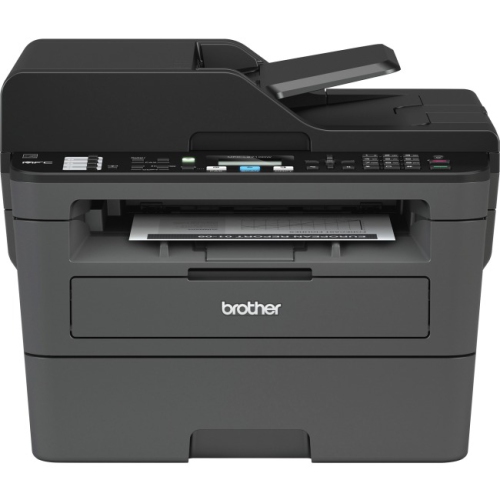 Your price for this item is $309.47
 -
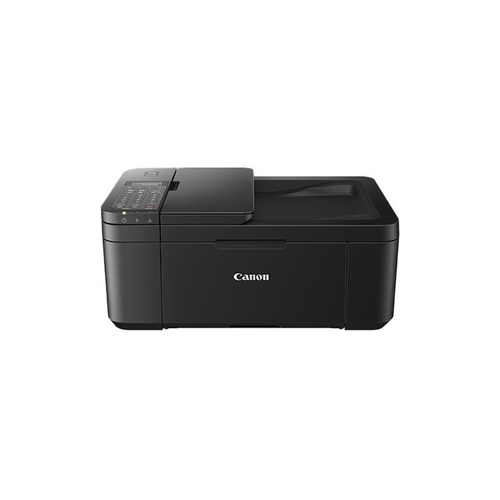 Your price for this item is $247.92
 -
 Your price for this item is $79.99
 -
 Your price for this item is $214.99
 -
 Your price for this item is $199.99
 -
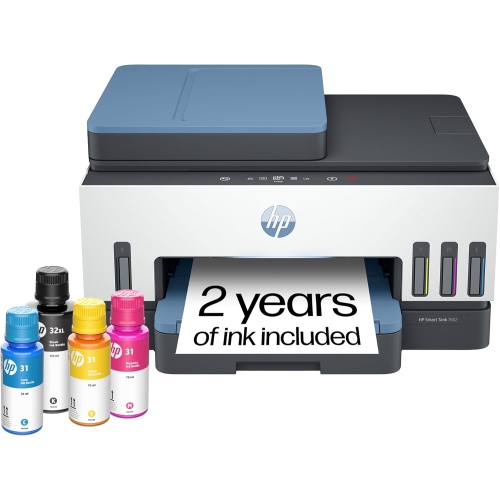 Your price for this item is $569.89
Discover more categories related to Professional Photo Printing With Inkjet Printers

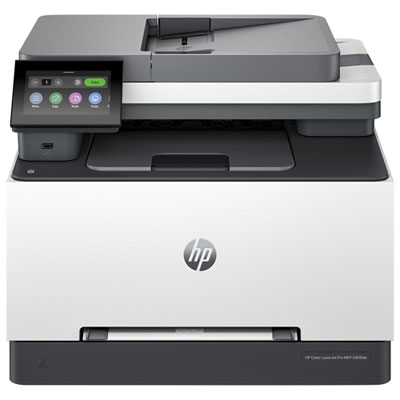
Top Collections:
Pokemon Centers, Kindle Devices, Best Budget Office Chairs, Apple iPhones 16, Best Laptops for Writers, iPhone 15 Apple, Canon G7X Cameras, Refurbished Apple Laptops, Alarm Clock, Motorola Razr Phones
Some products may be subject to Environmental Handling Fees
(EHF) depending on your province.
Learn more about EHFs.