Ps 4 Ethernet Cables
Upgrade your gaming experience with PS4 Ethernet cables, designed to deliver a stable and reliable connection for all your online adventures. Whether you're diving into multiplayer battles or streaming your favorite games, these cables ensure you stay connected without interruption. With PS4 Ethernet cables, enjoy seamless data transfer that enhances your console's performance, helping you achieve peak gameplay efficiency. Discover the perfect cable to meet your gaming needs and keep lag at bay, ensuring every session is smooth and responsive.
Sort
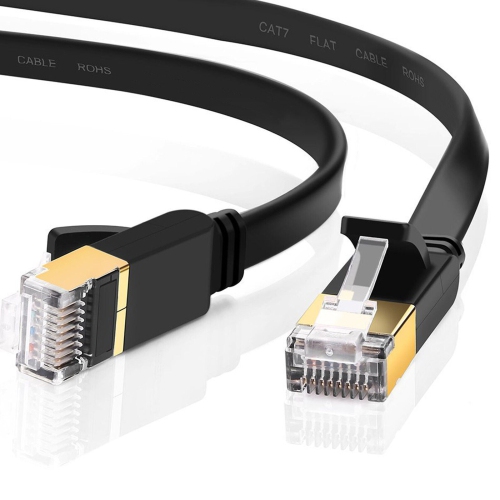
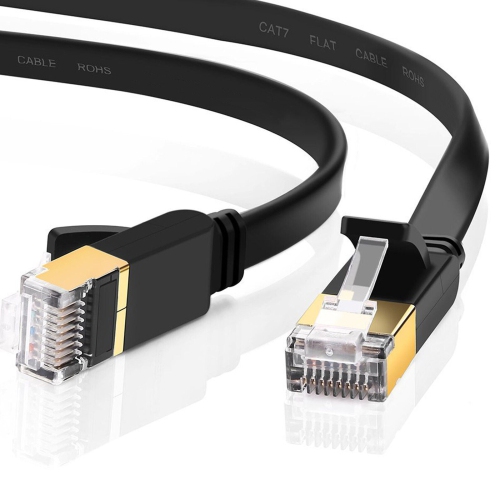
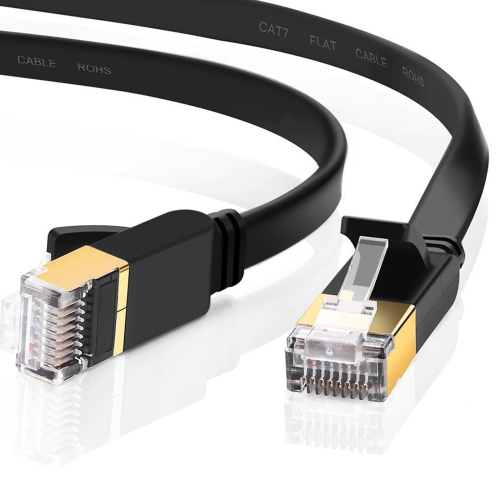
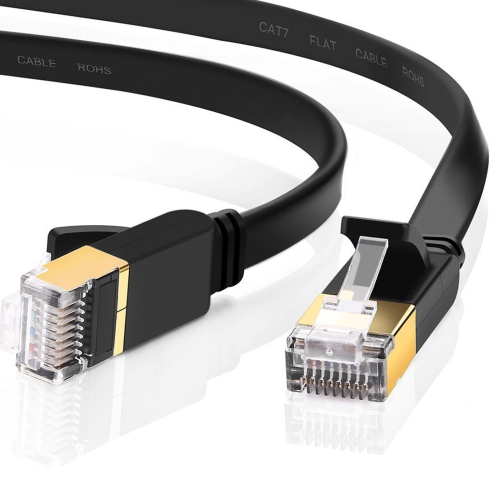
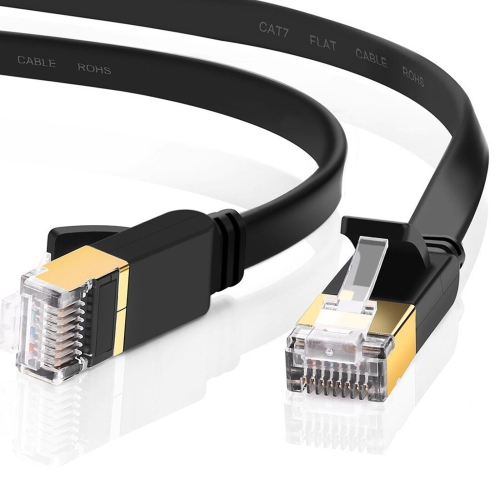

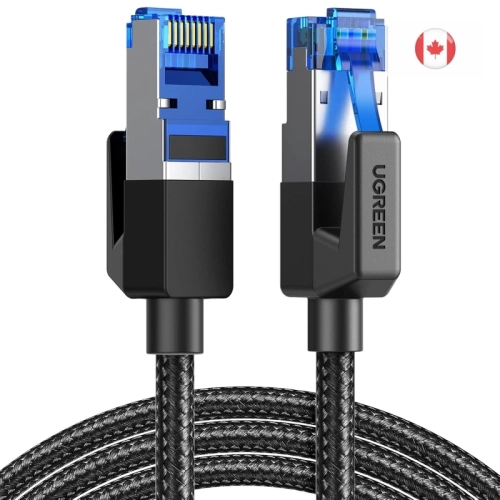
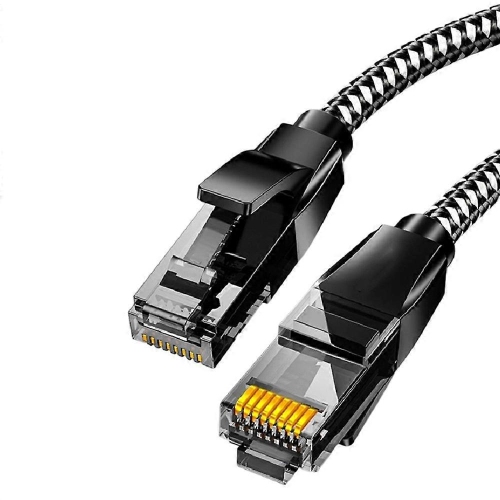
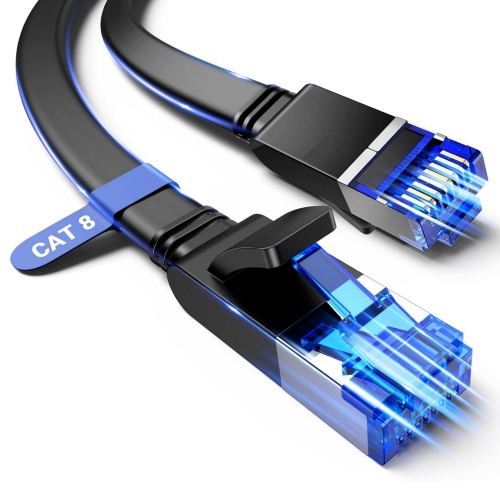
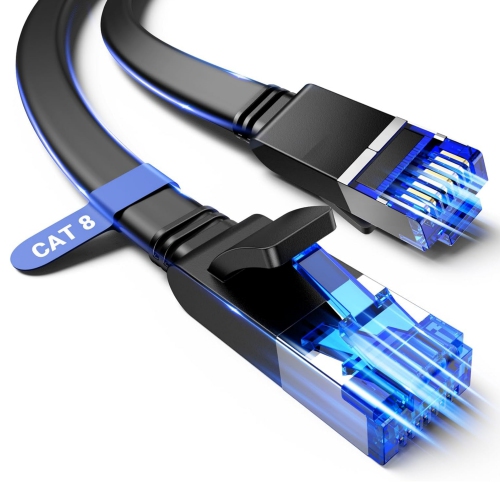
A wired connection for smoother PS4 gaming and streaming
When it comes to getting the best online experience on a PS4, using a dedicated Ethernet cable can make all the difference, especially for those who value reliable connectivity. Unlike Wi-Fi, which can be affected by walls, interference, or other devices in the home, a wired Ethernet connection delivers a direct line from your router to your console. This is especially helpful for gamers who want to minimize lag during competitive multiplayer matches, streamers who need steady bandwidth for high-quality gameplay broadcasts, or anyone downloading large game files and updates. Whether you’re setting up a gaming station in a cozy basement for late-night sessions with friends or helping a family member optimize their entertainment setup in the living room, a quality Ethernet cable can be a thoughtful gift for anyone who loves gaming or wants to get the most out of their PS4 system.
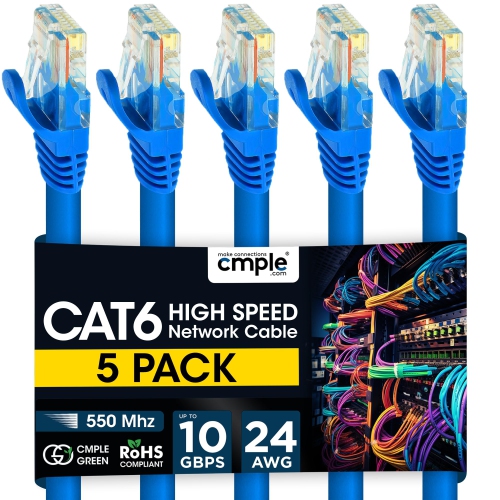
Selecting the right Ethernet cable for a PS4 is all about matching your needs and your internet service. Most users will find that Cat5e or Cat6 cables are more than sufficient, offering fast speeds and stable connections for both casual and competitive play. Cat6 cables, in particular, are designed to handle higher speeds and more bandwidth, which can be a great advantage if you have a high-speed internet plan or share your connection with others in the household. Installation is usually straightforward: simply connect one end of the cable to your router and the other to the Ethernet port on the back of your PS4. From there, you can navigate to Settings, select Network, and use the “Set Up Internet Connection” option to configure your system to use a LAN cable. This simple upgrade can help reduce buffering during streaming, lower latency in online matches, and speed up downloads, making it a must-have for anyone looking to enhance their gaming experience as the days grow longer or as cooler weather brings more time spent indoors.
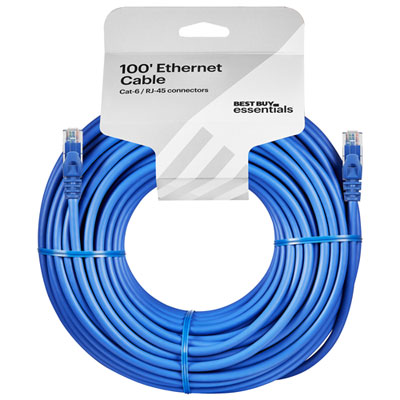
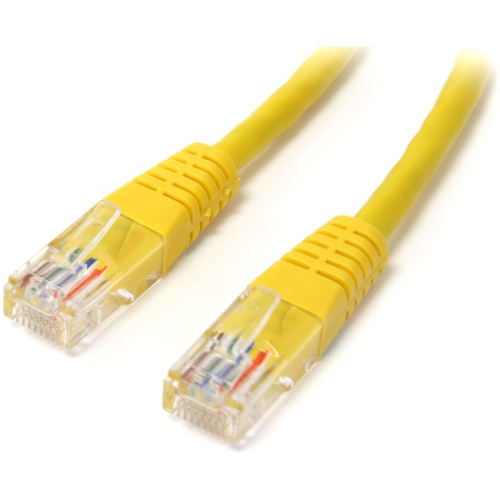
Ethernet cables also come in a variety of lengths and colours, making it easy to find a cable that fits your space and style. Longer cables can be routed along baseboards or tucked behind furniture, ensuring your gaming area stays tidy and organized. For those who prefer a pop of colour or need to keep cables organized in a multi-device setup, options like Yellow Ethernet Cables can help differentiate connections at a glance. Whether you’re upgrading your own setup, helping a student get ready for the new school year, or surprising a gamer with a practical accessory, an Ethernet cable is a versatile addition to any home. With the right cable, you can count on a stable, high-speed connection for gaming, streaming, and downloading all season long.
Selecting the right Ethernet cable for a PS4 is all about matching your needs and your internet service. Most users will find that Cat5e or Cat6 cables are more than sufficient, offering fast speeds and stable connections for both casual and competitive play. Cat6 cables, in particular, are designed to handle higher speeds and more bandwidth, which can be a great advantage if you have a high-speed internet plan or share your connection with others in the household. Installation is usually straightforward: simply connect one end of the cable to your router and the other to the Ethernet port on the back of your PS4. From there, you can navigate to Settings, select Network, and use the “Set Up Internet Connection” option to configure your system to use a LAN cable. This simple upgrade can help reduce buffering during streaming, lower latency in online matches, and speed up downloads, making it a must-have for anyone looking to enhance their gaming experience as the days grow longer or as cooler weather brings more time spent indoors.
Ethernet cables also come in a variety of lengths and colours, making it easy to find a cable that fits your space and style. Longer cables can be routed along baseboards or tucked behind furniture, ensuring your gaming area stays tidy and organized. For those who prefer a pop of colour or need to keep cables organized in a multi-device setup, options like Yellow Ethernet Cables can help differentiate connections at a glance. Whether you’re upgrading your own setup, helping a student get ready for the new school year, or surprising a gamer with a practical accessory, an Ethernet cable is a versatile addition to any home. With the right cable, you can count on a stable, high-speed connection for gaming, streaming, and downloading all season long.
Top selling and popular products
-
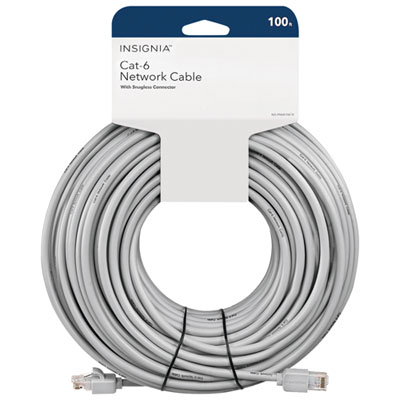 Your price for this item is $49.95
 -
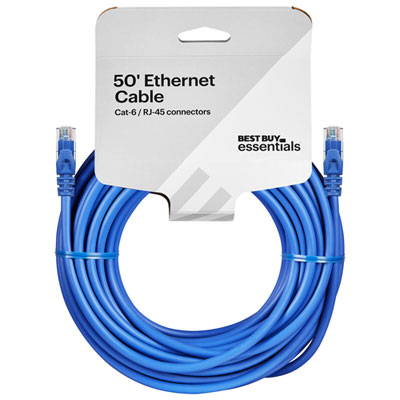 Your price for this item is $24.99
 -
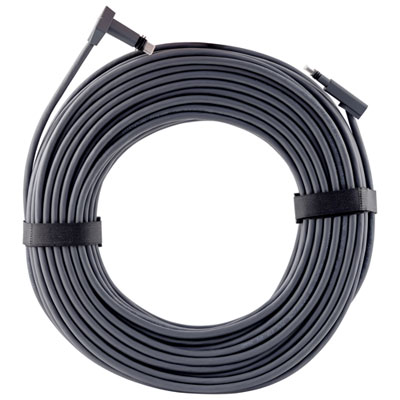 Your price for this item is $164.99
 -
 Your price for this item is $31.37
 -
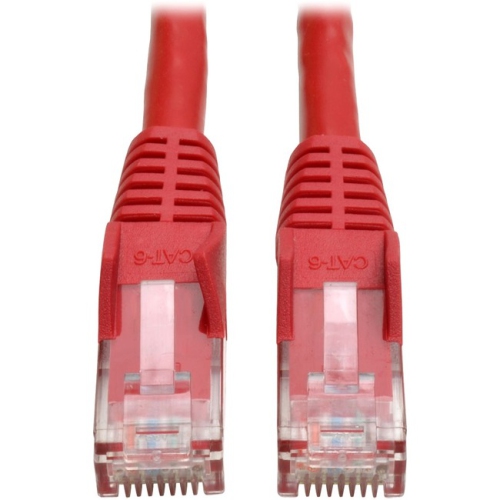 Your price for this item is $79.68
 -
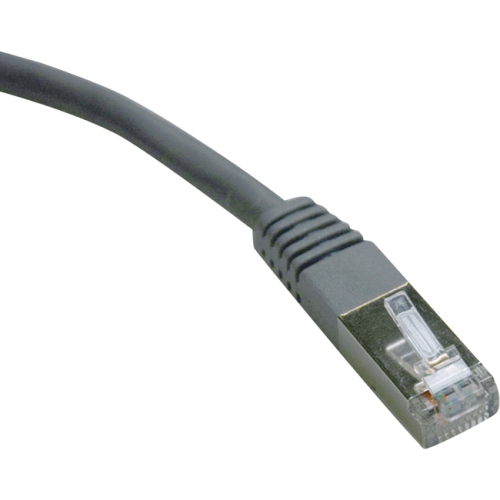 Your price for this item is $57.68
 -
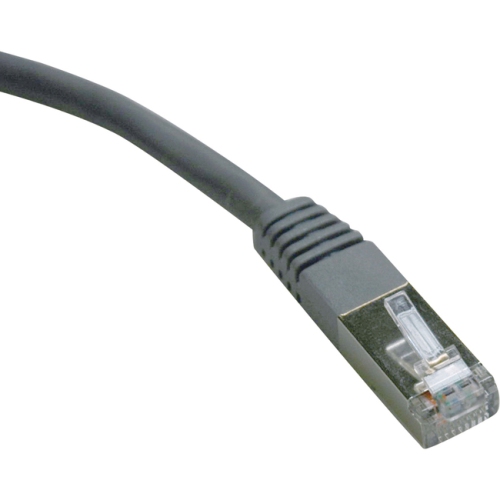 Your price for this item is $50.99
 -
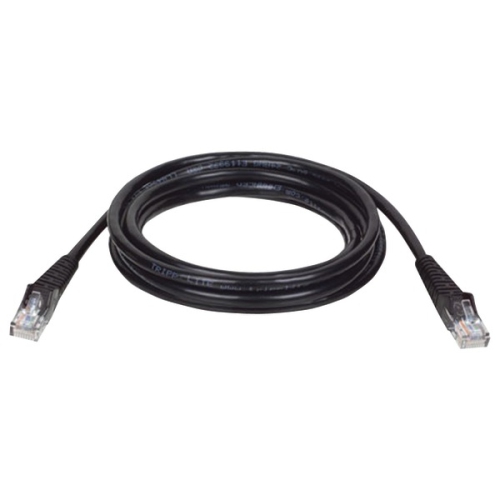 Your price for this item is $57.68
Discover more categories related to Ps 4 Ethernet Cables
Top Collections:
Pokemon Centers, Best Cameras for Sports Photography, Kindle Devices, Samsung Galaxy Phones, Canon G7X Cameras, Pokémon 30th Celebration Cards, Refurbished Apple Laptops, iPhone 15 Apple, Laptops for Students, Budget Smartphones
Some products may be subject to Environmental Handling Fees
(EHF) depending on your province.
Learn more about EHFs.