LAN Cables for PS5
Elevate your gaming experience with the perfect LAN cable for PS5, designed to ensure a stable and fast internet connection for uninterrupted gameplay. Whether you're diving into intense multiplayer battles or streaming your favorite titles, a reliable LAN cable can make all the difference in reducing lag and enhancing performance. Explore a variety of options tailored to meet the demands of your PlayStation 5, offering durability and speed to keep you at the top of your game. Discover how the right LAN cable can transform your gaming setup and keep you connected when it matters most.
Sort
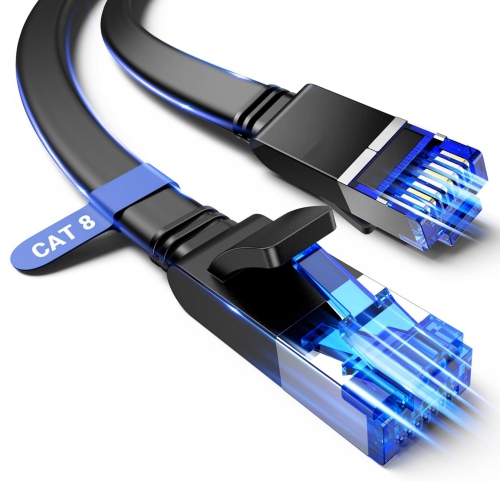
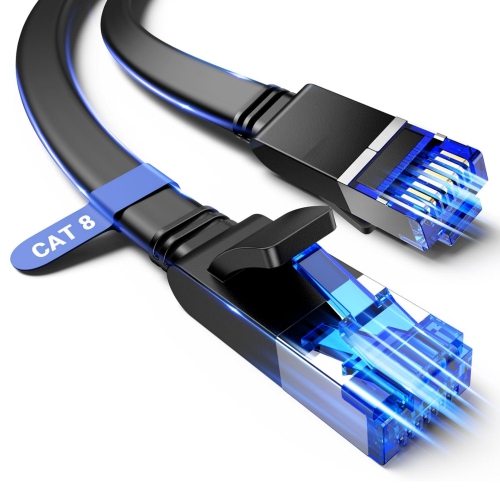
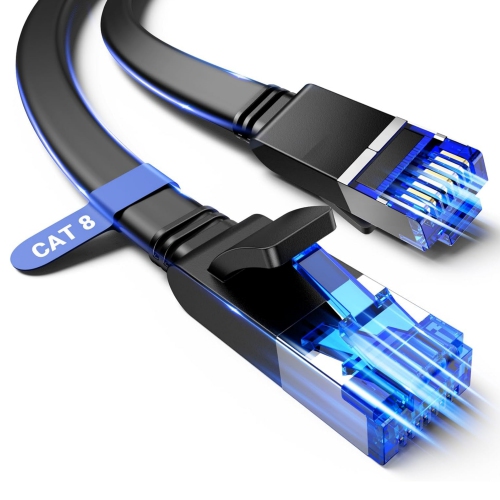
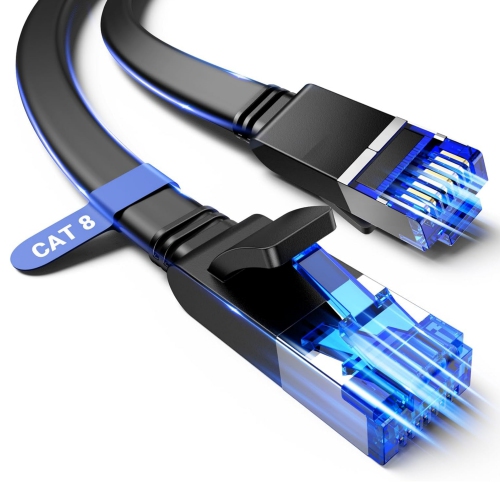
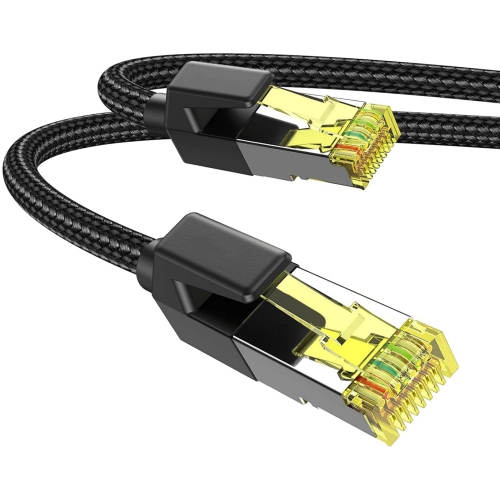
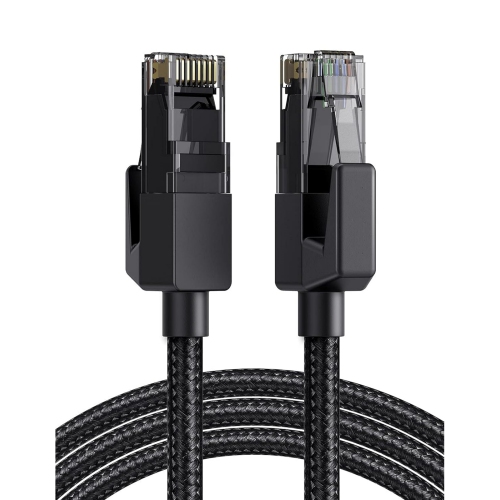
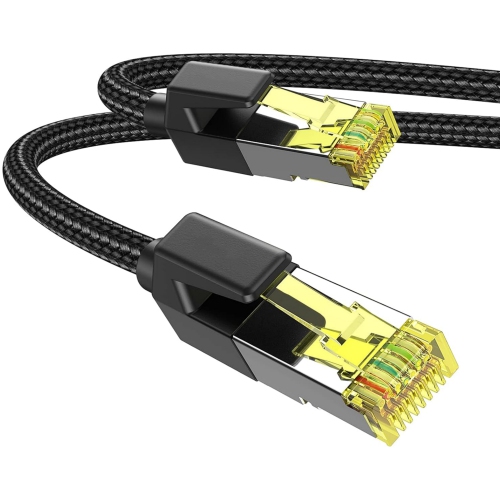
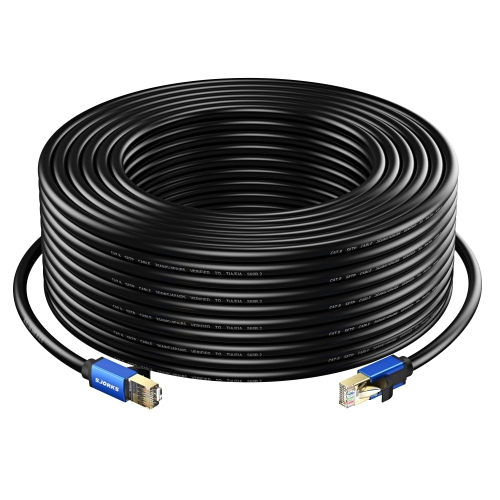
A steadier wired connection for multiplayer and downloads
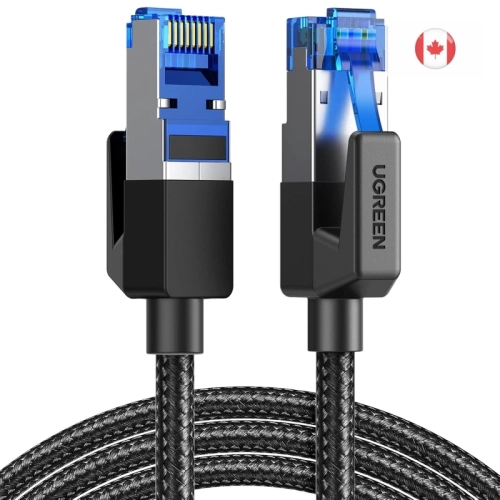
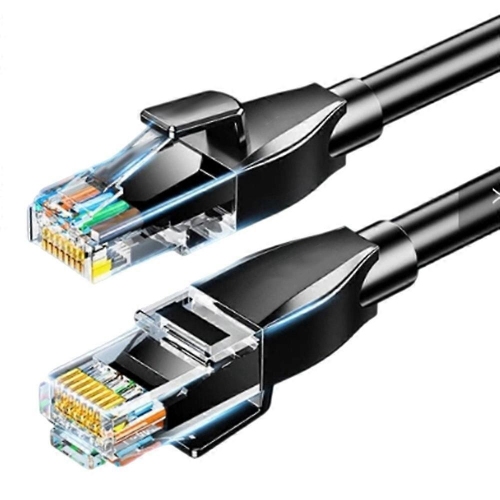
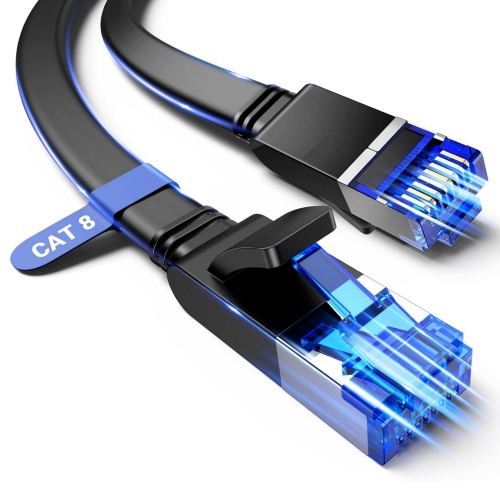
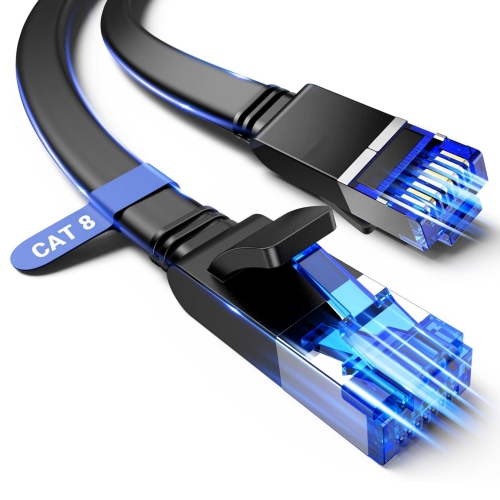
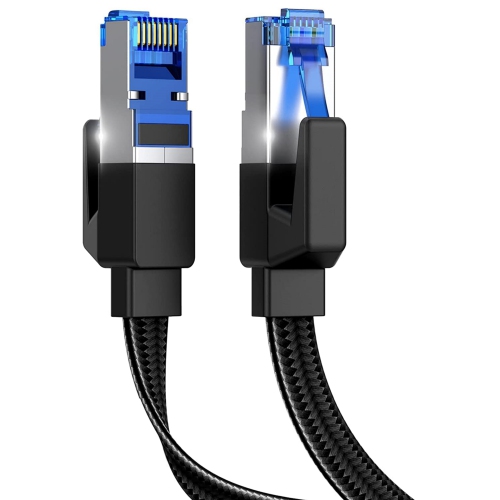
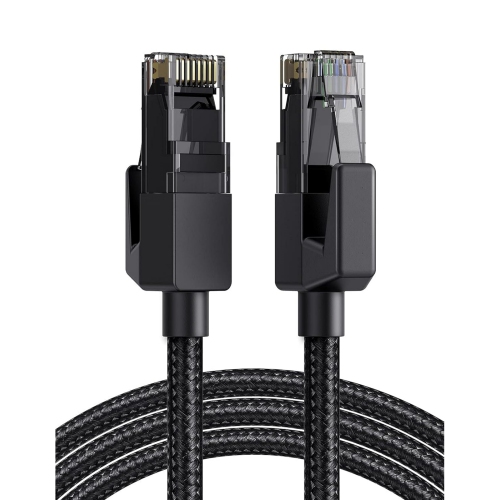
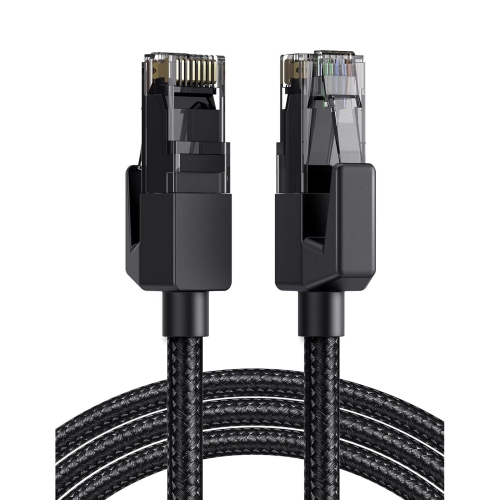
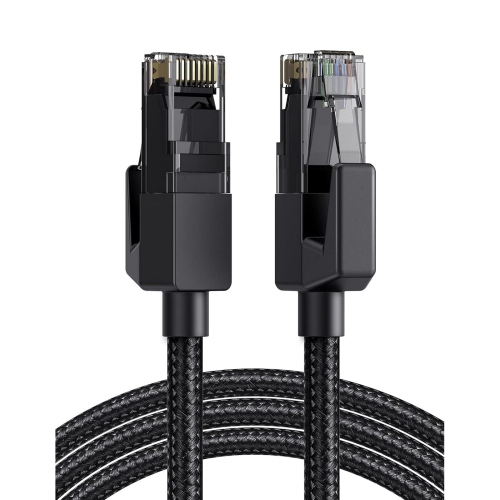
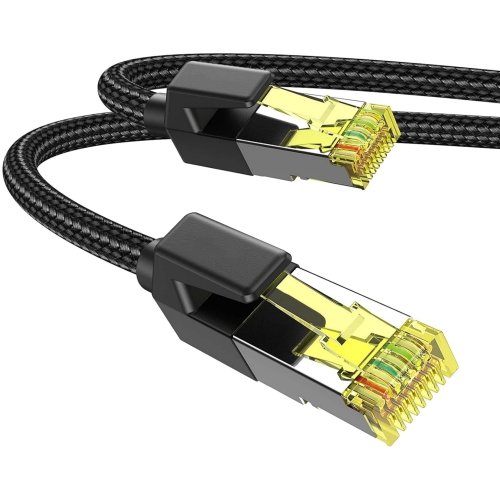
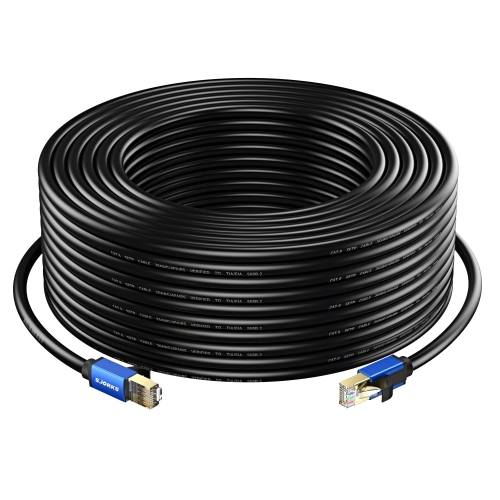
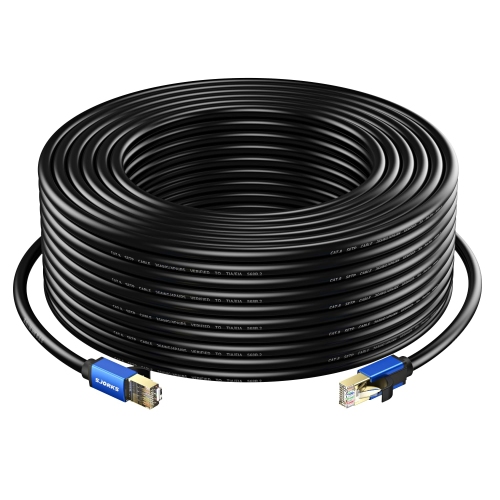
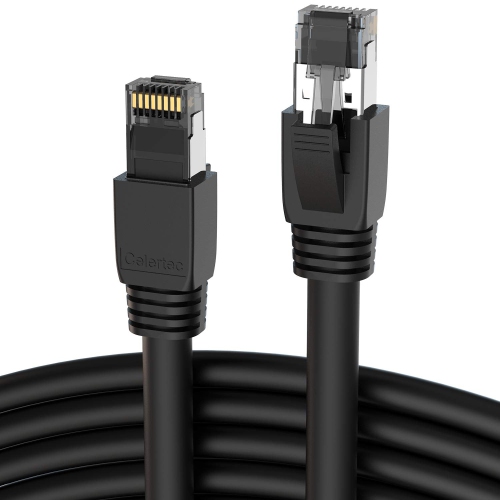
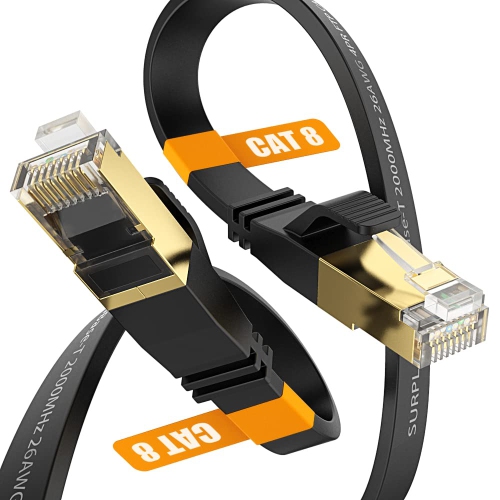
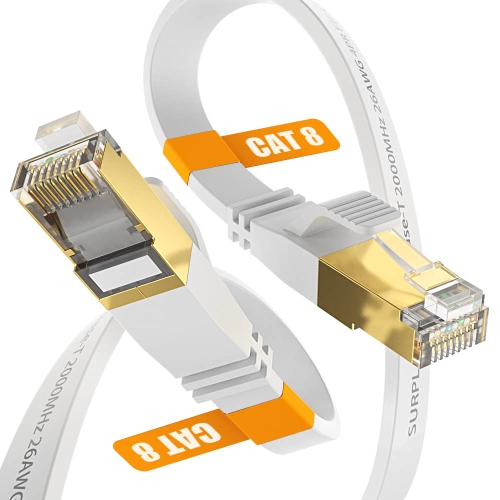
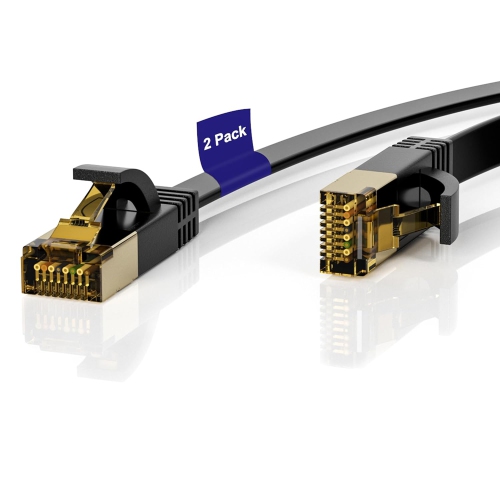
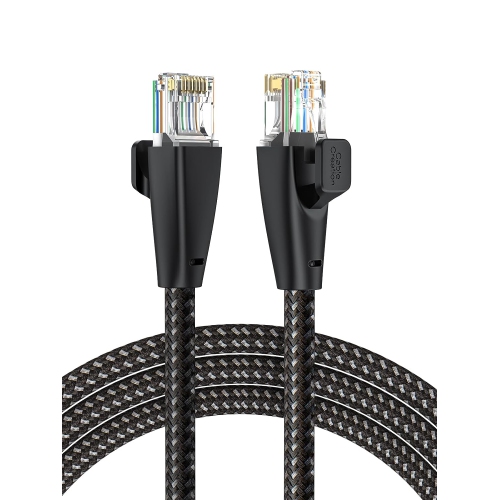
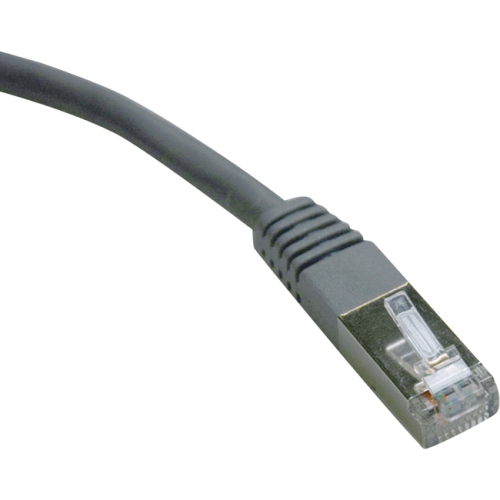
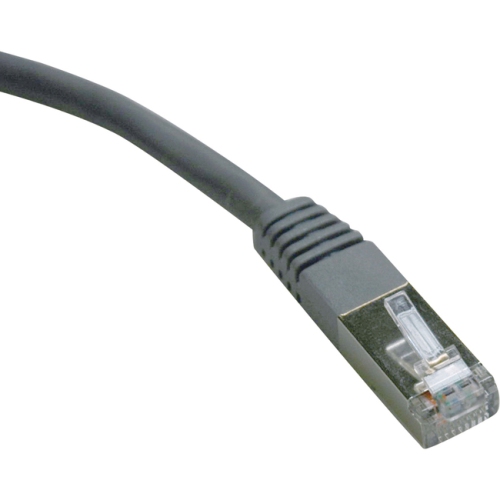
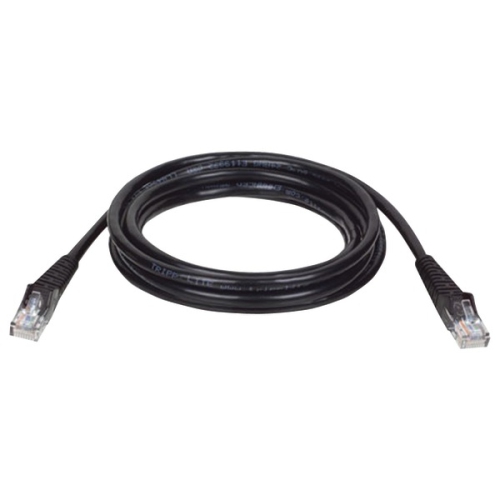
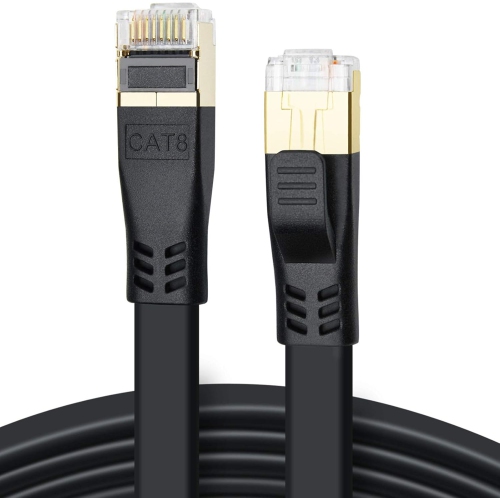
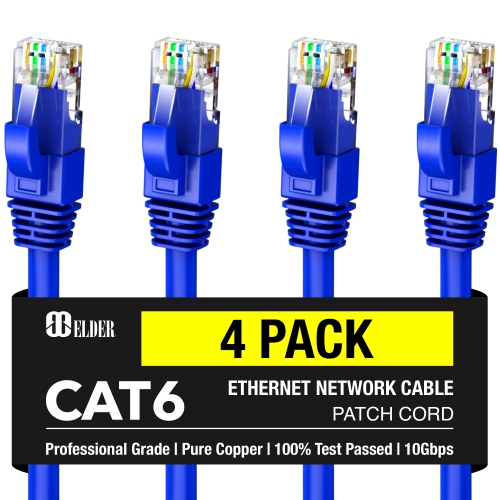
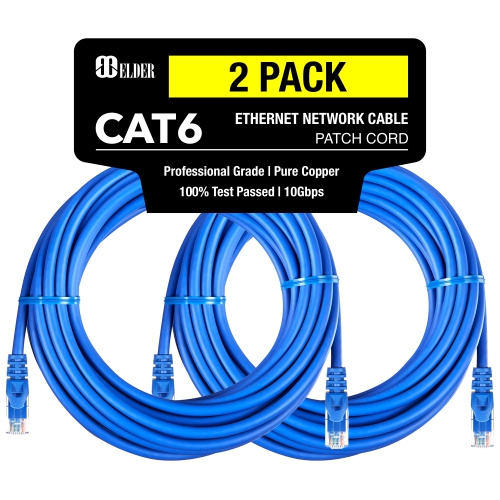
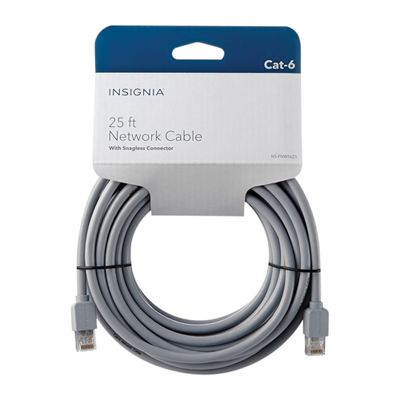
LAN Cables for PS5 provide a direct wired connection between a PlayStation 5 console and a router, helping online play feel more consistent than a wireless connection in many home setups. A wired connection can be especially useful when a console is positioned far from the router, sharing Wi-Fi with several phones and computers, or operating in a room where walls and household electronics interfere with wireless signals. Players who spend time in competitive multiplayer games may appreciate the steadier connection, while anyone downloading large game files, updates, or add-on content can benefit from a reliable path to the internet. An Ethernet cable will not increase the speed of an internet plan beyond what that plan and the console can support, but it can help the PS5 make better use of an available connection by avoiding some of the congestion and signal fluctuations associated with Wi-Fi. Setup is straightforward: connect one end of the cable to the PS5 Ethernet port and the other to an available LAN port on a router, modem-router, network switch, or compatible wall connection, then select the wired connection option in the console’s network settings. For home internet plans up to 1 Gbps, a Cat6 cable is typically more than sufficient and is a practical choice for most gaming spaces. Cat6 cables can support up to 1 Gbps over common household distances, with higher performance possible in certain network configurations and shorter runs. Cat7 cables can support up to 10 Gbps and often include additional shielding, making them appealing for busy network environments or installations where interference is a concern. Cat8 cables can support up to 40 Gbps in suitable network equipment and conditions, but that level of capability is generally unnecessary for a PS5 connected to a typical home internet setup. Choosing a higher category does not automatically make online games faster if the router, internet service, or network equipment has a lower limit.
Cable length is one of the most important details to consider before adding a LAN cable to a gaming setup. Measure the path from the PS5 to the router, including the distance around furniture or along a wall, rather than measuring only in a straight line. A little extra length can make it easier to move the console, clean around the entertainment unit, or reorganize a room without putting strain on the connectors. At the same time, an excessively long cable can leave a coil behind the cabinet and make cable management more difficult. Flat Ethernet cables can be convenient for routing beneath rugs designed for cable use, along baseboards, or through narrow spaces beside furniture, while round cables may offer a more traditional option for longer runs and fixed installations. Look for secure RJ45 connectors with protective boots, since the area behind a console can be busy and the plug may be connected and disconnected several times. Snagless connectors can help prevent the retaining clip from catching on other cables when the setup is moved. Shielding may be worth considering when the cable will run close to power bars, chargers, speakers, or a dense collection of electronic devices, although an ordinary unshielded Cat6 cable is usually suitable for a typical living room or bedroom. A tidy route also matters: avoid sharp bends, pinching the cable under heavy furniture, or placing it where chair wheels and foot traffic could damage it. Keeping the cable away from walkways helps preserve the connection and creates a cleaner entertainment area, particularly as indoor gaming becomes a comfortable option during cooler months.
A LAN cable can be a thoughtful and practical gift for a PS5 owner, especially for a student setting up a console in a bedroom, a family creating a shared gaming area, or a player moving into a new home. It is also a useful addition for someone who has recently upgraded a router or rearranged an entertainment centre and discovered that the console now sits farther from the network equipment. When choosing one as a gift, consider the recipient’s room layout, the approximate distance between the console and router, and whether a discreet flat design or a more robust round cable would suit the space. Cat6 is the sensible starting point for most households because it offers ample capability for PS5 online gaming, streaming, downloads, and everyday network use without paying for performance the rest of the setup cannot provide. Cat7 may suit a home with multiple wired devices, a faster local network, or a cable route that passes through an area with noticeable electronic interference. Cat8 is generally best reserved for specialised network environments rather than ordinary console connections. It is also helpful to remember that an Ethernet cable handles the network connection only; the PS5 still needs a separate display connection to a television or monitor. Players comparing connection accessories may also find Hdmi Cables for Ps5 useful when planning a complete setup. Whether the goal is smoother multiplayer sessions, dependable downloads, or a cleaner way to connect a console across the room, the right LAN cable comes down to the network category, cable length, connector quality, and the layout of the gaming space.
Cable length is one of the most important details to consider before adding a LAN cable to a gaming setup. Measure the path from the PS5 to the router, including the distance around furniture or along a wall, rather than measuring only in a straight line. A little extra length can make it easier to move the console, clean around the entertainment unit, or reorganize a room without putting strain on the connectors. At the same time, an excessively long cable can leave a coil behind the cabinet and make cable management more difficult. Flat Ethernet cables can be convenient for routing beneath rugs designed for cable use, along baseboards, or through narrow spaces beside furniture, while round cables may offer a more traditional option for longer runs and fixed installations. Look for secure RJ45 connectors with protective boots, since the area behind a console can be busy and the plug may be connected and disconnected several times. Snagless connectors can help prevent the retaining clip from catching on other cables when the setup is moved. Shielding may be worth considering when the cable will run close to power bars, chargers, speakers, or a dense collection of electronic devices, although an ordinary unshielded Cat6 cable is usually suitable for a typical living room or bedroom. A tidy route also matters: avoid sharp bends, pinching the cable under heavy furniture, or placing it where chair wheels and foot traffic could damage it. Keeping the cable away from walkways helps preserve the connection and creates a cleaner entertainment area, particularly as indoor gaming becomes a comfortable option during cooler months.
A LAN cable can be a thoughtful and practical gift for a PS5 owner, especially for a student setting up a console in a bedroom, a family creating a shared gaming area, or a player moving into a new home. It is also a useful addition for someone who has recently upgraded a router or rearranged an entertainment centre and discovered that the console now sits farther from the network equipment. When choosing one as a gift, consider the recipient’s room layout, the approximate distance between the console and router, and whether a discreet flat design or a more robust round cable would suit the space. Cat6 is the sensible starting point for most households because it offers ample capability for PS5 online gaming, streaming, downloads, and everyday network use without paying for performance the rest of the setup cannot provide. Cat7 may suit a home with multiple wired devices, a faster local network, or a cable route that passes through an area with noticeable electronic interference. Cat8 is generally best reserved for specialised network environments rather than ordinary console connections. It is also helpful to remember that an Ethernet cable handles the network connection only; the PS5 still needs a separate display connection to a television or monitor. Players comparing connection accessories may also find Hdmi Cables for Ps5 useful when planning a complete setup. Whether the goal is smoother multiplayer sessions, dependable downloads, or a cleaner way to connect a console across the room, the right LAN cable comes down to the network category, cable length, connector quality, and the layout of the gaming space.
Top selling and popular products
-
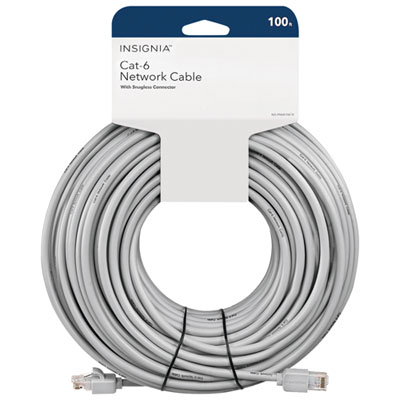 Your price for this item is $49.95
 -
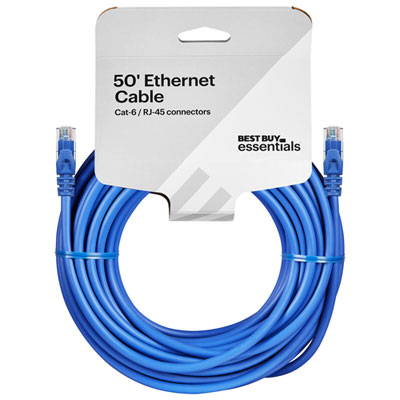 Your price for this item is $24.99
 -
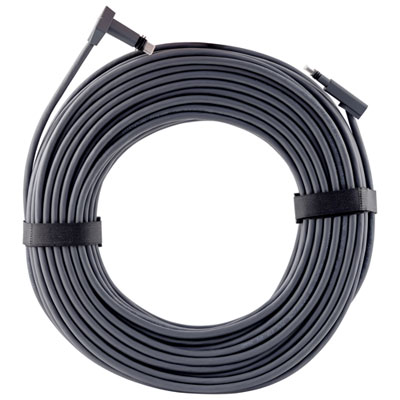 Your price for this item is $164.99
 -
 Your price for this item is $31.37
 -
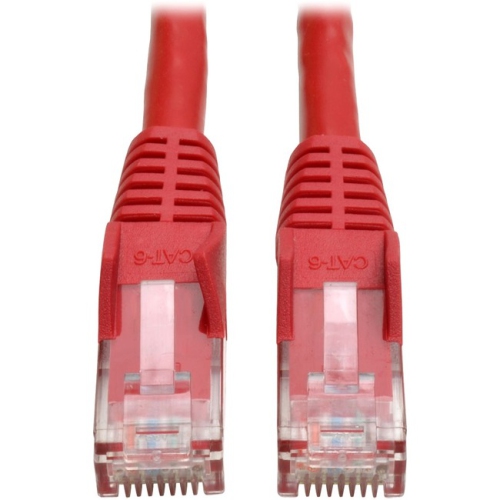 Your price for this item is $79.68
 -
 Your price for this item is $57.68
 -
 Your price for this item is $50.99
 -
 Your price for this item is $57.68
Discover more categories related to LAN Cables for PS5
Top Collections:
Pokemon Centers, Best Cameras for Sports Photography, Kindle Devices, Samsung Galaxy Phones, Canon G7X Cameras, Pokémon 30th Celebration Cards, Refurbished Apple Laptops, iPhone 15 Apple, Laptops for Students, Budget Smartphones
Some products may be subject to Environmental Handling Fees
(EHF) depending on your province.
Learn more about EHFs.