Quiet Click Mice
Quiet Click Mouse options offer a seamless and comfortable experience for both work and play. Designed for those who value a peaceful environment, these mice help maintain focus in busy offices, shared spaces, or at home. With a variety of styles and designs available, finding the right Quiet Click Mouse to suit your needs is simple. Explore the selection to discover reliable performance paired with silent operation for your desktop or laptop setup.
Sort
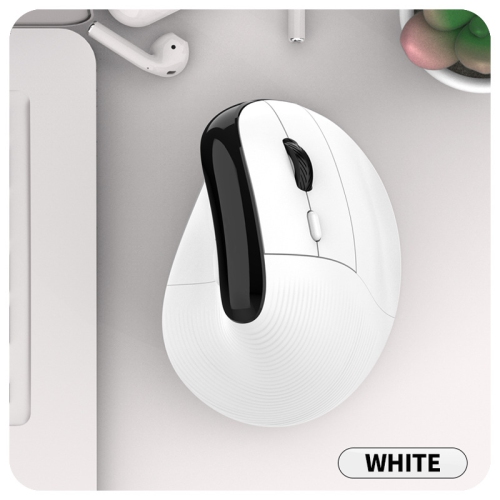
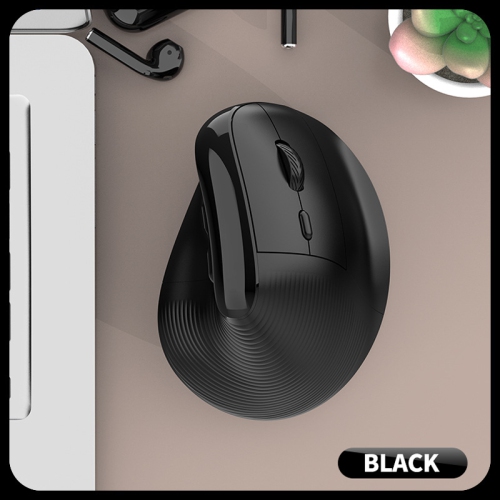
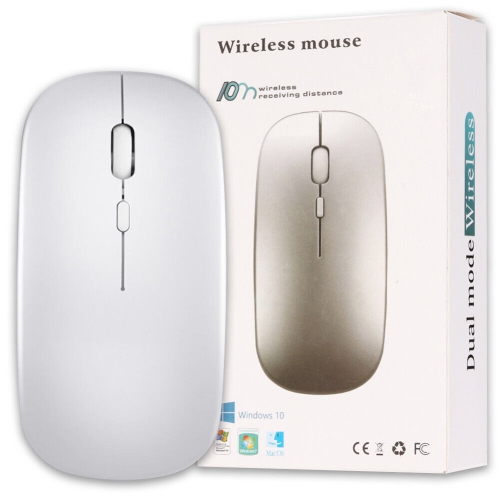
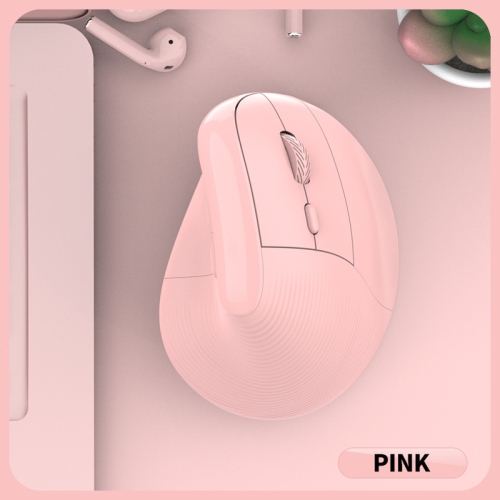
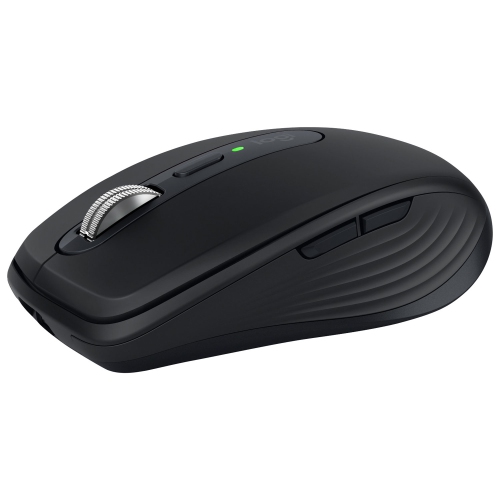
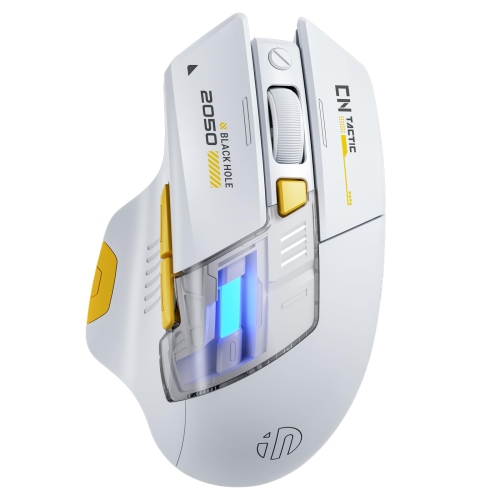
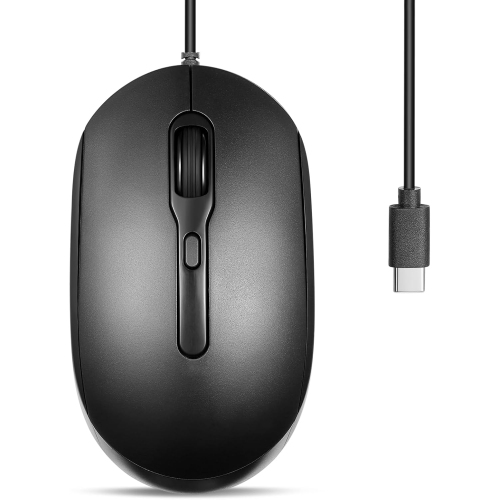
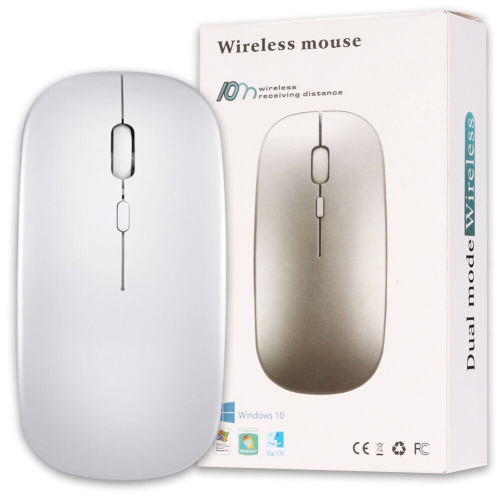
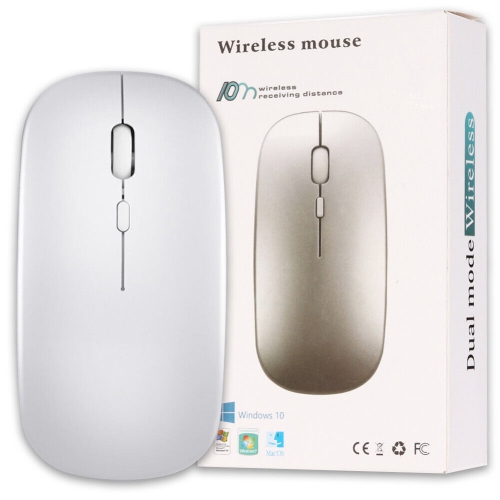
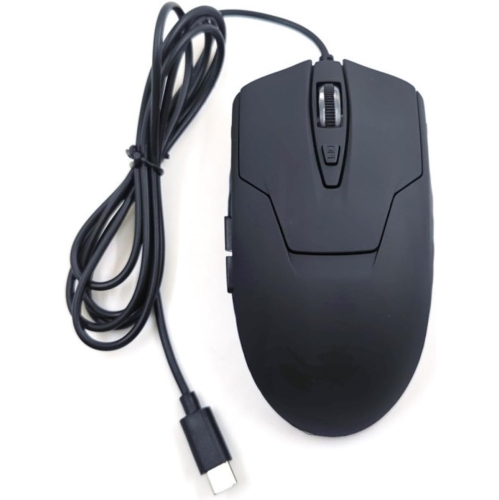
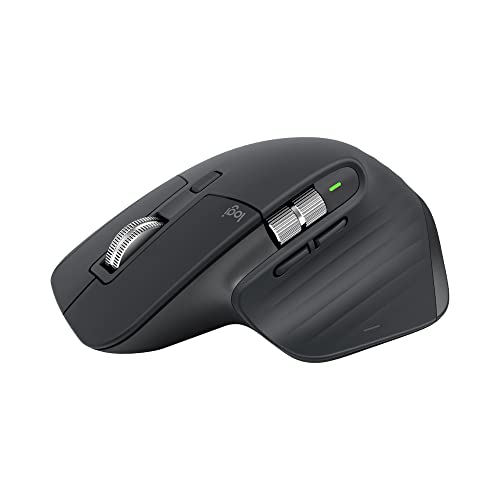
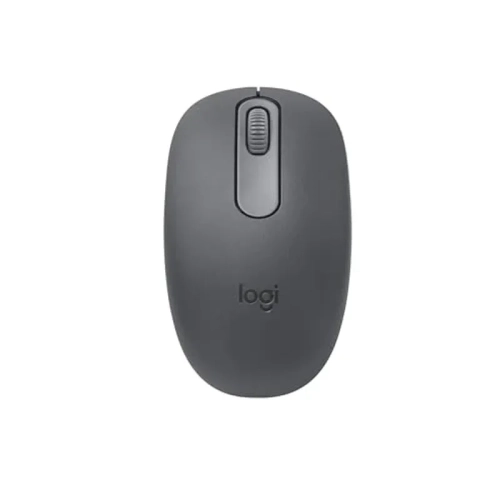



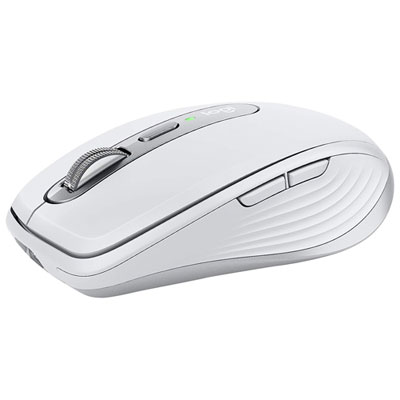
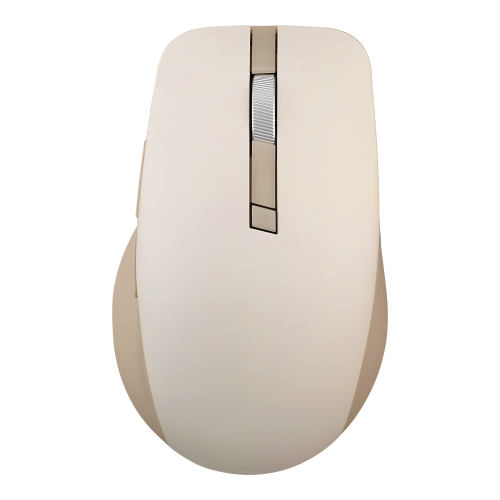
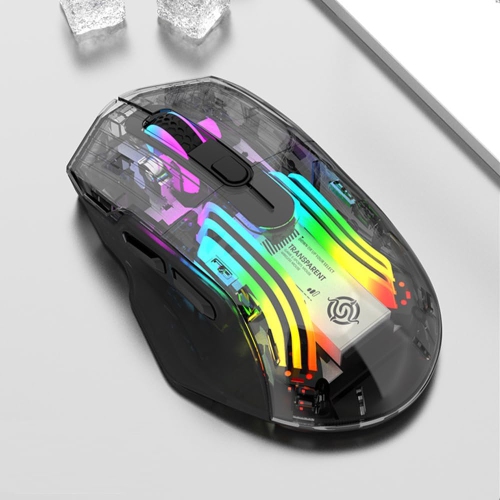
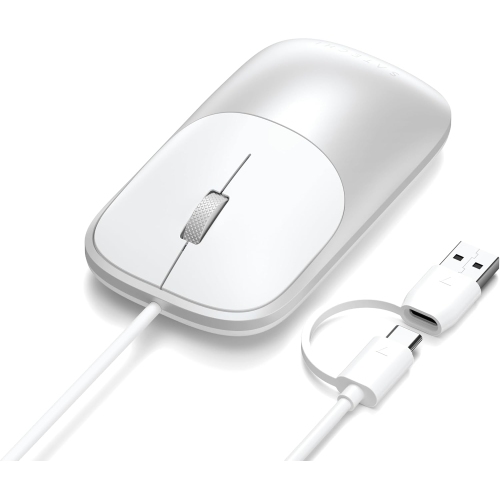
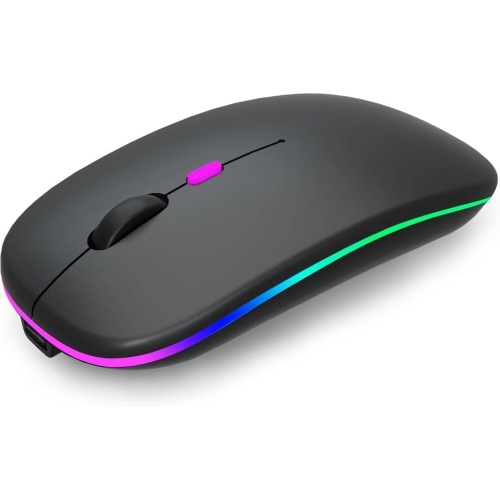
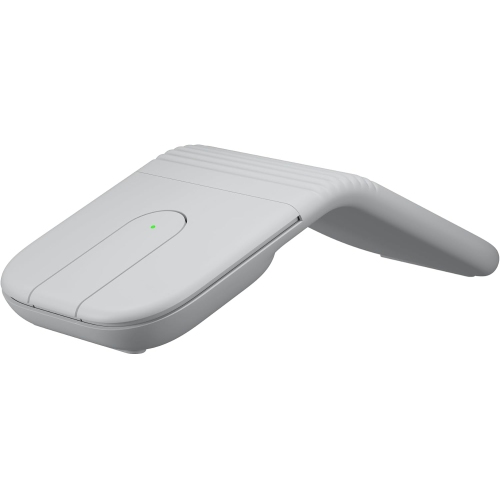
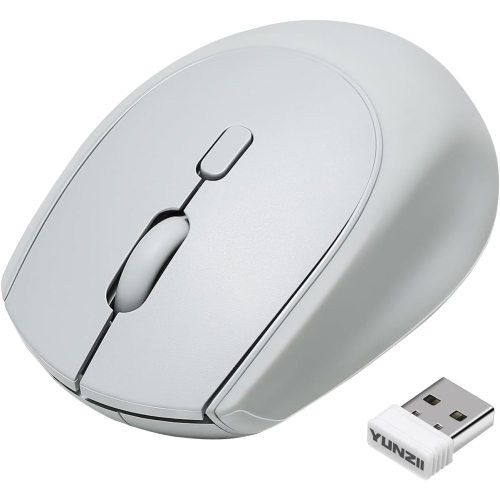
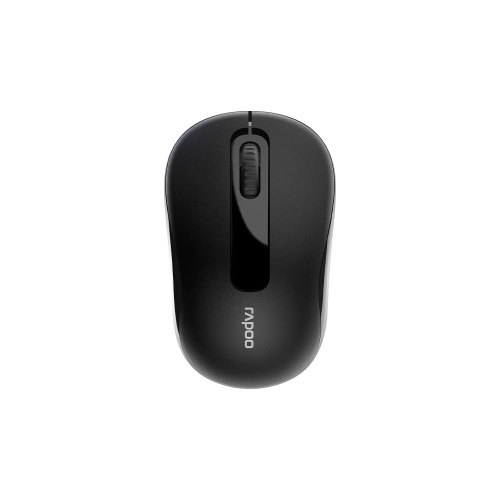
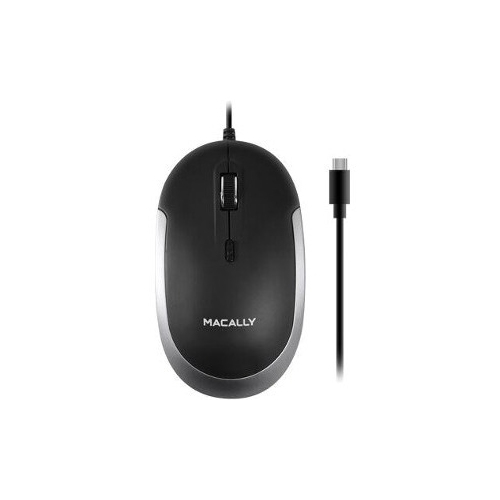
Softer clicks without changing how you work
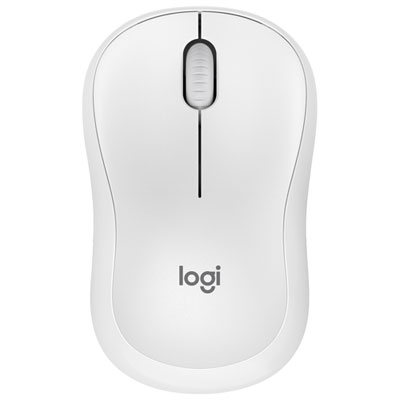
Quiet click mice are computer mice designed to reduce the sharp clicking sound made when pressing the main buttons. They typically use quieter switch mechanisms, sound-dampening components, or a combination of construction details to soften each press while keeping the familiar point-and-click experience. The result is a more subdued sound during everyday tasks such as opening documents, selecting cells in a spreadsheet, browsing websites, or editing photos. That difference can be especially noticeable at a shared desk, in a library, or beside someone taking a video call. A quieter mouse also suits a home office where repeated clicks would otherwise carry into a nearby living area. Quiet does not necessarily mean completely silent, however: the scroll wheel, middle button, side buttons, and movement across the desk may still make noise. Sound-reduction claims also depend on the comparison mouse and testing conditions, so a percentage alone does not describe how a mouse will sound in every setting. The character of the click matters, too. A soft, low-pitched tap can feel less intrusive than a sharp snap, even when both remain audible up close. Button feel varies between designs, with some offering a light, cushioned press and others retaining a more distinct tactile response. A satisfying quiet click should still make it easy to tell when a selection has registered, whether the task involves highlighting text or repeatedly moving files between folders. Quiet button operation is separate from tracking technology: an optical sensor reads movement across a surface, but that feature by itself does not make the buttons quieter. For students, office workers, and anyone sharing a workspace, quiet click mice offer a practical way to reduce repetitive desk noise without changing familiar computer habits. Their value is often most apparent during sustained use, when hundreds of small clicks become a softer part of the room rather than a recurring interruption.
Shape and fit have just as much influence on everyday satisfaction as sound. A compact mouse can slip easily into a laptop sleeve or small desk drawer, while a fuller body may give a larger hand more support during long stretches of work. Palm-grip users generally rest more of the hand on the shell, whereas fingertip and claw grips leave different points of contact, making button placement and body height particularly noticeable. A symmetrical shape may suit either hand, but side-button placement can still favour right-handed use; an explicitly left-handed or ambidextrous layout provides a clearer indication of suitability. Contoured and vertical designs change how the hand sits, although comfort remains personal and no shape guarantees relief from discomfort. Reach matters as well: a scroll wheel or thumb button that requires repeated stretching can become distracting even when the clicks are pleasantly quiet. Smooth plastic shells are easy to wipe down, textured sides can add grip, and rubberized surfaces offer a different feel that may change with regular handling. Colour and finish can complement a workspace, but the contact points beneath the hand deserve equal attention. Glide feet help the mouse travel across the desk, and a clean, consistent mouse pad can reduce scraping sounds while giving the sensor a dependable surface. Weight also affects the experience, particularly for someone who frequently lifts and repositions the mouse. Daily care is usually straightforward: loose dust can be removed gently, the exterior wiped according to the manufacturer’s directions, and moisture kept away from seams, switches, and charging ports. Abrasive cleaners can damage finishes, while debris around the feet may make movement feel rougher. Durability depends on more than the main switches; the wheel, side grips, cable connection, battery compartment, and charging port all receive regular handling. For a mouse that travels between desks, a protective pouch and secure receiver storage can help prevent scratches, misplaced parts, and pressure on buttons inside a bag.
Connection type shapes how quiet click mice fit into different routines. A wired connection avoids battery management and keeps the mouse ready whenever it is plugged in, although the cable needs enough room to move without catching on a monitor stand or desk edge. Wireless designs remove that cable from the work surface and may connect through Bluetooth, a USB receiver, or both. Bluetooth can leave a USB port free, while a receiver-based connection requires a compatible port or suitable adapter. USB-A and USB-C connections are physically different, so the computer’s ports matter alongside support for its operating system. Multi-device switching can be useful for a desk shared by a work laptop and a personal computer, provided the mouse supports the required connections. Rechargeable designs need occasional charging, while replaceable-battery designs require attention to the correct battery type; neither approach makes every wireless mouse usable while charging or changing batteries. Beyond connection, tracking sensitivity affects how far the pointer travels for a given hand movement. Adjustable sensitivity can help balance precise selections with movement across a large display, and customizable buttons may shorten repetitive tasks when supported by compatible software. Smooth scrolling is useful for long documents, while clearly defined wheel steps can make smaller movements easier to control. For play-focused setups, Quiet Gaming Mice bring the same interest in reduced button noise to a different set of priorities, including responsiveness, weight, sensor performance, and access to additional controls. Quiet switches alone do not establish gaming performance, and a productivity-focused mouse may feel quite different during fast, repeated movements. For everyday work or study, the strongest match is often a quieter design that also feels familiar, tracks reliably, and fits the available desk space. As a practical gift for a student, remote worker, or frequent laptop user, a quiet click mouse is most useful when its hand fit, connection options, and computer compatibility suit the recipient’s routine. Those details make reduced click noise part of a comfortable, dependable setup rather than an isolated feature.
Top selling and popular products
-
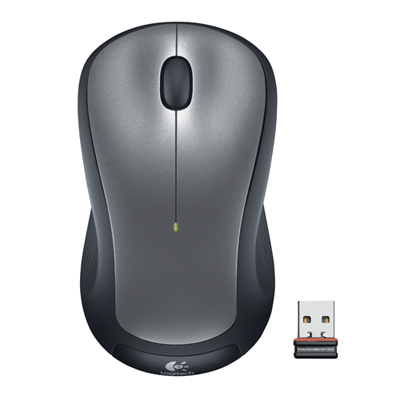 Your price for this item is $29.99
-
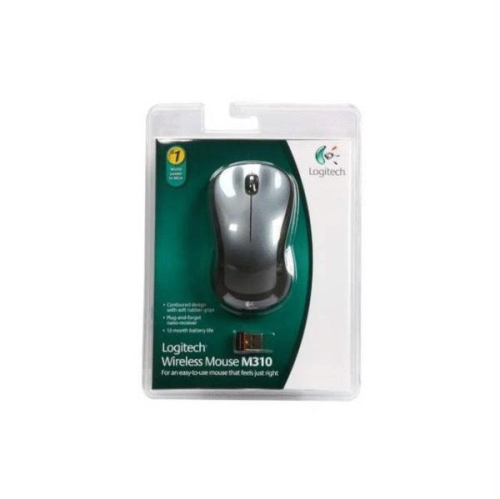 Your price for this item is $50.44
-
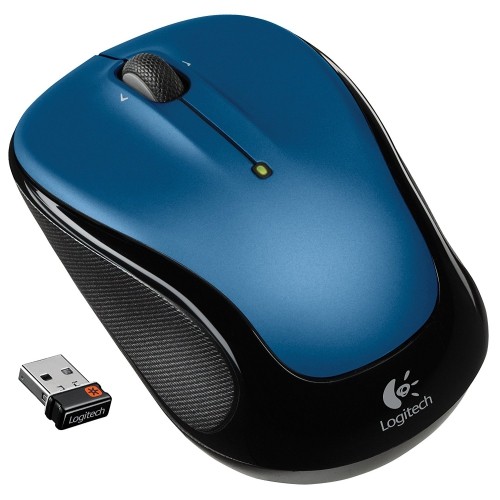 Your price for this item is $39.99
-
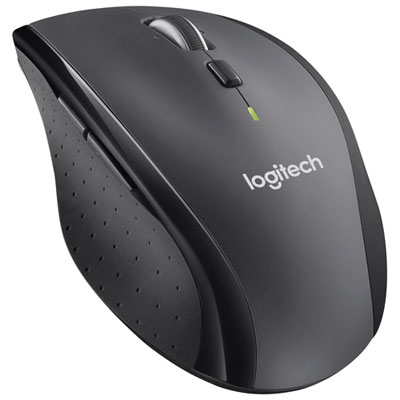 Your price for this item is $49.99
-
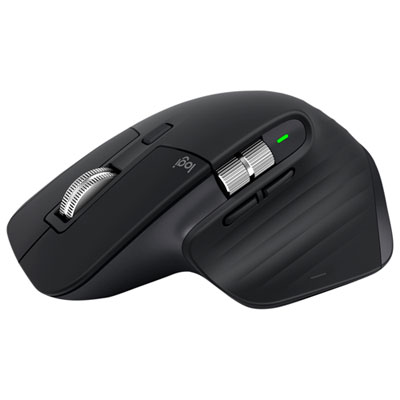 Your price for this item is $159.97
-
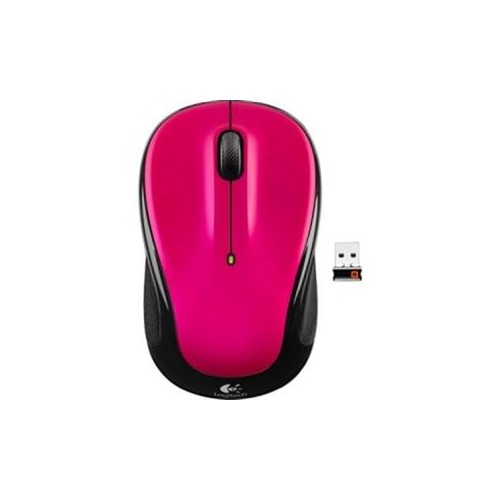 Your price for this item is $64.68
-
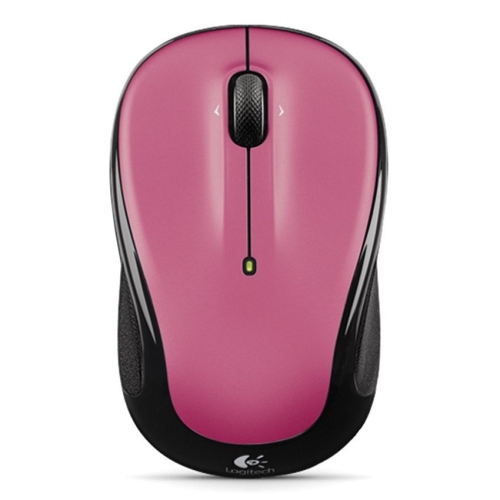 Your price for this item is $48.68
-
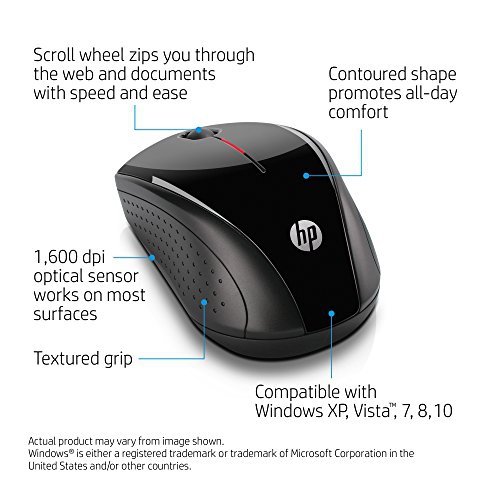 Your price for this item is $31
Discover more categories related to Quiet Click Mice
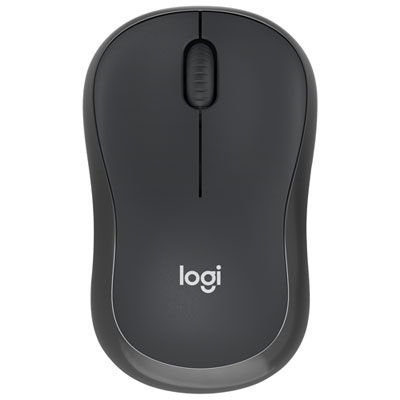
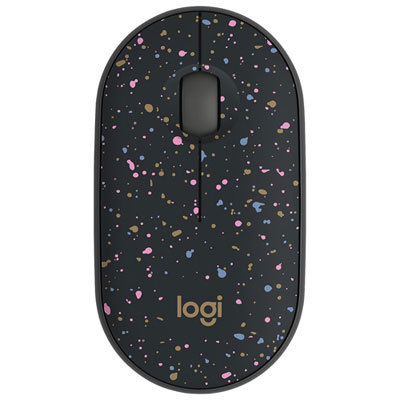
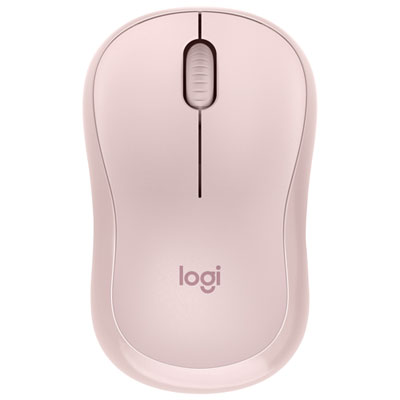
Top Collections:
Best Black Friday Deals This Year, Best Black Friday Deals On Electronics, Kindle Devices, Pokemon Centers, Best Black Friday Deals On Apple Products, Best Cameras for Sports Photography, Dyson Airwrap, Pokémon 30th Celebration Cards, Apple iPhone 17 Pro, Canon G7X Cameras
Some products may be subject to Environmental Handling Fees
(EHF) depending on your province.
Learn more about EHFs.