Quiet Gaming Mice
If you're looking for a mouse that will keep your gaming sessions quiet, you've come to the right place. These mice have features that can help you get the most out of your gaming experience without disturbing others.
Sort
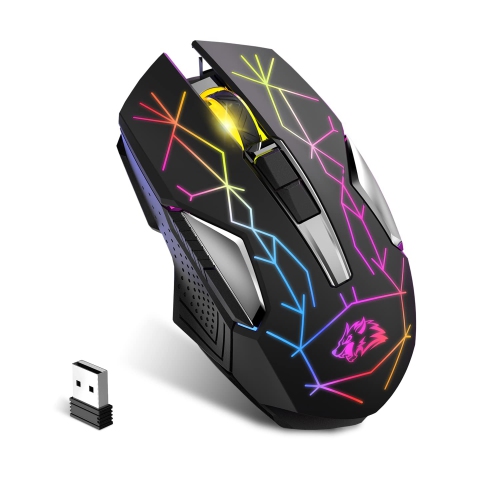
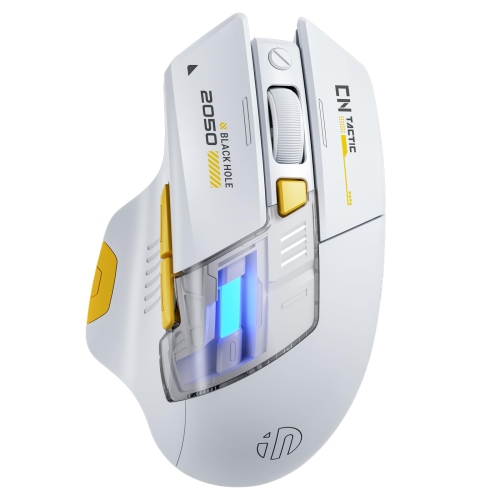
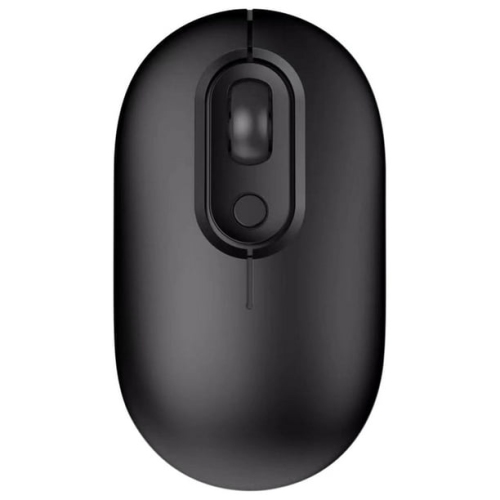
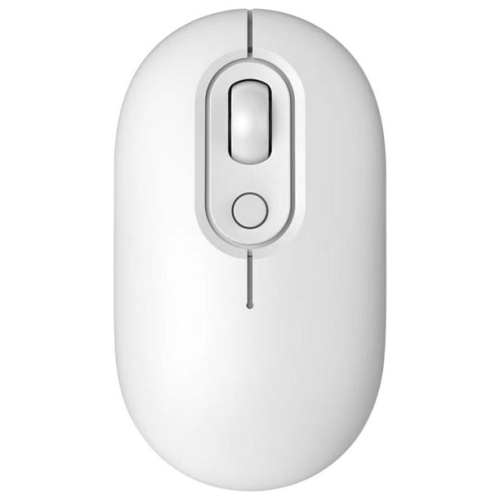
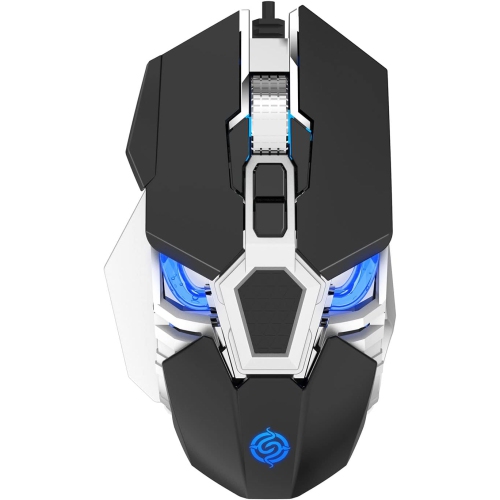

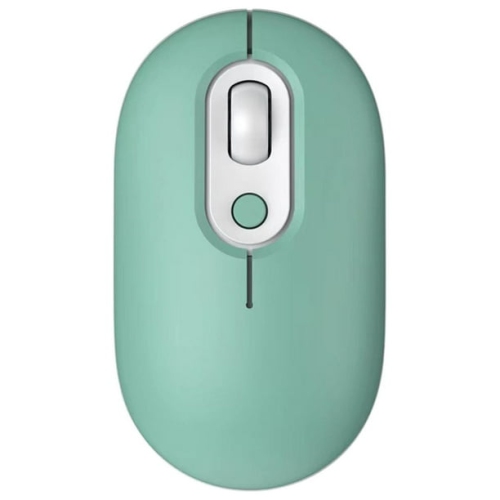

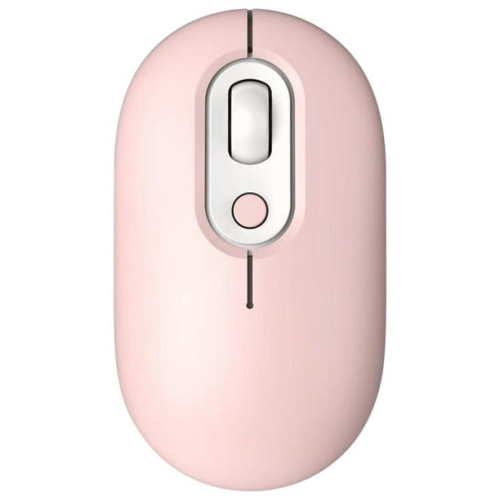
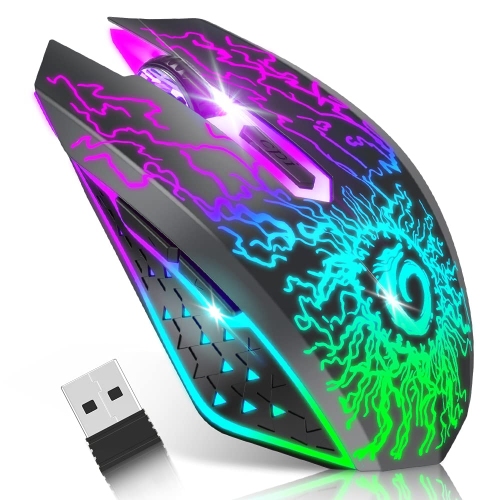
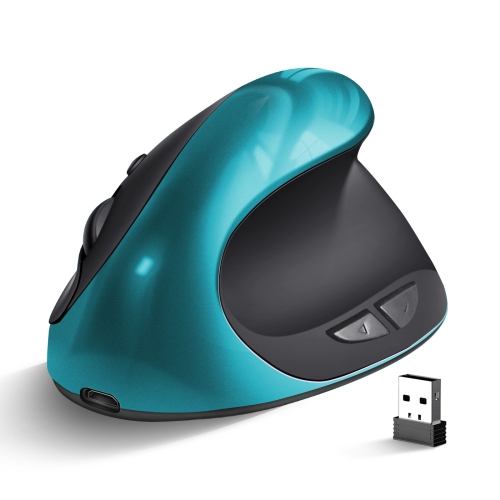
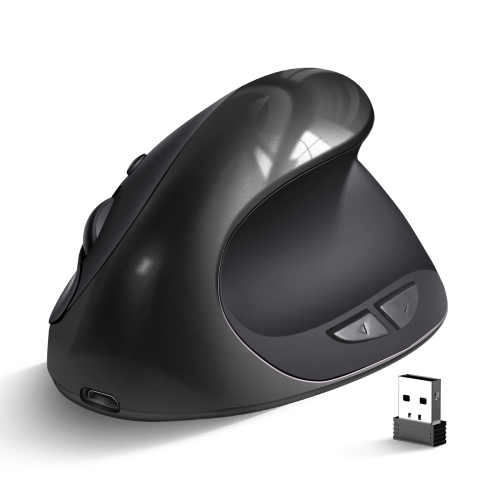

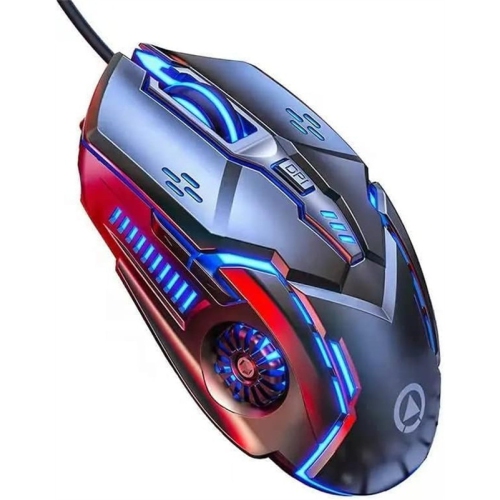

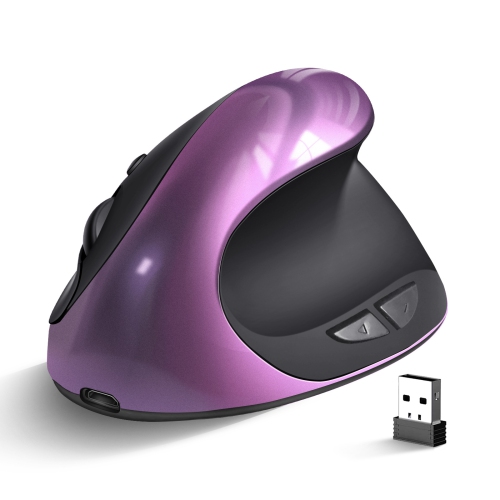

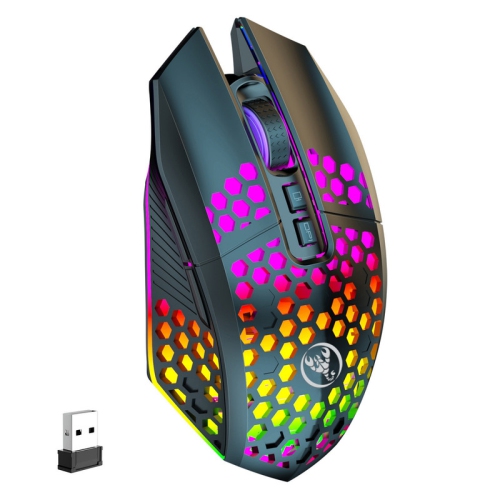
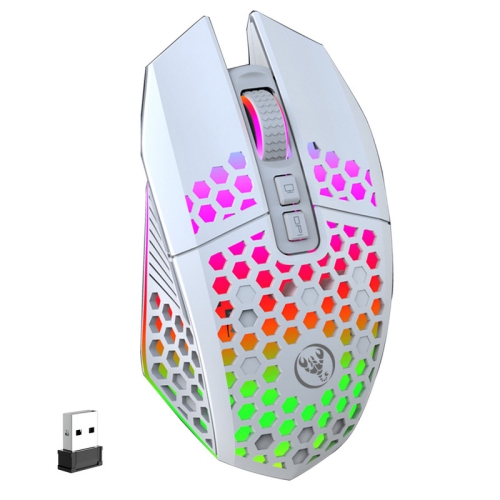
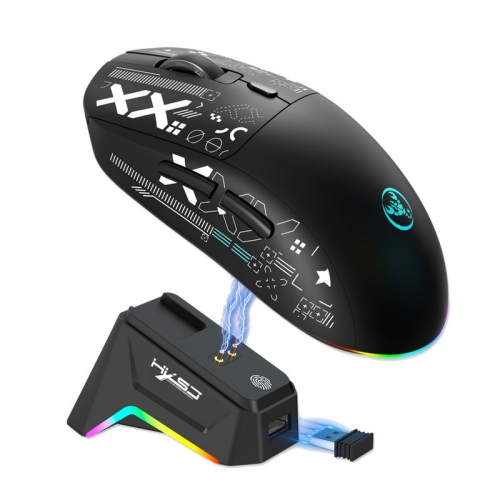
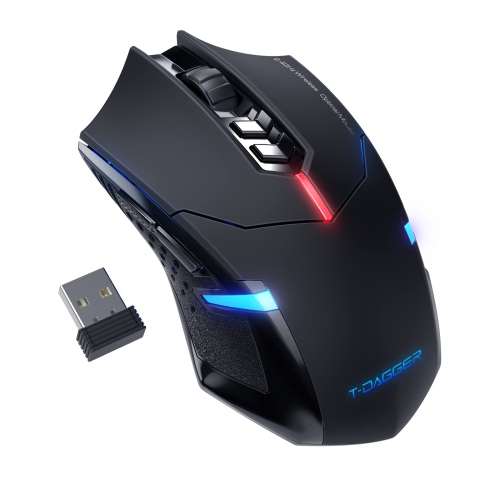
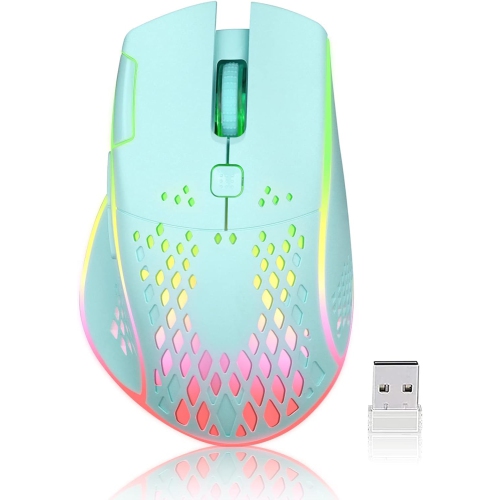
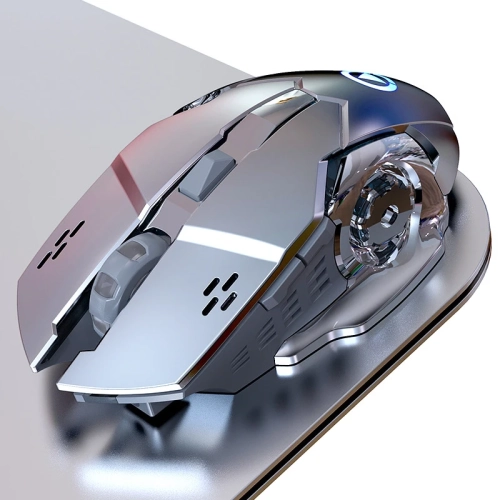
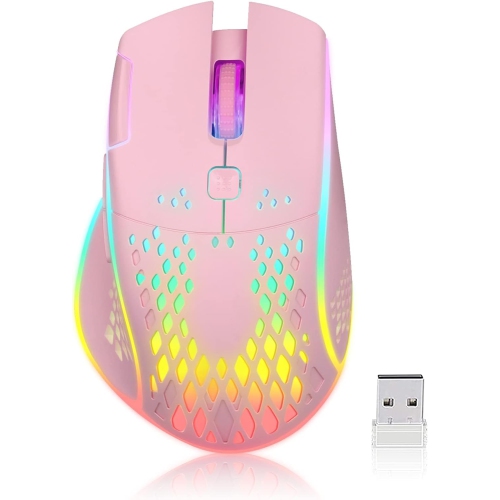
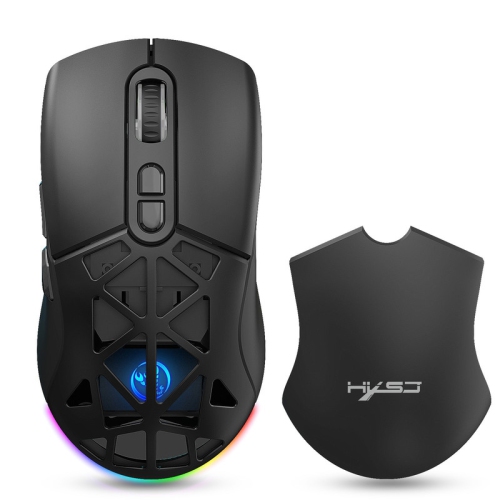
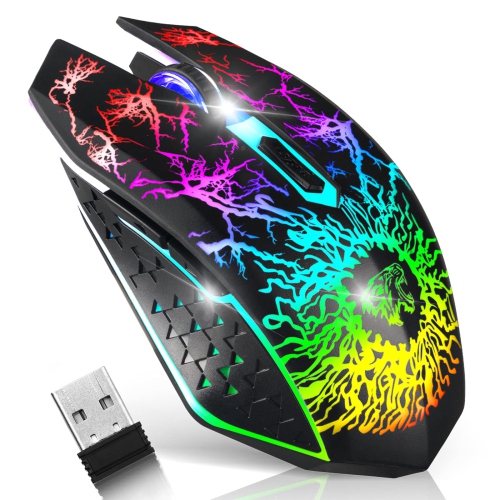
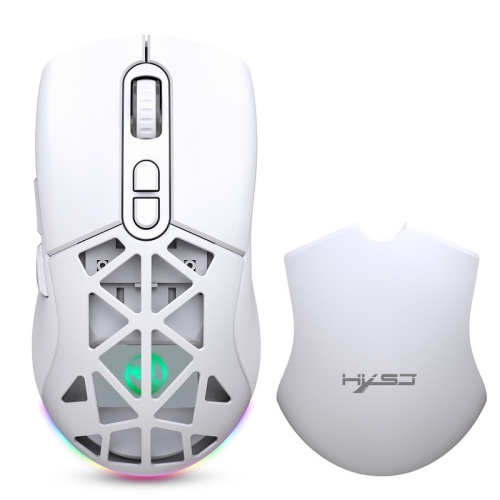
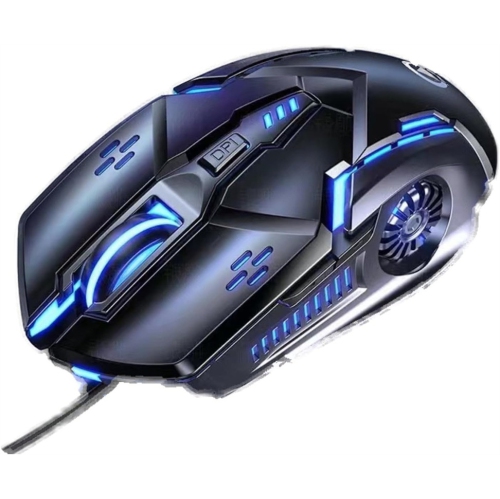
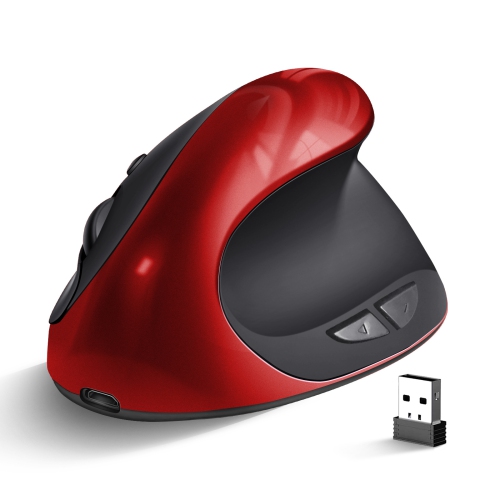
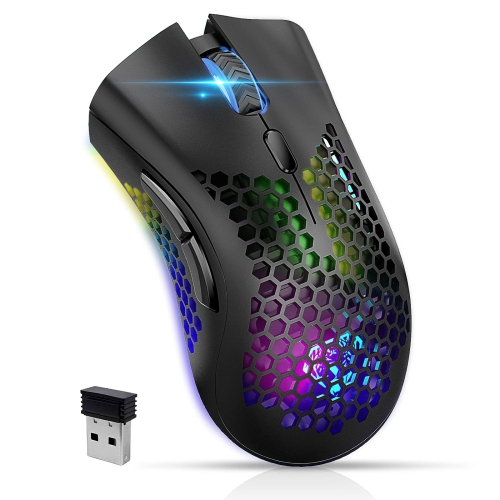
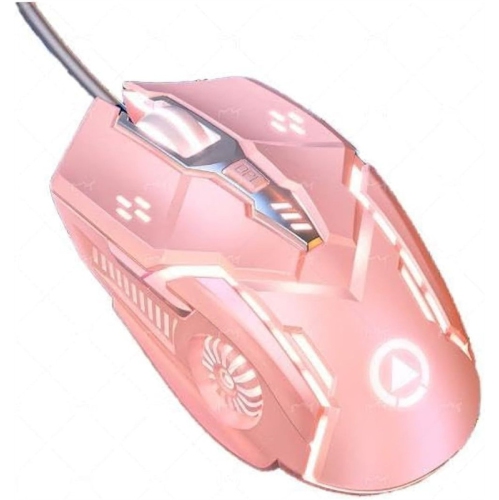


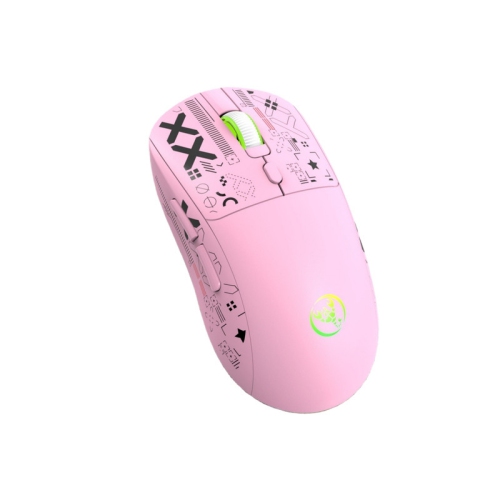
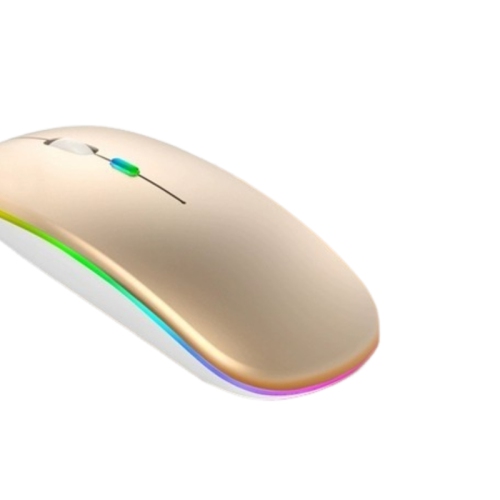
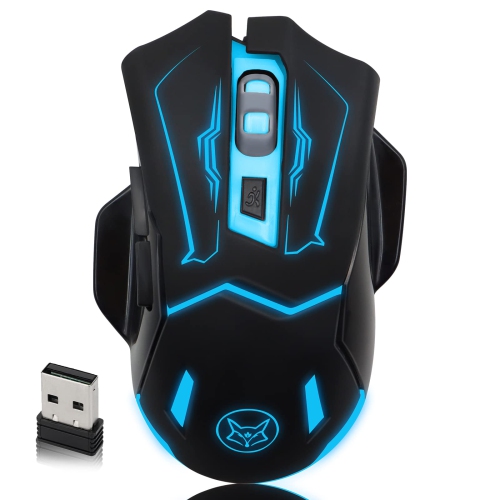
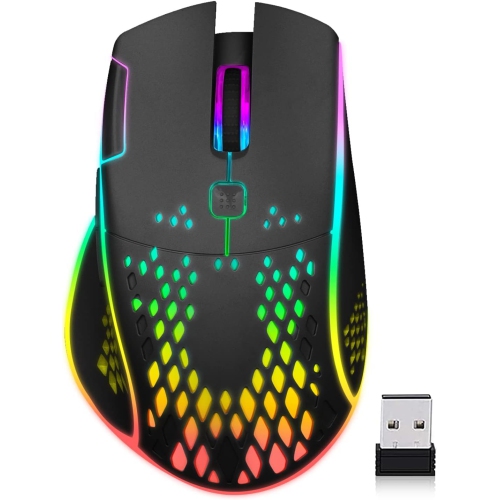
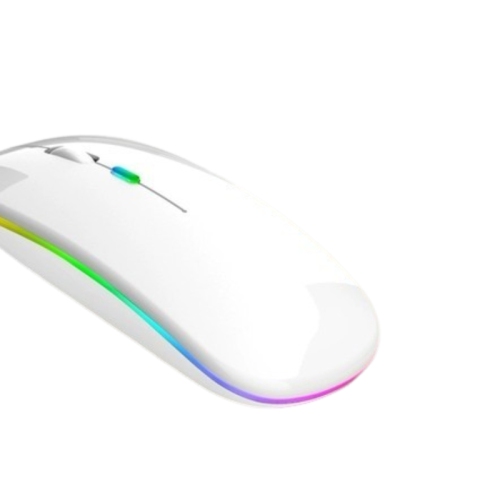
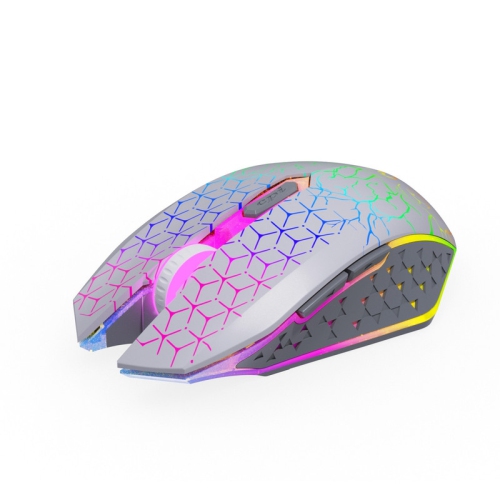
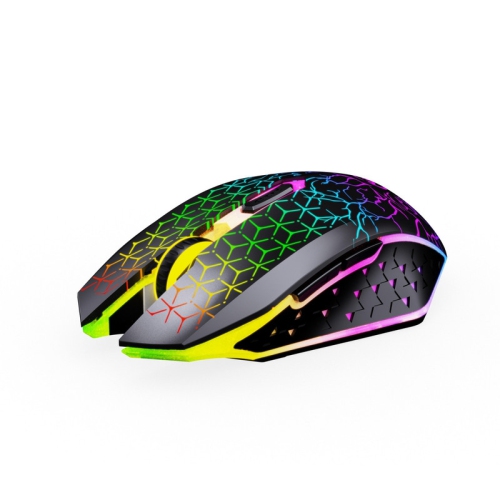



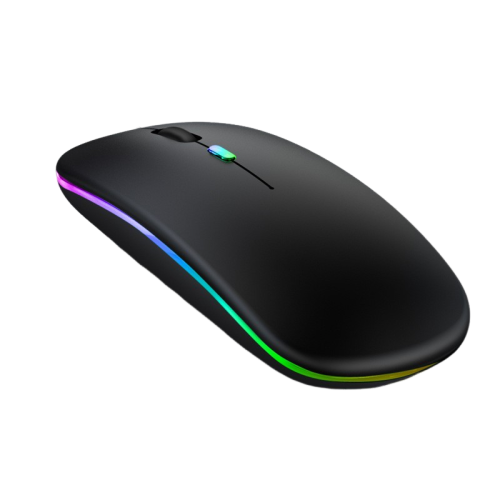
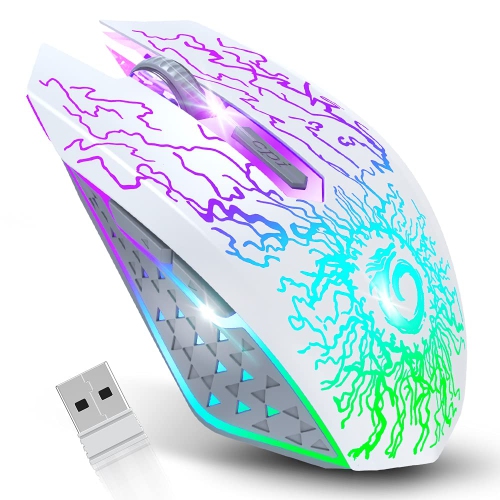
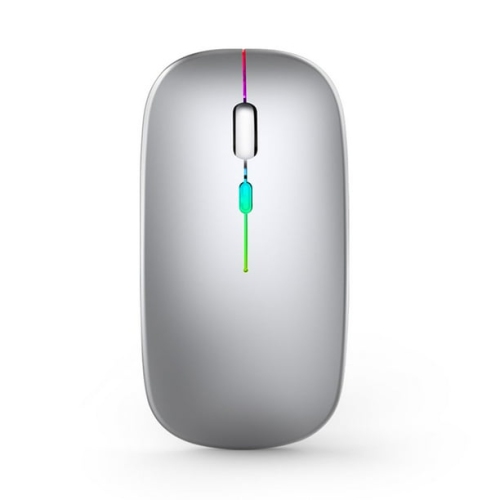

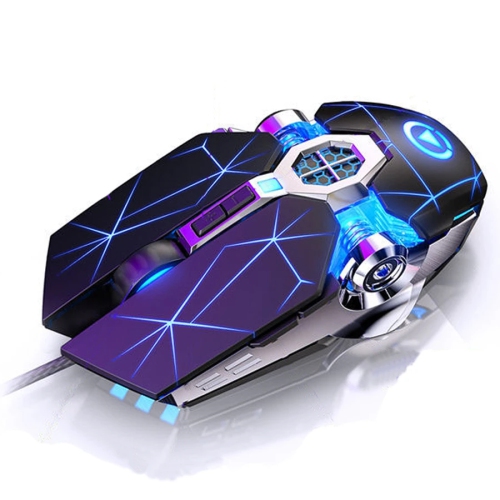
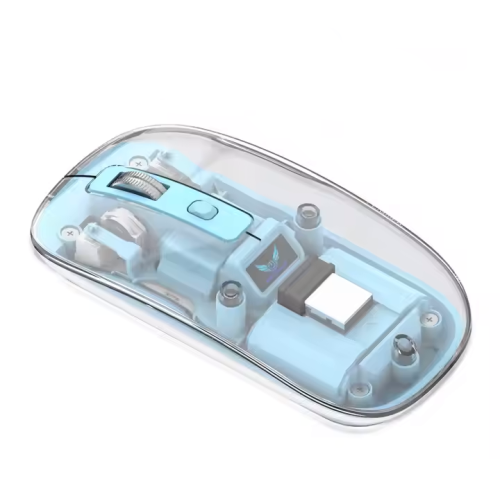
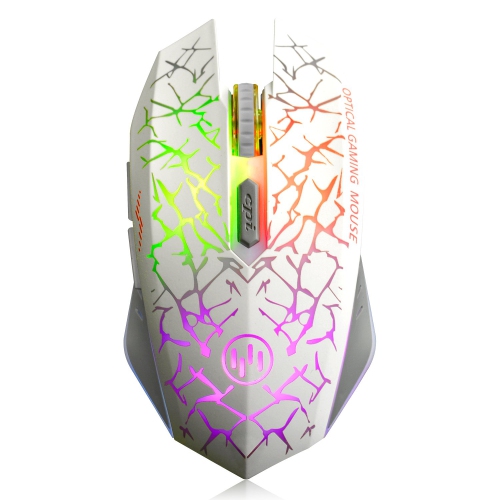
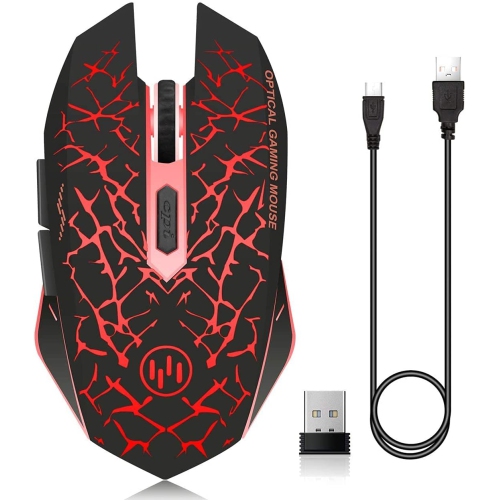
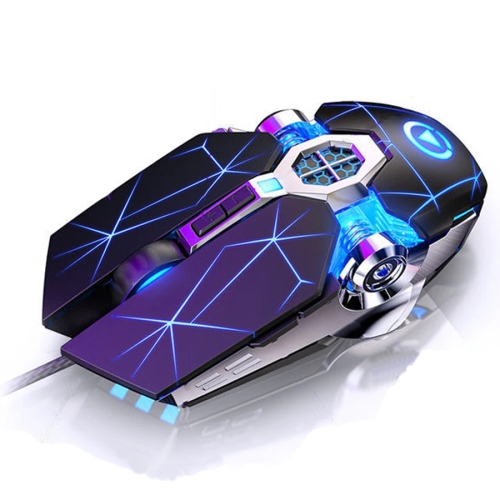
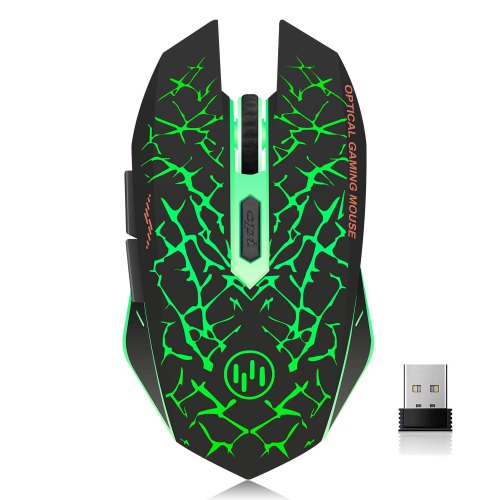


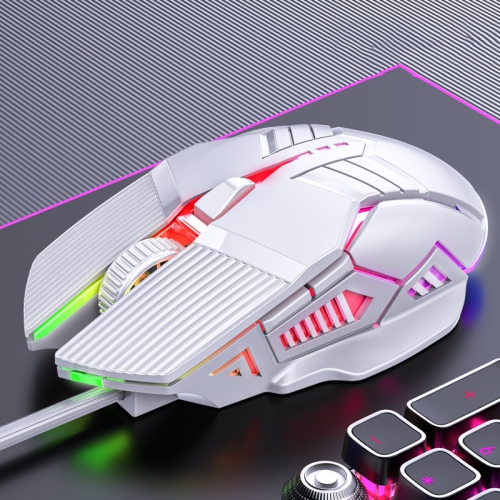
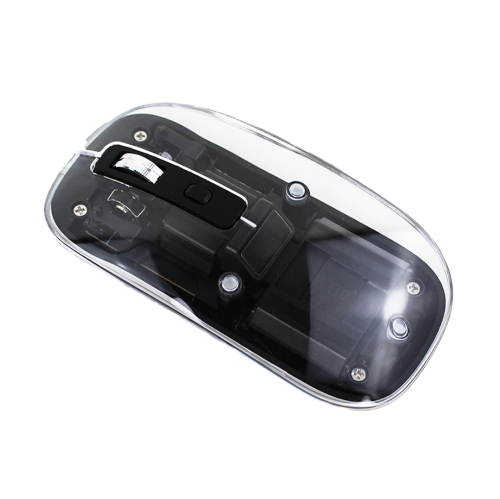
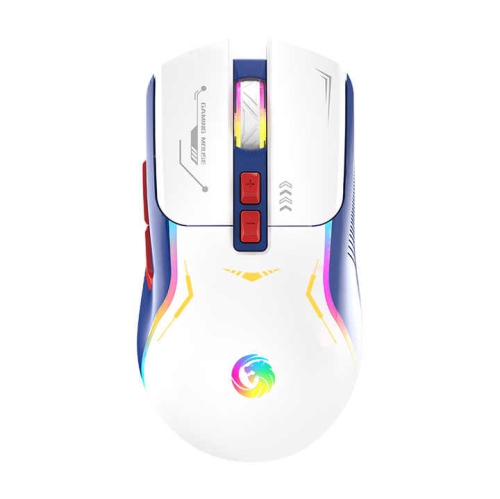
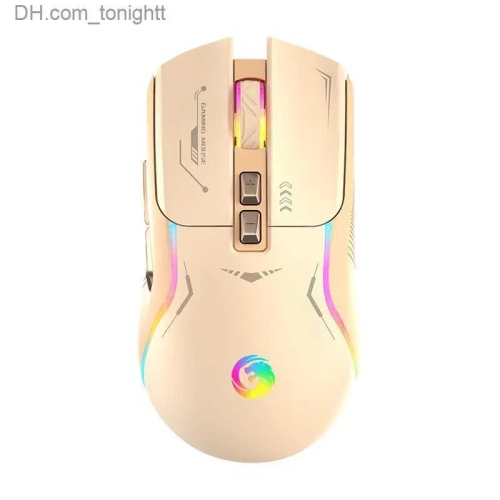
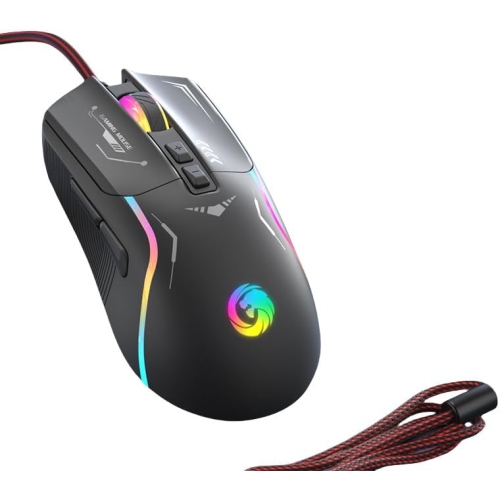
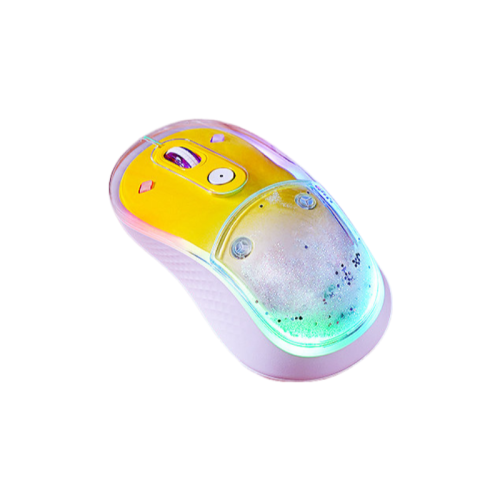

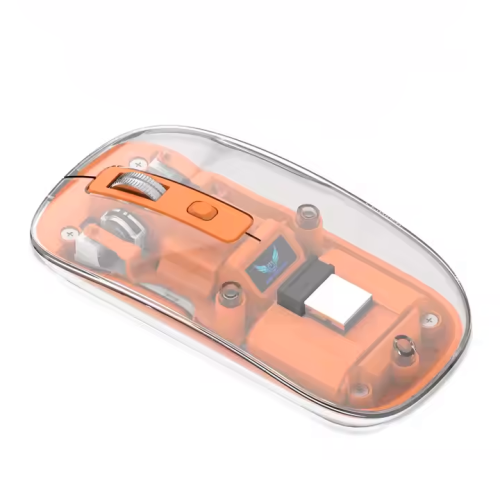
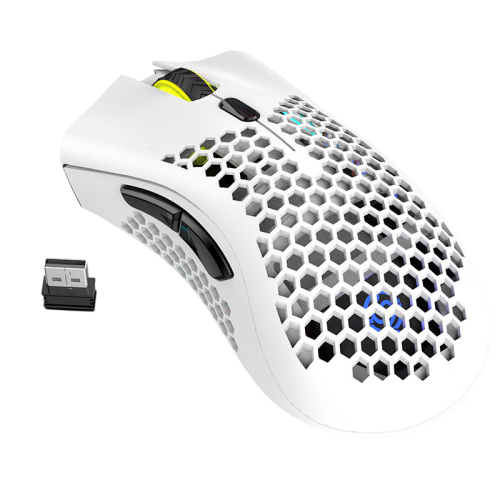
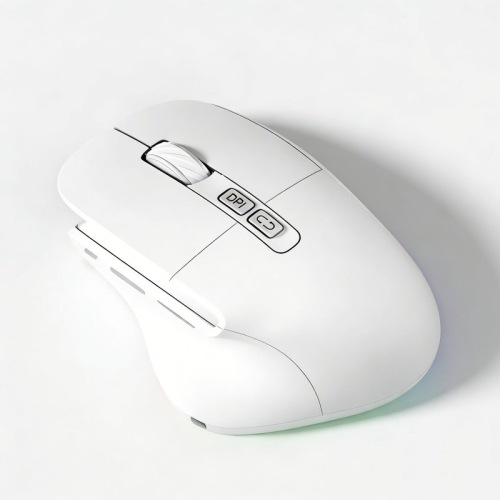
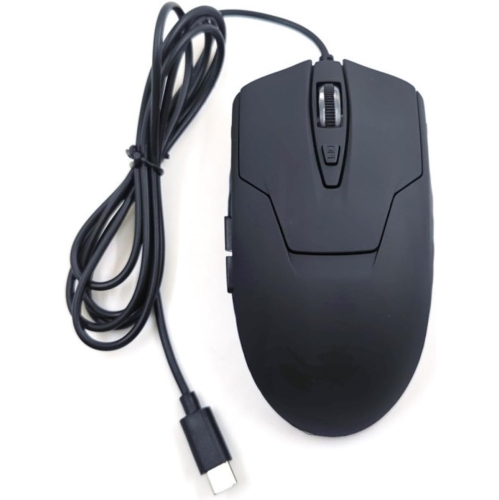
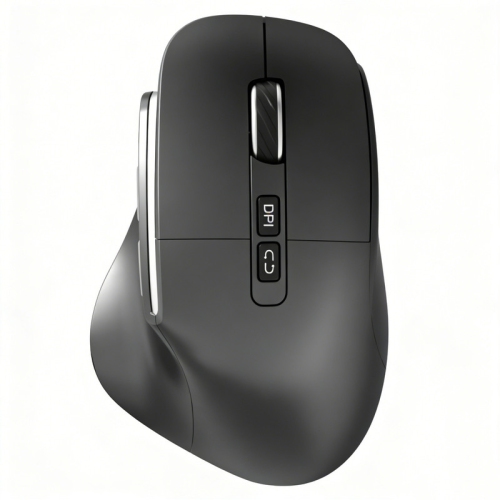
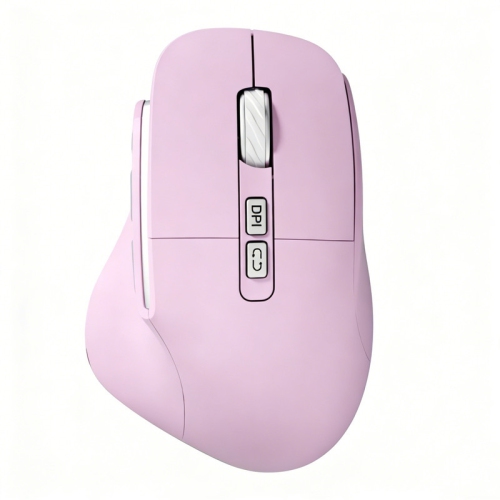
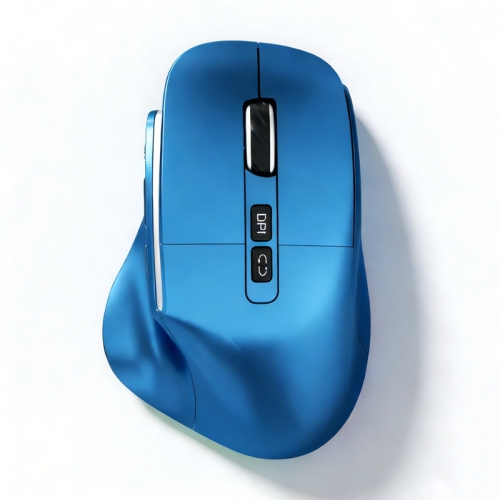
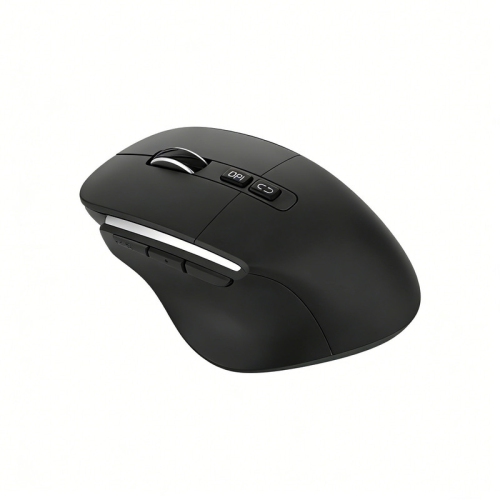
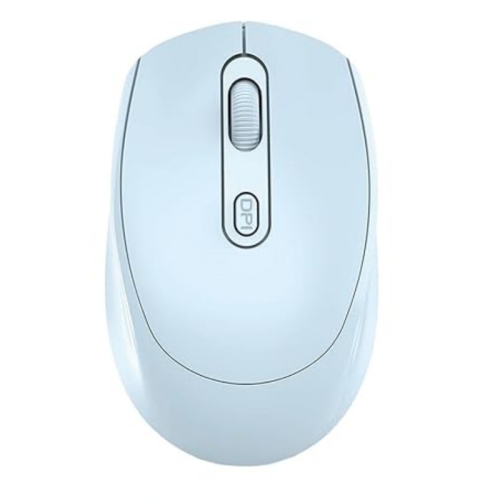
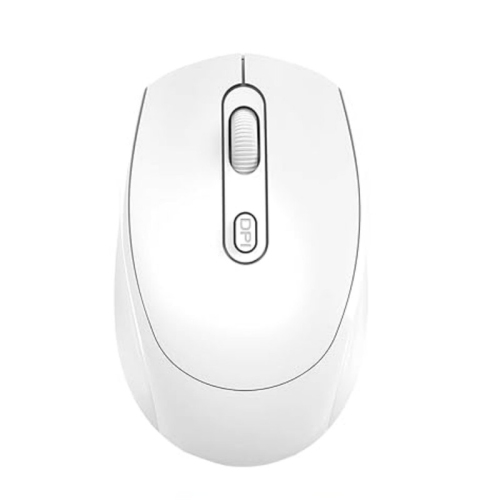
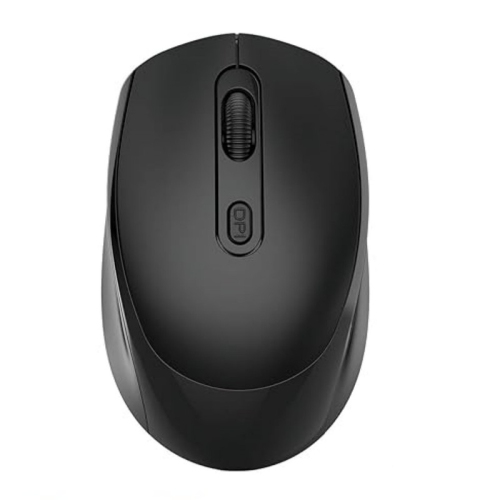
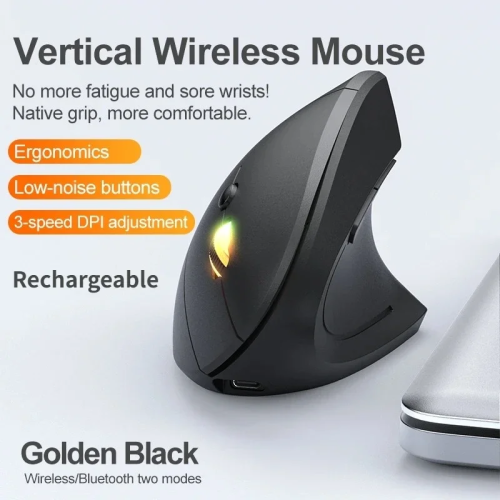
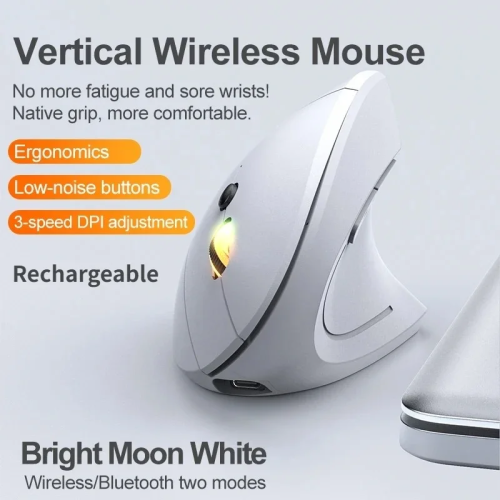
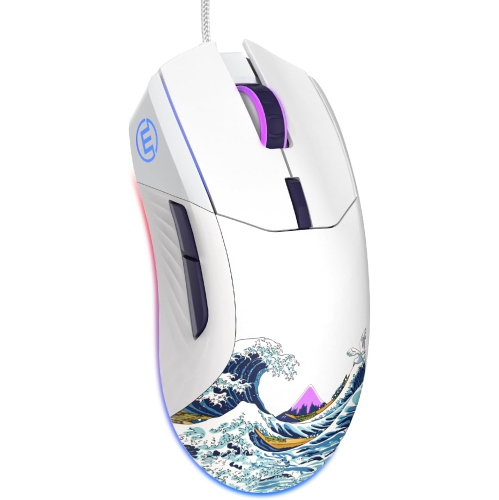
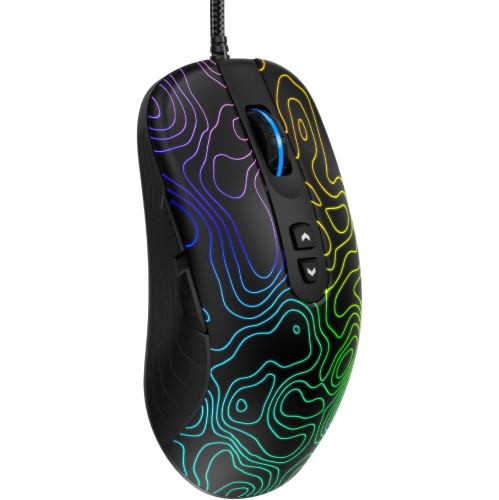
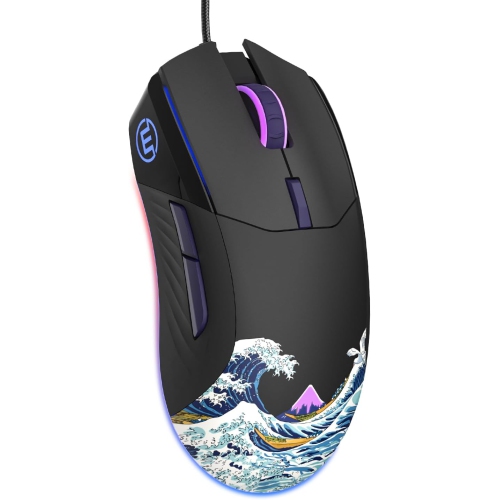
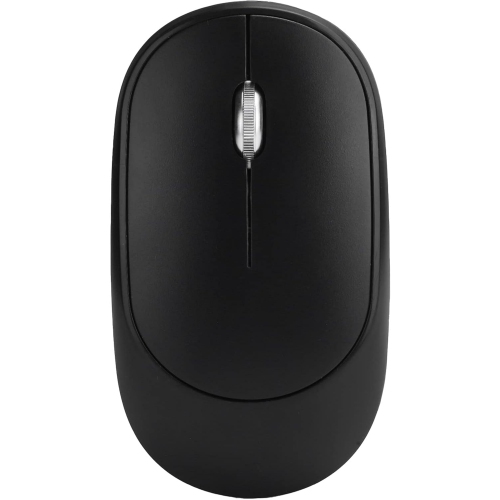
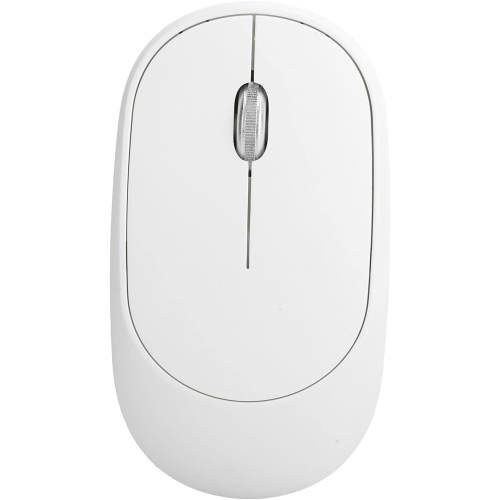
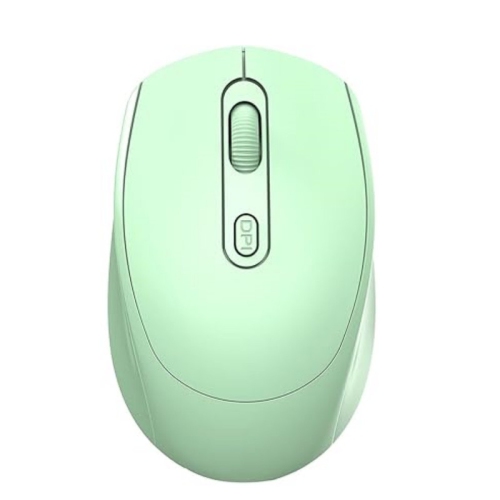
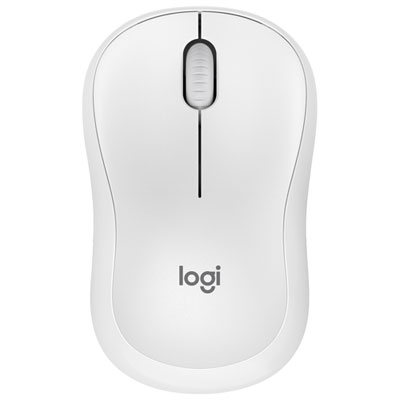
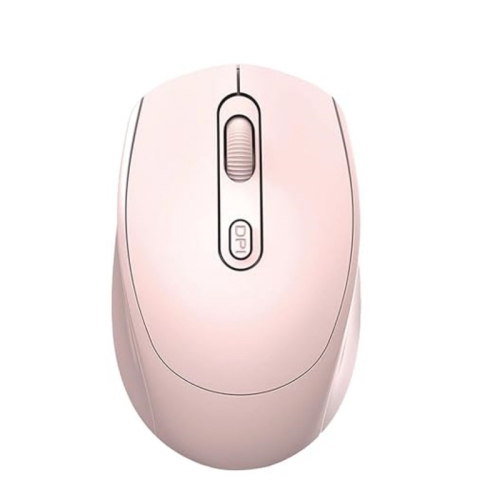
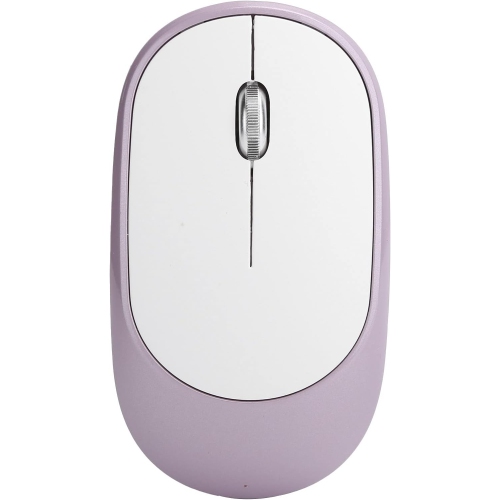
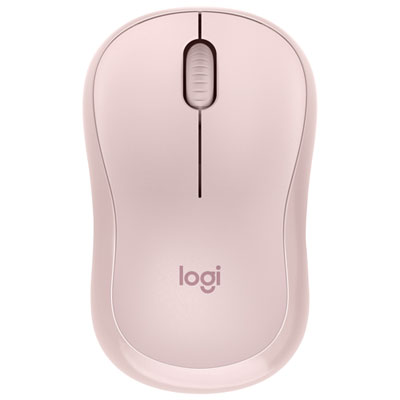
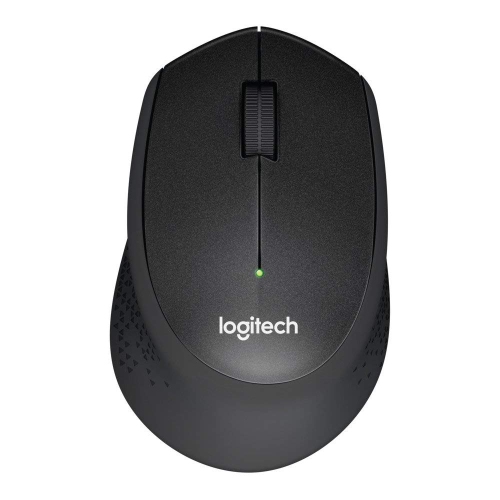
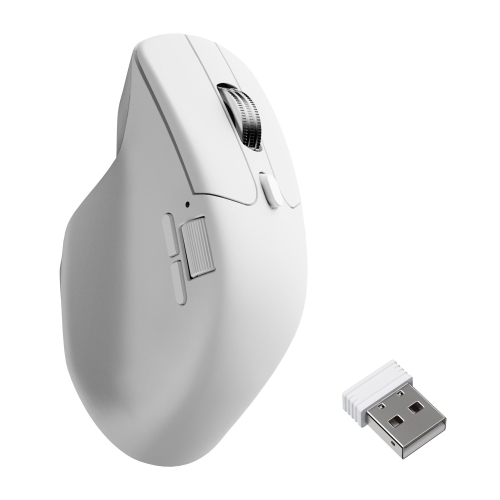
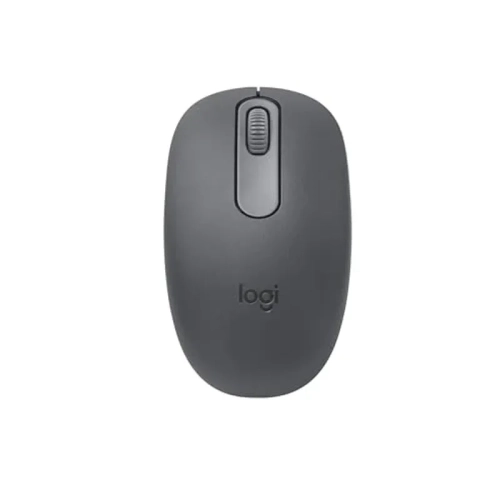
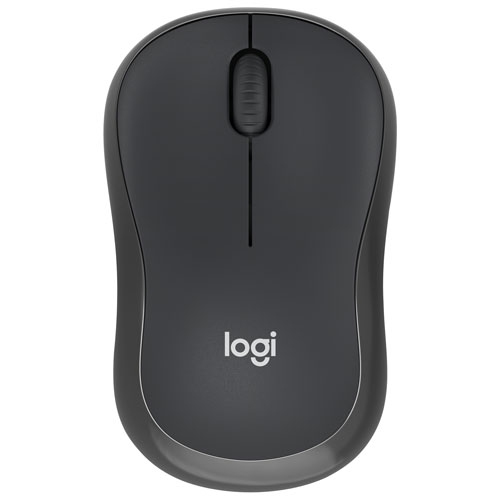
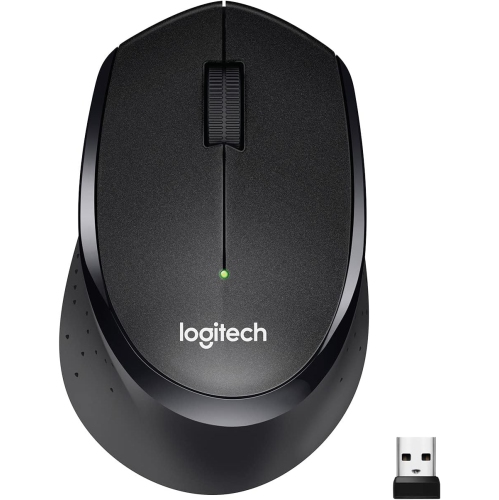
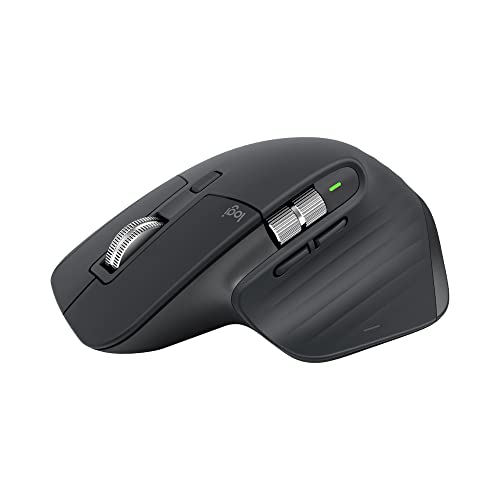
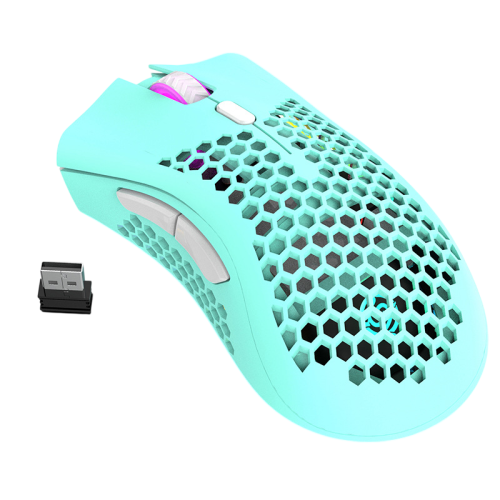
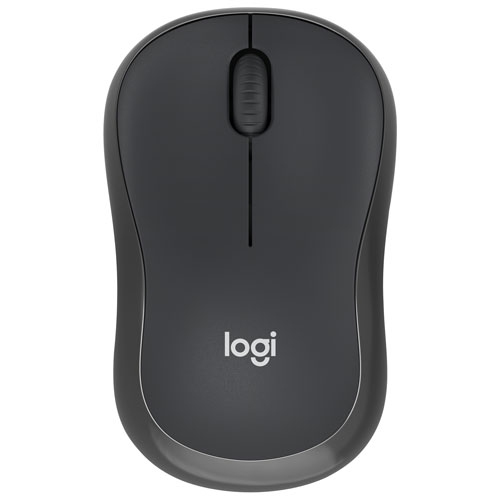
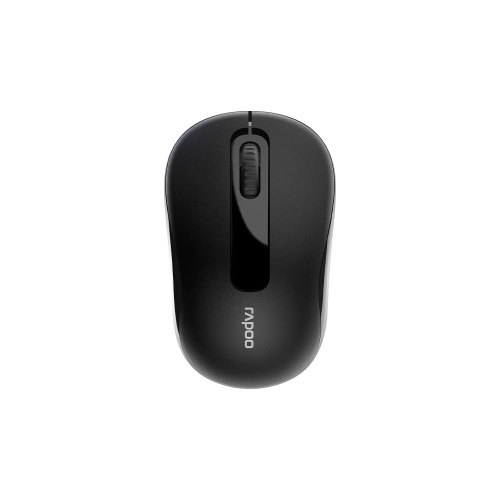
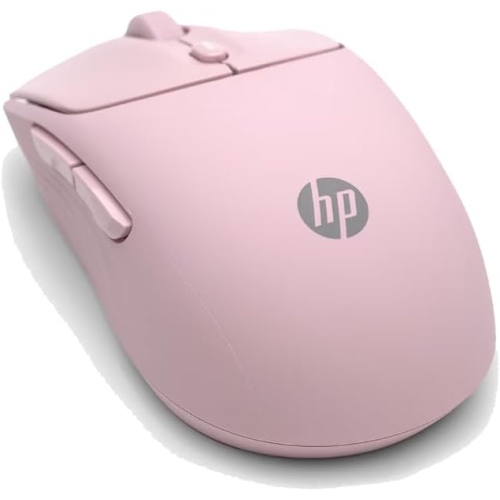
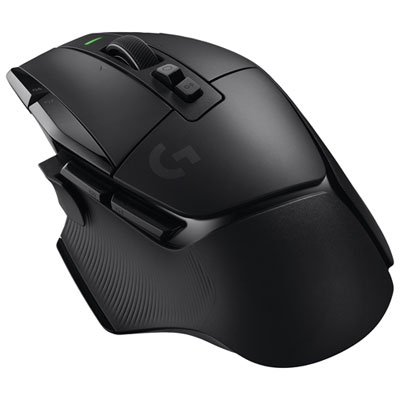
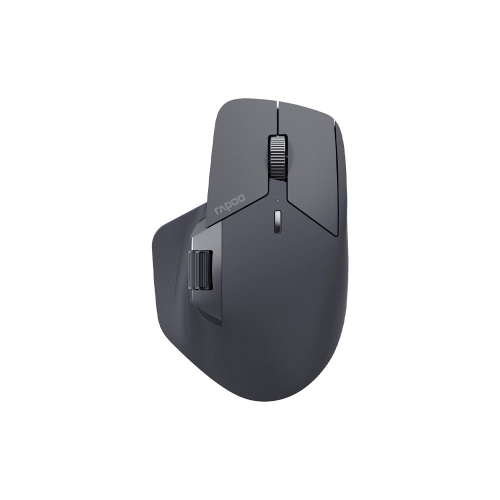
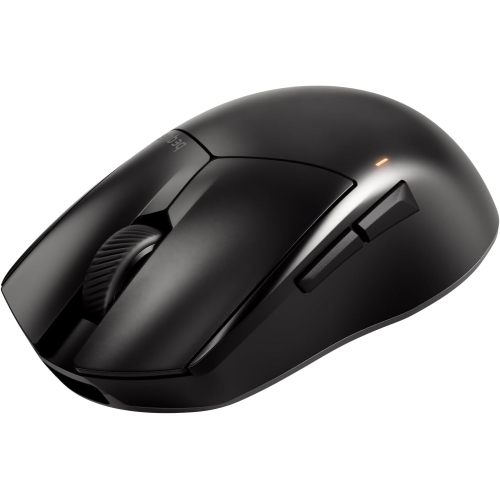
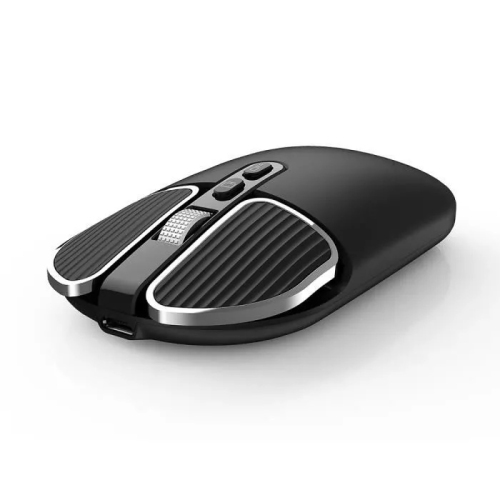
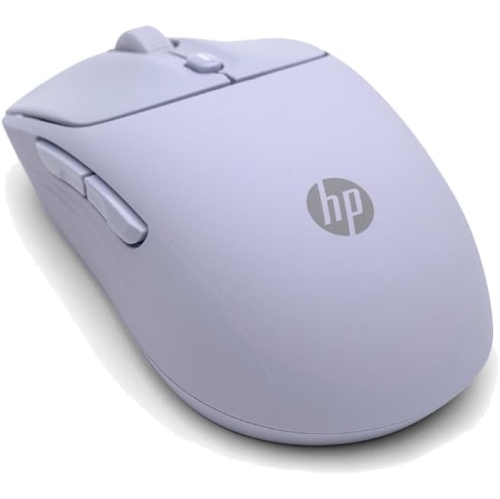
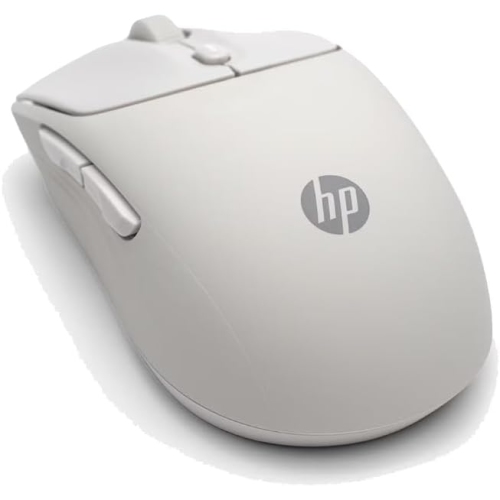
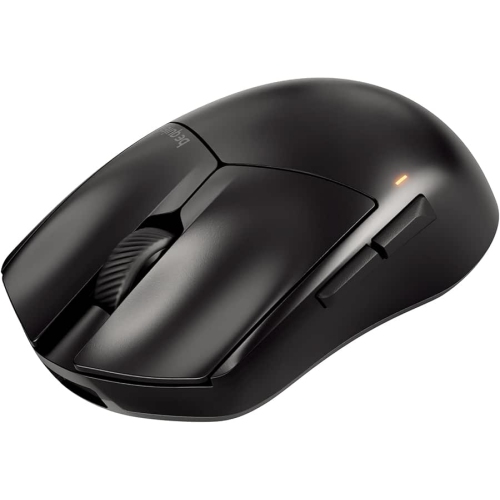
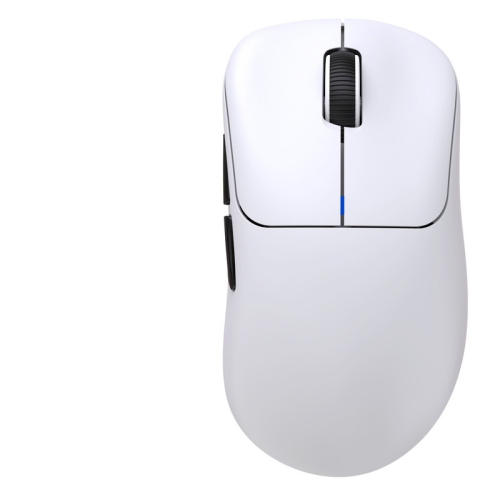
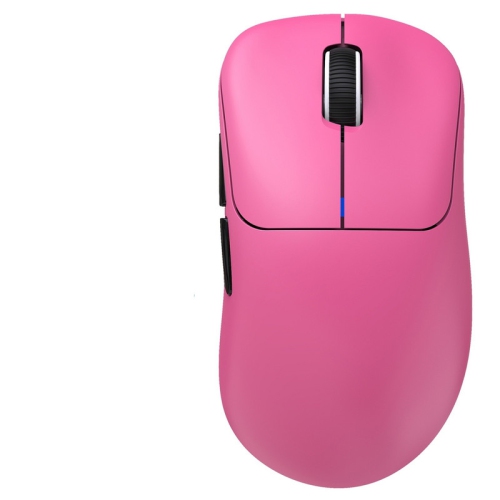
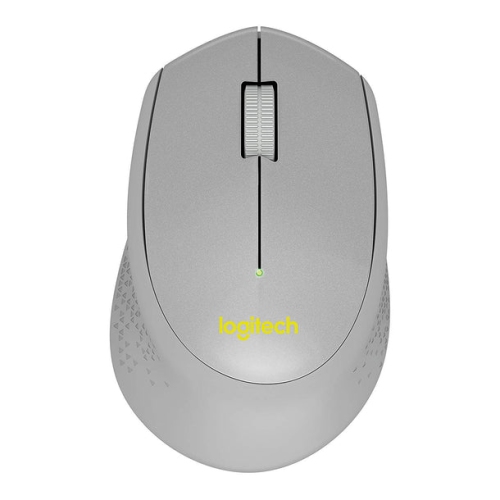
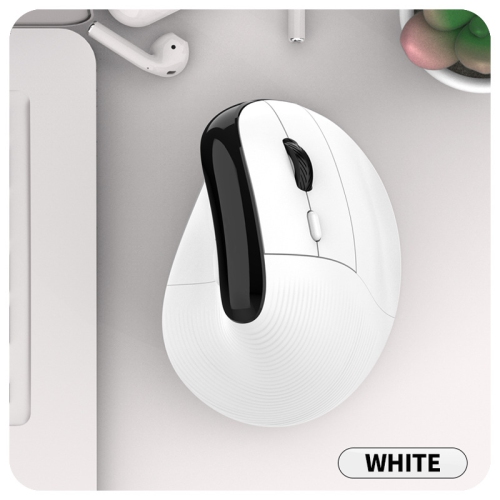
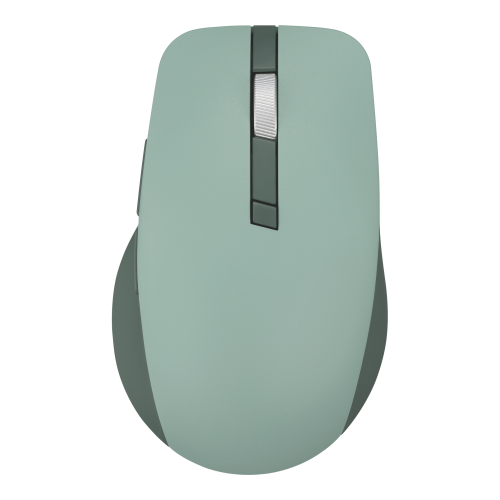
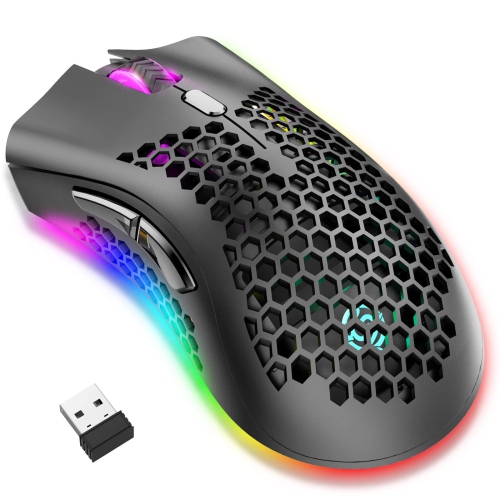
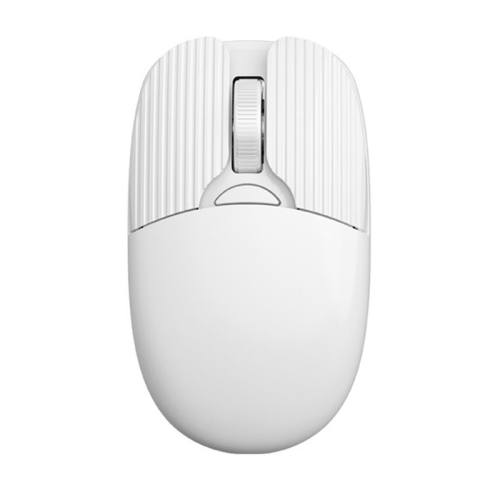
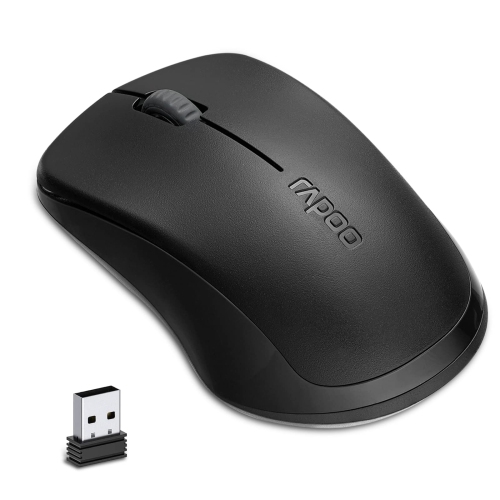
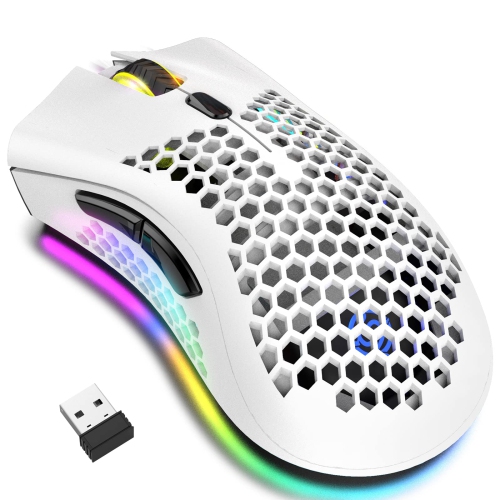
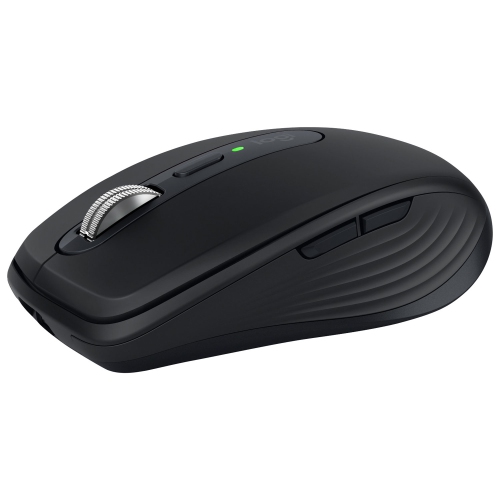
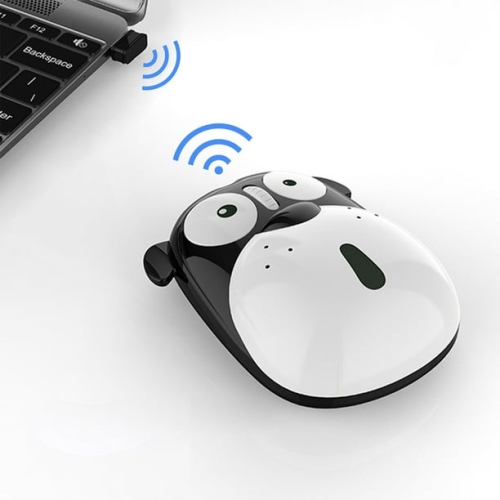
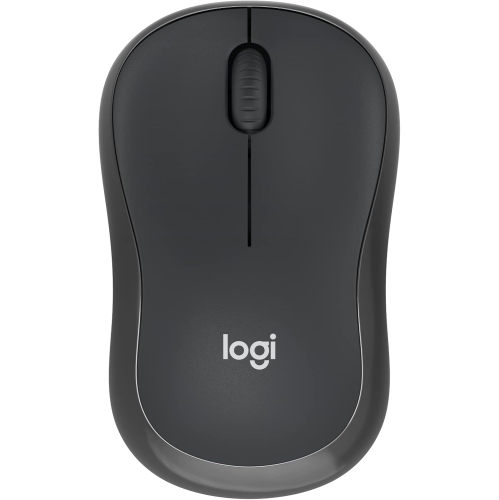
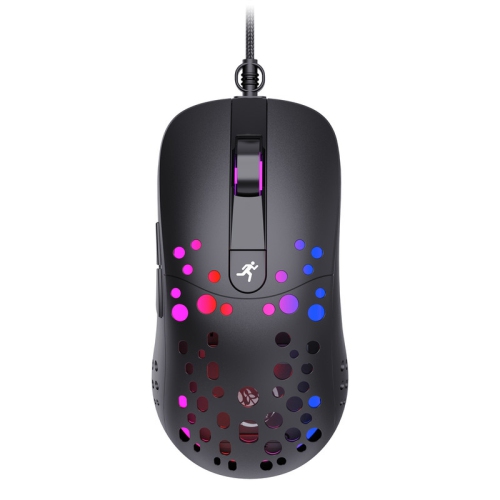

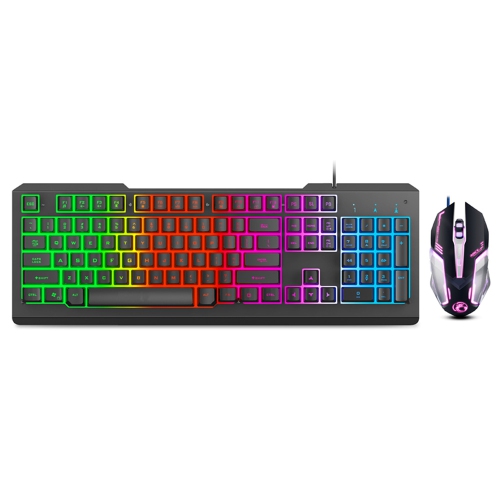
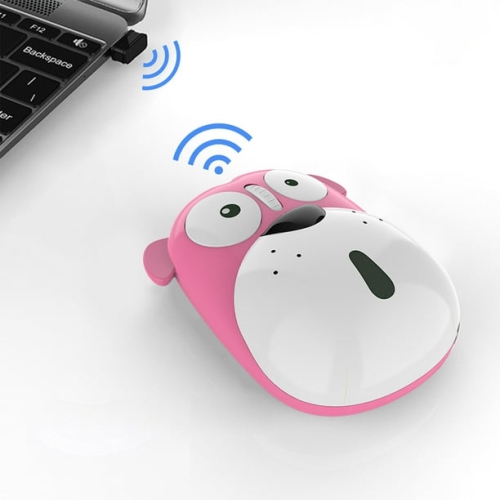
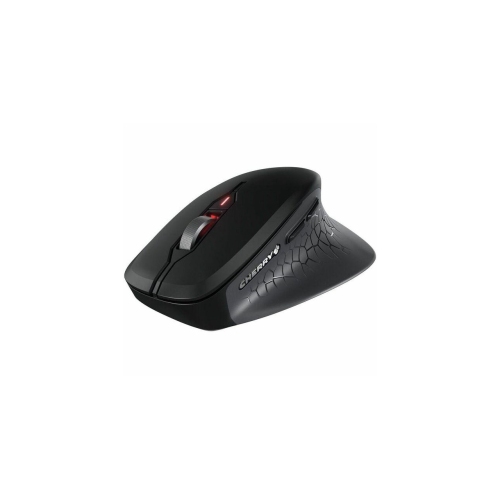
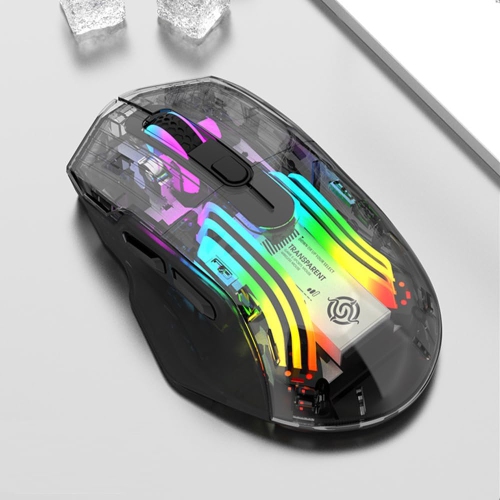
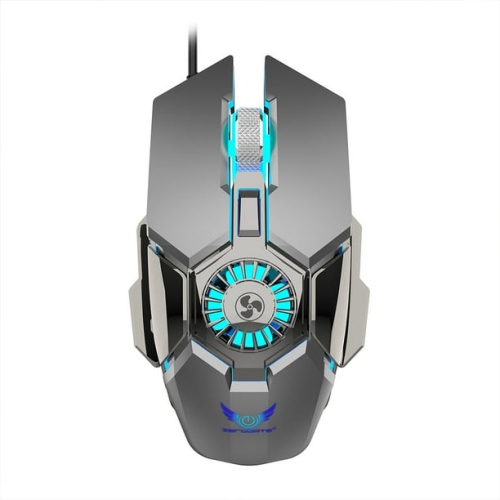
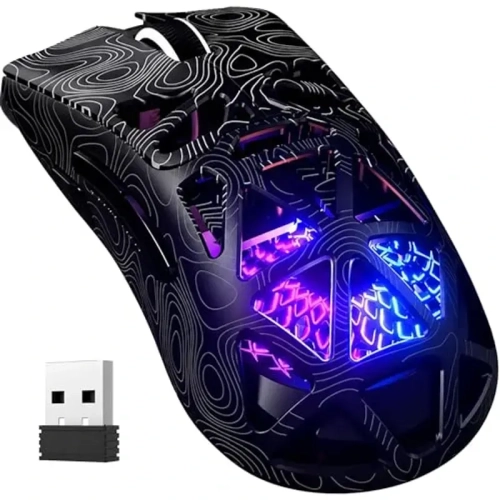
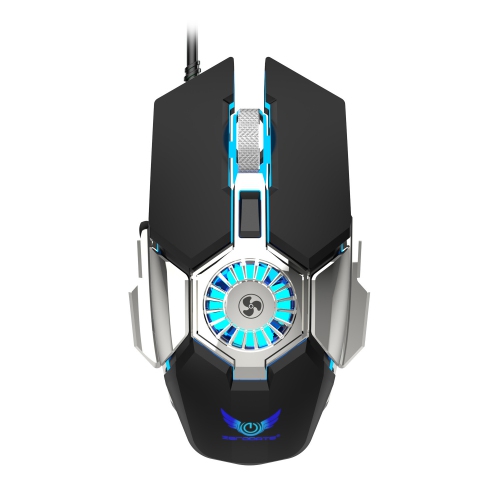
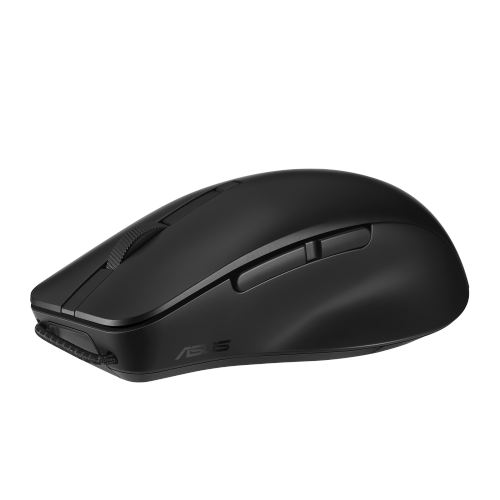
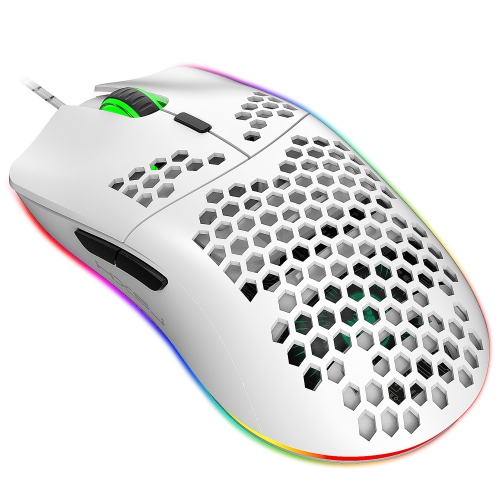
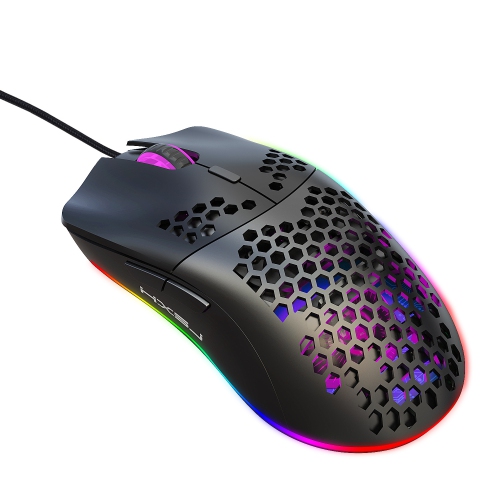
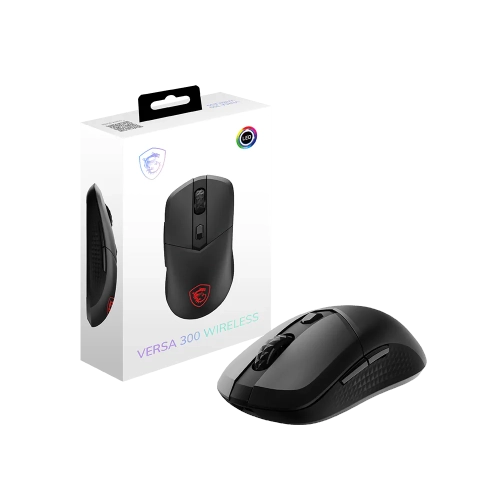
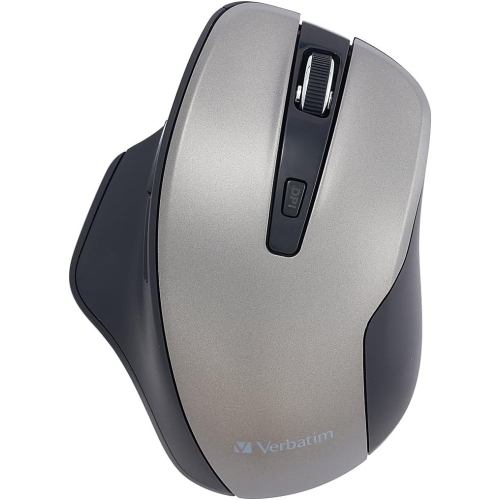
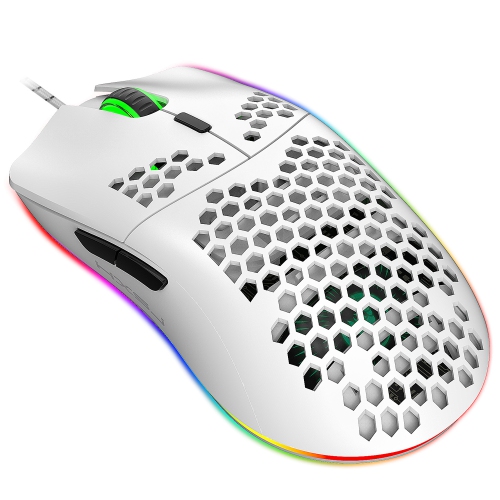
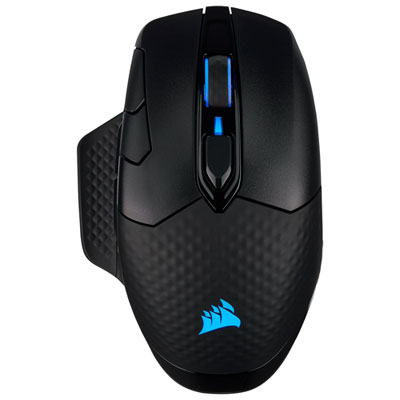

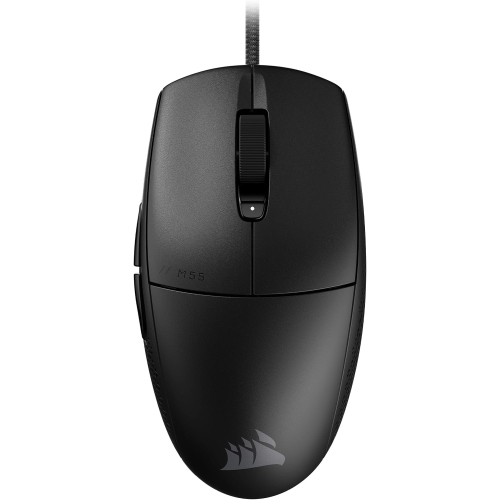
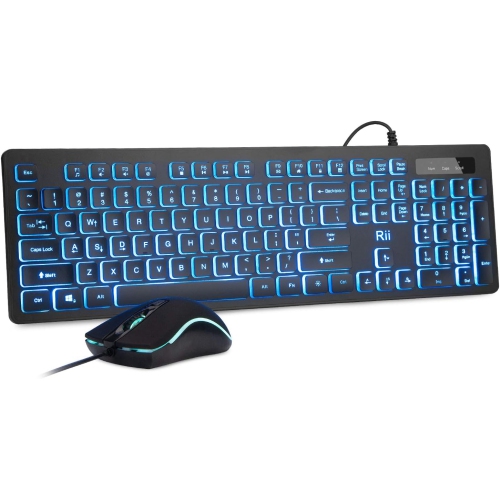
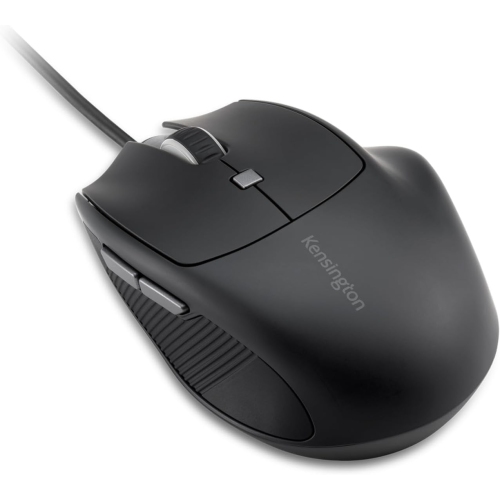
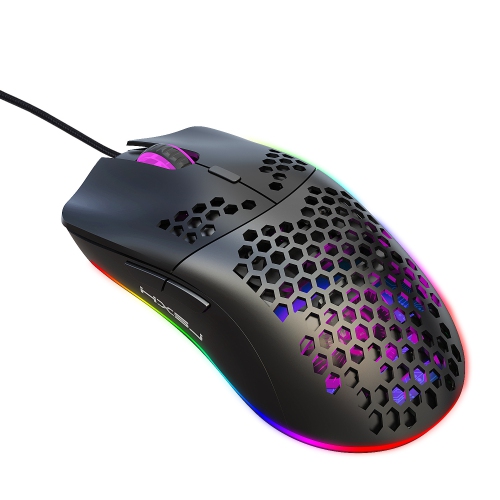
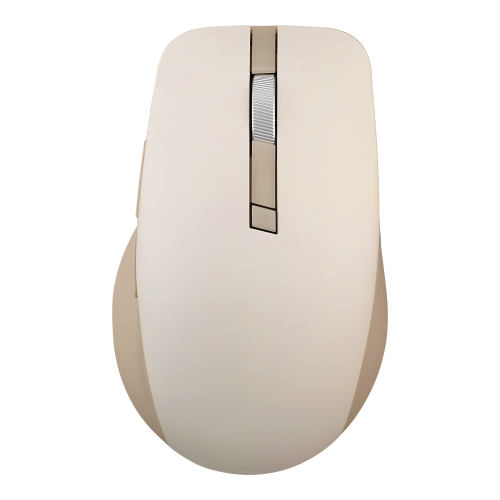

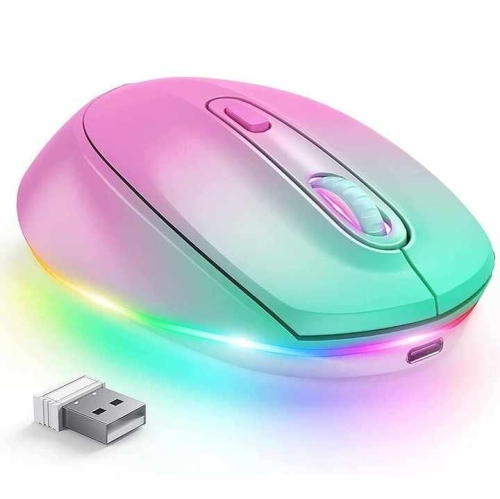
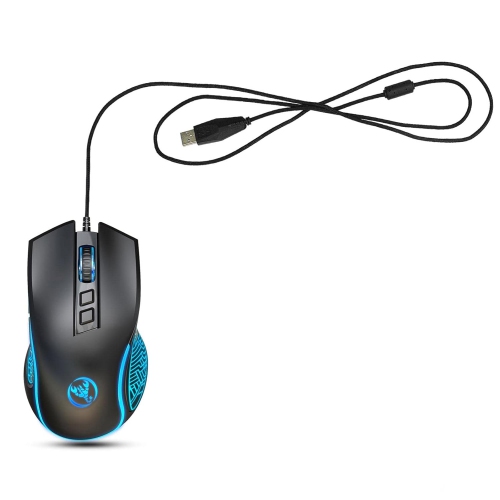
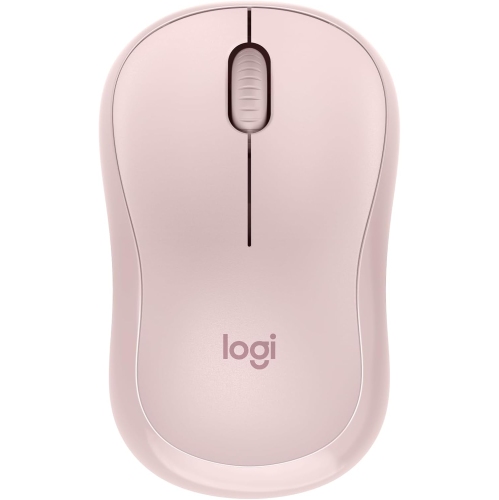
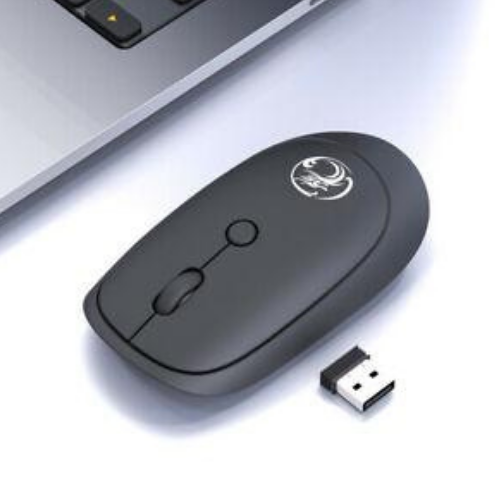
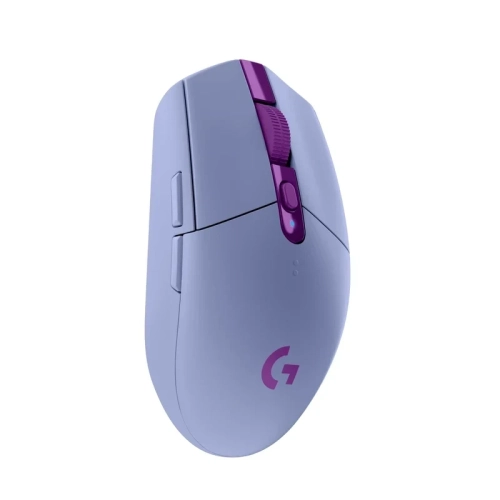
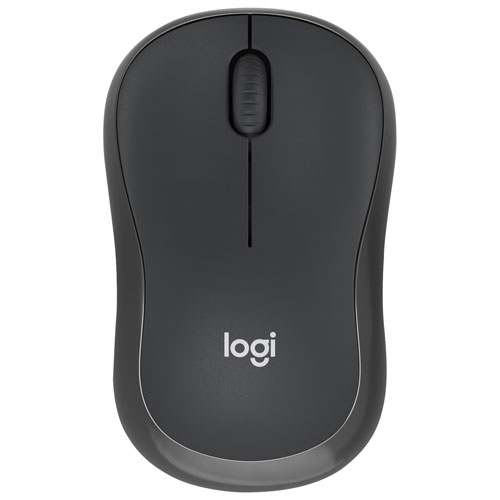
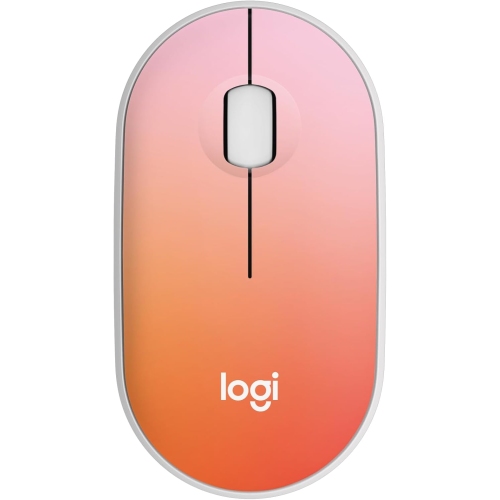
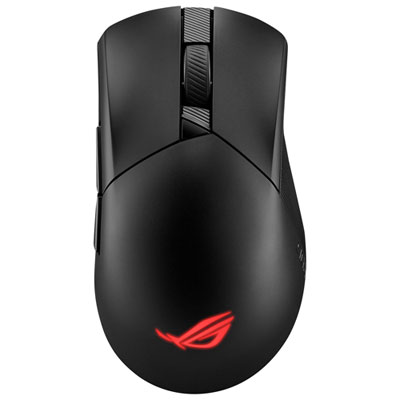
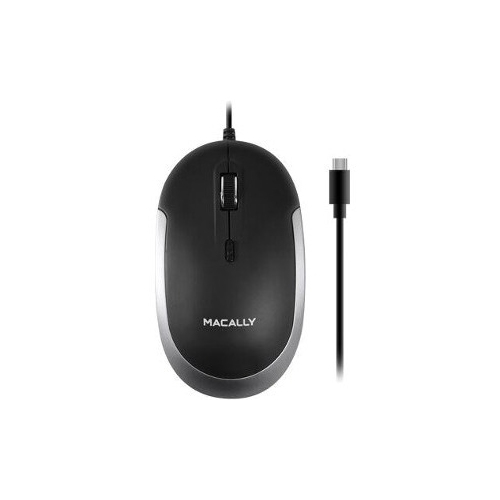
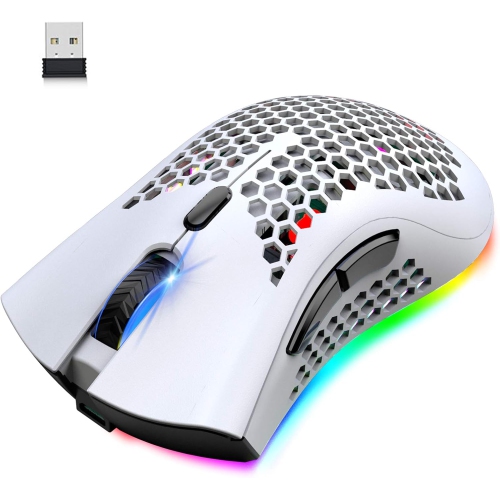

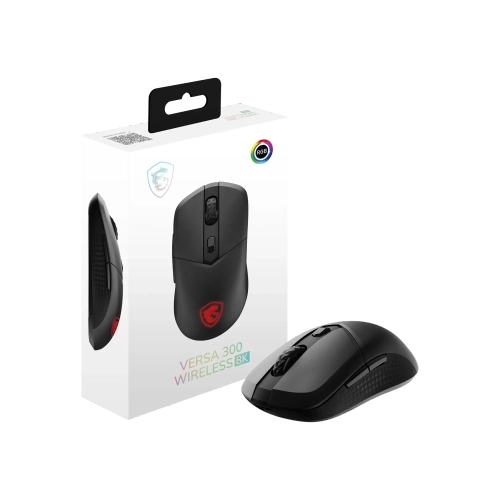
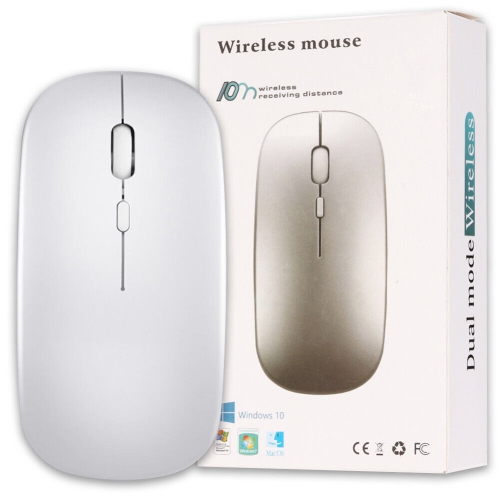
Quieter clicks are only part of the game
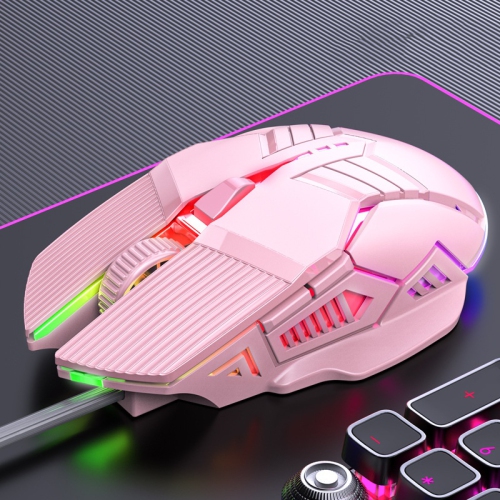
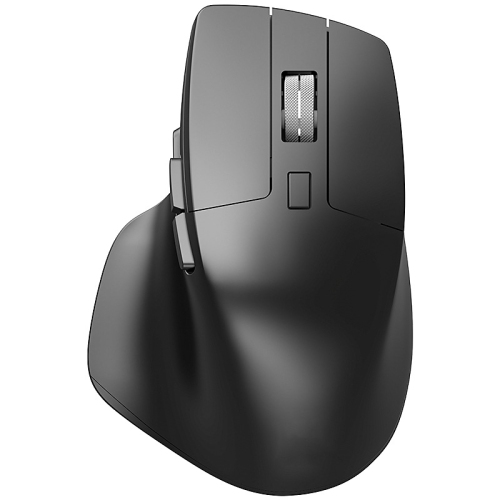
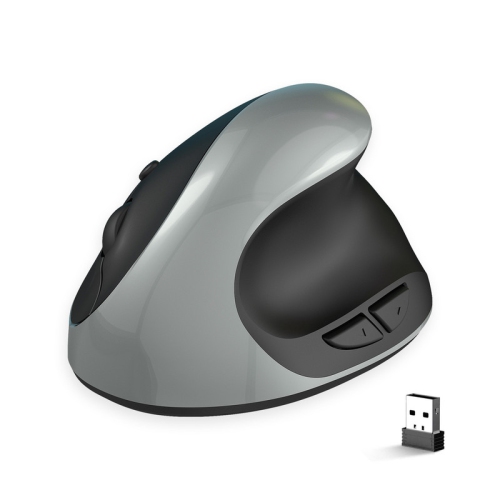
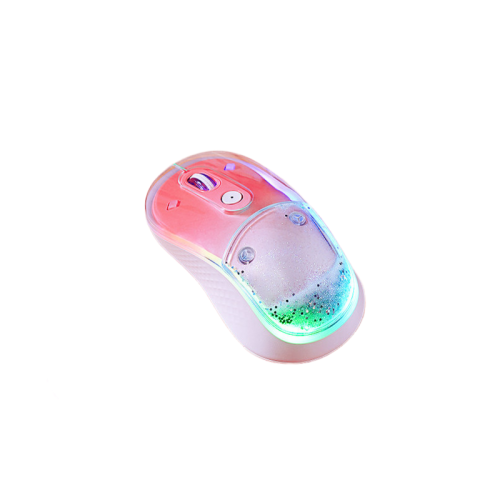
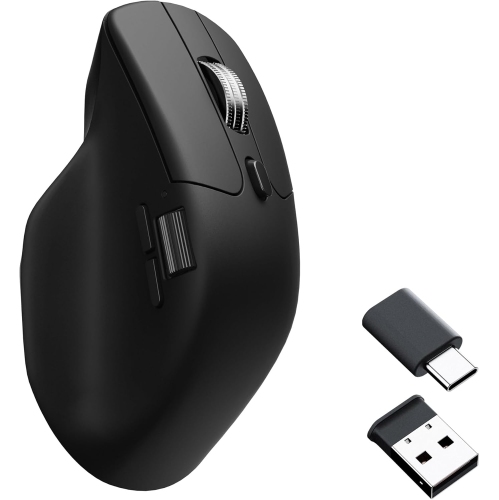
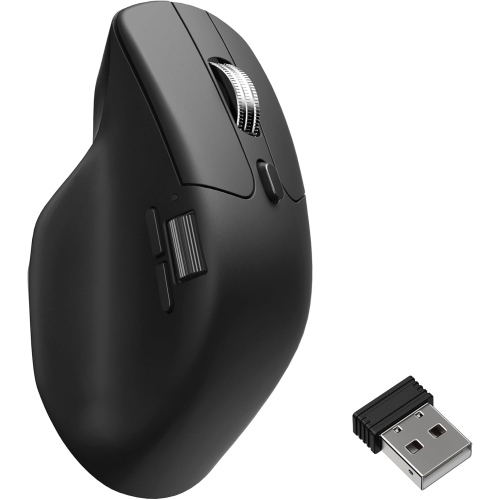
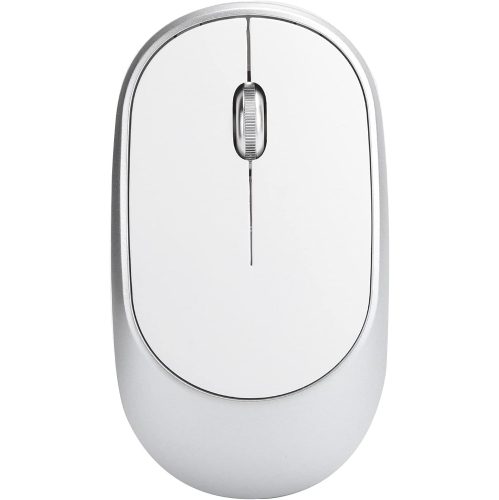
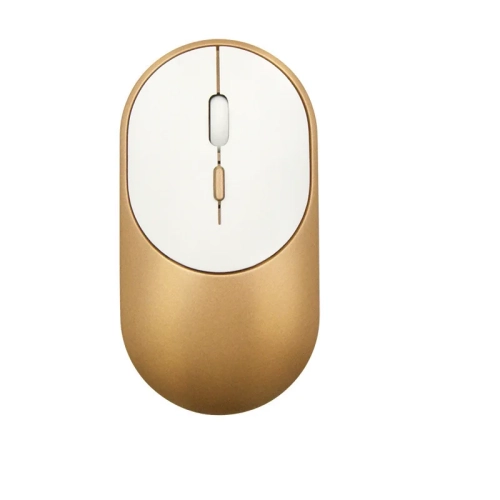
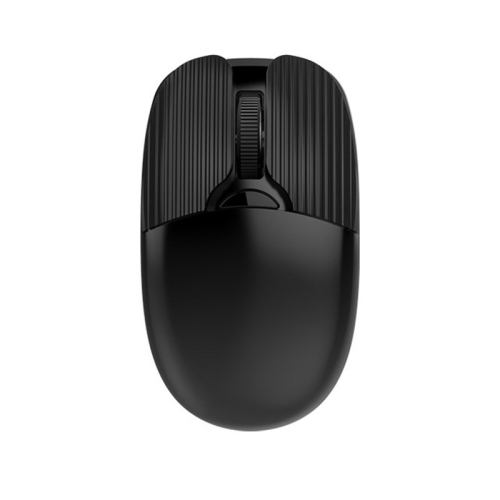
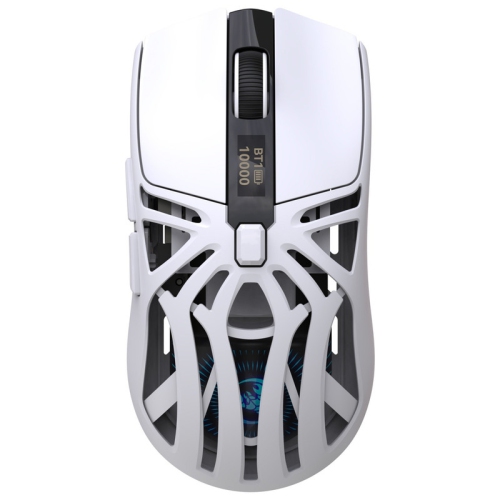
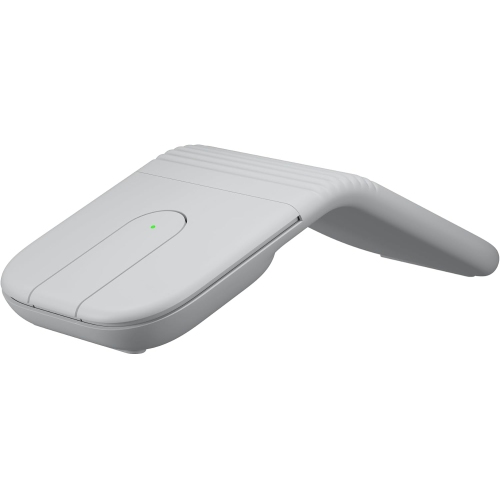
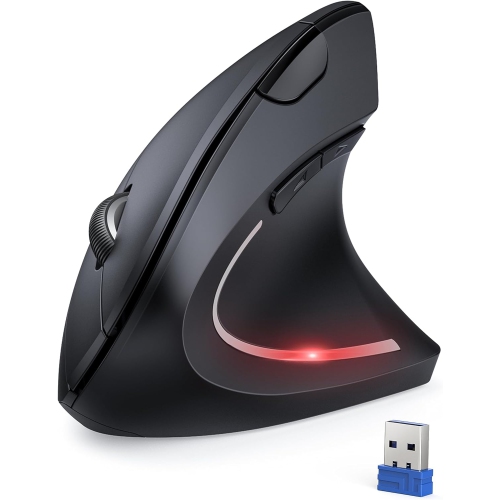
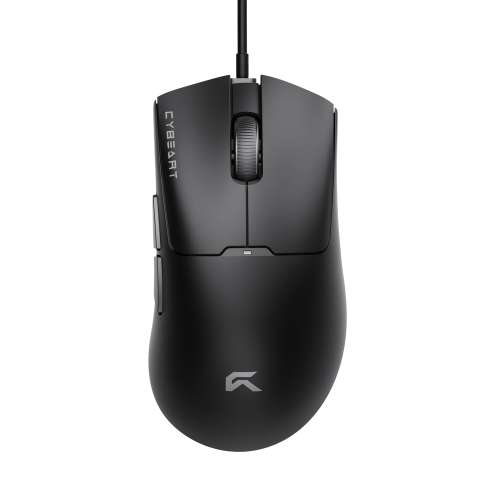
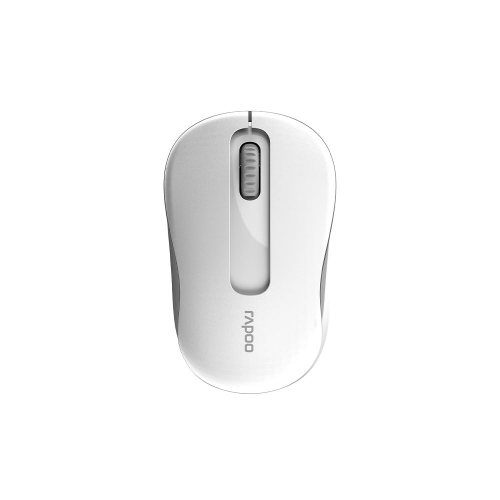
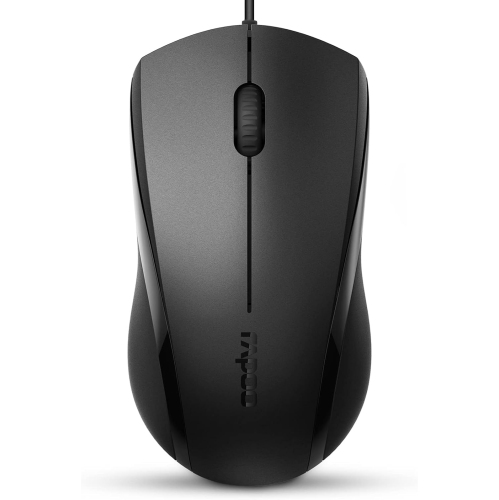
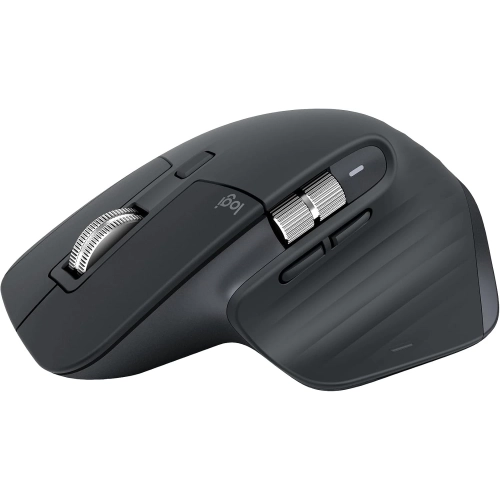
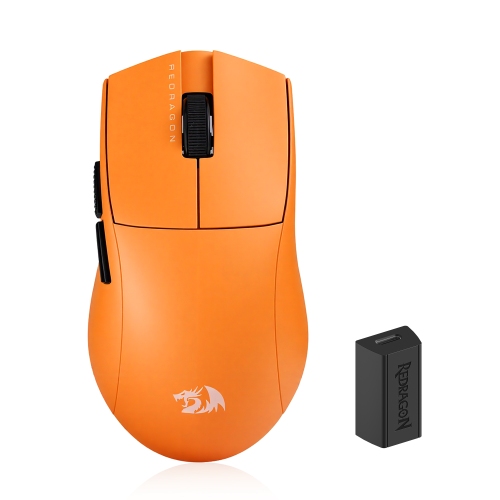
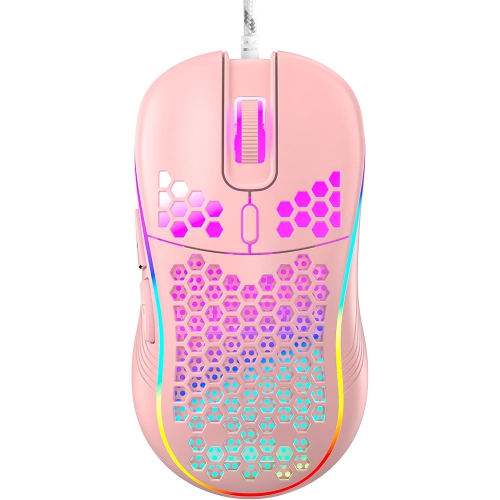
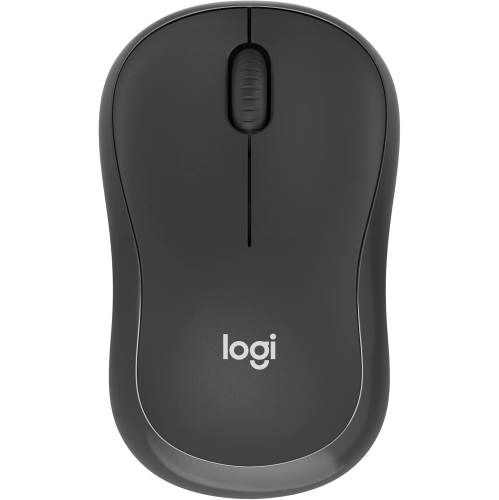
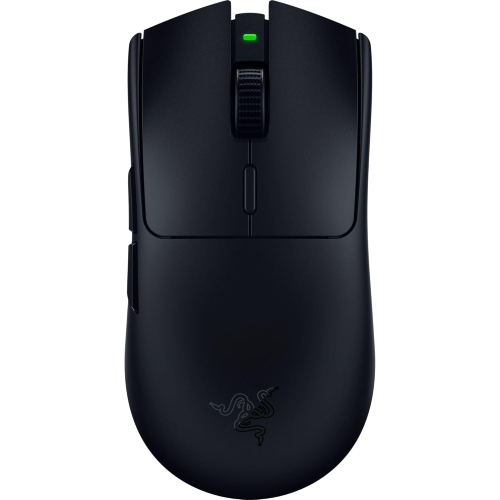
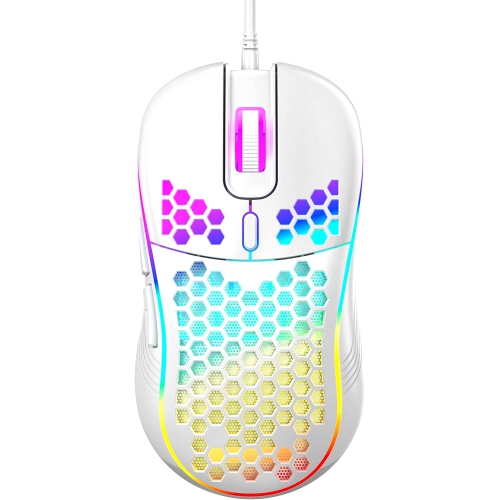
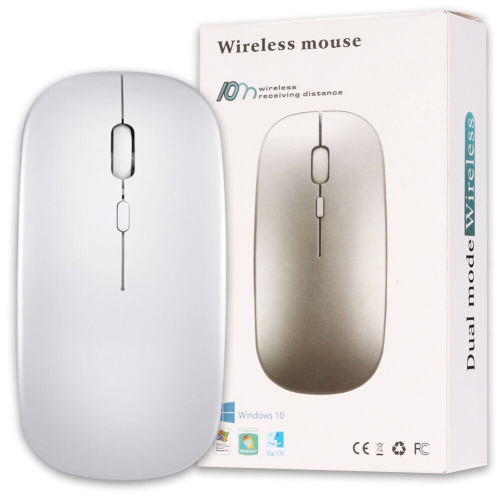
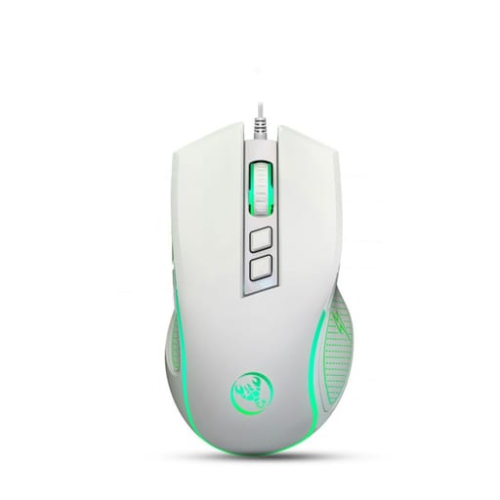
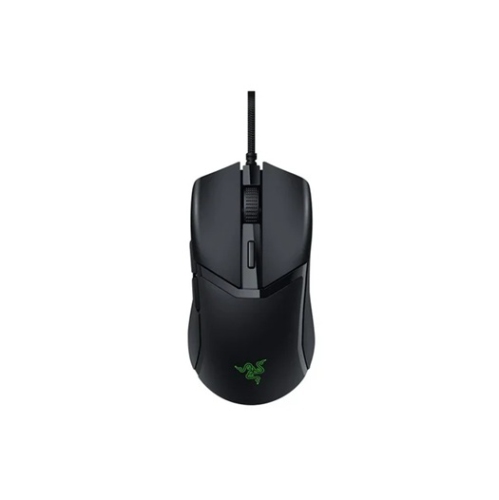
Quiet gaming mice are designed to reduce the sharp clicking sound of regular mouse buttons while providing the control needed for play. They can make a noticeable difference at a shared desk, in a bedroom beside a sleeping partner, or during a voice chat where repeated clicks might reach an open microphone. The main distinction is usually in the button switches and how their sound is dampened, rather than in the sensor alone. A quieter click can still have a defined activation point, although the feel may be softer or less crisp than a conventional gaming switch. Optical switches are not automatically quiet, and mechanical switches are not automatically loud; the switch design, button construction, and mouse shell all contribute to the sound. Descriptions that specifically identify quiet or silent primary buttons are more useful than assuming every gaming mouse has reduced click noise. Even then, “silent” generally means quieter operation rather than a complete absence of sound. Side buttons, the scroll wheel, and a wheel-click action may sound different from the left and right buttons. Fit matters just as much as acoustics during a long session. A fuller shell can support a palm grip, while a shorter shape may leave more room for fingertip movements. Claw-grip players often need a shape that supports the back of the hand without crowding curled fingers. Hand size, button placement, and whether the shape suits left- or right-handed use all affect comfort. A side button that sits naturally beneath the thumb is easier to reach without shifting grip during a match. Smooth plastic shells are easy to wipe down, while textured surfaces or rubberized side panels can add grip. Weight also changes the experience: a lighter mouse can feel easier to move across a large pad, while a heavier design may feel steadier to someone who prefers more resistance. Neither weight nor shape is universally better; the useful combination is one that allows relaxed, repeatable movement without forcing the wrist into an awkward position.
Reduced click noise is only one part of gaming performance. Tracking consistency, connection stability, and button response remain important whether the mouse is used for fast competitive matches or slower strategy games. DPI, commonly described as dots per inch, indicates sensitivity: a higher setting moves the pointer farther for the same physical movement. A very high maximum DPI does not, on its own, make a mouse more accurate or better suited to every player. Adjustable sensitivity is useful because a comfortable desktop setting may feel too quick when aiming at a small target. Some players prefer broad arm movements at lower sensitivity, while others use smaller movements in a limited desk area. Sensor behaviour and a suitable surface help make those movements predictable. Polling rate describes how often a mouse reports its position to the computer; higher supported rates can reduce the interval between updates, though the practical benefit depends on the rest of the setup and may affect battery life. Wired connections remove charging from the routine, but cable flexibility and desk placement influence how freely the mouse moves. A cable that catches on a monitor stand can be more distracting than its weight suggests. Wireless designs provide more freedom of movement, with many gaming-focused connections using a dedicated 2.4 GHz USB receiver. Bluetooth can be convenient for switching between compatible computers or keeping a USB port free, but it may offer different response times and feature support from a dedicated receiver connection. Dual-mode or multi-mode designs can suit a desk used for both work and gaming, provided each connection supports the intended device. Battery-powered mice also differ in charging method, expected runtime, and whether they can be used while charging. Lighting and higher performance settings can shorten runtime, so quoted battery figures need to be read alongside their test conditions. Compatibility extends beyond making a connection: programmable buttons, sensitivity adjustment, and saved profiles may depend on software, and some settings may not transfer between operating systems or devices.
The rest of the desk setup influences how a quiet gaming mouse feels and sounds in everyday use. A clean, even mouse pad can support consistent tracking and soften the sound of setting the mouse down after repositioning it. Mouse feet affect glide, and dust or debris caught around their edges can make movement feel rough even when the sensor is working properly. Hard surfaces and fabric pads offer different levels of friction, so the same mouse may feel quicker on one desk than another. Adequate space matters for players who make sweeping movements; a crowded surface can force frequent lifting and repositioning. Care is straightforward but worthwhile. Disconnecting or switching off the mouse before cleaning, wiping the shell with a soft cloth, and following the manufacturer’s cleaning directions help protect finishes and controls. Liquid should not be sprayed directly into buttons, the scroll wheel, charging ports, or shell openings. Textured grips and recessed seams may need more attention because they collect skin oils and dust. Durability depends on more than an advertised switch lifespan: scroll-wheel construction, cable strain relief, charging-port condition, and how the mouse is carried also matter. A pouch or separate compartment can keep a travel mouse from rubbing against loose accessories in a bag. For a shared work-and-play desk, quieter primary buttons can make repeated spreadsheet selections less intrusive before the same mouse takes on an evening game. Programmable side buttons can place frequently used actions within reach, though a simple layout may be more comfortable for someone who rarely uses shortcuts. A quieter mouse can also be a thoughtful gift for a gamer who shares a room or regularly uses voice chat, especially when their preferred grip, hand size, and connection needs are known. Pairing reduced mouse noise with Best Quiet Gaming Keyboards can help reduce another prominent source of desk noise. The result is a setup that balances quieter interaction with comfortable control, rather than treating silence as a substitute for gaming capability.
Top selling and popular products
-
 Your price for this item is $29.99
-
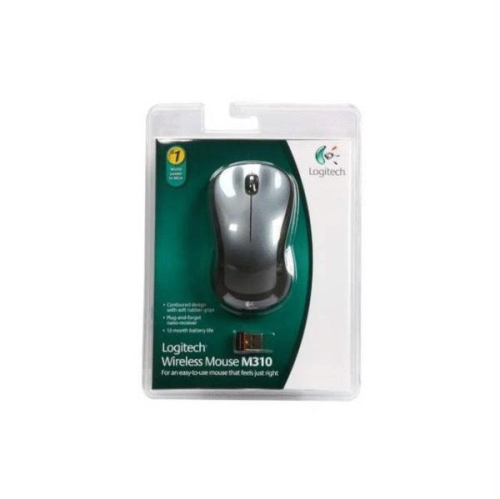 Your price for this item is $50.44
-
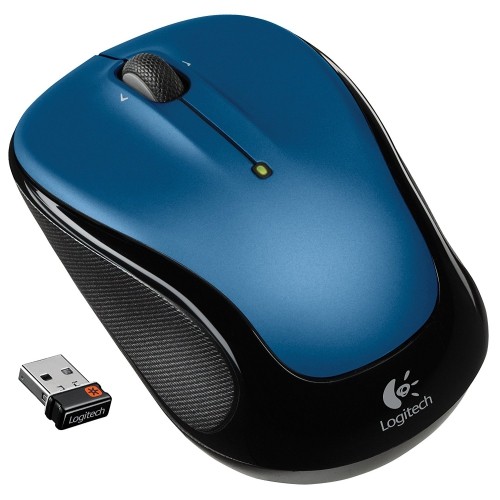 Your price for this item is $39.99
-
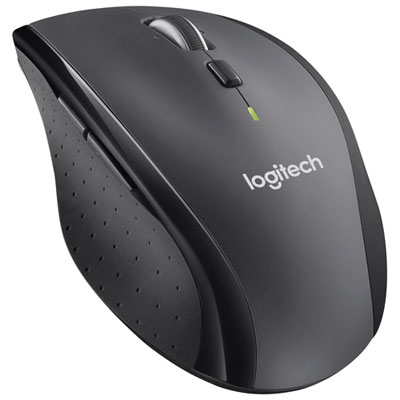 Your price for this item is $49.99
-
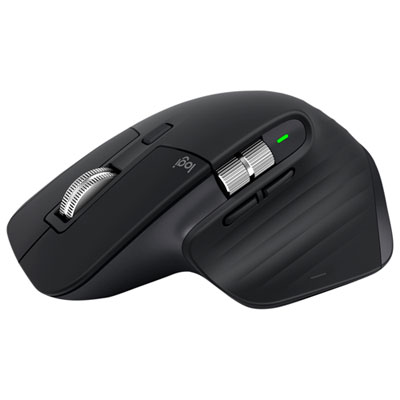 Your price for this item is $159.97
-
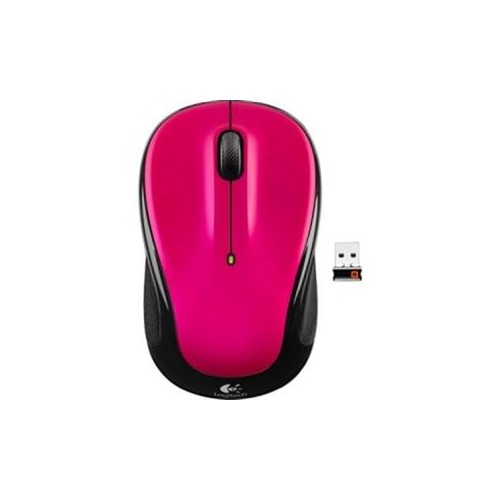 Your price for this item is $64.68
-
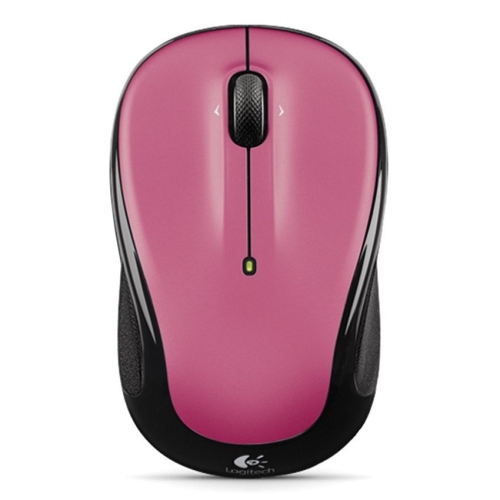 Your price for this item is $48.68
-
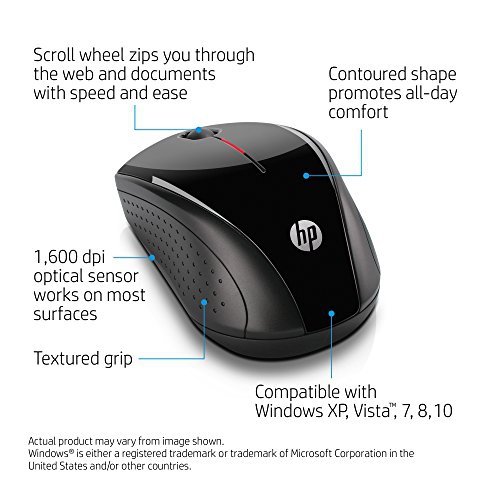 Your price for this item is $31
Discover more categories related to Quiet Gaming Mice

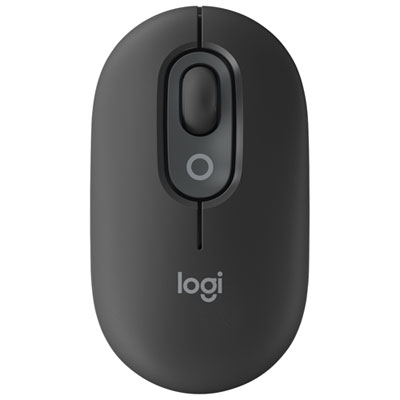
Top Collections:
Best Black Friday Deals This Year, Best Black Friday Deals On Electronics, Kindle Devices, Pokemon Centers, Best Black Friday Deals On Apple Products, Best Cameras for Sports Photography, Dyson Airwrap, Pokémon 30th Celebration Cards, Apple iPhone 17 Pro, Canon G7X Cameras
Some products may be subject to Environmental Handling Fees
(EHF) depending on your province.
Learn more about EHFs.