Quiet Gaming PC Fans
Quiet Gaming PC Fans are the perfect solution for gamers who want to keep their systems cool without distracting noise. Designed to deliver optimal airflow while maintaining a peaceful gaming environment, these fans help ensure your PC runs smoothly during intense sessions. Explore a wide selection of Quiet Gaming PC Fans to find the ideal match for your setup and enjoy uninterrupted focus on your favorite games.
Sort
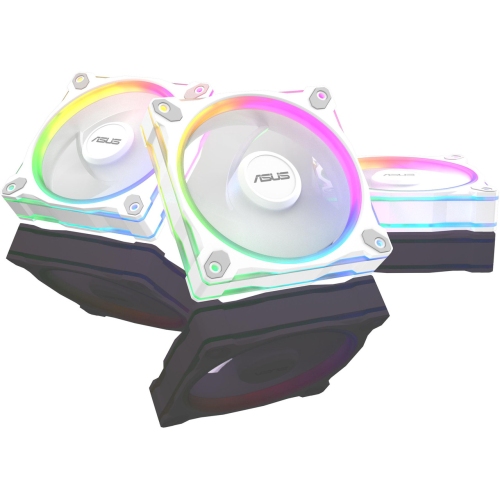
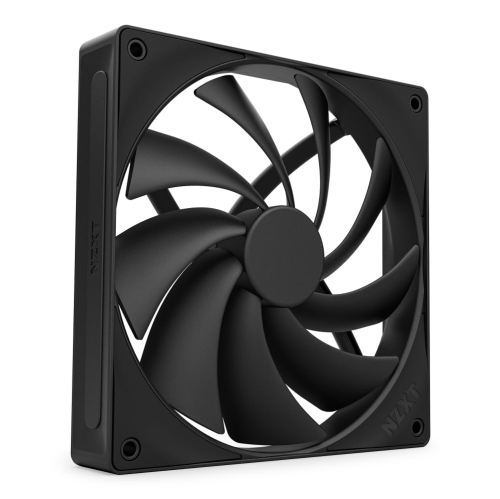
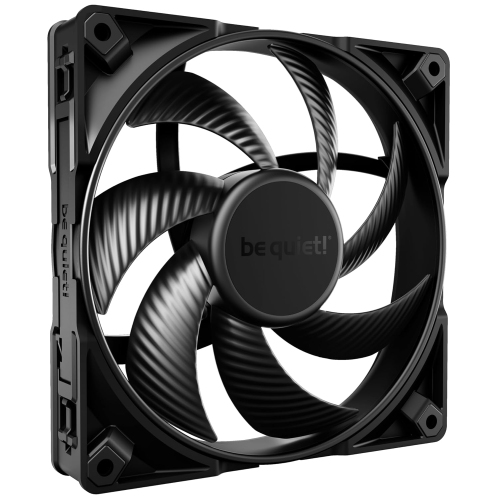
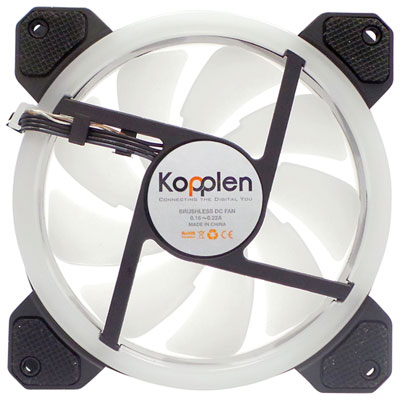
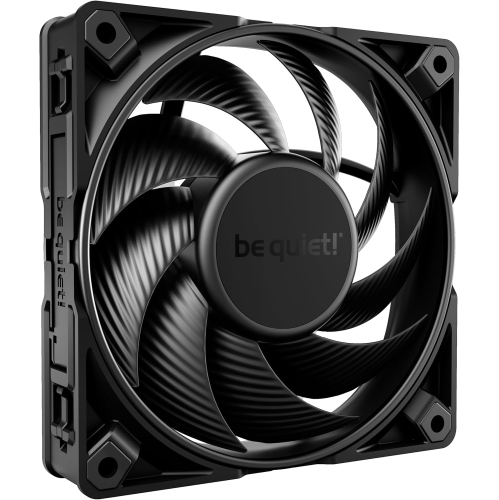
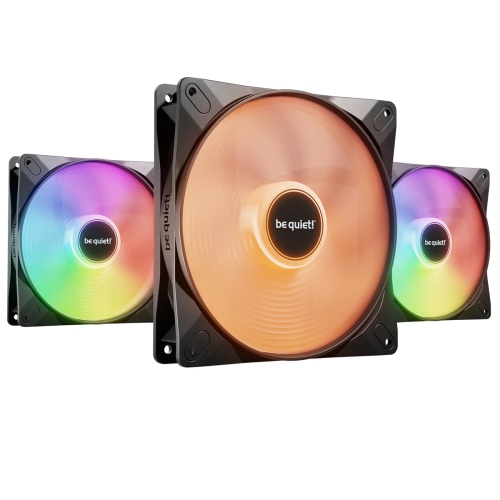
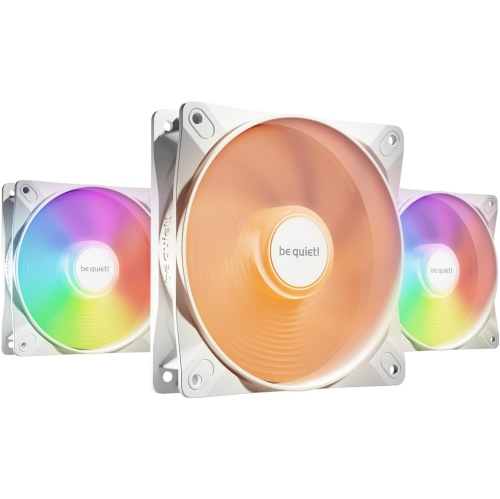
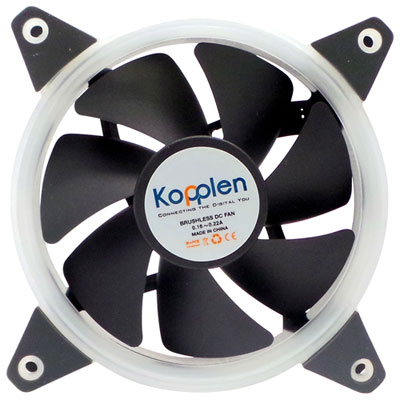
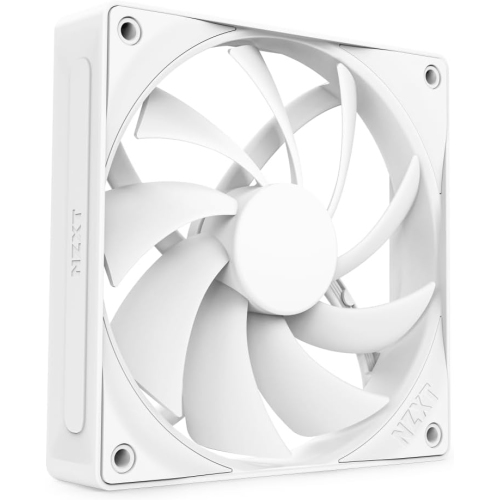
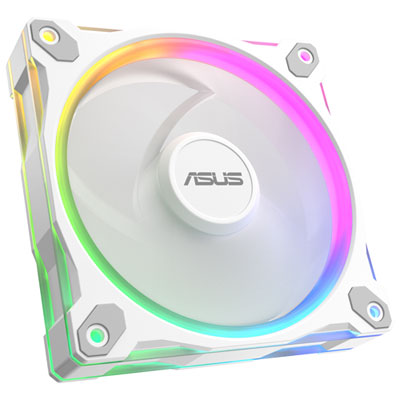
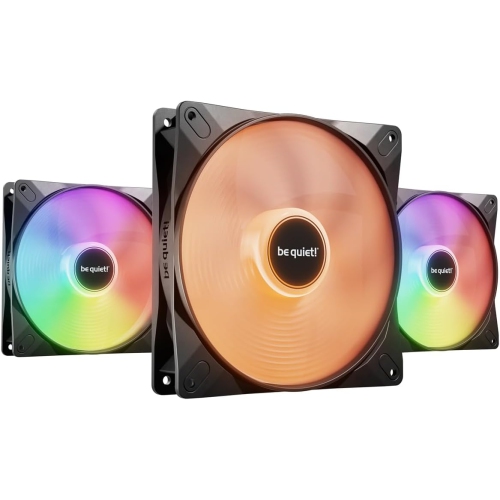
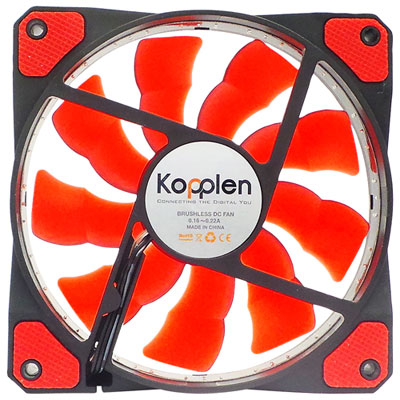

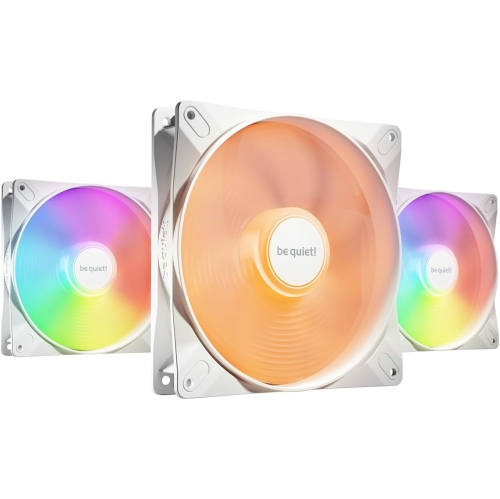
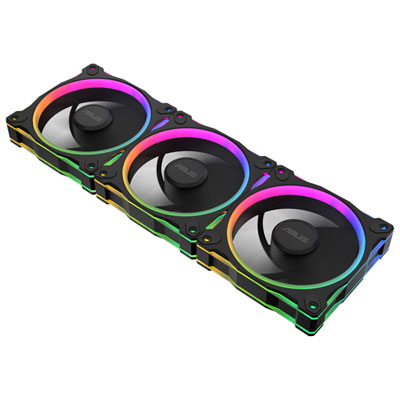
Quieter cooling takes more than a silent label
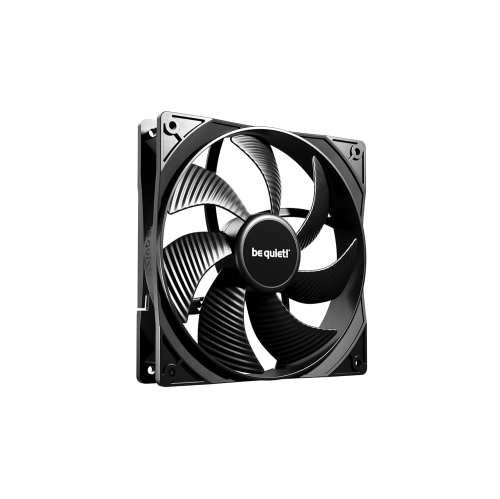
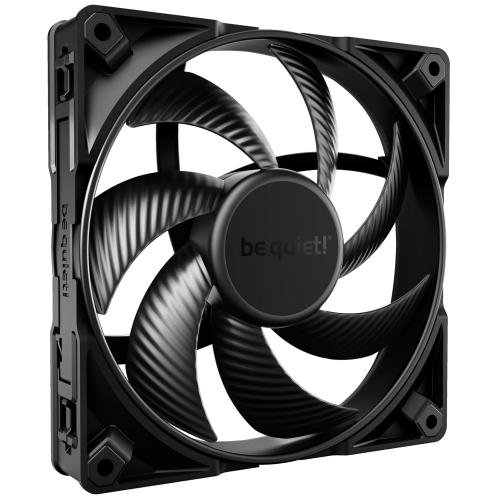
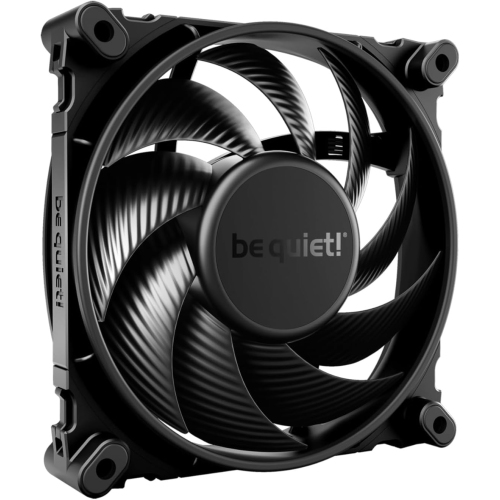
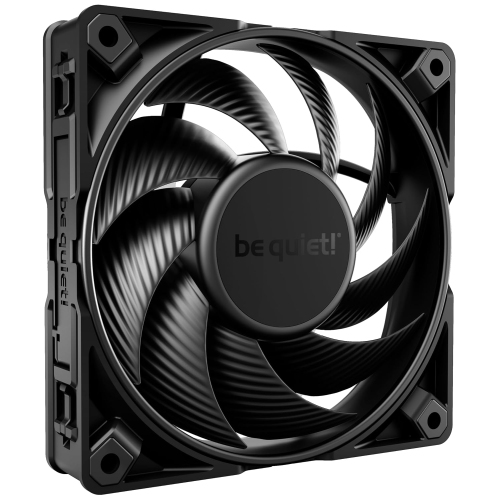
Quiet gaming PC fans move air through a computer case, across a heatsink, or through a liquid-cooling radiator while keeping operating noise low. Their performance depends on a combination of fan size, blade shape, motor design, bearing quality, and speed control rather than a single “silent” label. For a gaming setup beside a desk, lower fan noise can make dialogue easier to hear through speakers, reduce distractions during focused play, and keep a nearby microphone from picking up a constant rush of air. Common case fan sizes include 120 mm and 140 mm, although the right fit depends on the mounting positions supported by the case. A larger fan can often move a similar volume of air at a lower rotational speed than a smaller one, but size alone does not guarantee quieter operation. The grille in front of the blades, the resistance of a dust filter, and the distance from a solid panel can all affect the sound. Airflow ratings describe the volume of air a fan moves, commonly expressed in cubic feet per minute, or CFM. Static pressure describes its ability to push air through resistance, making it particularly relevant for dense radiator fins and restrictive filters. Airflow-focused designs generally suit more open intake or exhaust positions, while pressure-focused designs can be better suited to obstructed paths. Many fans balance both characteristics, so the intended mounting location matters more than choosing the highest number on a specification sheet. Published noise levels, usually expressed in dBA, are most useful when the testing conditions and fan speeds are comparable. A maximum-speed rating does not describe how a fan will sound throughout a gaming session. The character of the noise matters, too: a soft movement of air may be less noticeable than a higher-pitched motor tone or a vibration transmitted through the case. Quiet cooling is therefore about useful airflow at comfortable sound levels, not simply the lowest advertised noise figure.
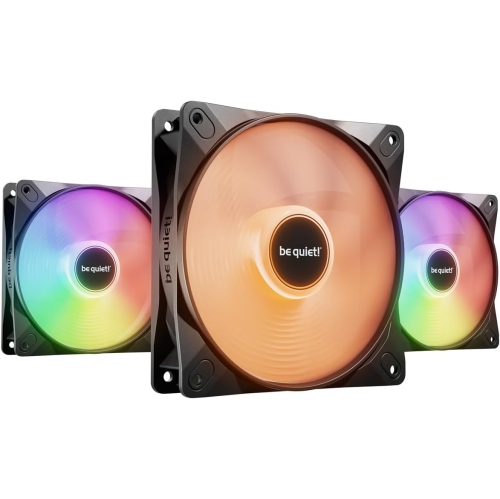
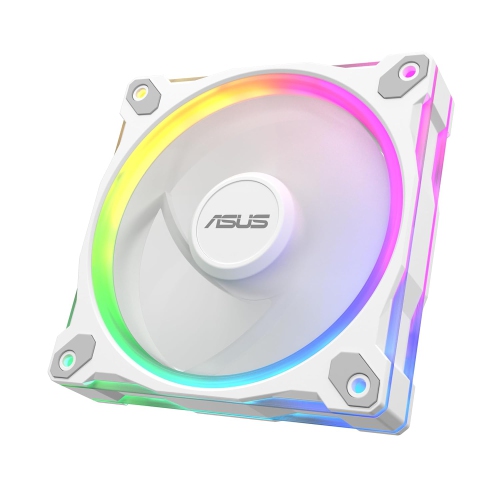
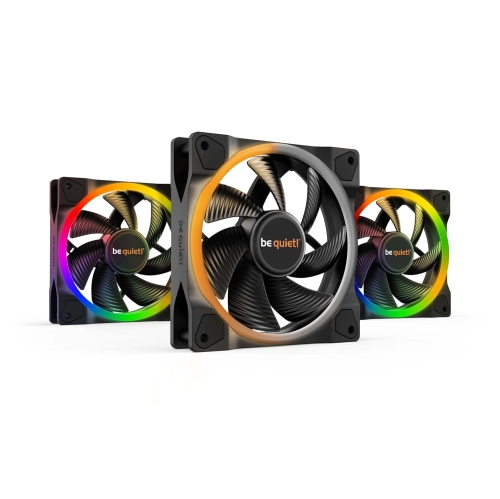
Fit and electrical compatibility are central to choosing quiet PC cooling fans. A case may support several fan sizes in one location but still limit how many can be installed together, particularly when a radiator, long graphics card, or drive cage occupies nearby space. Frame thickness also matters; a slim fan can fit a tight clearance, while a standard-thickness design may offer different airflow and pressure characteristics. Matching the mounting-hole pattern and allowing room for cables helps prevent a straightforward upgrade from becoming a cramped installation. Most conventional desktop case fans use either a three-pin or four-pin power connection. Four-pin PWM fans support pulse-width modulation, allowing a compatible motherboard or controller to adjust speed using a dedicated control signal. Three-pin fans generally rely on voltage-based speed control, which requires suitable support from the connected header. A fan’s specified minimum speed and control range can be just as useful as its maximum speed, especially for a PC that spends time browsing, streaming, and gaming. Multiple fans connected through a splitter must remain within the header’s electrical rating; a suitably powered hub can support larger arrangements when compatible. Lighting connections are separate from motor connections on many illuminated fans, and addressable RGB and conventional RGB connections are not interchangeable. For shoppers who prefer an understated build, non-illuminated fans keep the focus on cooling without additional lighting cables. Materials and construction also influence the experience over time. Rigid moulded frames and blades help maintain alignment, while rubber corner pads or compatible vibration-isolating mounts can reduce the transfer of motor vibration into metal panels. Bearing design affects mechanical sound, longevity, and suitability for different mounting orientations. Fluid dynamic bearings are common in low-noise designs, though the quality of the complete fan matters more than the bearing name alone. Published service-life figures are estimates under stated conditions, not a promise of identical performance in every computer. Secure mounting, suitable clearances, and cables kept away from the blades all contribute to dependable operation.
Quiet gaming PC fans work best as part of a balanced cooling layout rather than as isolated replacements. Intake fans bring air into the case, while exhaust fans remove heated air; the most effective arrangement depends on the case’s vents, filters, internal components, and radiator placement. A clear path through the system can help fans maintain useful cooling without running at full speed unnecessarily. Adding more fans does not automatically make a computer quieter, since each additional motor and airflow source contributes sound. In some layouts, several fans running slowly can be less intrusive than fewer fans running quickly, but the result depends on placement and control settings. Adjustable fan curves let compatible systems respond to component temperatures, keeping speeds lower during lighter tasks and increasing airflow during demanding games. Gradual response settings can help avoid repeated surges when brief processor activity causes a short temperature spike. Very low speeds and fan-stop settings are not supported by every fan, and adequate airflow remains important for components beyond the processor, including storage and motherboard circuitry. Routine care helps preserve both cooling and acoustics: dust on filters, blades, and heatsinks increases resistance and can make fans work harder. With the computer shut down and disconnected from power, accessible dust can be removed carefully according to the component manufacturer’s instructions, with fan blades held still during compressed-air cleaning. Rattling may point to a loose mounting point or cable contact, while persistent mechanical noise can indicate wear. These considerations make quiet fans a practical upgrade for gaming enthusiasts, streamers, and people sharing a room with someone who works or studies nearby. As a gift for a PC builder, they are most useful when the recipient’s case dimensions, connection requirements, and preferred appearance are known. Shoppers comparing a component upgrade with a complete system can also explore Quiet Desktop Computers. Case fans can reduce one source of noise, but graphics card cooling, processor cooling, pumps, and other moving components also shape how quiet the finished setup feels.
Top selling and popular products
-
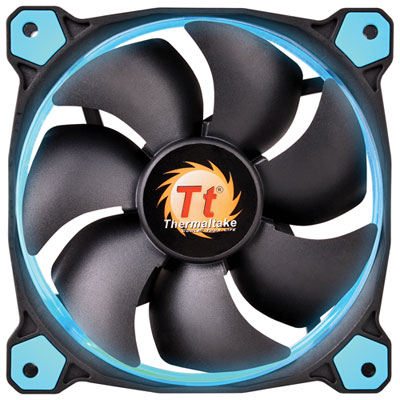 Your price for this item is $19.99
-
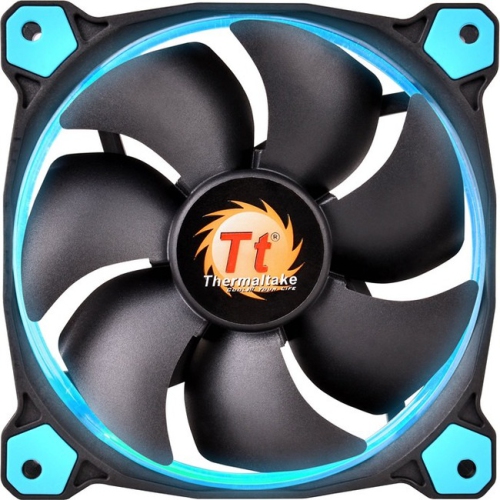 Your price for this item is $48.68
-
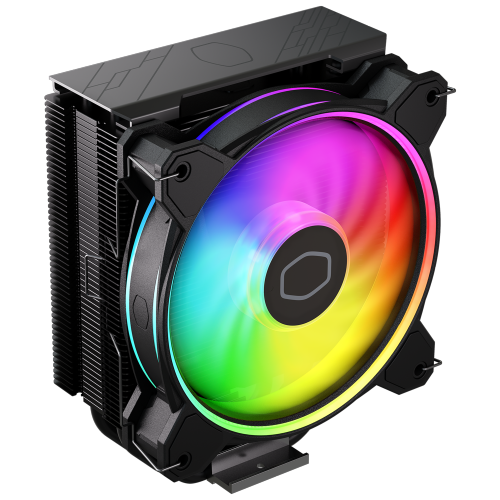 Your price for this item is $61.68
-
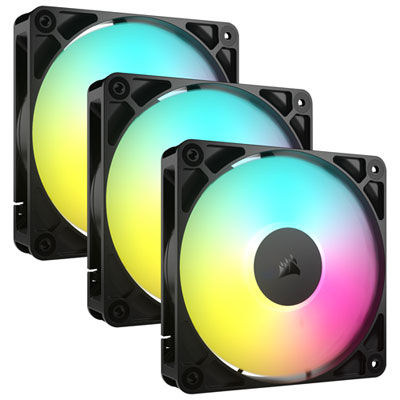 Your price for this item is $74.99
-
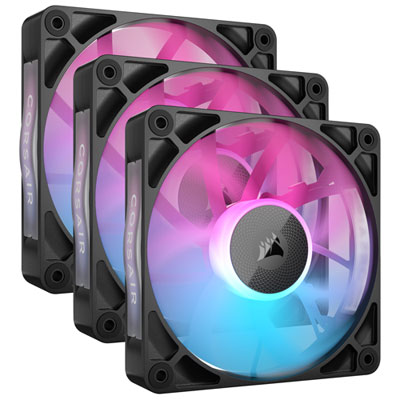 Your price for this item is $139.95
-
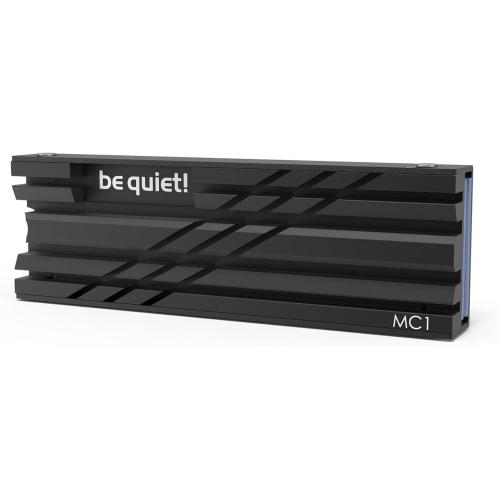 Your price for this item is $37.68
-
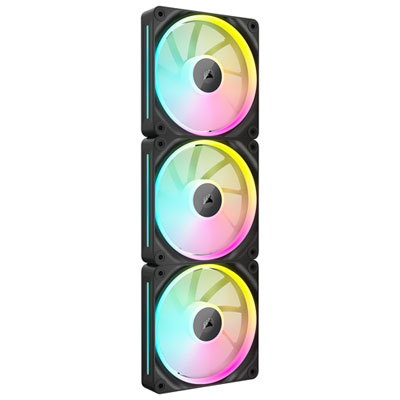 Your price for this item is $179.95
-
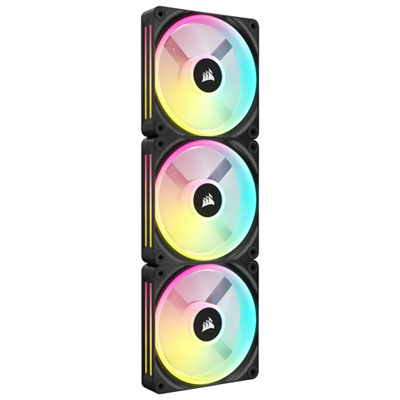 Your price for this item is $149.97
Discover more categories related to Quiet Gaming PC Fans
Top Collections:
Best Black Friday Deals This Year, Best Black Friday Deals On Electronics, Kindle Devices, Pokemon Centers, Best Black Friday Deals On Apple Products, Best Cameras for Sports Photography, Dyson Airwrap, Pokémon 30th Celebration Cards, Apple iPhone 17 Pro, Canon G7X Cameras
Some products may be subject to Environmental Handling Fees
(EHF) depending on your province.
Learn more about EHFs.