Quiet Keyboards for Library
Quiet keyboards for library use are designed to help maintain a peaceful atmosphere while allowing for efficient typing. Whether you are working on assignments, conducting research, or managing documents, these keyboards provide an ideal solution for shared spaces where noise reduction is important. Explore a range of options to find the perfect fit for your study sessions or professional tasks in a library setting.
Sort

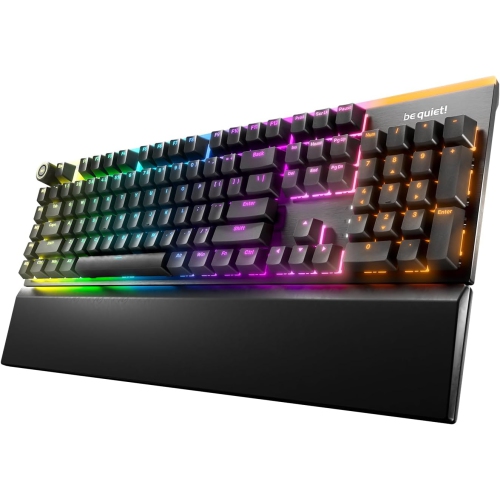
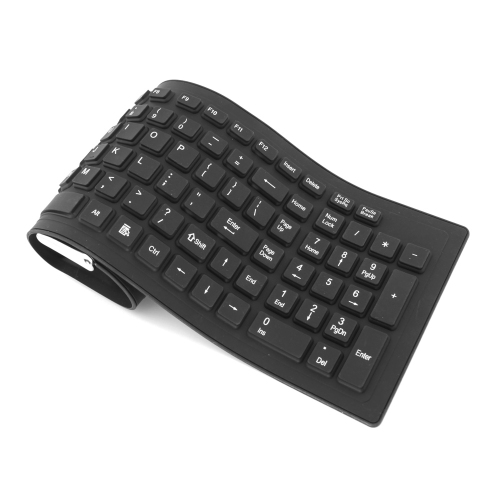
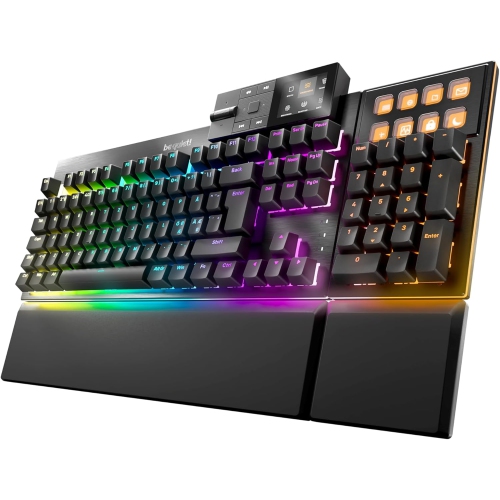
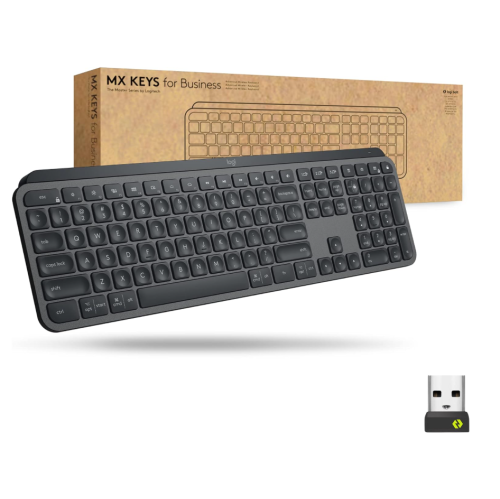
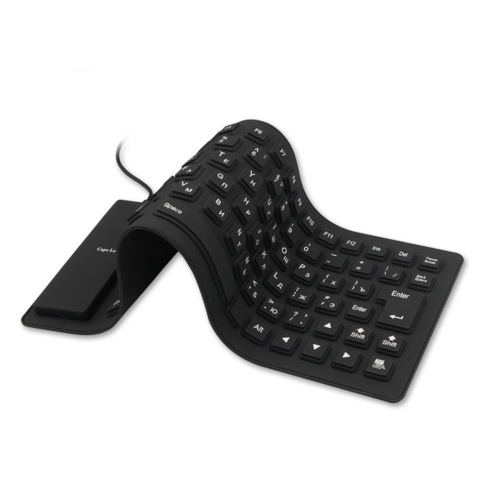
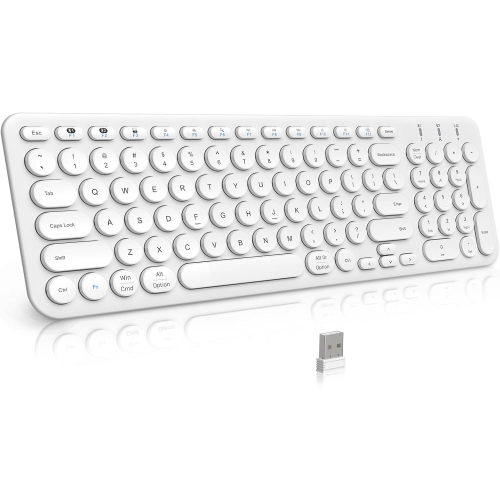
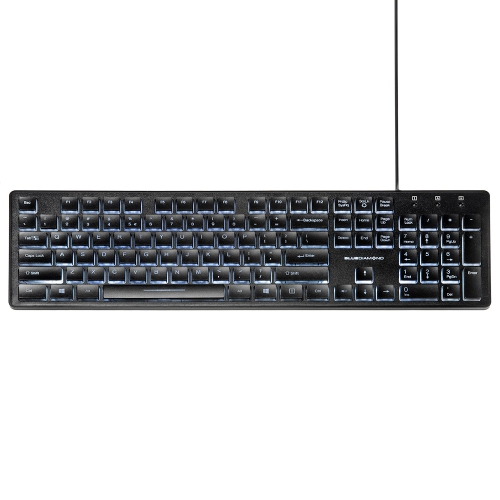
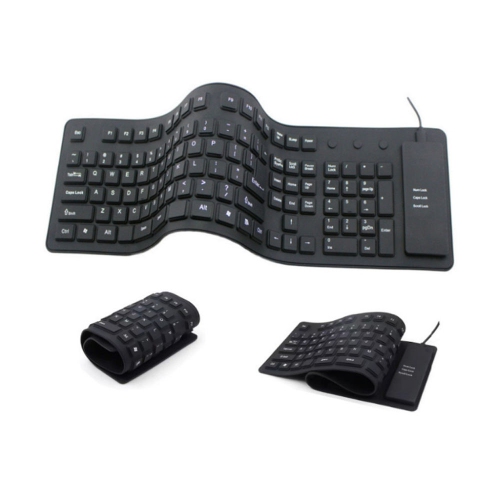
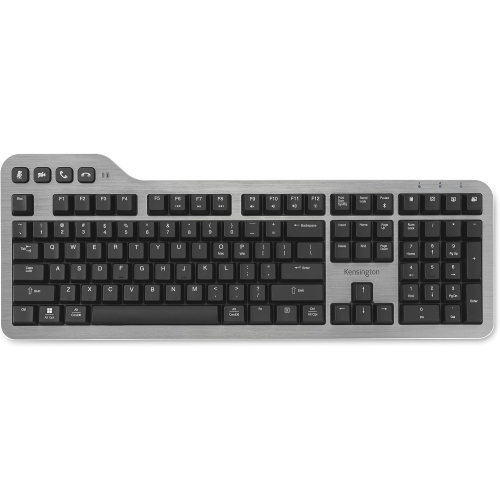
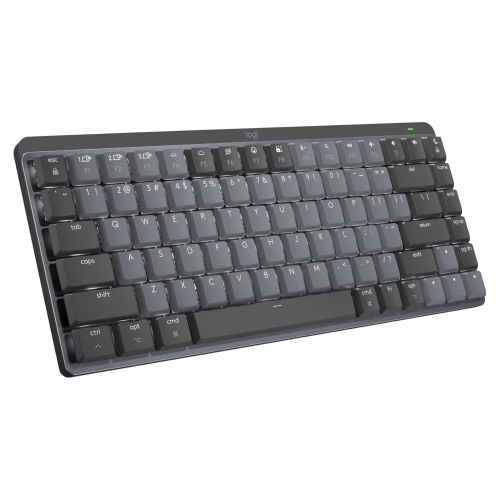
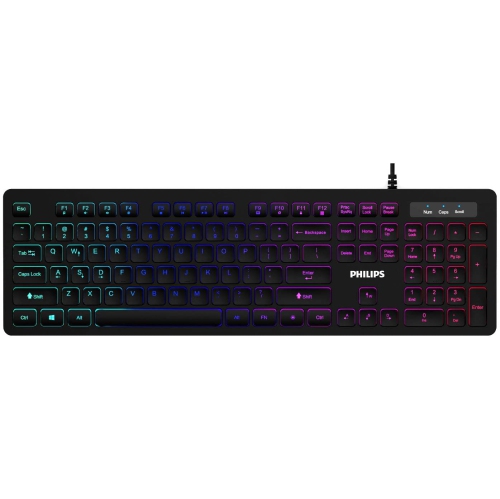
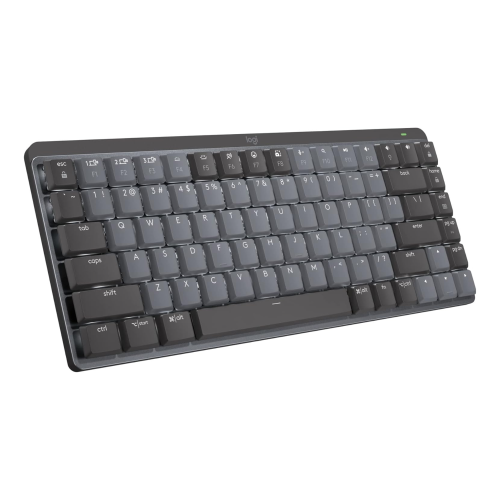
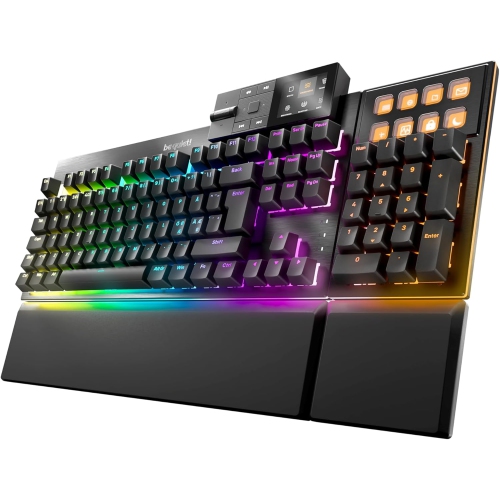
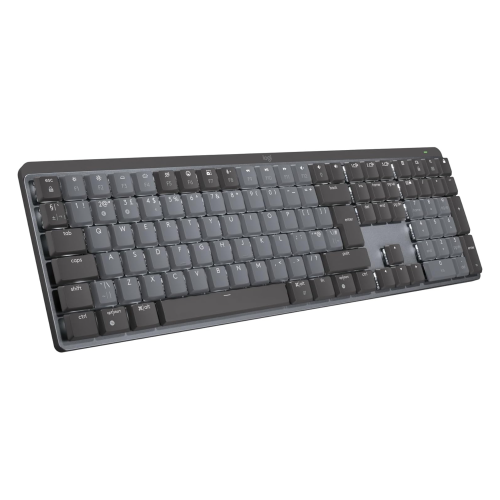
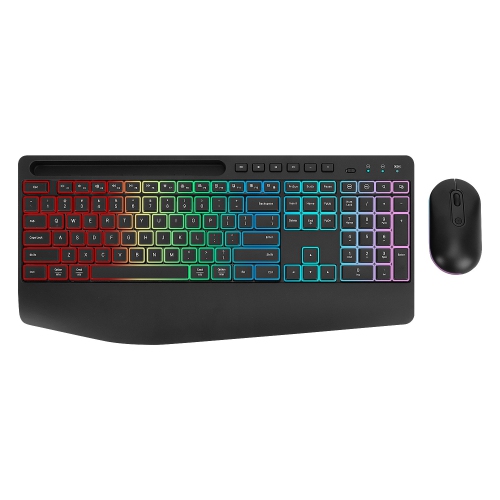
Why some keystrokes carry across a shared table
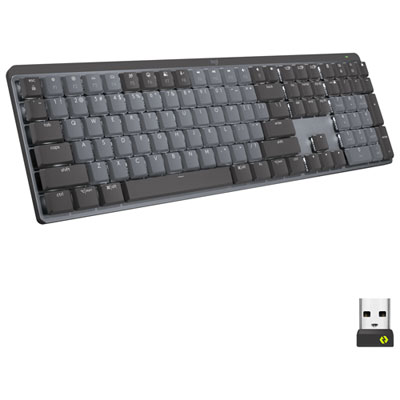
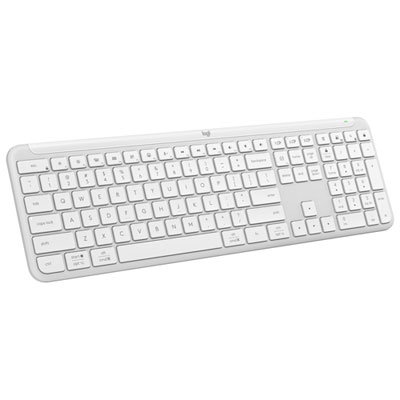
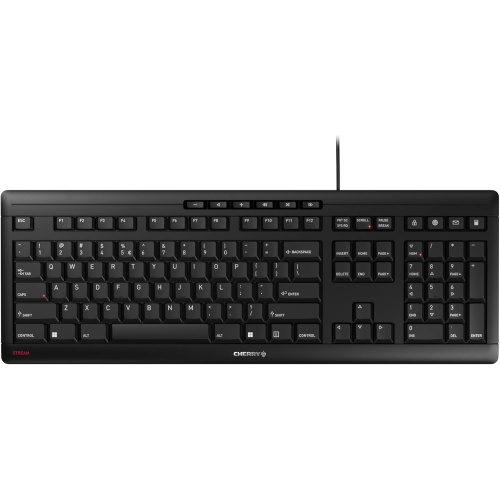
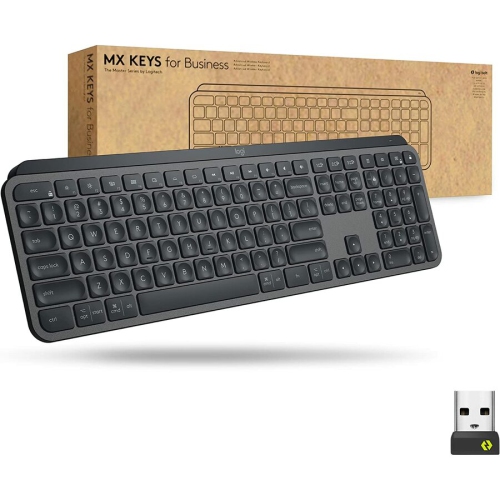
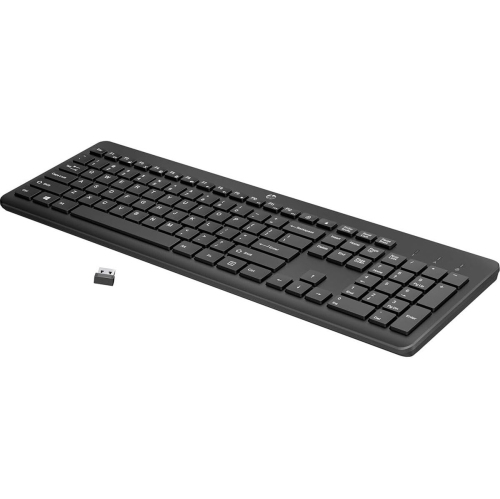
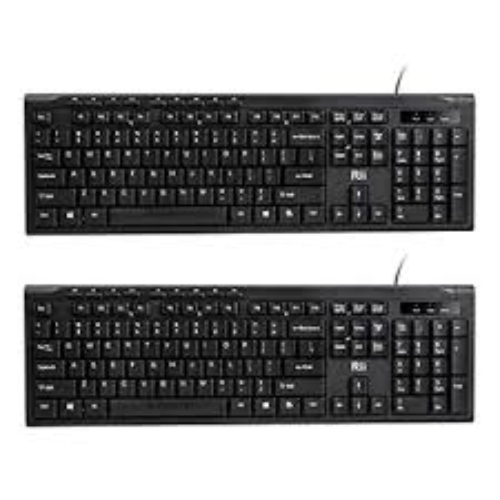
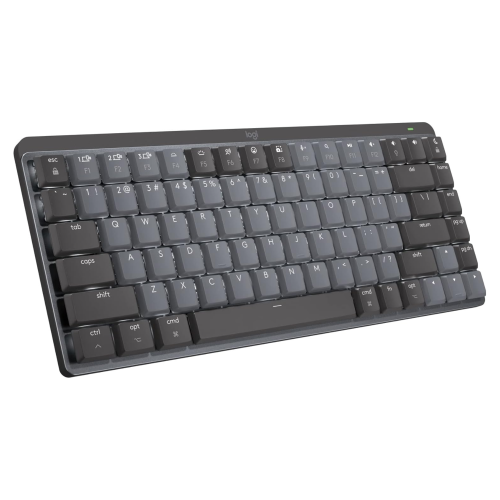
A quiet keyboard for library use keeps the sound of typing low enough that a steady stream of notes doesn’t carry across a shared table. In a reading room, the difference often comes down to a few familiar sounds: the sharp tick of each keystroke, the hollow knock of the space bar and the vibration that travels through a hard desktop. Low-profile scissor-switch keyboards, dampened membrane keyboards and mechanical keyboards with silent switches are all options, but they feel different under the fingers. Scissor switches support short, stable key movement and tend to feel familiar to anyone used to a laptop. A membrane keyboard with rubber domes often has a softer landing, though the amount of noise varies with the construction and how firmly the keys are pressed. Silent linear mechanical switches move smoothly without a deliberate click or tactile bump and typically use dampeners to soften the sound when a key reaches the bottom of its travel and when it springs back. A standard linear switch also lacks a deliberate click, but it can still make a distinct clack at the end of a stroke. Even a keyboard labelled silent won’t be inaudible, and the larger keys can tell a different story than the letters. A space bar that rattles or an Enter key that lands with a hollow thud may stand out more than the sound of the rest of the board. Well-fitted stabilizers, which keep wider keys from tilting, can help limit that rattle. Internal dampening can also soften the hollow sound of the case. A keyboard that sounds subdued while tapping a few letters may sound quite different during a full sentence, especially when hitting the space bar in quick succession. That’s worth keeping in mind for long stretches of transcription, essay writing or coding in a room where even small sounds are easy to pick out.
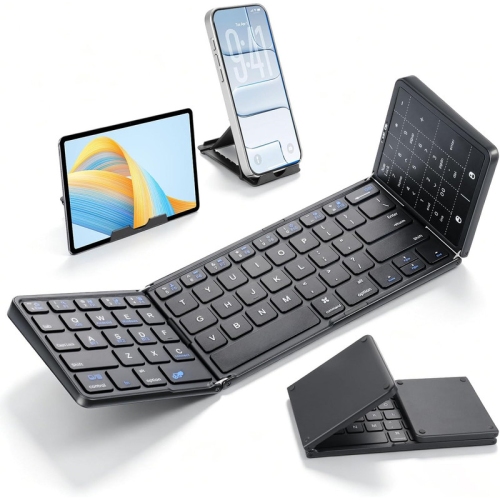
Layout and fit matter as much at a narrow library carrel as they do at a full-size desk. A compact keyboard can leave room to open a notebook beside a laptop or keep a mouse close to the typing hand. A 75% layout usually retains arrow keys and a function row without taking up the space of a separate number pad. A tenkeyless layout also drops the number pad, but typically leaves more separation around the arrows and navigation keys. That spacing can make it easier to find a key by touch while looking back and forth between a screen and a printed page. A full-size layout makes more sense for someone who spends hours entering figures, although it takes up more room and may not fit neatly alongside a textbook. Overall height is another practical detail. A slim frame can make it easier to type with wrists in a neutral position at a fixed-height table, while a taller keyboard may feel comfortable with forearms supported and enough room to rest between bursts of typing. Key spacing, the shape of the keycaps and the amount of pressure needed to press a key also affect how a keyboard feels over several pages of notes. Short key travel suits some light typists, while others find a longer stroke easier to control without striking the keys hard. For carrying between study spaces, a slim keyboard is easier to pack, but a rigid case and rubber feet can help it stay put on a smooth work surface. A thin desk mat can soften vibration that would otherwise pass through a hard table, if there’s room for one. A wired connection avoids battery upkeep, while a wireless connection keeps cables out of the way when space is tight. Compatibility matters when moving between a laptop and a tablet: check the connection type, operating system support and whether familiar shortcuts behave as expected.
Materials and care make a difference when a keyboard spends as much time in a bag as it does on a desk. Textured plastic keycaps can provide a little grip, while smoother caps offer a different feel and may develop a shine where the fingers land most often. Legible characters and distinct markings on frequently used keys come in handy when moving between a desktop keyboard at home and a compact one in the library. A sturdy plastic case can keep carrying weight down, while a heavier frame can feel steadier on the table; neither material alone determines how much noise a keyboard makes. The way the case is assembled, the fit of the keys and the condition of the feet all influence whether it feels solid or rattles as the typing pace picks up. A sleeve keeps keycaps from snagging on loose items, and a quick wipe with a soft, dry cloth helps clear away dust and fingerprints. A soft brush can lift crumbs from between keys without prying at them. Disconnect a wired keyboard or switch off a wireless one before cleaning, and follow the care instructions before using moisture or removing keycaps. In particular, the clips under slim scissor keys can be fragile and aren’t always designed for routine removal. A quiet keyboard can be a useful gift for a student who spends long hours in the stacks, a researcher who types notes beside open reference books or a family member who works at a shared table. The familiar layout and connection type may matter more to the recipient than a feature they rarely use. If they regularly write in both English and French, it’s worth checking that the physical layout and the device’s language settings suit the way they enter accents and punctuation. For a setup that moves between the library and a desk at home, Quiet Keyboards for Studying offers a related selection for note-taking, coursework and other tasks where a softer keystroke can make a shared space more comfortable.
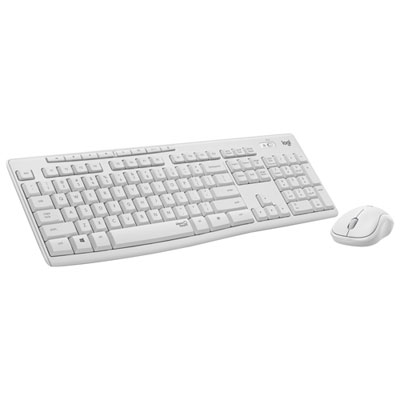
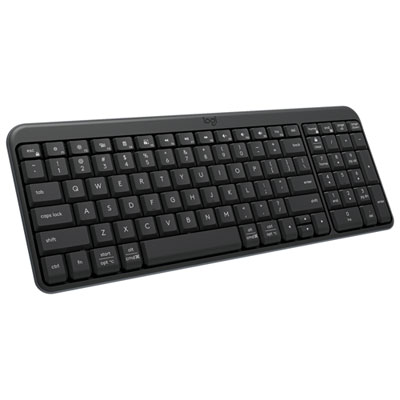
Top selling and popular products
-
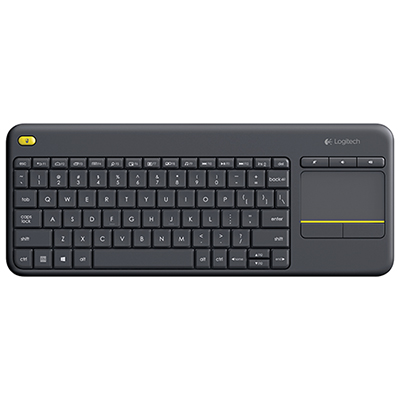 Your price for this item is $44.99
-
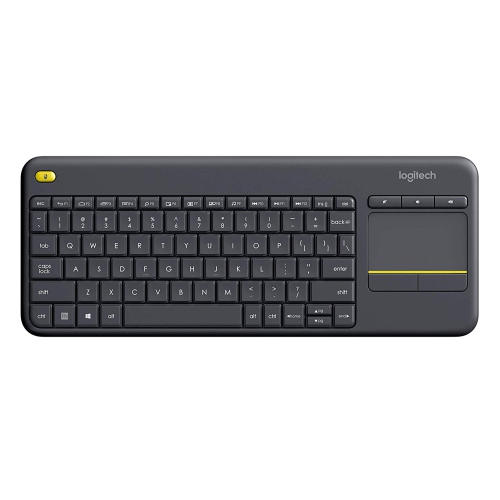 Your price for this item is $49.72
-
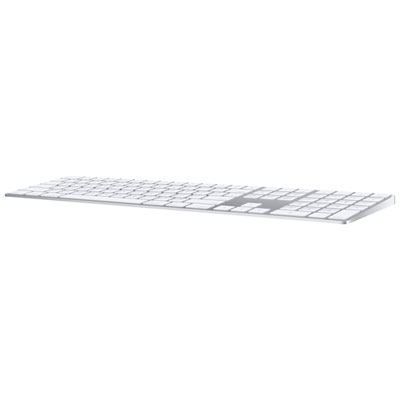 Your price for this item is $159
-
 Your price for this item is $219.99
-
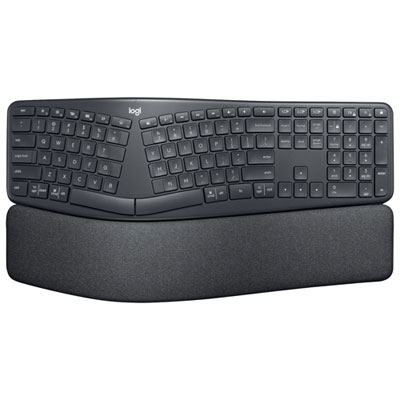 Your price for this item is $199.99
-
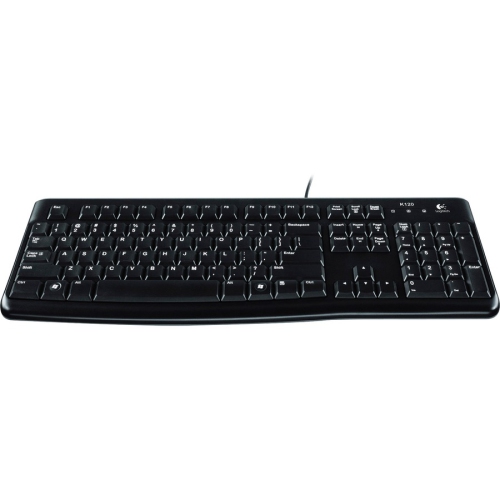 Your price for this item is $44.99
-
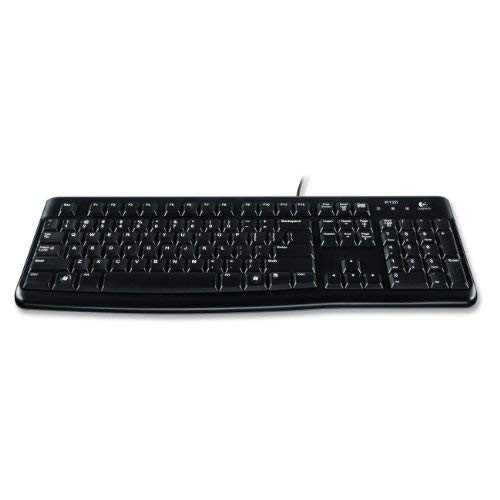 Your price for this item is $29.99
-
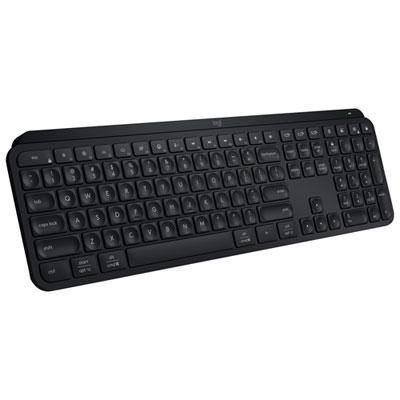 Your price for this item is $169.99
Discover more categories related to Quiet Keyboards for Library
Top Collections:
Best Black Friday Deals This Year, Best Black Friday Deals On Electronics, Kindle Devices, Pokemon Centers, Best Black Friday Deals On Apple Products, Best Cameras for Sports Photography, Dyson Airwrap, Pokémon 30th Celebration Cards, Apple iPhone 17 Pro, Canon G7X Cameras
Some products may be subject to Environmental Handling Fees
(EHF) depending on your province.
Learn more about EHFs.