RAM 64GB 2x32GB 3200MHz
Upgrade your system’s performance with RAM 64GB 2x32GB 3200MHz, designed to support demanding applications and multitasking needs. Ideal for gaming, content creation, and professional workloads, this memory configuration provides the speed and capacity required for smooth operation. Find the perfect RAM 64GB 2x32GB 3200MHz options to enhance your desktop or workstation and experience reliable, responsive computing.
Sort
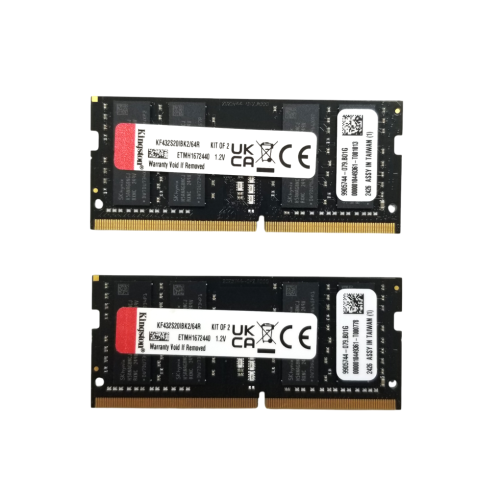
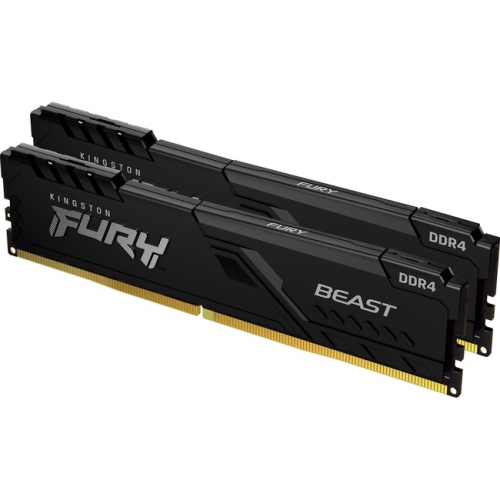
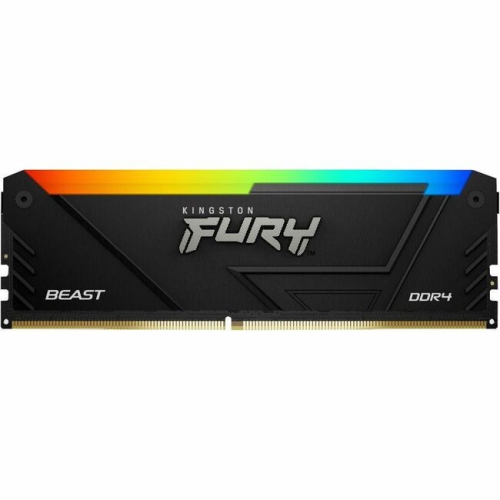
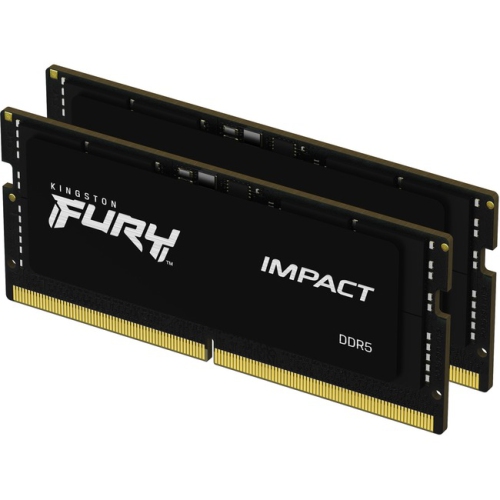
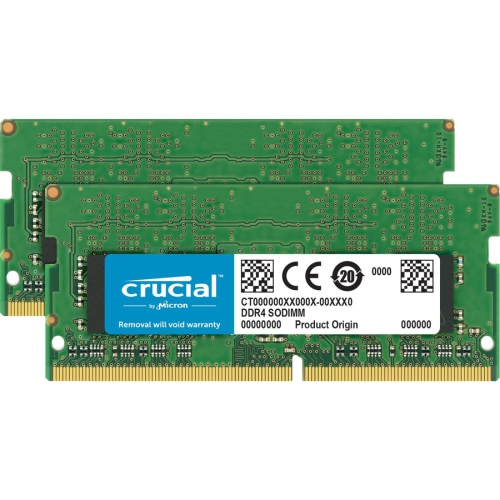
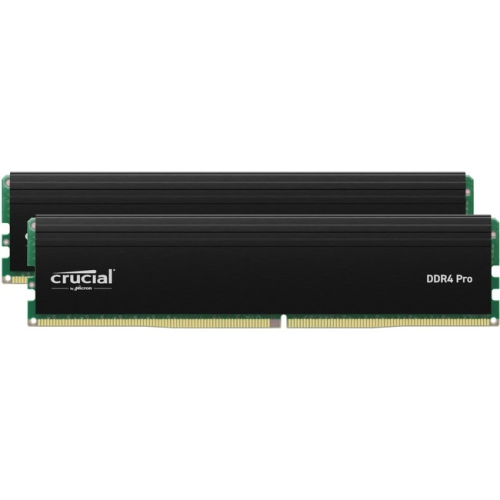
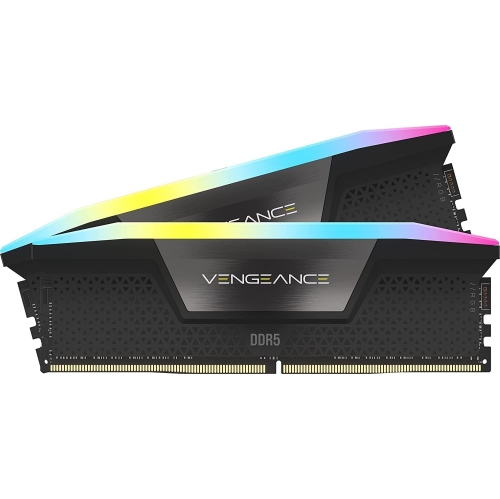
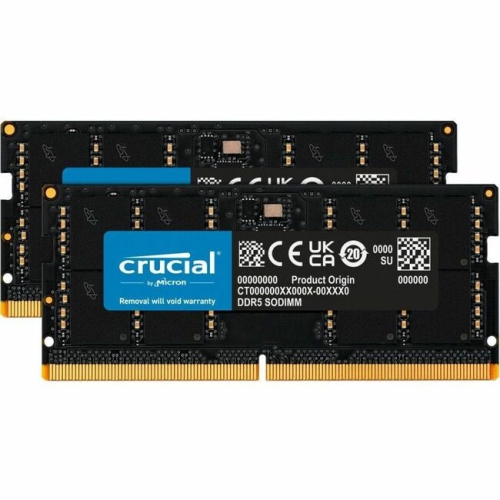
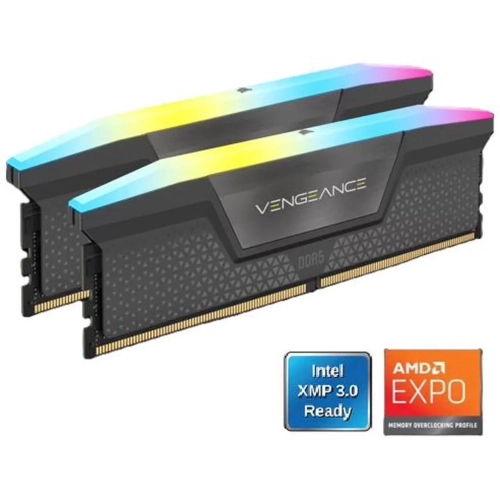
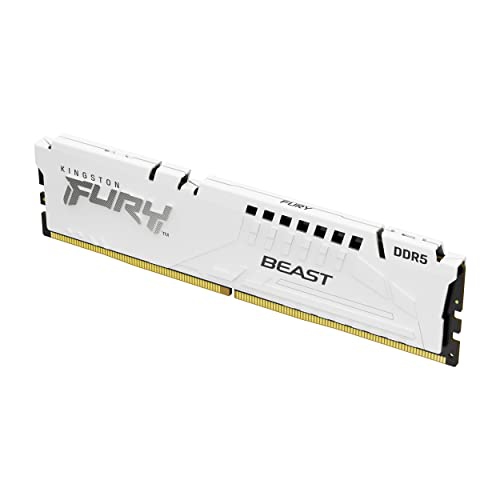
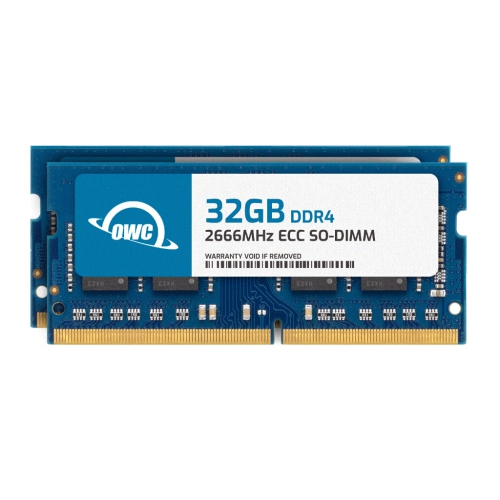
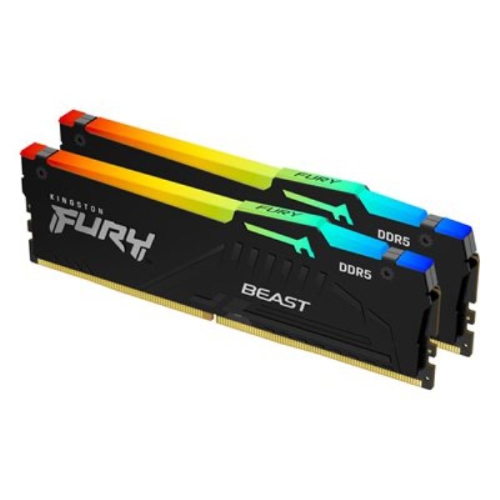

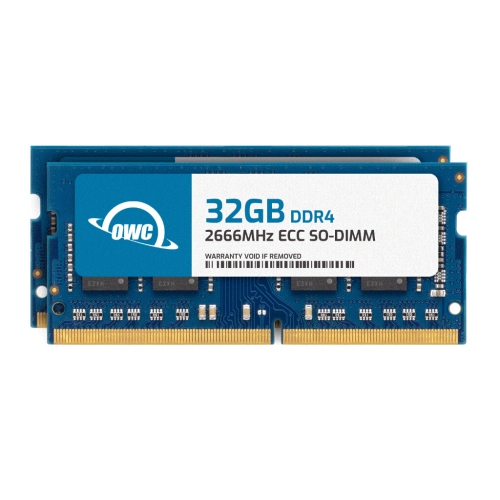
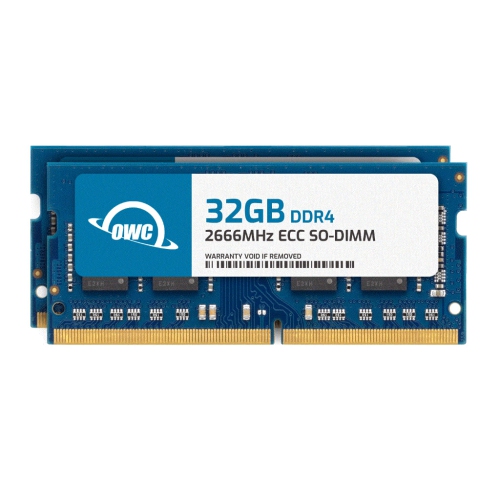
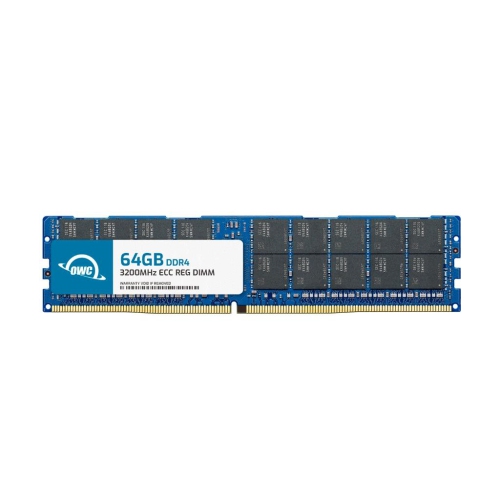
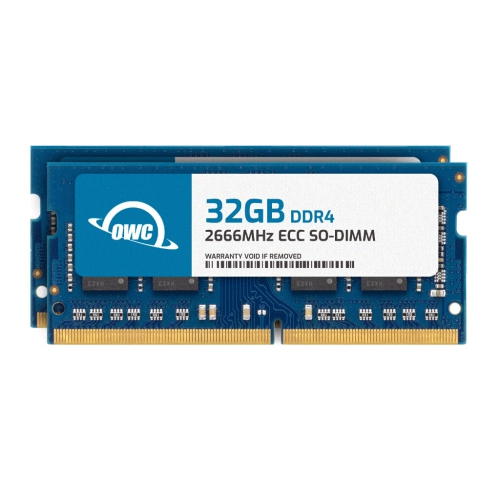
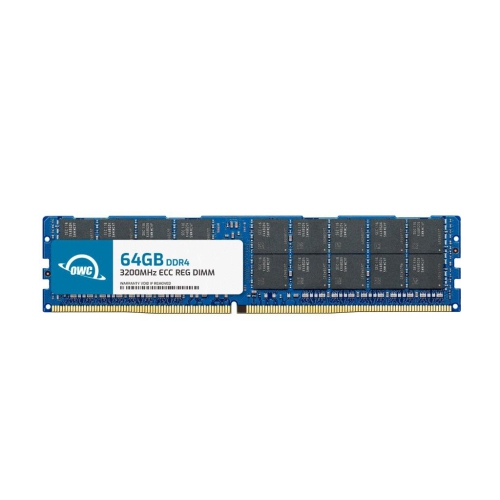
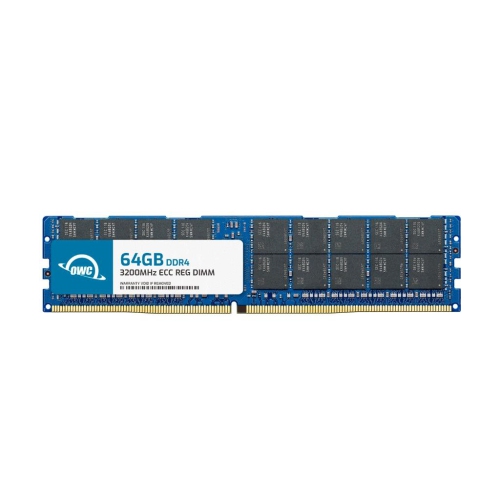
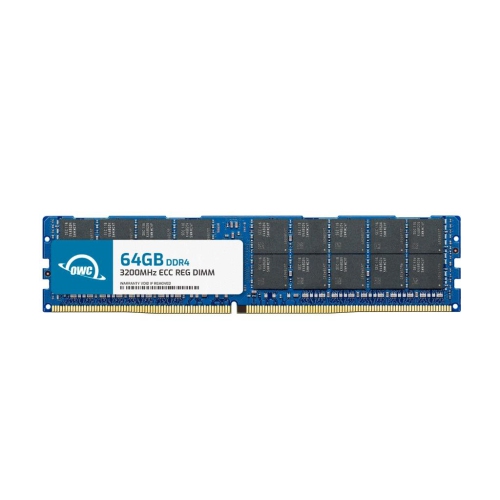
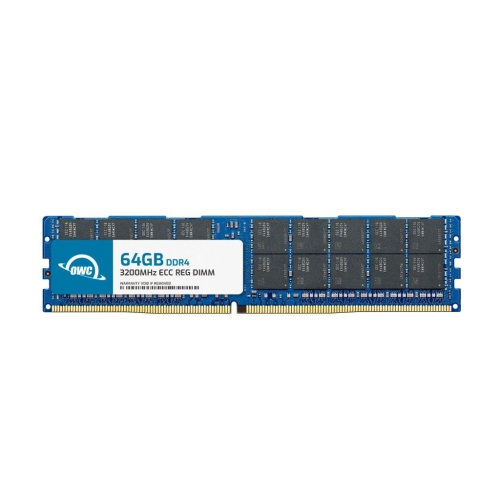
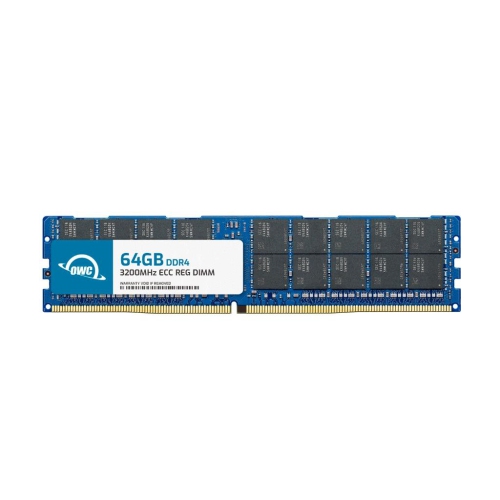
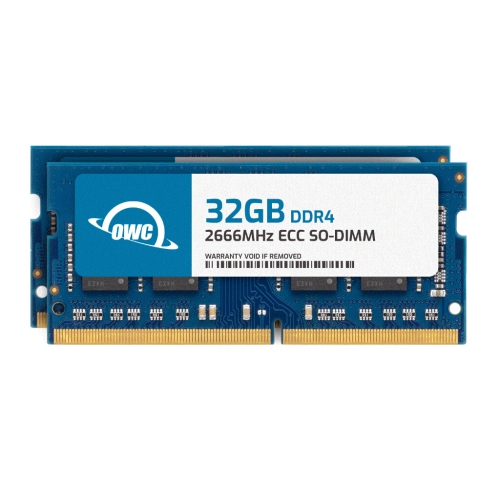
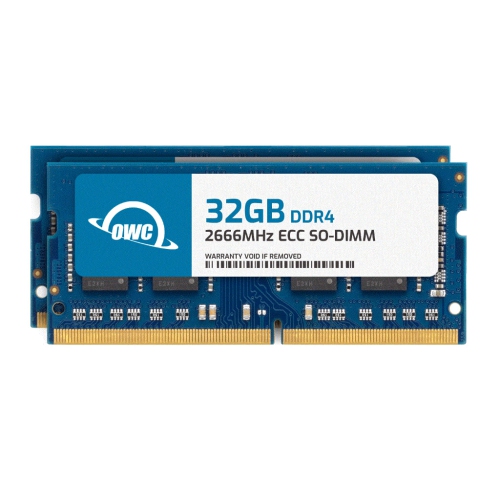
When demanding workloads call for more memory headroom
A 64GB (2x32GB) 3200MHz RAM kit contains two 32GB memory modules, providing 64GB of system memory for a compatible desktop or laptop. Kits with these specifications generally use DDR4 memory, with DDR4-3200 also identified as PC4-25600. Although 3200MHz is the familiar retail description, the effective data transfer rate is 3200 megatransfers per second, or MT/s. The two-module configuration can support dual-channel operation when installed in the appropriate slots on a compatible system, allowing the processor to access memory across two channels. That combination of capacity and bandwidth suits computers handling substantial workloads rather than just a browser window and a few documents. A video editor might keep high-resolution footage, preview files, and editing software open together, while a designer could move between layered images, large layouts, and reference material without closing each application in turn. Software developers running virtual machines, musicians building complex recording sessions, and people working with large datasets can also benefit from the additional memory headroom. RAM holds information that active applications need to access quickly; it does not replace the long-term storage provided by an SSD or hard drive, and its contents are lost when power is removed. When a workload exceeds the physical memory installed, the computer may move more data between RAM and storage, which can contribute to pauses and slower switching between applications. Increasing capacity can help reduce that pressure, but 64GB is not an automatic performance boost for every task. Everyday browsing, basic office work, and many games use considerably less memory. For gaming systems, the benefit depends on the game, background applications, modifications, and other hardware. A heavily modified simulation running alongside streaming software presents a different demand from a single game running on its own. This makes 64GB particularly relevant to users whose actual workloads need the space, rather than those expecting capacity alone to increase frame rates or shorten every loading screen.
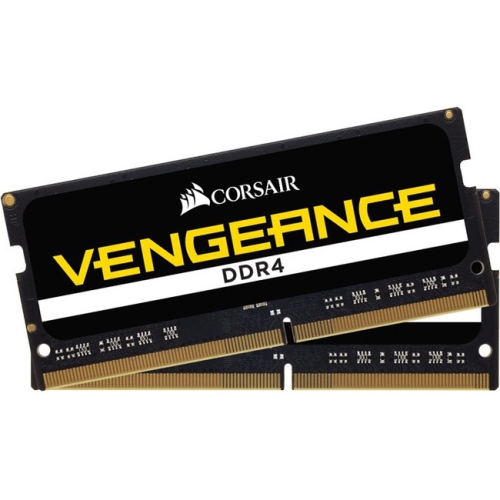
Compatibility determines whether a 64GB DDR4-3200 kit is a suitable fit. Desktop DDR4 memory typically uses a 288-pin DIMM, while upgradeable laptops and some compact computers use a shorter 260-pin SO-DIMM. These formats are not interchangeable, even when capacity and advertised speed match. DDR4 also cannot be substituted for DDR3 or DDR5: the electrical requirements and physical keying differ. A computer needs to support both 64GB total memory and 32GB modules in the intended slots, since a system’s overall capacity limit does not necessarily confirm support for every module size. Some laptops have soldered memory, only one accessible slot, or limits that prevent a two-module upgrade. Motherboard specifications and the computer manufacturer’s documentation establish the supported memory generation, form factor, capacity, and configuration. Standard consumer kits are commonly unbuffered, non-ECC memory; registered server memory and modules with error-correcting capability have separate compatibility requirements and should not be treated as interchangeable alternatives. A matched two-module kit provides a pair specified to operate together at its rated settings, although the processor, motherboard, and firmware still determine the settings the computer can use. On a four-slot desktop motherboard, two modules may leave room for expansion, but using the designated paired slots matters for dual-channel operation. Advertised speed also needs context. A 3200MHz kit may operate at a lower supported speed if the system does not support its rated setting or required memory profile. Many standard DDR4-3200 modules operate at 1.2V, while some performance desktop kits use a profile with a higher voltage, often 1.35V, to achieve their stated speed and timings. CAS latency figures such as CL16 and CL22 describe a delay measured in memory clock cycles. At the same transfer rate, a lower CAS latency represents a shorter delay, but it does not determine overall computer performance by itself. Capacity, processor support, application behaviour, and the complete timing specification all contribute. A laptop designed around standard memory settings may therefore need different specifications from a desktop configured to support performance memory profiles.
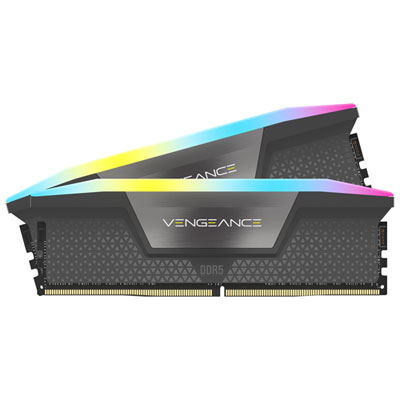
Physical design matters as well, especially in a desktop with limited clearance around the memory slots. Modules with aluminium heat spreaders can have a taller profile than bare circuit boards, and decorative lighting can add height above the top edge. A large processor cooler may extend over the nearest slot, making module height an important measurement rather than simply a styling choice. Low-profile designs can help accommodate tighter builds, while lighting and colour options may appeal to someone coordinating a visible desktop interior. Laptop SO-DIMMs generally use a compact design suited to the machine’s internal layout; compatibility and access matter more than appearance once the cover is back in place. Memory modules contain semiconductor chips mounted on a circuit board with edge contacts, so careful handling protects both the components and the connection. Installation calls for a powered-down, unplugged computer, appropriate protection against electrostatic discharge, and handling by the edges rather than touching the contacts or chips. Laptop battery disconnection should follow the manufacturer’s service instructions. The notch must align with the slot, and the retaining clips need to engage properly; a module that is only partly seated can prevent the computer from starting. After installation, the system’s firmware or operating system should show the expected 64GB capacity, and a memory diagnostic can help identify errors before the computer returns to demanding work. Reliable day-to-day use depends on compatible settings, proper seating, and suitable airflow, not just the appearance of the heat spreader. A two-module kit can be a practical upgrade for a capable workstation that is repeatedly reaching its memory limit, provided its processor and other components still meet the workload. For a computer used mainly for email, documents, streaming, and lighter multitasking, RAM 16GB 2x8GB offers a lower-capacity configuration to consider against actual usage. The most useful memory upgrade is one that fits the computer correctly and gives its applications enough room to run comfortably.
Top selling and popular products
-
 Your price for this item is $1328.68
-
 Your price for this item is $626.99
-
 Your price for this item is $909.65
-
 Your price for this item is $104.68
-
 Your price for this item is $383.99
-
 Your price for this item is $1832.68
-
 Your price for this item is $258.68
-
 Your price for this item is $1123.68
Discover more categories related to RAM 64GB 2x32GB 3200MHz
Top Collections:
Best Black Friday Deals This Year, Best Black Friday Deals On Electronics, Kindle Devices, Pokemon Centers, Best Black Friday Deals On Apple Products, Best Cameras for Sports Photography, Dyson Airwrap, Pokémon 30th Celebration Cards, Apple iPhone 17 Pro, Canon G7X Cameras
Some products may be subject to Environmental Handling Fees
(EHF) depending on your province.
Learn more about EHFs.