RAM 16GB 2x8GB
Upgrade your computer’s performance with RAM 16GB 2x8GB kits, designed to help your system handle everyday multitasking and demanding applications with ease. Whether you’re building a new PC or enhancing an existing setup, these memory modules offer the capacity and flexibility needed for smooth operation. Explore a range of options to find the perfect fit for your desktop or laptop and enjoy improved responsiveness and efficiency for work, gaming, and entertainment.
Sort

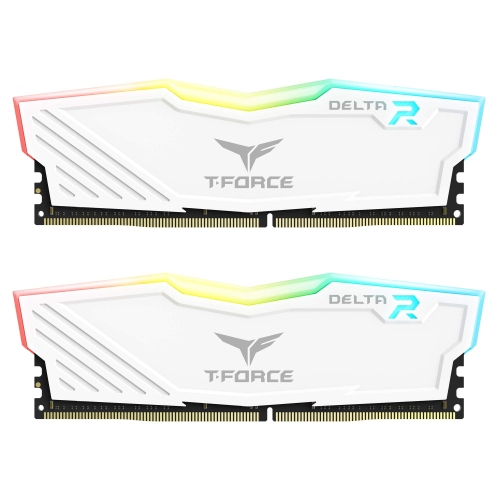
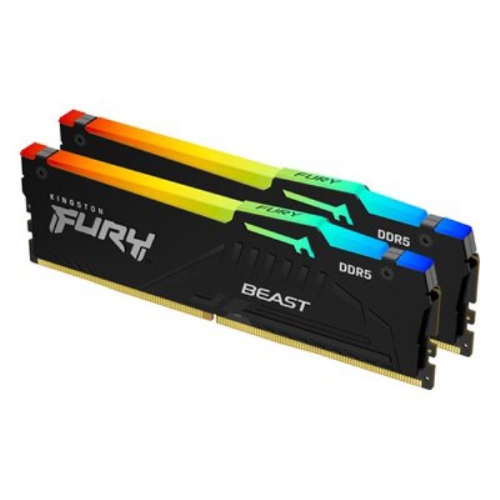
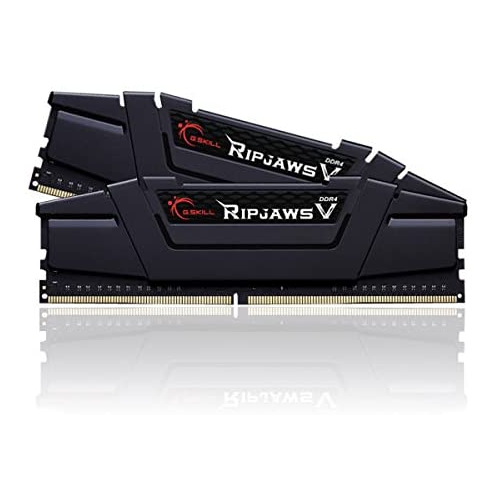
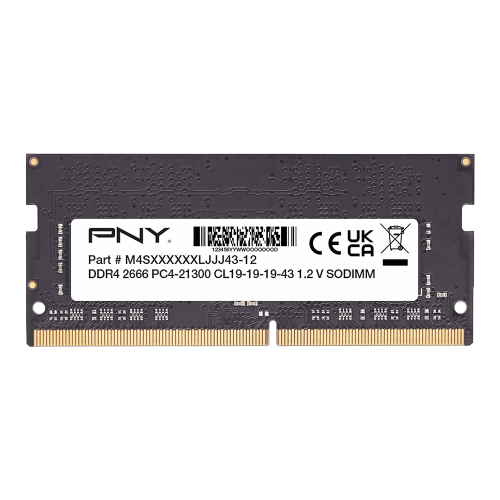
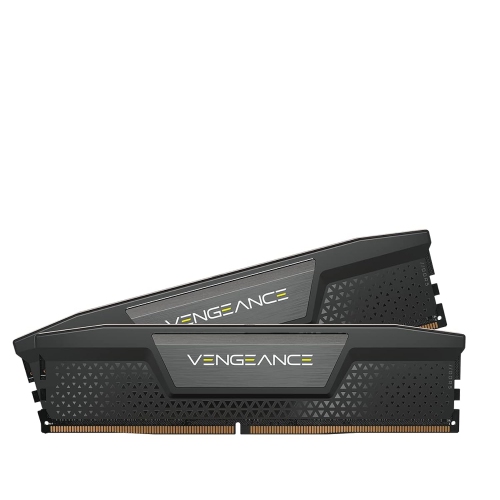

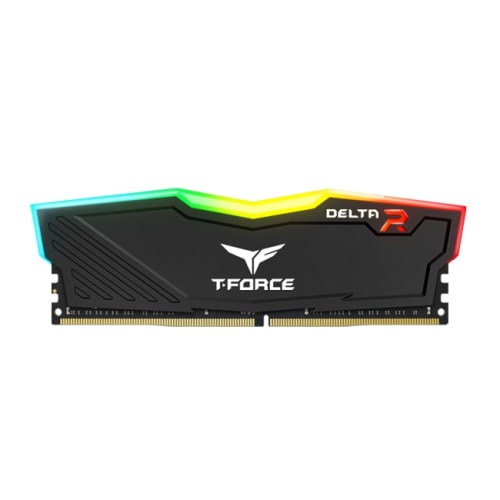
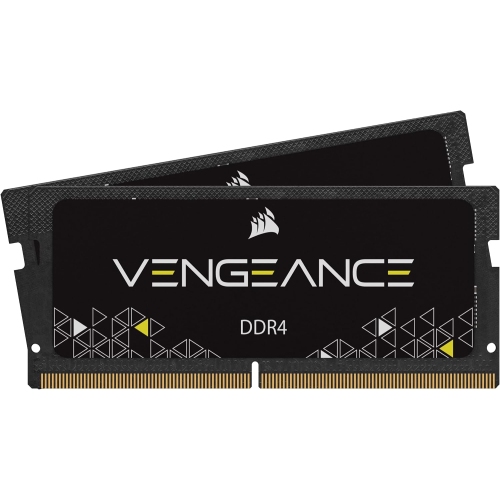
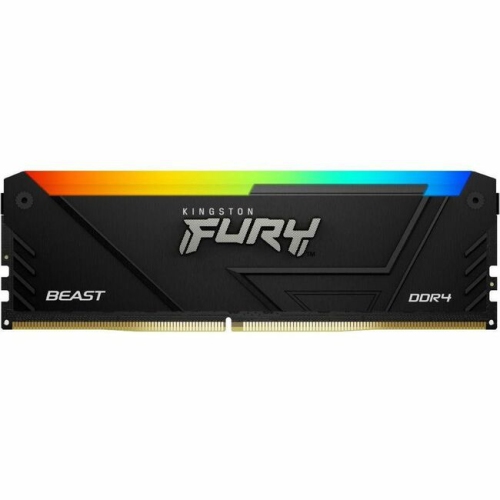

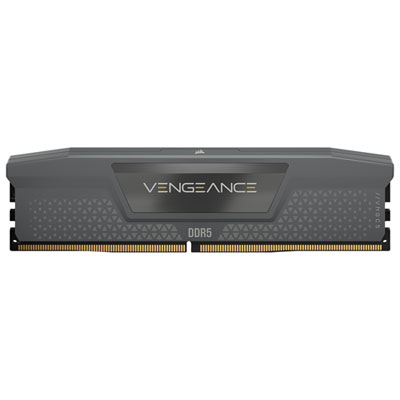
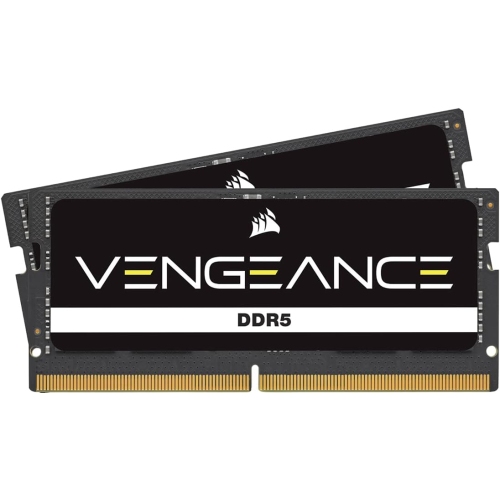
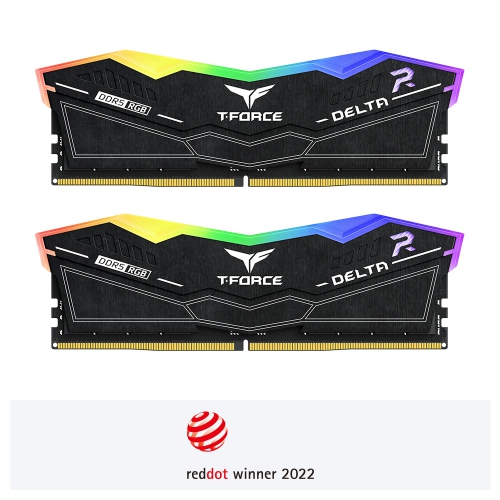
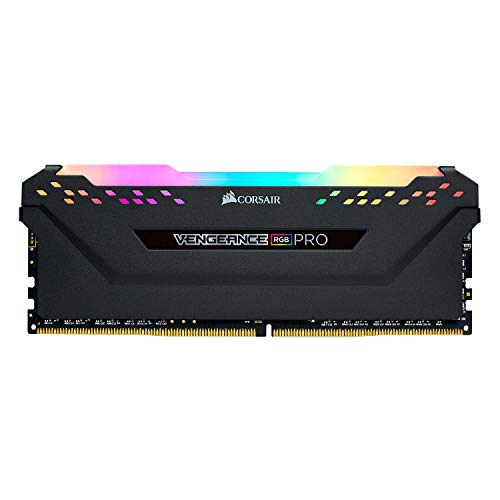
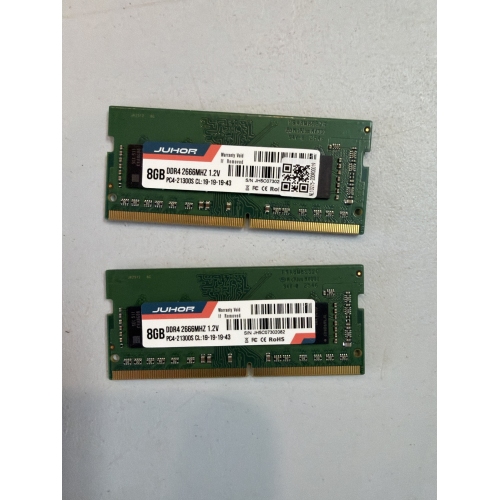
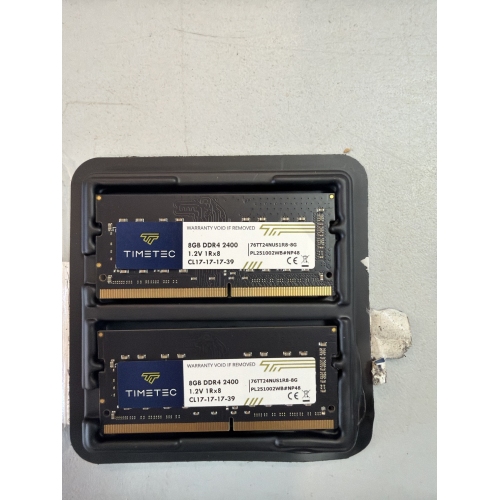
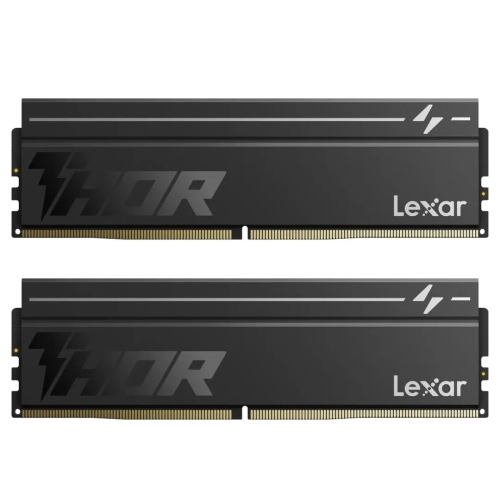
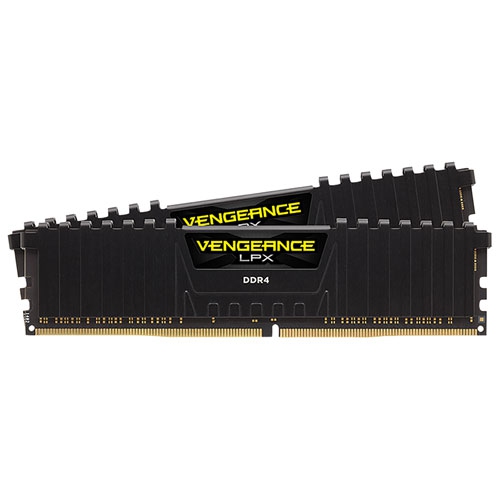
How paired memory can support smoother everyday multitasking
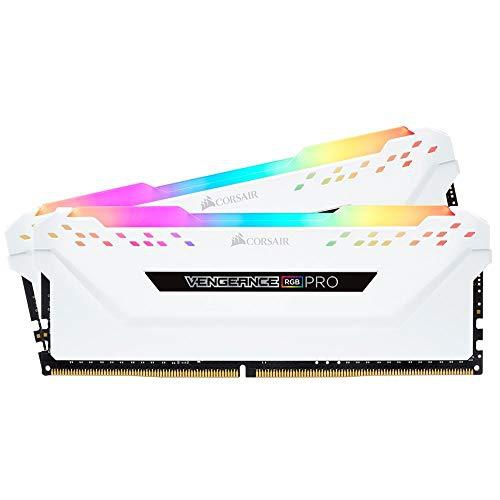
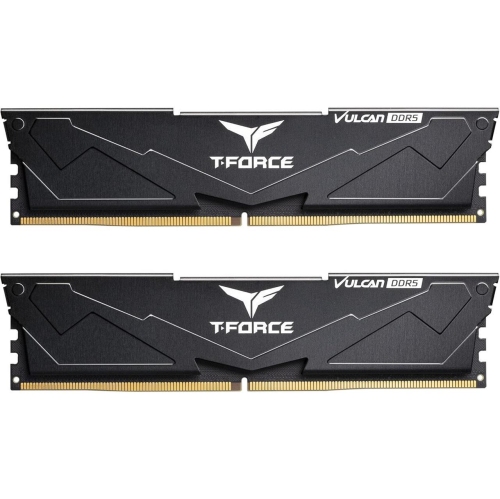
A 16GB (2x8GB) RAM kit contains two 8GB memory modules, providing 16GB of total system memory. When installed in the appropriate slots on a compatible computer, the pair can operate in dual-channel mode, allowing the processor to access memory across two channels. That arrangement can provide more memory bandwidth than a single 16GB module operating in single-channel mode, although the practical benefit depends on the processor, software and workload. RAM holds data that active programs need to access quickly; it is different from the storage space used to keep documents, photos and installed applications. A 16GB configuration suits many everyday combinations of tasks, such as keeping a browser, spreadsheet, messaging app and video call open together. It can also be a useful fit for students working across research tabs and documents, home office users managing several applications, and people playing games while running voice chat. For a computer that frequently runs short of memory, sufficient RAM can reduce reliance on much slower temporary storage on its drive. The result may be smoother switching between applications and fewer pauses caused by memory pressure, rather than a universal increase in speed for every task. Many games work well with 16GB, but demanding releases, large modifications and simultaneous streaming can call for more capacity. Photo editing, music production and coding also vary considerably: a modest project and a large collection of high-resolution files place very different demands on memory. The appeal of a 2x8GB configuration is its balance of usable capacity and paired-module operation. It is particularly relevant to a compatible desktop build or an upgrade from a smaller memory configuration, provided the machine supports the module type and capacity. For computers with integrated graphics that share system memory, dual-channel bandwidth can be especially useful, though performance still depends on the rest of the hardware.
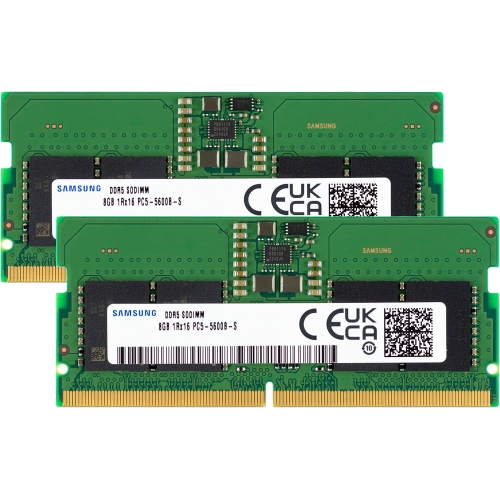
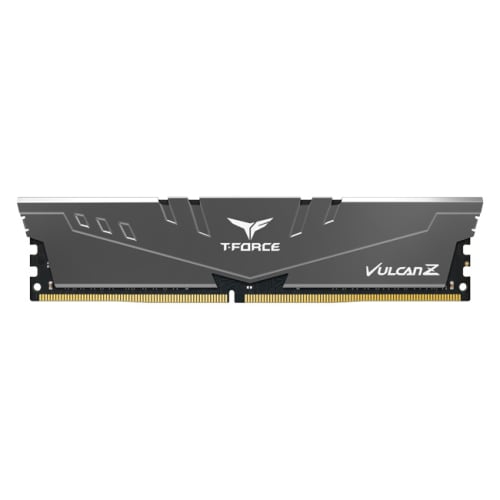
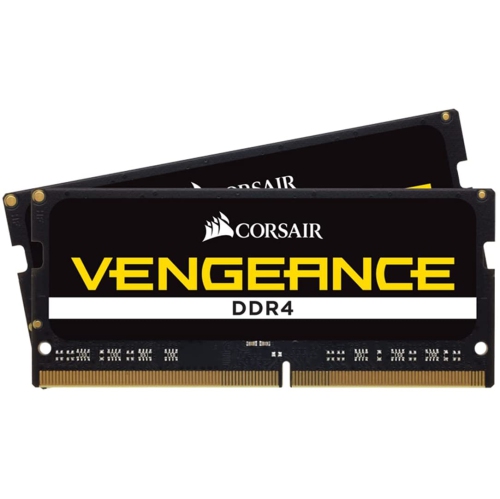
Compatibility is the most important distinction among 16GB (2x8GB) RAM kits that look similar in a listing. DDR4 and DDR5 are separate memory generations with different electrical requirements and connector layouts; they cannot be substituted for one another simply because their capacities match. A motherboard supports the memory generation specified for that particular model, and the processor also influences supported speeds and configurations. For systems built around that generation, DDR4 2x8GB configurations provide the same two-module, 16GB arrangement in the appropriate DDR4 format. Physical size matters just as much as the generation. Desktop computers commonly use full-size DIMMs, while many upgradeable laptops and compact computers use shorter SO-DIMMs. Some laptops have memory soldered to the main board, and others combine soldered memory with an expansion slot, so a two-module kit is not suitable for every portable computer. Slot count also affects fit: two 8GB modules fill both slots on a two-slot board, while a four-slot board may leave room for a later expansion. Empty slots do not guarantee that any additional kit will work at the same speed, since the total capacity, number of installed modules and memory controller all influence support. Speed and latency help distinguish otherwise compatible kits. Transfer rates are most precisely expressed in megatransfers per second, or MT/s, while timings such as CAS latency describe aspects of access delay. Neither number tells the whole performance story on its own. A kit’s advertised higher speed may depend on a supported memory profile being enabled in the computer’s firmware, and a system can instead run at a lower supported setting. A matched kit is intended to operate as a pair at its stated specifications; combining separately purchased modules with similar labels does not offer the same assurance. The computer or motherboard specifications, supported memory information and module dimensions therefore matter more than choosing the highest speed shown.
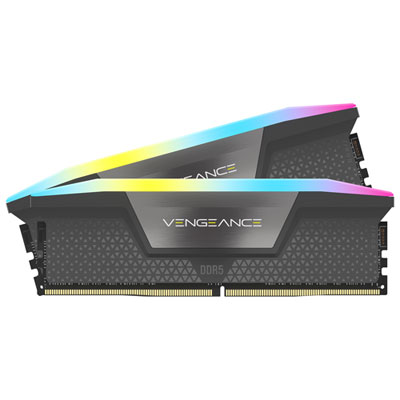
The construction and shape of a RAM module also affect how comfortably it fits into a build. Memory chips are mounted on a printed circuit board with contacts along one edge, and some desktop modules add metal heat spreaders around the chips. These covers can help transfer heat and give the modules a more finished appearance, but their height is a practical consideration when a large processor cooler extends over the memory slots. Low-profile designs can leave more clearance in a compact case or beneath an overhanging cooler. Decorative lighting and colour options may suit a computer with a windowed side panel, while a simpler design can blend into a work-focused setup; neither appearance nor lighting determines compatibility or guarantees better performance. RAM has no moving parts, and careful handling helps protect its contacts and small components from physical damage and static discharge. Modules are best handled by their edges, with installation carried out while the computer is shut down and disconnected from power. The connector notch must match the slot, and the motherboard’s designated paired slots matter for the intended channel arrangement. During normal use, memory generally needs little direct maintenance, although dust control and unobstructed airflow remain useful parts of overall computer care. Stability is as important as capacity: applications closing unexpectedly or repeated system crashes after a memory change can indicate a seating, settings or compatibility problem rather than a need for faster RAM. For a shared family desktop, a study computer or a gaming build, the most useful 16GB (2x8GB) configuration is one that matches the machine’s specifications and the way it is used. Two compatible 8GB modules can provide a practical foundation for everyday multitasking without making the memory specification a substitute for checking the needs of the applications that matter most.
Top selling and popular products
-
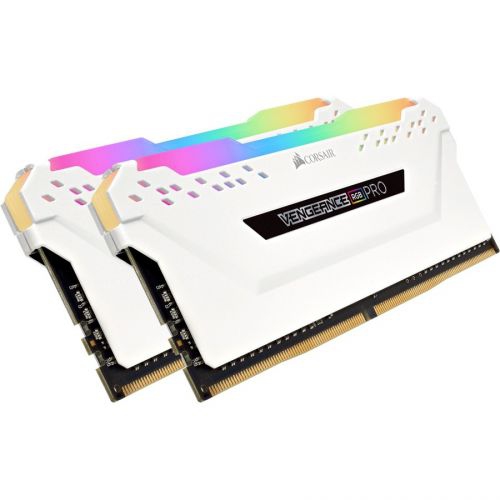 Your price for this item is $307.68
-
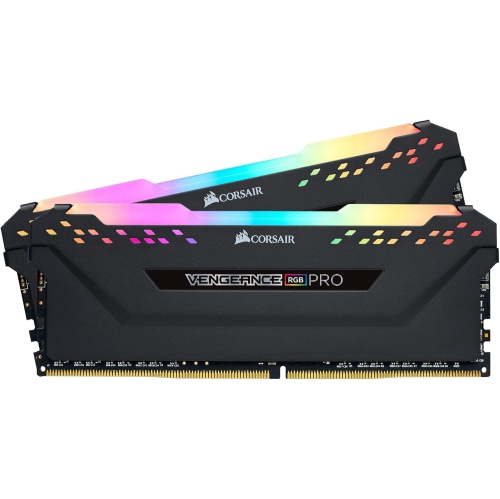 Your price for this item is $389.99
-
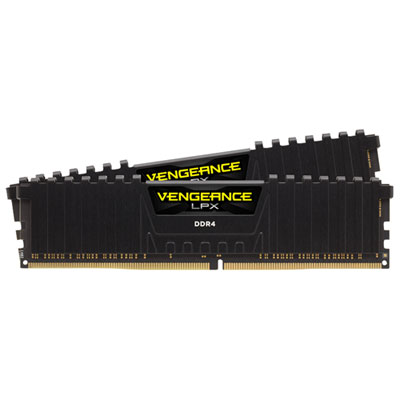 Your price for this item is $431.98
-
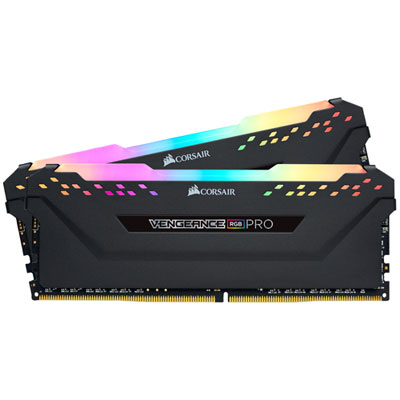 Your price for this item is $450.98
-
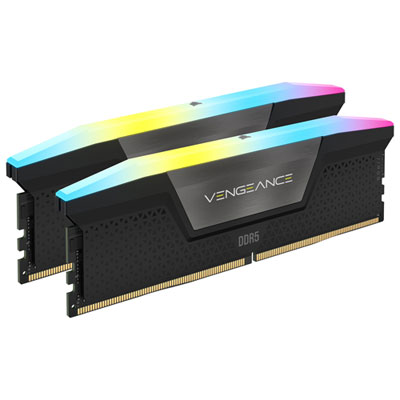 Your price for this item is $844.99
-
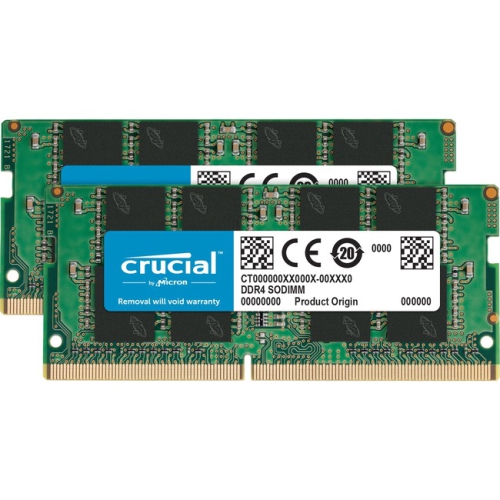 Your price for this item is $388.88
-
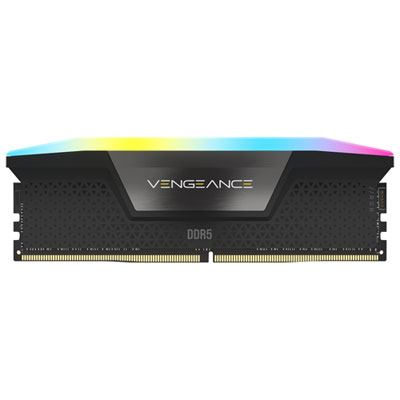 Your price for this item is $1853.99
-
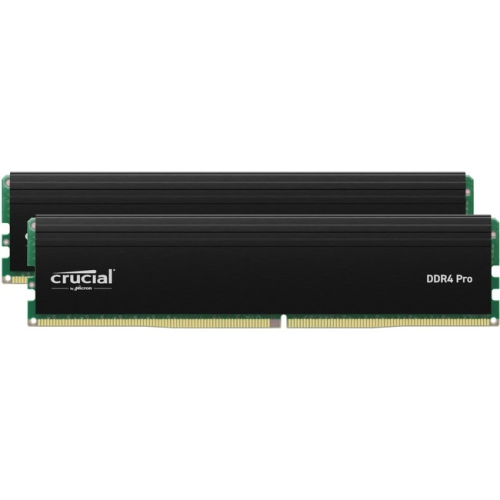 Your price for this item is $975.68
Discover more categories related to RAM 16GB 2x8GB
Top Collections:
Best Black Friday Deals This Year, Best Black Friday Deals On Electronics, Kindle Devices, Pokemon Centers, Best Black Friday Deals On Apple Products, Best Cameras for Sports Photography, Dyson Airwrap, Pokémon 30th Celebration Cards, Apple iPhone 17 Pro, Canon G7X Cameras
Some products may be subject to Environmental Handling Fees
(EHF) depending on your province.
Learn more about EHFs.