RAM 32GB 2x16GB 6000MHz CL30
Upgrade your computer’s performance with RAM 32GB 2x16GB 6000MHz CL30, designed for users who demand speed and reliability. Ideal for gaming, content creation, and multitasking, this memory configuration provides the capacity and frequency needed to handle intensive applications smoothly. Whether building a new PC or enhancing an existing system, RAM 32GB 2x16GB 6000MHz CL30 offers the boost required to keep your workflow seamless and efficient. Explore options that fit your setup and take your computing experience to the next level.
Sort
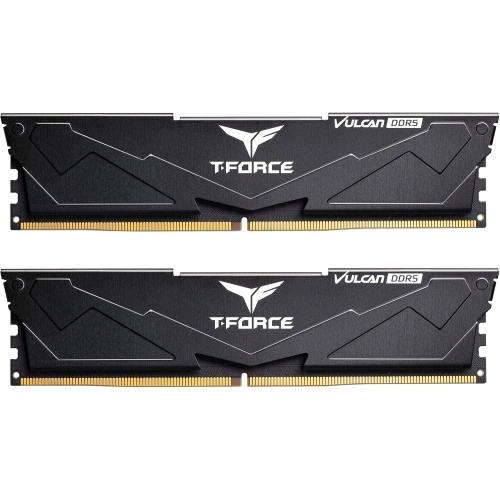
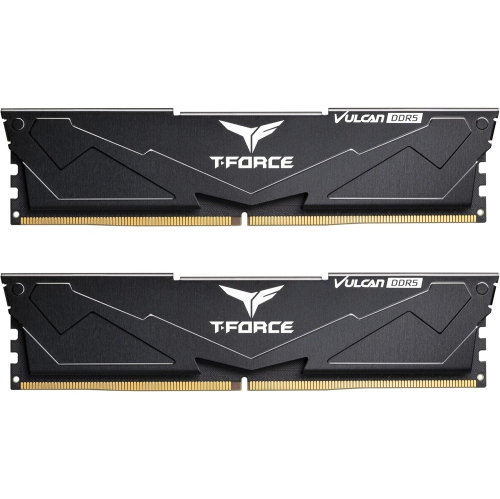
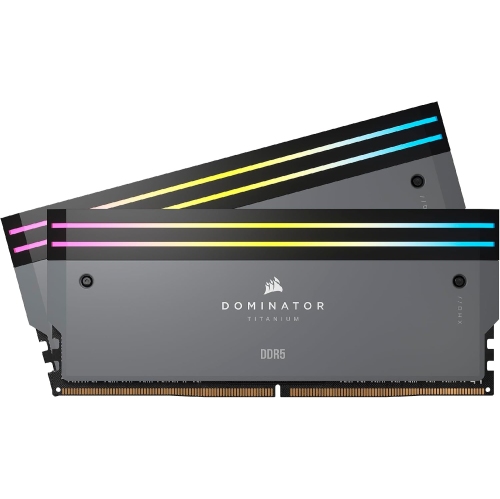
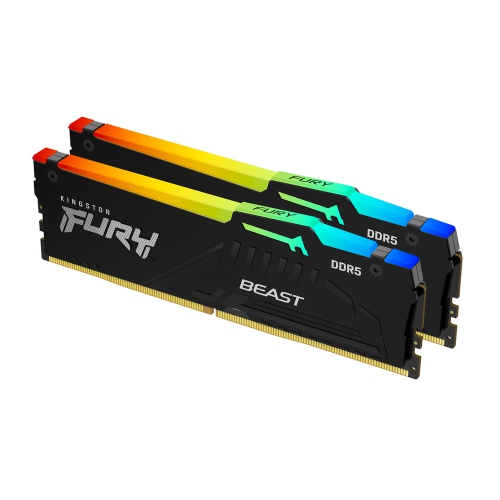
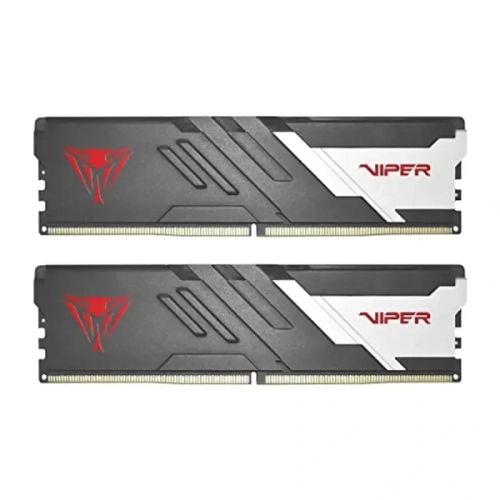
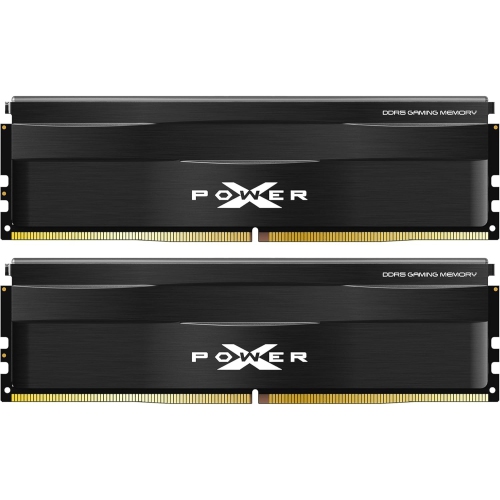

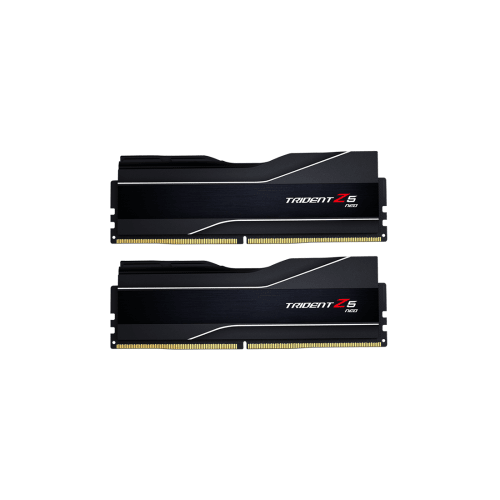
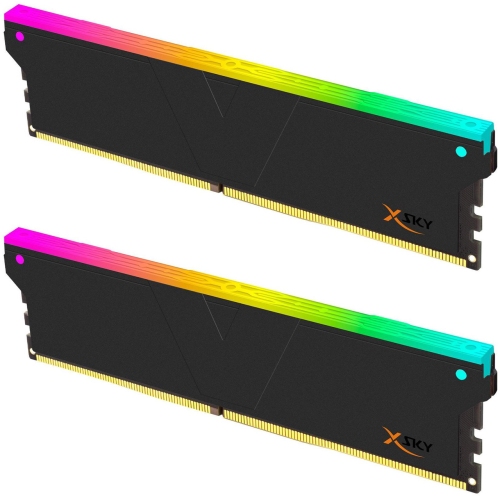
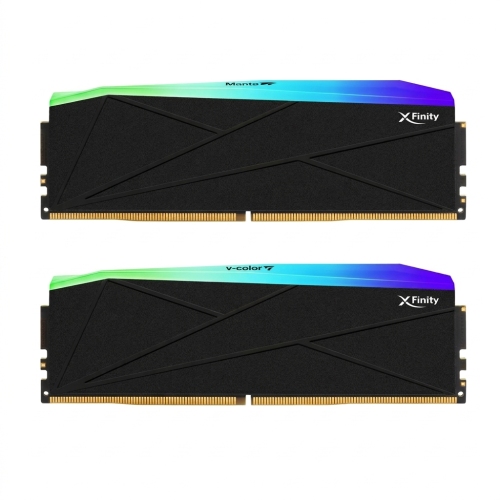
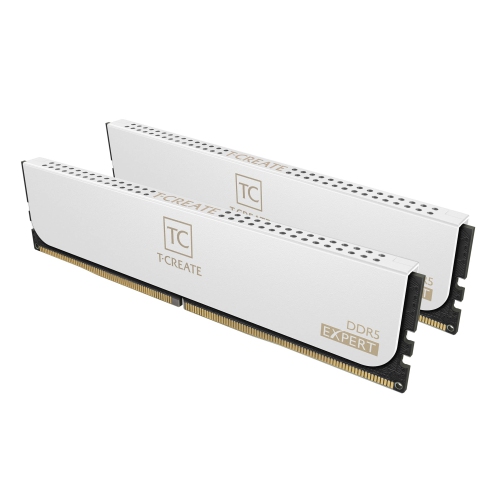
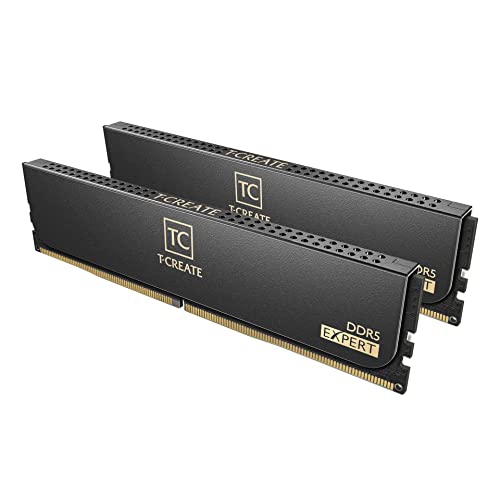
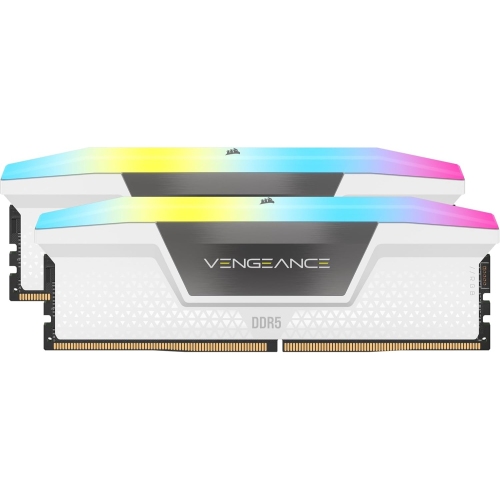
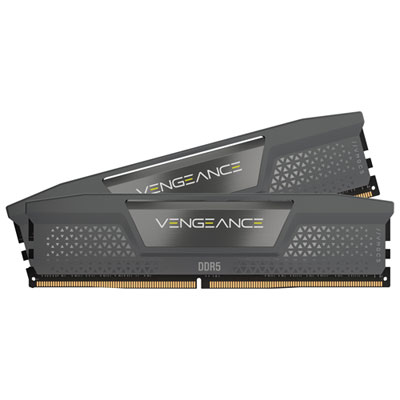
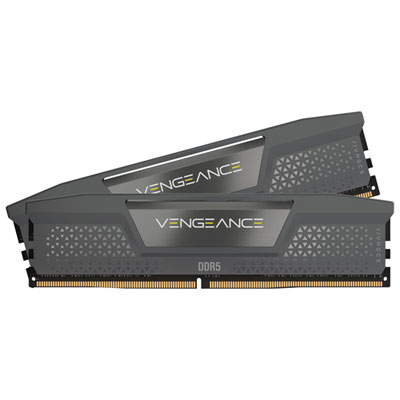
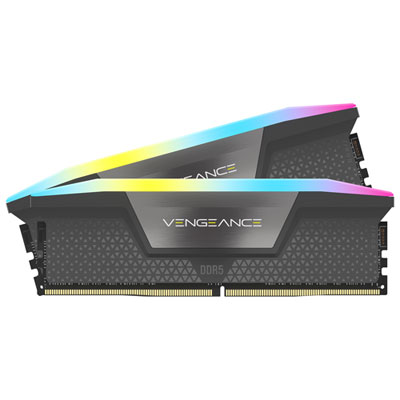
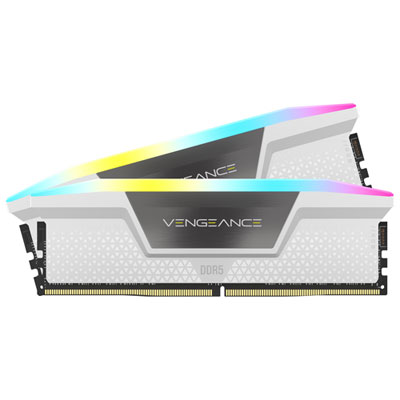
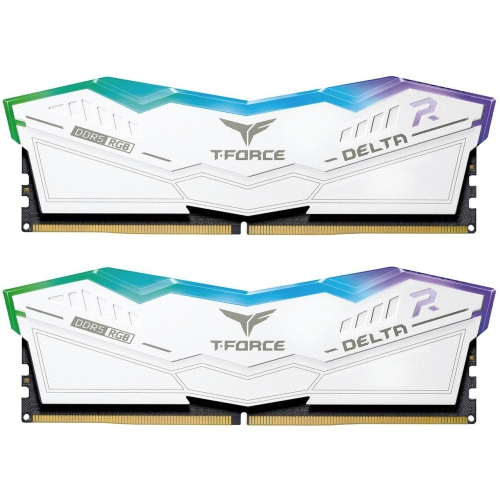
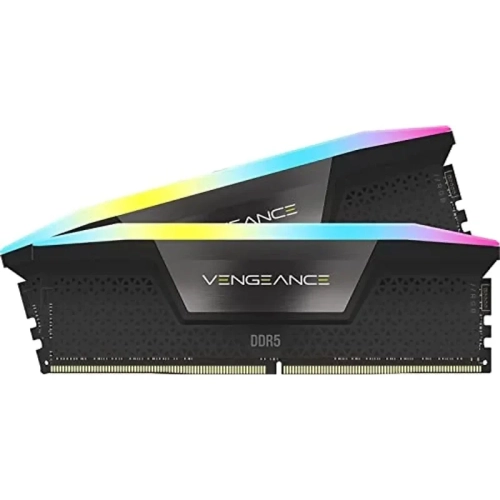
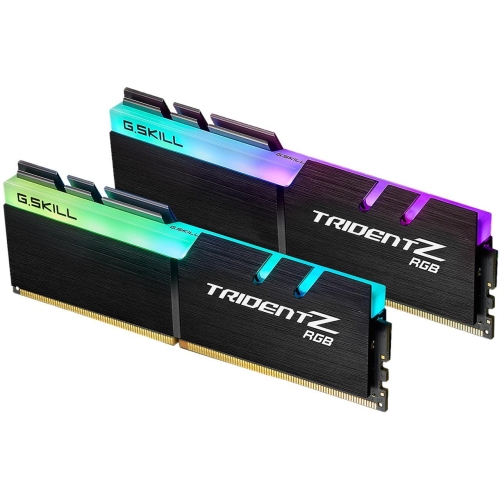
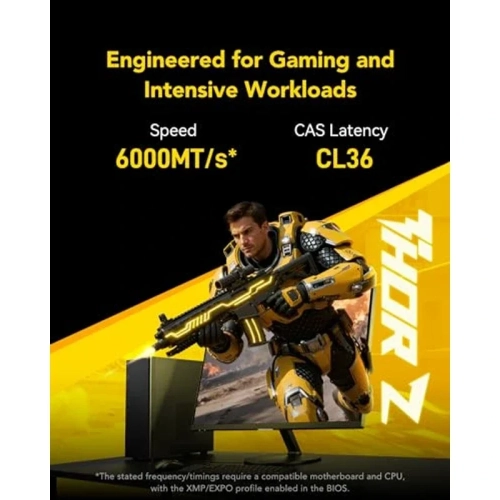

What DDR5 memory specifications mean for your desktop
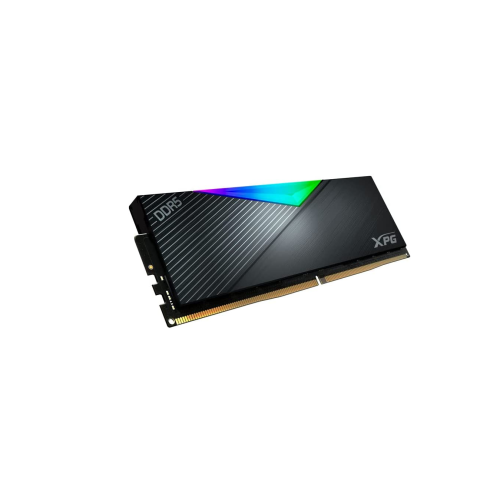
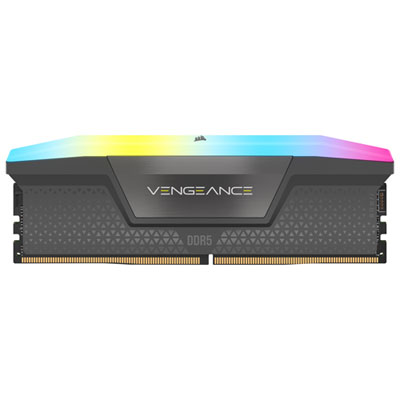
A 32GB 2x16GB 6000MHz CL30 RAM kit combines two 16GB memory modules with a high data rate and relatively low CAS latency, making it a practical option for compatible DDR5 desktop gaming and productivity systems. The two-module configuration provides 32GB of total working memory, giving applications room to keep active data close to the processor rather than repeatedly retrieving it from storage. That capacity can be useful when a game runs alongside voice chat, browser tabs, and recording software, or when a creative project involves layered images, multiple applications, and a busy editing timeline. RAM is temporary working memory, not permanent storage, so adding capacity does not increase the space available for saved games, photos, or documents. The 6000MHz description commonly used in retail listings refers to an effective transfer rate of 6000 megatransfers per second, more precisely written as 6000 MT/s. CL30 means a CAS latency of 30 memory clock cycles; at that transfer rate, this corresponds to approximately 10 nanoseconds of CAS latency, rather than the total time required for every memory operation. Together, capacity, data rate, and timings help describe the kit, but none of these specifications alone determines how fast a computer will feel. A memory-sensitive game may benefit from faster RAM, while a graphics-heavy game can remain limited primarily by the graphics card. Likewise, moving from insufficient memory to 32GB can make multitasking smoother, but replacing an already adequate kit will not necessarily produce a dramatic improvement in every application. For a desktop used for gaming, study, coding, and everyday creative work, this specification offers a useful balance of capacity and responsiveness. More demanding tasks, such as extensive virtual machine use or very large media projects, may call for additional capacity. The most relevant choice depends on the software running together and the amount of memory those workloads actually use.
Compatibility is central to choosing 32GB DDR5 memory in a 2x16GB 6000MHz CL30 configuration. Desktop DDR5 modules use a different electrical design and slot arrangement from DDR4, and the two generations are not interchangeable. A motherboard must explicitly support DDR5, while compact computers and laptops may require smaller memory modules or use memory that cannot be replaced. For a desktop upgrade, the motherboard specifications, processor memory support, and existing slot layout all matter. A matched two-module kit is designed to operate as a set and can support dual-channel operation when installed in the correct slots on a compatible platform. On many four-slot motherboards, the preferred positions for two modules are the second and fourth slots counting away from the processor, but the motherboard manual remains the authority. Advertised 6000MHz CL30 operation often requires enabling a supported performance profile in the firmware settings; installing the modules alone may leave them running at a lower default speed. These profiles apply a combination of data rate, timings, and voltage, and their suitability depends on the motherboard, processor, firmware, and kit. The headline CL30 figure is only one timing value, so two kits with the same capacity and advertised speed can have different secondary timings, voltage requirements, or profile support. A motherboard’s validated memory list can provide useful evidence of testing, although an unlisted kit is not automatically incompatible. Firmware updates can also affect memory support, and some systems take longer on their first start after a memory change while completing memory training. For predictable results, using one matched kit is generally preferable to combining separate kits, even when their headline specifications appear identical. Filling all four slots can place greater demands on the processor’s memory controller and may require a lower operating speed. A stable configuration that completes memory tests reliably is more useful than a higher setting that causes application crashes, unexpected restarts, or corrupted work.
Physical design also matters, especially in a desktop where space around the processor socket is limited. DDR5 RAM modules consist of memory chips mounted on a circuit board, with many designs adding aluminium heat spreaders to help distribute heat and protect the assembly during normal handling. Heat spreader height varies, and taller designs or integrated lighting can interfere with a large processor air cooler that extends over the memory slots. Checking module height against cooler clearance helps avoid a build where a fan must be repositioned or a component cannot sit correctly. Low-profile modules suit compact layouts and understated builds, while illuminated modules can add colour to a case with a window; lighting is a visual feature rather than a measure of memory performance. Construction quality, clear warranty terms, and consistent operation are more meaningful considerations for long-term use. Memory does not need routine washing, polishing, or lubrication. Installation and handling are the occasions that require particular care: the computer should be shut down, disconnected from power, and handled with appropriate static precautions before components are touched. Modules should be held by their edges, keeping fingers away from the contacts, and aligned with the slot notch rather than forced into place. Once installed, keeping the case clean and its ventilation unobstructed supports the whole system without requiring frequent removal of the RAM. For someone building a first desktop or upgrading a well-used gaming computer, a 32GB kit can be a thoughtful gift when the recipient’s motherboard, processor, and clearance requirements are known. Capacity should still match the intended use rather than simply being chosen by the largest number. Systems used mainly for documents, streaming, and lighter multitasking may have different needs, and RAM 16GB 2x8GB provides a smaller-capacity comparison, with memory generation and system compatibility remaining essential checks. For shoppers focused on 32GB 2x16GB 6000MHz CL30 RAM, the defining combination is enough working space for varied desktop workloads, two modules suited to a compatible dual-channel layout, and a performance specification that the complete system can run reliably.
Top selling and popular products
-
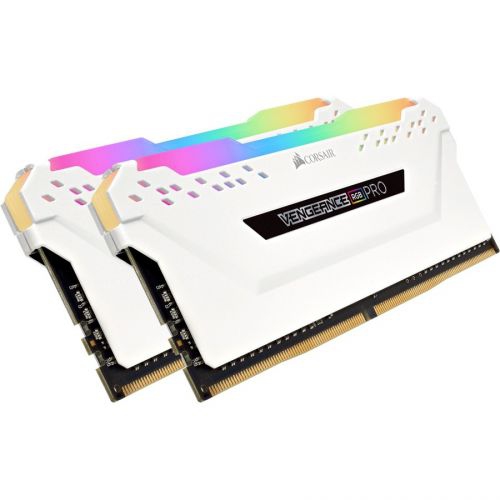 Your price for this item is $307.68
-
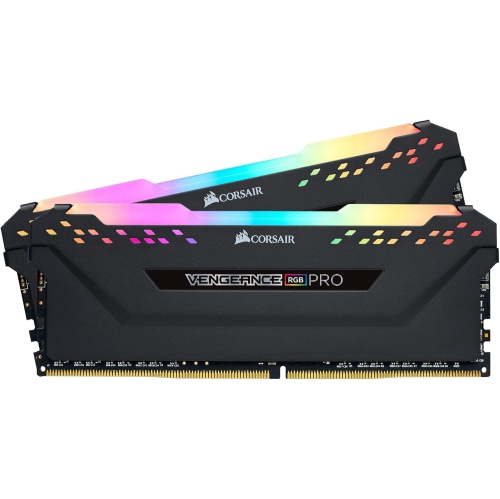 Your price for this item is $389.99
-
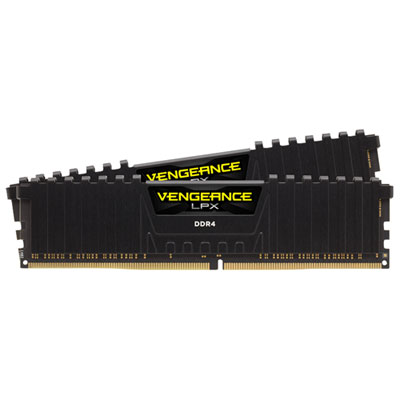 Your price for this item is $431.98
-
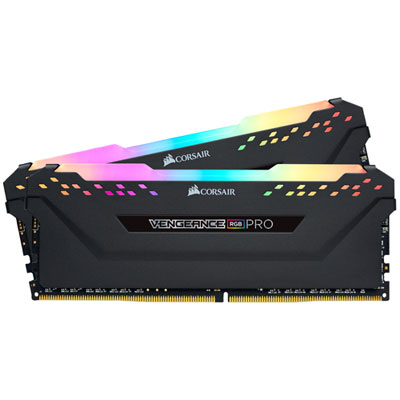 Your price for this item is $450.98
-
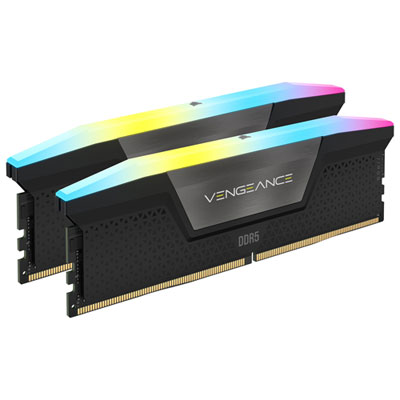 Your price for this item is $844.99
-
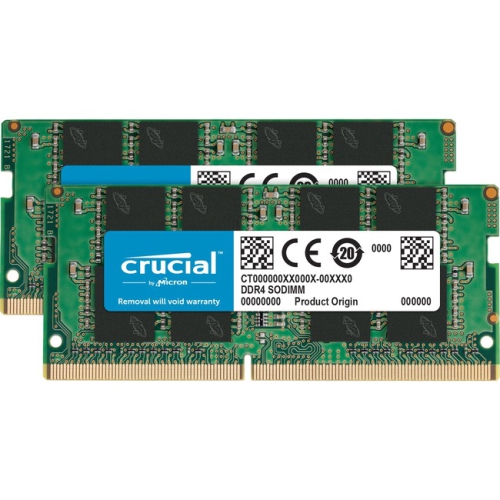 Your price for this item is $388.88
-
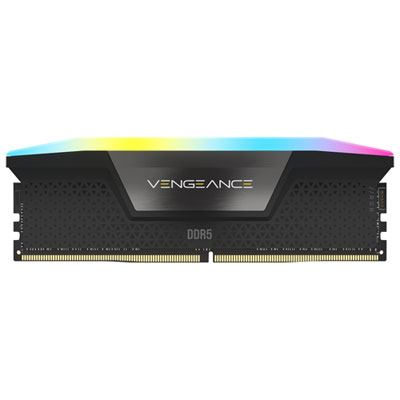 Your price for this item is $1853.99
-
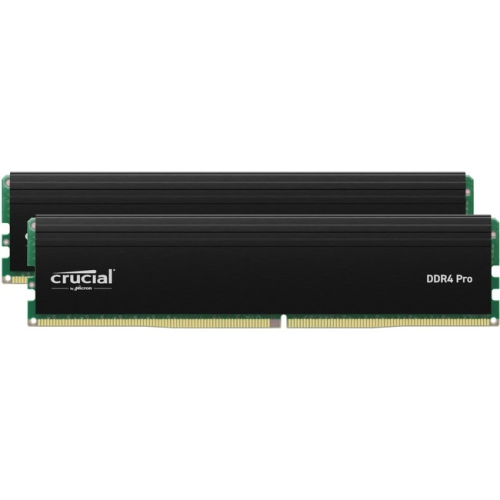 Your price for this item is $975.68
Discover more categories related to RAM 32GB 2x16GB 6000MHz CL30
Top Collections:
Best Black Friday Deals This Year, Best Black Friday Deals On Electronics, Kindle Devices, Pokemon Centers, Best Black Friday Deals On Apple Products, Best Cameras for Sports Photography, Dyson Airwrap, Pokémon 30th Celebration Cards, Apple iPhone 17 Pro, Canon G7X Cameras
Some products may be subject to Environmental Handling Fees
(EHF) depending on your province.
Learn more about EHFs.