RAM DDR4 2666
Upgrade your computer’s performance with RAM DDR4 2666, designed to support smoother multitasking and faster data processing. Whether you're building a new system or enhancing your current setup, this memory type offers reliable compatibility with a wide range of desktops and laptops. Find the right RAM DDR4 2666 options to help boost speed and efficiency for gaming, content creation, or everyday computing tasks. Explore the selection to discover memory solutions that fit your needs and budget.
Sort
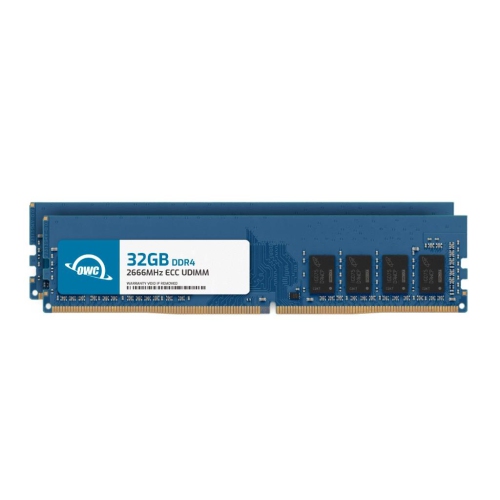
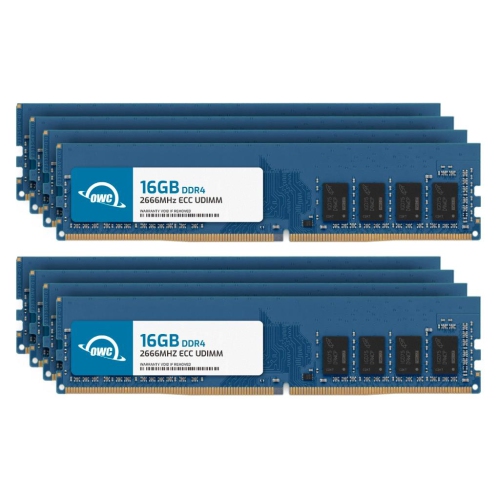
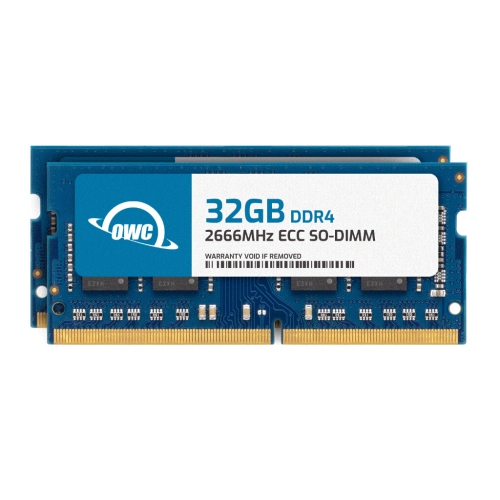
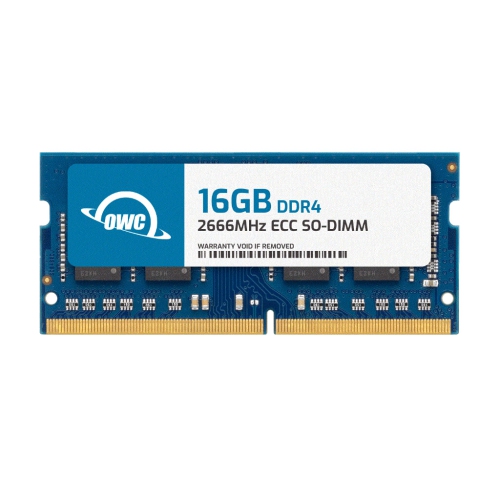
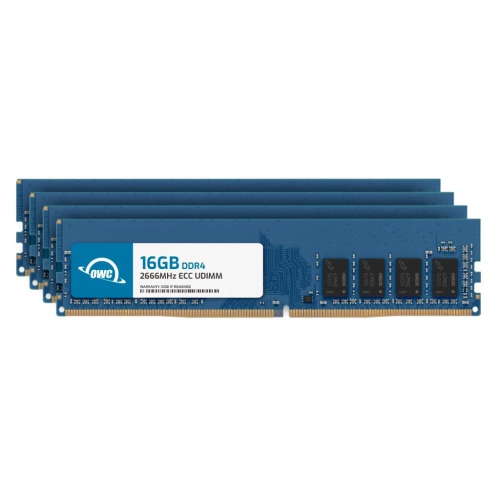

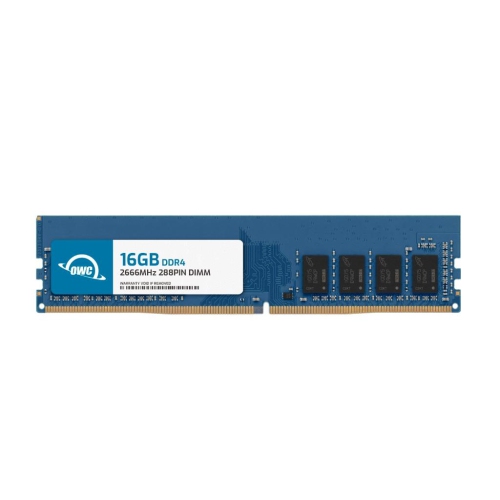
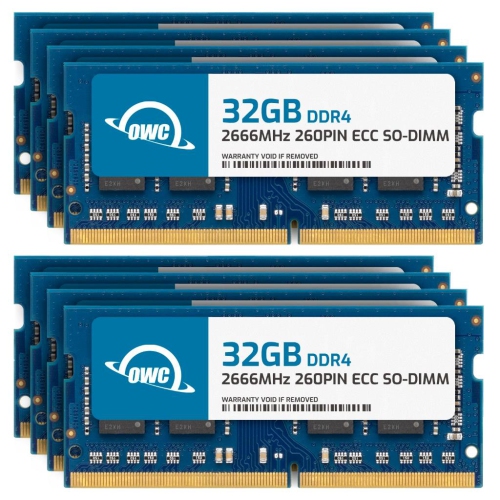

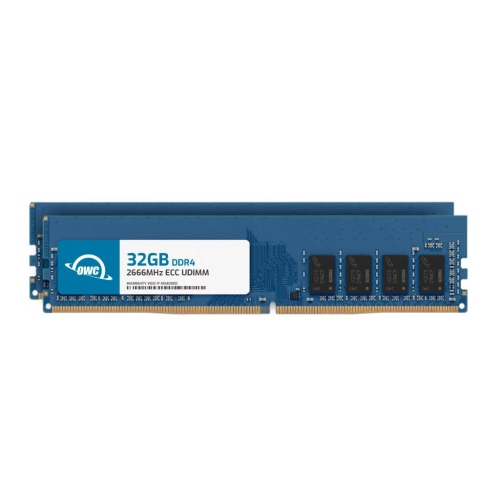
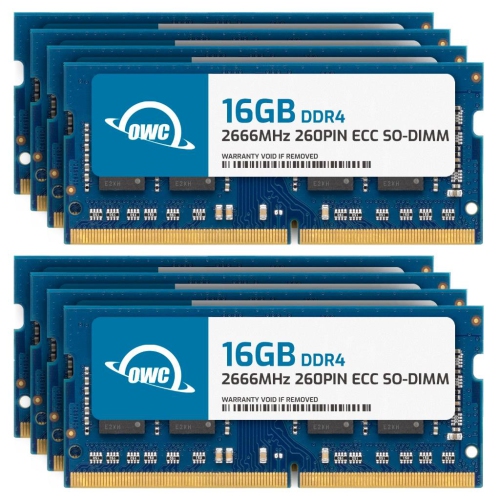

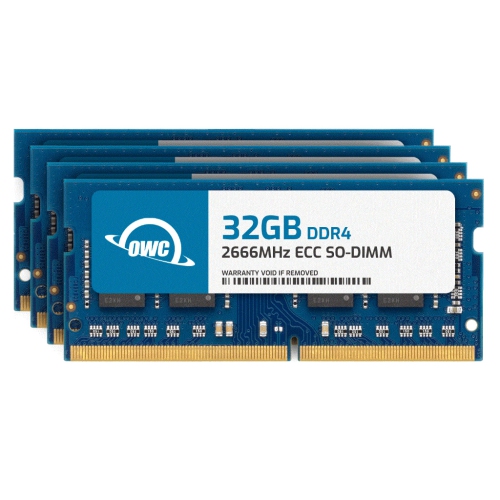
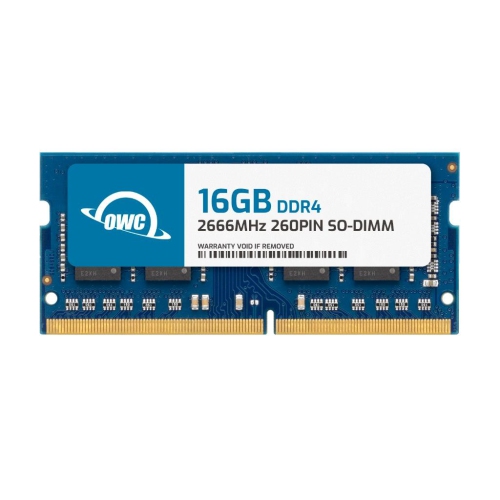
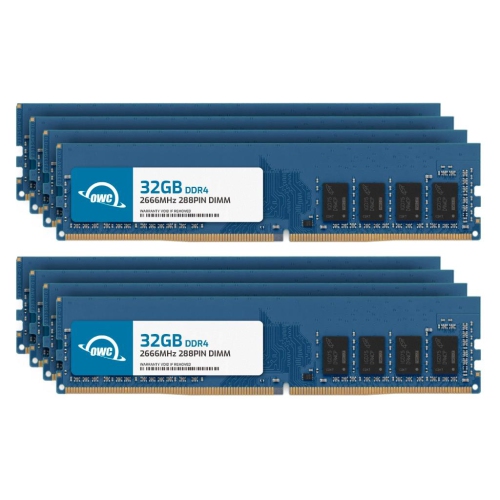



Memory compatibility goes beyond the speed on the label
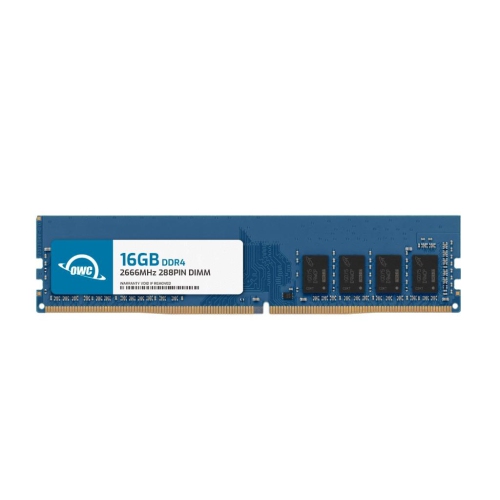
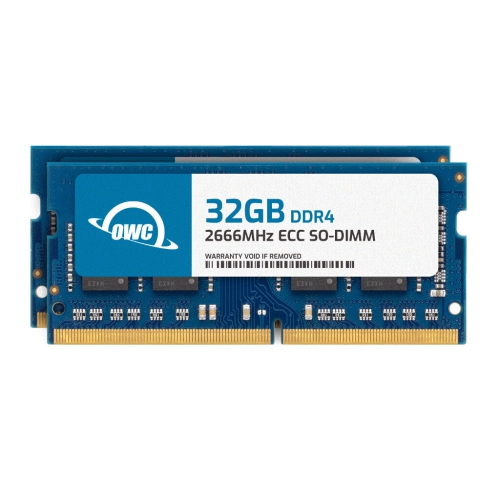
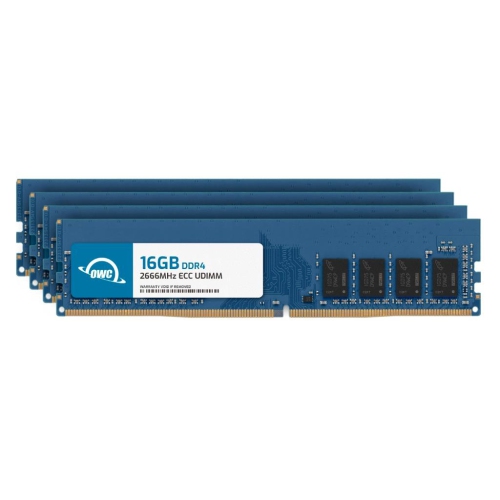
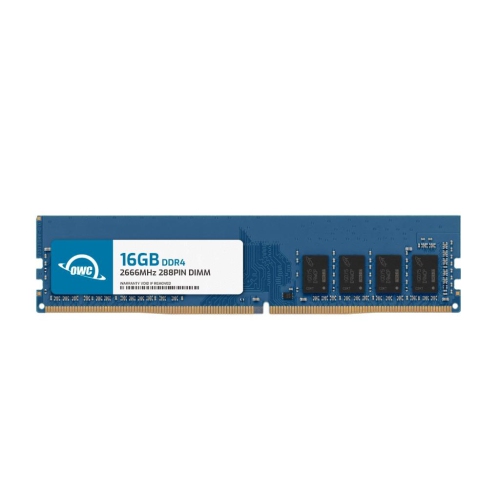
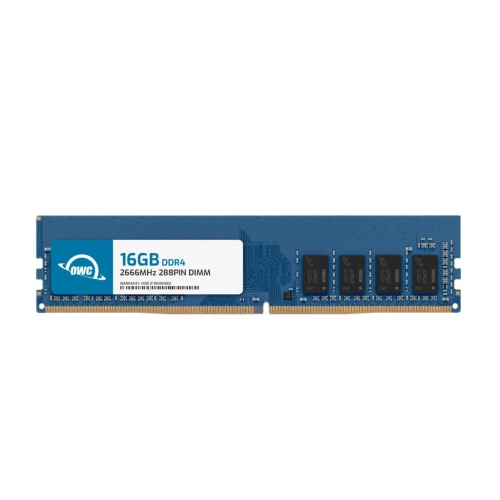
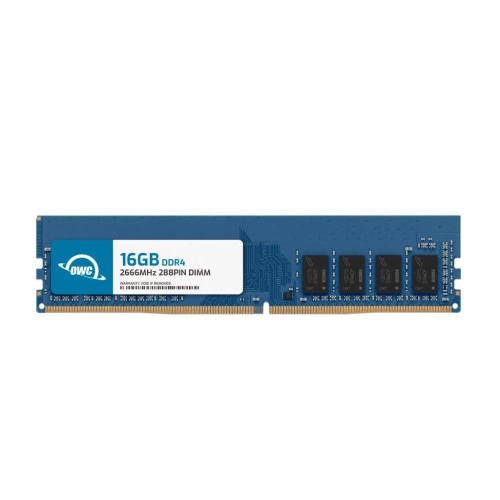
DDR4 2666 RAM is system memory designed to run at an effective data rate of 2666 megatransfers per second, or 2666 MT/s, on compatible computers. Often described in listings as 2666 MHz RAM, it belongs to the fourth generation of double data rate memory and may also carry the bandwidth designation PC4-21300 or PC4-21333. Random access memory holds the information a computer needs while applications are running, giving the processor quick access to open documents, browser tabs, game assets, and other active tasks. Unlike a solid-state drive or hard drive, RAM does not retain files when the computer is switched off. Its role is to keep working data close at hand, rather than provide permanent storage. DDR4-2666 can be a practical match for a desktop, notebook, or compact PC built around this memory standard, particularly when the processor or motherboard already limits memory operation to that speed. Physical compatibility matters just as much as the speed printed on the label. Desktop memory commonly uses a full-size, 288-pin unbuffered DIMM, while many laptops and small computers use a shorter, 260-pin SO-DIMM. These formats are not interchangeable, and a compact desktop may use laptop-style memory rather than a full-size desktop module. DDR4 also has a different electrical design and notch position from DDR3 and DDR5, so it cannot replace either generation. Some notebooks have memory soldered directly to the system board, with no socket for an upgrade; others combine soldered memory with an accessible slot. The computer’s specifications establish which arrangement applies, along with the supported capacity per slot and maximum total memory. Those details distinguish a suitable replacement or expansion from a module that shares the same speed rating but cannot work in the machine. The designation “DDR4 2666” therefore describes an important part of compatibility, but it does not establish compatibility on its own.
Capacity has a direct connection to how comfortably a computer handles a typical workload. An 8GB configuration can cover lighter tasks such as email, document editing, and a modest number of browser tabs, although memory needs vary with the operating system and applications. For someone moving between a video call, a spreadsheet, reference pages, and a presentation, 16GB often provides more breathing room. A 32GB configuration can suit heavier multitasking, larger photo projects, development tools, or some video-editing workloads, provided the computer supports it. More demanding creative work and virtual machines may call for additional capacity beyond that. When physical memory fills up, the operating system can move some data to storage, which is much slower to access than RAM. This can contribute to pauses when switching applications or returning to a document that has been sitting in the background. Adding suitable memory may reduce that pressure, but it will not correct every source of sluggish performance: processor limitations, slow storage, and demanding software still matter. Gaming requirements are similarly dependent on the particular game, background applications, graphics hardware, and settings, rather than screen resolution alone. Memory configuration also affects performance. On a compatible dual-channel platform, a matched pair of modules installed in the designated slots can provide more memory bandwidth than a single module of the same total capacity. That can be especially useful for integrated graphics, which shares system memory instead of relying on its own dedicated video memory. A kit with matched specifications offers a straightforward basis for a balanced configuration, although dual-channel operation still depends on the platform and slot arrangement. Mixing existing and new modules sometimes works, but differing capacities, timings, or internal memory layouts can complicate compatibility. The system will generally need to use settings supported by all installed modules, so a higher speed label on one module does not mean the combined memory will run faster.
Beyond capacity and physical format, DDR4-2666 modules differ in timings, construction, and supported operating profiles. Standard DDR4 memory commonly operates at 1.2V, while performance profiles can specify different settings; the rated voltage and speed should be considered together. CAS latency describes part of the delay involved in accessing memory, with CL19 being a common specification for standard DDR4-2666. A lower latency number can indicate tighter timings at the same data rate, but it is not a complete measure of system performance. Some modules include an XMP profile for compatible systems, though many business desktops and notebooks offer limited memory controls and rely on standard settings instead. A 2666-rated module may operate at 2400 or 2133 MT/s when the platform requires a lower rate and the module supports suitable settings. Conversely, installing it in a computer capable of higher memory speeds does not automatically make it run beyond its rating. Physical design deserves attention, too. Memory chips are mounted on a printed circuit board, and some desktop modules add metal heat spreaders. Those coverings can help distribute heat, but tall designs may interfere with a large processor cooler or limited case clearance. Low-profile desktop modules and compact SO-DIMMs address different space constraints; neither format should be chosen on appearance alone. ECC capability and registered versus unbuffered construction are separate specifications that also need to match the computer, especially with workstation or server hardware. For routine handling, the important surfaces are the exposed contacts and electronic components: holding a module by its edges, avoiding static discharge, and following the computer manufacturer’s installation procedure help protect it from damage. A module’s notch should align with the socket without forcing it into place. Once installed, recognized capacity and stable operation matter more than decorative features. For a family computer, study laptop, office workstation, or compatible gaming desktop, well-matched DDR4-2666 memory supports everyday use by providing the capacity and bandwidth the system can actually use.
Top selling and popular products
-
 Your price for this item is $307.68
-
 Your price for this item is $389.99
-
 Your price for this item is $431.98
-
 Your price for this item is $450.98
-
 Your price for this item is $844.99
-
 Your price for this item is $388.88
-
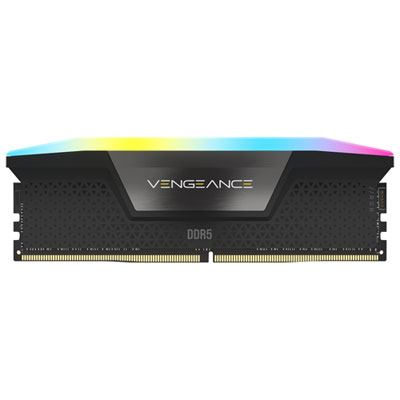 Your price for this item is $1853.99
-
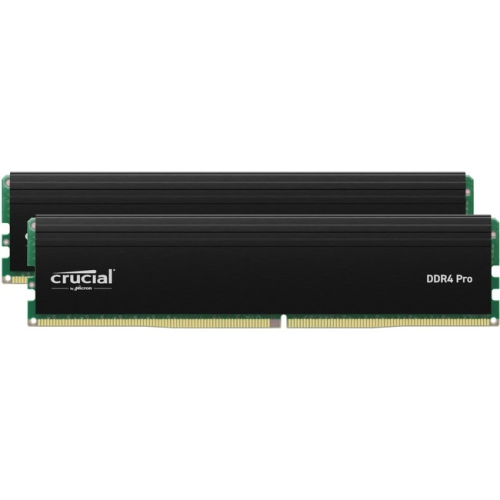 Your price for this item is $975.68
Discover more categories related to RAM DDR4 2666
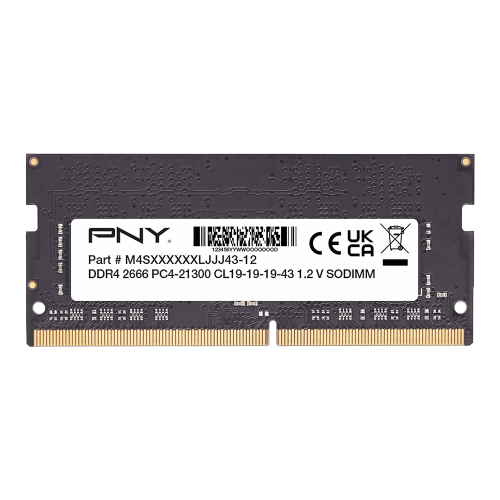

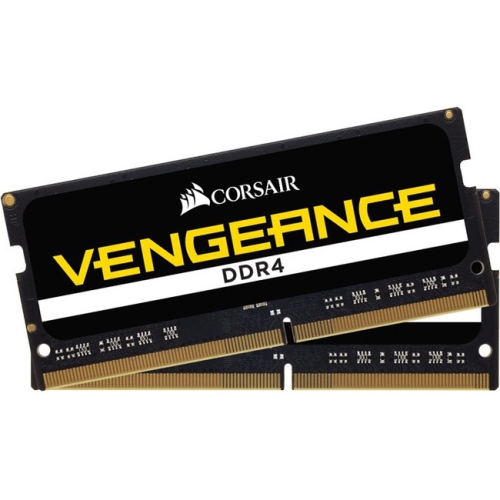
Top Collections:
Best Black Friday Deals This Year, Best Black Friday Deals On Electronics, Kindle Devices, Pokemon Centers, Best Black Friday Deals On Apple Products, Best Cameras for Sports Photography, Dyson Airwrap, Pokémon 30th Celebration Cards, Apple iPhone 17 Pro, Canon G7X Cameras
Some products may be subject to Environmental Handling Fees
(EHF) depending on your province.
Learn more about EHFs.