DDR4 2666
DDR4 2666 memory offers a reliable solution for boosting your computer’s performance, whether you’re upgrading your desktop or building a new system from the ground up. Designed to support everyday computing tasks and demanding applications alike, DDR4 2666 provides the speed and efficiency needed for smooth multitasking and responsive operation. Explore a wide selection of DDR4 2666 options to find the right fit for your setup and experience enhanced productivity with ease.
Sort
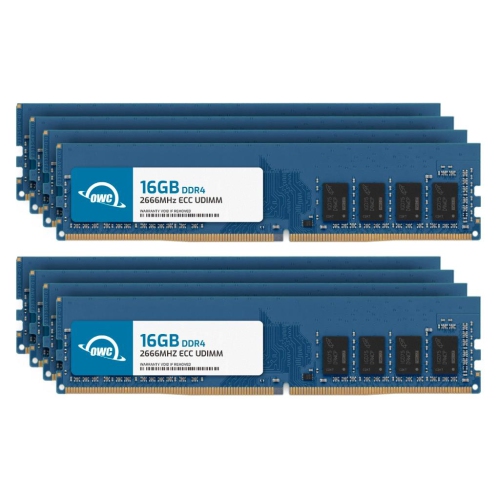
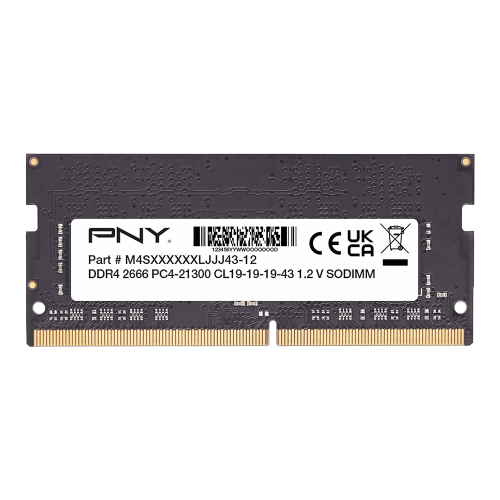
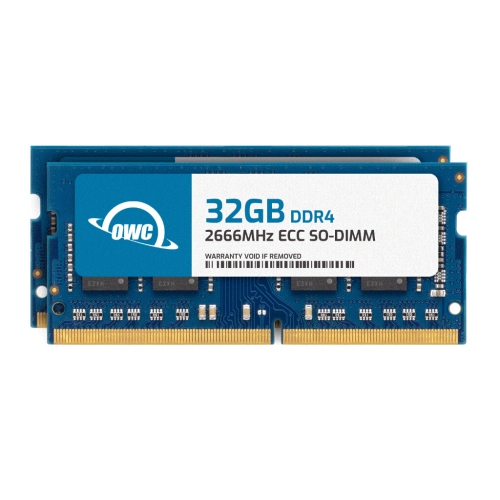
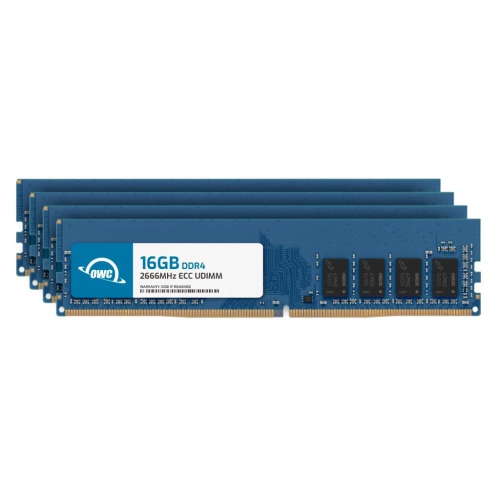



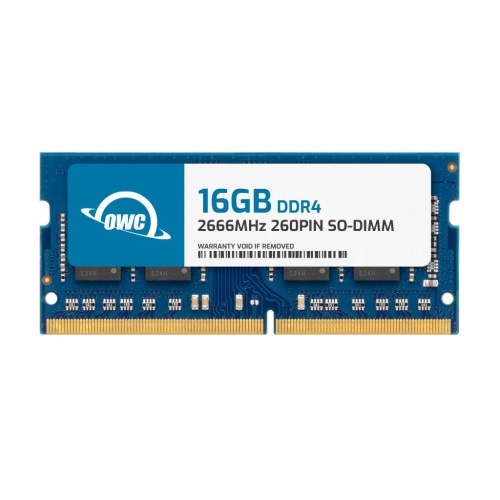
Why RAM capacity and compatibility matter for multitasking
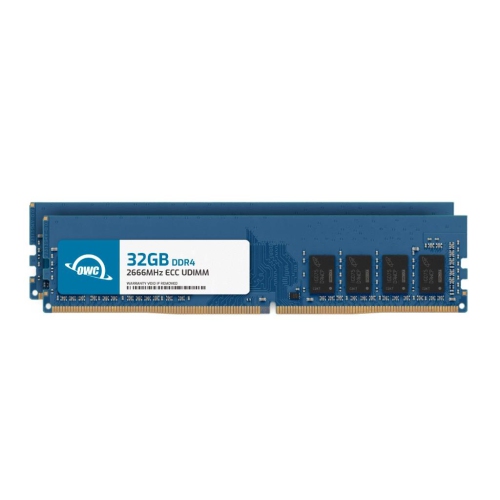
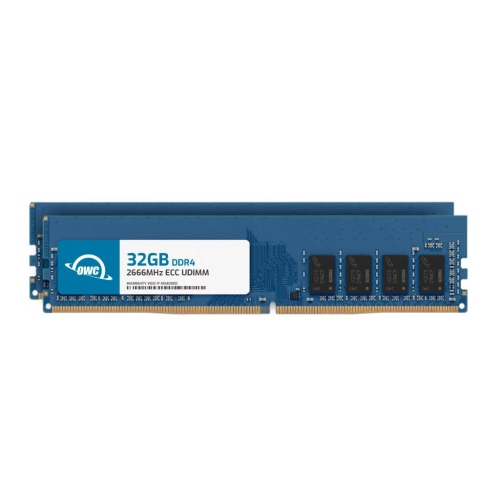
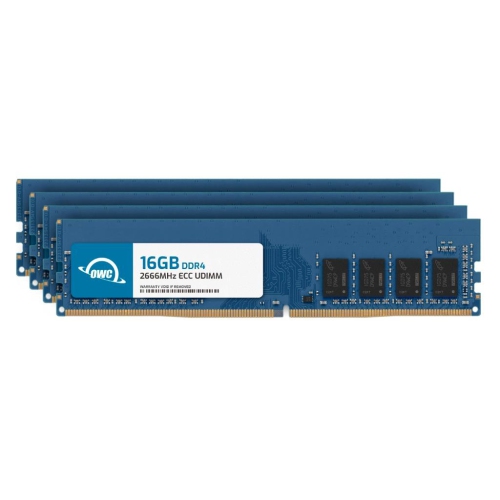
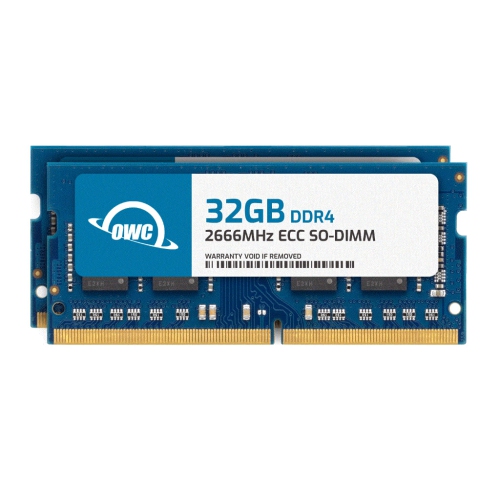
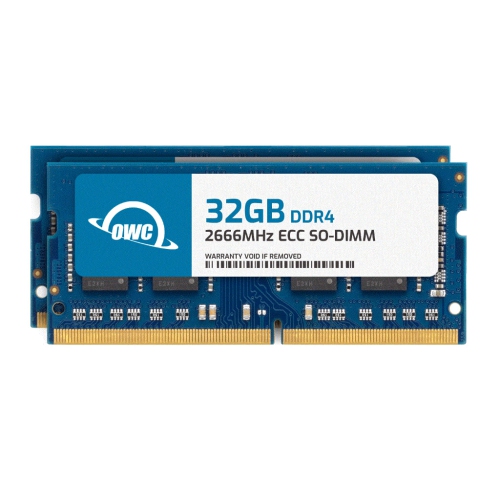
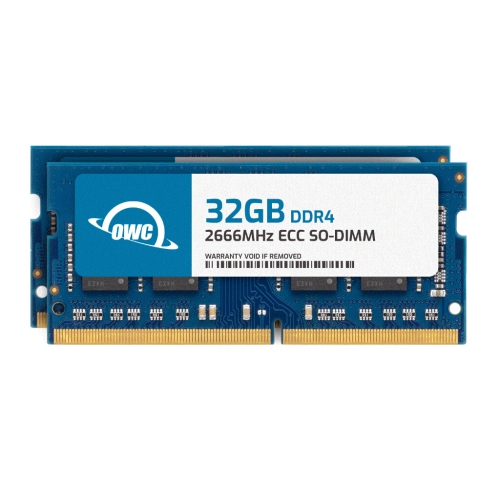
DDR4 2666 is a type of double data rate computer memory rated for 2,666 megatransfers per second, commonly written as 2666 MT/s. Often labelled DDR4-2666, it provides temporary working space for the operating system, open applications, and files being actively used. Unlike storage on a solid-state drive or hard drive, RAM does not retain its contents after the computer is switched off. The 2666 designation describes the memory’s effective data transfer rate rather than its physical clock frequency, which is approximately 1,333 MHz. Listings sometimes use 2666 MHz as shorthand, but MT/s is the more precise measurement. DDR4 memory typically operates at a standard voltage of 1.2V, although the specifications of the particular module and computer still matter. For everyday computing, the practical value of DDR4 2666 often comes from having enough capacity to keep frequently used applications in memory. A computer handling a video meeting, a large spreadsheet, a browser full of research tabs, and a messaging app can place considerably more demand on RAM than one used for a single document. When memory runs short, the system may move data between RAM and storage, contributing to pauses when switching tasks. Additional capacity can reduce that pressure, though it cannot make an unsupported processor or graphics system meet an application’s requirements. An 8GB configuration may suit lighter workloads, while 16GB can provide more room for multitasking, and 32GB may be useful for larger creative projects, development tools, or several demanding applications running together. These capacities are examples rather than guarantees of performance; software requirements and the computer’s supported maximum remain important. DDR4 2666 can suit office desktops, compatible laptops, home computers, and selected compact systems. It is particularly relevant when maintaining a computer that already supports this memory generation and speed, whether the goal is smoother task switching, more room for project files, or a replacement for a faulty module.
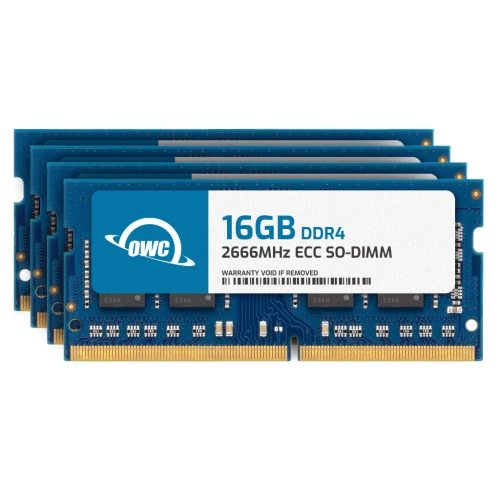
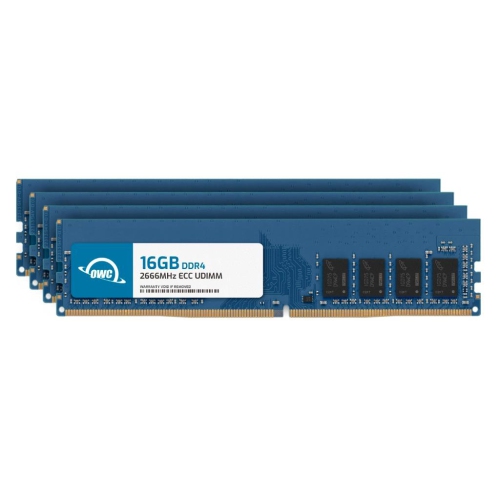
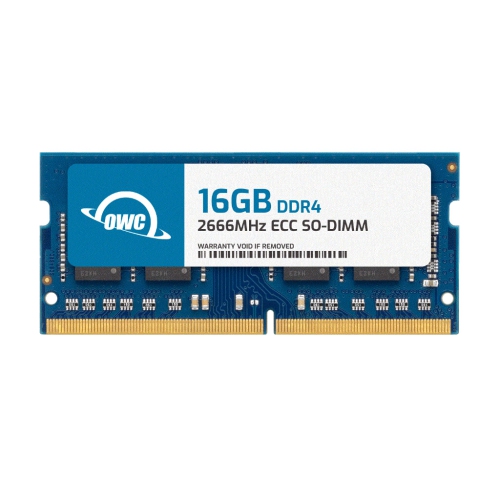
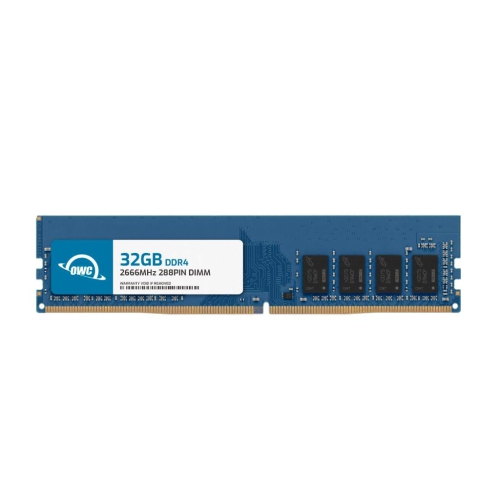
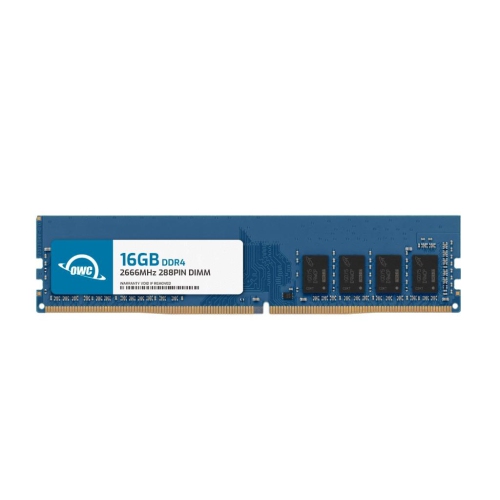
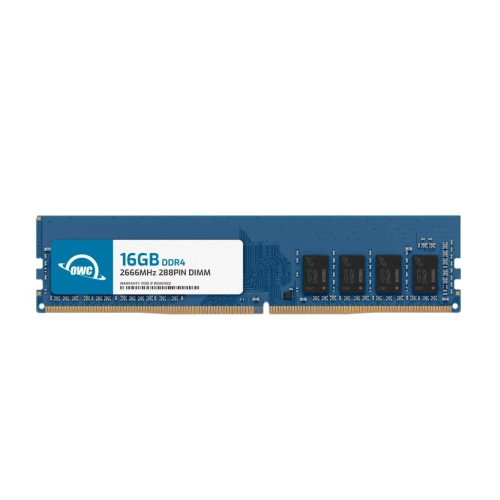
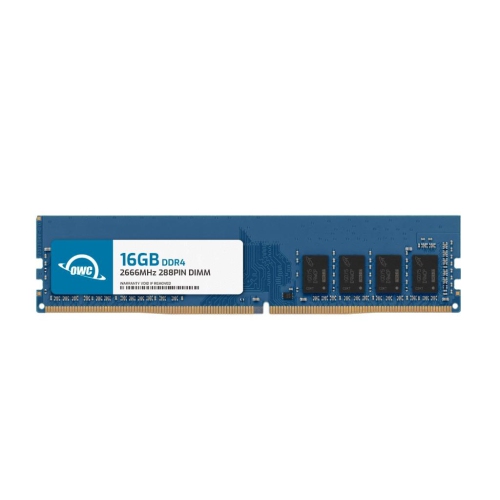
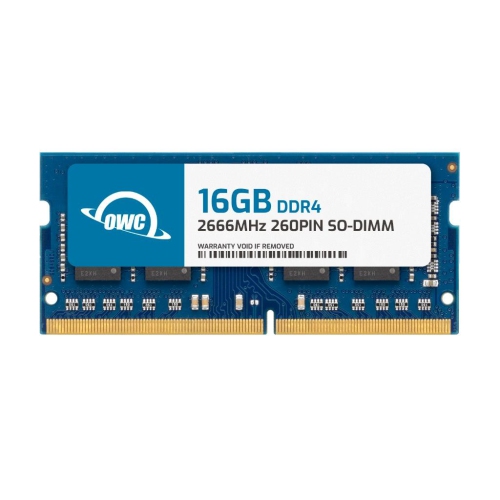
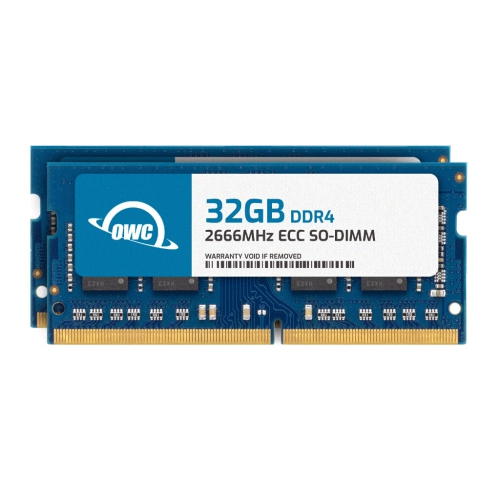
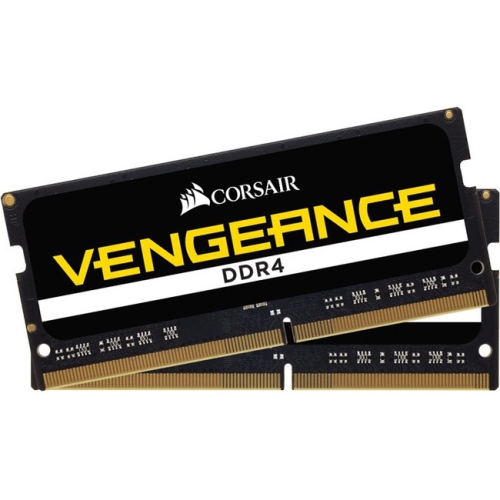
Physical fit is just as important as the DDR4 2666 speed rating. Desktop systems commonly use 288-pin unbuffered DIMMs, often called UDIMMs, while laptops and many mini PCs use shorter 260-pin SO-DIMMs. These formats are not interchangeable, even when their capacity and transfer rate match. DDR4 also has different electrical requirements and notch placement from DDR3 and DDR5, so a memory slot designed for another generation will not accept it as a compatible replacement. Within DDR4 systems, support depends on the processor, motherboard, firmware, and memory configuration. Some laptops have soldered memory, some provide accessible slots, and others combine both arrangements; a slim chassis alone does not reveal whether an upgrade is possible. The number of slots, maximum total capacity, and maximum capacity per slot determine which configurations can fit. A pair of 8GB modules and one 16GB module provide the same total capacity, but they may use the computer’s memory channels differently. On a compatible dual-channel system, correctly matched modules installed in the designated slots can increase memory bandwidth, which may benefit bandwidth-sensitive tasks and integrated graphics. Results depend on the workload, and doubling capacity does not automatically double speed. When comparing DDR4 2666 with Memory DDR4 2400, the main speed distinction is the rated transfer rate: 2,666 MT/s versus 2,400 MT/s. The higher rating offers greater theoretical bandwidth, but the computer must support it to use that rate. A DDR4 2666 module may operate at a lower supported speed when its stored memory profiles and the system’s requirements allow; compatibility should not be assumed from the DDR4 label alone. Mixing modules can also result in operation at a shared lower speed or less favourable timings. Matched kits help reduce differences between modules, although they still need to meet the system’s specifications. Most everyday desktops and laptops require non-ECC, unbuffered memory, while certain workstations and servers have different requirements for error correction or registered memory. These distinctions matter even when two modules look similar and carry the same speed rating.
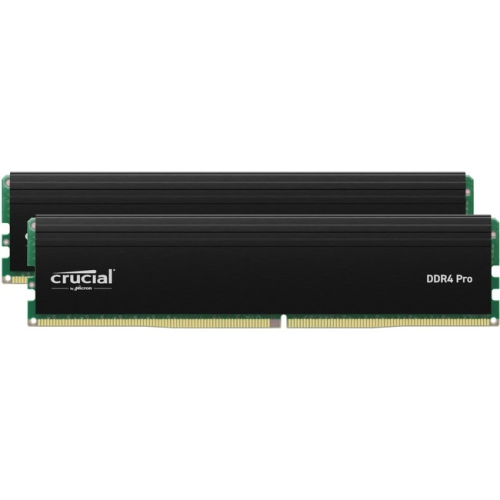
DDR4 2666 memory modules are compact electronic assemblies built around memory chips mounted on a printed circuit board, with metal contacts along one edge. Some desktop versions have a heat spreader covering the chips, while many laptop modules and standard desktop modules leave them exposed. A heat spreader is not a requirement for every compatible system, and a taller design can create clearance issues beside a large processor cooler or inside a compact case. Decorative lighting and exterior styling do not determine whether the memory will work with a particular computer. Fit, supported specifications, and suitable capacity have a more direct role in a successful upgrade. RAM has no moving parts and generally requires little routine care once installed correctly, but its exposed circuitry and contacts need careful handling. Holding a module by its edges helps avoid touching the contacts, and protection against electrostatic discharge matters whenever memory is outside its packaging. Installation takes place with the computer shut down and disconnected from power, following the manufacturer’s service instructions; removable batteries may also need to be disconnected where specified. Modules should align with the slot’s notch and seat securely without being forced into an incompatible connector. Keeping unused memory in protective anti-static packaging helps prevent accidental damage during storage or transport. For a student moving between coursework and online lectures, an office worker managing several business applications, or a hobbyist editing photographs, a suitable RAM upgrade can address a specific capacity limit without replacing the entire computer. Gaming systems may also benefit when existing memory falls short of a game’s requirements, although frame rates still depend heavily on the processor, graphics hardware, and game settings. The most useful DDR4 2666 configuration is therefore not simply the one with the largest capacity or most elaborate appearance. It is one that fits the machine, works within its supported specifications, and provides enough working memory for the applications used regularly.
Top selling and popular products
-
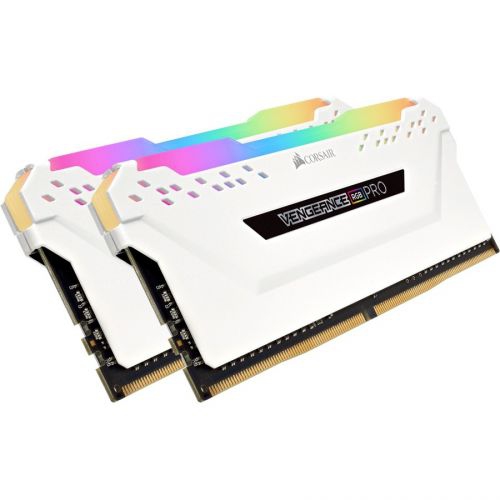 Your price for this item is $307.68
-
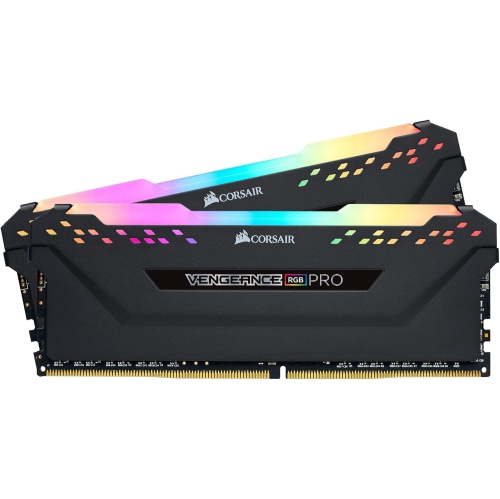 Your price for this item is $389.99
-
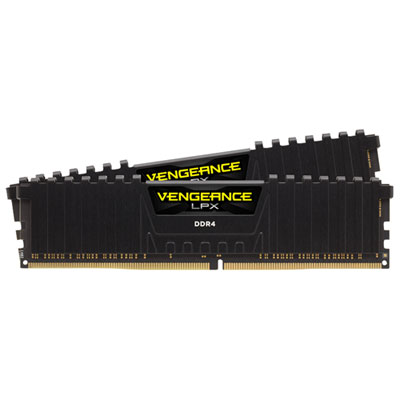 Your price for this item is $431.98
-
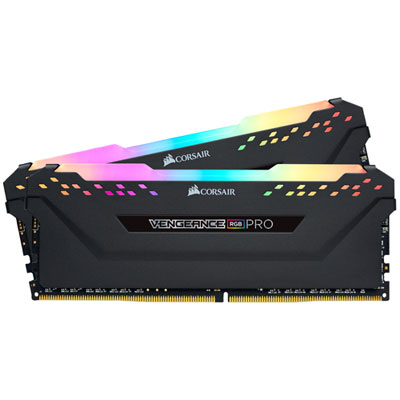 Your price for this item is $450.98
-
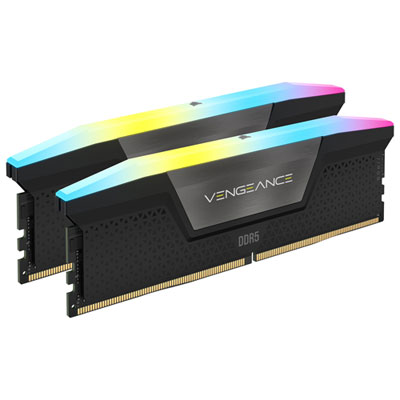 Your price for this item is $844.99
-
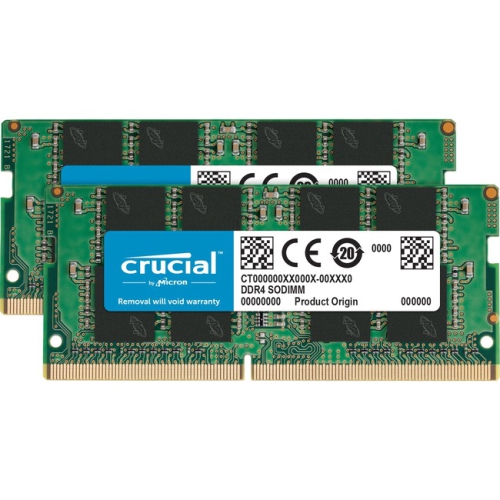 Your price for this item is $388.88
-
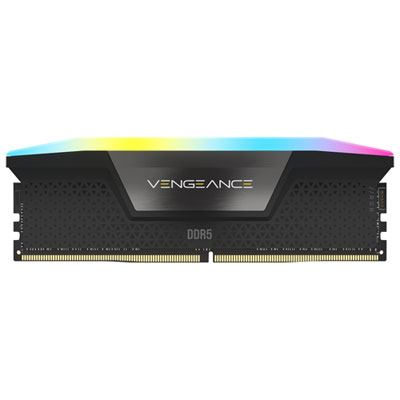 Your price for this item is $1853.99
-
 Your price for this item is $975.68
Discover more categories related to DDR4 2666

Top Collections:
Best Black Friday Deals This Year, Best Black Friday Deals On Electronics, Kindle Devices, Pokemon Centers, Best Black Friday Deals On Apple Products, Best Cameras for Sports Photography, Dyson Airwrap, Pokémon 30th Celebration Cards, Apple iPhone 17 Pro, Canon G7X Cameras
Some products may be subject to Environmental Handling Fees
(EHF) depending on your province.
Learn more about EHFs.