Razer Laptops for Music Production
Razer Laptop for Music Production offers the power and precision needed to elevate your creative workflow. Whether you’re composing tracks, editing audio, or mixing on the go, these laptops provide a reliable platform for music professionals and enthusiasts alike. With sleek designs and robust performance capabilities, Razer laptops are engineered to keep up with demanding production tasks. Explore options that help you bring your musical ideas to life with efficiency and style.
Sort
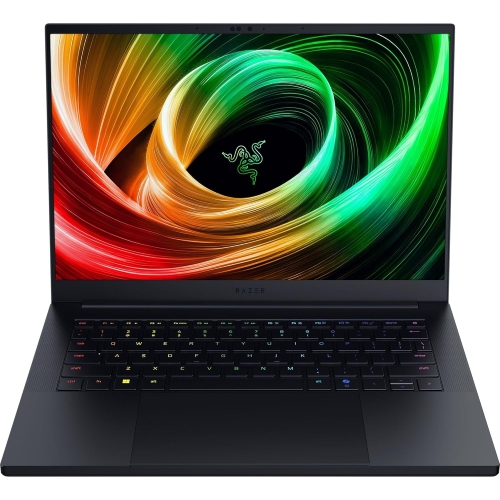

What matters beyond gaming performance in music production
Performance-focused gaming laptops can also serve as capable music production computers, with the processing power to run digital audio workstations, virtual instruments, and effects plug-ins. Their suitability depends on the individual configuration, audio drivers, and the demands of a session rather than gaming performance alone. Recording a singer over an acoustic guitar accompaniment puts different demands on a laptop than arranging an orchestral score with large sample libraries or mixing dozens of tracks with detailed processing. A strong processor helps handle software instruments, real-time effects, and audio exports, although both single-core performance and the way audio software distributes work across cores matter. More cores do not automatically prevent interruptions in a demanding signal chain. Memory gives active projects room to work: 16 GB can support many recording and songwriting tasks, while 32 GB or more offers additional headroom for large arrangements, extensive sample libraries, and several creative applications running together. These are starting points rather than guarantees, since the requirements of individual instruments and projects vary. Solid-state storage helps projects open promptly and makes large libraries more responsive, but capacity deserves equal attention. Multitrack recordings, alternate takes, sample collections, and exported mixes can quickly fill a drive. Separate storage for archived sessions and a dependable backup routine help keep the internal drive focused on active work. A dedicated graphics processor may be useful for scoring to picture, editing music videos, or working across several displays, but it is not the main source of processing power for most audio tasks. For beatmakers, songwriters, composers, and recording students, the most useful configuration is one that matches the size and complexity of their actual sessions. A compact electronic arrangement built largely from audio clips may need less memory than a cinematic project with numerous sampled instruments, even when both produce equally polished results. Hardware performance provides room to create, but reliable software compatibility remains just as important.
Audio responsiveness is another defining consideration for laptops used in production. Latency is the delay between an input or action and the sound reaching the listener, which becomes noticeable when singing through software effects, playing a virtual piano, or recording a guitar part against an existing rhythm. A compatible audio interface with well-supported, low-latency drivers can provide microphone and instrument connections, headphone monitoring, and more predictable recording performance than a basic built-in audio connection. Smaller audio buffer settings can reduce delay, but they also give the processor less time to complete its work and may reveal clicks or dropouts in a busy session. Larger buffers are often more practical during mixing, when immediate response matters less than processing headroom. Driver behaviour, background activity, and power settings also affect real-time audio, so processor specifications alone cannot establish how smoothly a particular configuration will record. Cooling deserves attention as well. Performance laptops can generate audible fan noise under load, which matters when a sensitive microphone shares the desk with the computer. Positioning the laptop farther from the microphone, keeping ventilation paths clear, and using headphones while recording can make a small workspace easier to manage. A hard, stable work surface is preferable to fabric that can obstruct vents. Connections shape the setup just as directly: an audio interface, MIDI keyboard, external drive, display, and controller may all need access at once. Port type, connector shape, data capability, and charging support are distinct details, and a matching connector does not guarantee every function. Hubs and docks can simplify a crowded desktop, but their compatibility and bandwidth still need to suit the connected equipment. A screen with enough usable space makes track names, waveforms, mixer channels, and plug-in controls easier to read. An external display can expand the workspace at home, while a comfortable keyboard and precise trackpad remain valuable when editing away from the main studio setup.
Portability brings these production tools into rehearsal rooms, teaching spaces, collaborative writing sessions, and venues, but it also introduces practical trade-offs. A larger chassis can offer more screen space and room for cooling, while a smaller design may fit more comfortably beside an audio interface in a travel bag. Total carrying weight includes the power adapter, cables, headphones, and any recording accessories, not just the laptop itself. Battery life varies with the workload, and demanding instruments or effects can draw substantially more power than basic editing. Some performance laptops also limit processing power on battery, making access to the appropriate power adapter important for heavier sessions. Metal chassis construction can provide a firm feel, although hinge quality, port placement, and how securely the computer sits on a stand also contribute to everyday usability. A padded sleeve or fitted compartment helps protect the finish during transport, and cables should be disconnected before packing to avoid putting pressure on connectors. For routine care, a soft cloth and the manufacturer’s cleaning recommendations are preferable to spraying liquid directly onto the keyboard or display. Keeping vents free of dust and avoiding pressure on the closed lid can help preserve reliable operation. Serviceability is worth considering over the longer term: memory and storage may be replaceable in some designs and fixed in others, so future expansion should not be assumed. Software requirements deserve the same attention, including operating system support, plug-in formats, authorization methods, and compatibility with existing interfaces or controllers. For someone receiving a laptop as a gift, matching those established tools is usually more useful than choosing solely by appearance or gaming specifications. Shoppers comparing another performance-laptop family can also explore Alienware Laptops for Music Production. Across this category, a well-matched laptop combines enough processing headroom for creative work with dependable audio connections, manageable noise, comfortable editing space, and a build suited to the places where music gets made.
Audio responsiveness is another defining consideration for laptops used in production. Latency is the delay between an input or action and the sound reaching the listener, which becomes noticeable when singing through software effects, playing a virtual piano, or recording a guitar part against an existing rhythm. A compatible audio interface with well-supported, low-latency drivers can provide microphone and instrument connections, headphone monitoring, and more predictable recording performance than a basic built-in audio connection. Smaller audio buffer settings can reduce delay, but they also give the processor less time to complete its work and may reveal clicks or dropouts in a busy session. Larger buffers are often more practical during mixing, when immediate response matters less than processing headroom. Driver behaviour, background activity, and power settings also affect real-time audio, so processor specifications alone cannot establish how smoothly a particular configuration will record. Cooling deserves attention as well. Performance laptops can generate audible fan noise under load, which matters when a sensitive microphone shares the desk with the computer. Positioning the laptop farther from the microphone, keeping ventilation paths clear, and using headphones while recording can make a small workspace easier to manage. A hard, stable work surface is preferable to fabric that can obstruct vents. Connections shape the setup just as directly: an audio interface, MIDI keyboard, external drive, display, and controller may all need access at once. Port type, connector shape, data capability, and charging support are distinct details, and a matching connector does not guarantee every function. Hubs and docks can simplify a crowded desktop, but their compatibility and bandwidth still need to suit the connected equipment. A screen with enough usable space makes track names, waveforms, mixer channels, and plug-in controls easier to read. An external display can expand the workspace at home, while a comfortable keyboard and precise trackpad remain valuable when editing away from the main studio setup.
Portability brings these production tools into rehearsal rooms, teaching spaces, collaborative writing sessions, and venues, but it also introduces practical trade-offs. A larger chassis can offer more screen space and room for cooling, while a smaller design may fit more comfortably beside an audio interface in a travel bag. Total carrying weight includes the power adapter, cables, headphones, and any recording accessories, not just the laptop itself. Battery life varies with the workload, and demanding instruments or effects can draw substantially more power than basic editing. Some performance laptops also limit processing power on battery, making access to the appropriate power adapter important for heavier sessions. Metal chassis construction can provide a firm feel, although hinge quality, port placement, and how securely the computer sits on a stand also contribute to everyday usability. A padded sleeve or fitted compartment helps protect the finish during transport, and cables should be disconnected before packing to avoid putting pressure on connectors. For routine care, a soft cloth and the manufacturer’s cleaning recommendations are preferable to spraying liquid directly onto the keyboard or display. Keeping vents free of dust and avoiding pressure on the closed lid can help preserve reliable operation. Serviceability is worth considering over the longer term: memory and storage may be replaceable in some designs and fixed in others, so future expansion should not be assumed. Software requirements deserve the same attention, including operating system support, plug-in formats, authorization methods, and compatibility with existing interfaces or controllers. For someone receiving a laptop as a gift, matching those established tools is usually more useful than choosing solely by appearance or gaming specifications. Shoppers comparing another performance-laptop family can also explore Alienware Laptops for Music Production. Across this category, a well-matched laptop combines enough processing headroom for creative work with dependable audio connections, manageable noise, comfortable editing space, and a build suited to the places where music gets made.
Top selling and popular products
-
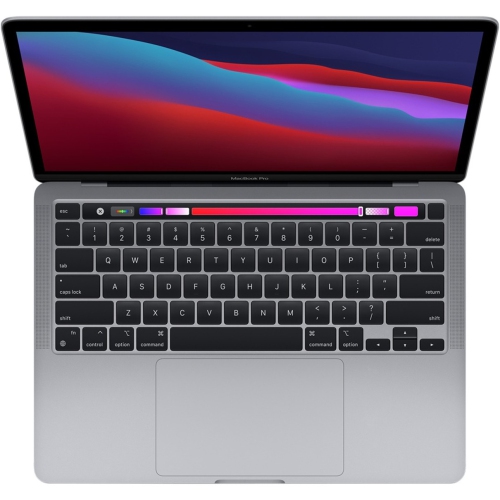 Your price for this item is $1500
-
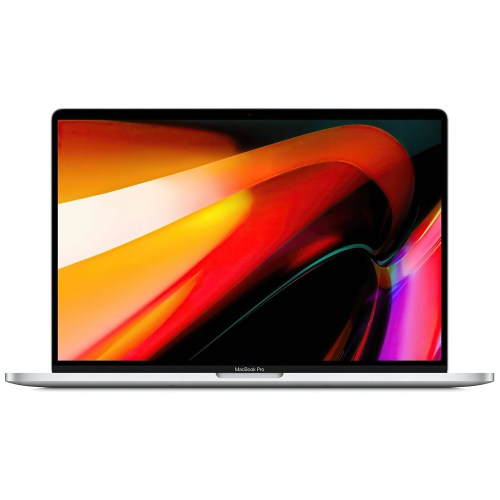 Your price for this item is $687.77
-
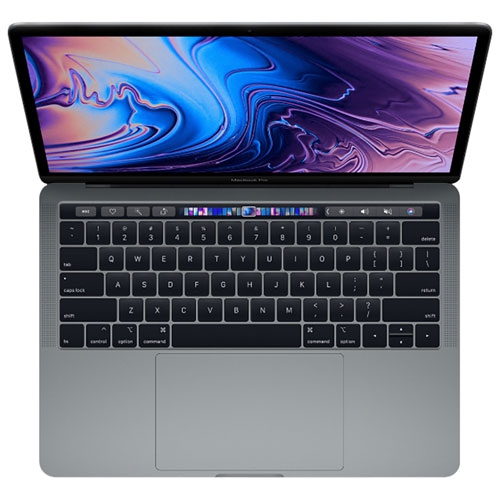 Your price for this item is $629.77
-
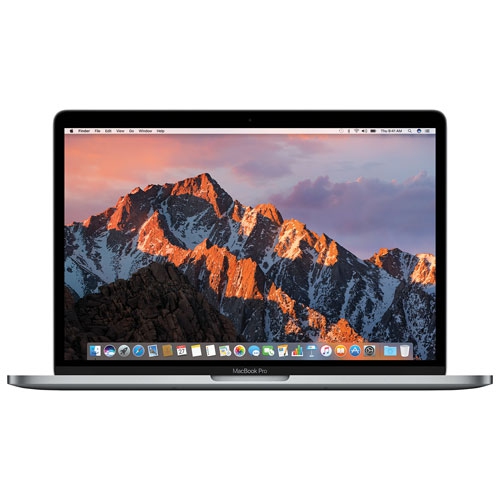 Your price for this item is $549.77
-
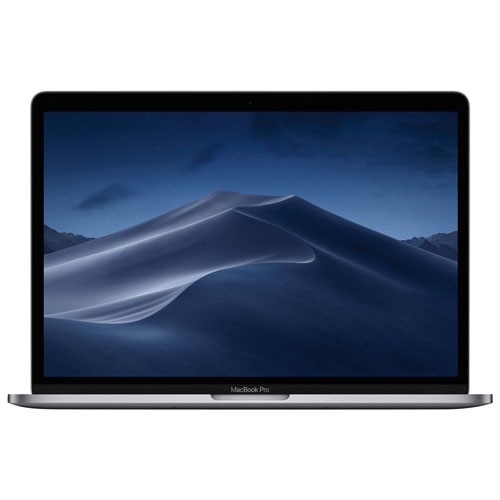 Your price for this item is $629.77
-
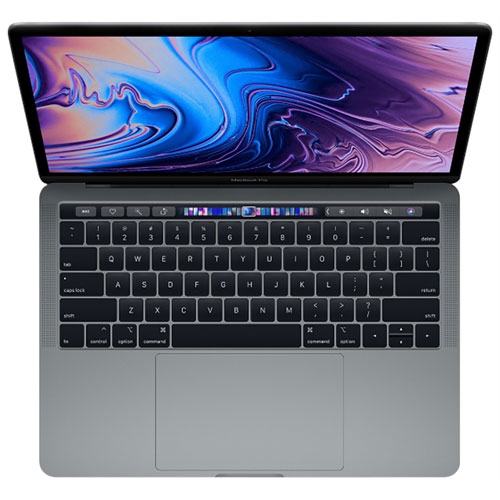 Your price for this item is $629.77
-
 Your price for this item is $329.99
-
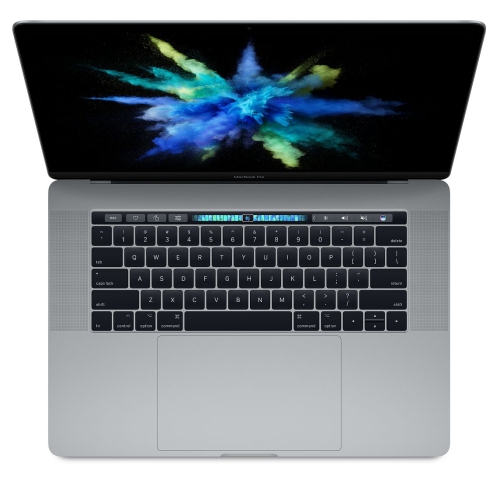 Your price for this item is $519.99
Discover more categories related to Razer Laptops for Music Production

Top Collections:
Pokemon Centers, Kindle Devices, Best Black Friday Deals This Year, Pokémon 30th Celebration Cards, Best Black Friday Deals On Electronics, Best Cameras for Sports Photography, Best Black Friday Deals On Apple Products, Canon G7X Cameras, iPhone 15 Apple, Candle Warmer Lights
Some products may be subject to Environmental Handling Fees
(EHF) depending on your province.
Learn more about EHFs.