Gaming Laptops for Music Production
Gaming Laptop for Music Production offers the perfect blend of power and versatility for creators who demand more from their devices. Whether you're composing tracks, editing audio, or mixing down your latest project, these laptops deliver the performance needed to handle demanding music production software with ease. Explore options designed to support your creative workflow, ensuring smooth multitasking and efficient processing for every stage of your musical journey. Find the ideal Gaming Laptop for Music Production to elevate your studio setup and bring your musical ideas to life.
Sort


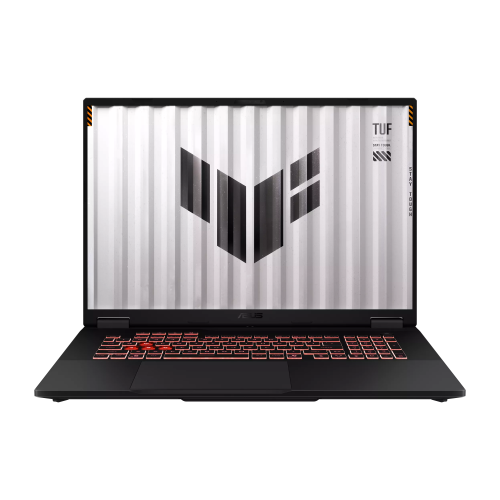


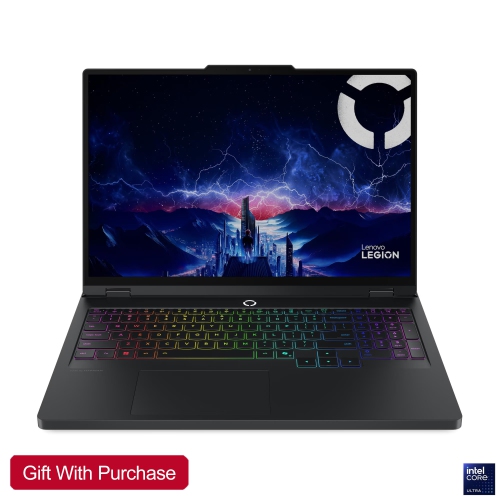
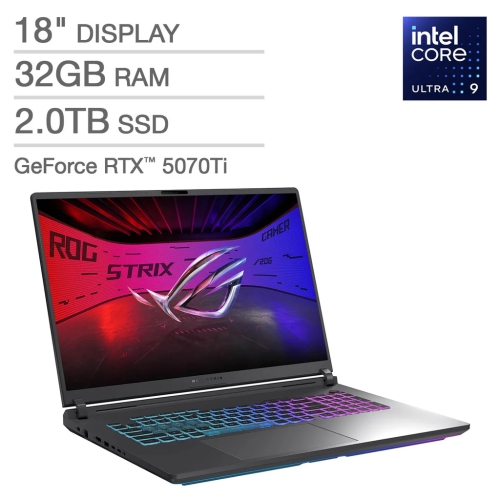
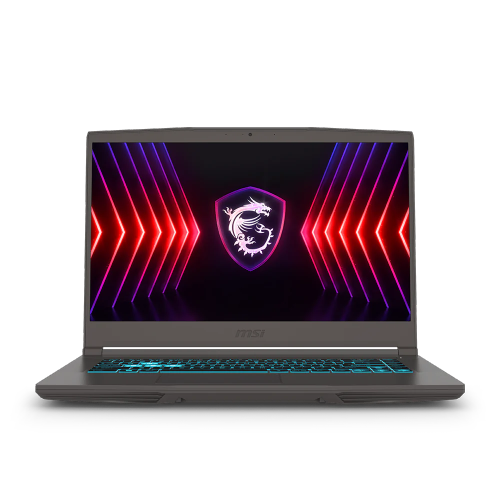

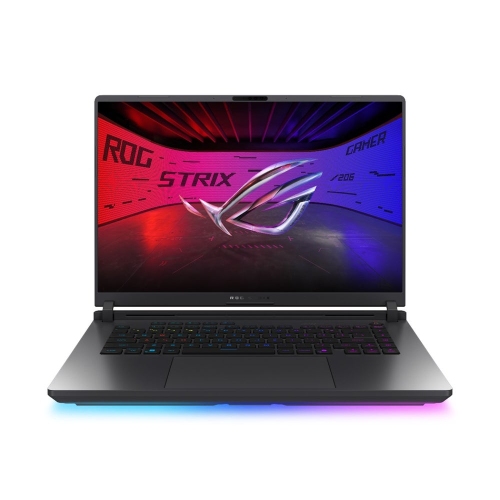


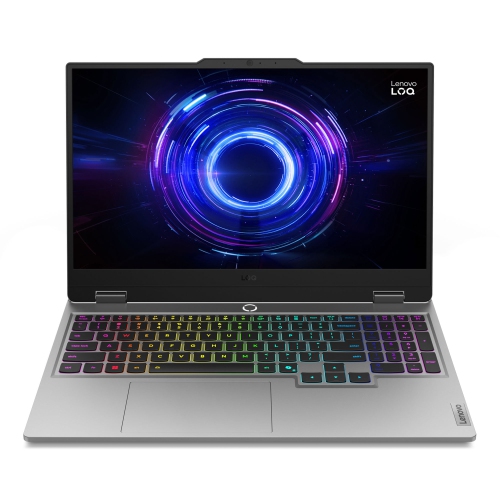
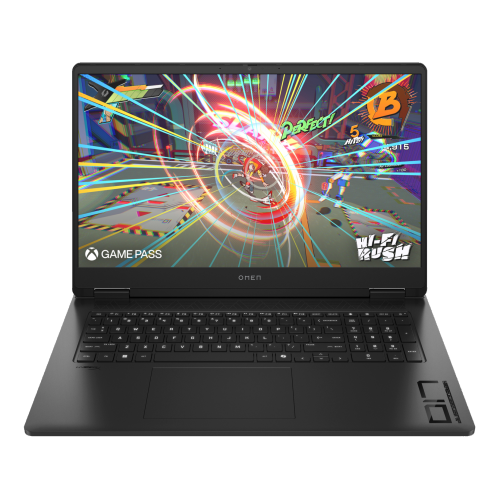

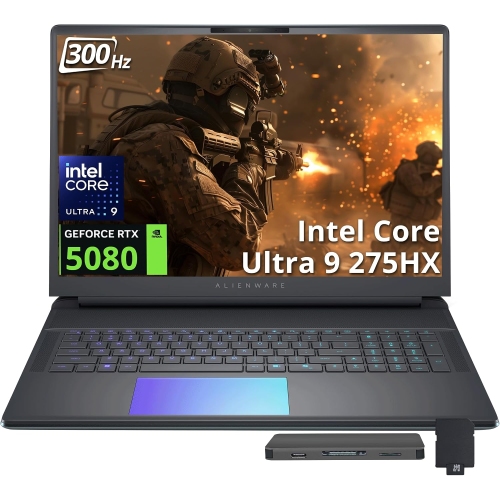


When a few tracks become a full production
Gaming laptops for music production bring processing power, generous memory options and fast storage to work that can become demanding surprisingly quickly. A song might begin with a vocal and a few guitar takes, then grow into layered harmonies, sampled drums, virtual instruments and effects across dozens of tracks. The hardware commonly used to run games can also support these creative workloads, making gaming laptops a practical option for beatmakers, songwriters, electronic musicians and composers who want one computer for several interests. Processor performance is particularly important because a digital audio workstation must handle audio tasks within tight timing limits. Strong performance per core helps with demanding instrument and effects chains, while additional cores can support larger sessions when the software distributes work effectively. Core count alone does not tell the whole story; the application, plug-ins and laptop’s ability to maintain performance all matter. Memory provides room for instruments, audio files and other open applications. A configuration with 16 GB of RAM can suit many recording and production projects, while 32 GB or more offers additional headroom for extensive sample libraries, elaborate arrangements and heavier multitasking. Fast solid-state storage helps projects open promptly and supports workflows that stream instrument samples from disk. Capacity matters just as much when a single session contains alternate takes, edited audio and several saved versions. Internal storage can hold active projects, with separate storage used for archives and backups. Although a dedicated graphics processor is not the main driver of audio performance, it can be useful for musicians who also edit performance videos, create visual content or compose to picture. For these users, a gaming laptop can serve as both a music workstation and a broader creative computer. The most suitable balance depends on the work: a songwriter tracking a handful of instruments has different requirements from a composer building a detailed orchestral arrangement or a producer combining music creation with video editing.
Connections and audio behaviour are just as important as the headline specifications. A typical music setup may include an audio interface, a MIDI keyboard, an external drive and a separate display, so the number and type of ports affect how comfortably everything fits together. USB-C describes a connector rather than a single set of capabilities; data speeds, charging support and display output depend on the particular port. Some music equipment also uses USB-A, making a mix of connections useful for an established setup. A dock can simplify a desk arrangement, although its compatibility and bandwidth need to suit the connected equipment. For recording microphones or instruments, a compatible audio interface offers the inputs, outputs and monitoring controls that a laptop alone may not provide. Low-latency performance depends on the complete system, including the interface driver, audio software, buffer settings and project demands, rather than processor power alone. Smaller audio buffers can make software monitoring and virtual instruments feel more immediate, but they also increase the processing demands on the laptop. Larger buffers are often more comfortable during mixing, when immediate response to a live performance is less important. Supported direct-monitoring features on an interface can provide another way to hear an incoming signal without sending it through the full software path. Gaming laptops also use active cooling, and fan noise deserves attention when an open microphone is nearby. A quiet vocal or acoustic guitar passage can reveal mechanical sounds that are easy to miss during ordinary computer use. Positioning the laptop farther from the microphone, while keeping access to recording controls, can help. Performance settings may change both fan behaviour and processing capacity, so a quieter mode is not automatically the best choice for every session. Built-in speakers are convenient for checking an idea, but familiar headphones or suitable monitors provide a more useful basis for detailed decisions about bass, stereo placement and small edits. Reliable music production comes from how these pieces work together, especially when the same laptop moves between writing, recording and mixing.
The physical design of a gaming laptop shapes daily music work, from editing a crowded arrangement to carrying a session across town. A larger display can make track names, waveforms, mixer channels and plug-in controls easier to see at once, while a smaller chassis takes up less space beside a keyboard or audio interface. Resolution and interface scaling affect readability as much as screen size, particularly with software that has compact controls. An external display can expand a home setup without requiring the laptop itself to be large. Keyboard layout and trackpad comfort matter during long editing sessions, and accessible shortcut keys can make repeated tasks such as splitting clips, moving between markers and adjusting selections feel less cumbersome. Port placement also affects the work surface: a cluster of cables beside the mouse hand can be awkward, while enough clearance behind the laptop helps keep connections manageable. Metal and reinforced plastic chassis each vary in construction, so hinge stability, keyboard support and a secure fit in a padded bag are useful considerations alongside appearance. Overall carrying weight includes the power adapter, which can be substantial on a gaming laptop. Battery operation is helpful for sketching ideas away from a socket, but demanding sessions may run best on external power, and performance can change between power modes. Clear ventilation is important wherever the laptop is used; a firm, flat surface is more suitable than bedding or a soft cushion that can obstruct air intake. Routine care includes keeping liquids away, removing surface dust according to the manufacturer’s directions and shutting down before cleaning. Accessible memory or storage may allow future upgrades on some designs, but that flexibility varies and should not be assumed. Software compatibility is equally worth checking, including support for existing plug-ins, audio hardware and project files. For musicians considering a wider range of laptop styles, Good Laptops for Music Production includes options beyond gaming-focused designs. Whether the laptop is for a music student, a home studio enthusiast or an experienced producer, the lasting fit comes from dependable performance, comfortable everyday use and enough capacity for projects to develop.
Connections and audio behaviour are just as important as the headline specifications. A typical music setup may include an audio interface, a MIDI keyboard, an external drive and a separate display, so the number and type of ports affect how comfortably everything fits together. USB-C describes a connector rather than a single set of capabilities; data speeds, charging support and display output depend on the particular port. Some music equipment also uses USB-A, making a mix of connections useful for an established setup. A dock can simplify a desk arrangement, although its compatibility and bandwidth need to suit the connected equipment. For recording microphones or instruments, a compatible audio interface offers the inputs, outputs and monitoring controls that a laptop alone may not provide. Low-latency performance depends on the complete system, including the interface driver, audio software, buffer settings and project demands, rather than processor power alone. Smaller audio buffers can make software monitoring and virtual instruments feel more immediate, but they also increase the processing demands on the laptop. Larger buffers are often more comfortable during mixing, when immediate response to a live performance is less important. Supported direct-monitoring features on an interface can provide another way to hear an incoming signal without sending it through the full software path. Gaming laptops also use active cooling, and fan noise deserves attention when an open microphone is nearby. A quiet vocal or acoustic guitar passage can reveal mechanical sounds that are easy to miss during ordinary computer use. Positioning the laptop farther from the microphone, while keeping access to recording controls, can help. Performance settings may change both fan behaviour and processing capacity, so a quieter mode is not automatically the best choice for every session. Built-in speakers are convenient for checking an idea, but familiar headphones or suitable monitors provide a more useful basis for detailed decisions about bass, stereo placement and small edits. Reliable music production comes from how these pieces work together, especially when the same laptop moves between writing, recording and mixing.
The physical design of a gaming laptop shapes daily music work, from editing a crowded arrangement to carrying a session across town. A larger display can make track names, waveforms, mixer channels and plug-in controls easier to see at once, while a smaller chassis takes up less space beside a keyboard or audio interface. Resolution and interface scaling affect readability as much as screen size, particularly with software that has compact controls. An external display can expand a home setup without requiring the laptop itself to be large. Keyboard layout and trackpad comfort matter during long editing sessions, and accessible shortcut keys can make repeated tasks such as splitting clips, moving between markers and adjusting selections feel less cumbersome. Port placement also affects the work surface: a cluster of cables beside the mouse hand can be awkward, while enough clearance behind the laptop helps keep connections manageable. Metal and reinforced plastic chassis each vary in construction, so hinge stability, keyboard support and a secure fit in a padded bag are useful considerations alongside appearance. Overall carrying weight includes the power adapter, which can be substantial on a gaming laptop. Battery operation is helpful for sketching ideas away from a socket, but demanding sessions may run best on external power, and performance can change between power modes. Clear ventilation is important wherever the laptop is used; a firm, flat surface is more suitable than bedding or a soft cushion that can obstruct air intake. Routine care includes keeping liquids away, removing surface dust according to the manufacturer’s directions and shutting down before cleaning. Accessible memory or storage may allow future upgrades on some designs, but that flexibility varies and should not be assumed. Software compatibility is equally worth checking, including support for existing plug-ins, audio hardware and project files. For musicians considering a wider range of laptop styles, Good Laptops for Music Production includes options beyond gaming-focused designs. Whether the laptop is for a music student, a home studio enthusiast or an experienced producer, the lasting fit comes from dependable performance, comfortable everyday use and enough capacity for projects to develop.
Top selling and popular products
-
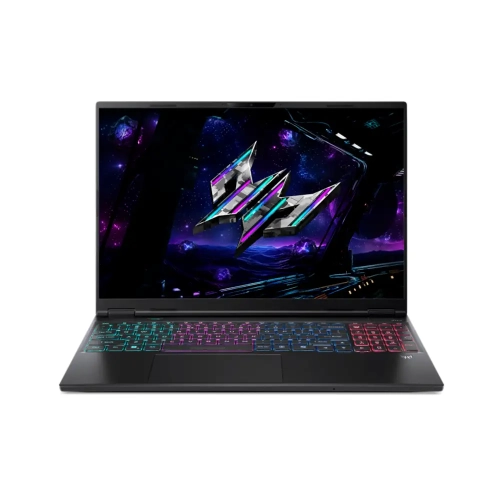 Your price for this item is $3499.99
-
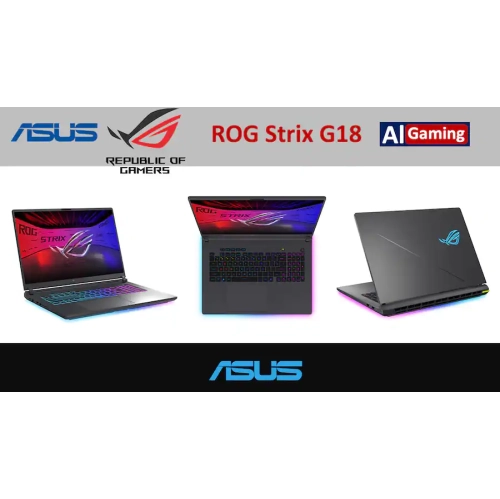 Your price for this item is $2899
-
 Your price for this item is $1499.99
-
 Your price for this item is $2999
-
 Your price for this item is $3449
-
 Your price for this item is $3649
-
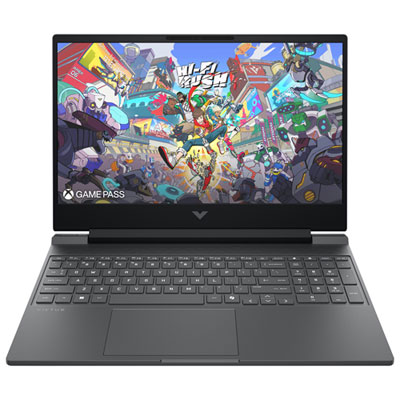 Your price for this item is $999.99
-
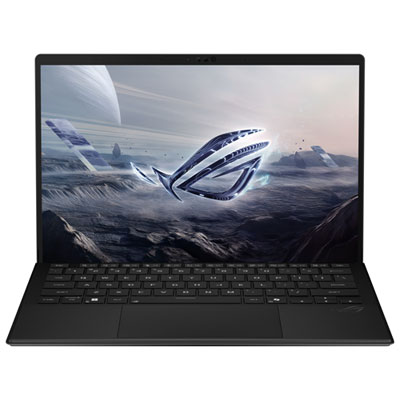 Your price for this item is $2699.99
Discover more categories related to Gaming Laptops for Music Production

Top Collections:
Pokemon Centers, Pokémon 30th Celebration Cards, Best Budget Office Chairs, Kindle Devices, Best Cameras for Sports Photography, Canon G7X Cameras, Best Black Friday Deals On Electronics, Best Laptops for Writers, iPhone 15 Apple, Jackery Power Stations
Some products may be subject to Environmental Handling Fees
(EHF) depending on your province.
Learn more about EHFs.