Good Laptops for Music Production
Laptops for music production offer the performance and versatility needed to bring creative ideas to life. Whether you're composing, recording, or editing tracks, choosing the right laptop ensures smooth workflow and reliable results. Explore a variety of options designed to handle audio software, plugins, and multitasking with ease. Find the perfect fit for your studio or on-the-go setup with laptops for music production that help you stay inspired and productive.
Sort



Why smooth recording takes more than processing power
Good laptops for music production combine responsive processing, enough memory for the session, fast storage, and dependable connections for audio equipment. Their job is to keep musical ideas moving, whether that means capturing a vocal, arranging electronic tracks, editing a podcast, or building a layered film score. The most useful configuration depends on what happens inside the digital audio workstation, often shortened to DAW. A songwriter recording a few instruments has different demands from a composer loading orchestral sample libraries or a producer running dozens of virtual instruments and effects. Strong single-core performance helps with demanding real-time audio processing, while multiple capable processor cores can support larger sessions with many tracks and plug-ins. Neither processor speed nor core count tells the whole story: cooling, power settings, and the audio software’s ability to distribute work also affect performance. For many music-making workflows, 16 GB of RAM is a practical starting point, while 32 GB offers more headroom for complex arrangements, large sample libraries, and multitasking. Some particularly demanding projects benefit from more. A solid-state drive helps projects open quickly and sample libraries load responsively, although capacity matters just as much as speed when recordings begin to accumulate. A 512 GB drive can suit a compact setup, but 1 TB or more leaves additional room for applications, sample content, and active sessions. External storage can hold libraries and completed projects when the connection and drive are suitable for the workload. Backups remain separate from working storage; a second copy protects the hours spent shaping takes and arrangements. Memory and storage upgrade options vary between laptop designs, so a configuration that comfortably handles existing projects can be more useful over time than one already running close to its limits. For audio work, balanced performance generally matters more than a single impressive specification, especially once a project includes instruments, effects, automation, and several open applications.
Recording and mixing also place demands on a laptop that are easy to overlook in a general-purpose computer. Low-latency monitoring lets a singer hear a vocal or a keyboard player hear a software instrument with less distracting delay. It depends on the complete setup, including the audio interface, its driver, the software buffer setting, and the processing load, rather than the laptop alone. Smaller audio buffers can improve responsiveness but leave less time for processing, making demanding sessions more likely to produce clicks or dropouts. Quiet operation matters when a microphone sits nearby: a fan that is barely noticeable during editing may become audible in a softly sung passage or an acoustic guitar recording. Effective cooling and sustained performance are useful together, particularly during lengthy tracking sessions and complex mixes. Connections shape the everyday workflow, too. An audio interface, MIDI controller, external drive, and additional display can occupy several ports before a session begins. USB-C describes a connector shape, not a guaranteed level of data speed, charging support, or display capability, so the connection specifications matter. A compatible dock can simplify a desk setup, although audio equipment may work best with a direct connection depending on its requirements. Software compatibility is equally important. The operating system must support the intended DAW, plug-ins, interface drivers, and any licence-management tools, including the versions needed for existing projects. Screen space affects comfort more than sound quality, but it becomes valuable when arranging tracks, drawing automation, or adjusting several effects. A 14-inch display offers a relatively compact workspace, while a 16-inch display can make a busy mixer easier to navigate. An external monitor adds room at a desk without requiring a larger laptop everywhere else. Clear text, comfortable brightness, a dependable keyboard, and a precise trackpad help during long editing sessions, when small adjustments may be repeated hundreds of times.
The right physical design depends on where music gets made. A laptop carried between a rehearsal room, classroom, shared studio, and home desk benefits from a manageable weight, secure hinges, and a chassis that resists flexing inside a padded bag. Aluminium and well-built reinforced plastic housings can both suit regular use; construction quality matters more than the material name alone. Battery life supports writing, arranging, and light editing away from an outlet, but intensive audio processing can shorten runtime considerably. Some laptops also reduce performance on battery power, making plugged-in operation more predictable for demanding sessions. Headphones, an interface, and other connected equipment add to the total carrying load, so portability is about the complete setup rather than the computer in isolation. For producers considering higher-performance designs, Gaming Laptops for Music Production can offer another useful category to explore. These laptops often emphasize processing power and cooling, though their graphics hardware is not usually the main priority for audio-only work. A dedicated graphics processor may be more relevant when composing to video, editing performance footage, or using software with specific graphics requirements. The trade-offs can include additional weight, larger power adapters, and more noticeable fan noise. Everyday care helps any music laptop remain dependable: open vents need unobstructed airflow, a firm surface is preferable to bedding, and a padded sleeve helps protect the display and corners during travel. A soft, dry microfibre cloth is useful for routine cleaning, with liquids kept away from ports and keys. Regular project backups and carefully timed software updates also help protect a working setup; introducing major changes immediately before a recording session can create avoidable compatibility problems. For students, hobbyists, performers, and experienced producers, the best fit is a laptop that supports their actual recording habits. As a gift, compatibility with the recipient’s software and equipment is more meaningful than impressive specifications alone.
Recording and mixing also place demands on a laptop that are easy to overlook in a general-purpose computer. Low-latency monitoring lets a singer hear a vocal or a keyboard player hear a software instrument with less distracting delay. It depends on the complete setup, including the audio interface, its driver, the software buffer setting, and the processing load, rather than the laptop alone. Smaller audio buffers can improve responsiveness but leave less time for processing, making demanding sessions more likely to produce clicks or dropouts. Quiet operation matters when a microphone sits nearby: a fan that is barely noticeable during editing may become audible in a softly sung passage or an acoustic guitar recording. Effective cooling and sustained performance are useful together, particularly during lengthy tracking sessions and complex mixes. Connections shape the everyday workflow, too. An audio interface, MIDI controller, external drive, and additional display can occupy several ports before a session begins. USB-C describes a connector shape, not a guaranteed level of data speed, charging support, or display capability, so the connection specifications matter. A compatible dock can simplify a desk setup, although audio equipment may work best with a direct connection depending on its requirements. Software compatibility is equally important. The operating system must support the intended DAW, plug-ins, interface drivers, and any licence-management tools, including the versions needed for existing projects. Screen space affects comfort more than sound quality, but it becomes valuable when arranging tracks, drawing automation, or adjusting several effects. A 14-inch display offers a relatively compact workspace, while a 16-inch display can make a busy mixer easier to navigate. An external monitor adds room at a desk without requiring a larger laptop everywhere else. Clear text, comfortable brightness, a dependable keyboard, and a precise trackpad help during long editing sessions, when small adjustments may be repeated hundreds of times.
The right physical design depends on where music gets made. A laptop carried between a rehearsal room, classroom, shared studio, and home desk benefits from a manageable weight, secure hinges, and a chassis that resists flexing inside a padded bag. Aluminium and well-built reinforced plastic housings can both suit regular use; construction quality matters more than the material name alone. Battery life supports writing, arranging, and light editing away from an outlet, but intensive audio processing can shorten runtime considerably. Some laptops also reduce performance on battery power, making plugged-in operation more predictable for demanding sessions. Headphones, an interface, and other connected equipment add to the total carrying load, so portability is about the complete setup rather than the computer in isolation. For producers considering higher-performance designs, Gaming Laptops for Music Production can offer another useful category to explore. These laptops often emphasize processing power and cooling, though their graphics hardware is not usually the main priority for audio-only work. A dedicated graphics processor may be more relevant when composing to video, editing performance footage, or using software with specific graphics requirements. The trade-offs can include additional weight, larger power adapters, and more noticeable fan noise. Everyday care helps any music laptop remain dependable: open vents need unobstructed airflow, a firm surface is preferable to bedding, and a padded sleeve helps protect the display and corners during travel. A soft, dry microfibre cloth is useful for routine cleaning, with liquids kept away from ports and keys. Regular project backups and carefully timed software updates also help protect a working setup; introducing major changes immediately before a recording session can create avoidable compatibility problems. For students, hobbyists, performers, and experienced producers, the best fit is a laptop that supports their actual recording habits. As a gift, compatibility with the recipient’s software and equipment is more meaningful than impressive specifications alone.
Top selling and popular products
-
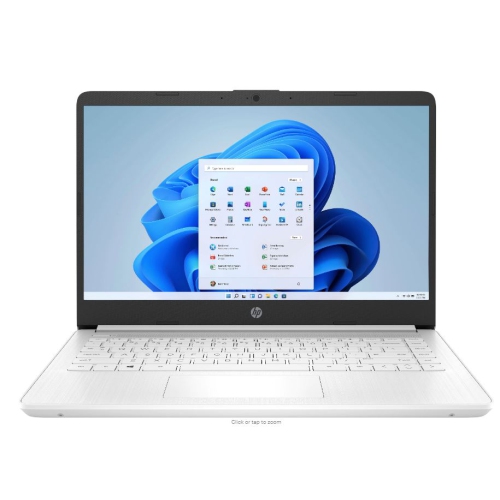 Your price for this item is $449
-
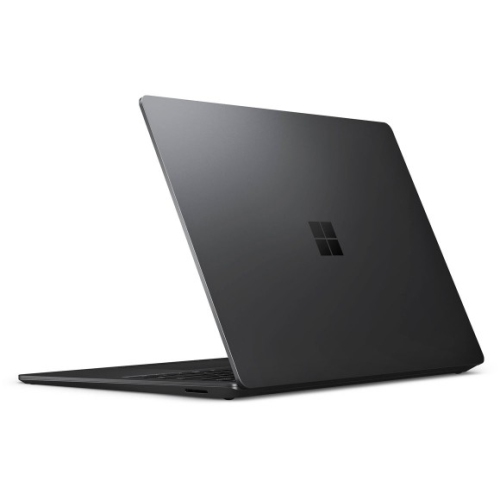 Your price for this item is $3099
-
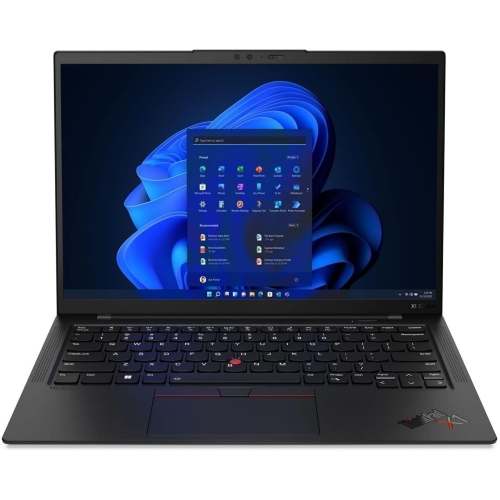 Your price for this item is $429.99
-
 Your price for this item is $1800.68
-
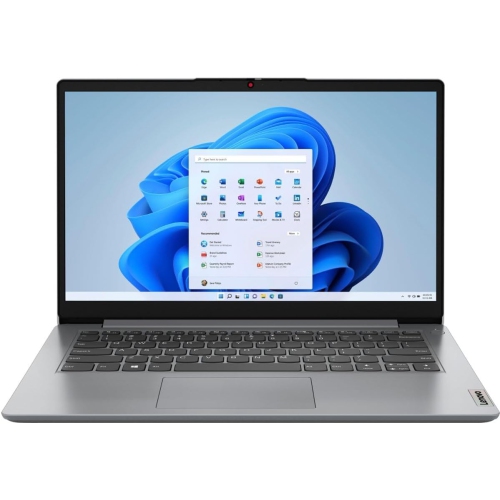 Your price for this item is $664.05
-
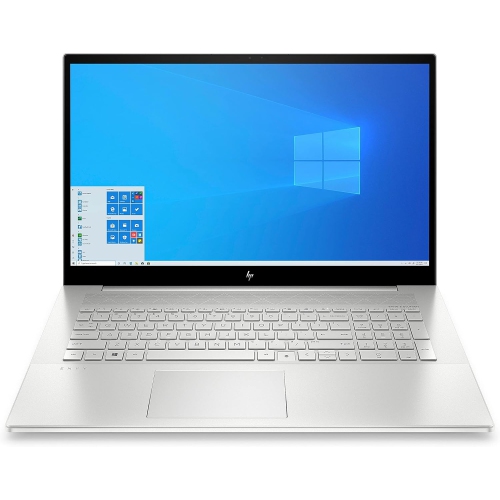 Your price for this item is $869.99
-
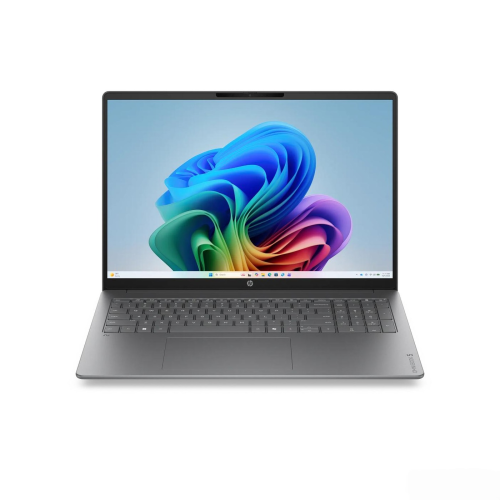 Your price for this item is $2960.48
-
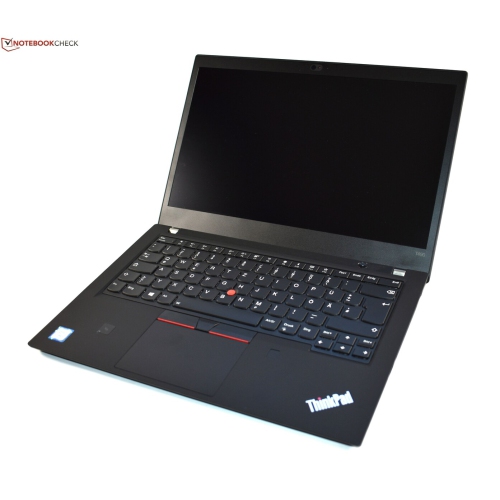 Your price for this item is $479.68
Discover more categories related to Good Laptops for Music Production

Top Collections:
Pokemon Centers, Pokémon 30th Celebration Cards, Best Budget Office Chairs, Kindle Devices, Best Cameras for Sports Photography, Canon G7X Cameras, Best Black Friday Deals On Electronics, Best Laptops for Writers, iPhone 15 Apple, Jackery Power Stations
Some products may be subject to Environmental Handling Fees
(EHF) depending on your province.
Learn more about EHFs.