Recording Software
Recording Software empowers creators, musicians, podcasters, and professionals to bring their audio projects to life with ease. Whether you're capturing vocals, producing music, or editing podcasts, the right tools make all the difference in achieving high-quality results. Explore a wide selection of Recording Software designed to suit every skill level and project need, making it simple to find the perfect solution for your studio or workspace.
Sort

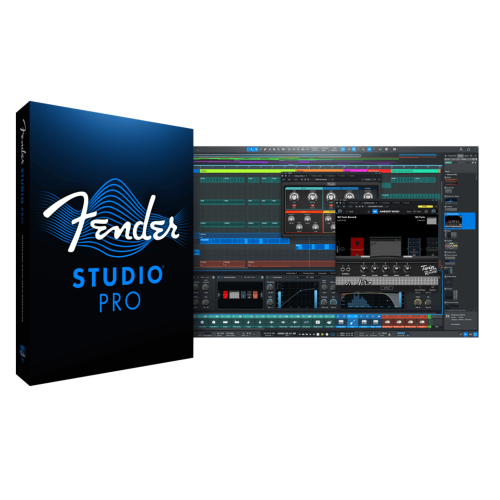
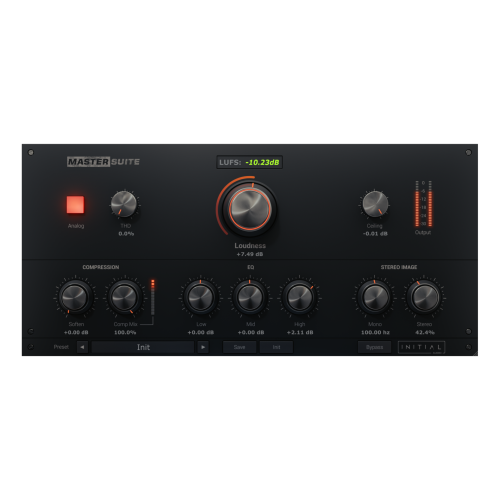
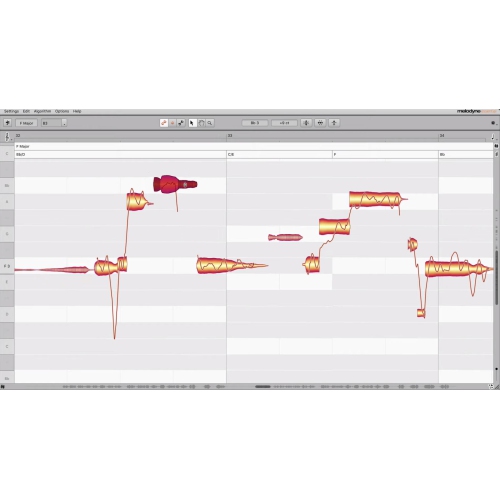
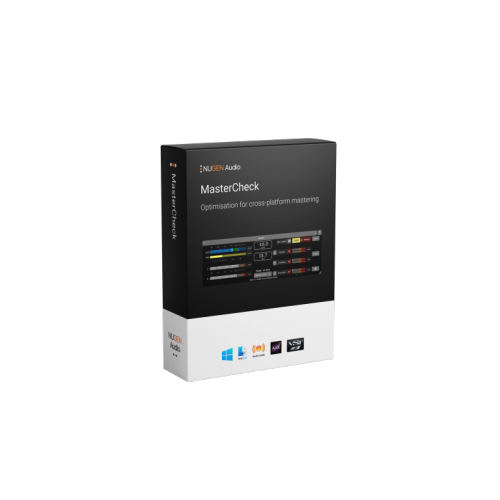
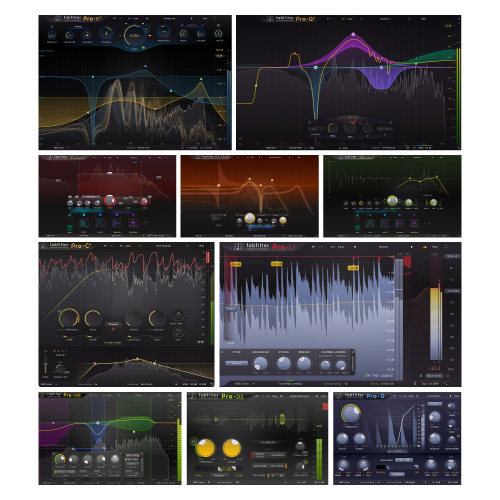
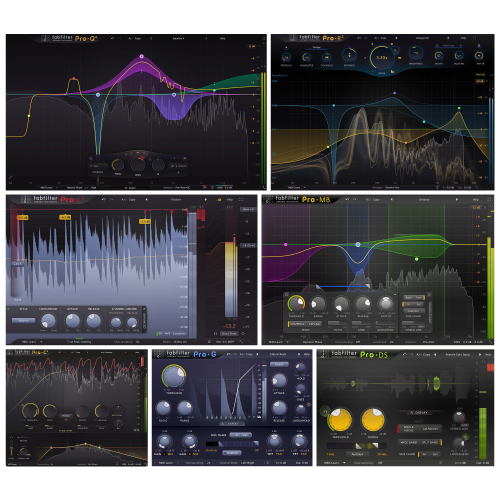
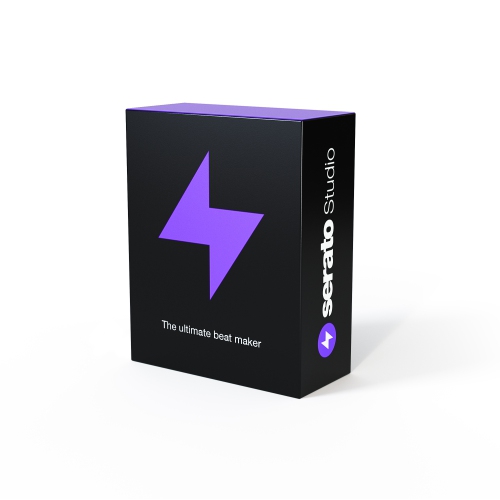
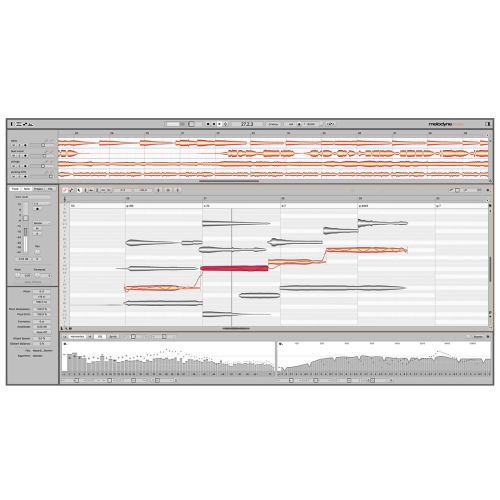
Audio and screen capture call for different tools
Recording software captures audio, on-screen activity, or both, then provides tools to save, edit, and prepare that content for playback or sharing. Audio recording software is suited to spoken-word projects and sound capture, while a digital audio workstation, often called a DAW, brings together multitrack recording, music arrangement, virtual instruments, and mixing. Screen recording software captures activity on a computer display, sometimes alongside a webcam feed, microphone narration, or sound from an application. These categories can overlap, but their main strengths differ: recording a singer and guitar calls for precise audio controls, while capturing a presentation depends more on clear text, smooth video, and reliable narration. For musicians, separate tracks make it possible to adjust a vocal without changing the instrument beneath it, layer harmonies, or assemble a performance from several takes. MIDI support allows compatible keyboards and controllers to play software instruments and enter editable note information rather than recorded sound. For podcasters and voice performers, useful features include clear waveform displays, straightforward trimming, volume adjustment, and the ability to move sections without disturbing the rest of a session. A spoken introduction might need a long pause shortened, a distracting click removed, or background music lowered so every word remains easy to understand. Equalization can shape tonal balance, compression can control differences between quiet and loud passages, and noise reduction may help with steady background hiss. These tools have limits, however; a distorted recording or a voice buried beneath room noise may not be fully repairable. Software that supports non-destructive editing preserves the original recording while changes are made within the project, giving creators room to revise their work. Beginners may feel more comfortable with a simple recording view and a small set of clearly labelled controls, while experienced users may need detailed routing, automation, and support for additional effects. The best fit depends less on the number of features than on how naturally those features support the intended work.
Screen and video recording software serves a different set of everyday projects, from explaining a spreadsheet to demonstrating a drawing technique or capturing a game session with spoken commentary. A full-screen capture shows the entire desktop, a window capture focuses on one application, and a selected-area capture can keep attention on a small detail. That distinction matters when a tutorial needs readable menu text without exposing unrelated messages or documents. Support for separate microphone and computer-audio tracks can make editing easier later, especially when a notification or loud application sound would otherwise compete with the speaker. Webcam overlays add a face to a demonstration, while cursor highlighting and annotations, where supported, help viewers follow individual steps. Resolution affects how much visual detail is retained, and frame rate influences the smoothness of movement. A mostly static presentation has different recording demands from a fast-moving game or a demonstration with frequent scrolling. Higher settings also increase processing and storage requirements, so the largest possible file is not always the most useful result. Recording and live streaming are related but distinct functions: recording saves content for later use, while streaming sends it to viewers as it happens. Some applications handle both, although their editing and export capabilities can vary considerably. For teachers, trainers, students, and people working with colleagues at a distance, the ability to pause a capture, replace a short section, or trim an awkward opening can be more valuable than elaborate visual effects. Caption tools can make spoken content easier to follow, but automatically generated text benefits from a careful review of names and technical terms. Sharing options also deserve attention. A local video file offers a different workflow from a hosted recording shared through a link, particularly when access permissions or confidential material are involved. Consent matters when recording other people, and a clean capture area helps keep private information out of the finished video. These practical details contribute to recordings that feel focused and are easier for their intended audience to use.
Compatibility and long-term usability are central considerations for any recording software, whether it supports a first voice-over or an established production routine. The supported operating system and version, processor requirements, memory, and storage needs determine whether an application can run properly on a particular computer. More demanding sessions may combine many audio tracks, software instruments, effects, and video, increasing the workload well beyond that of a simple voice recording. Hardware compatibility is equally important. A microphone or audio interface needs a supported connection and appropriate driver support, while monitoring settings affect how quickly a performer hears their voice or instrument through headphones. Low latency is especially helpful when singing over a backing track, because a noticeable delay can interrupt timing. Direct monitoring, when provided by an audio interface, offers another way to hear an input without waiting for it to pass through software effects. Recordings made away from a computer can also become part of an editing workflow; compatible files captured with Audio Recorders can be transferred into suitable software for trimming, arranging, and finishing. Import and export formats help determine where that work can go next. Uncompressed audio is useful for editing and archiving, while compressed formats are convenient for everyday listening and sharing. Video exports likewise need to suit the intended playback device or publishing destination. An editable project file is not the same as a finished audio or video file, and it may rely on media stored elsewhere on the computer. Keeping source recordings, project files, and exports organized helps prevent missing-file problems; automatic saving and separate backups add protection against lost work. Licence terms, activation requirements, offline access, and permitted installations can also affect how comfortably software fits a household, classroom, or studio. For a recipient interested in songwriting, podcasting, or content creation, compatibility with their existing setup and preferred way of working makes recording software a more thoughtful gift. Clear documentation and accessible learning resources help turn its capabilities into repeatable habits, from capturing a clean first take to delivering a polished final recording.
Screen and video recording software serves a different set of everyday projects, from explaining a spreadsheet to demonstrating a drawing technique or capturing a game session with spoken commentary. A full-screen capture shows the entire desktop, a window capture focuses on one application, and a selected-area capture can keep attention on a small detail. That distinction matters when a tutorial needs readable menu text without exposing unrelated messages or documents. Support for separate microphone and computer-audio tracks can make editing easier later, especially when a notification or loud application sound would otherwise compete with the speaker. Webcam overlays add a face to a demonstration, while cursor highlighting and annotations, where supported, help viewers follow individual steps. Resolution affects how much visual detail is retained, and frame rate influences the smoothness of movement. A mostly static presentation has different recording demands from a fast-moving game or a demonstration with frequent scrolling. Higher settings also increase processing and storage requirements, so the largest possible file is not always the most useful result. Recording and live streaming are related but distinct functions: recording saves content for later use, while streaming sends it to viewers as it happens. Some applications handle both, although their editing and export capabilities can vary considerably. For teachers, trainers, students, and people working with colleagues at a distance, the ability to pause a capture, replace a short section, or trim an awkward opening can be more valuable than elaborate visual effects. Caption tools can make spoken content easier to follow, but automatically generated text benefits from a careful review of names and technical terms. Sharing options also deserve attention. A local video file offers a different workflow from a hosted recording shared through a link, particularly when access permissions or confidential material are involved. Consent matters when recording other people, and a clean capture area helps keep private information out of the finished video. These practical details contribute to recordings that feel focused and are easier for their intended audience to use.
Compatibility and long-term usability are central considerations for any recording software, whether it supports a first voice-over or an established production routine. The supported operating system and version, processor requirements, memory, and storage needs determine whether an application can run properly on a particular computer. More demanding sessions may combine many audio tracks, software instruments, effects, and video, increasing the workload well beyond that of a simple voice recording. Hardware compatibility is equally important. A microphone or audio interface needs a supported connection and appropriate driver support, while monitoring settings affect how quickly a performer hears their voice or instrument through headphones. Low latency is especially helpful when singing over a backing track, because a noticeable delay can interrupt timing. Direct monitoring, when provided by an audio interface, offers another way to hear an input without waiting for it to pass through software effects. Recordings made away from a computer can also become part of an editing workflow; compatible files captured with Audio Recorders can be transferred into suitable software for trimming, arranging, and finishing. Import and export formats help determine where that work can go next. Uncompressed audio is useful for editing and archiving, while compressed formats are convenient for everyday listening and sharing. Video exports likewise need to suit the intended playback device or publishing destination. An editable project file is not the same as a finished audio or video file, and it may rely on media stored elsewhere on the computer. Keeping source recordings, project files, and exports organized helps prevent missing-file problems; automatic saving and separate backups add protection against lost work. Licence terms, activation requirements, offline access, and permitted installations can also affect how comfortably software fits a household, classroom, or studio. For a recipient interested in songwriting, podcasting, or content creation, compatibility with their existing setup and preferred way of working makes recording software a more thoughtful gift. Clear documentation and accessible learning resources help turn its capabilities into repeatable habits, from capturing a clean first take to delivering a polished final recording.
Top selling and popular products
-
 Your price for this item is $198
 -
 Your price for this item is $329.99
 -
 Your price for this item is $1085.61
 -
 Your price for this item is $179
 -
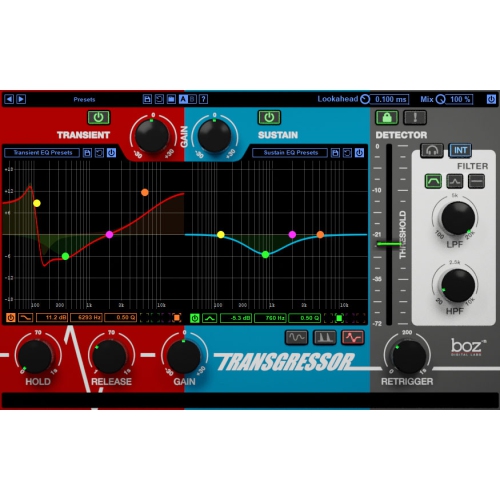 Your price for this item is $275
 -
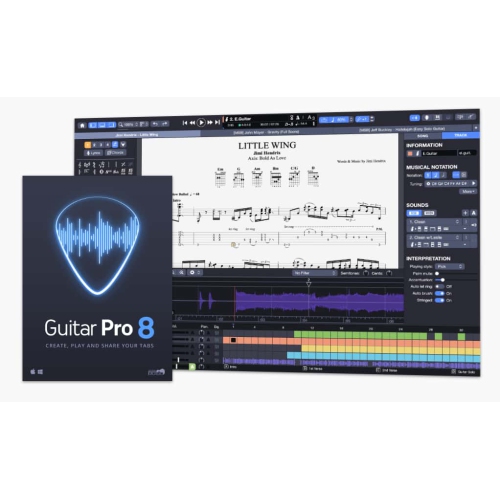 Your price for this item is $65
 -
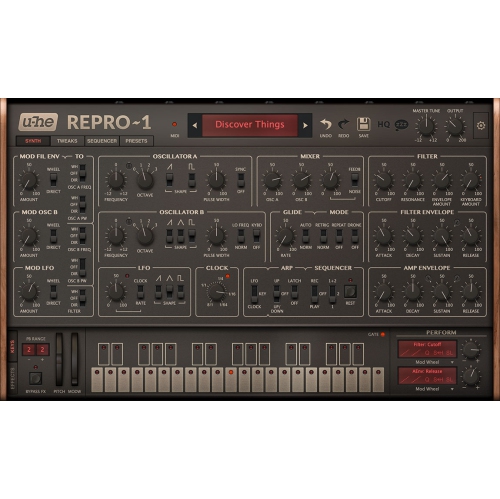 Your price for this item is $279
 -
 Your price for this item is $809
Discover more categories related to Recording Software
Top Collections:
Pokemon Centers, Kindle Devices, Best Budget Office Chairs, Apple iPhones 16, Best Laptops for Writers, iPhone 15 Apple, Canon G7X Cameras, Refurbished Apple Laptops, Alarm Clock, Motorola Razr Phones
Some products may be subject to Environmental Handling Fees
(EHF) depending on your province.
Learn more about EHFs.