Refurbished Business Laptops
Refurbished business laptops offer a smart solution for professionals seeking reliable performance at a great value. These laptops are carefully restored to provide dependable computing for office tasks, remote work, or on-the-go productivity. With a range of options available, refurbished business laptops combine affordability with the features needed to support your workday. Explore the selection to find the right fit for your business needs and budget.
Sort
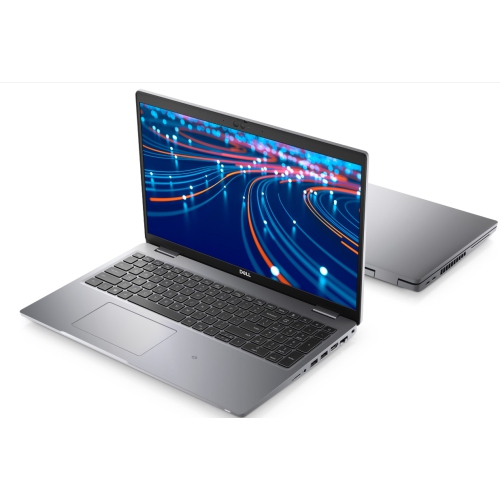
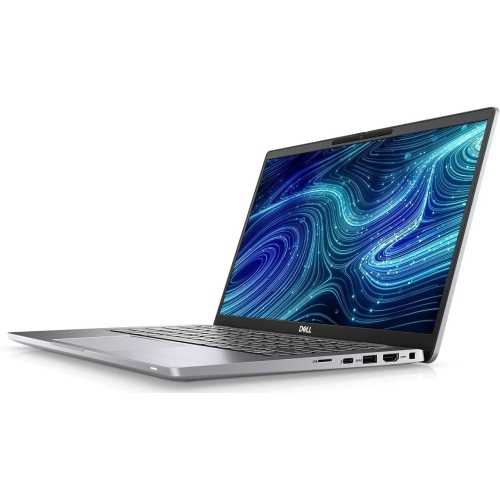
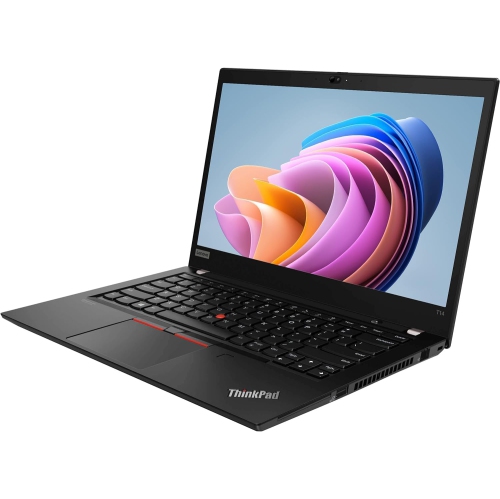
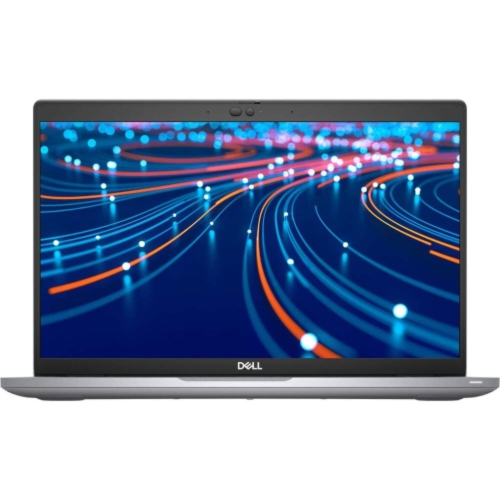
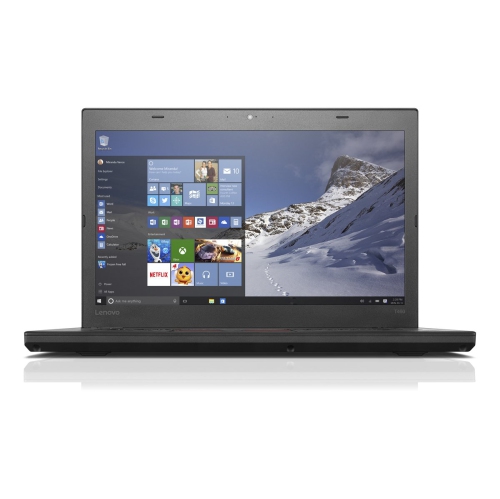
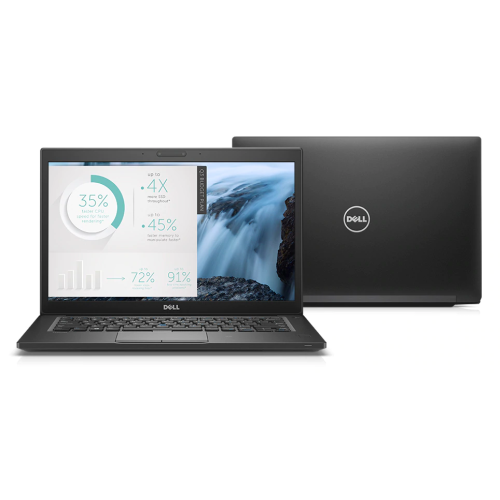
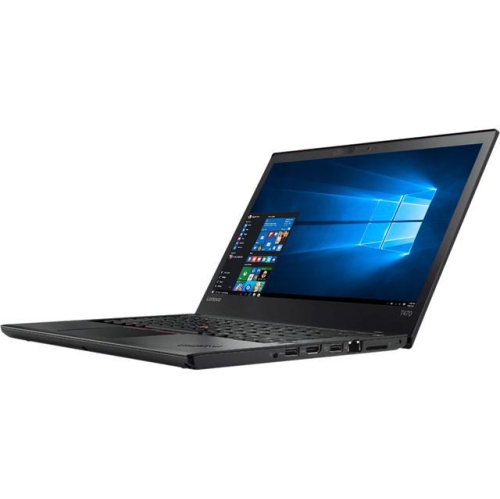
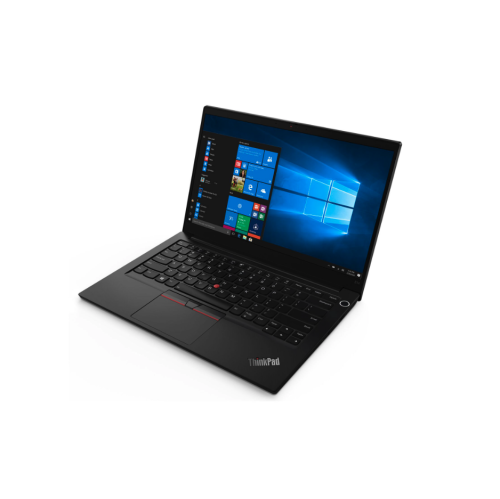

What a refurbished label means for your workday
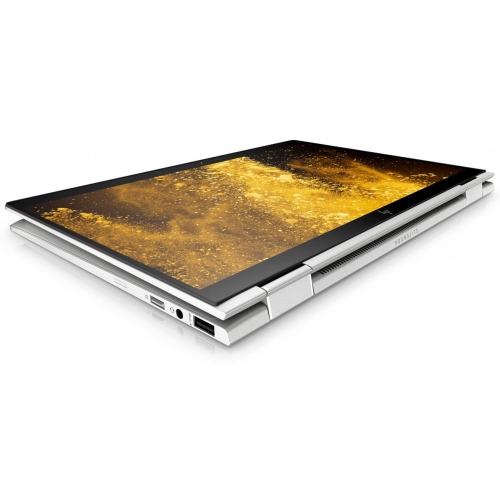
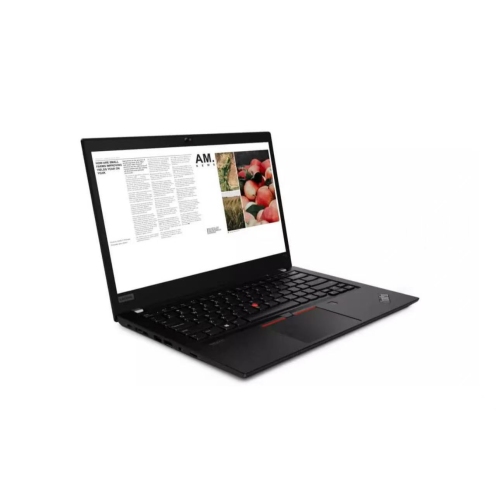
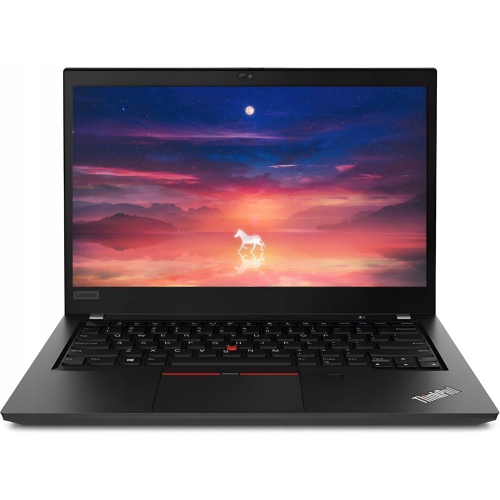
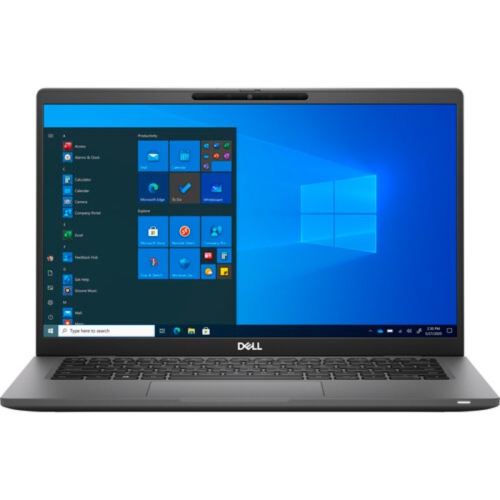
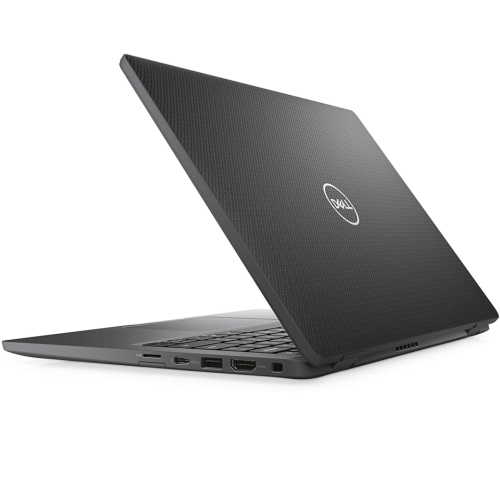
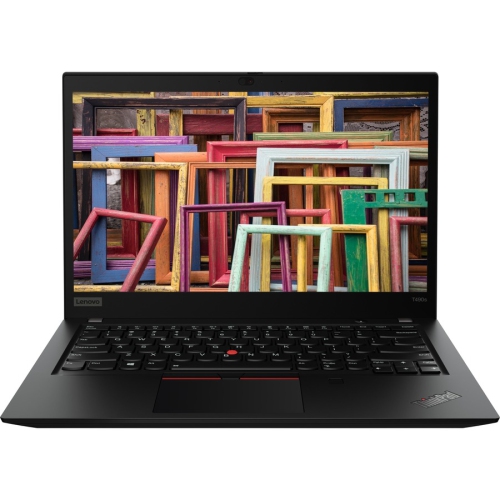
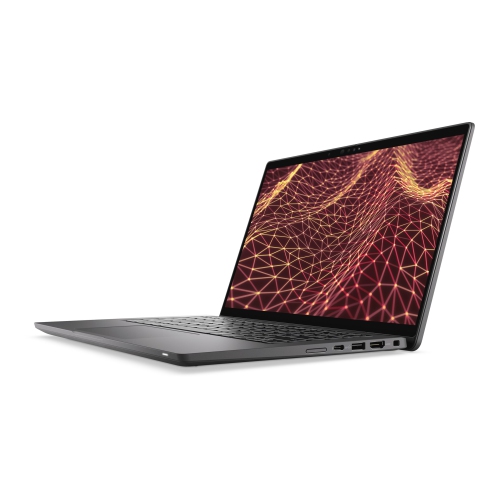
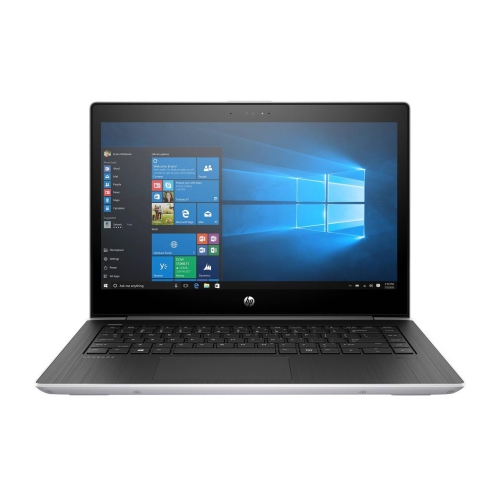
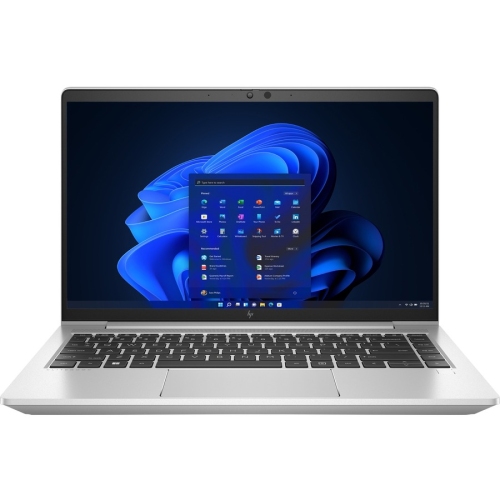
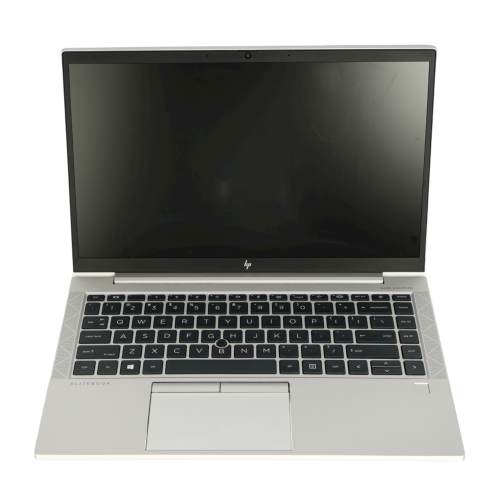
Refurbished business laptops are previously sold or used, work-focused notebook computers that have been inspected and tested, with repairs or component replacements carried out where needed before resale. They bring the practical features of professional computing to everyday tasks such as preparing presentations, managing appointments, working in spreadsheets and joining video meetings. Refurbishment processes vary by seller, so the condition description, testing details and included accessories help establish what to expect. A refurbished designation does not necessarily mean that every component is new or that the exterior is free of marks. Cosmetic grades may describe scratches on the lid, wear around the palm rest or other signs of previous use, while functional testing addresses how the computer operates. Because grading terms are not universal, the written description is more useful than a grade alone. Battery condition also deserves separate attention: a laptop can perform well when plugged in yet have a shorter unplugged runtime than someone who travels between appointments needs. Many business-oriented designs use aluminium, magnesium alloy or reinforced plastic housings, along with hinges and keyboards intended for frequent use. Materials alone do not determine durability, however; the condition of the hinges, ports, screen and chassis matters just as much. A machine that stays on a desktop for bookkeeping has different demands from one carried between a client’s office, a shared workspace and home. Weight, footprint and the fit of a protective sleeve all affect how comfortably it travels. Depending on the design, access to replaceable storage, memory or batteries may also support maintenance over time, although some components are fixed in place. Warranty terms, return conditions and the type of power adapter included provide further context, especially when the laptop will be relied on for daily work. Together, these details help distinguish cosmetic wear from the functional condition that matters during a busy workday.
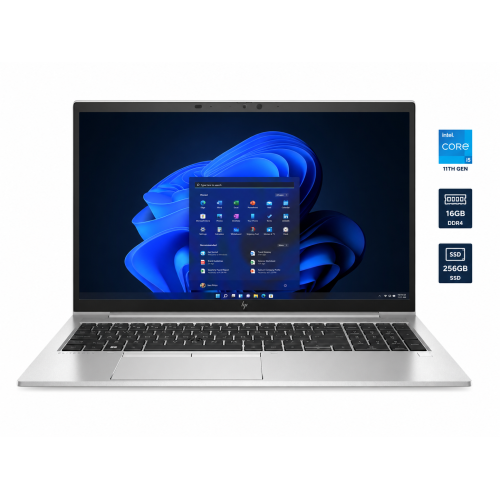
Performance in a refurbished business laptop depends on the complete configuration rather than a single specification. The processor’s generation and capabilities, the amount of memory and the type of storage all influence how smoothly applications run together. Email, browser-based tools and document editing generally place different demands on a computer than large spreadsheets, software development or detailed design work. For someone who keeps several applications and browser tabs open while taking video calls, 16 GB of memory can provide useful room for multitasking, though software requirements and workload remain the better reference point. A solid-state drive helps with starting the computer, opening applications and accessing files, while storage capacity determines how much can be kept locally. Someone working mainly with shared online documents may need less local space than a consultant carrying extensive project files. Screen size and resolution shape the experience just as noticeably as processing power. A compact 13-inch or 14-inch display can suit frequent travel, while a larger display may make side-by-side documents or wide spreadsheets easier to read. Text clarity, brightness and glare control matter during long sessions, and a touchscreen is only useful if it fits the way the computer will be used. Keyboard layout deserves attention as well, including language markings, key spacing and whether a numeric keypad is needed for regular data entry. A comfortable trackpad, a clear webcam and a dependable microphone can make routine work feel less interrupted. Connections determine how easily the laptop fits into an existing setup: an external display, wired network, headset or storage drive may each require a suitable port or adapter. USB-C charging and docking capabilities vary, even when connectors look alike. Wi-Fi compatibility and the ability to connect the required peripherals are especially relevant when moving between locations. For a home office, a supported external monitor, separate keyboard and mouse can turn a portable computer into a more comfortable workstation without changing its role as a laptop.
Business-focused features can also matter beyond everyday speed. Some refurbished business laptops include hardware-backed security features, fingerprint readers, smart card support or webcam privacy shutters, but these depend on the model and configuration rather than the category alone. An installed operating system should be properly licensed, supported with security updates and compatible with the applications needed for work. For a laptop joining an organization’s network, compatibility with its sign-in, device management and security requirements is important; a capable computer may still be unsuitable if it cannot meet those requirements. Details about data erasure and operating system installation help clarify how a device has been prepared after previous ownership. Once in use, strong sign-in credentials, regular updates and dependable file backups remain part of protecting work. These laptops can suit self-employed professionals handling invoices and client records, remote employees moving between calls and documents, or small teams needing consistent tools for administrative tasks. Their suitability for specialized work still depends on the relevant software and hardware requirements. Within the broader Refurbished Laptops category, business-oriented designs are particularly relevant when keyboard comfort, connectivity, serviceability and workplace compatibility take priority. Everyday care helps preserve those practical qualities. A padded sleeve protects the casing during travel, while keeping cables from pressing against the screen reduces the chance of damage inside a bag. Using the laptop on a firm, flat surface leaves ventilation openings clear; soft bedding or upholstery can obstruct airflow. Dust can be removed gently, and the screen and keyboard should be cleaned according to the manufacturer’s directions, without spraying liquid directly onto the computer. The correct power adapter and careful handling of charging ports help avoid unnecessary strain. With specifications matched to the workload and condition understood from the outset, a refurbished business laptop can serve as a practical tool for focused, everyday work.
Top selling and popular products
-
 Your price for this item is $449
-
 Your price for this item is $3099
-
 Your price for this item is $1800.68
-
 Your price for this item is $664.05
-
 Your price for this item is $869.99
-
 Your price for this item is $2960.48
-
 Your price for this item is $499.68
-
 Your price for this item is $1951.79
Discover more categories related to Refurbished Business Laptops

Top Collections:
Best Black Friday Deals This Year, Best Black Friday Deals On Electronics, Kindle Devices, Pokemon Centers, Best Black Friday Deals On Apple Products, Best Cameras for Sports Photography, Dyson Airwrap, Pokémon 30th Celebration Cards, Apple iPhone 17 Pro, Canon G7X Cameras
Some products may be subject to Environmental Handling Fees
(EHF) depending on your province.
Learn more about EHFs.