Refurbished Work Laptops
Refurbished work laptops offer a practical solution for professionals seeking reliable performance at an exceptional value. Ideal for home offices, business environments, or on-the-go productivity, these devices provide the tools needed to tackle daily tasks with confidence. Explore a wide selection of refurbished work laptops designed to meet a variety of professional needs and budgets, all thoroughly inspected to ensure quality and dependability for your workspace.
Sort







Why condition and configuration matter for everyday work
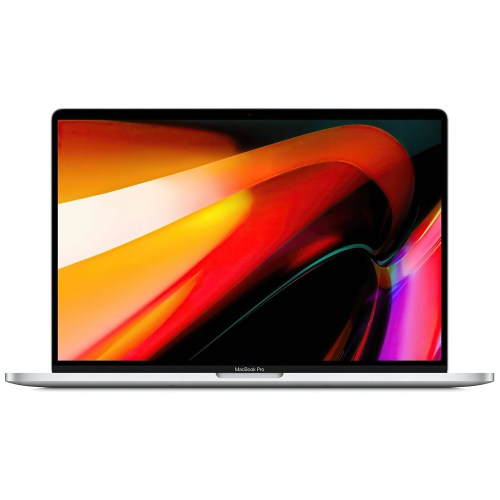
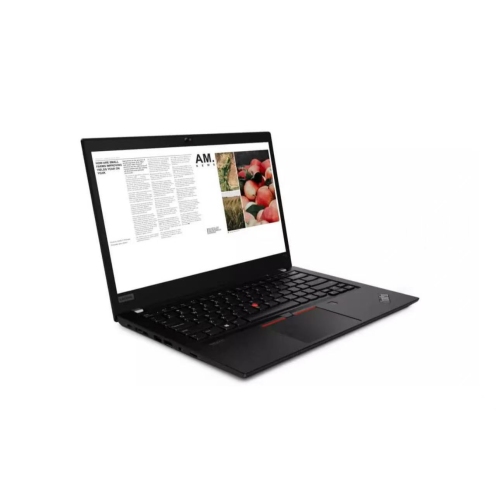
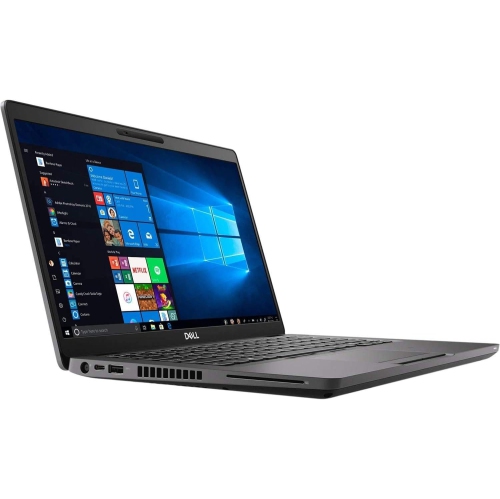
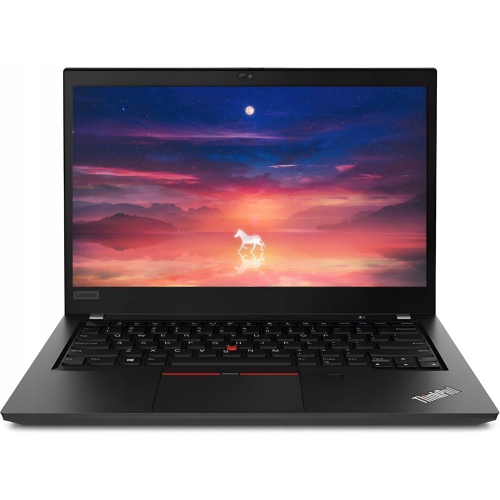
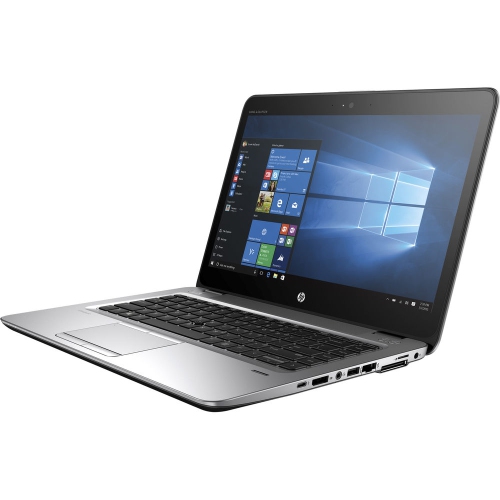
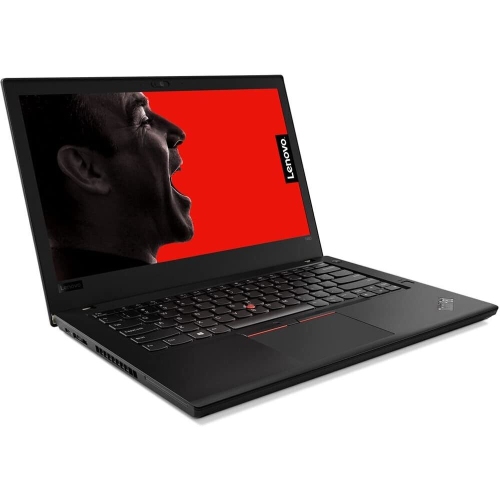
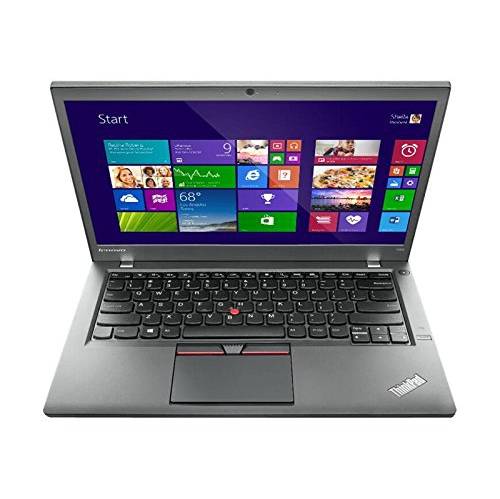
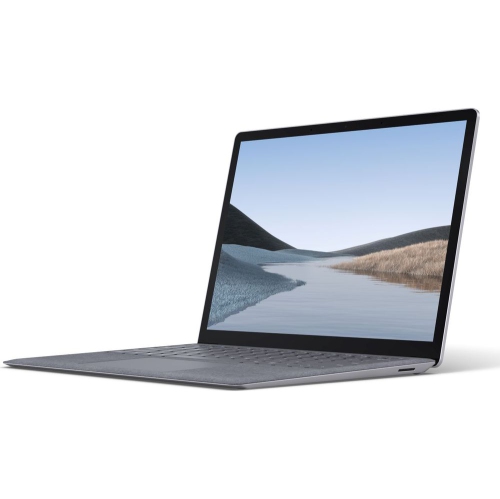
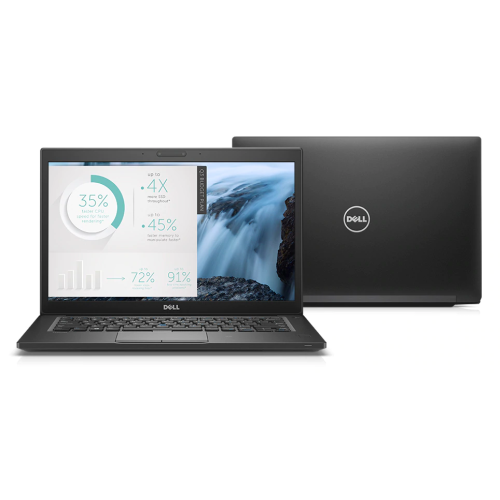
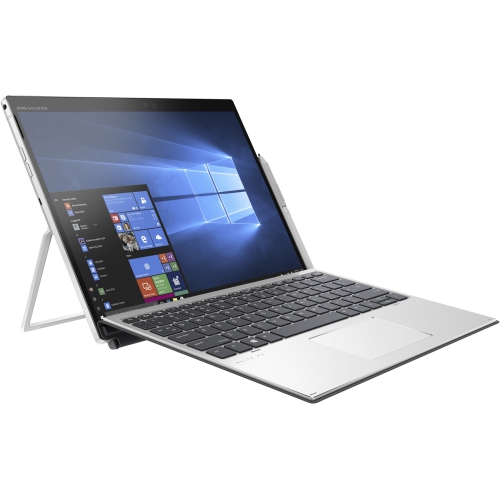
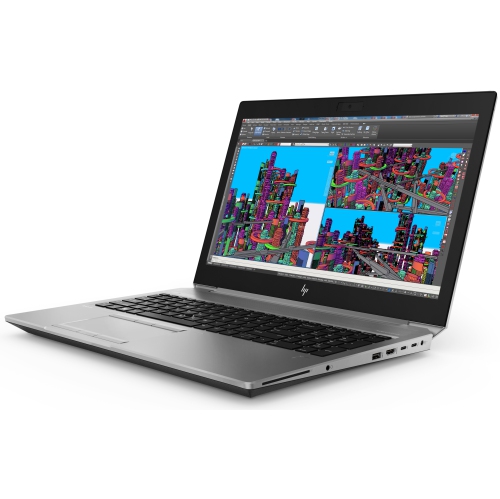
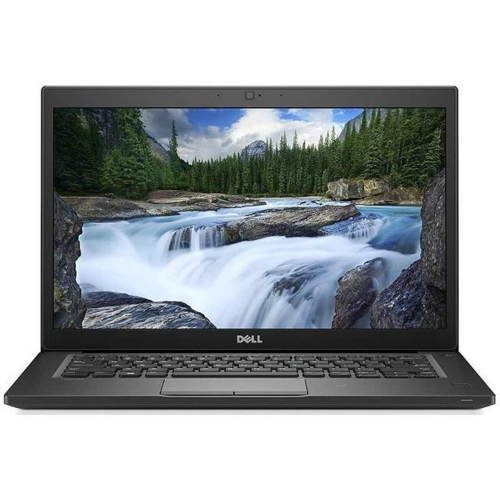
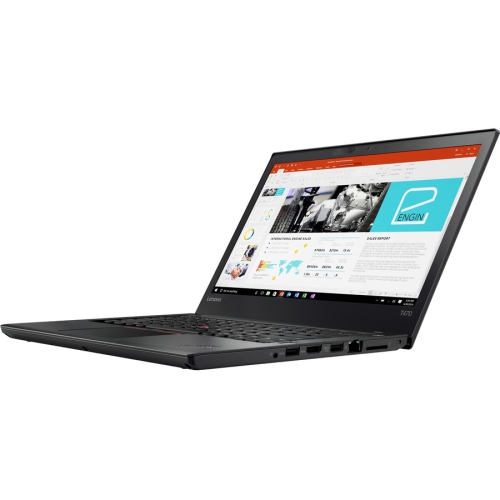
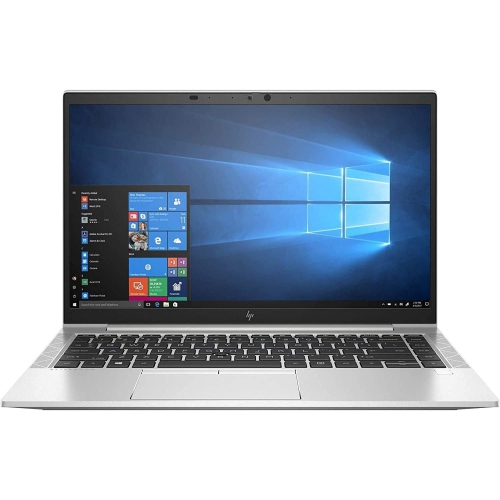
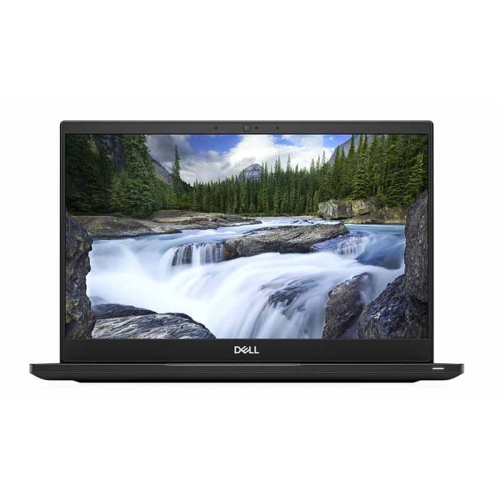
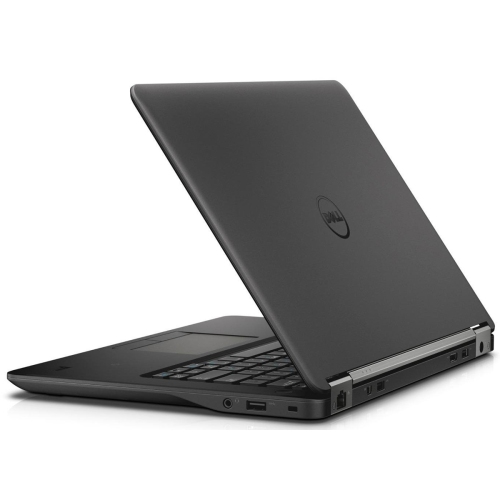
Refurbished work laptops are previously owned computers that have undergone inspection, testing and, where needed, repairs before being prepared for use again. They differ from laptops sold simply as used, although the scope of refurbishment depends on the seller and the individual listing. For everyday work, their appeal often lies in practical features: a comfortable keyboard, a screen that keeps documents readable, and a chassis designed to travel between a desk, a meeting room and a home office. Business-oriented designs may use aluminium, magnesium alloy or reinforced plastic, with construction that helps protect internal components through regular handling. Material alone does not establish durability; hinge condition, keyboard wear and the fit of the charging connector also matter. A laptop can have visible marks on its lid while remaining fully functional, and cosmetic grades should be read alongside the seller’s own definitions rather than treated as a universal standard. Light scratches, worn key surfaces and signs of use around the palm rest are different considerations from a damaged display or a loose hinge. Clear condition descriptions help distinguish appearance from performance. Refurbished laptops can suit office staff working with email and spreadsheets, independent professionals managing client appointments, and remote workers moving between video calls and shared documents. Physical fit is part of that usefulness. A compact 13-inch or 14-inch laptop can be easier to carry in a commuter bag, while a 15.6-inch or 16-inch display provides more room for side-by-side documents. Someone entering figures throughout the day may appreciate a dedicated numeric keypad; someone writing long reports may place more emphasis on key spacing and a stable palm rest. Screen finish matters too, particularly at a desk where overhead lights can reflect across a glossy display. These details help make refurbished work laptops feel suited to the tasks they will handle, rather than merely capable of switching on and running software.
The specifications that matter most depend on what a working day actually involves. Email, browser-based applications and document editing have different demands from large spreadsheets, design software or several virtual machines running together. For office multitasking, 16 GB of RAM is a useful starting point, especially when a video meeting, a presentation and numerous browser tabs need to stay open at once. More demanding applications may benefit from 32 GB or more, but their published system requirements remain the best reference. Memory upgrade options vary: some laptops have accessible slots, while others use soldered memory that cannot be expanded. A solid-state drive, or SSD, generally helps applications launch and files open more quickly than a traditional mechanical hard drive. Storage capacity should reflect how files are handled, not just how many applications are installed. A 256 GB SSD may be sufficient for work centred on shared online documents, while 512 GB or more provides extra room for local project folders, downloaded meeting recordings and larger files. Processor generation is also important because a processor’s family name alone does not explain its age or capabilities. Older high-tier processors do not automatically outperform newer alternatives, and graphics-intensive work may require capabilities beyond those needed for routine office tasks. Operating system compatibility deserves particular attention with refurbished equipment. Hardware requirements, supported software versions and any included licence should match the intended applications and the needs of an employer’s IT team. Business security features such as hardware-based encryption support, fingerprint readers and tools for device management can be useful, but they are not present on every laptop and may require configuration. For a person reviewing contracts while speaking with a client, a readable screen and enough memory to move smoothly between applications can matter more than features that will rarely be used. For a designer working with complex files, graphics capability, display quality and application support may take priority. Refurbished status alone does not determine suitability; the complete configuration does.
Everyday comfort also depends on the connections and accessories that surround the laptop. At a permanent desk, an external monitor can provide space for detailed spreadsheets, while a separate keyboard and mouse allow the screen to sit at a more comfortable viewing height. On a shared workspace, a compatible dock can simplify the move from a single portable screen to a fuller setup, but a USB-C connector does not by itself guarantee charging, video output or support for every docking feature. Port specifications need to match the intended display and accessories. Reliable Wi-Fi, a usable webcam and clear microphone input are especially relevant for remote meetings, although an external headset may help when conversations take place in a busy room. Battery condition is another practical distinction between refurbished laptops: testing and repairs do not necessarily restore a battery to its original capacity. Battery health information, any stated minimum capacity and warranty coverage help set expectations for use away from an outlet. The included power adaptor should also be suitable for the laptop’s charging requirements. Warranty length, battery coverage, return terms and the source of support can vary, so those details are worth understanding alongside the hardware. A related collection, Refurbished Dell Laptops for Work, provides a more focused place to browse within this category. Once a laptop becomes part of a daily routine, straightforward care helps protect it: carry it in a padded sleeve, keep liquids away from the keyboard and leave ventilation openings unobstructed. A soft cloth and cleaning methods appropriate to the screen finish help remove fingerprints without damaging the surface. Keeping software updated and maintaining a separate backup protects the work stored on the device. Whether the laptop supports a home-based business, travels to client appointments or is given to someone starting a new role, its usefulness comes from a good match between condition, capabilities and the way it will be used.
The specifications that matter most depend on what a working day actually involves. Email, browser-based applications and document editing have different demands from large spreadsheets, design software or several virtual machines running together. For office multitasking, 16 GB of RAM is a useful starting point, especially when a video meeting, a presentation and numerous browser tabs need to stay open at once. More demanding applications may benefit from 32 GB or more, but their published system requirements remain the best reference. Memory upgrade options vary: some laptops have accessible slots, while others use soldered memory that cannot be expanded. A solid-state drive, or SSD, generally helps applications launch and files open more quickly than a traditional mechanical hard drive. Storage capacity should reflect how files are handled, not just how many applications are installed. A 256 GB SSD may be sufficient for work centred on shared online documents, while 512 GB or more provides extra room for local project folders, downloaded meeting recordings and larger files. Processor generation is also important because a processor’s family name alone does not explain its age or capabilities. Older high-tier processors do not automatically outperform newer alternatives, and graphics-intensive work may require capabilities beyond those needed for routine office tasks. Operating system compatibility deserves particular attention with refurbished equipment. Hardware requirements, supported software versions and any included licence should match the intended applications and the needs of an employer’s IT team. Business security features such as hardware-based encryption support, fingerprint readers and tools for device management can be useful, but they are not present on every laptop and may require configuration. For a person reviewing contracts while speaking with a client, a readable screen and enough memory to move smoothly between applications can matter more than features that will rarely be used. For a designer working with complex files, graphics capability, display quality and application support may take priority. Refurbished status alone does not determine suitability; the complete configuration does.
Everyday comfort also depends on the connections and accessories that surround the laptop. At a permanent desk, an external monitor can provide space for detailed spreadsheets, while a separate keyboard and mouse allow the screen to sit at a more comfortable viewing height. On a shared workspace, a compatible dock can simplify the move from a single portable screen to a fuller setup, but a USB-C connector does not by itself guarantee charging, video output or support for every docking feature. Port specifications need to match the intended display and accessories. Reliable Wi-Fi, a usable webcam and clear microphone input are especially relevant for remote meetings, although an external headset may help when conversations take place in a busy room. Battery condition is another practical distinction between refurbished laptops: testing and repairs do not necessarily restore a battery to its original capacity. Battery health information, any stated minimum capacity and warranty coverage help set expectations for use away from an outlet. The included power adaptor should also be suitable for the laptop’s charging requirements. Warranty length, battery coverage, return terms and the source of support can vary, so those details are worth understanding alongside the hardware. A related collection, Refurbished Dell Laptops for Work, provides a more focused place to browse within this category. Once a laptop becomes part of a daily routine, straightforward care helps protect it: carry it in a padded sleeve, keep liquids away from the keyboard and leave ventilation openings unobstructed. A soft cloth and cleaning methods appropriate to the screen finish help remove fingerprints without damaging the surface. Keeping software updated and maintaining a separate backup protects the work stored on the device. Whether the laptop supports a home-based business, travels to client appointments or is given to someone starting a new role, its usefulness comes from a good match between condition, capabilities and the way it will be used.
Top selling and popular products
-
 Your price for this item is $449
-
 Your price for this item is $3099
-
 Your price for this item is $449.99
-
 Your price for this item is $664.05
-
 Your price for this item is $869.99
-
 Your price for this item is $2960.48
-
 Your price for this item is $489.7
-
 Your price for this item is $829
Discover more categories related to Refurbished Work Laptops

Top Collections:
Pokemon Centers, Best Black Friday Deals This Year, Best Black Friday Deals On Electronics, Kindle Devices, Best Budget Office Chairs, Best Black Friday Deals On Apple Products, Best Cameras for Sports Photography, Pokémon 30th Celebration Cards, Dyson Airwrap, Canon G7X Cameras
Some products may be subject to Environmental Handling Fees
(EHF) depending on your province.
Learn more about EHFs.