Router Repeaters
Looking to boost your Wi-Fi signal and eliminate those frustrating dead zones in your home or office? Look no further than our selection of Router Repeaters. These powerful devices are designed to extend the reach of your existing wireless network, ensuring reliable and high-speed internet access in every corner of your space. Whether you're streaming your favorite shows, gaming online, or simply browsing the web, our range of Router Repeaters will provide you with the seamless connectivity you need. Say goodbye to weak signals and hello to a stronger, more reliable Wi-Fi experience with our selection of Router Repeaters.
Sort
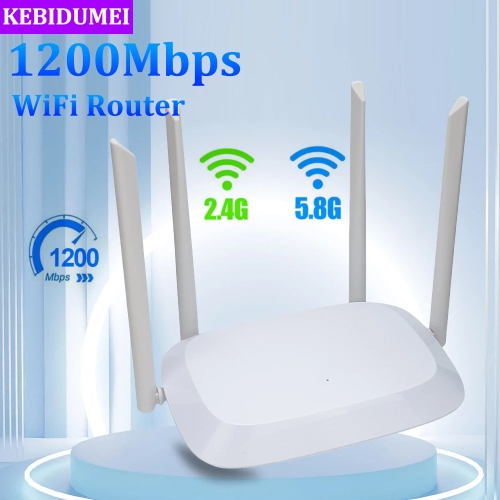
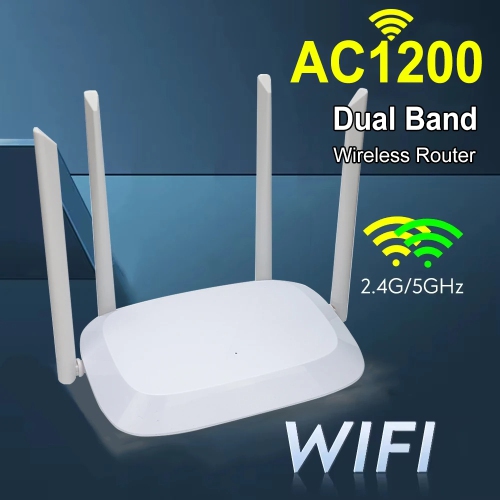
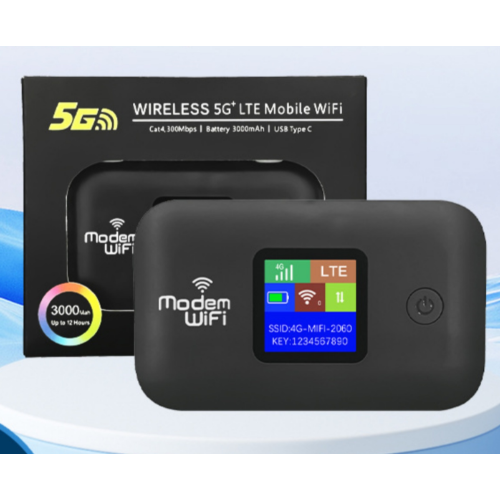
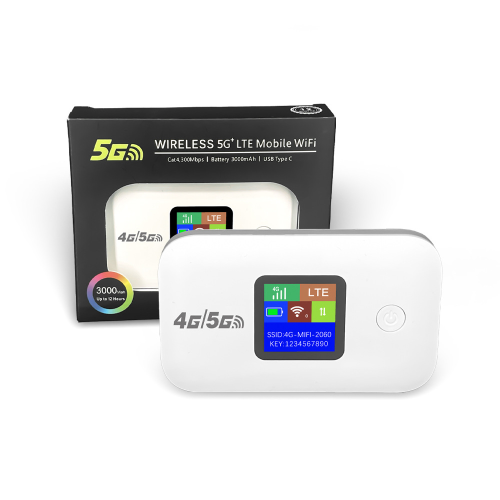
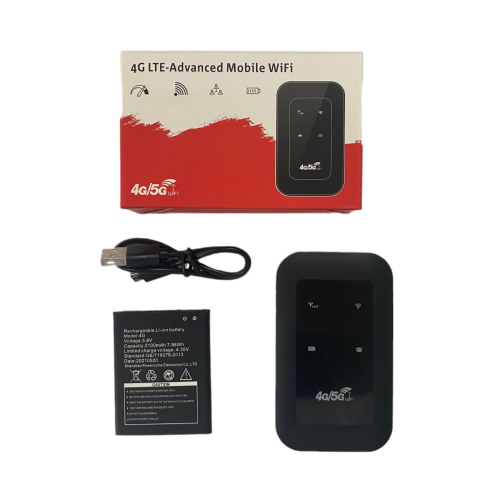
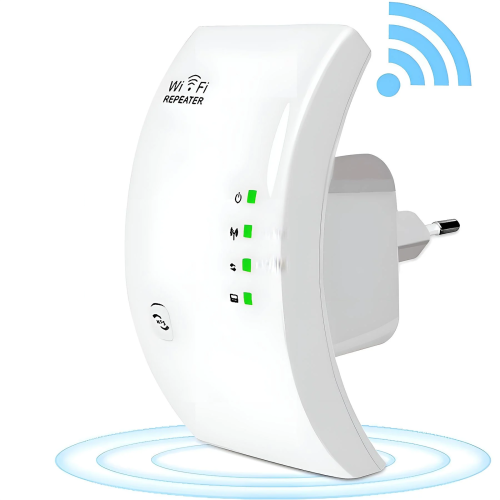
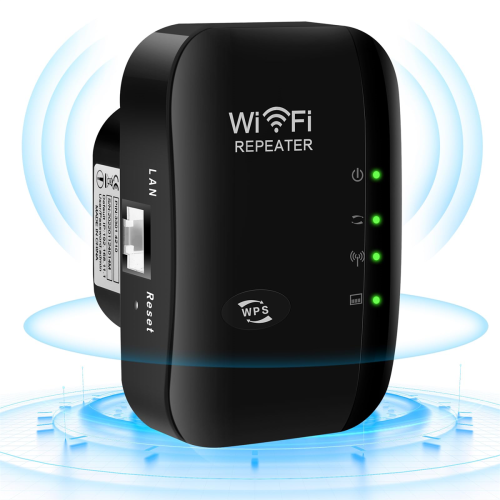
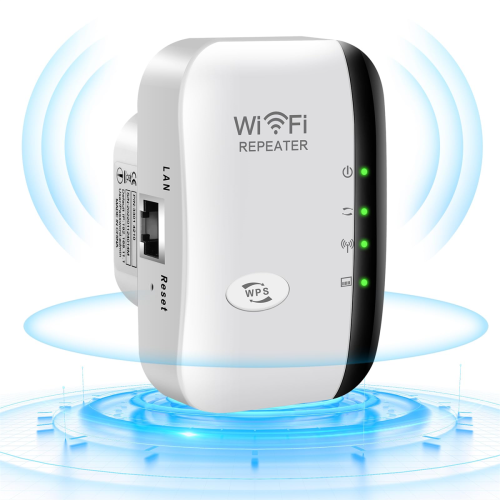
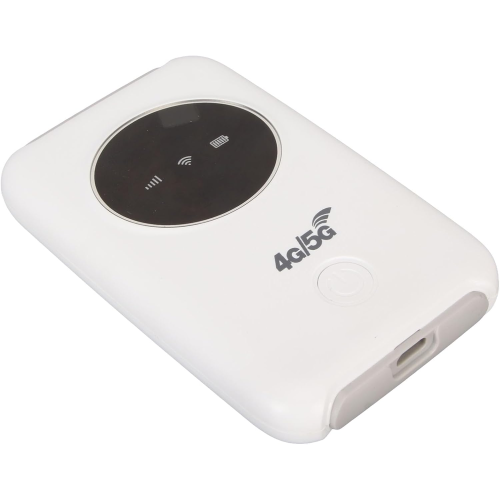
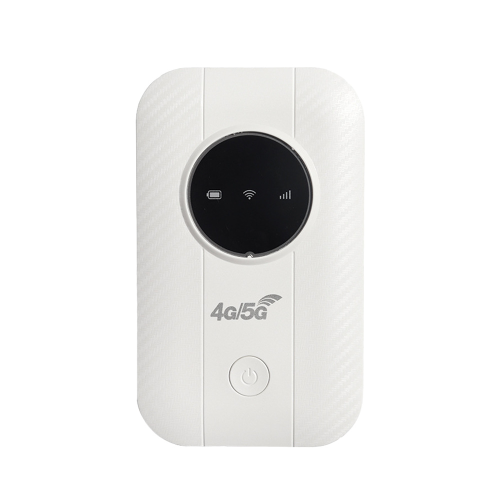
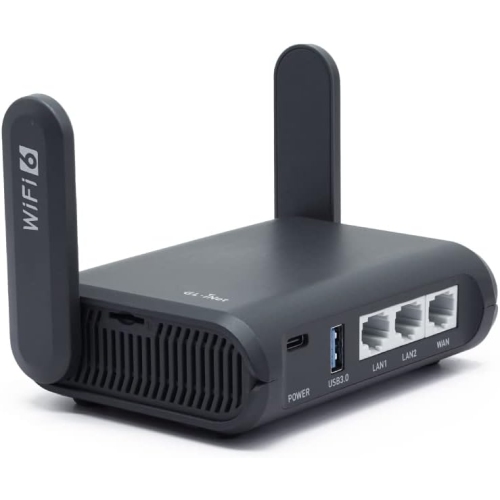
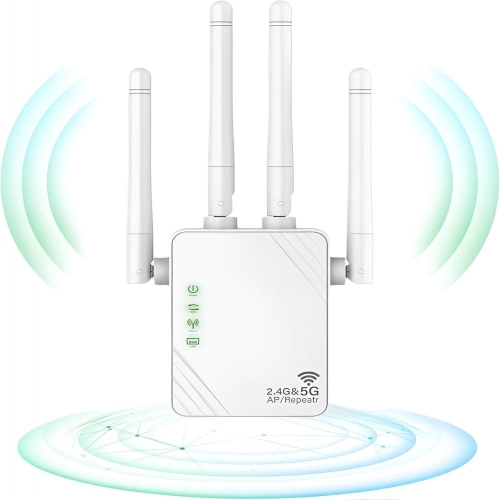
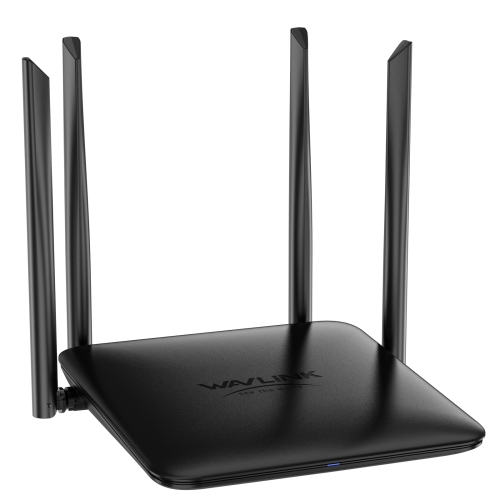
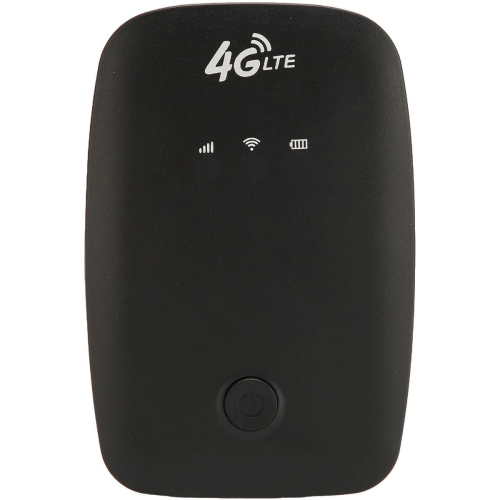
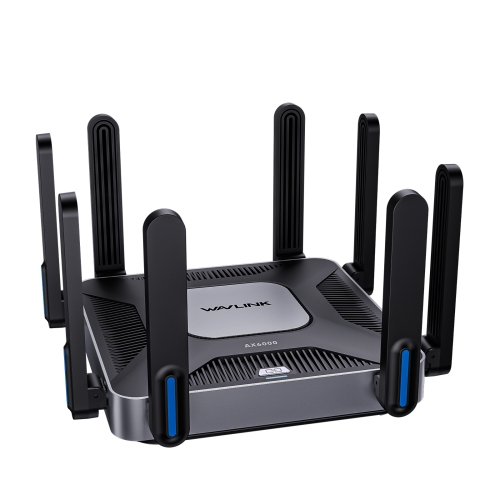
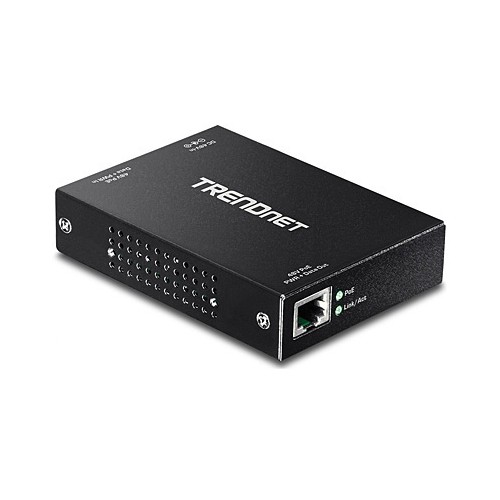
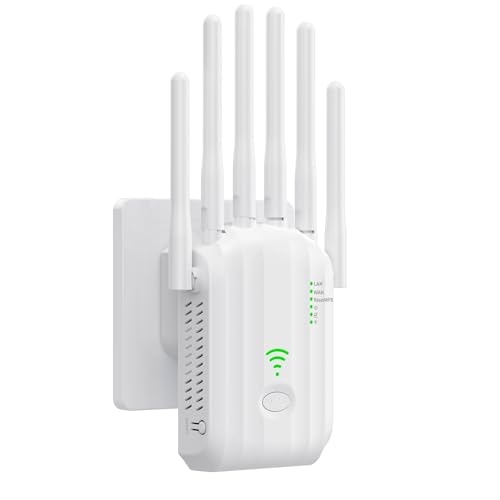
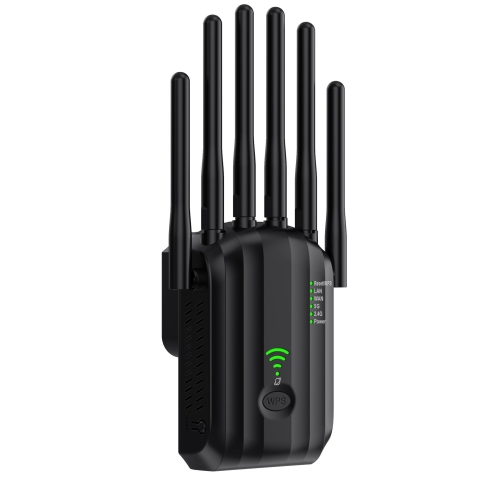
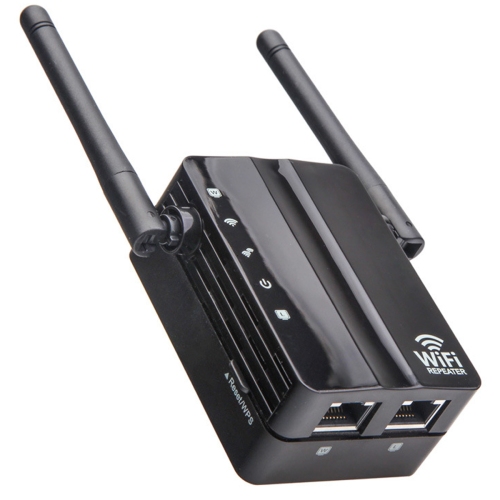
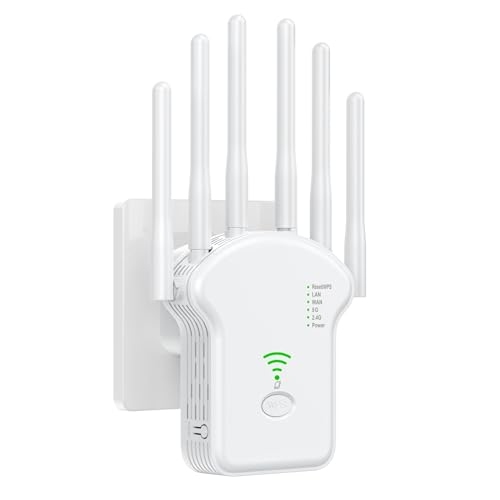

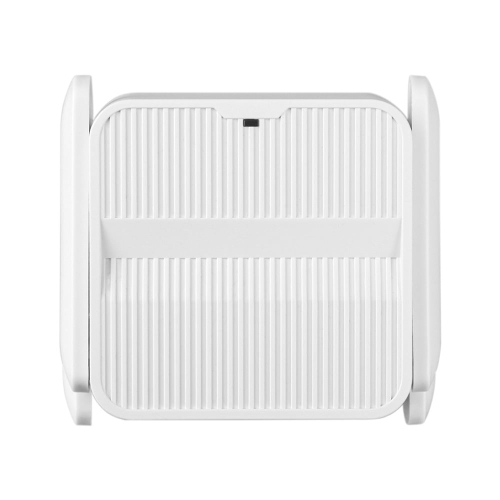
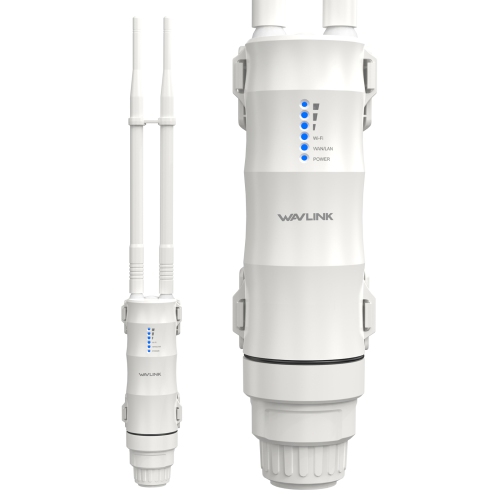
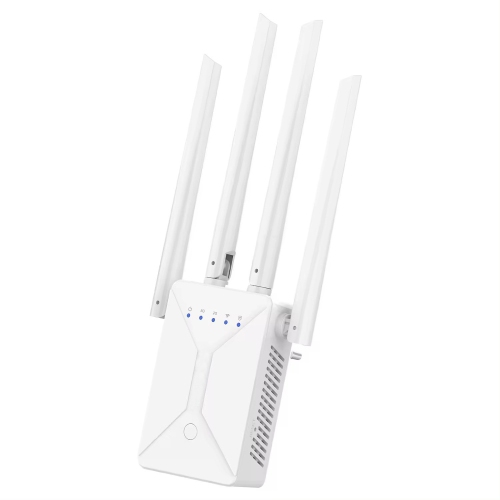
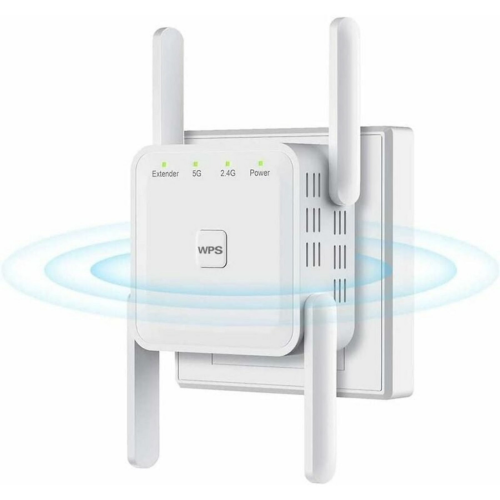
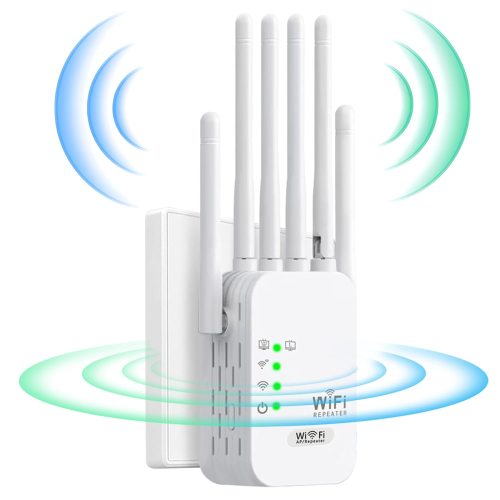
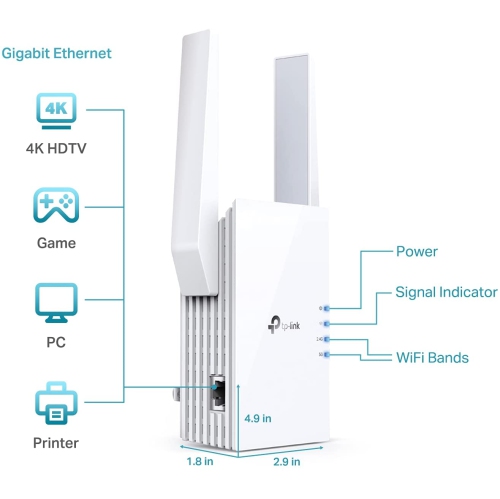
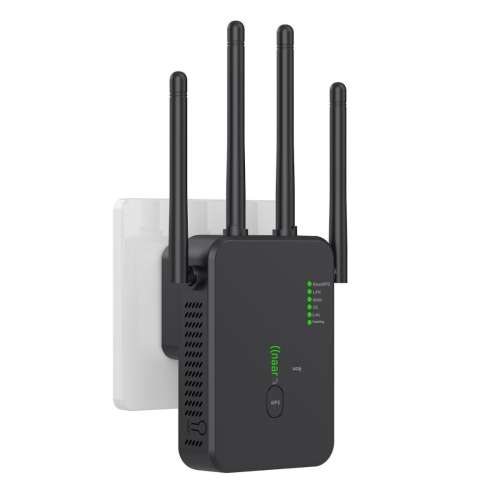
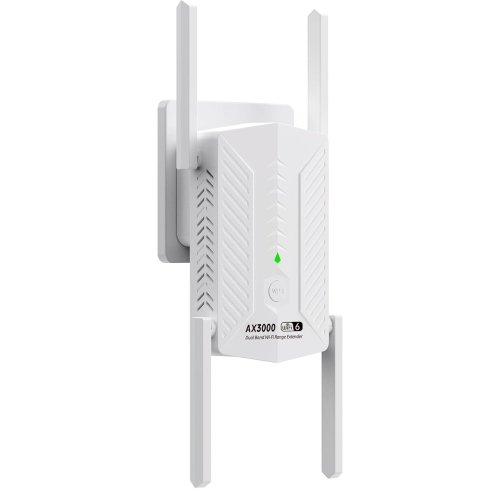
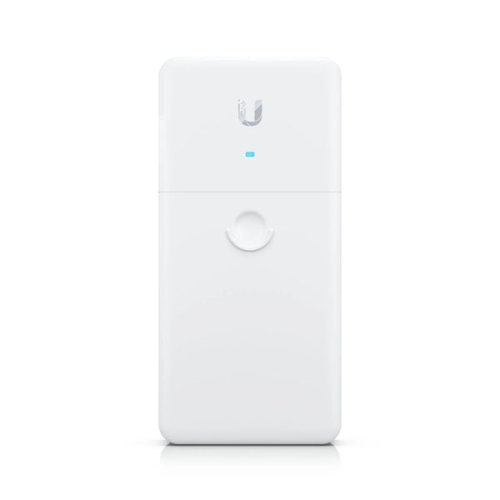
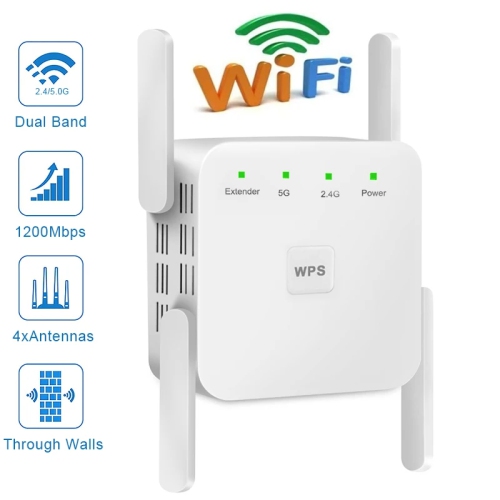
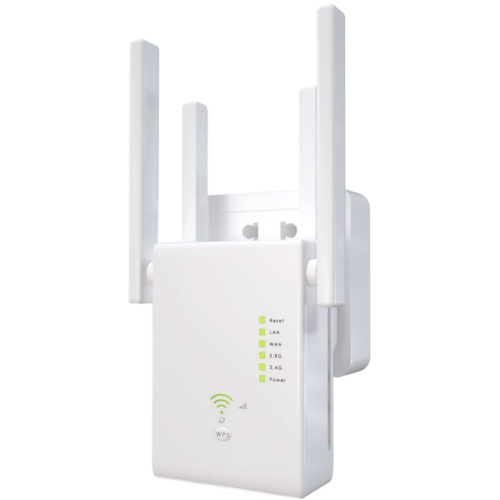
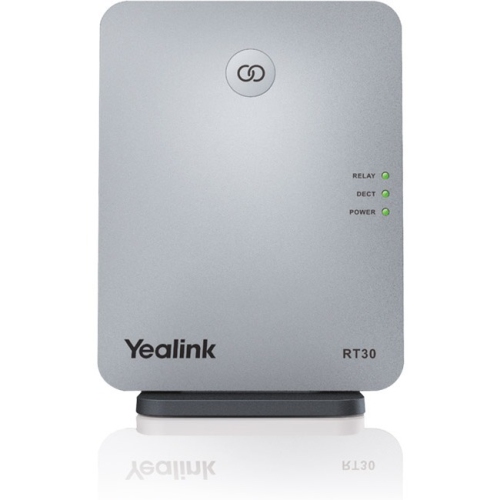
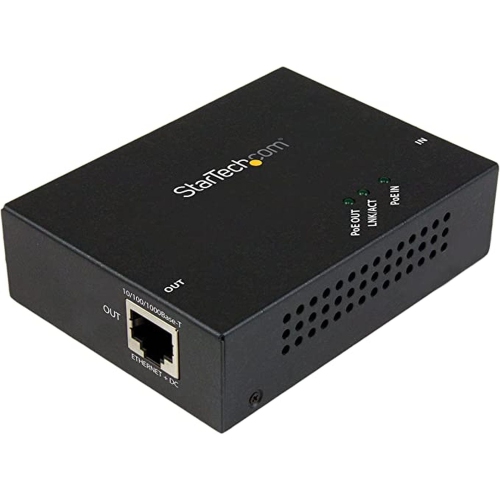
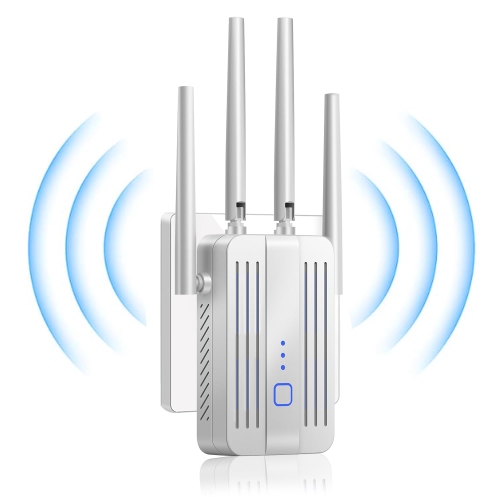
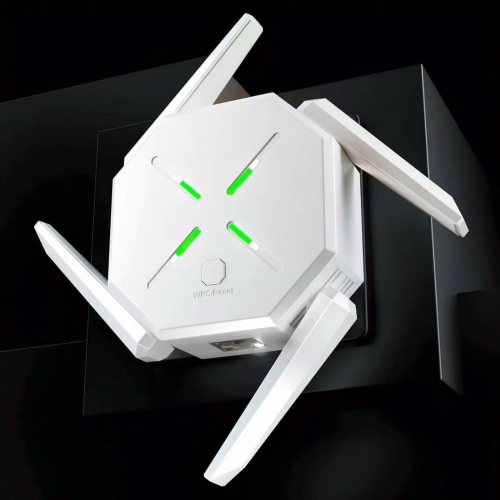
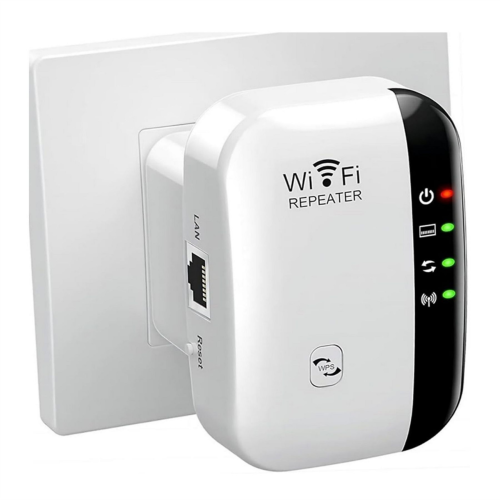
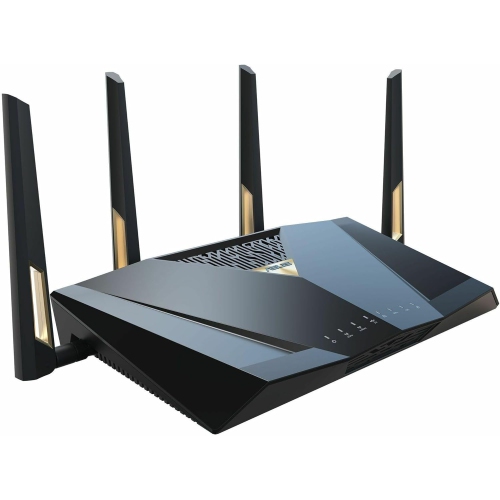
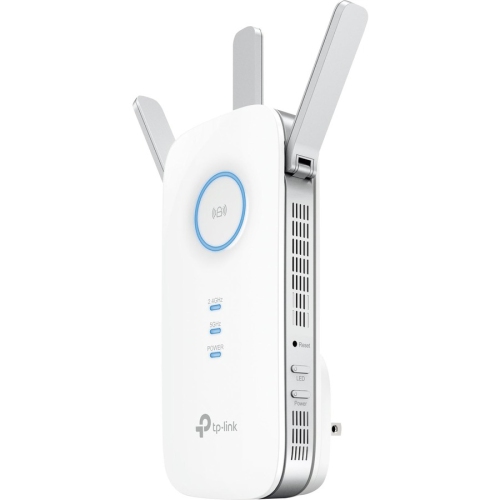
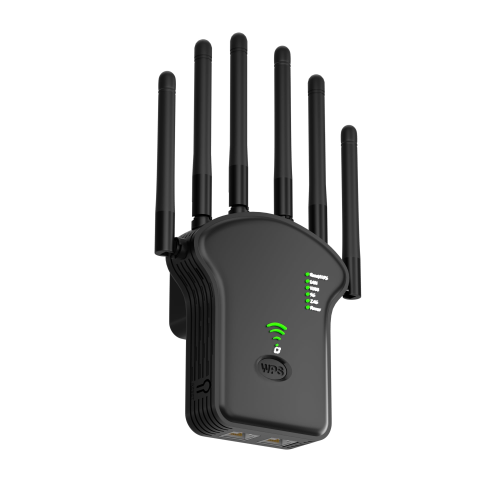
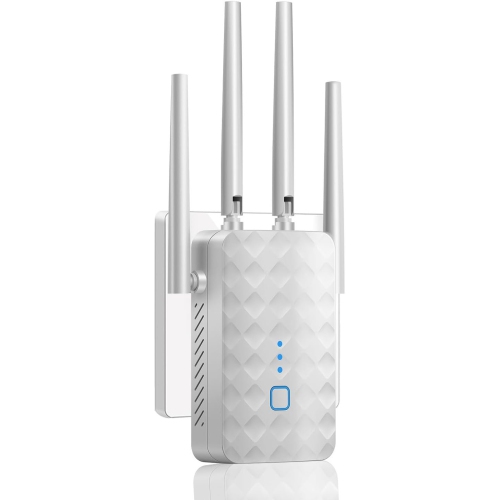
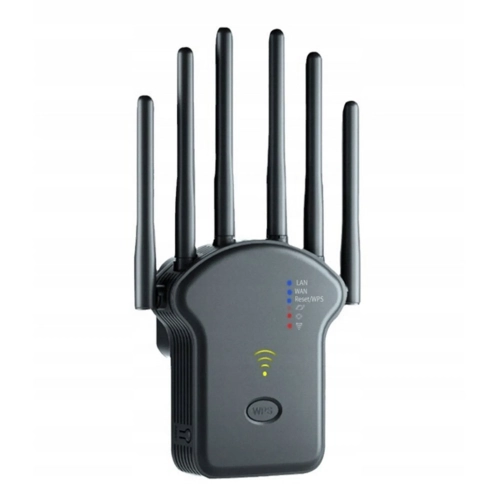
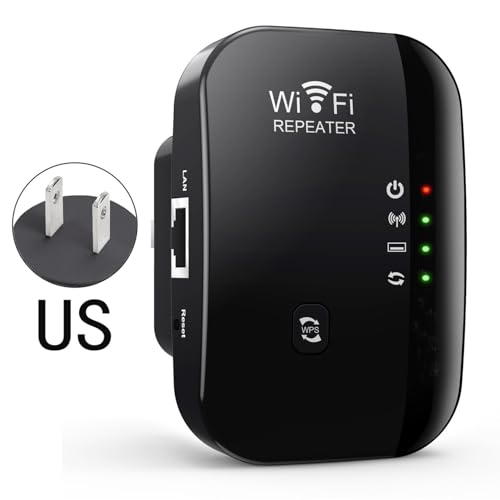
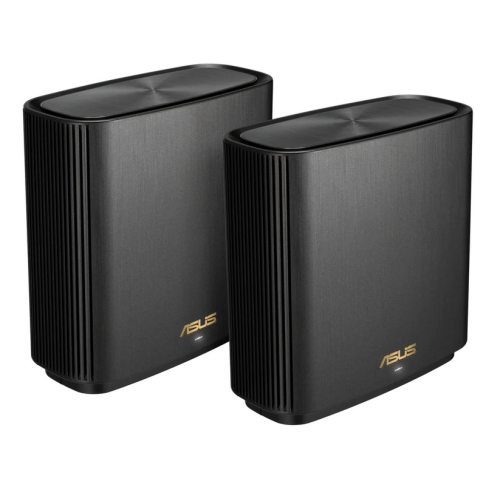
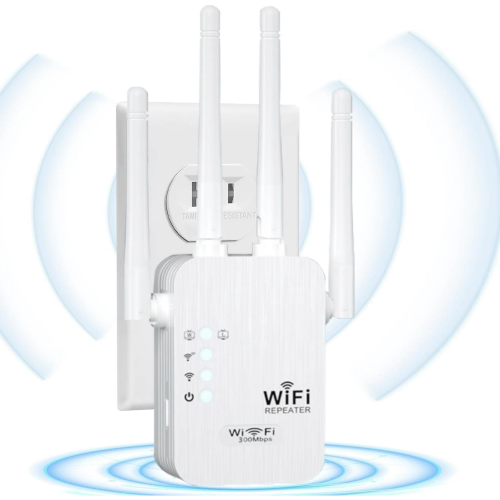
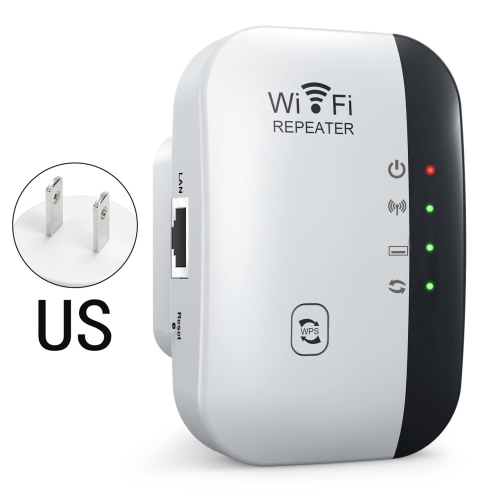
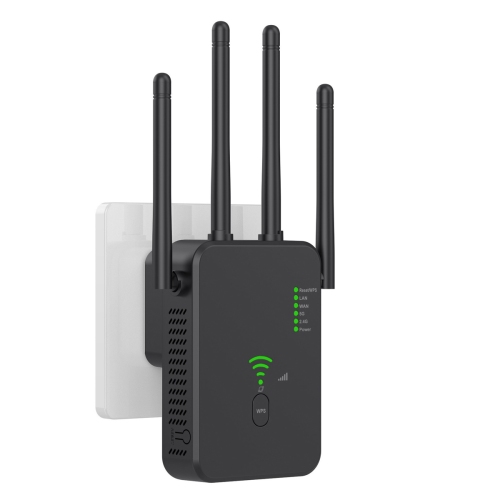
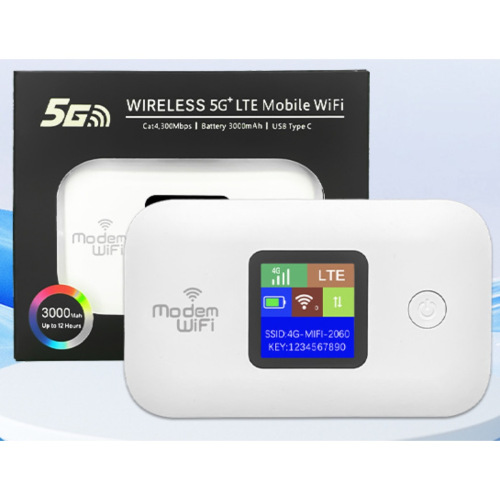
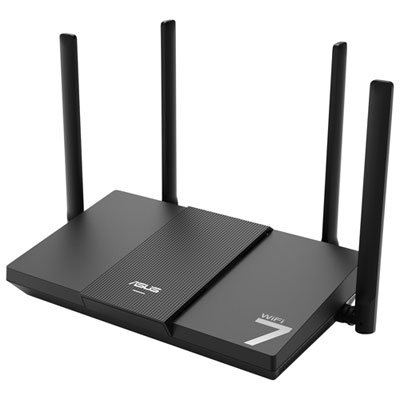
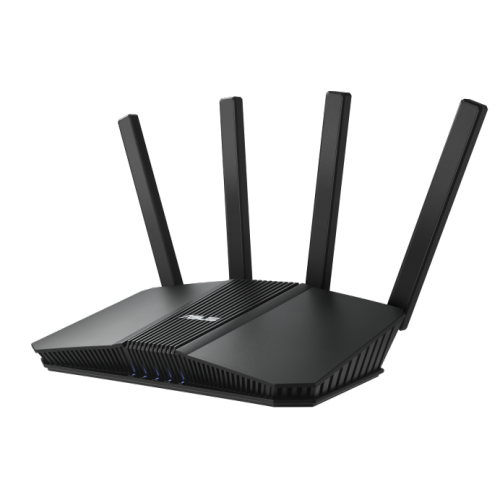
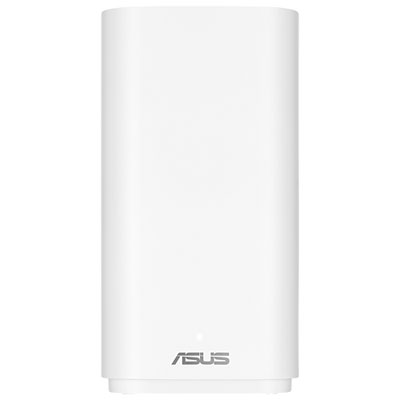
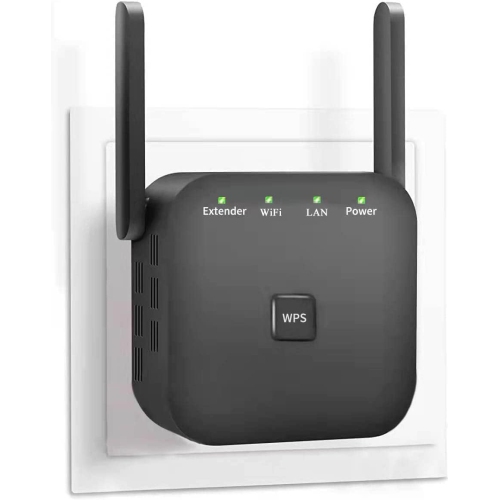
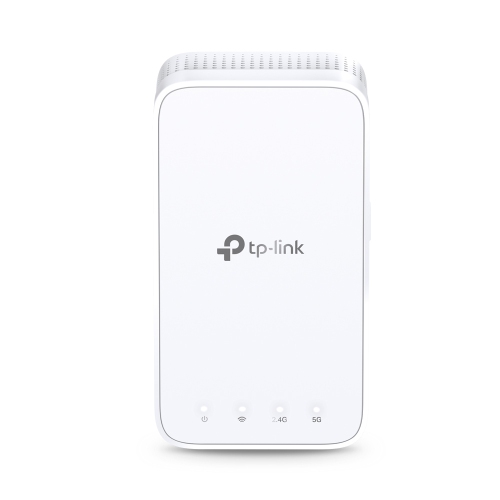
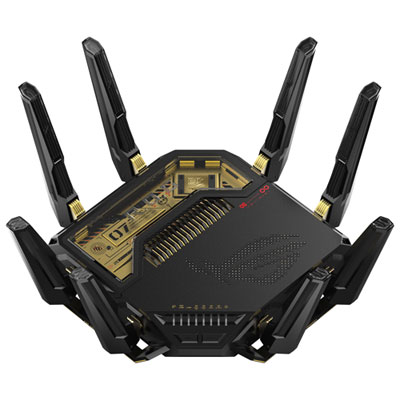
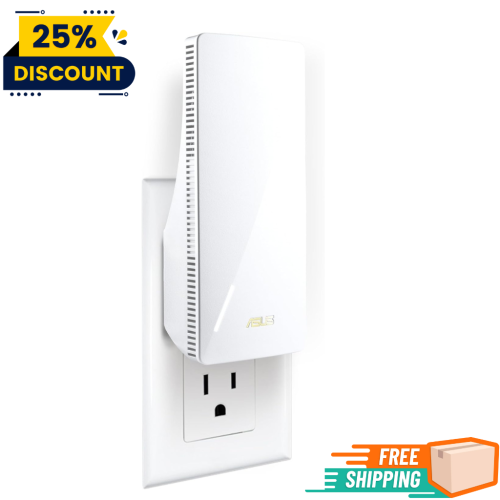
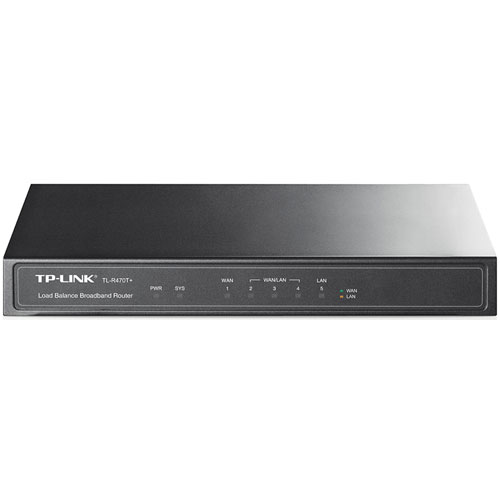
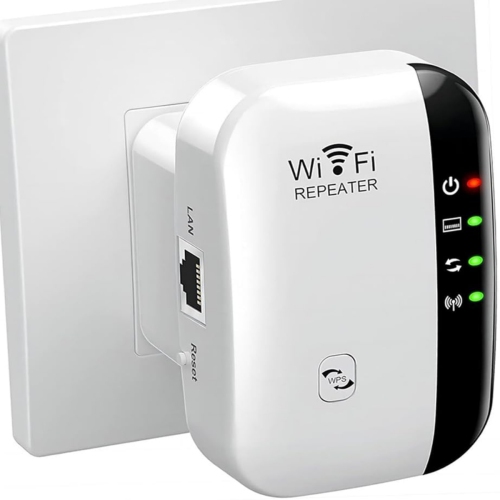

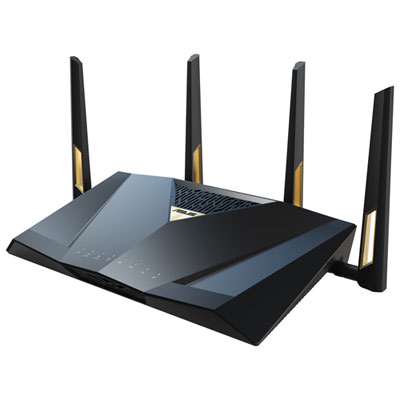
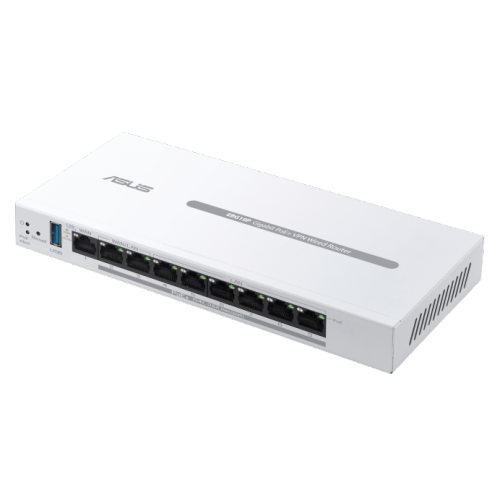
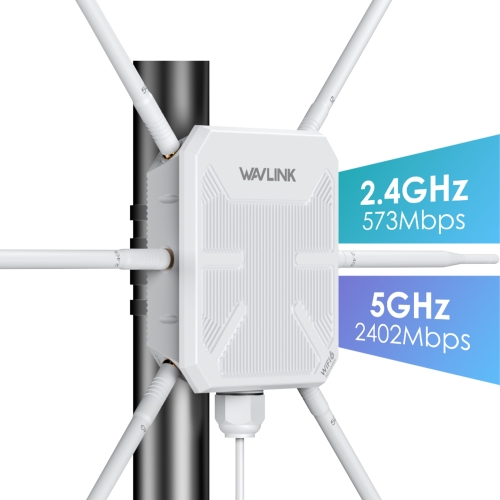
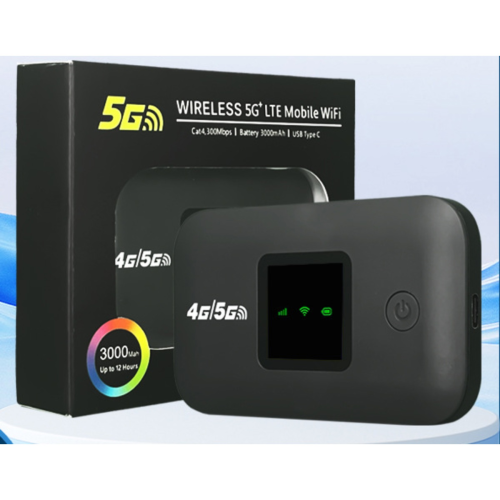

Better Wi-Fi coverage starts with a well-placed repeater
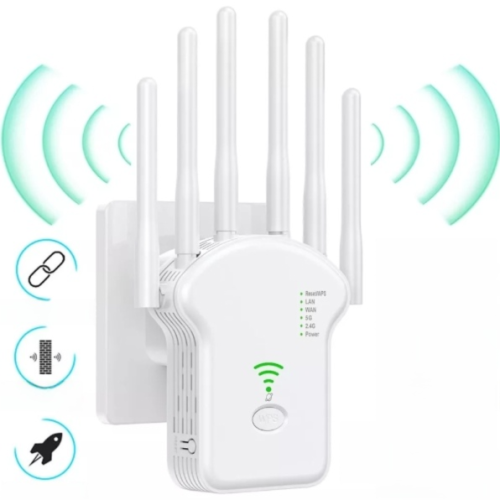
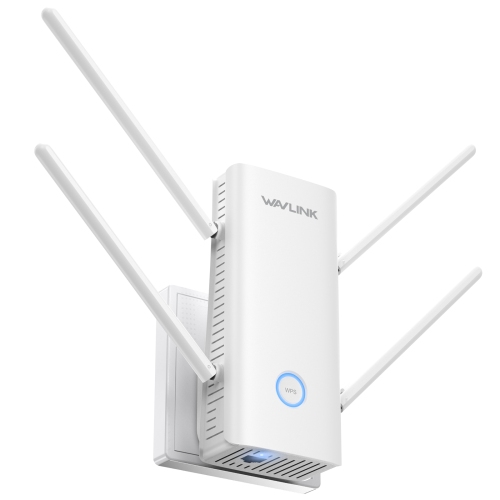
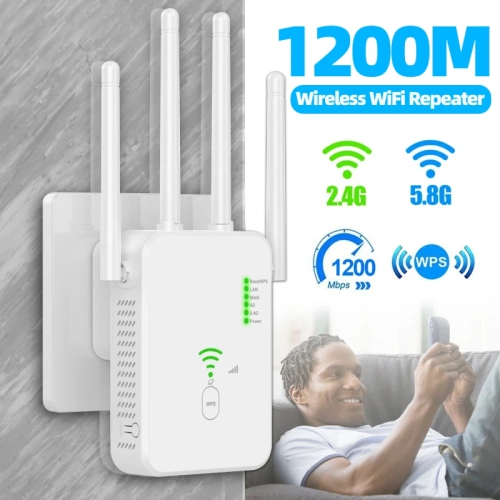
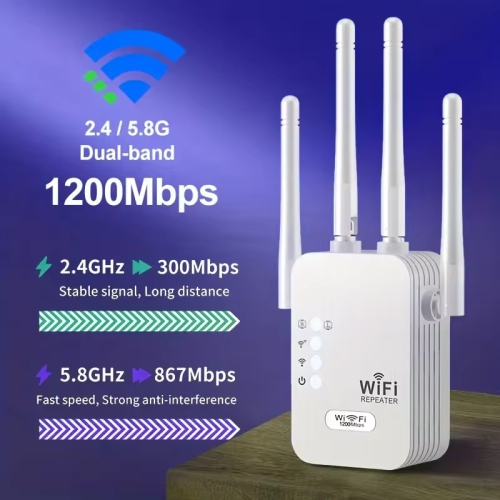
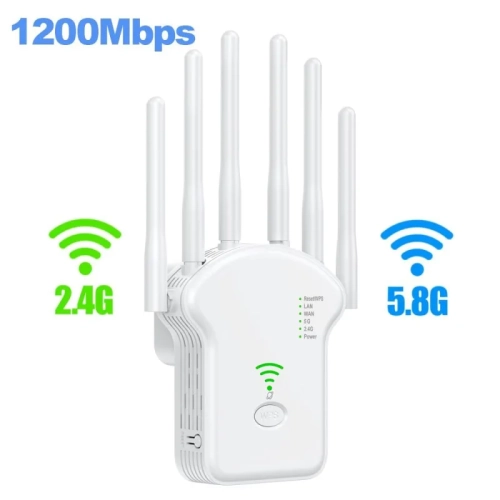
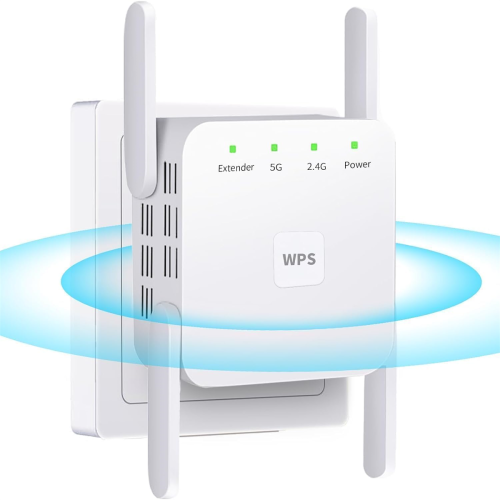
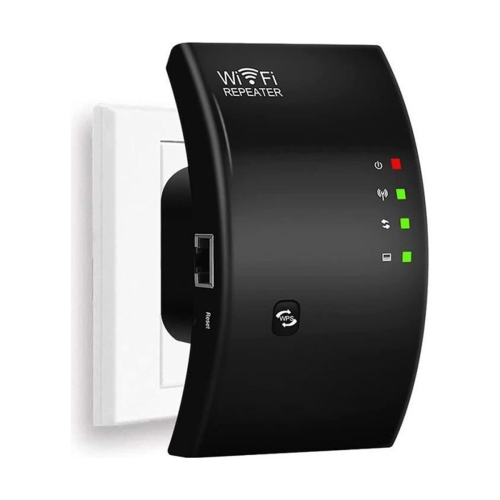
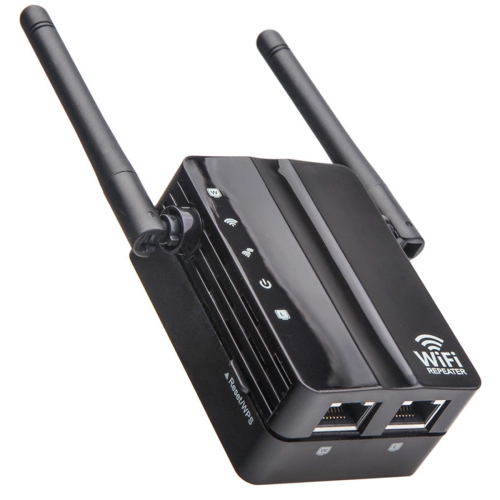
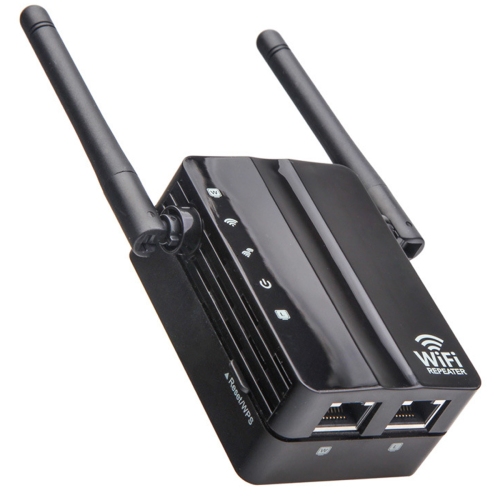
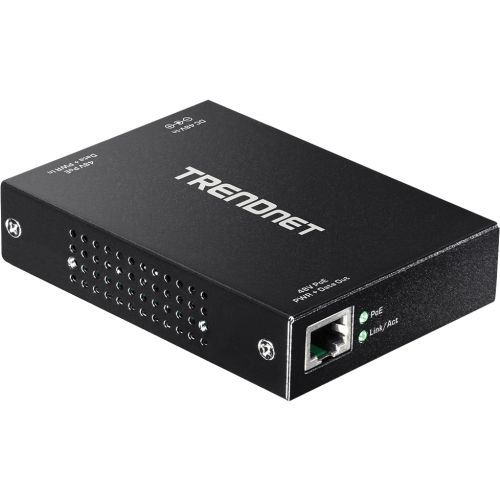
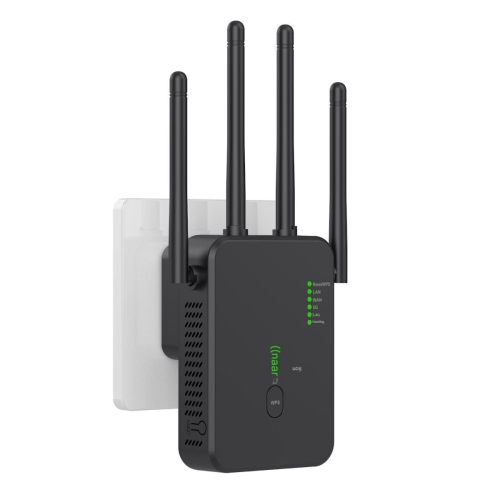
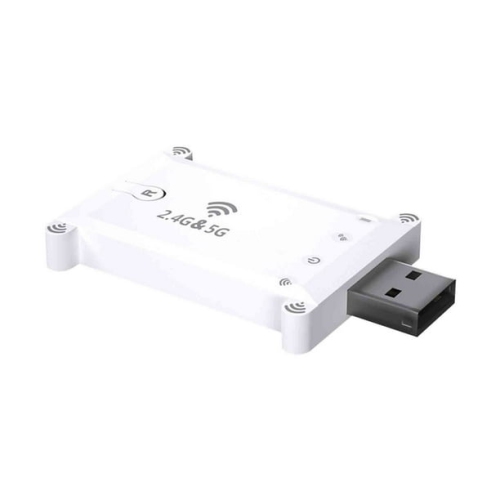
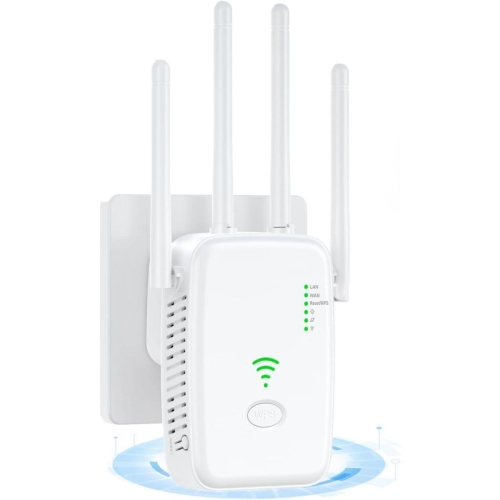
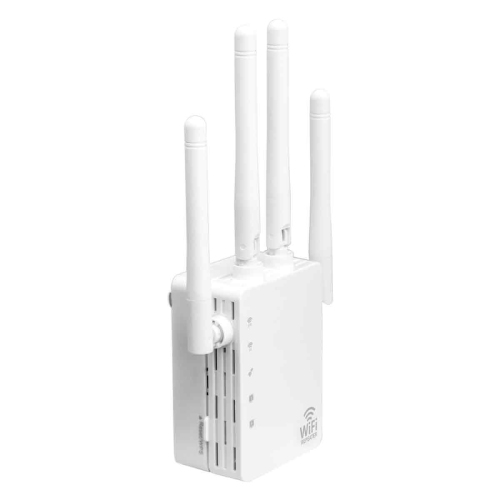
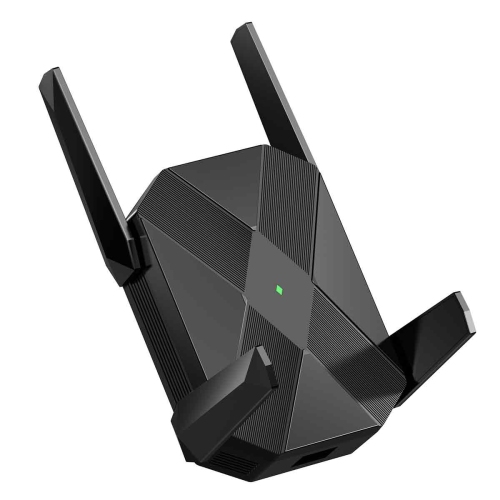
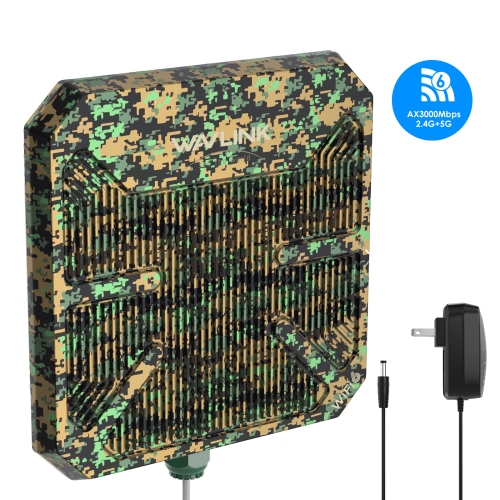
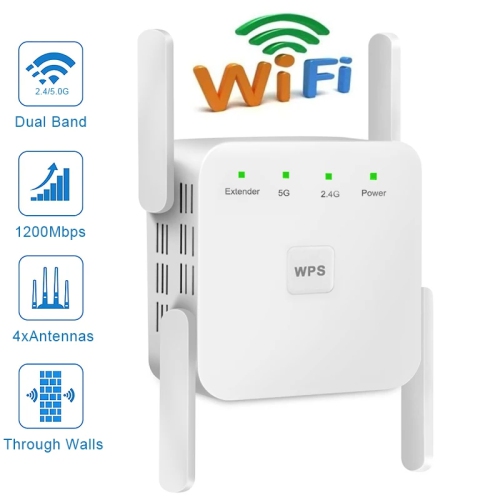
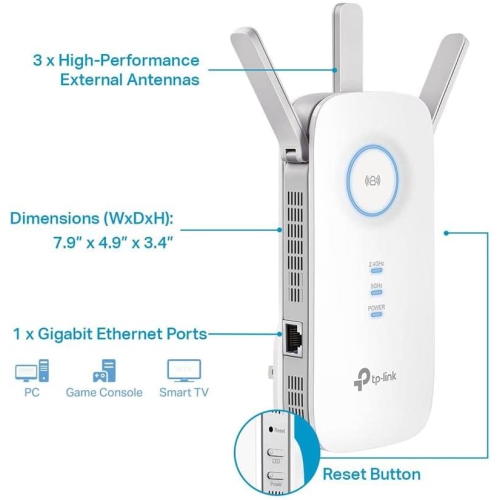
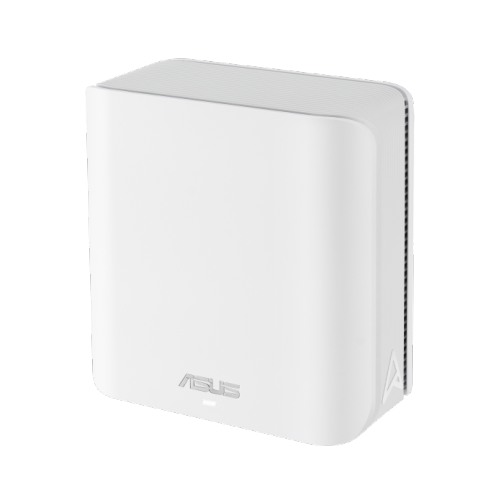
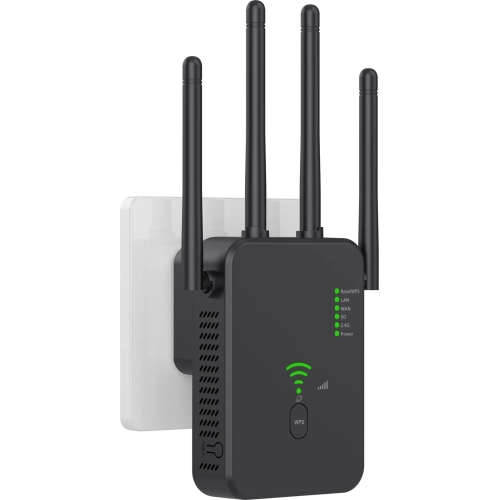
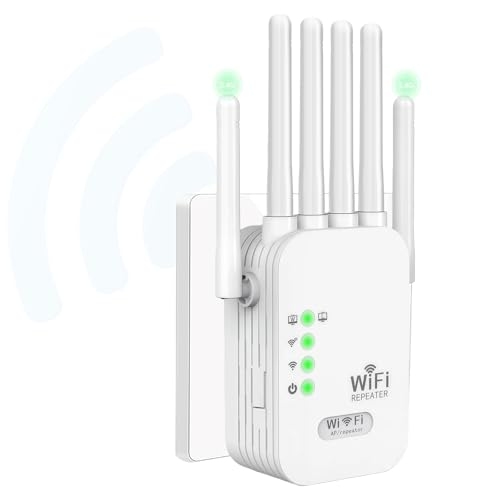
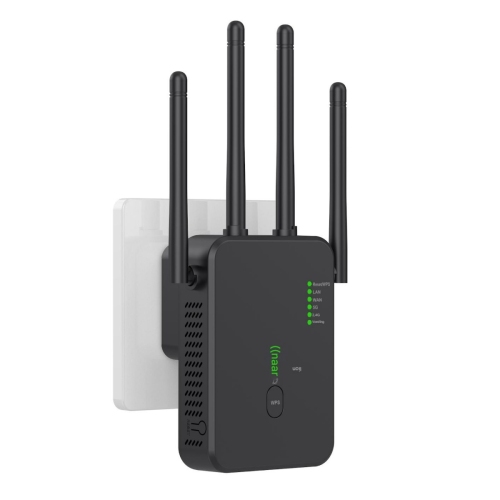
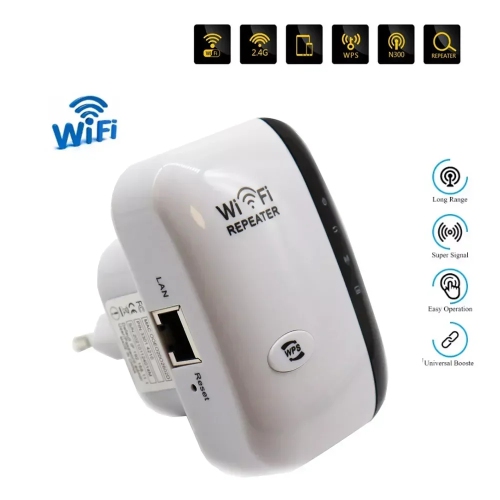
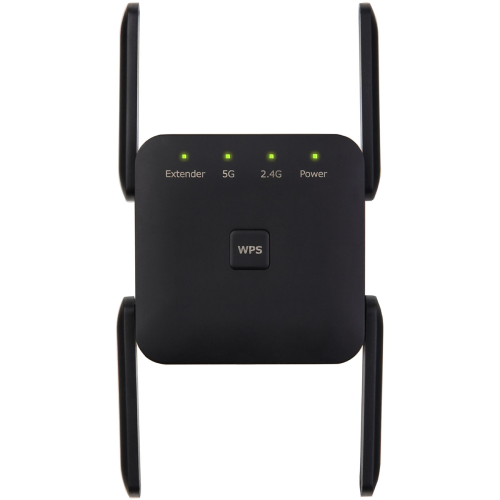
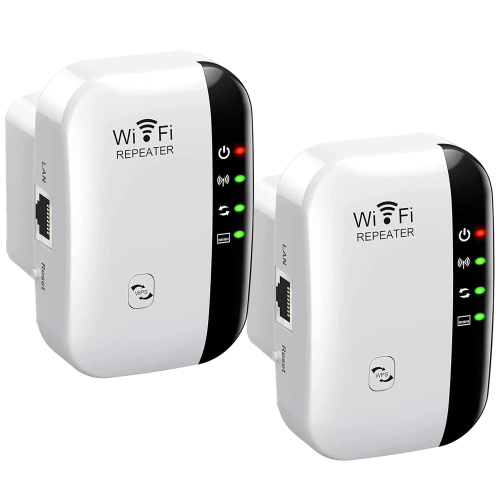
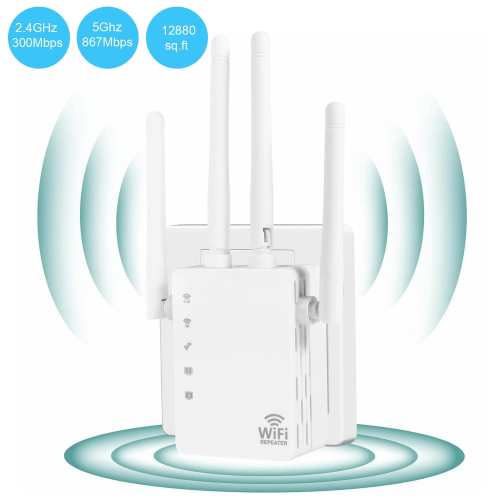
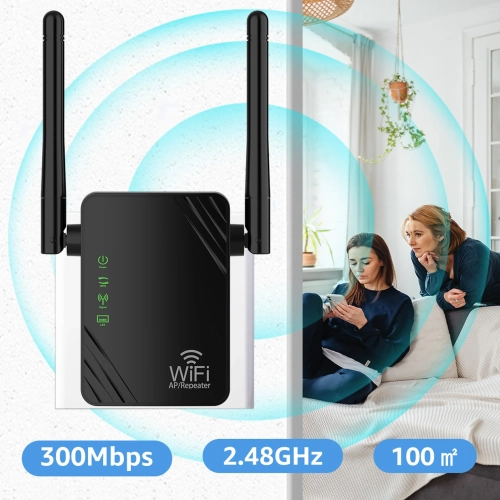
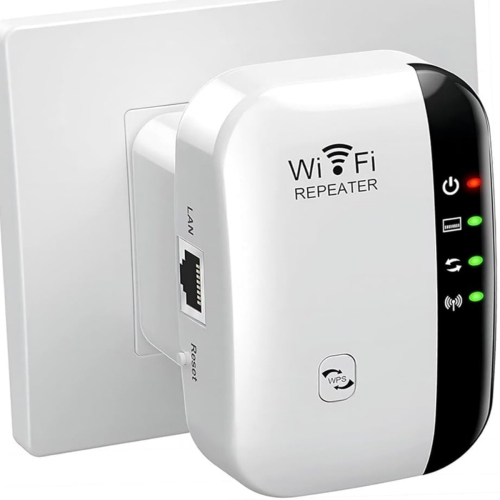
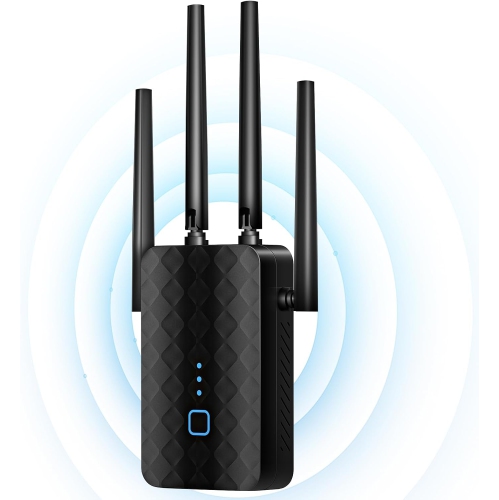
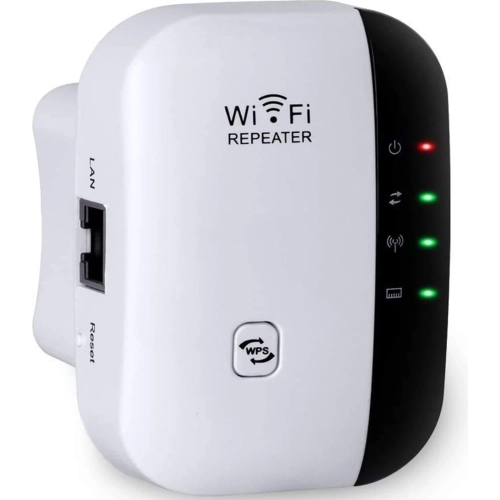
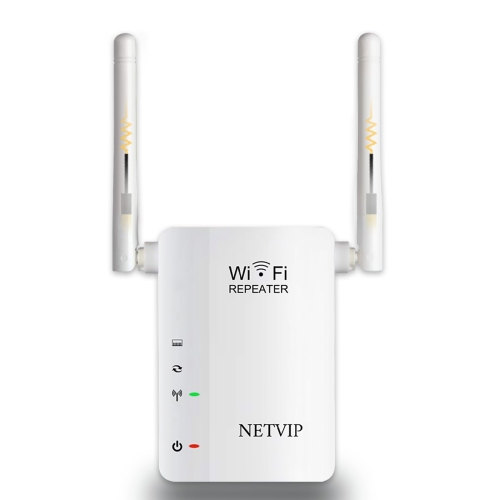
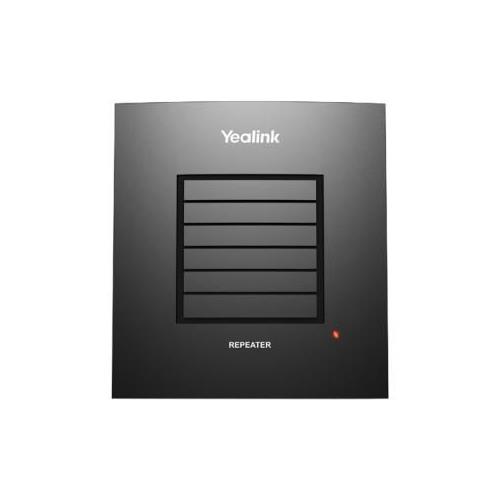
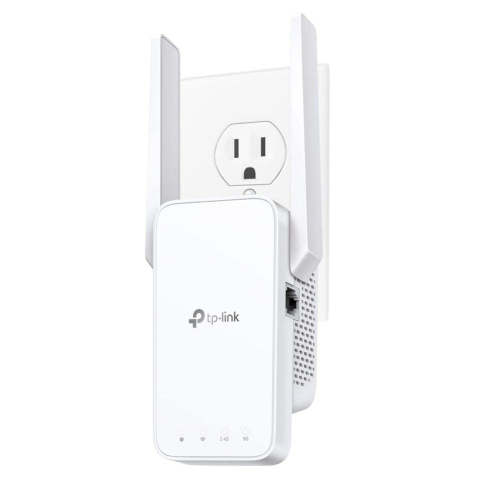
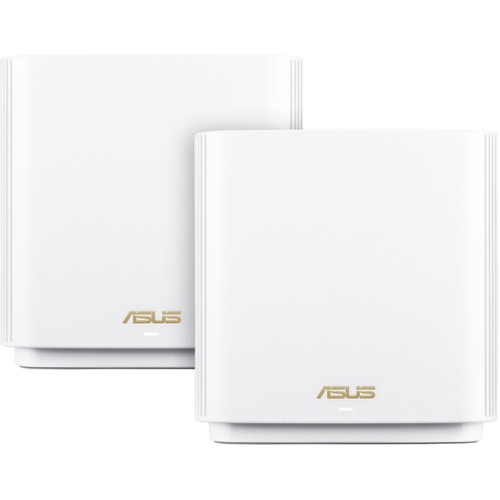
Router repeaters extend an existing Wi-Fi network by receiving a wireless signal from the main router and rebroadcasting it into areas with weaker coverage. Also called Wi-Fi repeaters or range extenders, these devices can help a laptop stay connected in a spare-room office, bring a stronger signal to a bedroom television, or improve access around a dining table used for homework. They are intended to fill coverage gaps rather than replace an internet connection or increase the speed of an internet plan. A repeater still depends on the quality of its connection to the router, so its location matters as much as its advertised capabilities. A spot between the router and the room needing better coverage often works well, provided the original signal remains strong there. A repeater placed inside a dead zone has little usable signal to pass along. Floor plans also make a difference: concrete walls, metal shelving, large appliances, and the distance between floors can weaken wireless signals. In a long apartment, a repeater near the hallway may help reach a rear bedroom; in a multilevel home, a position near an open stairway may provide a better connection than an outlet behind a basement cabinet. Coverage figures are useful for comparing devices, but they are not guarantees for every layout. Wireless repeating also uses network capacity because information must travel between the router, repeater, and connected device. A basic single-radio repeater receiving and retransmitting on the same channel can substantially reduce available throughput, sometimes by about half under comparable conditions. Designs with additional radios or a dedicated connection between network devices can reduce that trade-off. For everyday browsing, music streaming, and connected home accessories, improved reach may matter more than achieving the highest possible speed. Video calls, large downloads, and online gaming place greater demands on both signal quality and the connection back to the router. The strongest results come from matching the repeater’s capabilities to the rooms, devices, and activities it needs to support.
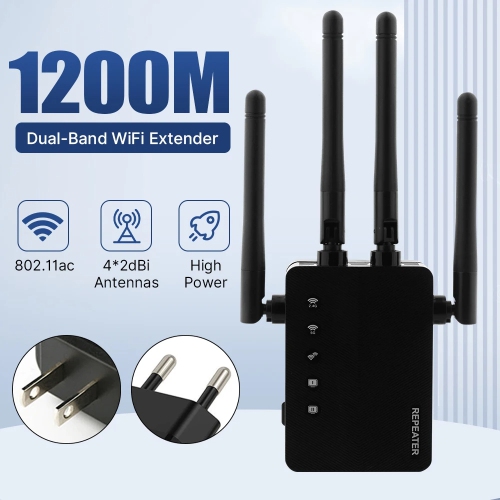
Router repeaters differ in their wireless standards, supported frequency bands, Ethernet connections, and network features. Compatibility with the existing router is an important starting point, particularly when keeping a familiar network while adding coverage in one or two rooms. Wi-Fi 5 and Wi-Fi 6 equipment can often work together through shared standards, although features and performance depend on what both devices support. A newer repeater does not automatically give an older router the capabilities of a newer wireless standard. Dual-band designs typically support 2.4 GHz and 5 GHz connections. The 2.4 GHz band generally reaches farther and passes through obstacles more effectively, while 5 GHz can support higher speeds at shorter distances when conditions allow. Support for both bands is useful in households with a mix of phones, computers, televisions, and smart home devices. Advertised wireless speed ratings describe theoretical connection capabilities, often combined across bands, rather than the internet speed a single device will necessarily receive. Ethernet ports add another consideration. A port can connect a nearby desktop computer, television, or gaming console by cable, but the connection back to the main router may still be wireless and remains a potential bottleneck. Some repeaters also support access point mode, which uses an Ethernet cable to the router instead of repeating its wireless signal. That arrangement can suit a home office with existing network wiring. Mesh compatibility is a separate feature worth distinguishing from ordinary repeating. A compatible mesh-capable extender may coordinate with a supported router to manage coverage across multiple devices, while a standard repeater may use its own network name or share the existing one without the same coordination. Matching network names alone does not guarantee seamless movement between coverage areas. Setup options, signal indicators, security settings, and software support can make everyday ownership easier, especially when the network serves several people with different devices and routines. Compatibility with the router’s encryption settings also helps keep the extended network protected without requiring weaker security.
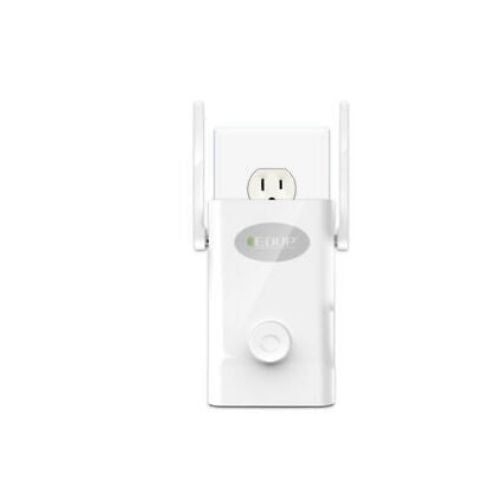
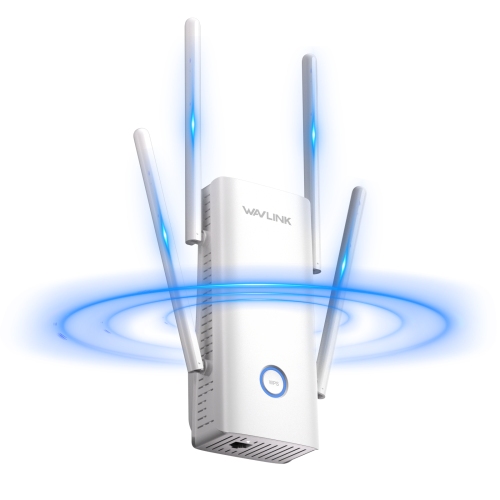
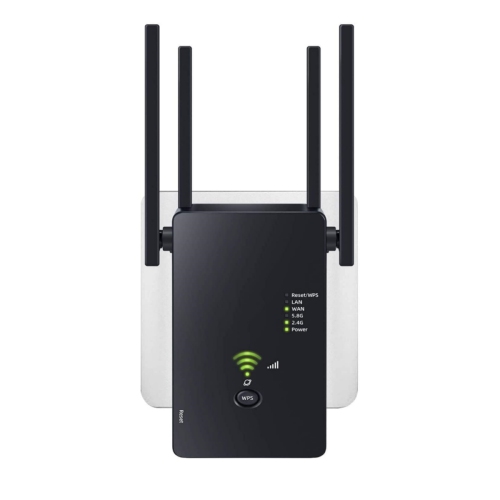
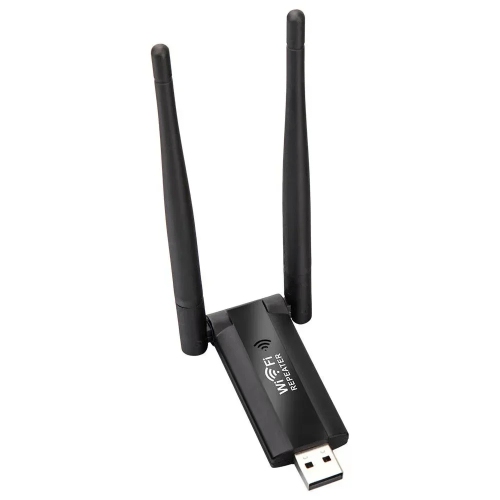
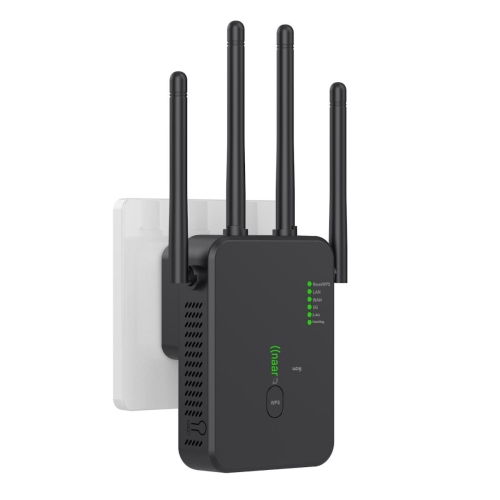
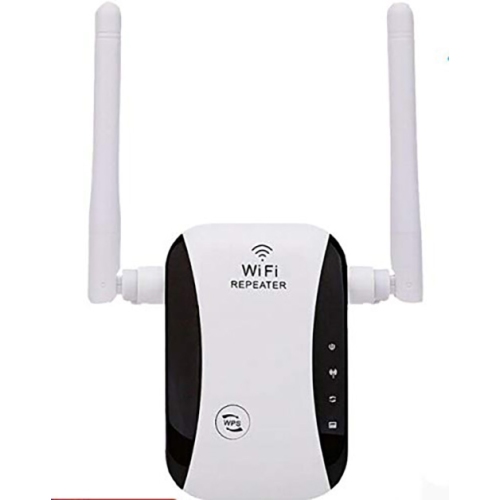
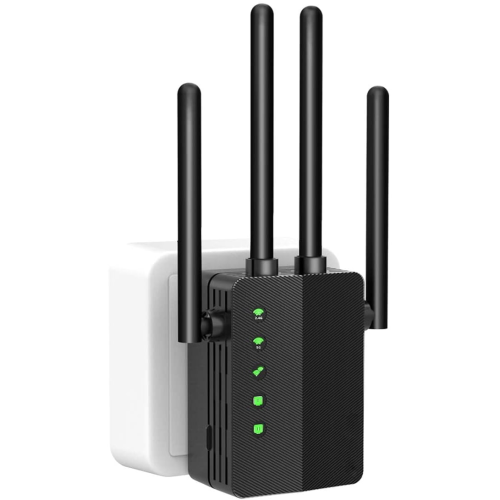
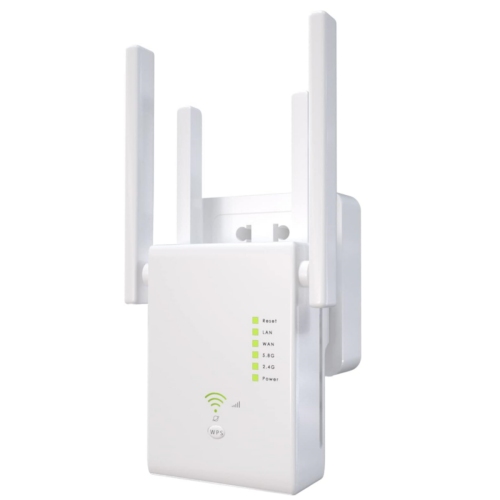
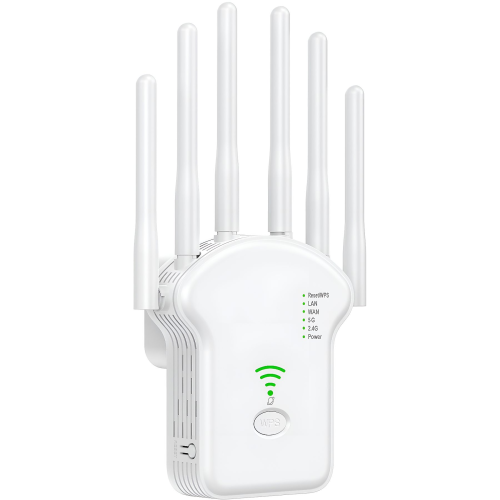
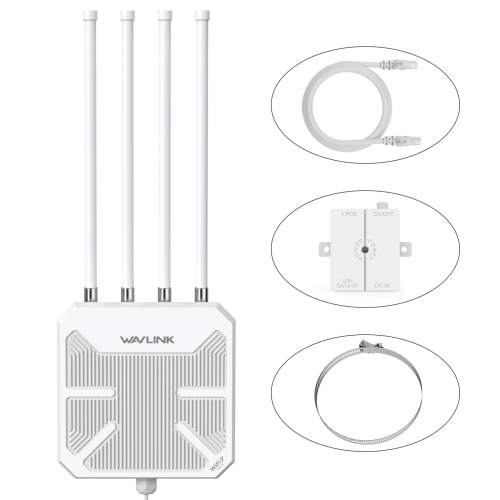
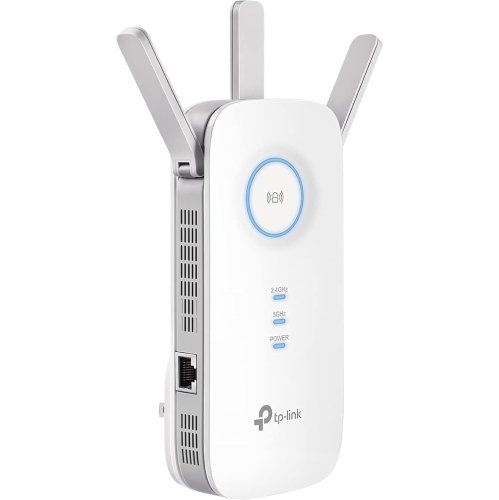
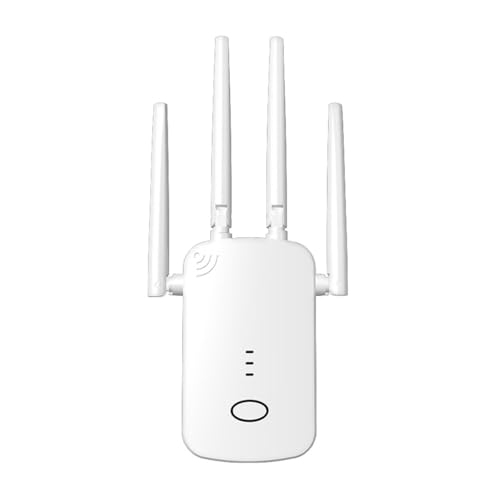
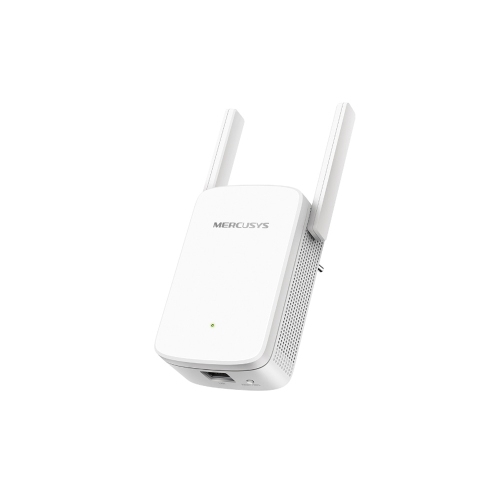
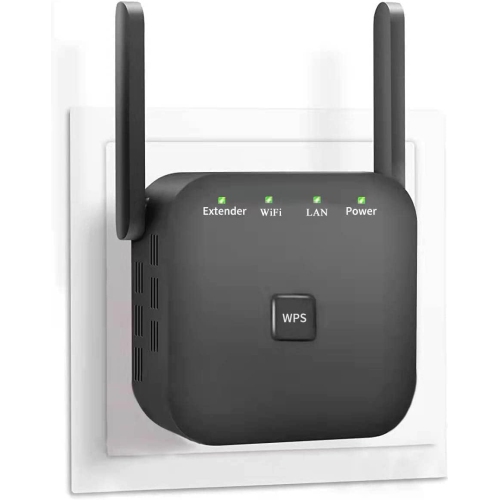
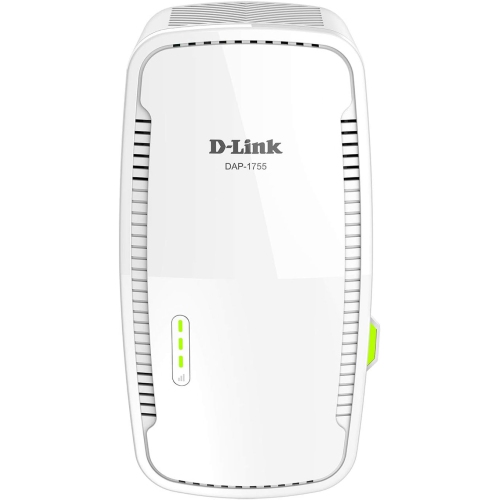
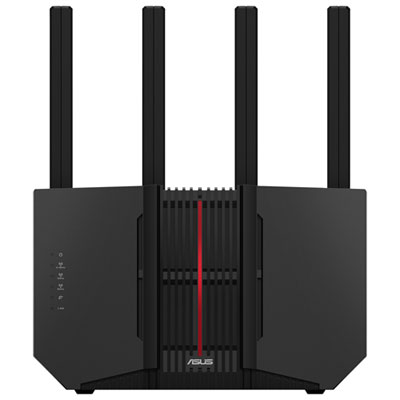
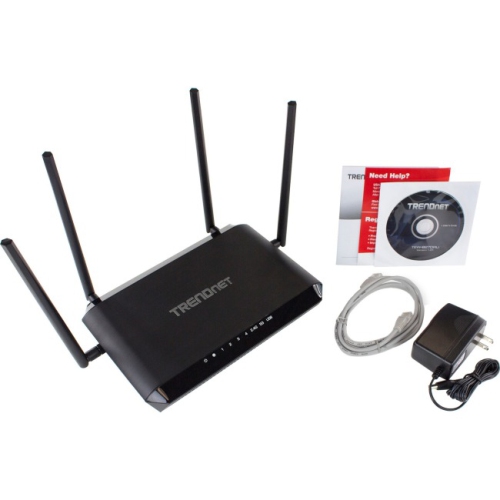
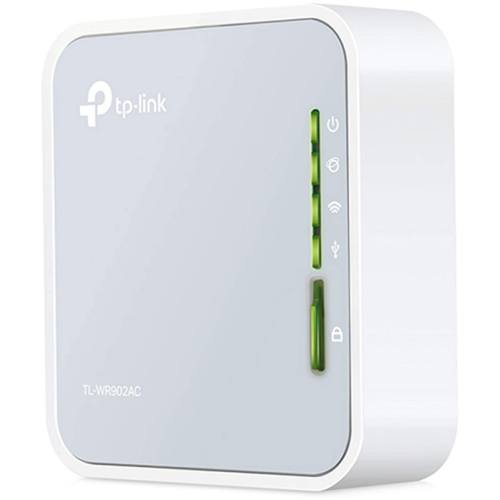
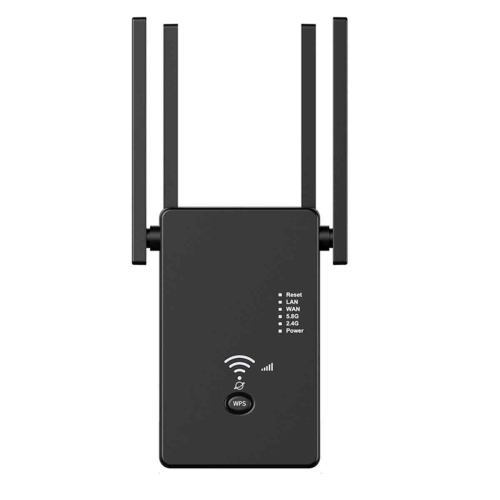
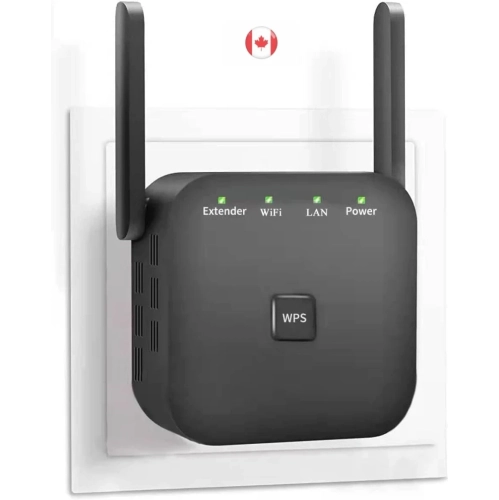
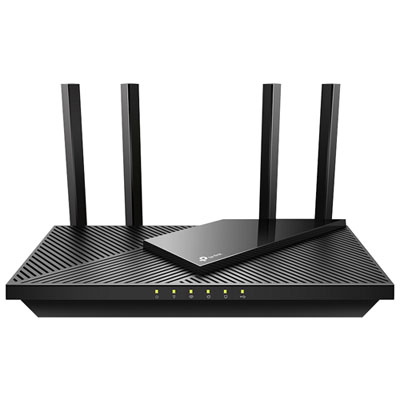
Physical design affects how comfortably a router repeater fits into a home as well as where it can be positioned. Compact plug-in designs keep shelves clear and usually have a rigid plastic housing, while larger tabletop designs may provide more flexibility for positioning antennas and connecting cables. Neither shape alone determines coverage or durability. Outlet spacing, nearby furniture, antenna clearance, and room for ventilation are practical details, especially in a narrow hallway or beside a busy workstation. A bulky plug-in housing may obstruct an adjacent socket, and a unit tucked behind a metal filing cabinet may struggle despite being close to the room it serves. Adjustable external antennas offer positioning flexibility, while internal antennas keep the profile simpler; antenna count or appearance alone is not a reliable measure of performance. Signal-strength lights can help identify a useful location, and adjustable indicators may be welcome in bedrooms where bright lights are distracting. For lasting use, a repeater benefits from a stable position, unobstructed vents, and protection from spills or accidental knocks. Routine care generally involves removing surface dust with a soft, dry cloth in line with the manufacturer’s directions, rather than applying liquid cleaners around openings or connectors. Software updates are another part of ownership, providing security fixes and sometimes improving compatibility or reliability. Households using parental controls, guest networks, or device schedules may also want to confirm how those features behave on the extended connection, since support varies by device and operating mode. Router repeaters can be a practical addition for renters, students sharing a home, families with devices spread across several rooms, and people working away from the main router. They are particularly useful when the existing network performs well in most areas and only a specific coverage gap needs attention. When weak reception affects much of the home, routers with long range coverage offer another option to consider alongside a repeater. The right approach depends on the existing router, the building’s layout, and whether the priority is reaching one distant room or supporting reliable connections throughout the home.
Router repeaters differ in their wireless standards, supported frequency bands, Ethernet connections, and network features. Compatibility with the existing router is an important starting point, particularly when keeping a familiar network while adding coverage in one or two rooms. Wi-Fi 5 and Wi-Fi 6 equipment can often work together through shared standards, although features and performance depend on what both devices support. A newer repeater does not automatically give an older router the capabilities of a newer wireless standard. Dual-band designs typically support 2.4 GHz and 5 GHz connections. The 2.4 GHz band generally reaches farther and passes through obstacles more effectively, while 5 GHz can support higher speeds at shorter distances when conditions allow. Support for both bands is useful in households with a mix of phones, computers, televisions, and smart home devices. Advertised wireless speed ratings describe theoretical connection capabilities, often combined across bands, rather than the internet speed a single device will necessarily receive. Ethernet ports add another consideration. A port can connect a nearby desktop computer, television, or gaming console by cable, but the connection back to the main router may still be wireless and remains a potential bottleneck. Some repeaters also support access point mode, which uses an Ethernet cable to the router instead of repeating its wireless signal. That arrangement can suit a home office with existing network wiring. Mesh compatibility is a separate feature worth distinguishing from ordinary repeating. A compatible mesh-capable extender may coordinate with a supported router to manage coverage across multiple devices, while a standard repeater may use its own network name or share the existing one without the same coordination. Matching network names alone does not guarantee seamless movement between coverage areas. Setup options, signal indicators, security settings, and software support can make everyday ownership easier, especially when the network serves several people with different devices and routines. Compatibility with the router’s encryption settings also helps keep the extended network protected without requiring weaker security.
Physical design affects how comfortably a router repeater fits into a home as well as where it can be positioned. Compact plug-in designs keep shelves clear and usually have a rigid plastic housing, while larger tabletop designs may provide more flexibility for positioning antennas and connecting cables. Neither shape alone determines coverage or durability. Outlet spacing, nearby furniture, antenna clearance, and room for ventilation are practical details, especially in a narrow hallway or beside a busy workstation. A bulky plug-in housing may obstruct an adjacent socket, and a unit tucked behind a metal filing cabinet may struggle despite being close to the room it serves. Adjustable external antennas offer positioning flexibility, while internal antennas keep the profile simpler; antenna count or appearance alone is not a reliable measure of performance. Signal-strength lights can help identify a useful location, and adjustable indicators may be welcome in bedrooms where bright lights are distracting. For lasting use, a repeater benefits from a stable position, unobstructed vents, and protection from spills or accidental knocks. Routine care generally involves removing surface dust with a soft, dry cloth in line with the manufacturer’s directions, rather than applying liquid cleaners around openings or connectors. Software updates are another part of ownership, providing security fixes and sometimes improving compatibility or reliability. Households using parental controls, guest networks, or device schedules may also want to confirm how those features behave on the extended connection, since support varies by device and operating mode. Router repeaters can be a practical addition for renters, students sharing a home, families with devices spread across several rooms, and people working away from the main router. They are particularly useful when the existing network performs well in most areas and only a specific coverage gap needs attention. When weak reception affects much of the home, routers with long range coverage offer another option to consider alongside a repeater. The right approach depends on the existing router, the building’s layout, and whether the priority is reaching one distant room or supporting reliable connections throughout the home.
Top selling and popular products
-
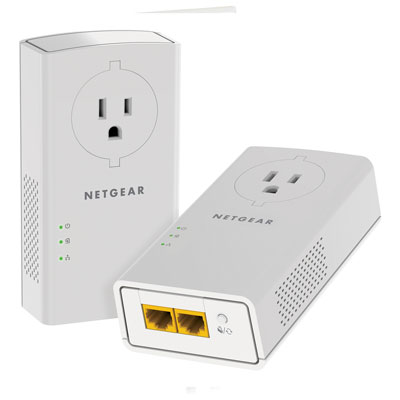 Your price for this item is $139.99
 -
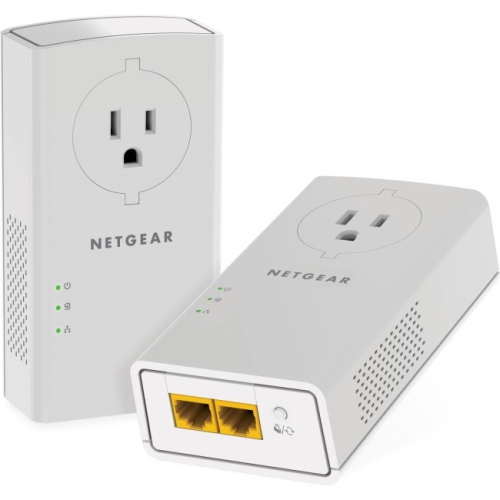 Your price for this item is $173.37
 -
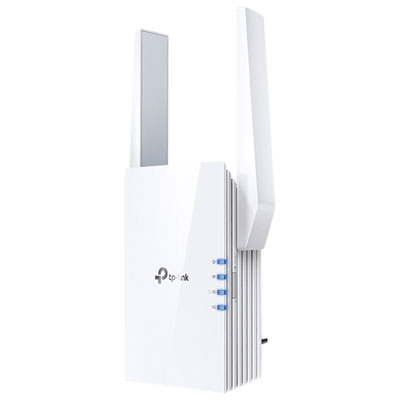 Your price for this item is $69.99
 -
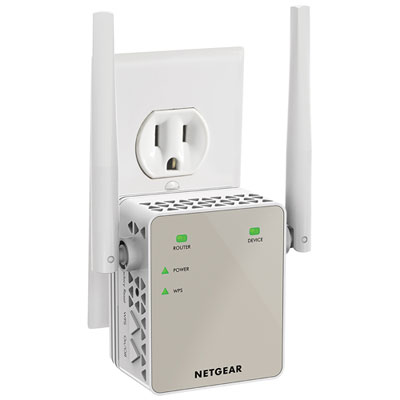 Your price for this item is $79.99
 -
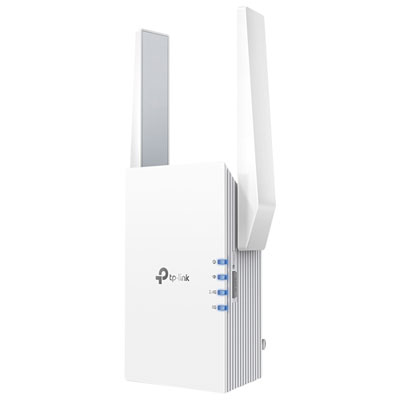 Your price for this item is $98.99
 -
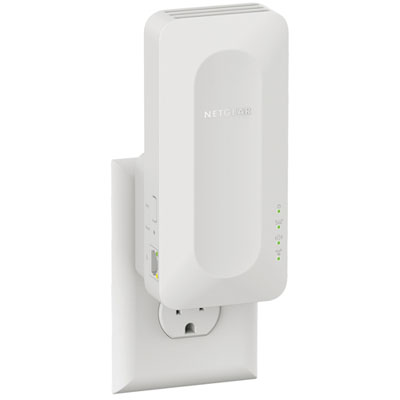 Your price for this item is $99.99
 -
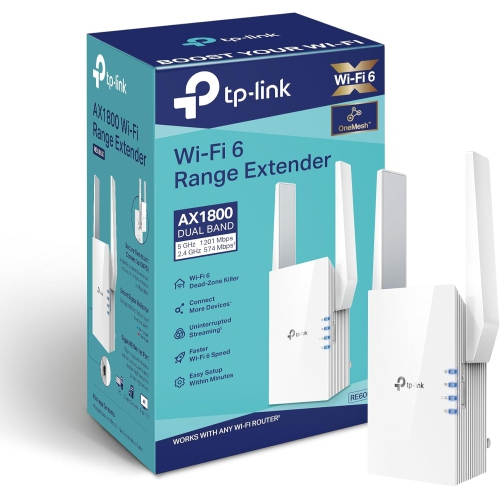 Your price for this item is $147.29
 -
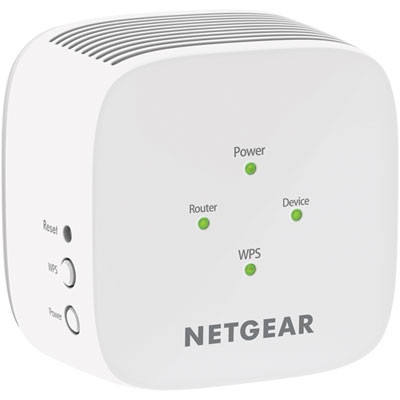 Your price for this item is $49.95
Discover more categories related to Router Repeaters

Top Collections:
Pokemon Centers, Best Cameras for Sports Photography, Kindle Devices, Samsung Galaxy Phones, Canon G7X Cameras, Pokémon 30th Celebration Cards, Refurbished Apple Laptops, iPhone 15 Apple, Laptops for Students, Budget Smartphones
Some products may be subject to Environmental Handling Fees
(EHF) depending on your province.
Learn more about EHFs.