Routers With Built In VPN
Upgrade your home network security with a router that comes equipped with built-in VPN capabilities. With the increasing need for online privacy and protection, a router with a built-in VPN allows you to create a secure connection between your devices and the internet, keeping your data safe from prying eyes. Whether you're working remotely, streaming your favorite shows, or simply browsing the web, a router with a built-in VPN ensures that your online activities remain private and secure. Here are some great options available.
Sort
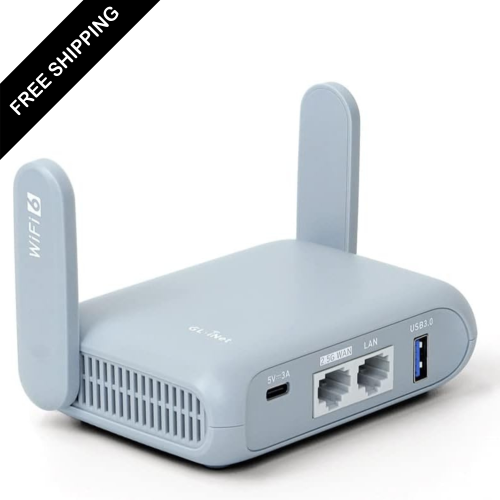
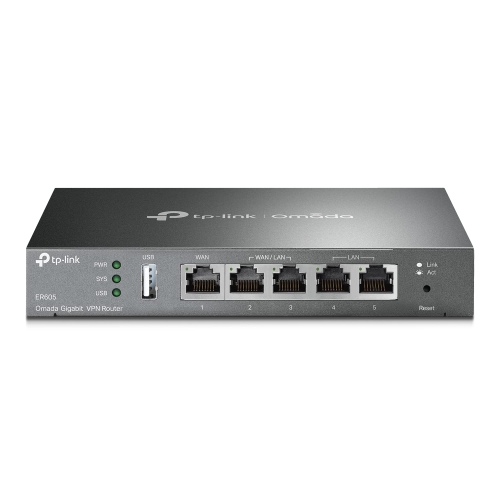
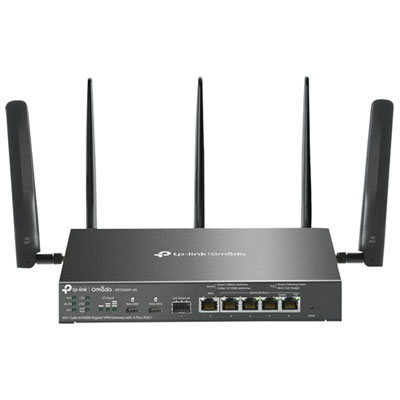
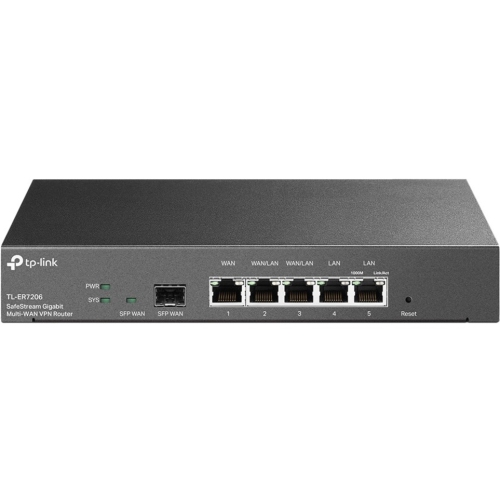
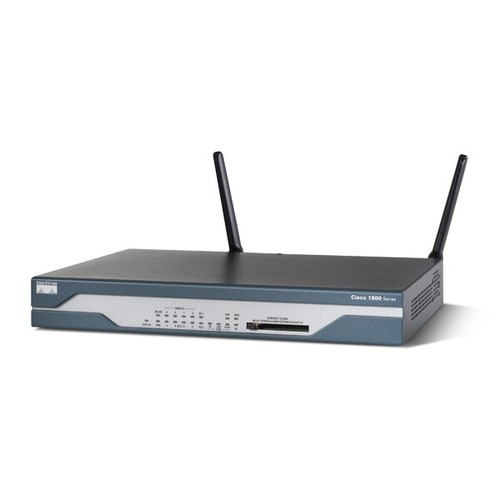
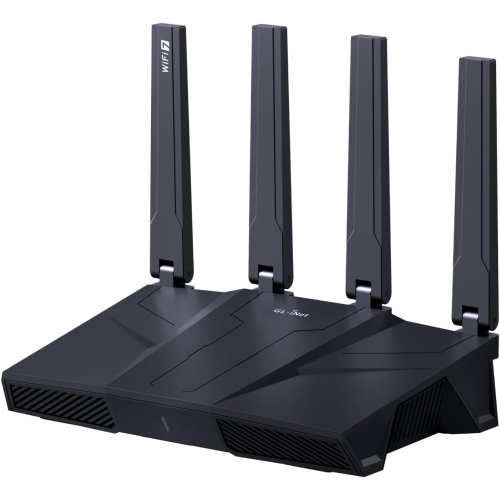
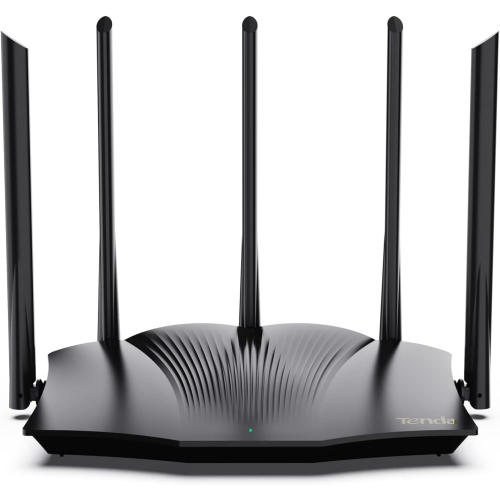
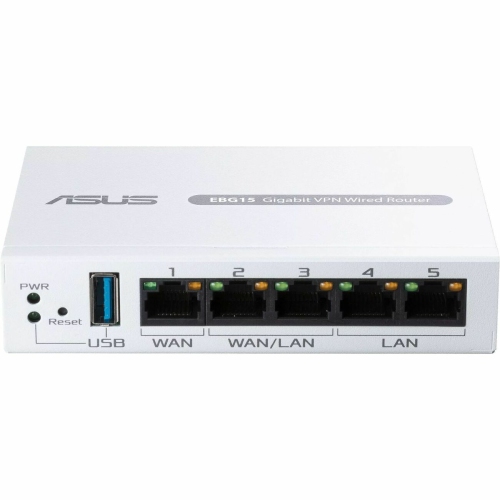
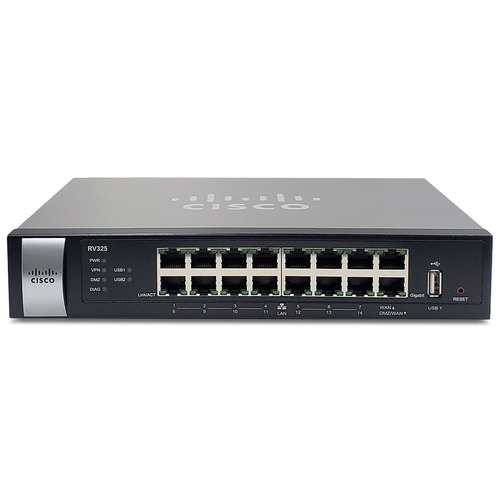
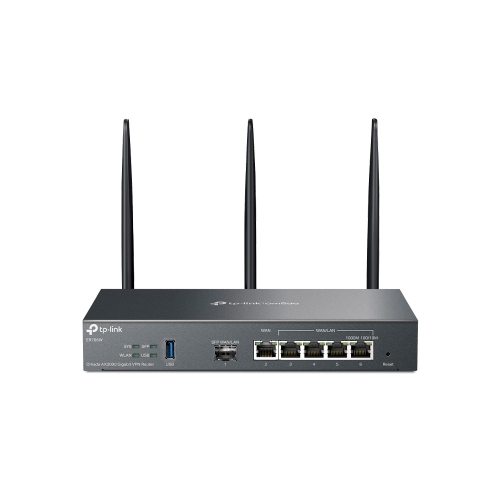
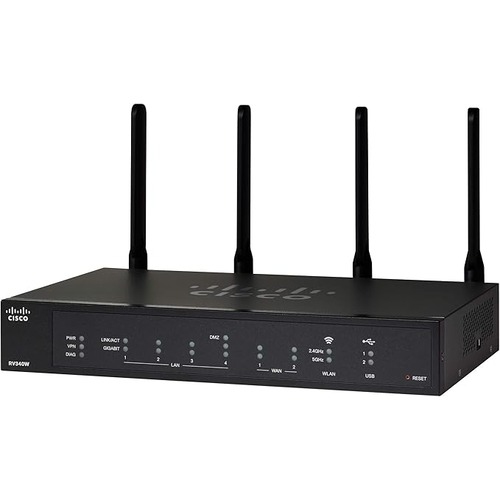
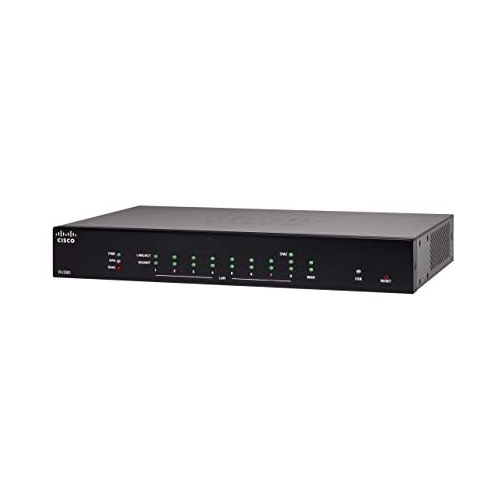
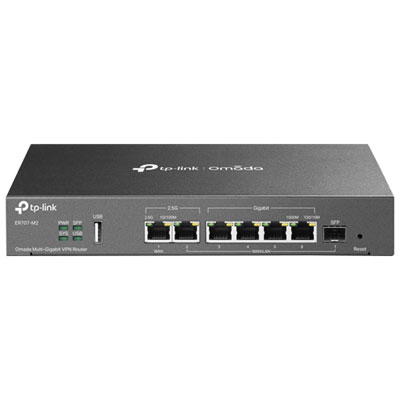
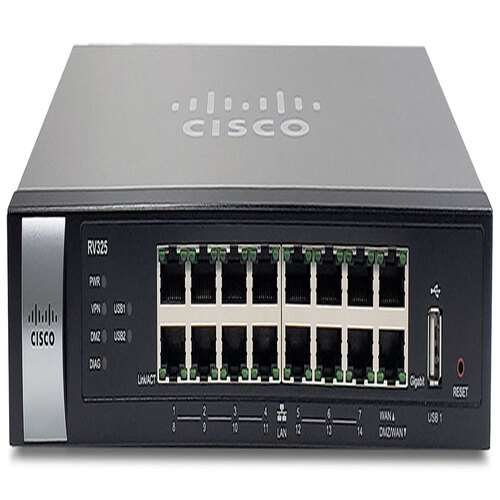


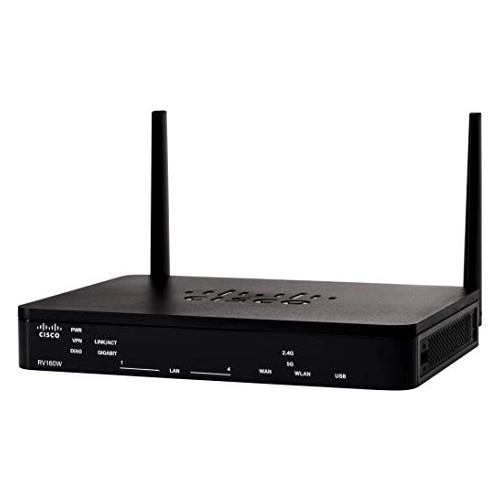
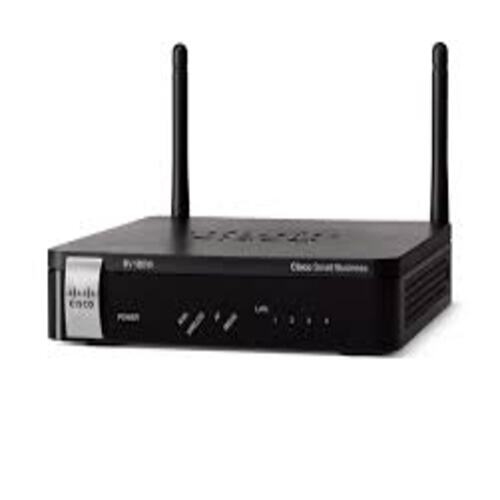
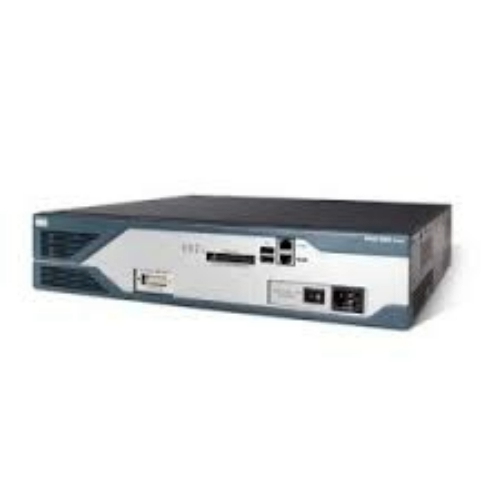
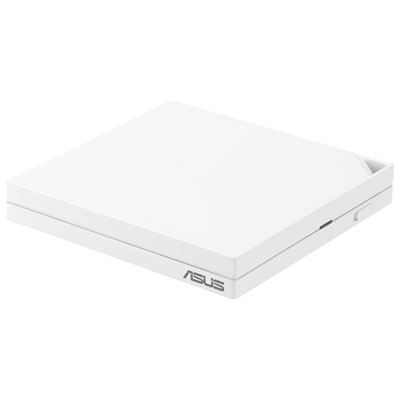
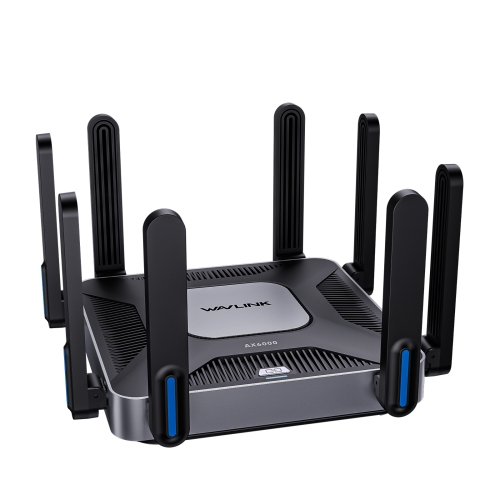
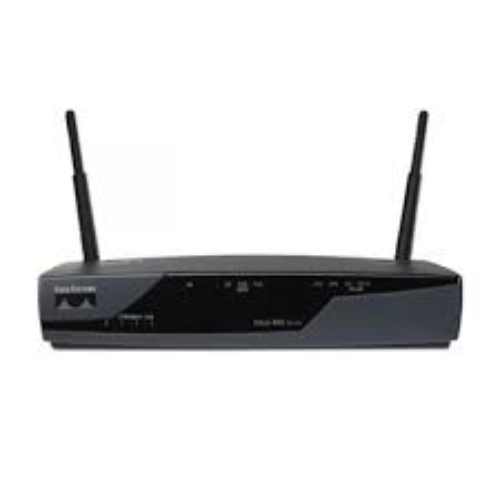
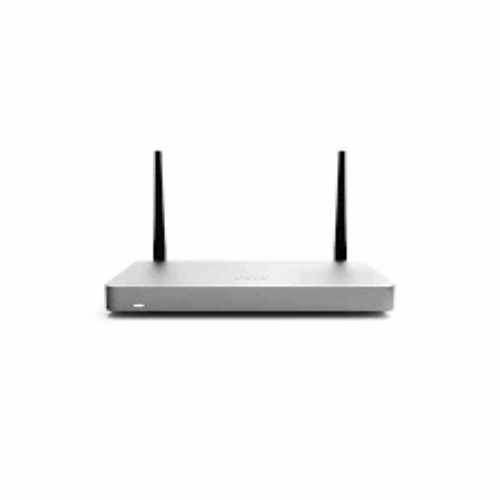
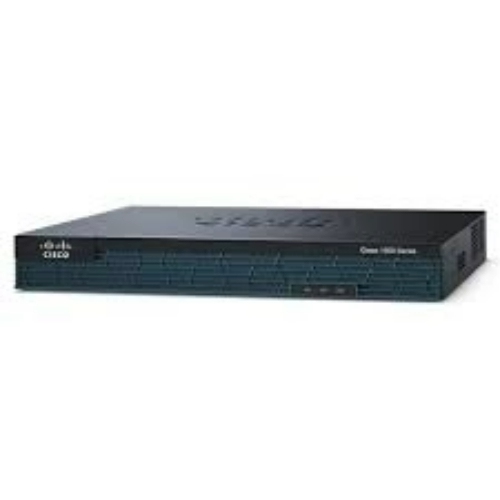
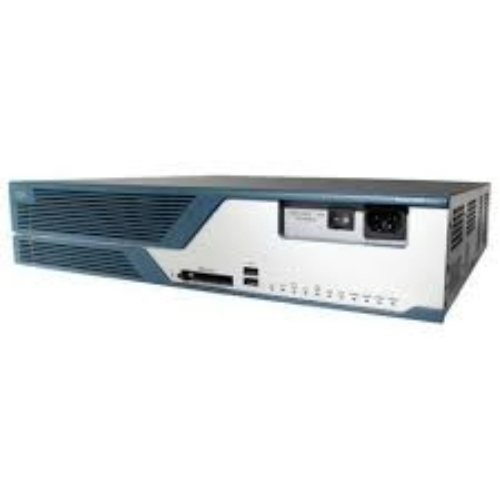
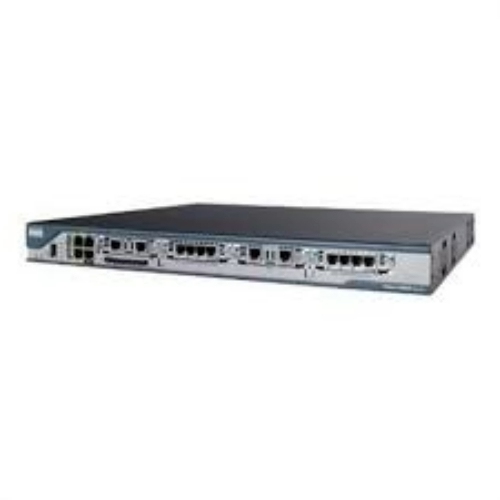
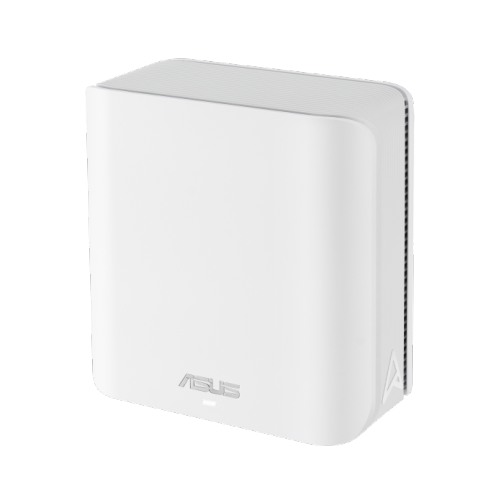
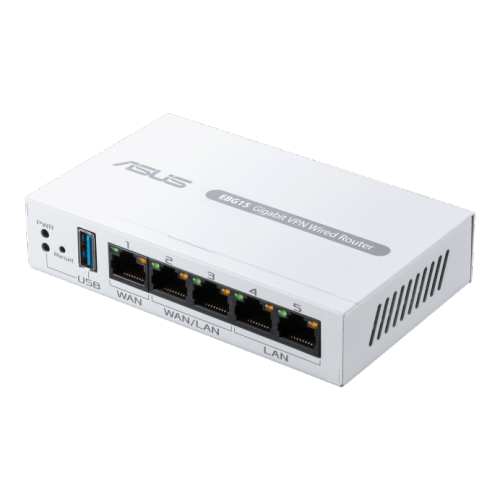
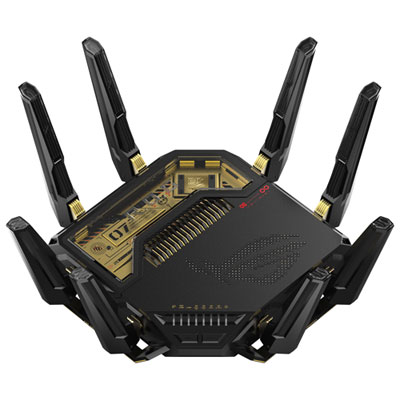
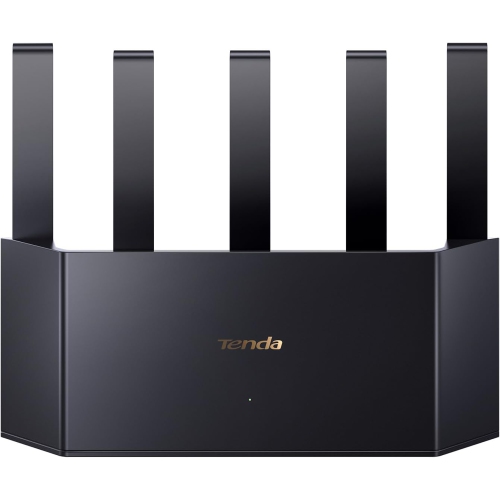
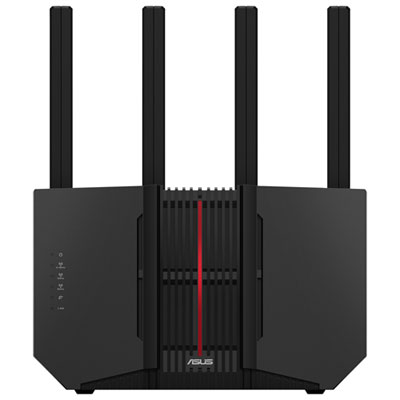
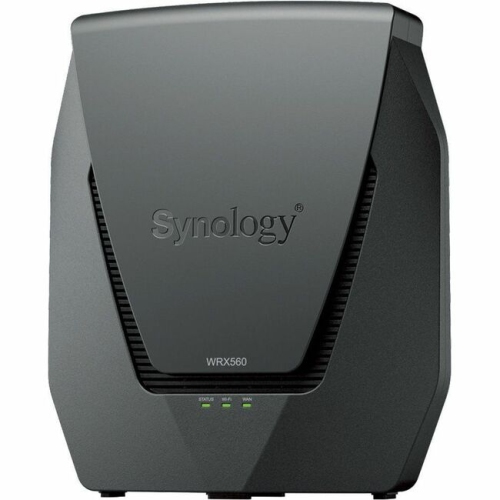
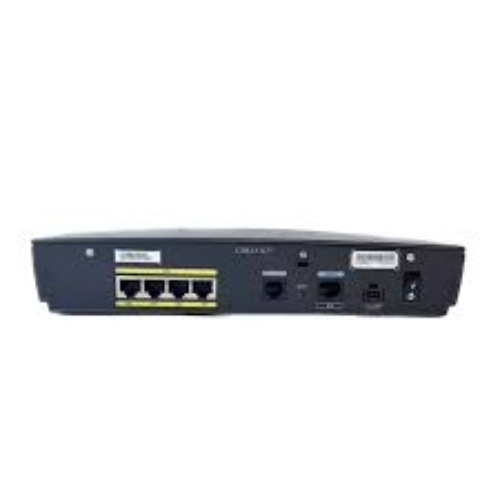
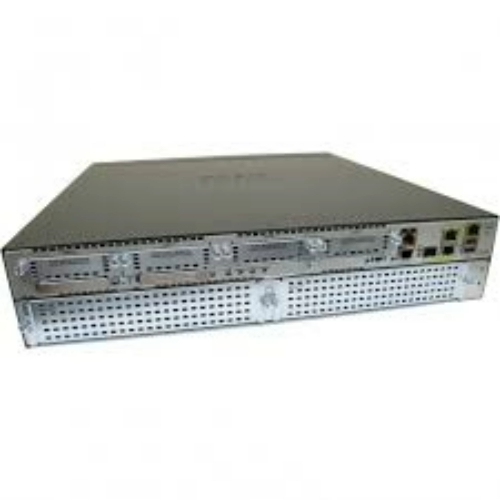
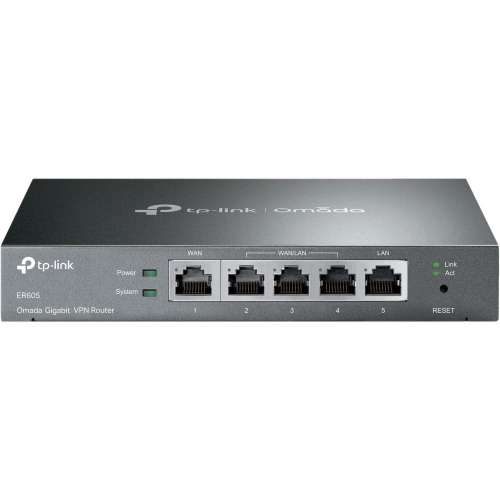
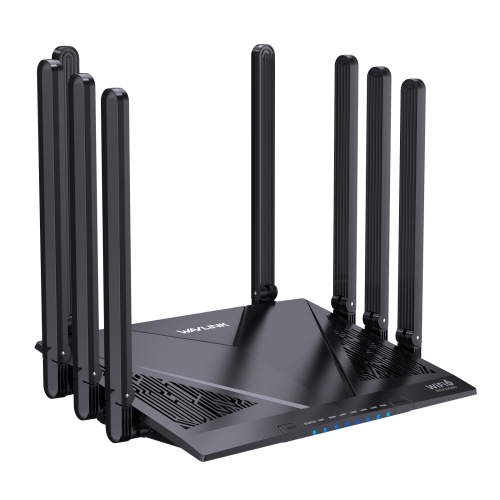
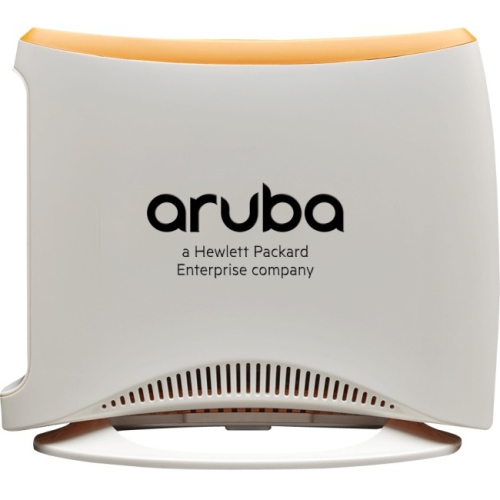
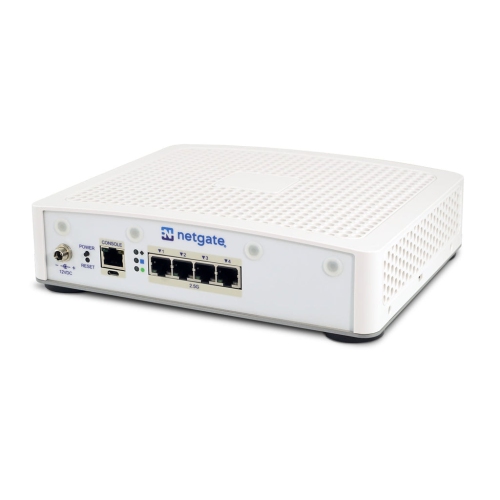
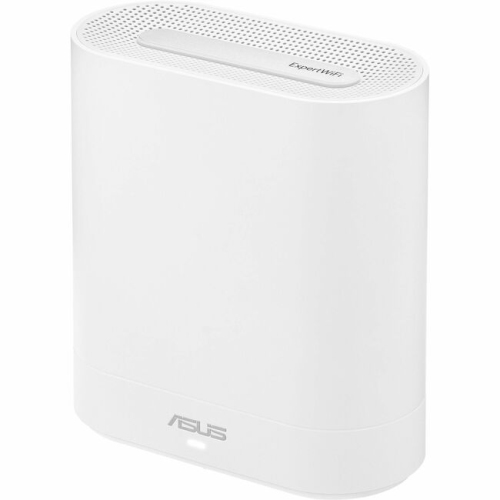
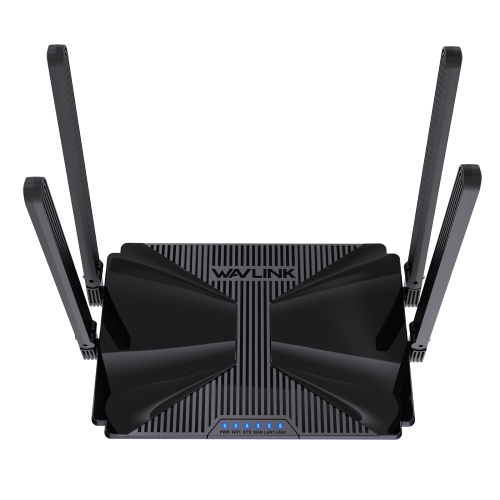
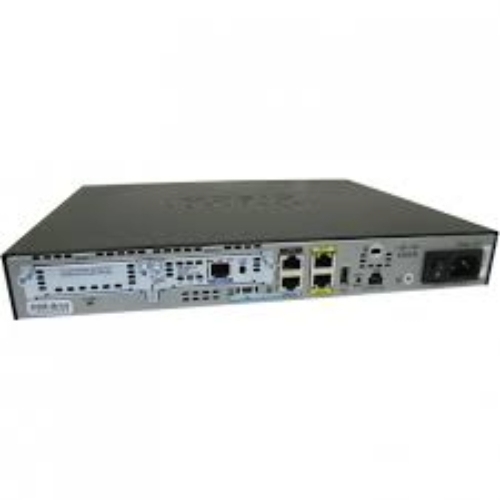
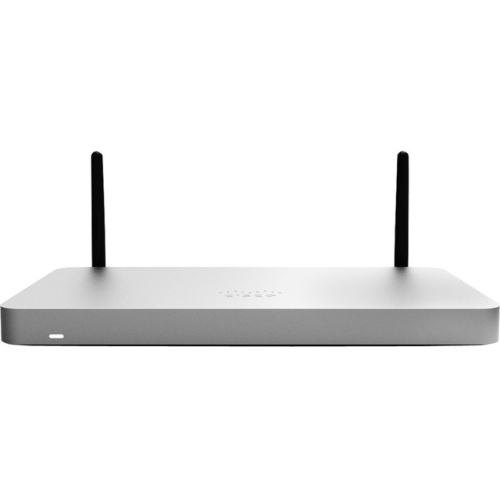

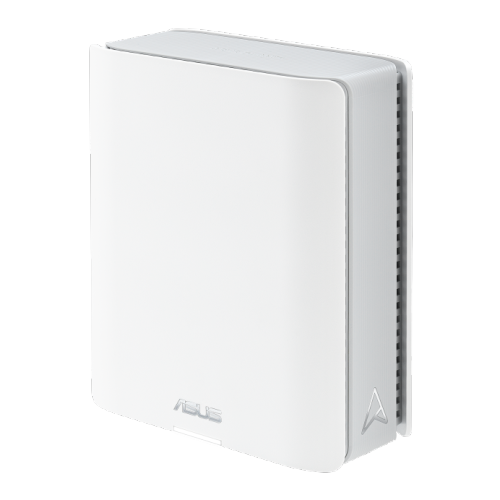
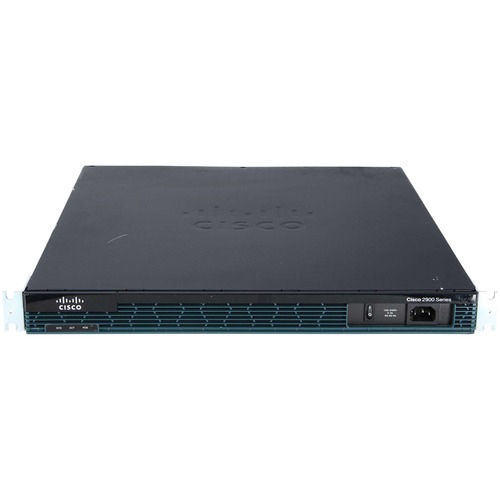
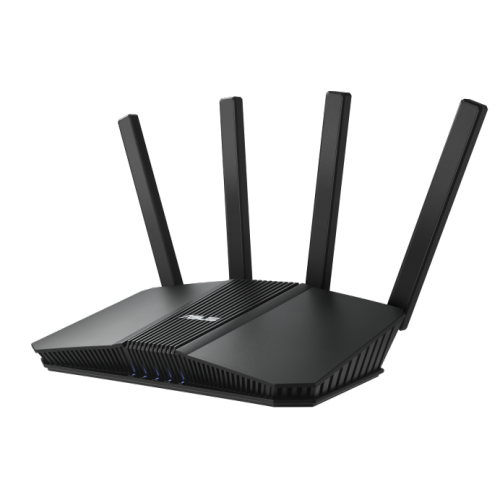
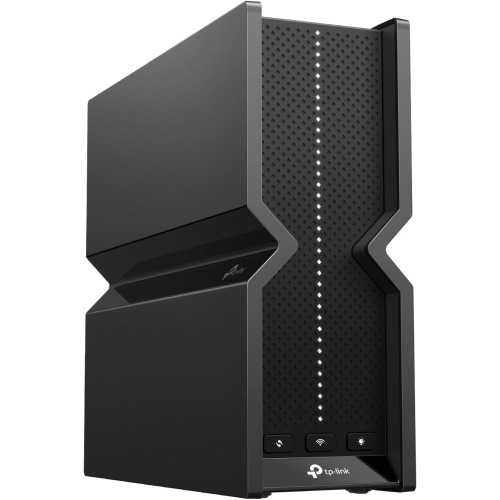
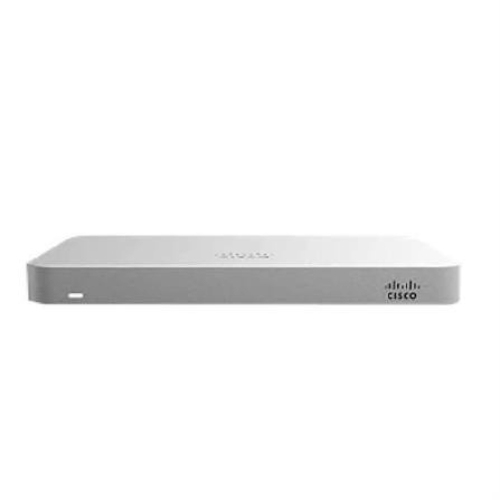
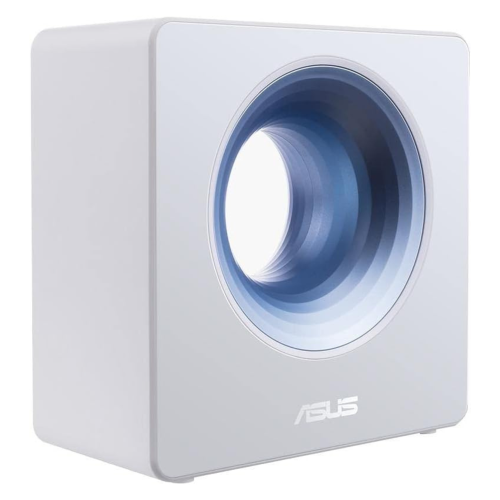
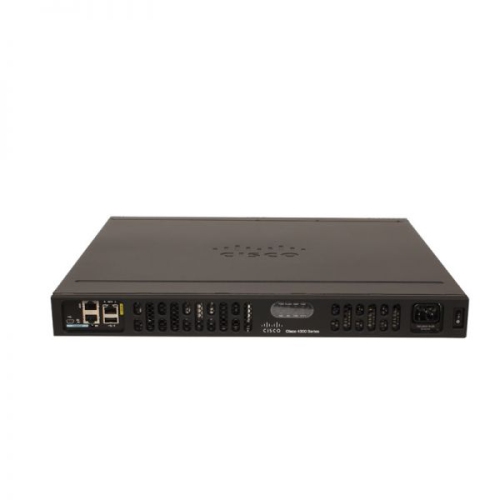
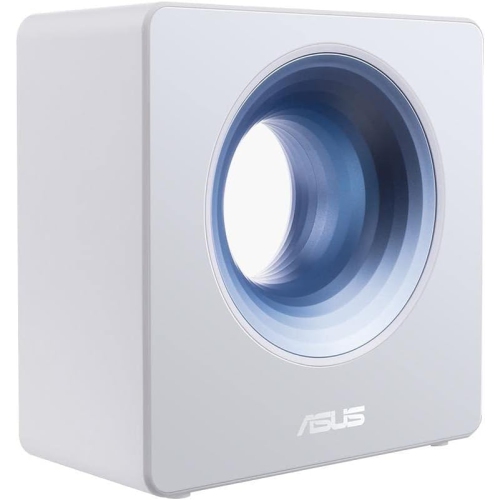
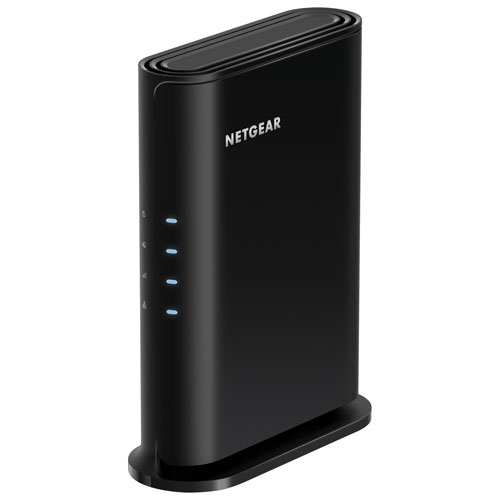
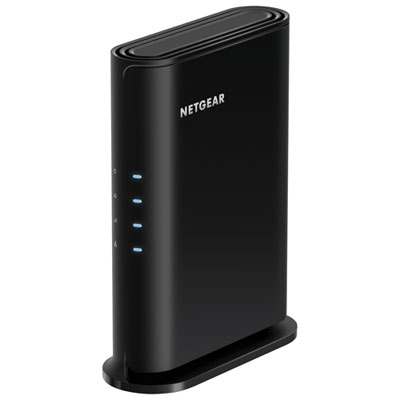
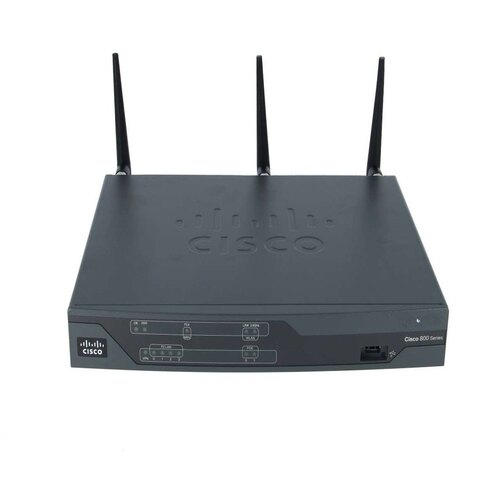
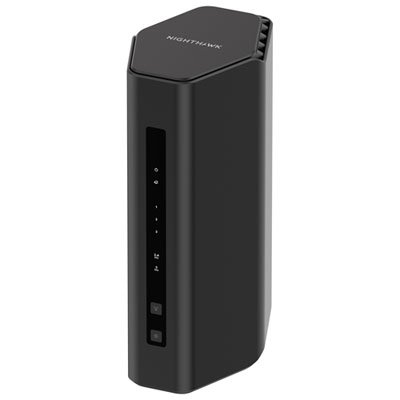
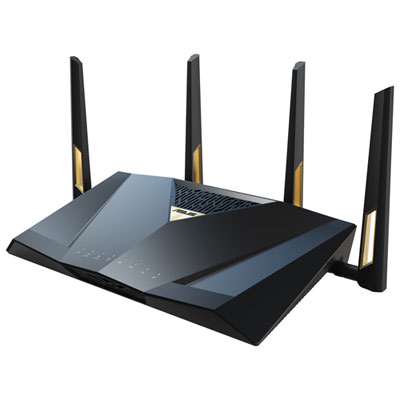
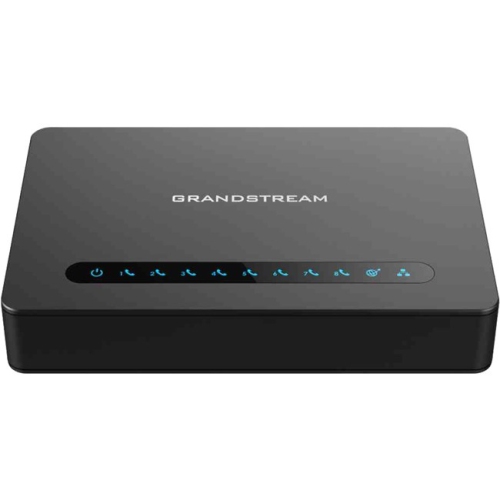
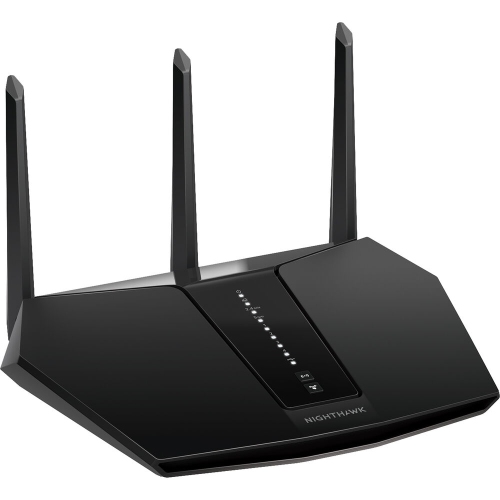
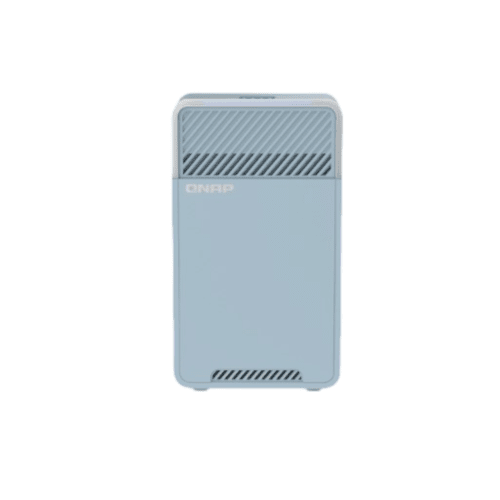
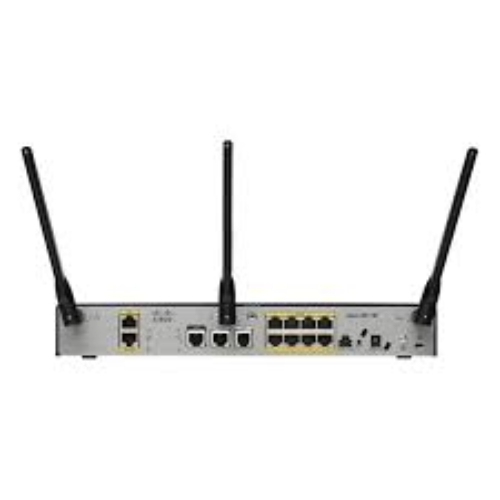
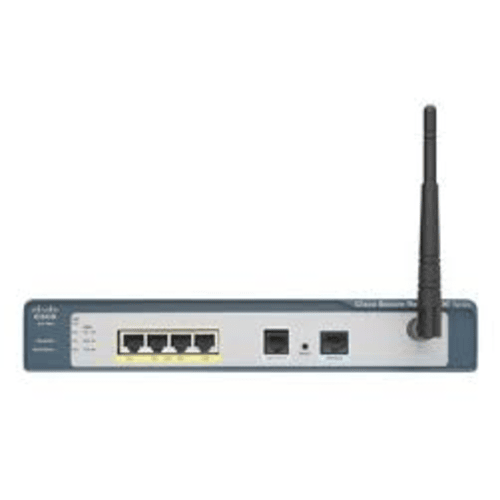
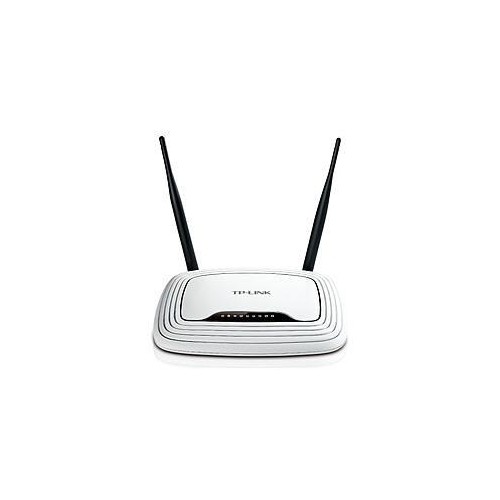
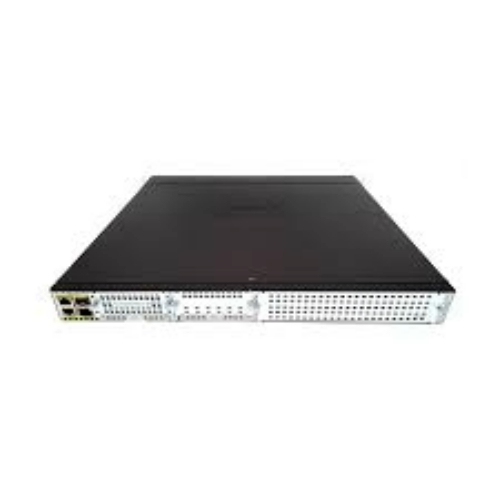
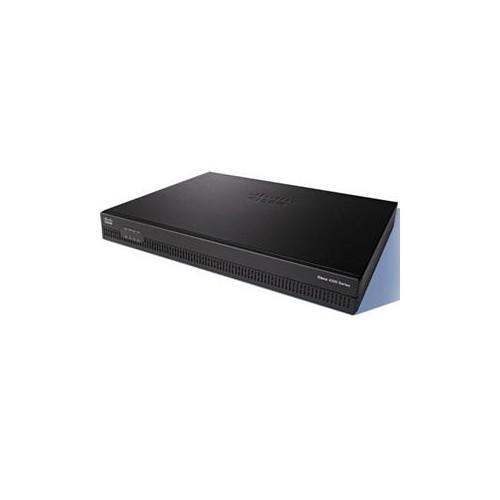
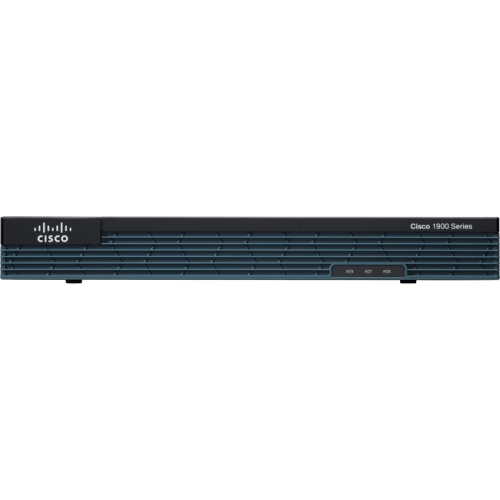
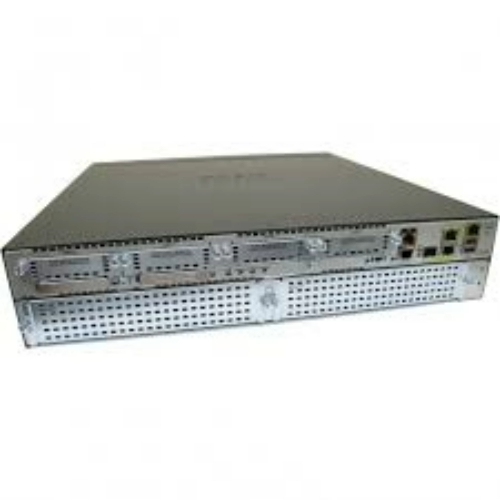
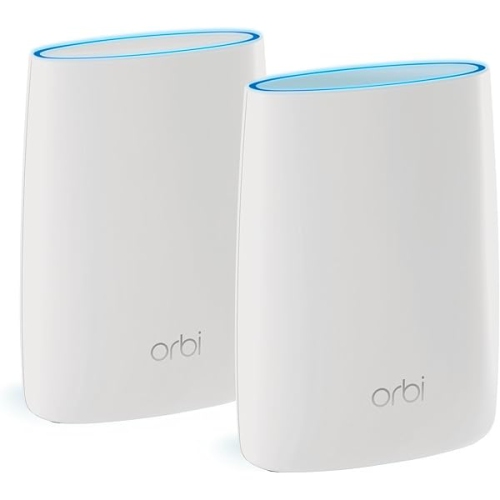
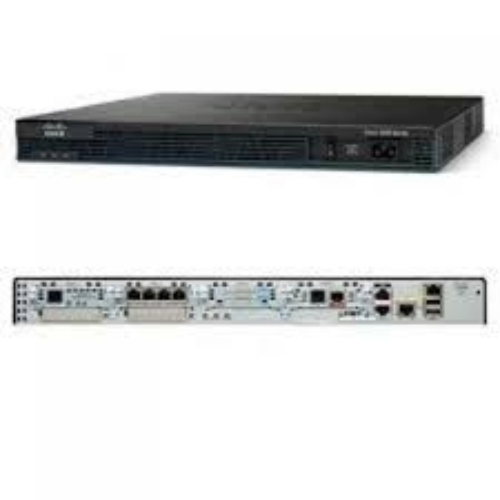

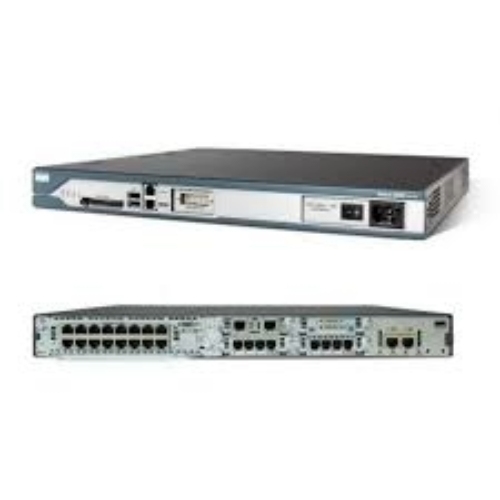
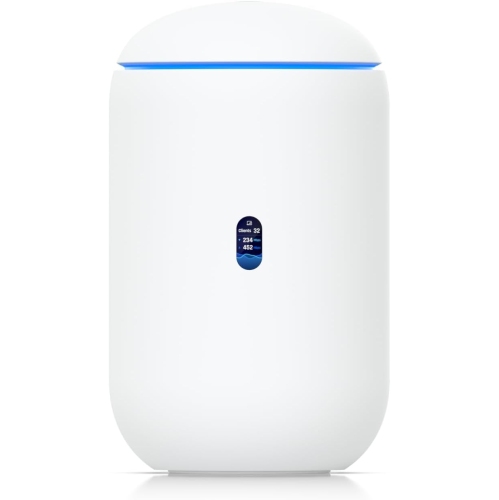
One VPN setup for home and travel devices
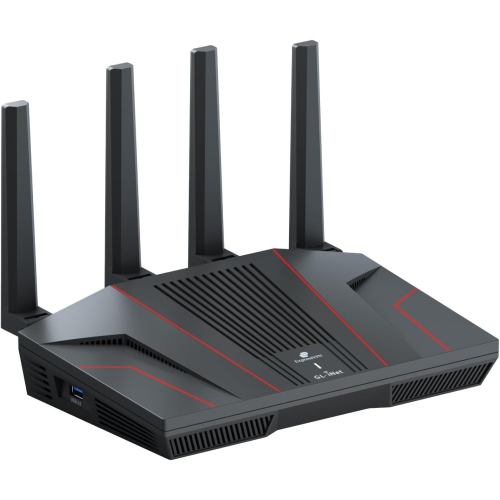
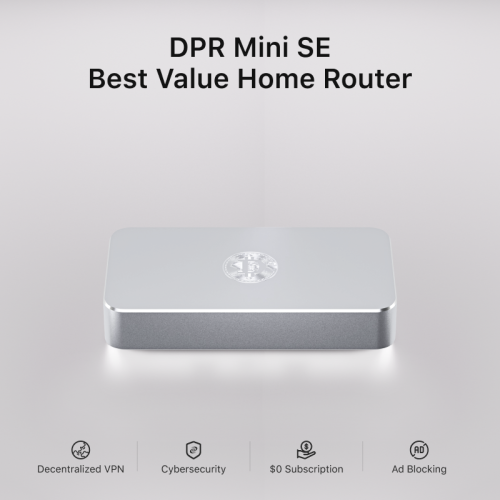
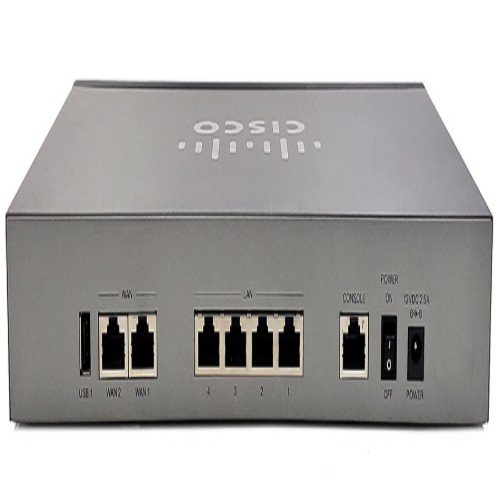
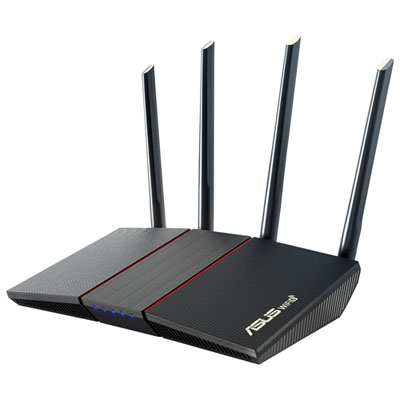
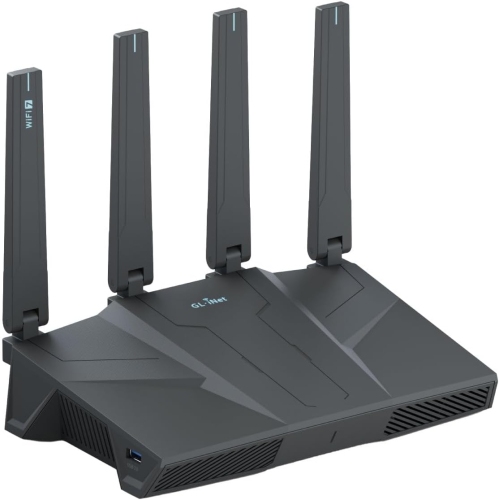
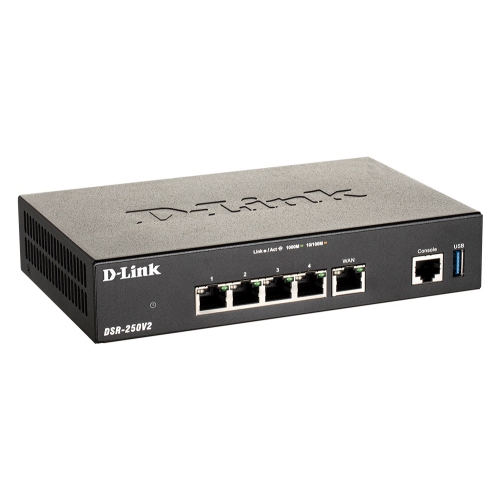
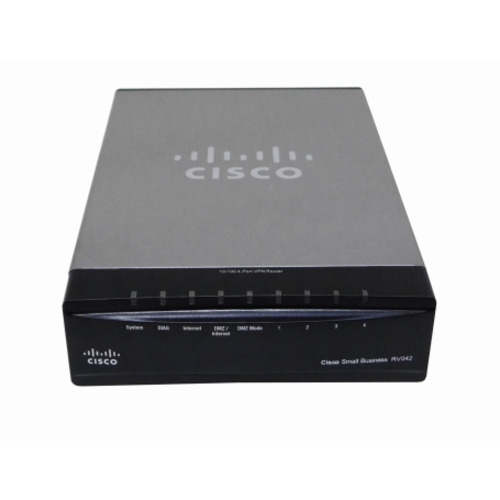
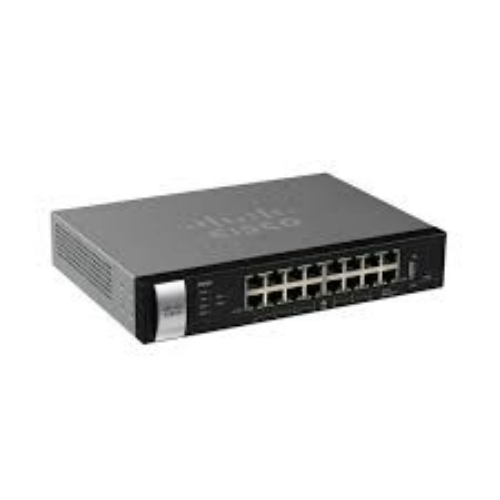
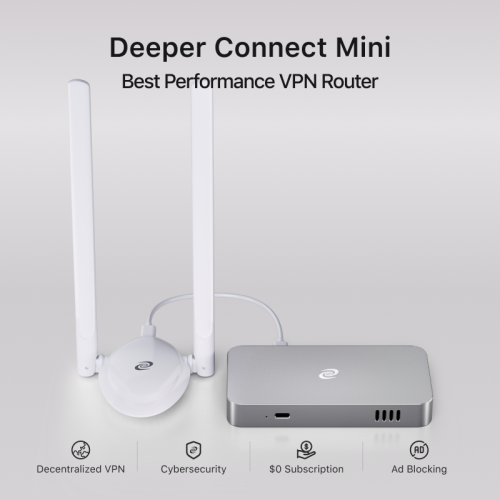
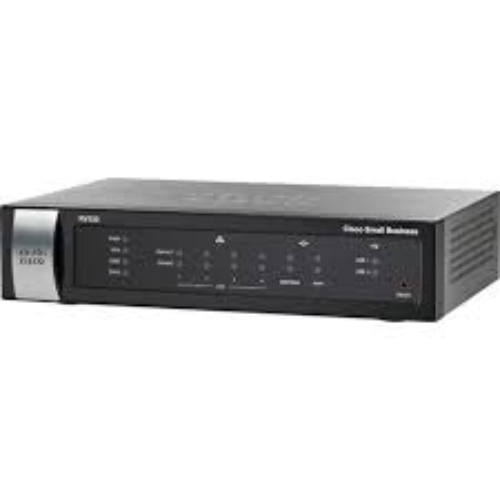
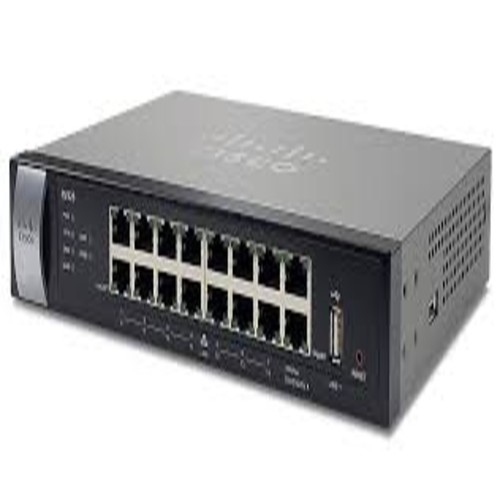
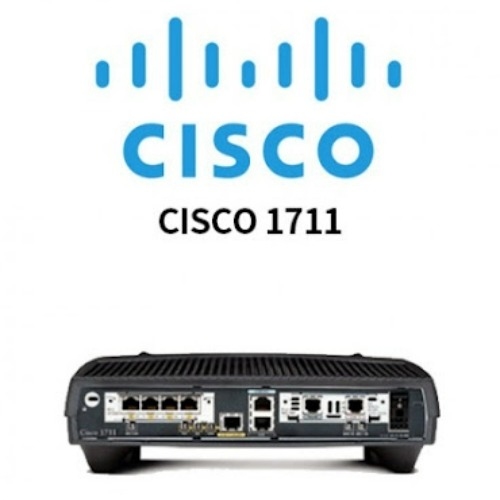
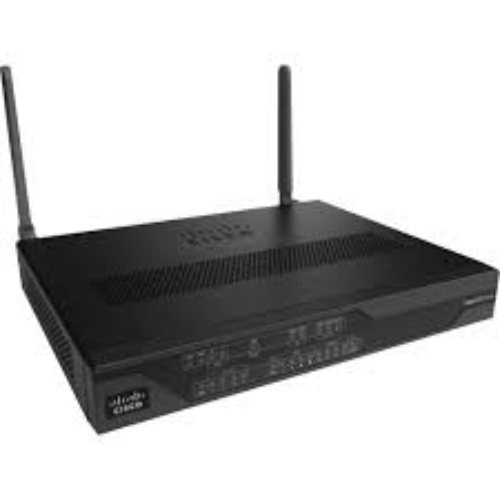
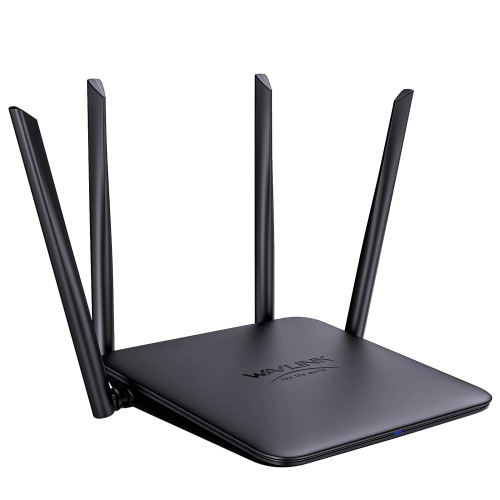
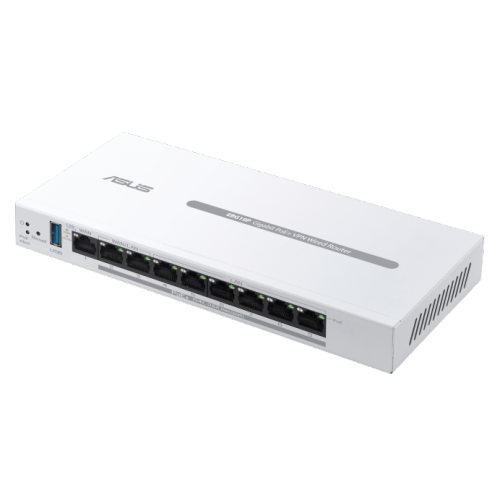
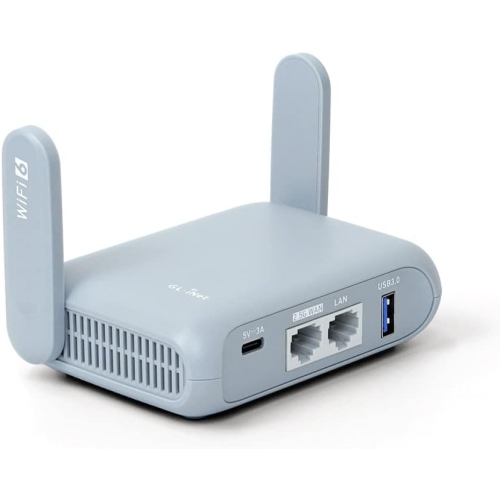
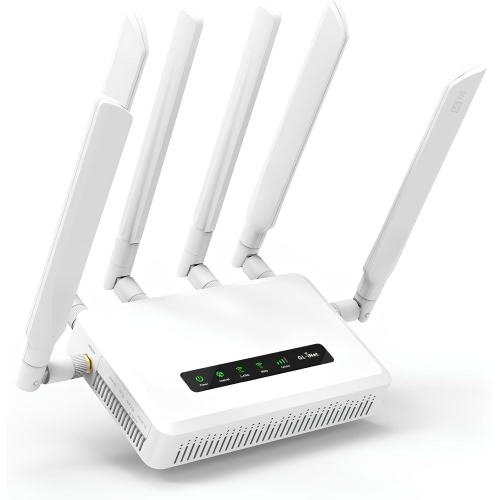
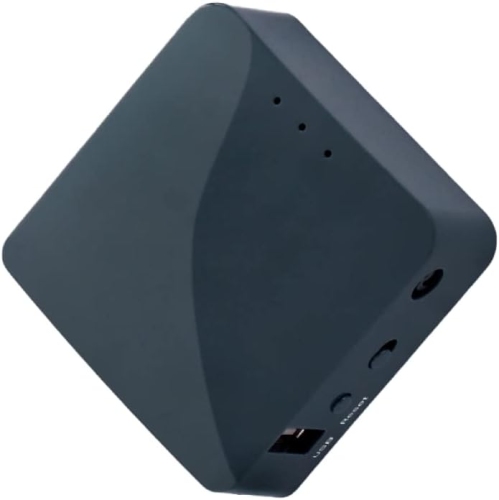
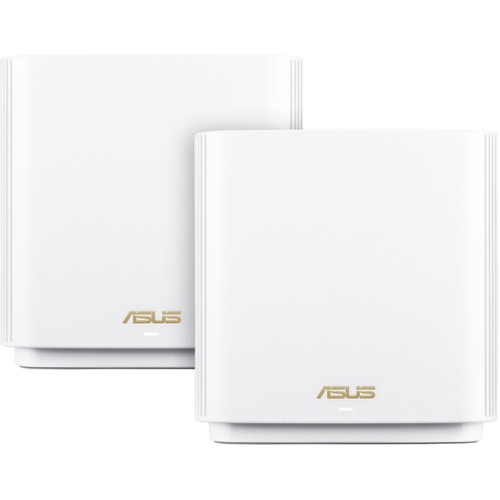
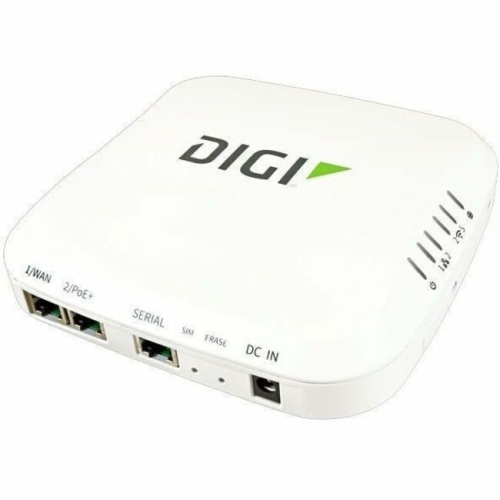
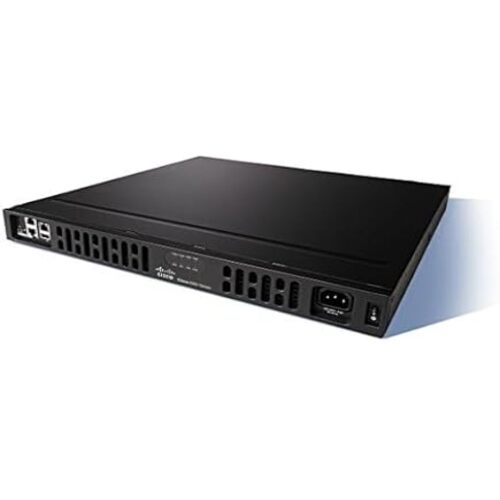
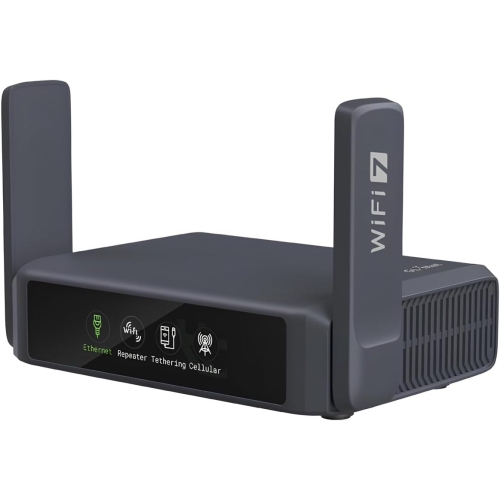
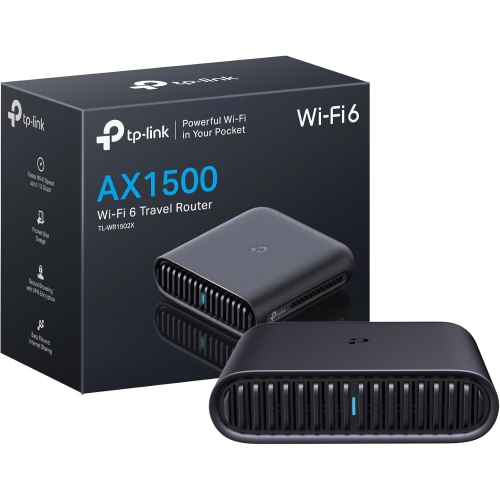
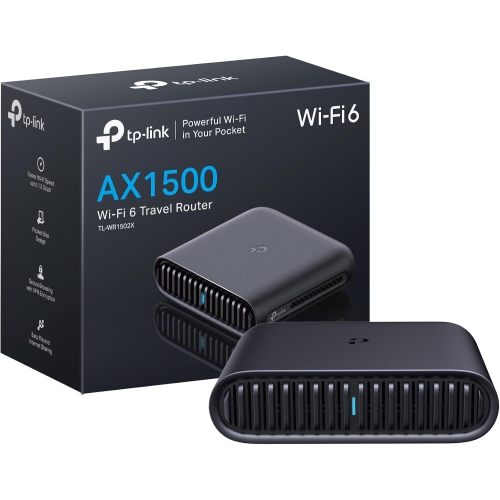
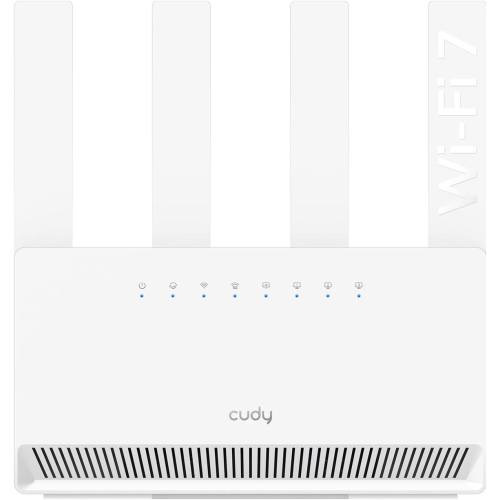
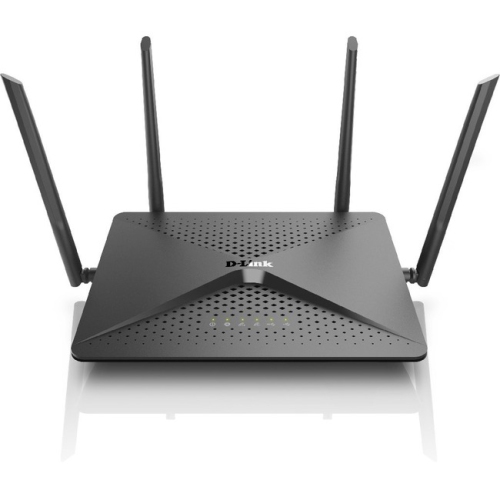
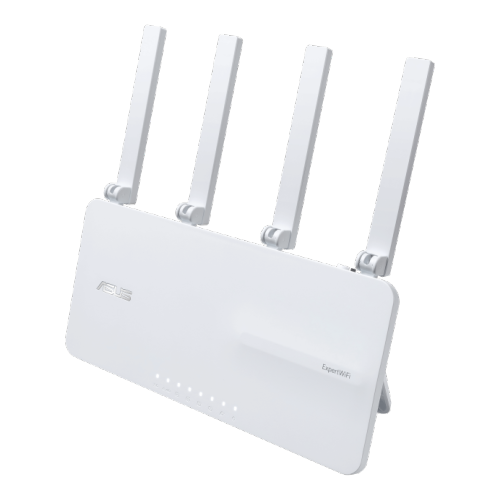
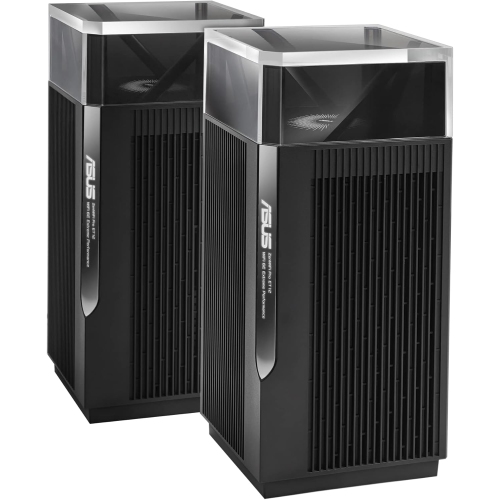
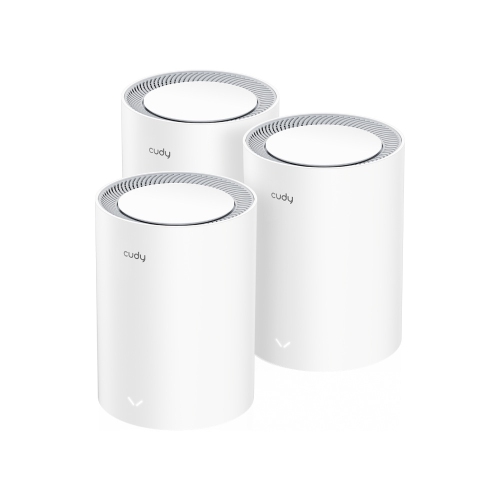
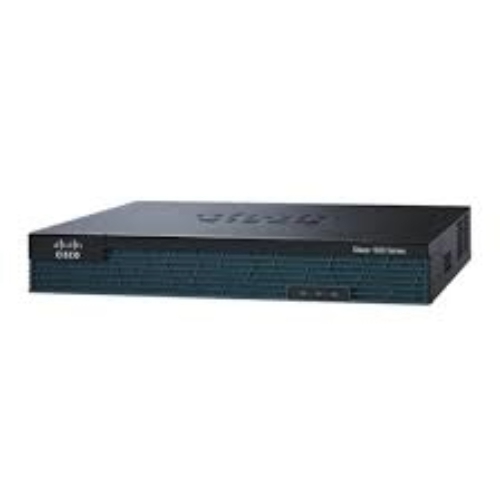
Routers with built-in VPN support provide a convenient way to route connected devices through a virtual private network from one central point in the home or office. Instead of installing and activating a VPN app separately on every phone, laptop, tablet, or streaming device, a compatible router can function as a VPN client and apply the selected connection to devices joined to the network. This can be especially useful for smart TVs, game consoles, media players, smart home accessories, and other equipment that may not support native VPN applications. Depending on the router and VPN provider, the VPN connection may use established protocols such as WireGuard or OpenVPN, with settings managed through a browser dashboard or mobile app. A router-based setup can also help simplify device limits on some commercial VPN plans, since the router may count as one connected device while multiple gadgets use the network behind it. The exact benefits depend on the VPN subscription, supported protocols, firmware, and configuration options, so it is worth confirming compatibility before making a purchase. Shoppers who want to cover a typical household network can explore Home VPN Routers for models designed around whole-network VPN use, while those who need more flexible placement may prefer a compact travel router that can be packed beside a charger and connected in a hotel room, rental, or temporary workspace.
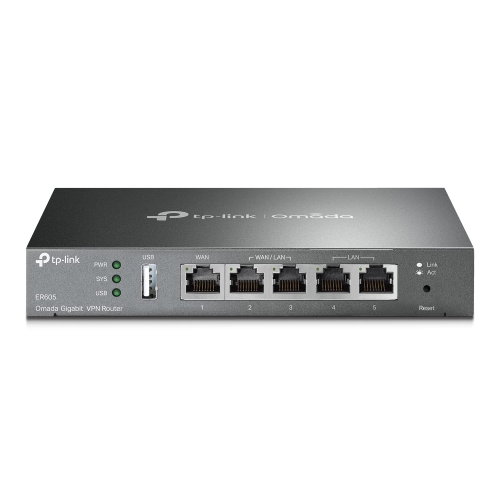
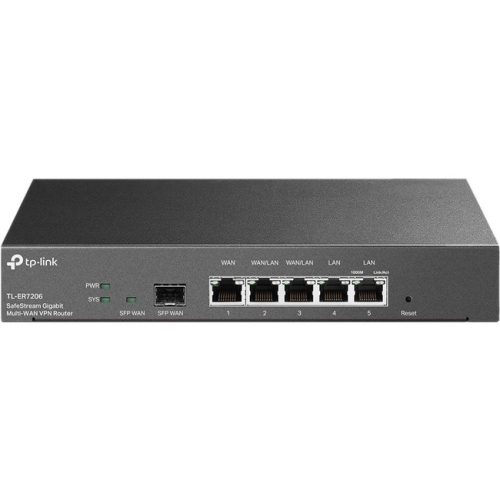
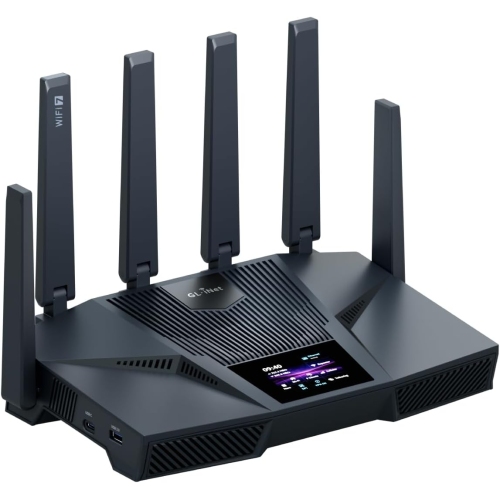
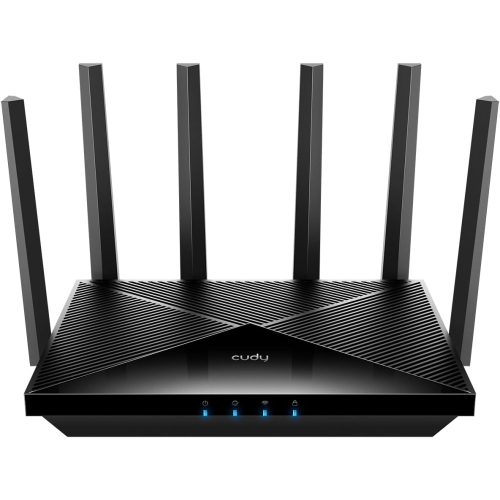
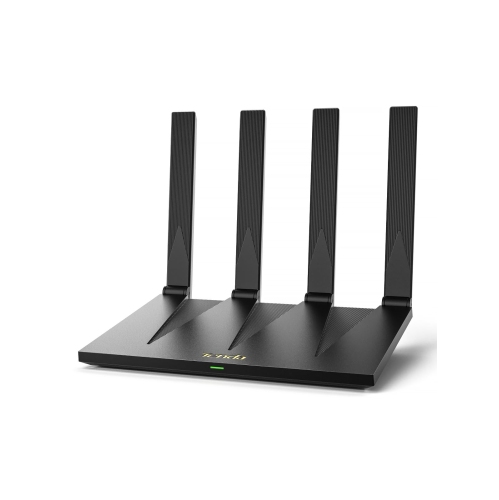
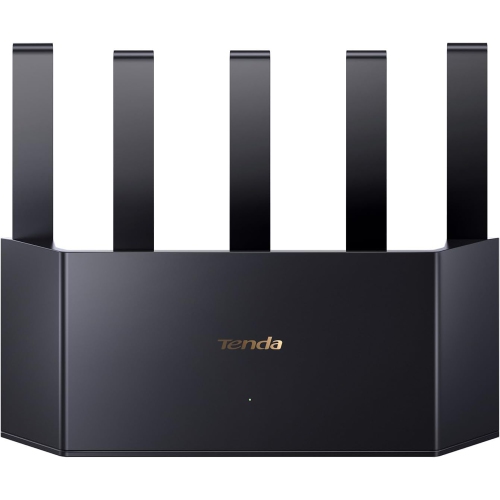
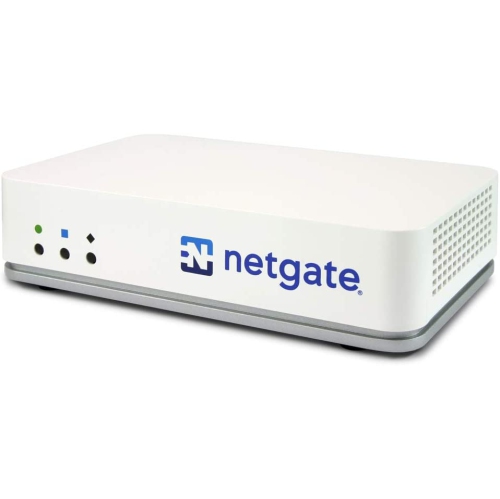
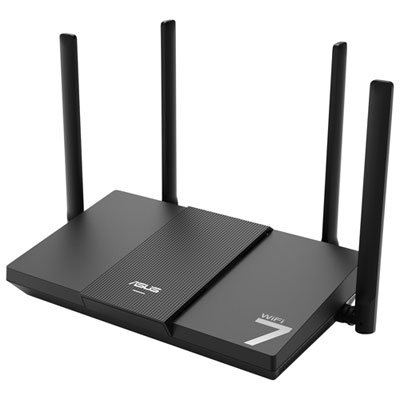
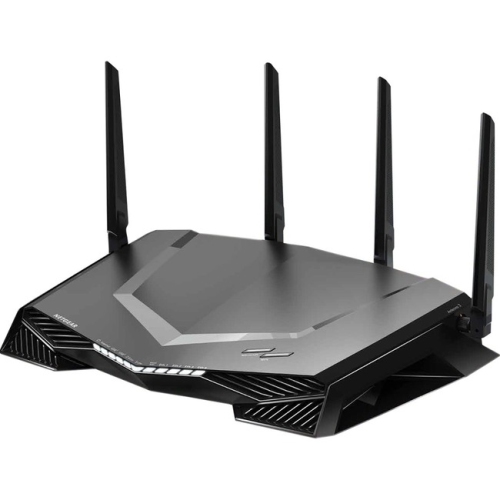
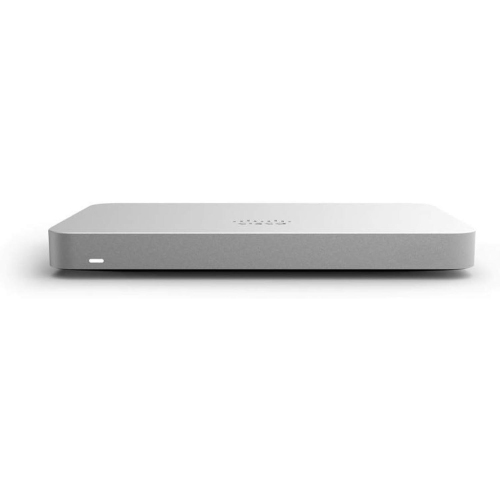
The right router with built-in VPN features depends on the size of the space, the number of connected devices, the speed of the internet plan, and the way the VPN will be used. For a busy household with several people streaming, gaming, working remotely, and browsing at the same time, look for a router with strong wireless performance, multiple Wi-Fi bands, sufficient processing power, and enough Ethernet ports for wired equipment. A faster wireless standard can help manage modern devices, but performance through a VPN may be lower than the maximum speed listed on the box because traffic is encrypted and routed through a VPN server. A powerful processor and efficient protocol support can help reduce that impact, particularly when many devices are connected together. Coverage is another important consideration: a large home, a multi-level layout, or rooms with thick walls may benefit from mesh compatibility, additional access points, or a router that supports a wired backhaul. Families may also appreciate built-in parental controls, guest networks, device profiles, scheduling tools, and traffic management features that make it easier to separate work computers, children’s devices, visitors, and smart home equipment. Some routers can operate as a VPN client, sending household traffic through a provider’s server, while others can provide VPN server functionality for remote access to a home network when travelling. These modes serve different purposes, and a router that supports both offers more flexibility for people who regularly move between home, the office, and other locations. Review the administration interface as carefully as the wireless specifications, since clear menus, firmware updates, connection status information, and per-device controls can make the difference between a setup that feels reassuring and one that becomes difficult to maintain.
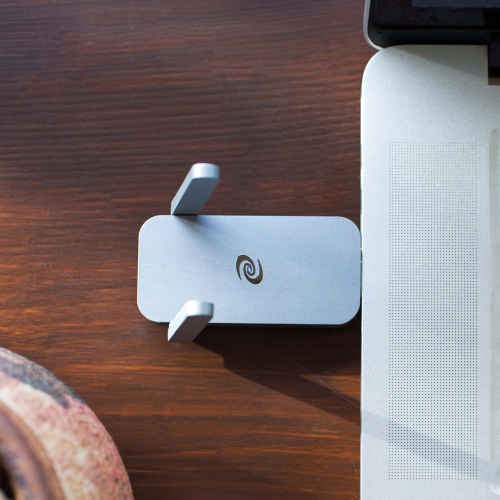
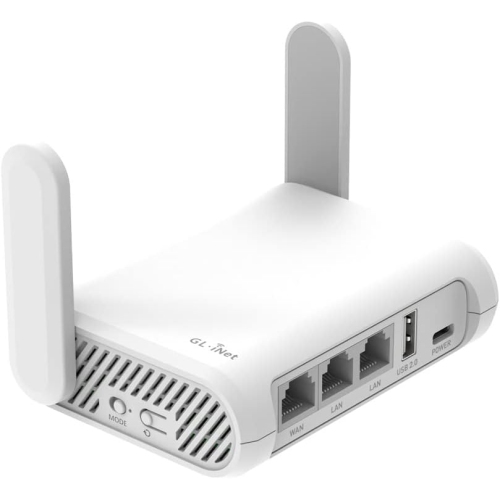
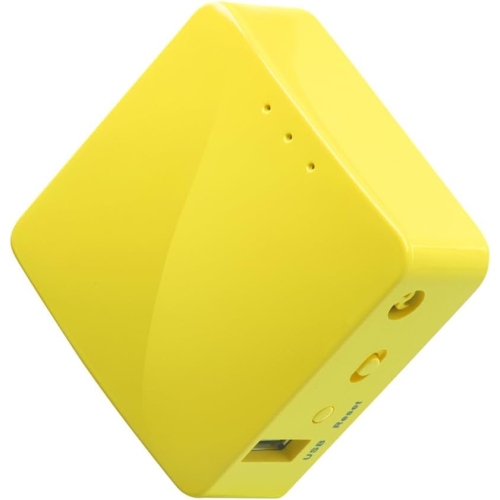
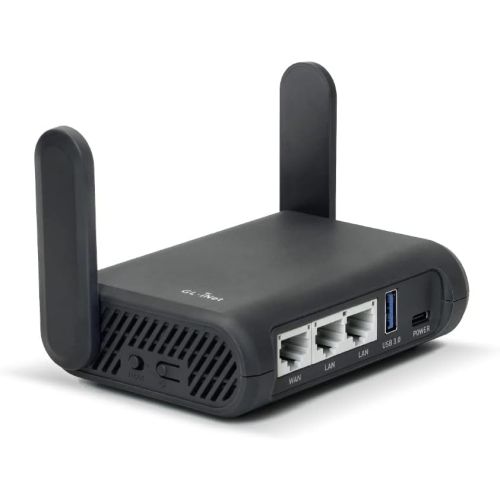
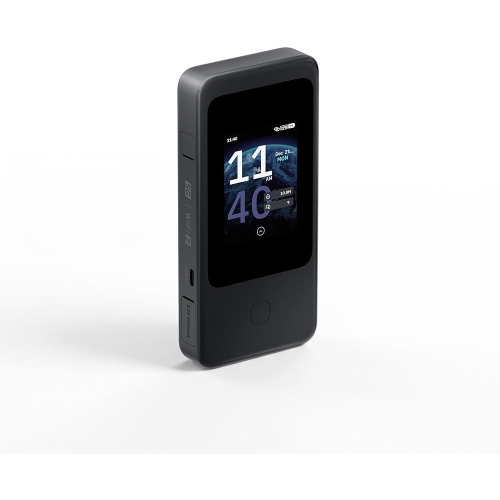
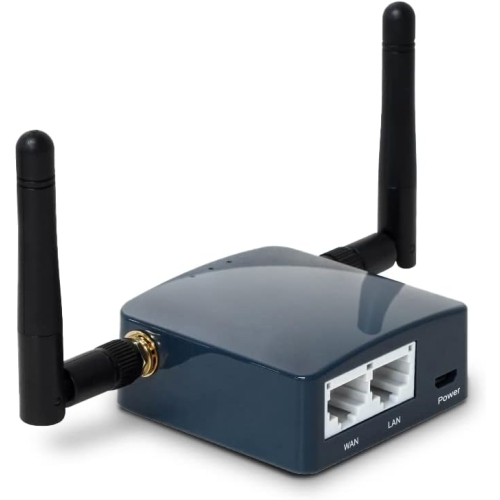
Travel routers with built-in VPN support are suited to people who want a personal network while staying in hotels, visiting family, working from a rental, or using public Wi-Fi during the cooler months and throughout the year. A small model can connect to a hotel’s wired or wireless internet service and then create a private Wi-Fi network for a laptop, phone, tablet, streaming stick, or game console. Once configured, the traveller can connect familiar devices to the same network rather than signing each one into a different service, which is helpful when a hotel limits the number of devices or uses an awkward sign-in page. Travel routers may also allow a VPN connection to be enabled before leaving home, so there is less setup to handle beside a suitcase or in a busy lobby. When choosing one, consider its size, power requirements, wireless range, Ethernet support, captive-portal compatibility, and whether it accepts the protocol used by the preferred VPN provider. These routers can make thoughtful gifts for students moving into residence, frequent travellers, remote workers, or anyone setting up a temporary workspace, especially when simple controls matter more than maximum coverage. For a home installation, prioritise stable coverage and capacity; for travel, prioritise portability and straightforward configuration. In every case, remember that a VPN does not replace strong account passwords, device updates, multi-factor authentication, or careful choices on unfamiliar networks. Check the router’s supported firmware and VPN services, confirm whether the desired devices can connect as expected, and consider whether some activities need to bypass the VPN for speed or local access. A well-matched router can make VPN use feel like a quiet background feature: devices connect as usual, while the network handles the chosen routing rules from one central location.
The right router with built-in VPN features depends on the size of the space, the number of connected devices, the speed of the internet plan, and the way the VPN will be used. For a busy household with several people streaming, gaming, working remotely, and browsing at the same time, look for a router with strong wireless performance, multiple Wi-Fi bands, sufficient processing power, and enough Ethernet ports for wired equipment. A faster wireless standard can help manage modern devices, but performance through a VPN may be lower than the maximum speed listed on the box because traffic is encrypted and routed through a VPN server. A powerful processor and efficient protocol support can help reduce that impact, particularly when many devices are connected together. Coverage is another important consideration: a large home, a multi-level layout, or rooms with thick walls may benefit from mesh compatibility, additional access points, or a router that supports a wired backhaul. Families may also appreciate built-in parental controls, guest networks, device profiles, scheduling tools, and traffic management features that make it easier to separate work computers, children’s devices, visitors, and smart home equipment. Some routers can operate as a VPN client, sending household traffic through a provider’s server, while others can provide VPN server functionality for remote access to a home network when travelling. These modes serve different purposes, and a router that supports both offers more flexibility for people who regularly move between home, the office, and other locations. Review the administration interface as carefully as the wireless specifications, since clear menus, firmware updates, connection status information, and per-device controls can make the difference between a setup that feels reassuring and one that becomes difficult to maintain.
Travel routers with built-in VPN support are suited to people who want a personal network while staying in hotels, visiting family, working from a rental, or using public Wi-Fi during the cooler months and throughout the year. A small model can connect to a hotel’s wired or wireless internet service and then create a private Wi-Fi network for a laptop, phone, tablet, streaming stick, or game console. Once configured, the traveller can connect familiar devices to the same network rather than signing each one into a different service, which is helpful when a hotel limits the number of devices or uses an awkward sign-in page. Travel routers may also allow a VPN connection to be enabled before leaving home, so there is less setup to handle beside a suitcase or in a busy lobby. When choosing one, consider its size, power requirements, wireless range, Ethernet support, captive-portal compatibility, and whether it accepts the protocol used by the preferred VPN provider. These routers can make thoughtful gifts for students moving into residence, frequent travellers, remote workers, or anyone setting up a temporary workspace, especially when simple controls matter more than maximum coverage. For a home installation, prioritise stable coverage and capacity; for travel, prioritise portability and straightforward configuration. In every case, remember that a VPN does not replace strong account passwords, device updates, multi-factor authentication, or careful choices on unfamiliar networks. Check the router’s supported firmware and VPN services, confirm whether the desired devices can connect as expected, and consider whether some activities need to bypass the VPN for speed or local access. A well-matched router can make VPN use feel like a quiet background feature: devices connect as usual, while the network handles the chosen routing rules from one central location.
Top selling and popular products
-
 Your price for this item is $189.99
 -
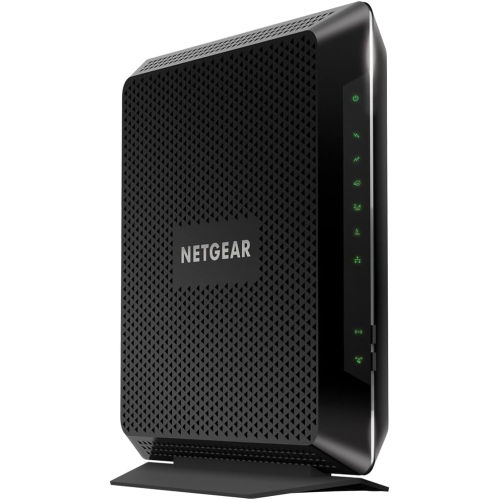 Your price for this item is $189.99
 -
 Your price for this item is $219
 -
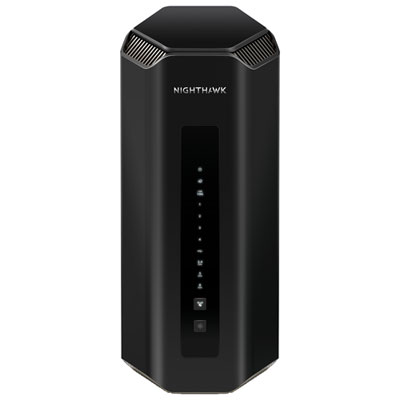 Your price for this item is $899.99
 -
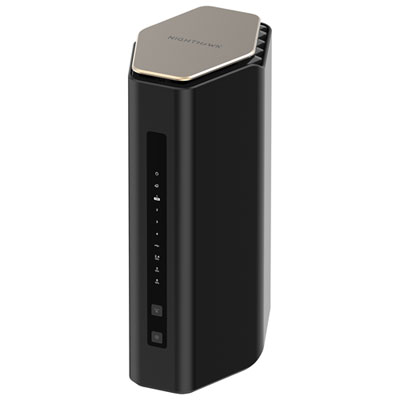 Your price for this item is $299.99
 -
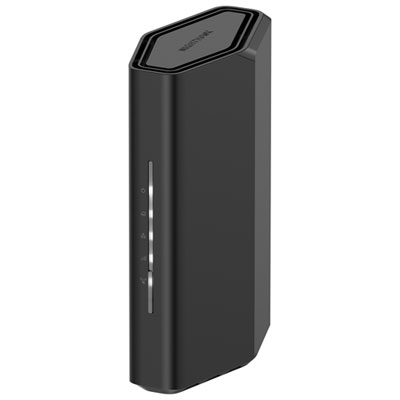 Your price for this item is $139.99
 -
 Your price for this item is $189.99
 -
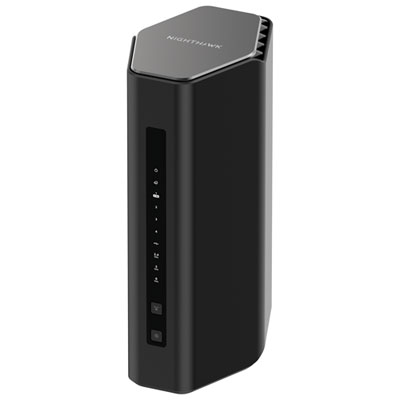 Your price for this item is $499.99
Discover more categories related to Routers With Built In VPN
Top Collections:
Pokemon Centers, Kindle Devices, Best Cameras for Sports Photography, Pokémon 30th Celebration Cards, Apple iPhones 16, Canon G7X Cameras, iPhone 15 Apple, Flip Phones, Samsung Galaxy Phones, Alarm Clock
Some products may be subject to Environmental Handling Fees
(EHF) depending on your province.
Learn more about EHFs.