Rs232 Serial Cables
If you're looking for reliable and efficient connectivity options for your electronic devices, look no further than this wide selection of RS232 serial cables. These cables are designed to provide seamless communication between your devices, making them an essential tool for data transfer and control. Whether you're connecting printers, scanners, modems, or other compatible devices, these RS232 serial cables offer high-speed transmission and secure connections. With various lengths and configurations available, finding the perfect cable to meet your needs has never been easier.
Sort

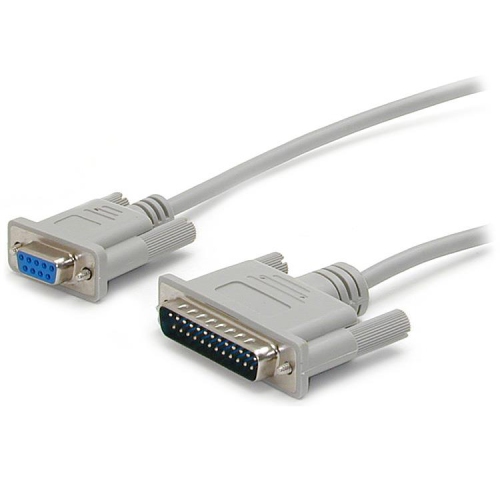
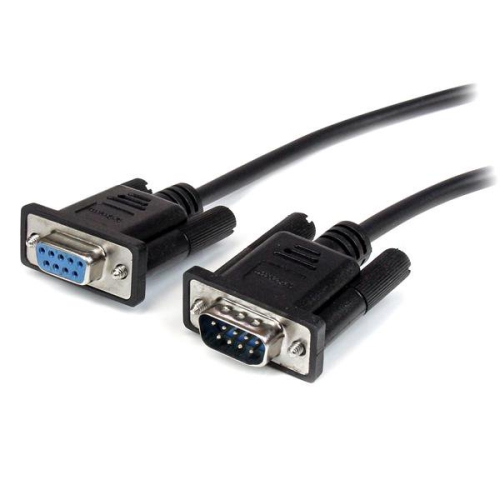
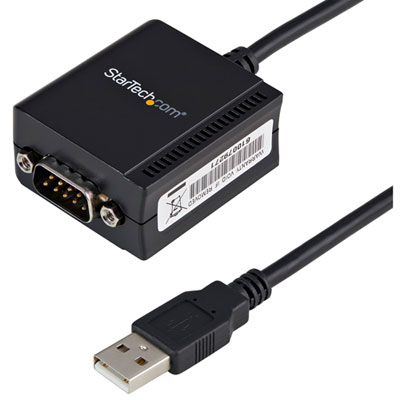
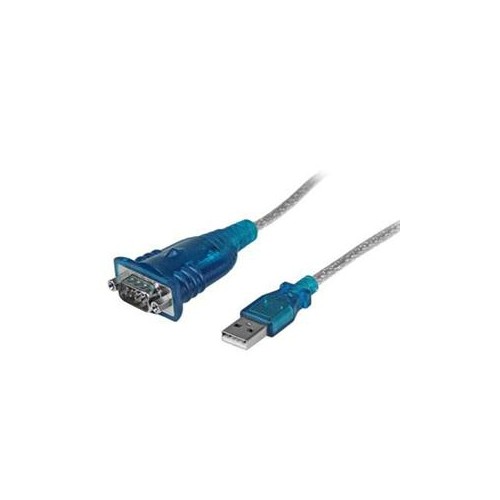

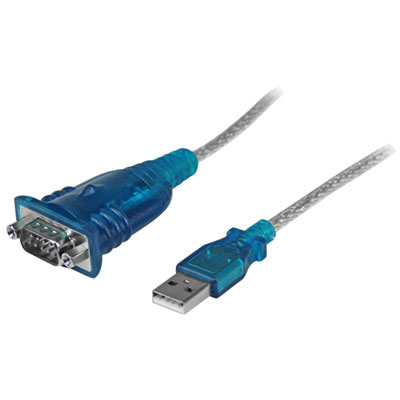


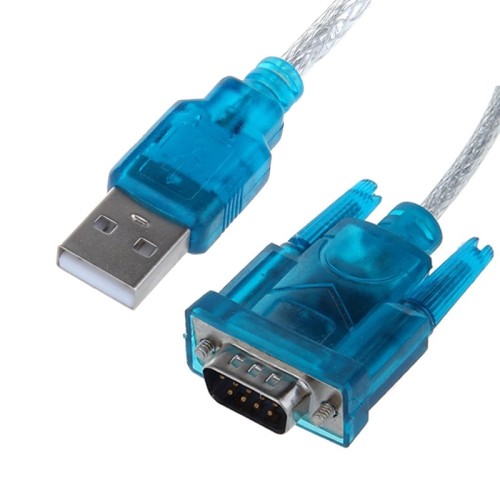
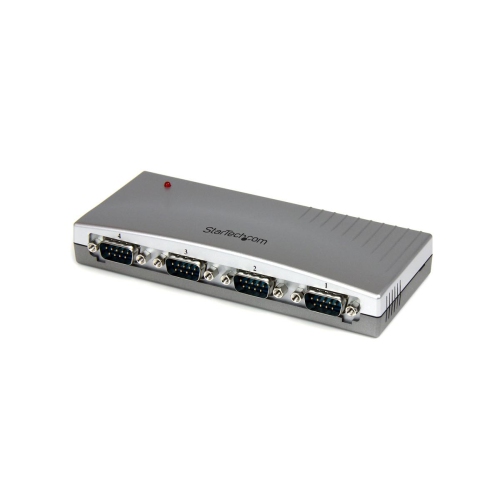
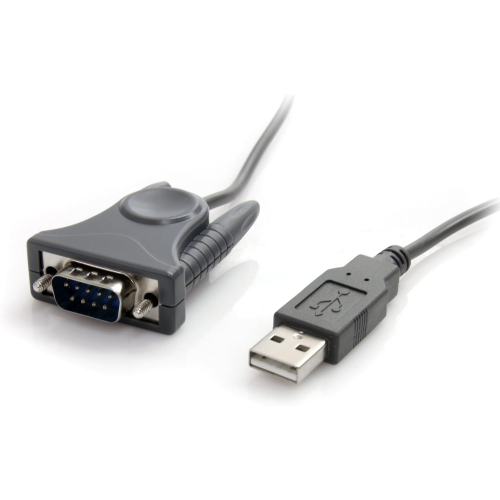
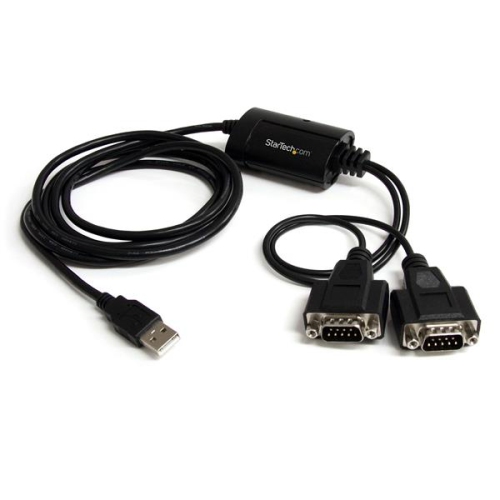

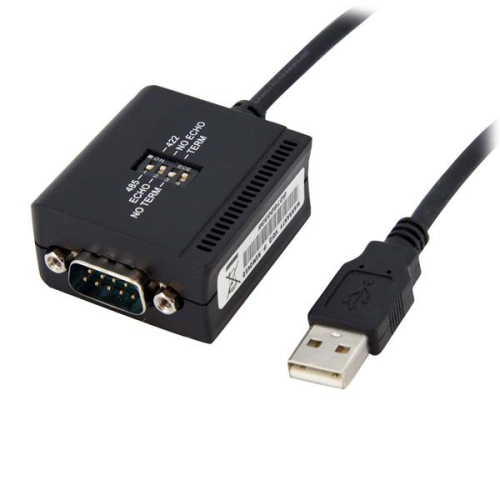
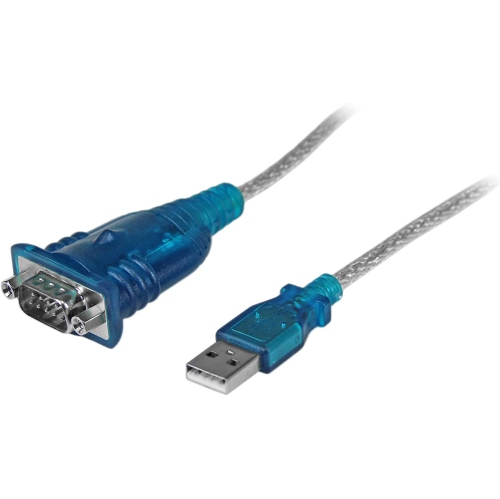
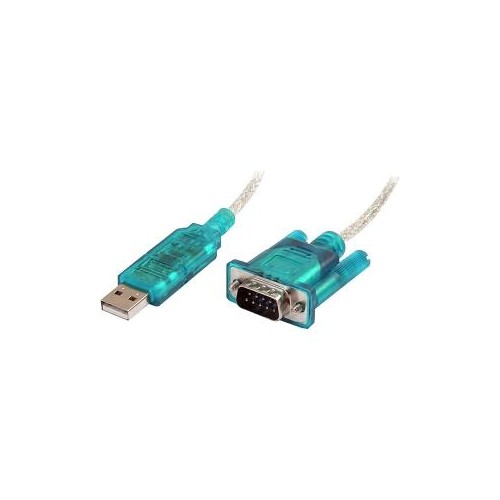
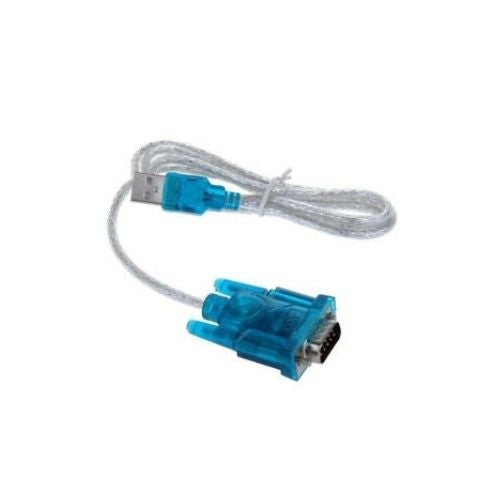
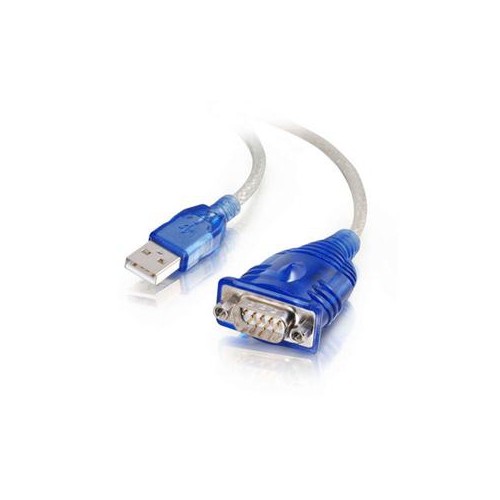

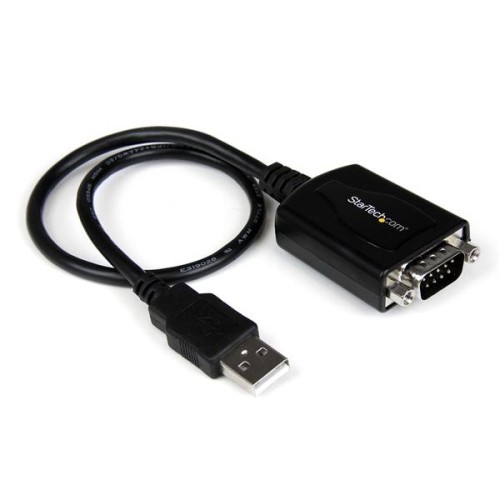
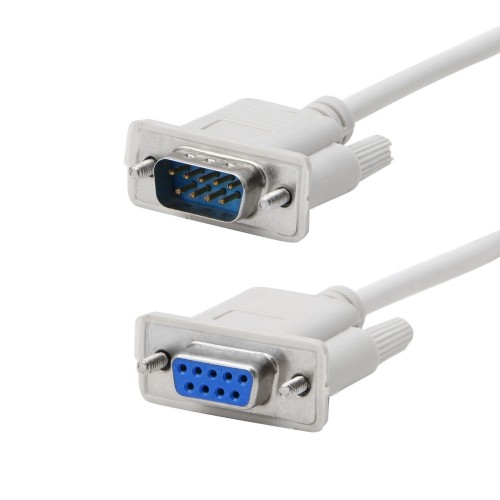
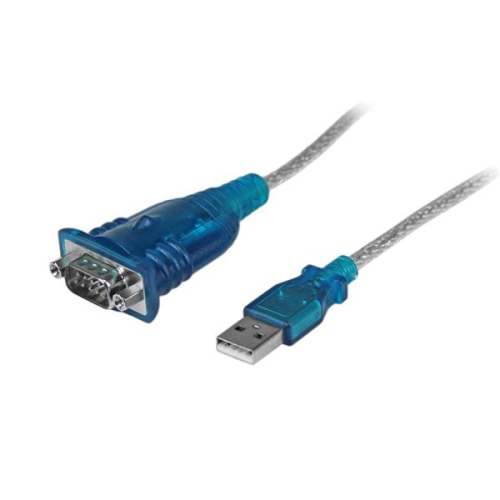
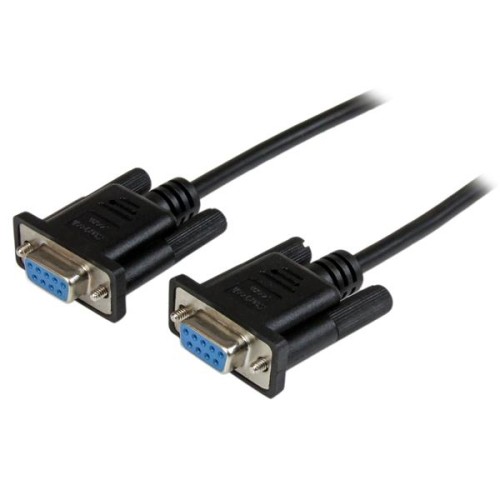
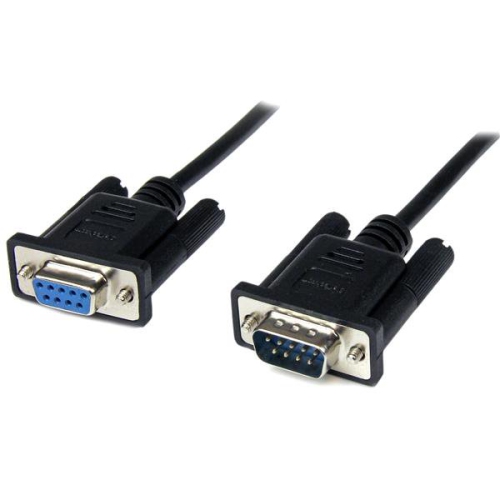
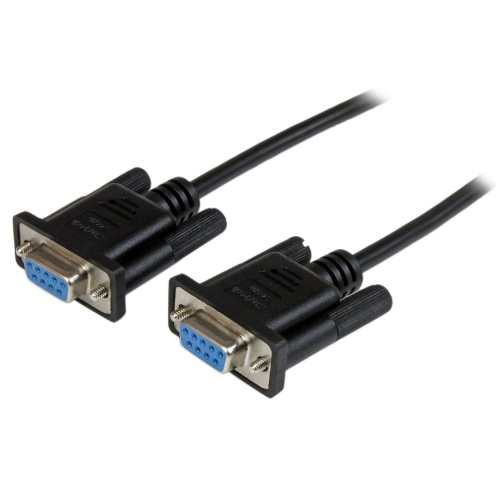



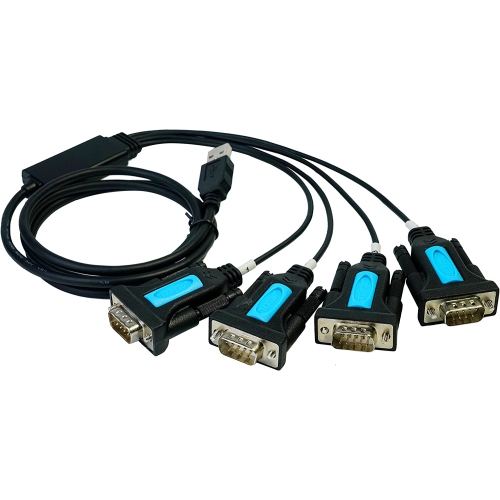
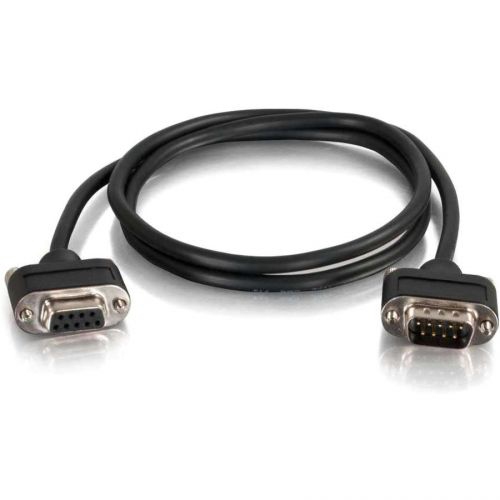
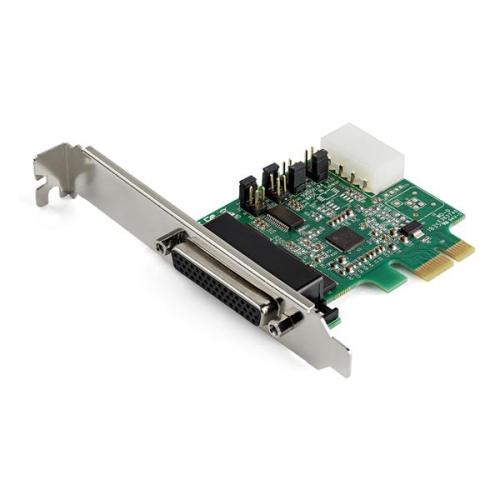
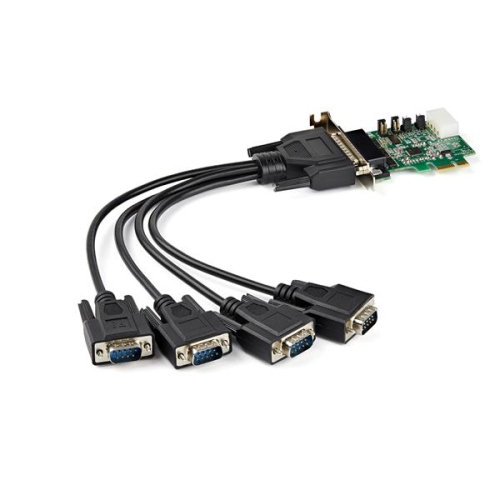
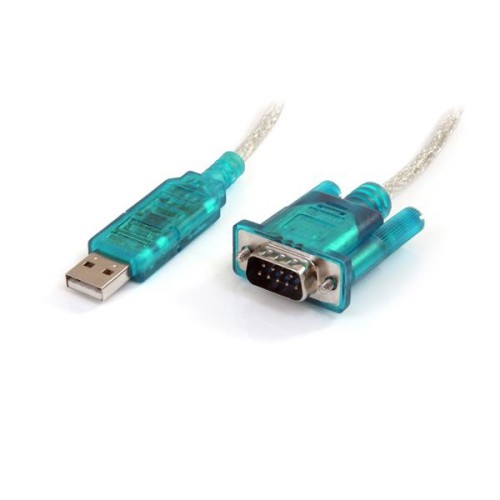
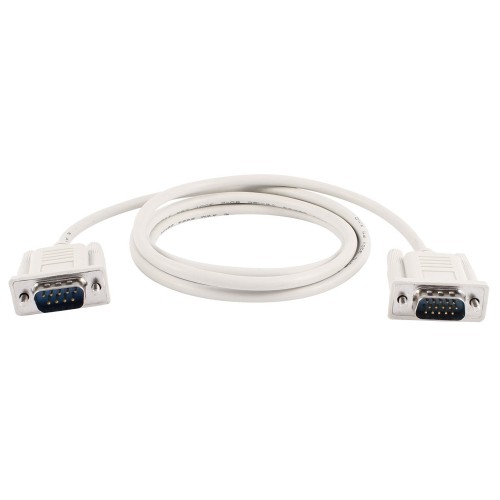
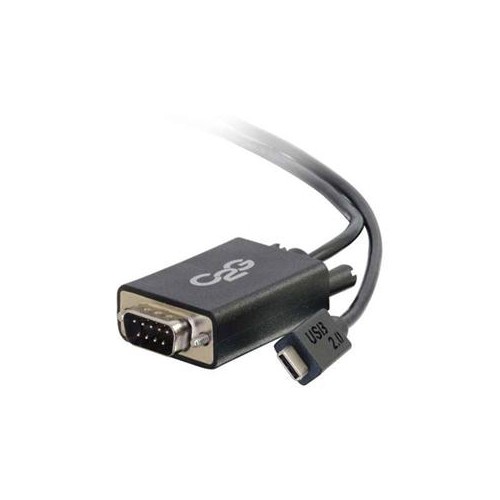
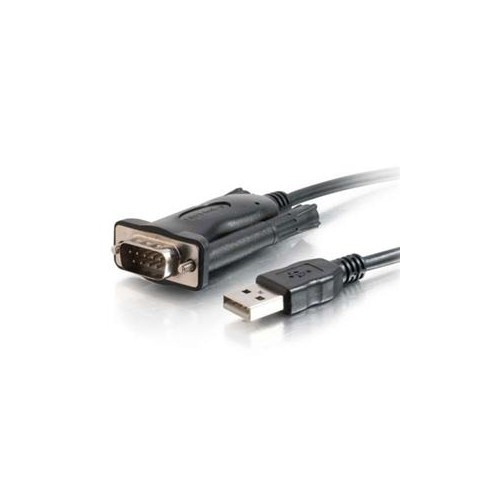
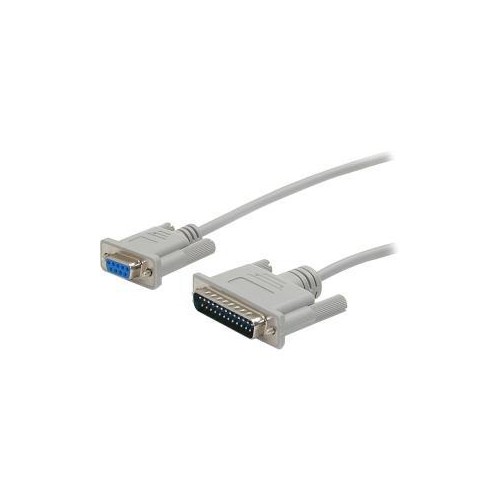
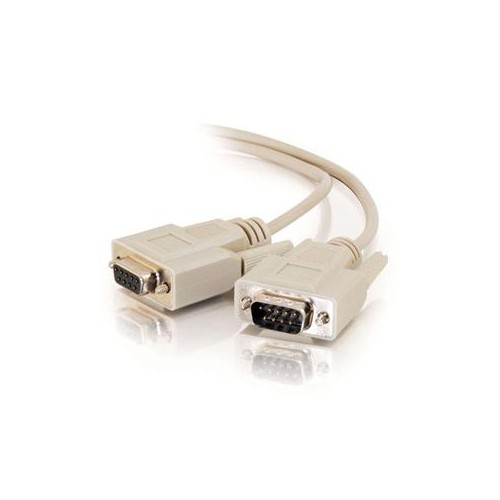
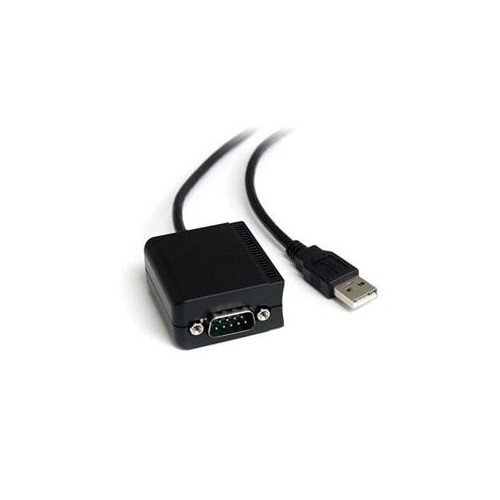
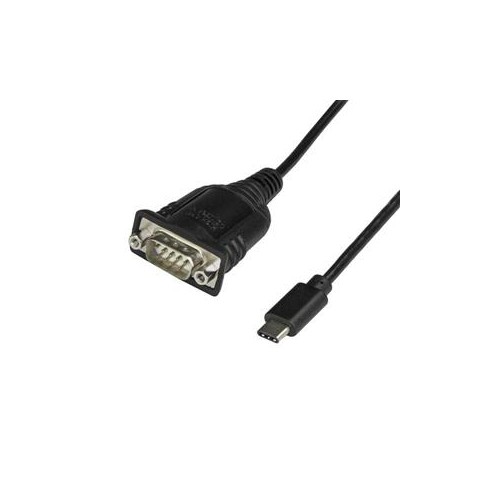
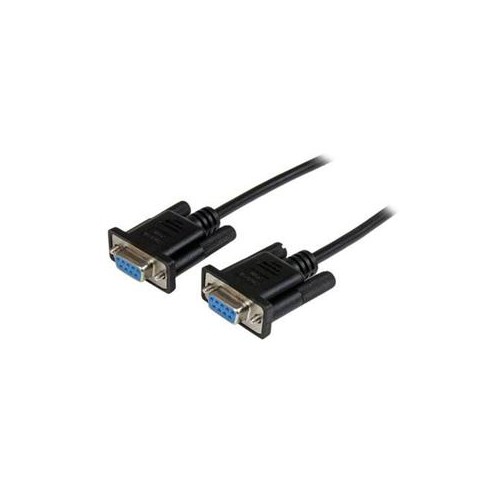
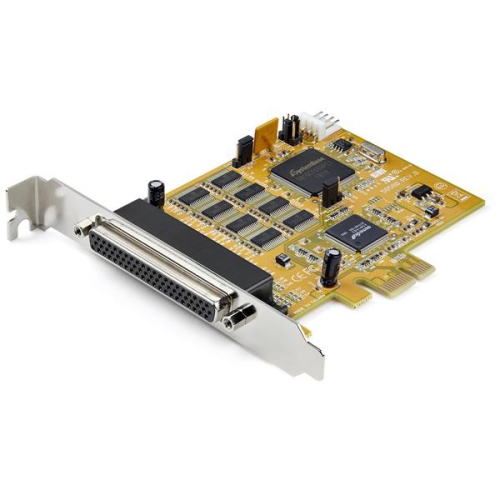
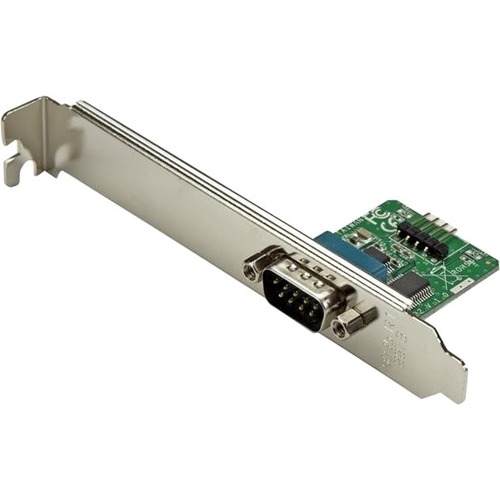
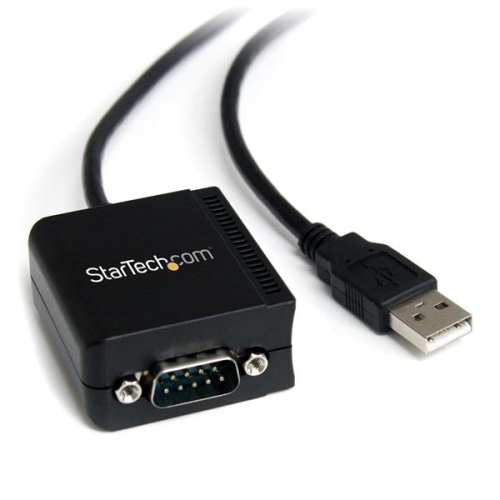
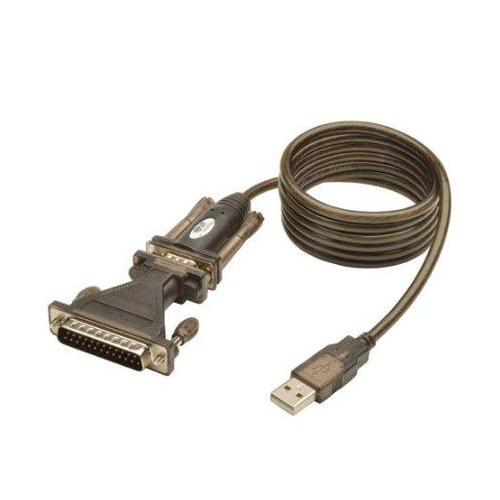

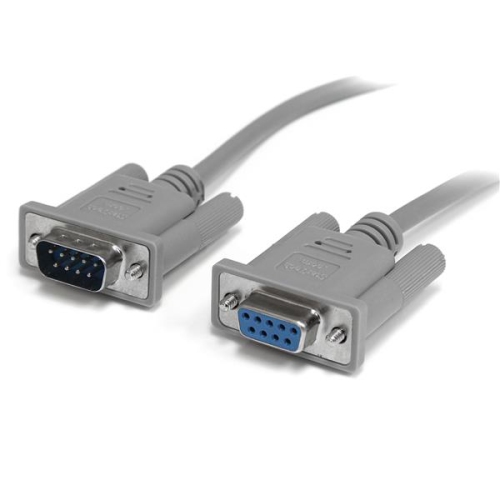

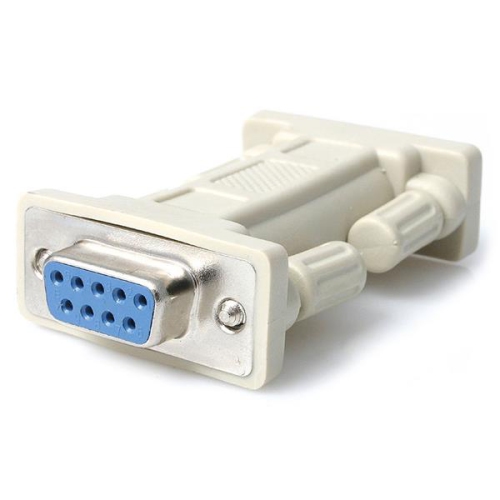
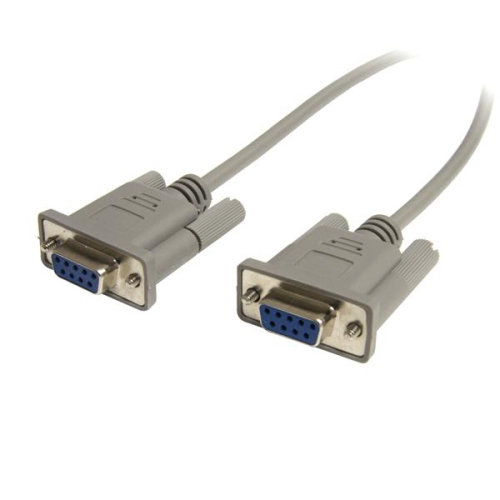


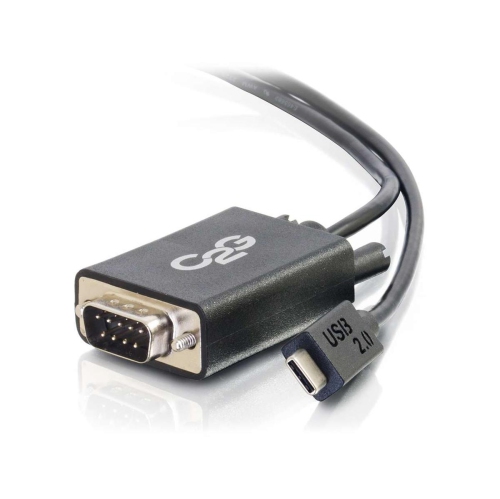

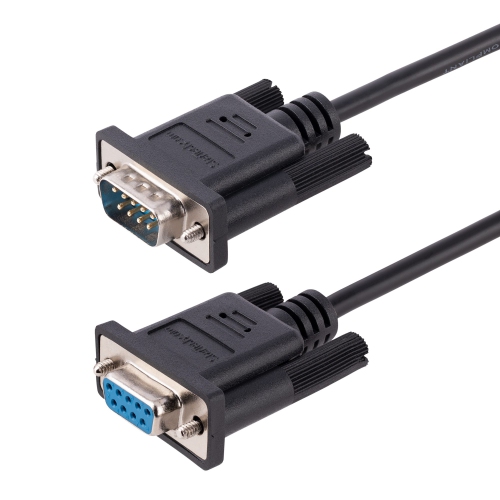
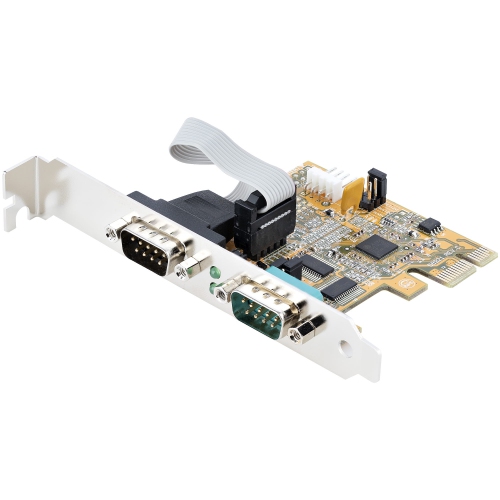
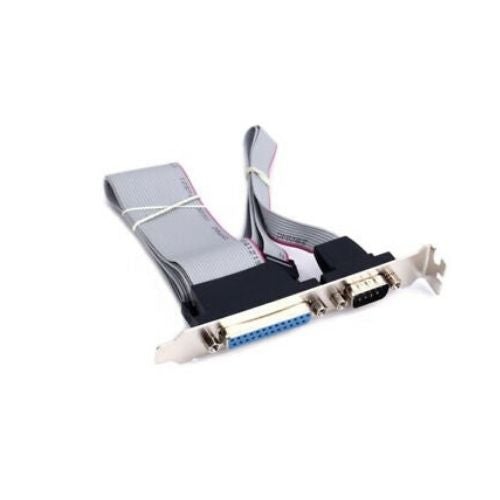
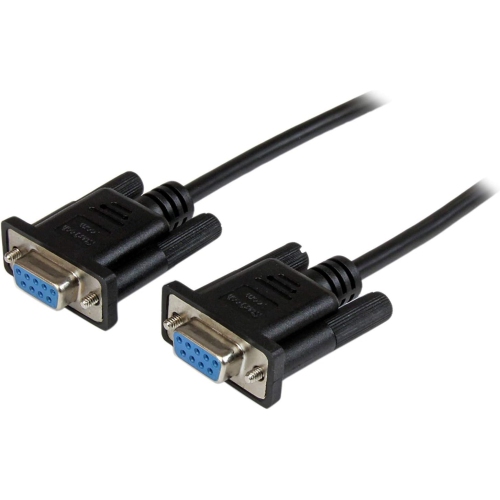
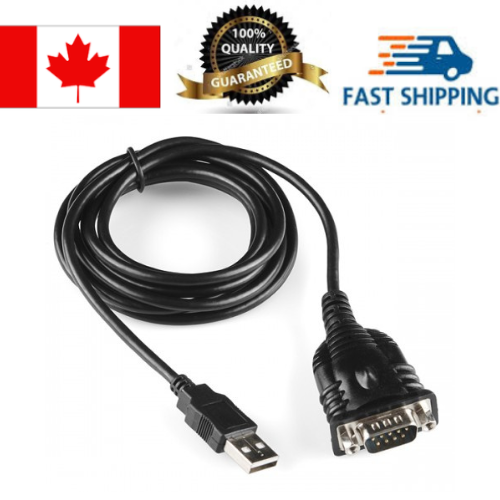
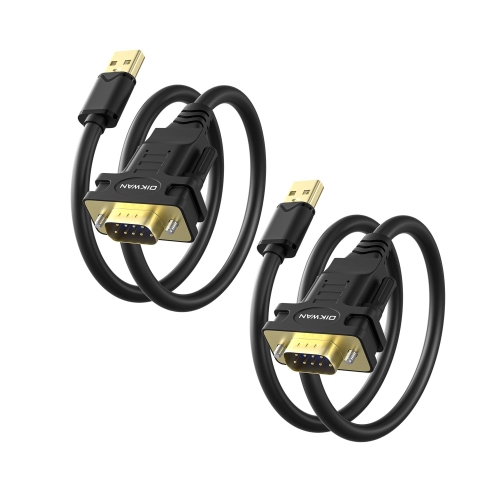
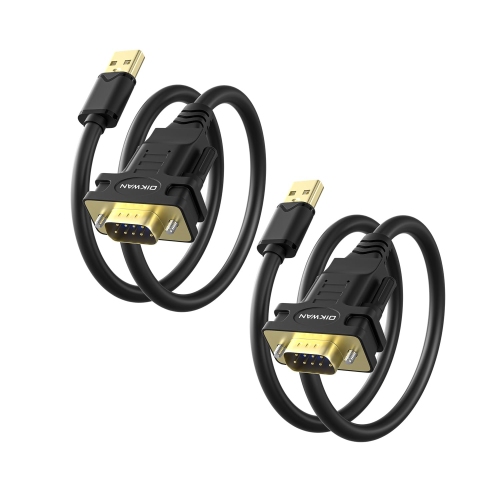

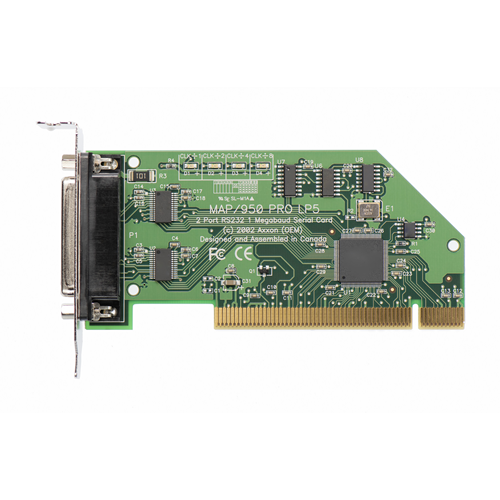
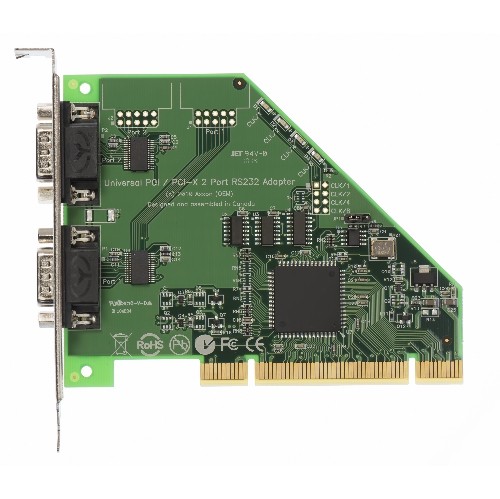
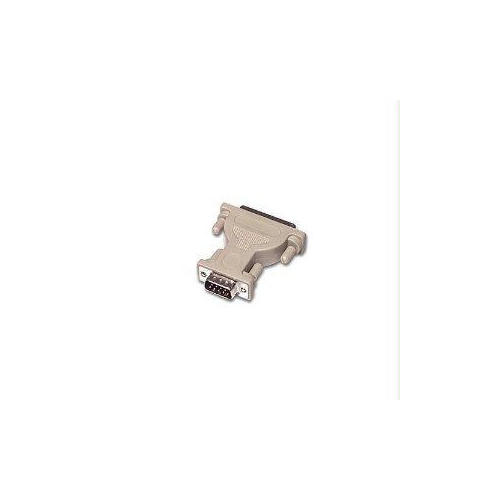

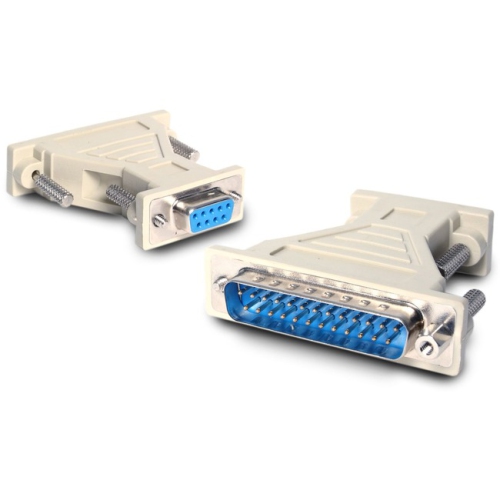
Reliable connections for legacy equipment and specialised systems
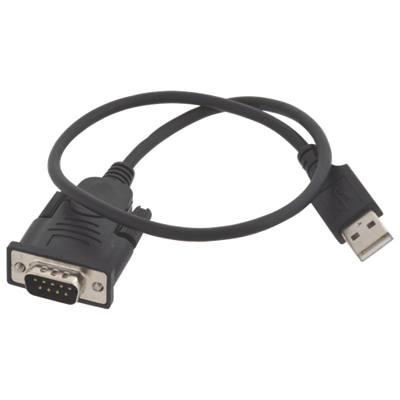
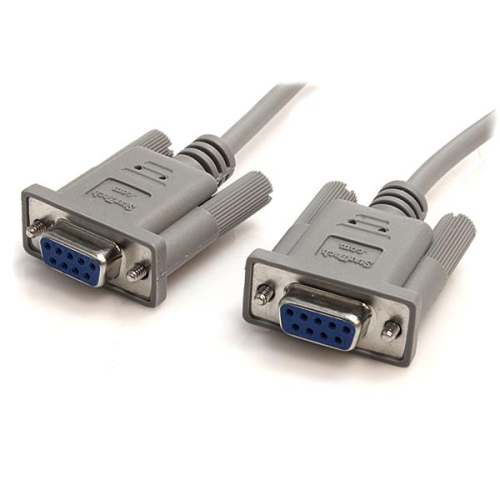
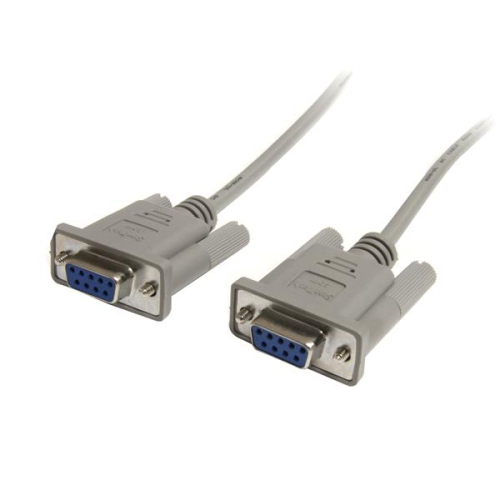
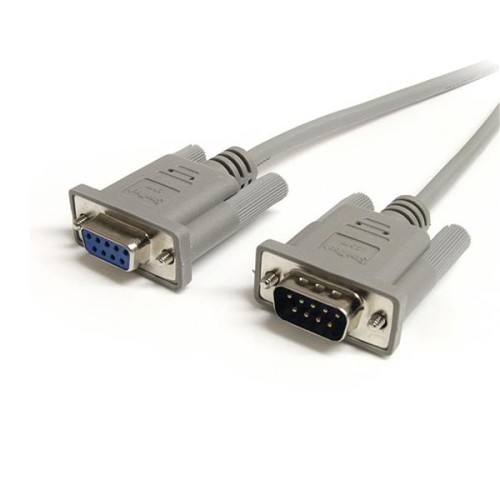
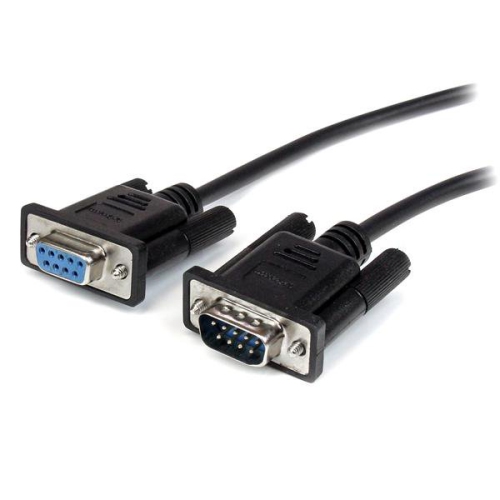
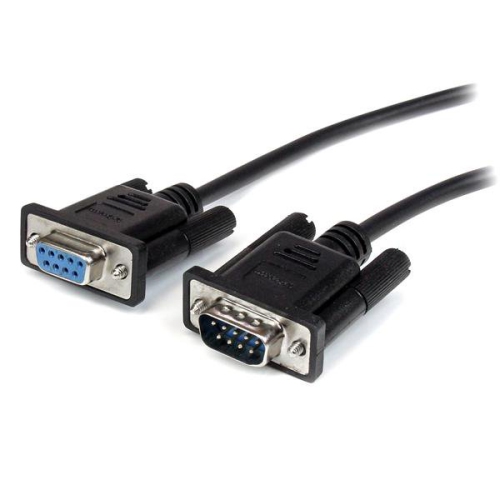
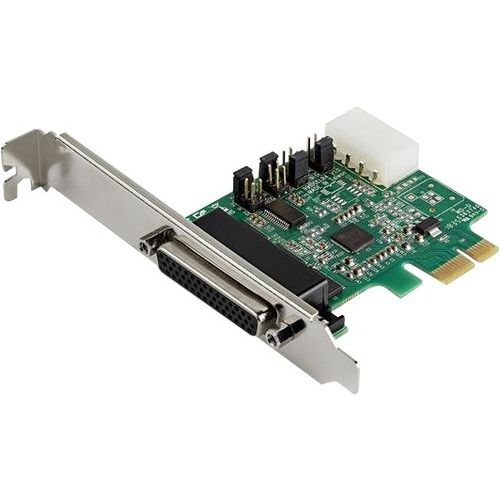
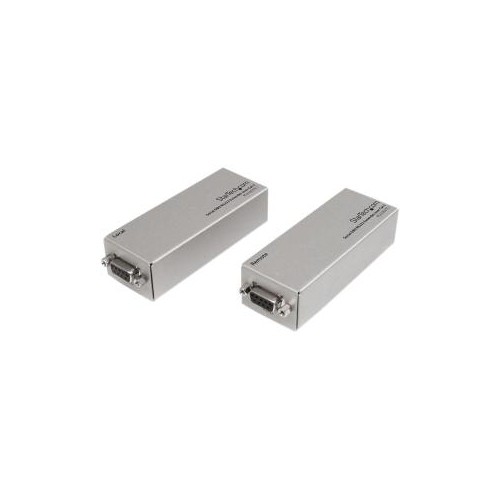
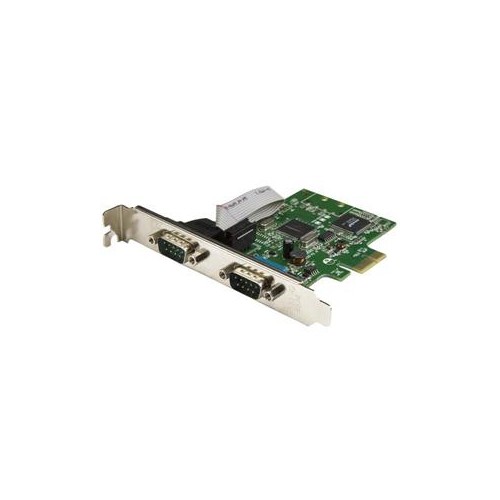
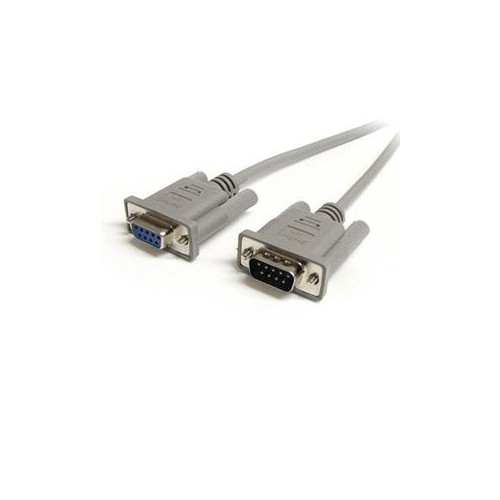
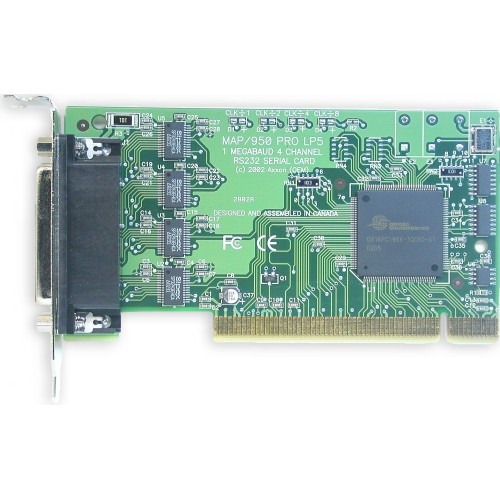
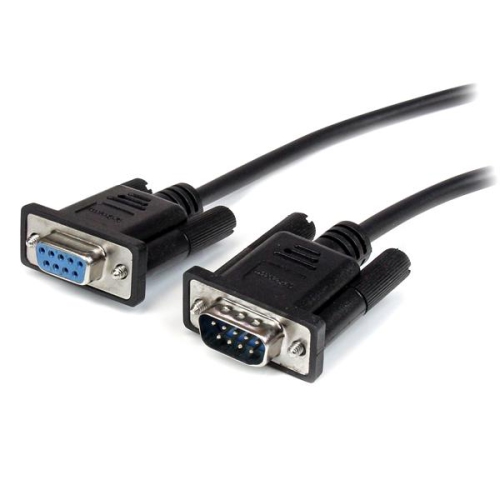
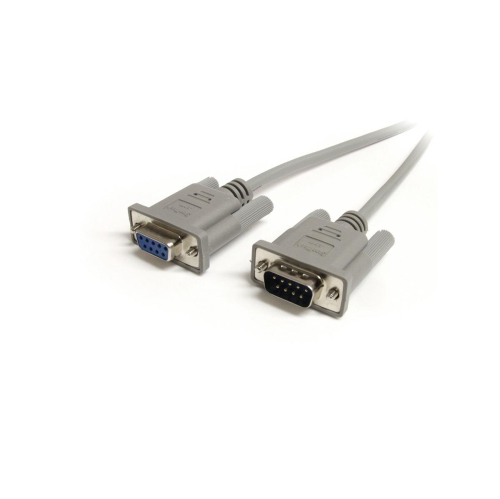
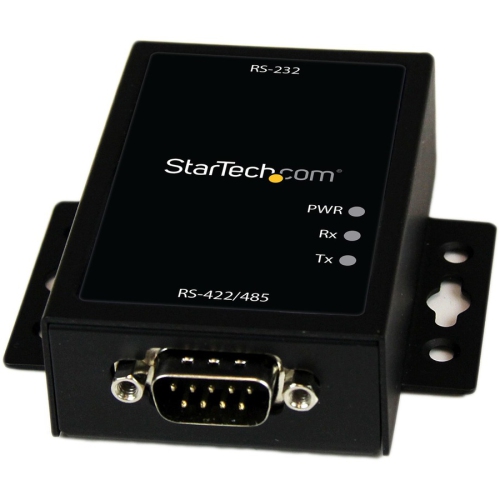
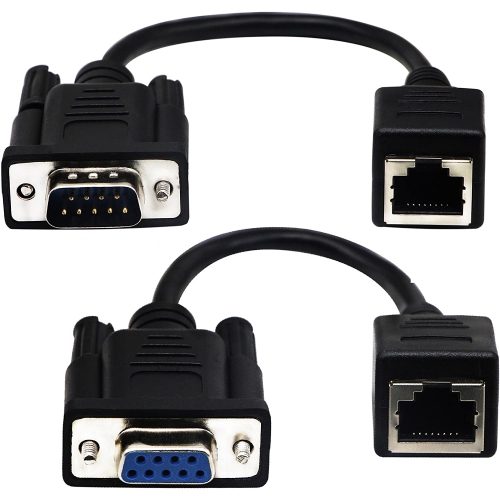
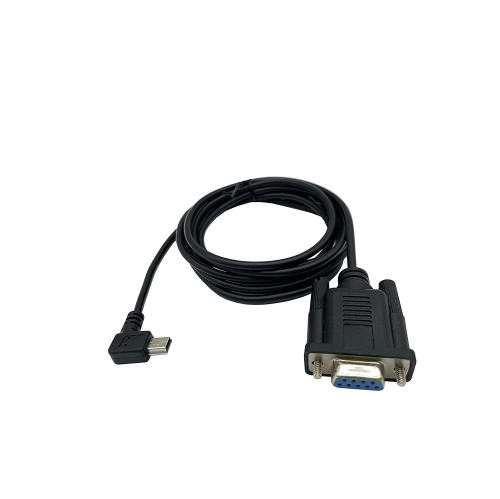
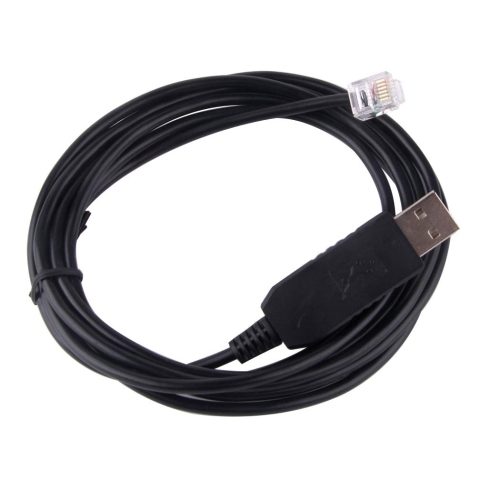
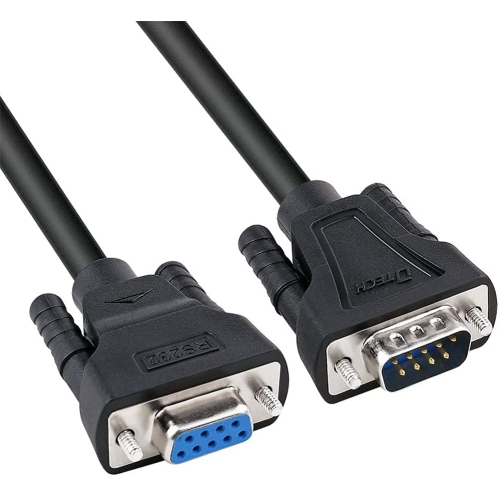
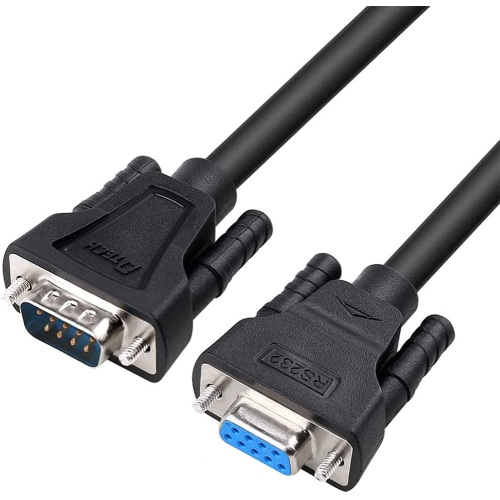
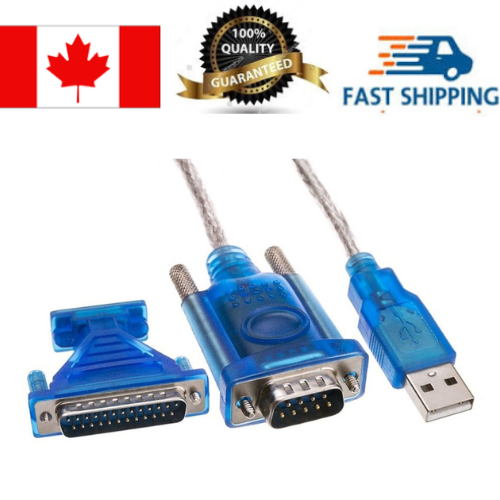
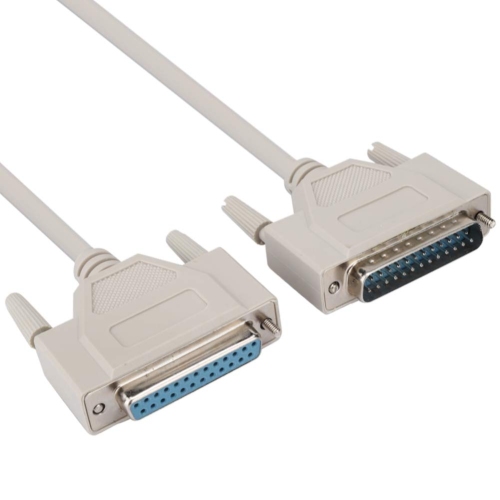
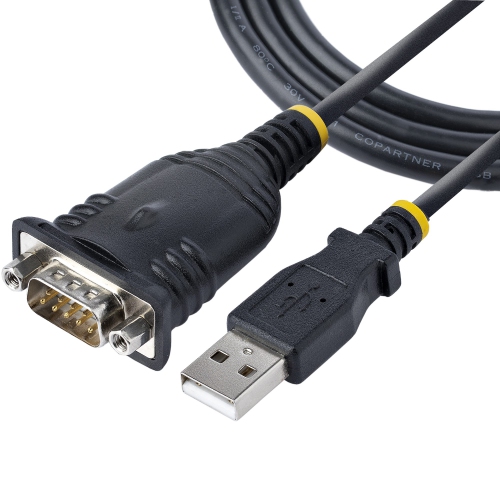
RS232 serial cables are hardware cables used to transfer data between a computer and a compatible peripheral through RS-232 serial communication. Although newer equipment often relies on USB, Ethernet, or wireless connections, RS-232 remains important in many workplaces, workshops, laboratories, classrooms, and equipment rooms where reliable legacy connections are still part of everyday operation. These cables are commonly used with industrial automation systems, CNC machines, barcode scanners, point-of-sale equipment, scientific instruments, modems, measurement devices, networking hardware, and older computers or peripherals. An RS232 serial cable typically uses a D-subminiature connector, most often a 9-pin DB9 connection or the larger 25-pin DB25 connection. The connector’s pin arrangement carries transmitted data, received data, signal ground, and, depending on the cable and equipment, additional handshaking or control signals. A cable may be used to configure a device, transfer readings, send commands, update settings, or maintain communication between equipment that has been operating reliably for years. For anyone maintaining a home workshop, repairing older technology, supporting production equipment, or keeping a specialised system connected, having the correct serial cable nearby can be as reassuring as finding the right tool in a well-organised drawer. These cables can also be useful for technical students, makers, IT professionals, field-service technicians, and anyone learning about computer hardware or industrial communication. They are practical additions to a repair kit rather than decorative accessories, particularly when a device depends on a serial port and does not offer a modern connection option.
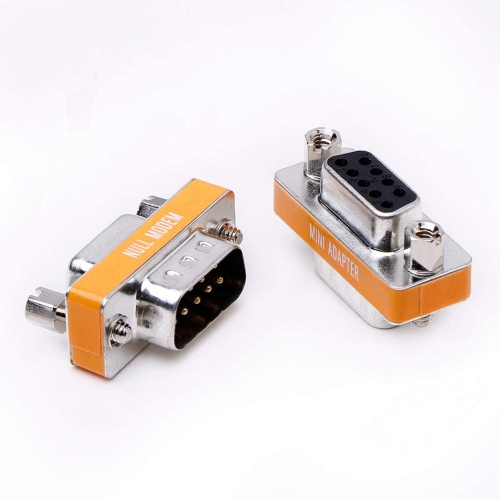
The most important purchasing consideration is matching the cable’s wiring configuration to the two devices being connected. A straight-through RS-232 cable uses matching pin positions from one end to the other and is commonly used to connect different types of equipment, such as a computer to a modem or a computer to certain peripheral devices. A null modem cable, also called a cross-wired serial cable, reverses key transmit and receive connections so that two similar devices can communicate directly. A cable that looks correct externally may still fail to work if its internal wiring does not match the communication requirements, so checking the equipment manuals, port labels, or manufacturer specifications before ordering is worthwhile. Connector gender is another essential detail. DB9 connectors may be male or female, and the same applies to DB25 connectors. If both devices have matching connector types, an adapter or gender changer may be required; if the cable has the wrong gender at either end, it may not connect securely even when the pinout is otherwise suitable. Shoppers comparing serial cable options may also wish to confirm whether they need DB9 to DB9, DB9 to DB25, or another combination. For a collection focused on the most familiar nine-pin connection, DB9 To DB9 Cables can help narrow the search. Cable length should suit the arrangement of the equipment without leaving excessive slack around a desk, rack, machine, or workbench. RS-232 is generally intended for relatively short runs, often around 15 metres or 50 feet under suitable conditions, although the dependable distance can vary with transmission speed, cable construction, electrical interference, and the devices involved. Shielding may be beneficial in busy equipment rooms or industrial settings where power cables, motors, and other electronics are nearby. It is also useful to check whether the cable supports the signals required by the equipment, since some applications use only basic transmit, receive, and ground lines while others depend on hardware flow-control lines such as RTS, CTS, DTR, and DSR.
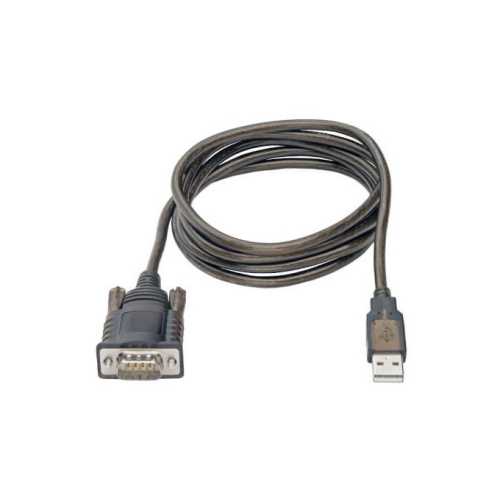
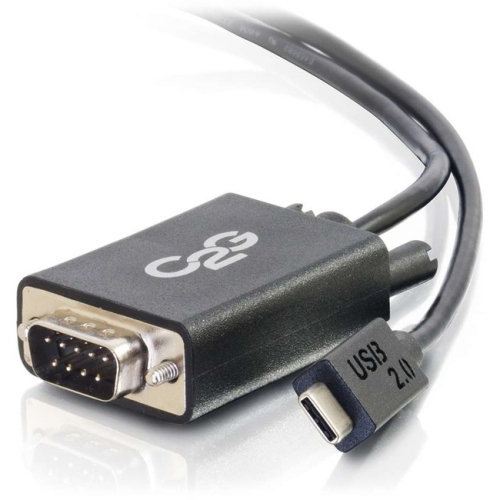
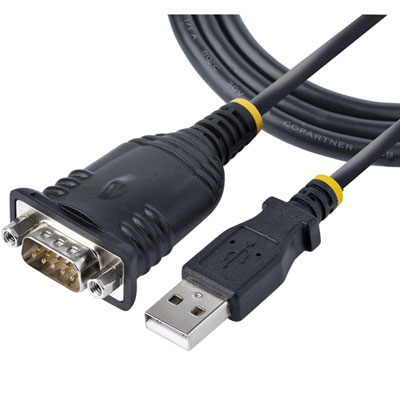
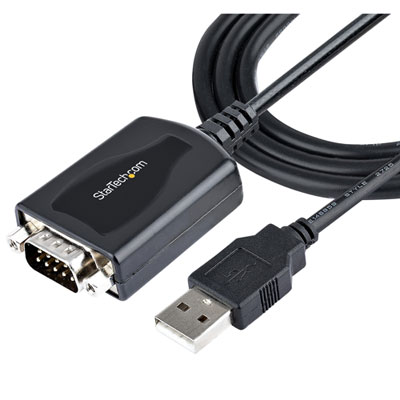
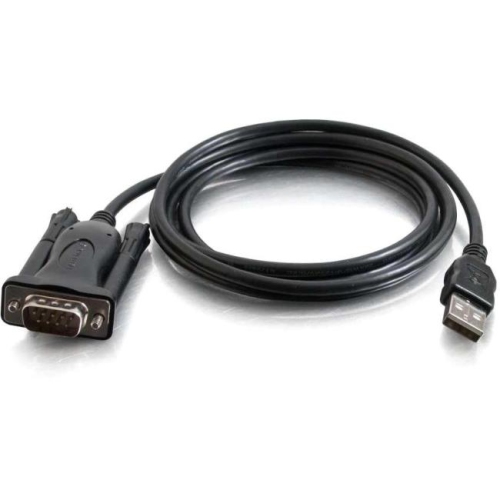
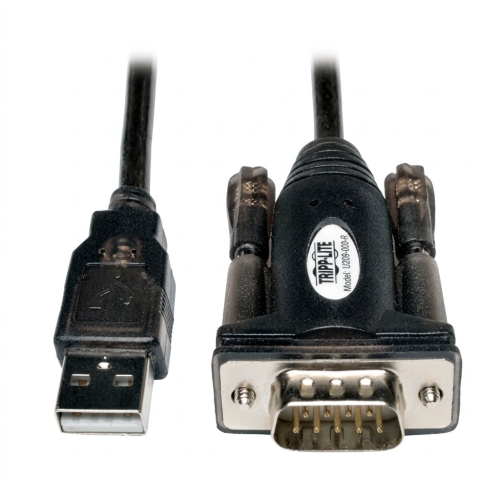
Before choosing an RS232 serial cable, identify the ports on both devices, note the connector size and gender, and determine whether the connection requires straight-through or null modem wiring. Some newer computers do not include a built-in serial port, so a USB-to-serial adapter may be needed in addition to the cable; compatibility can depend on the computer’s operating system, the adapter chipset, and the software used to communicate with the peripheral. It is also helpful to confirm the required baud rate, data bits, parity, and stop bits, although these settings are normally configured in software rather than determined solely by the cable. A secure connector with thumbscrews can help prevent accidental disconnection when equipment is moved, while a flexible jacket can make routing easier behind a desk or through a compact service area. In a workshop, an appropriately sized cable can connect a computer to a CNC controller without crossing a walking path; in a laboratory, it can link an instrument to a workstation for recording measurements; in a classroom, it can help students explore how data moves between a computer and a dedicated device. During the warmer and cooler parts of the year alike, these cables remain useful for routine maintenance, equipment setup, and troubleshooting because their value is tied to the systems they connect rather than to a particular season. They may be especially appreciated by someone assembling a first electronics toolkit, maintaining older office hardware, restoring a vintage computer, or supporting a machine that still relies on dependable serial communication. Choosing the right connector combination, wiring arrangement, length, and shielding level helps reduce trial and error and improves the chance of a straightforward connection when the cable is needed.
The most important purchasing consideration is matching the cable’s wiring configuration to the two devices being connected. A straight-through RS-232 cable uses matching pin positions from one end to the other and is commonly used to connect different types of equipment, such as a computer to a modem or a computer to certain peripheral devices. A null modem cable, also called a cross-wired serial cable, reverses key transmit and receive connections so that two similar devices can communicate directly. A cable that looks correct externally may still fail to work if its internal wiring does not match the communication requirements, so checking the equipment manuals, port labels, or manufacturer specifications before ordering is worthwhile. Connector gender is another essential detail. DB9 connectors may be male or female, and the same applies to DB25 connectors. If both devices have matching connector types, an adapter or gender changer may be required; if the cable has the wrong gender at either end, it may not connect securely even when the pinout is otherwise suitable. Shoppers comparing serial cable options may also wish to confirm whether they need DB9 to DB9, DB9 to DB25, or another combination. For a collection focused on the most familiar nine-pin connection, DB9 To DB9 Cables can help narrow the search. Cable length should suit the arrangement of the equipment without leaving excessive slack around a desk, rack, machine, or workbench. RS-232 is generally intended for relatively short runs, often around 15 metres or 50 feet under suitable conditions, although the dependable distance can vary with transmission speed, cable construction, electrical interference, and the devices involved. Shielding may be beneficial in busy equipment rooms or industrial settings where power cables, motors, and other electronics are nearby. It is also useful to check whether the cable supports the signals required by the equipment, since some applications use only basic transmit, receive, and ground lines while others depend on hardware flow-control lines such as RTS, CTS, DTR, and DSR.
Before choosing an RS232 serial cable, identify the ports on both devices, note the connector size and gender, and determine whether the connection requires straight-through or null modem wiring. Some newer computers do not include a built-in serial port, so a USB-to-serial adapter may be needed in addition to the cable; compatibility can depend on the computer’s operating system, the adapter chipset, and the software used to communicate with the peripheral. It is also helpful to confirm the required baud rate, data bits, parity, and stop bits, although these settings are normally configured in software rather than determined solely by the cable. A secure connector with thumbscrews can help prevent accidental disconnection when equipment is moved, while a flexible jacket can make routing easier behind a desk or through a compact service area. In a workshop, an appropriately sized cable can connect a computer to a CNC controller without crossing a walking path; in a laboratory, it can link an instrument to a workstation for recording measurements; in a classroom, it can help students explore how data moves between a computer and a dedicated device. During the warmer and cooler parts of the year alike, these cables remain useful for routine maintenance, equipment setup, and troubleshooting because their value is tied to the systems they connect rather than to a particular season. They may be especially appreciated by someone assembling a first electronics toolkit, maintaining older office hardware, restoring a vintage computer, or supporting a machine that still relies on dependable serial communication. Choosing the right connector combination, wiring arrangement, length, and shielding level helps reduce trial and error and improves the chance of a straightforward connection when the cable is needed.
Top selling and popular products
-
 Your price for this item is $19.99
 -
 Your price for this item is $94.99
 -
 Your price for this item is $13.99
 -
 Your price for this item is $48.68
 -
 Your price for this item is $49.68
 -
 Your price for this item is $29.68
 -
 Your price for this item is $29.95
 -
 Your price for this item is $49.99
Discover more categories related to Rs232 Serial Cables
Top Collections:
Pokemon Centers, Kindle Devices, Best Budget Office Chairs, Apple iPhones 16, Best Laptops for Writers, iPhone 15 Apple, Canon G7X Cameras, Refurbished Apple Laptops, Alarm Clock, Motorola Razr Phones
Some products may be subject to Environmental Handling Fees
(EHF) depending on your province.
Learn more about EHFs.