USB To RS232
USB To RS232 adapters offer a convenient solution for connecting modern devices with USB ports to legacy equipment that uses RS232 serial interfaces. Perfect for various applications in computing, networking, and industrial settings, these adapters help bridge the gap between new and older technology. Explore a range of USB To RS232 options to find the right fit for your connectivity needs, whether you're working with computers, printers, or other serial devices.
Sort

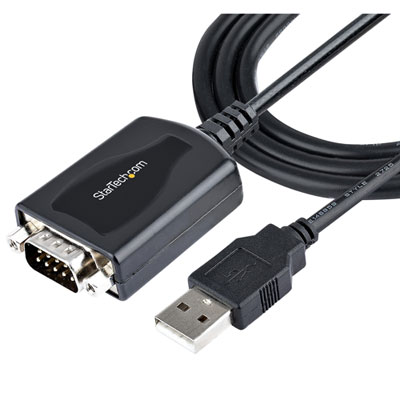
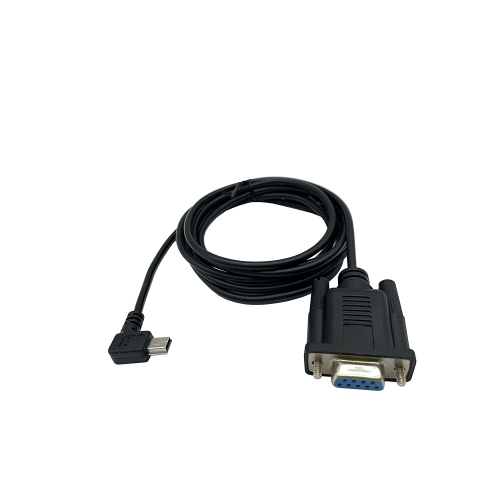
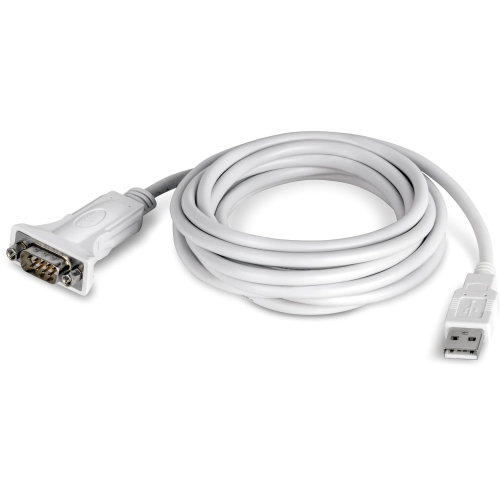
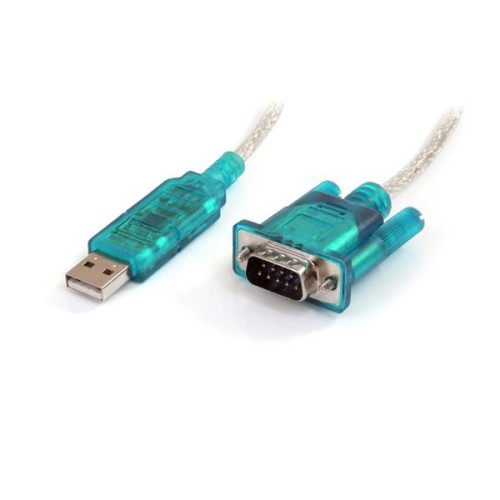


Reliable serial connections take more than matching plugs
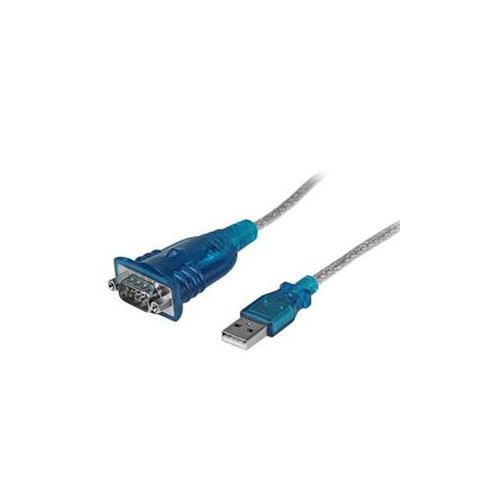
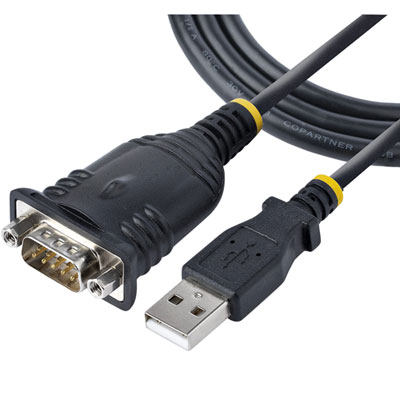
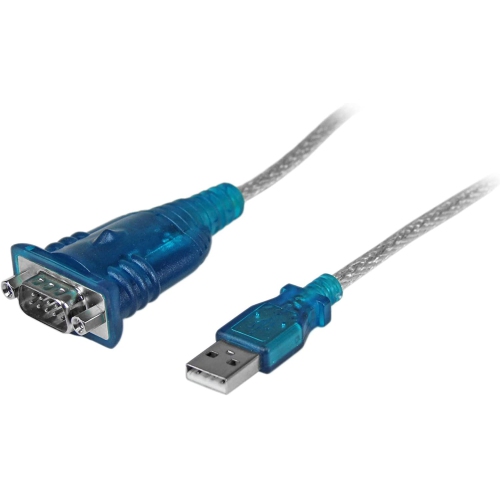
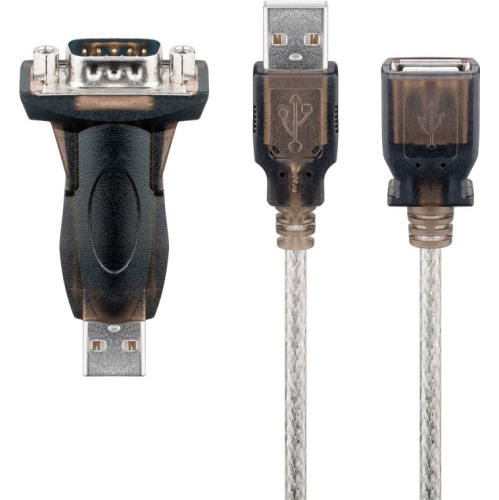
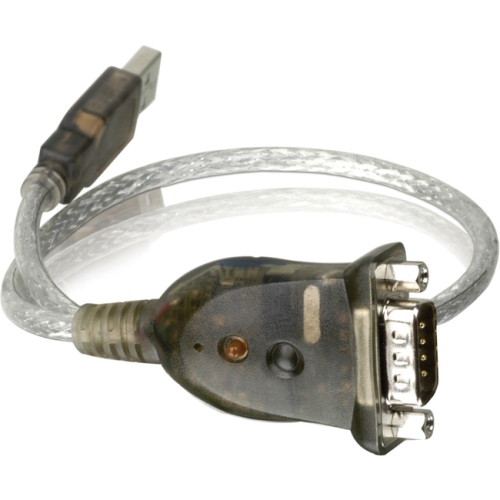
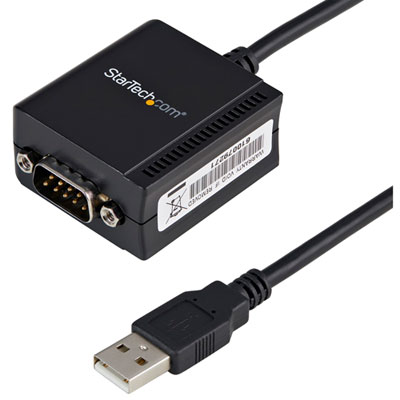
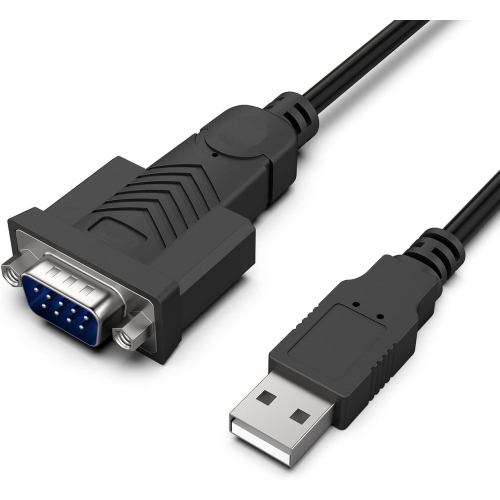
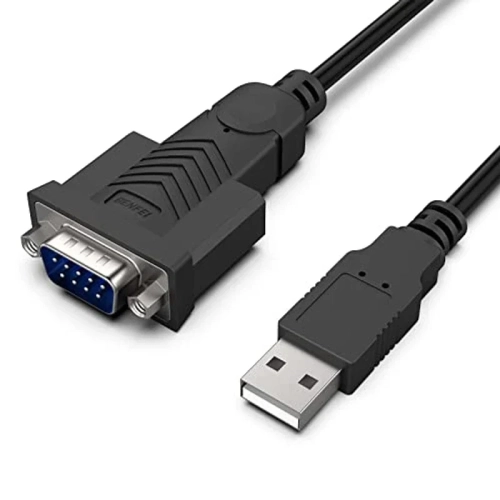
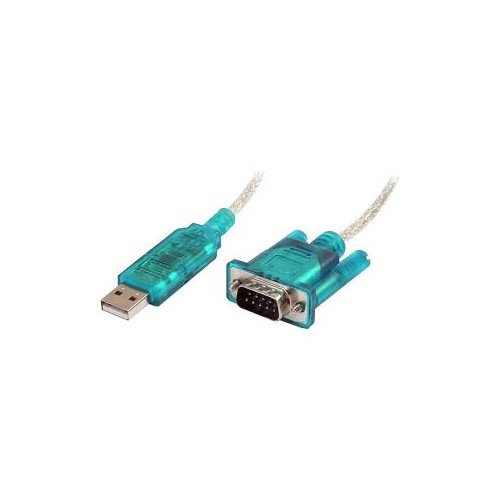
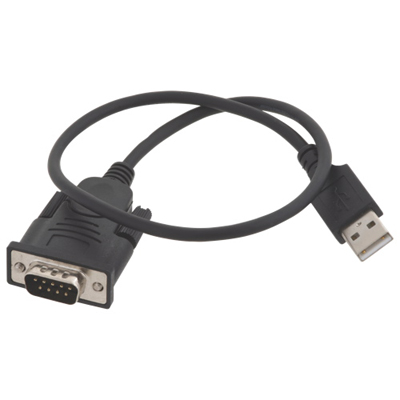
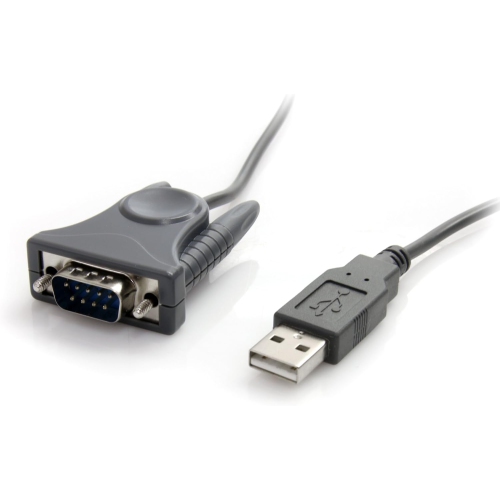
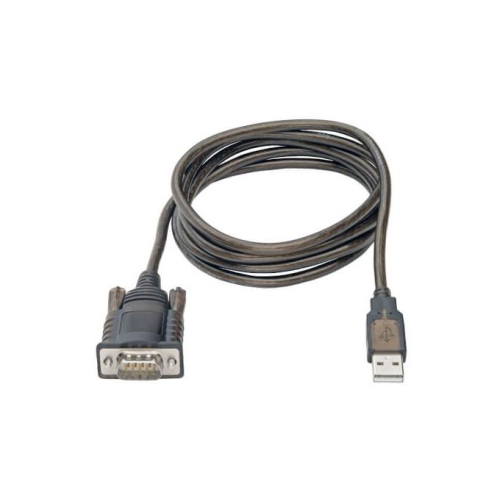
USB to RS232 adapters connect computers with USB ports to equipment that communicates through an RS232 serial interface. They provide a practical connection between newer laptops or desktops and devices such as laboratory instruments, industrial controllers, receipt printers, barcode scanners, and certain networking consoles. Unlike a simple connector converter, a USB to RS232 adapter contains electronics that translate USB communication into the serial signals the connected equipment expects. This distinction matters because a cable with the right-looking plugs does not necessarily provide the right electrical interface. RS232 is different from TTL-level serial, RS422, and RS485, even when the connectors appear similar. For someone retrieving measurements from a bench instrument or opening a text-based configuration session on older equipment, the correct interface is the starting point for a dependable connection. Many adapters present a virtual serial port to the computer, allowing compatible software to communicate with the attached device much as it would through a built-in serial port. Most draw their operating power from USB, although that does not mean they can power the serial device itself. The equipment may still need its own power supply. USB to RS232 adapters are useful for technicians, researchers, IT staff, repair professionals, and hobbyists maintaining equipment that remains valuable despite having an older connection standard. A familiar instrument or controller may perform its job perfectly well without offering a newer computer interface. An adapter can preserve access to its readings, settings, or diagnostic functions without requiring a computer with a dedicated serial socket. Physical compatibility also starts at the computer: adapters may have a USB-A or USB-C connector, so the plug needs to suit the available port. A compact adapter body can work well at a workstation, while an integrated cable can make a recessed equipment connection easier to reach without leaving a rigid connector projecting directly from the computer.
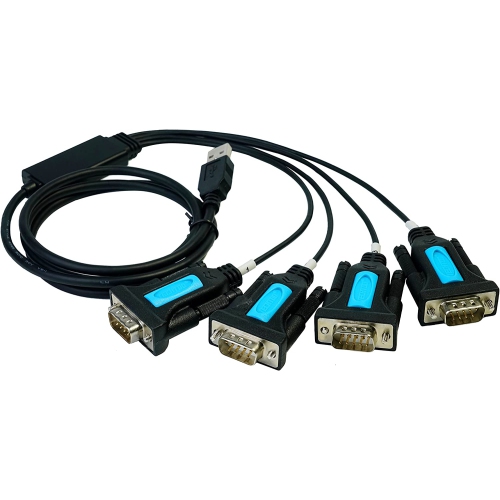
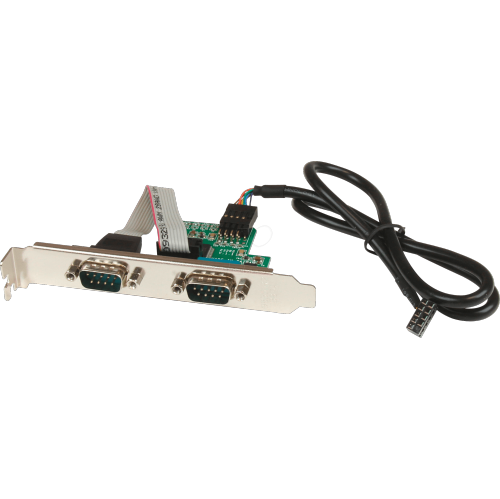
Compatibility depends on the adapter’s internal controller, driver support, and serial capabilities as well as its connectors. The controller, often described as the chipset, handles the translation between USB and serial communication. Reliable operation depends on support for the computer’s operating system, version, and processor architecture, rather than on chipset reputation alone. Some combinations work with drivers already included in the operating system; others require a separate driver from the adapter manufacturer. That distinction is especially relevant on managed workplace computers, where software installation may require administrator approval. An adapter also needs to work with the application used to access the equipment. Serial communication settings commonly include baud rate, data bits, parity, stop bits, and flow control, and these settings must agree with the requirements of the connected device. Rates such as 9,600 or 115,200 baud are common, but the supported range varies, and the highest advertised rate is not automatically the right setting for every connection. A measurement instrument sending occasional readings may have different requirements from equipment exchanging continuous data. Hardware flow control deserves particular attention: some devices need RTS and CTS signalling, while others also depend on additional control lines. Basic transmit, receive, and ground connections are not enough for every application. Support for the required signals should be explicit in the adapter specifications. Software that expects a particular serial port assignment can introduce another consideration. Some adapters and driver combinations support consistent port identification after reconnection, but behaviour can depend on the operating system and the USB port used. This matters when a saved application profile points to a particular port rather than searching automatically. For recurring tasks, such as downloading readings from the same instrument, a stable, documented setup can save repeated configuration. Multi-port adapters serve a different need, allowing several serial connections through one USB connection, provided the software can address each port separately. Their usefulness depends on how many devices need to communicate at once, not simply on the number of sockets.
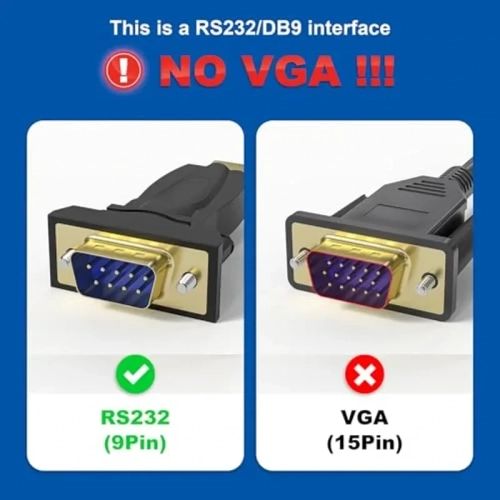
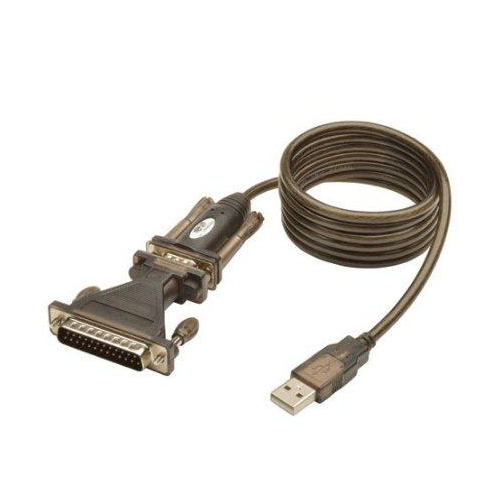
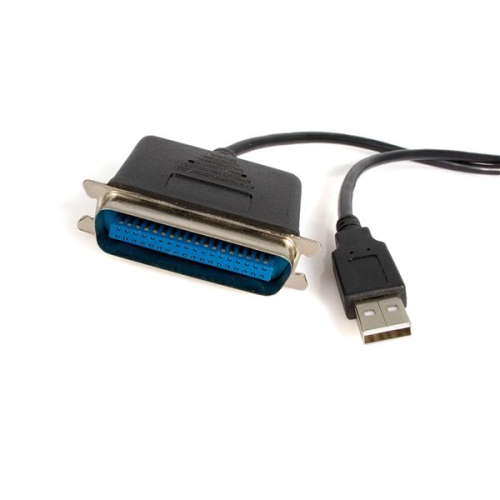
On the equipment side, connector shape, pin arrangement, and cable wiring determine whether the pieces fit and communicate correctly. The nine-pin D-sub connector commonly called DB9 is widely associated with RS232, but serial equipment can use other connectors, including 25-pin D-sub connections. Connector gender matters, and a matching plug and socket alone do not confirm compatible wiring. Some connections require a straight-through cable, while others require null-modem wiring that crosses particular signals between devices. A gender changer alters the physical connection without necessarily changing the signal arrangement. Compatible Rs232 Serial Cables can provide the necessary reach or connection format when their wiring matches the equipment and adapter requirements. Cable length is worth considering across the complete connection: RS232 performance depends on factors including transmission speed, cable characteristics, and electrical interference, so a longer run is not automatically suitable just because the plugs fit. Around motors, control cabinets, or other electrically noisy equipment, shielding and secure connections can matter more than they would at a quiet desk. Some adapters offer electrical isolation, which can help address ground-potential differences, but isolation is a specified feature rather than something to assume from a metal housing. Everyday durability comes from practical construction details such as strain relief where the cable enters the connector, securely fitted housings, and retaining screws that suit the equipment socket. A flexible cable is easier to route behind a workstation, while a short lead can reduce the weight hanging from a laptop port. Metal and moulded plastic housings each appear in these adapters; construction quality matters more than appearance alone. Gentle handling helps protect the connection: holding the connector housing during removal avoids pulling on the cable, and loose coils place less strain on it during storage. For a technician moving between workbenches or a hobbyist maintaining one serial device, the most useful adapter is one whose electrical standard, software support, wiring, and physical construction suit the actual task.
Top selling and popular products
-
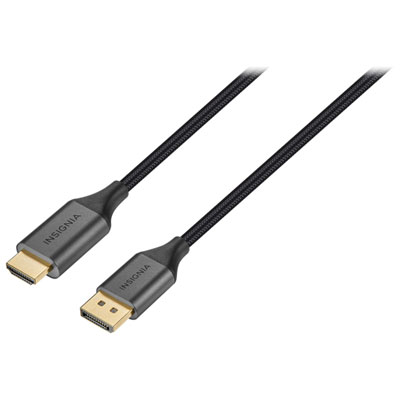 Your price for this item is $39.95
-
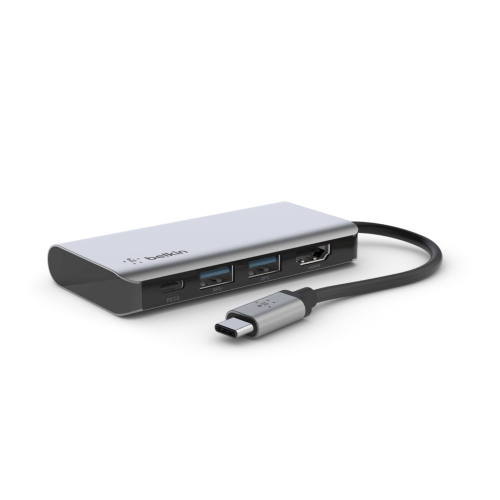 Your price for this item is $63.99
-
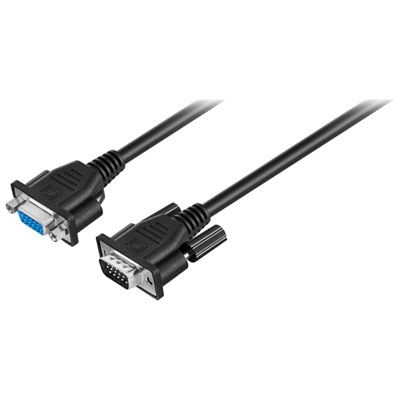 Your price for this item is $29.95
-
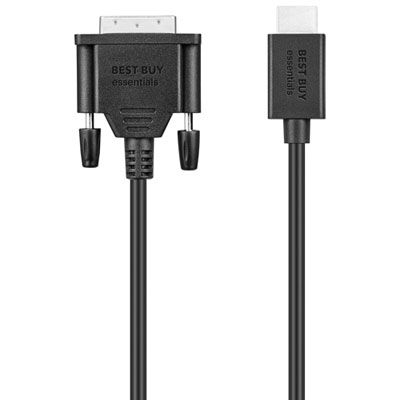 Your price for this item is $14.99
-
 Your price for this item is $29.99
-
 Your price for this item is $39.99
-
 Your price for this item is $29.99
-
 Your price for this item is $29.99
Discover more categories related to USB To RS232
Top Collections:
Best Black Friday Deals This Year, Best Black Friday Deals On Electronics, Kindle Devices, Best Black Friday Deals On Apple Products, Best Budget Office Chairs, Best Cameras for Sports Photography, Dyson Airwrap, Canon G7X Cameras, Best Laptops for Writers, Samsung Galaxy Phones
Some products may be subject to Environmental Handling Fees
(EHF) depending on your province.
Learn more about EHFs.