USB To RS232 Cables
USB To RS232 Cable solutions provide a reliable way to connect modern devices to legacy serial interfaces. Ideal for both home and professional use, these cables help bridge the gap between USB-enabled equipment and devices requiring an RS232 connection. Whether you're setting up office hardware, configuring network equipment, or working with specialized machinery, a USB To RS232 Cable offers versatile compatibility for a wide range of applications. Explore options designed to support seamless data transfer and efficient device communication.
Sort
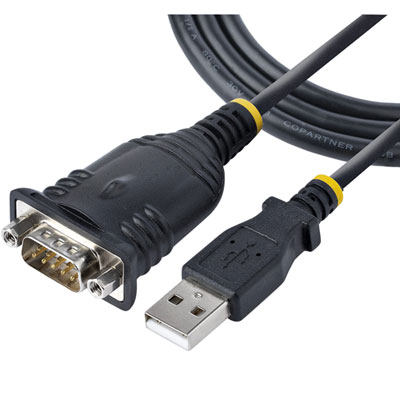
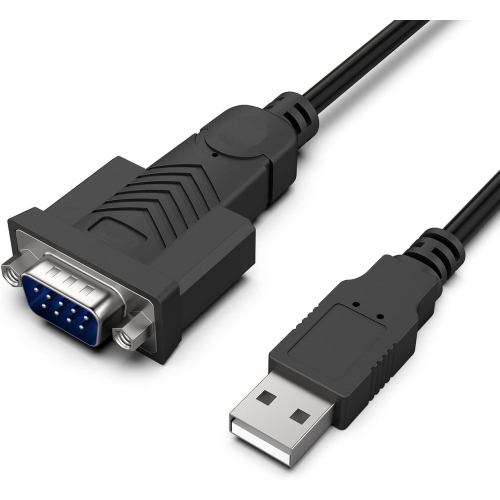
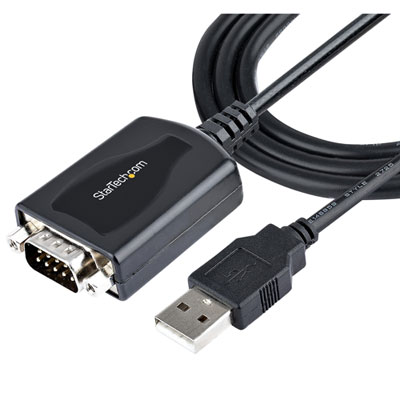
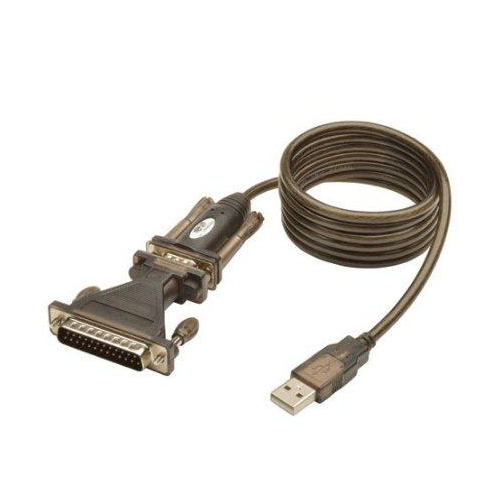
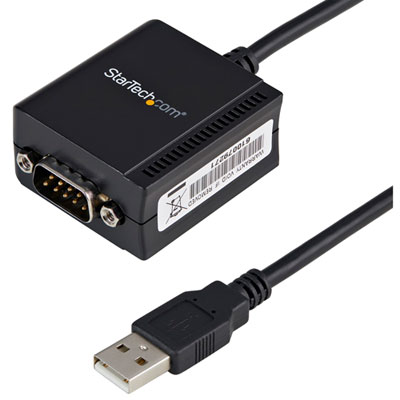
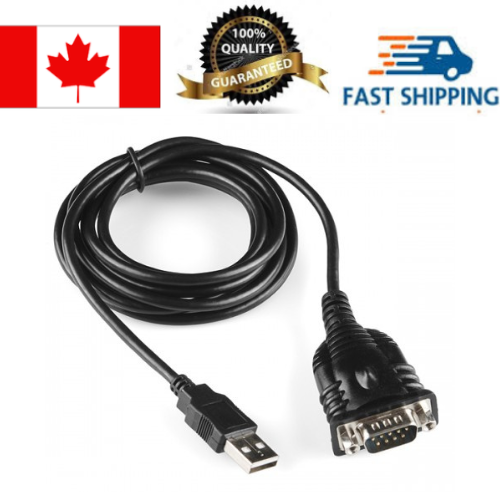
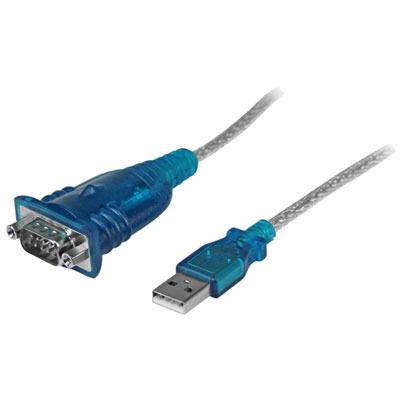
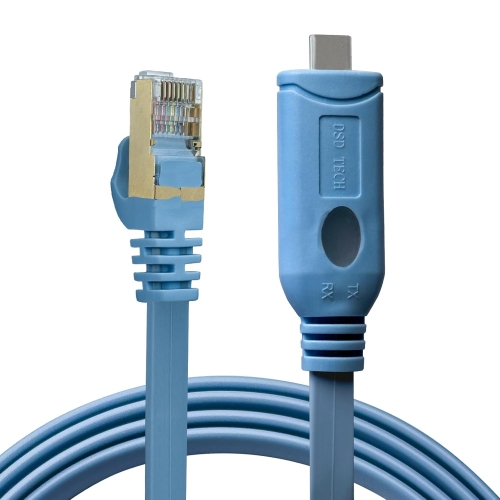
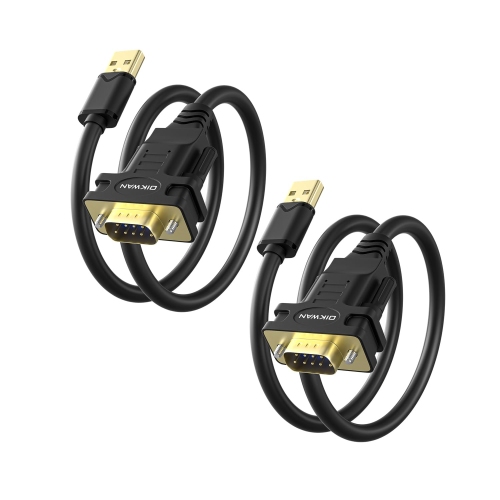
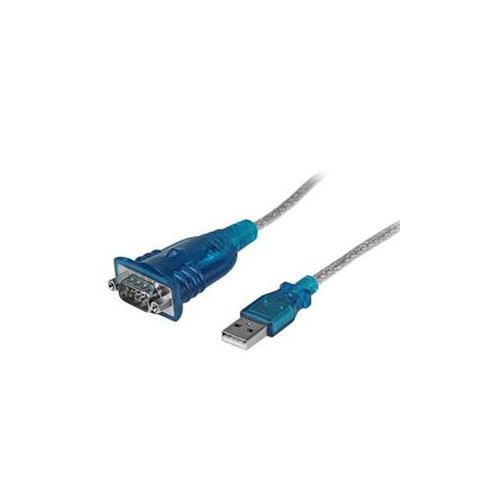
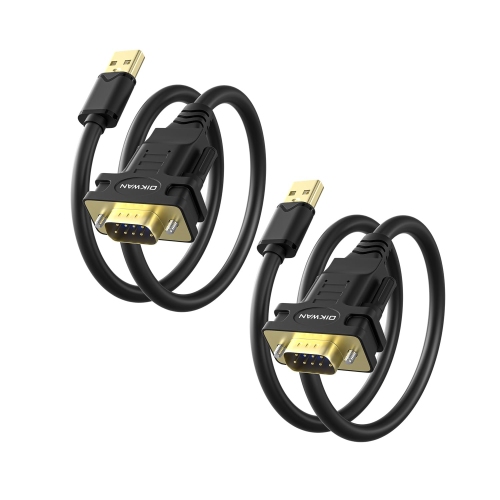
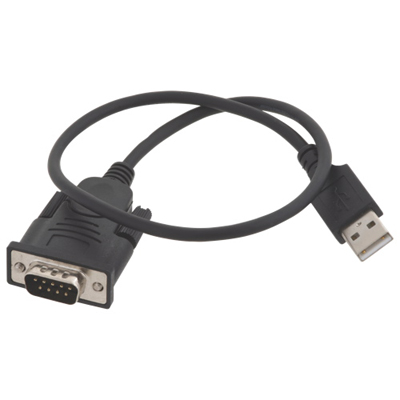
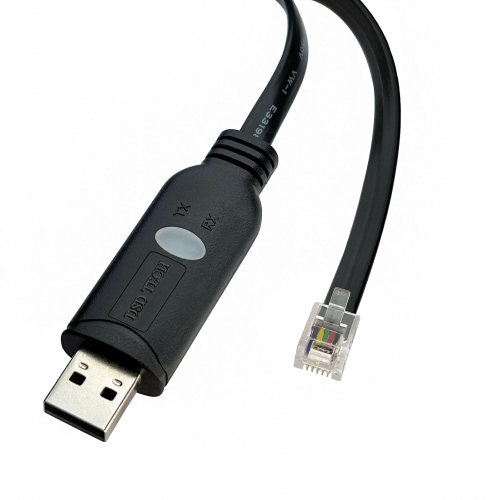

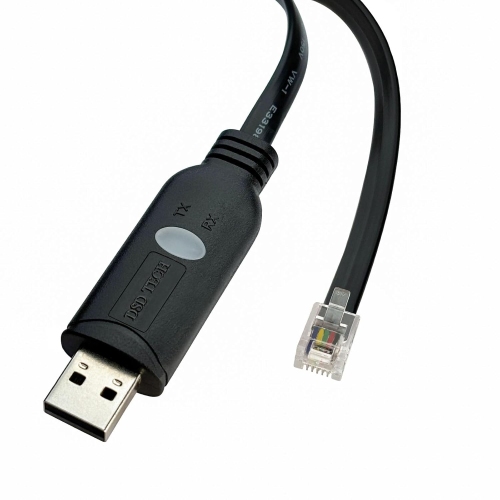
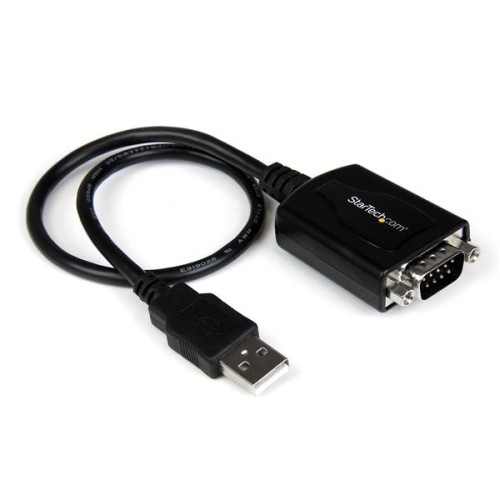
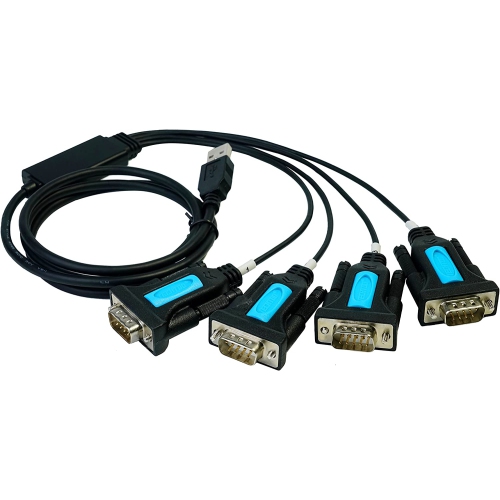


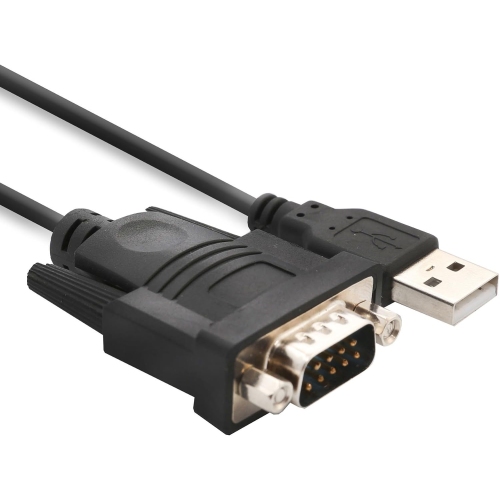
Serial compatibility goes beyond matching the right connectors
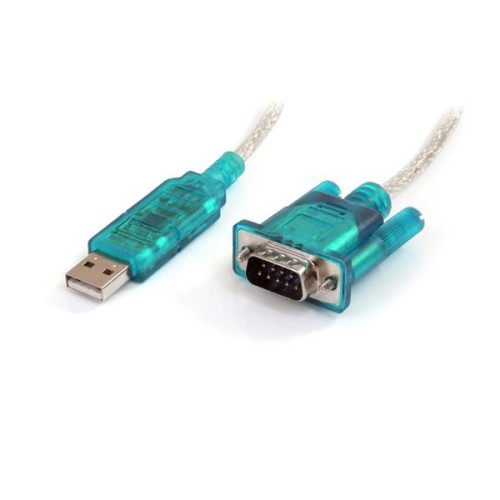
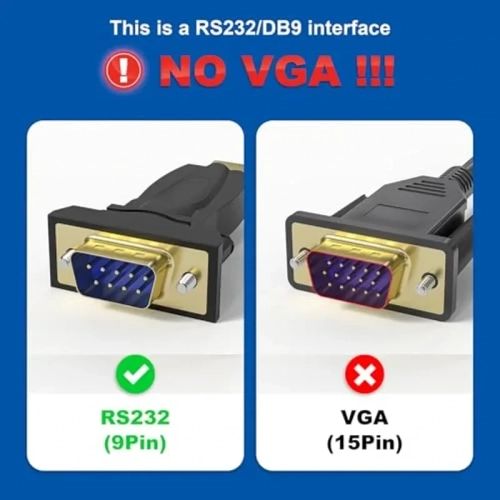
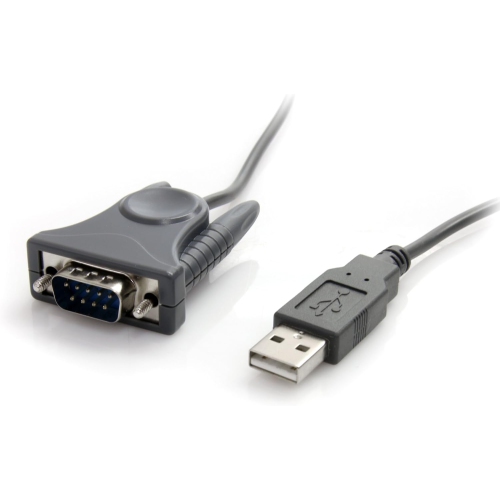
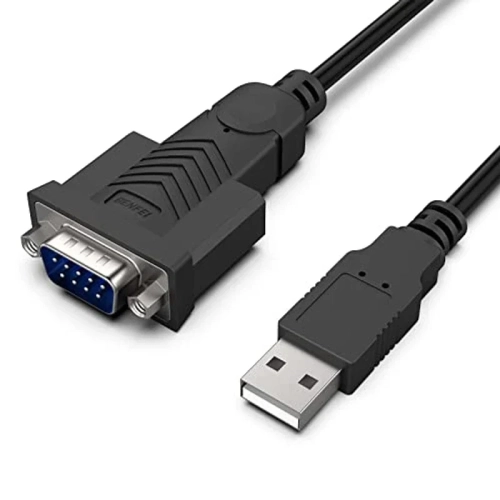
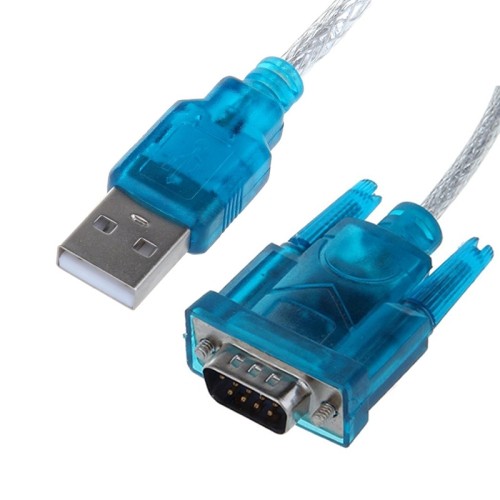
USB to RS232 cables connect a computer’s USB port to equipment that communicates through an RS232 serial connection. They contain active conversion circuitry, allowing a USB-equipped computer to exchange data with a compatible serial device rather than simply changing the shape of the connector. These cables are useful for equipment such as barcode scanners, laboratory instruments, receipt printers, modems, and some machine controllers that still rely on serial communication. A technician might use one to configure a controller from a laptop, while a small business might need one to keep a dependable serial peripheral connected to a newer workstation. The broader USB To RS232 category includes connection options for these kinds of setups, with differences in USB connectors, serial connectors, cable lengths, and supported features. USB-A and USB-C versions suit different computer ports, while the serial end commonly uses a 9-pin connector known as DB9. Connector gender matters: a male plug has exposed pins, and a female connector has sockets. The mating connector on the equipment determines which is needed, but matching the physical connection is only part of compatibility. The device must also use RS232 signalling and the appropriate pin arrangement. A 9-pin connector alone does not establish the communication standard, since similar connectors can carry other signals. RS232 is not interchangeable with TTL serial, RS422, or RS485, even when an adapter looks similar. Some equipment also requires a separate serial cable or a null-modem connection, which crosses particular signal lines between devices. A standard USB to RS232 cable does not necessarily provide that crossover. For older equipment with a 25-pin serial connector, an additional adapter may be required, with its wiring matched to the application. These distinctions make the equipment’s connection specifications more useful than appearance alone when comparing cable formats.
The electronics inside a USB to RS232 cable influence driver compatibility, communication features, and how the connection behaves during everyday use. The converter chipset works with a driver that allows software on the computer to access the serial interface. Support depends on the operating system, its version, and the cable’s driver package; a cable that works with one computer is not automatically compatible with every other system. Some operating systems can install a suitable driver automatically, while other combinations require a separate installation. This matters on workplace computers where software installation is restricted or where an older application needs a particular driver version. On systems that use COM port numbers, the adapter generally appears as a serial port that the application can select. Port-number retention, when supported, can help keep a familiar assignment between sessions, although behaviour also depends on the driver, computer configuration, and USB port used. For a workstation connected to the same instrument each day, that consistency can reduce the need to adjust application settings. Successful communication also relies on matching the device’s baud rate, data bits, parity, stop bits, and flow-control requirements. A faster USB connection does not make the attached serial equipment communicate beyond its supported rate. Basic applications may use transmit, receive, and ground connections, while others rely on additional control signals for hardware handshaking. Support for the required signals is especially important for equipment that pauses and resumes data transfer through those lines. Cable specifications should distinguish between a simple serial interface and one that supports the full set of signals needed by the connected device. Indicator lights, where included, can make transmit and receive activity visible at a glance, but they do not confirm that the application settings or data format are correct. For long-running logging or monitoring tasks, dependable driver support and suitable signal handling matter more than an impressive headline speed.
Physical construction affects how comfortably a USB to RS232 cable fits into a workspace and how well it stands up to repeated handling. A flexible outer jacket is easier to route behind a desk or beside a workbench, while reinforced strain relief helps protect the points where the cable enters its connector housings. Shielding can help limit interference affecting the connection, although overall performance also depends on cable routing, length, grounding, and nearby equipment. Longer is not always better: extra cable can become tangled under a workstation, and the dependable reach of an RS232 connection depends partly on the data rate and installation conditions. A length that reaches the equipment without stretching, with a little room for movement, usually makes for a neater setup. Connector dimensions deserve attention as well. A bulky converter housing may crowd neighbouring USB ports, while a short flexible lead can leave more space around closely positioned connections. At the serial end, compatible retaining screws help secure the plug against accidental movement, which is useful when equipment sits on a bench that gets bumped or adjusted. The screws should engage without forcing the connector or placing strain on the device’s socket. For someone carrying a laptop between service locations, a compact cable with protected connectors is easier to pack than a loose collection of adapters. A fixed workstation may benefit more from a longer lead that allows the computer and serial equipment to remain in practical positions. Day-to-day care is straightforward: disconnect by holding the connector housing rather than pulling the cable, avoid sharp bends near either end, and keep exposed pins protected from knocks during storage. Dust and debris around connectors can also interfere with a secure fit. In shared workspaces, a simple label identifying the attached device or assigned port can make reconnection less confusing, particularly when several similar leads sit together. For repair technicians, equipment operators, laboratory staff, and anyone maintaining a compatible serial peripheral, a well-matched cable provides a practical link between established hardware and a USB-equipped computer. Its value comes from the right electrical standard, supported software, secure connections, and a construction suited to the way it will be used.
Top selling and popular products
-
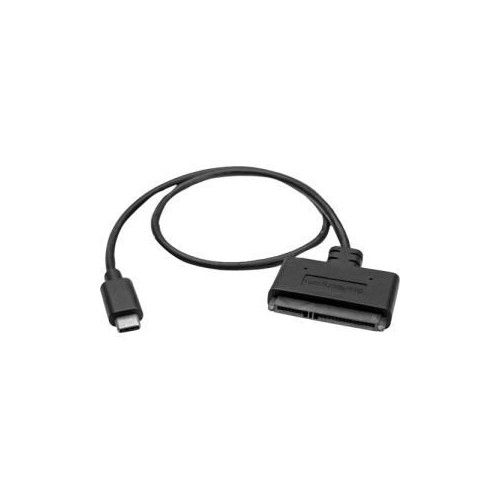 Your price for this item is $36.68
-
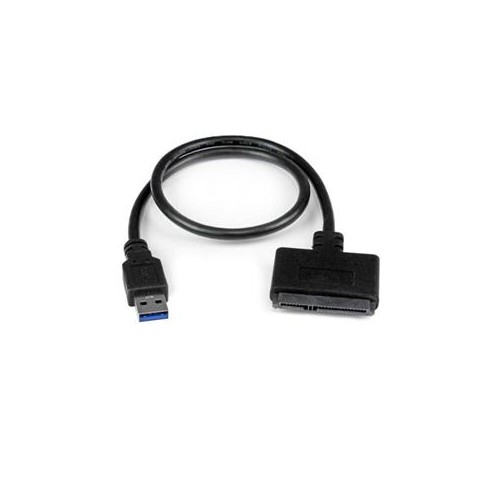 Your price for this item is $17.68
-
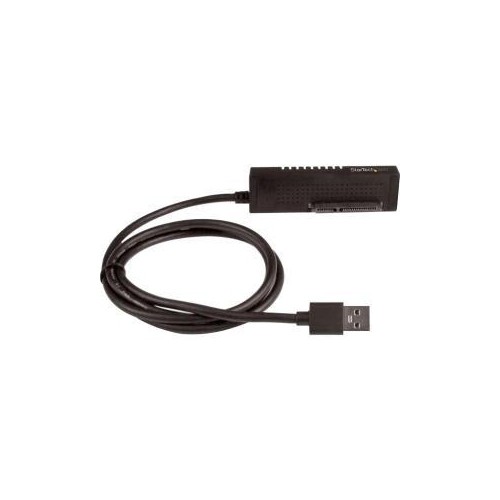 Your price for this item is $56.68
-
 Your price for this item is $9.99
-
 Your price for this item is $28.68
-
 Your price for this item is $36.99
-
 Your price for this item is $6.5
-
 Your price for this item is $9.99
Discover more categories related to USB To RS232 Cables
Top Collections:
Best Black Friday Deals This Year, Best Black Friday Deals On Electronics, Kindle Devices, Best Black Friday Deals On Apple Products, Best Budget Office Chairs, Best Cameras for Sports Photography, Dyson Airwrap, Canon G7X Cameras, Best Laptops for Writers, Samsung Galaxy Phones
Some products may be subject to Environmental Handling Fees
(EHF) depending on your province.
Learn more about EHFs.