Samsung Galaxy Keyboards
Enhance your typing experience with our collection of high-quality keyboards designed for Samsung Galaxy devices. Whether you're looking to increase productivity on your tablet or seeking a seamless typing solution for your smartphone, our range of keyboards offers ergonomic designs, responsive keys, and wireless connectivity options to suit your needs. Upgrade your mobile typing game with these sleek and functional keyboards that are compatible with a variety of Samsung Galaxy models.
Sort








![GENERIC Galaxy Tab S6 Lite 2020 Keyboard Case 10.4 [Backlit, Sm-P610, Sm-P615], 7 Color Light Detachable Wireless](https://multimedia.bbycastatic.ca/multimedia/products/500x500/197/19756/19756576.jpeg)

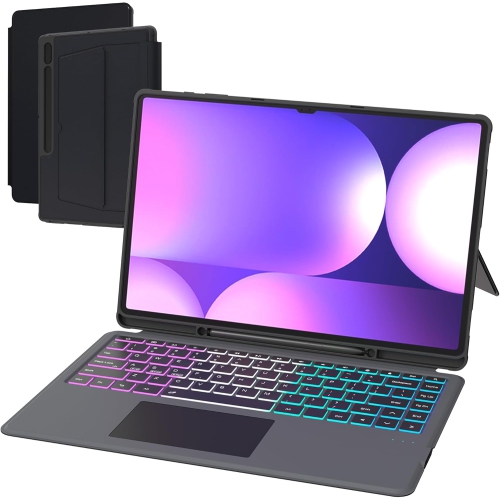

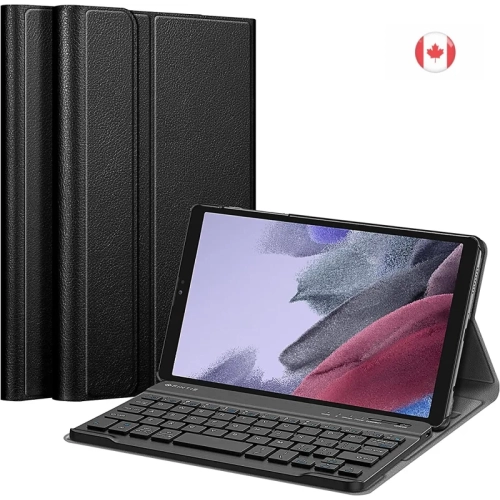
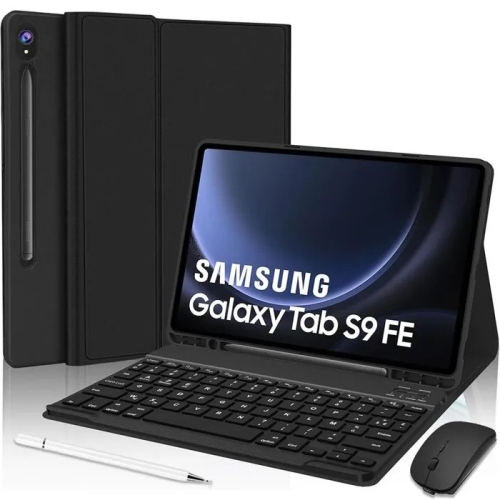
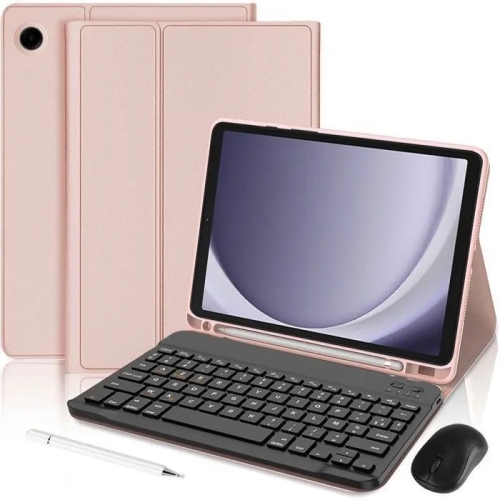
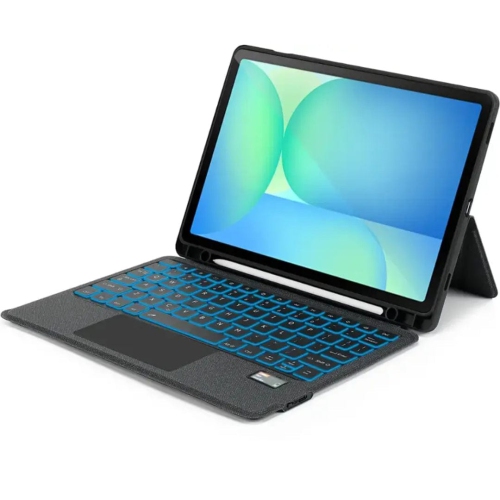
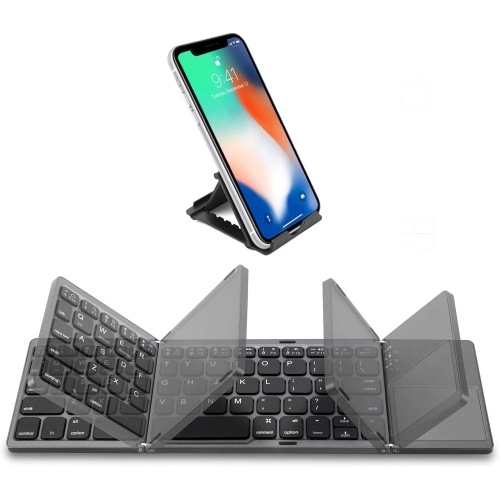
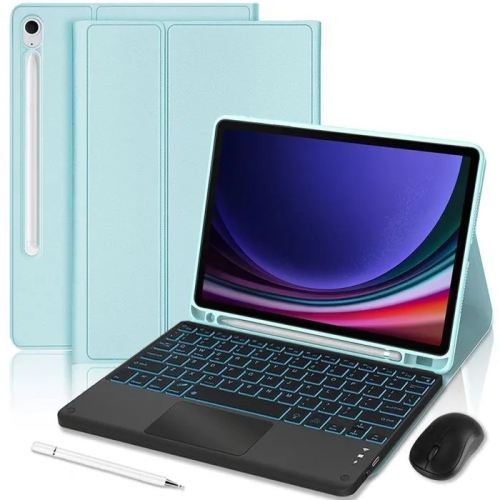
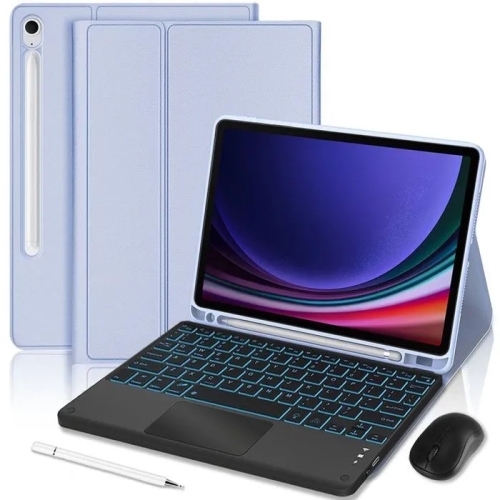
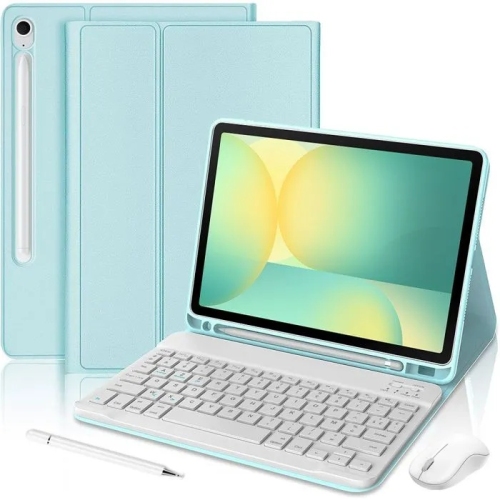
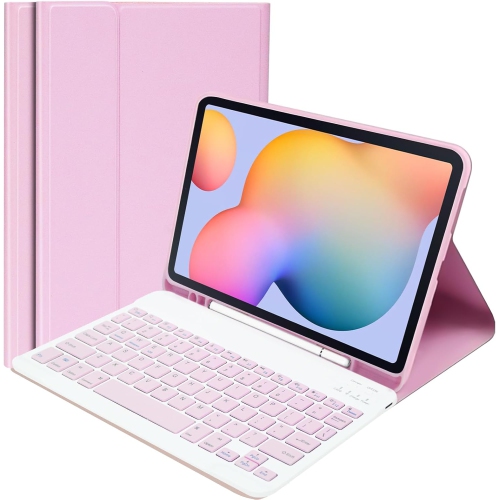
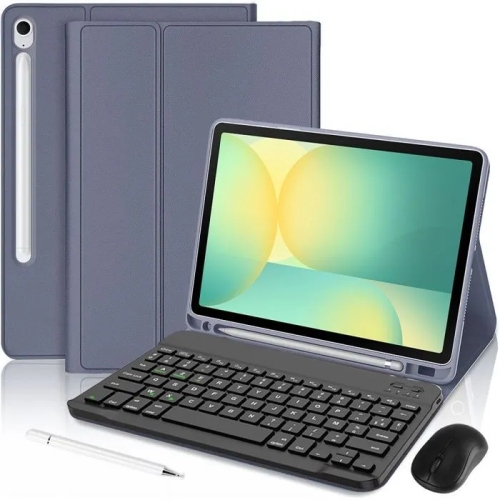
Protected tablet covers and flexible Bluetooth setups for Galaxy users
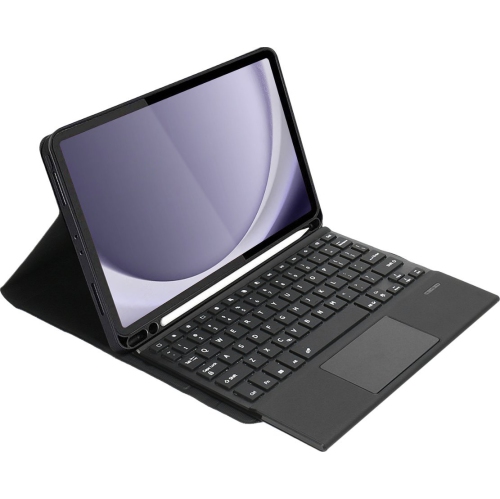
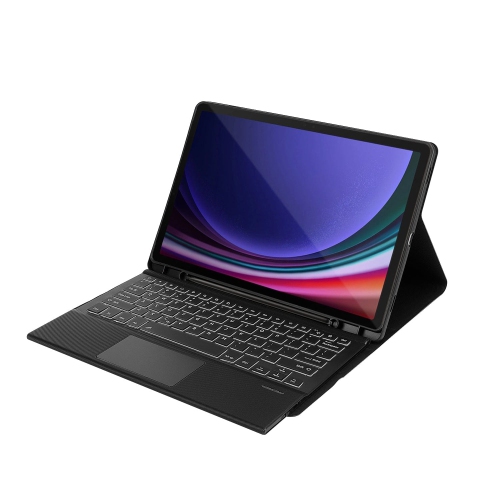
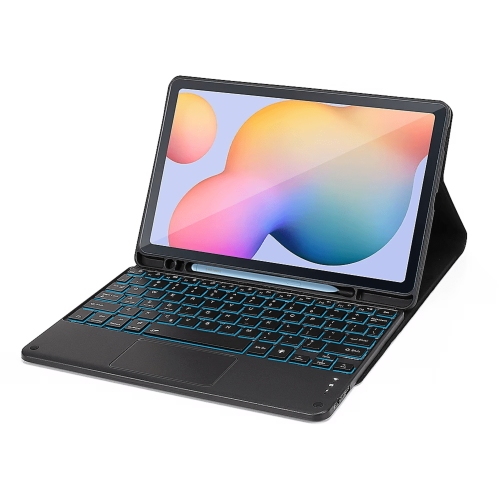
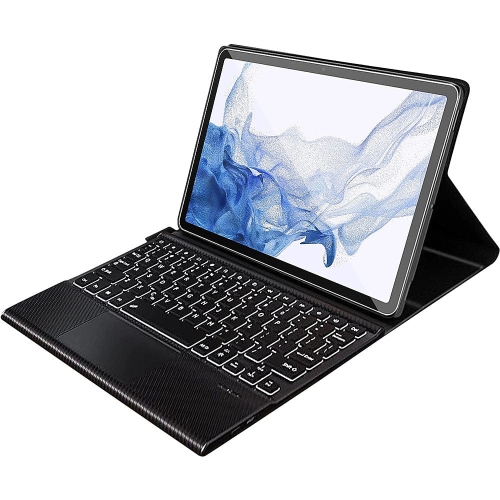
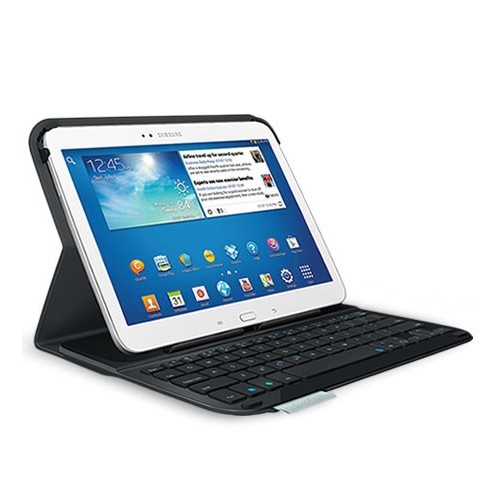
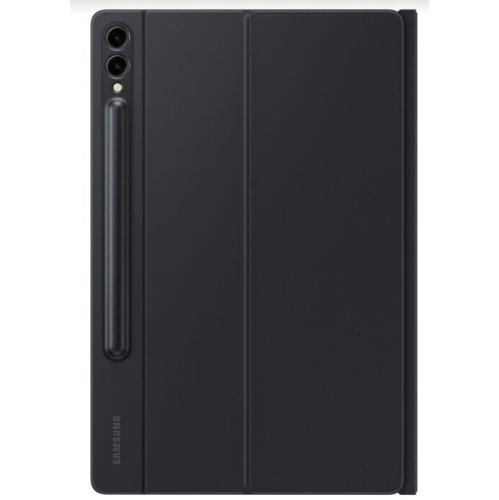
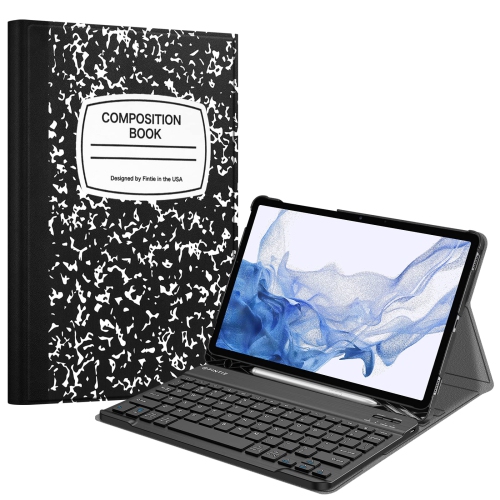
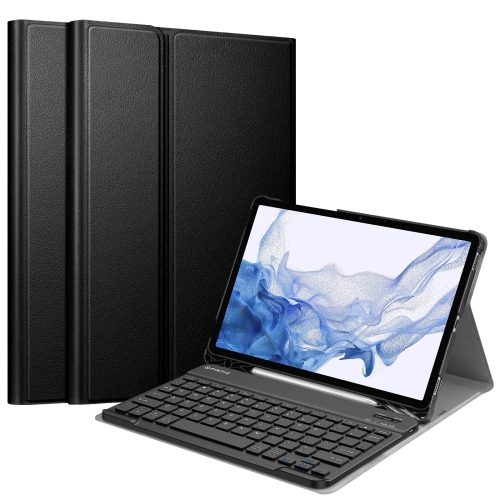
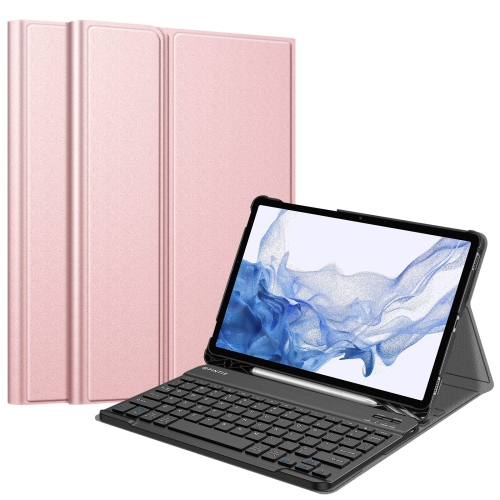
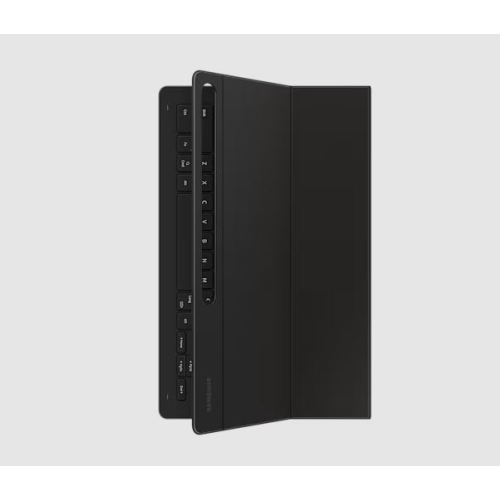
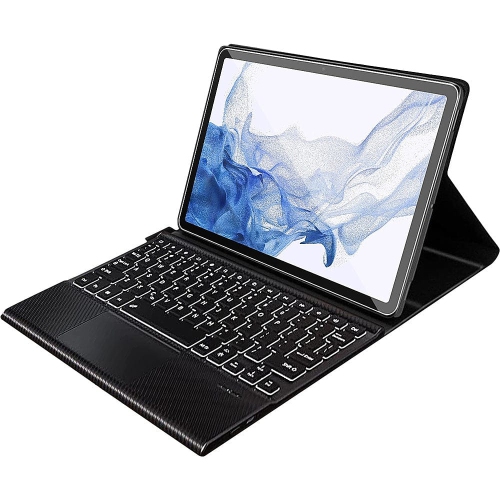
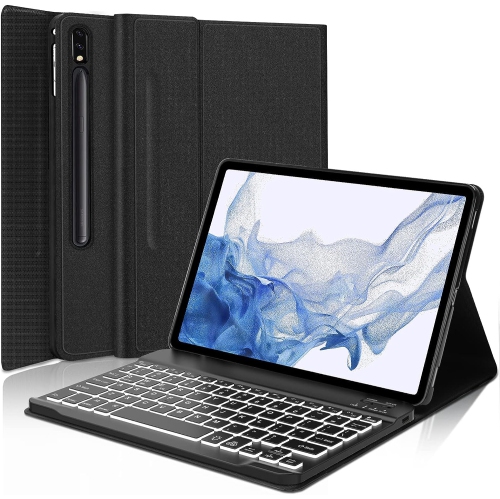
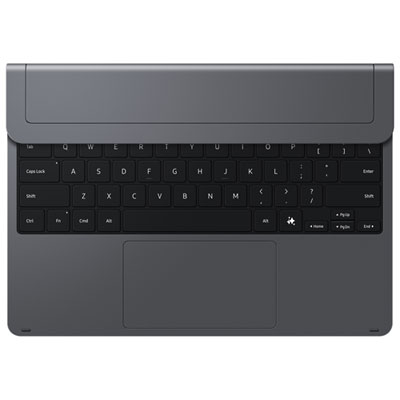
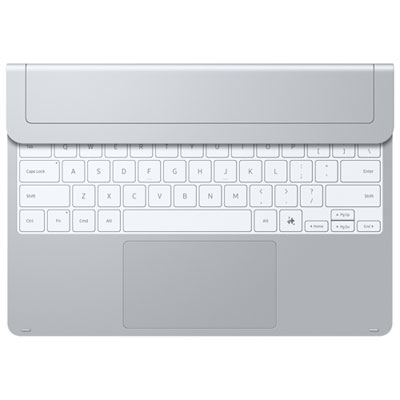
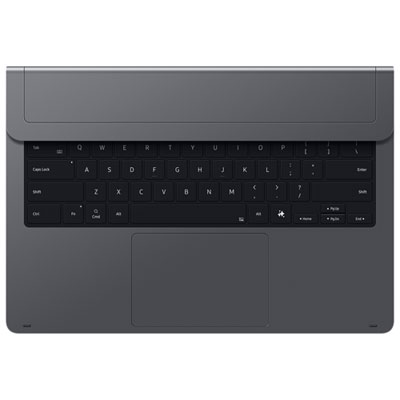
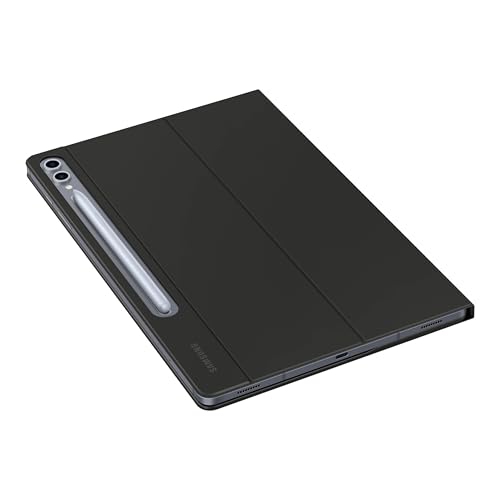
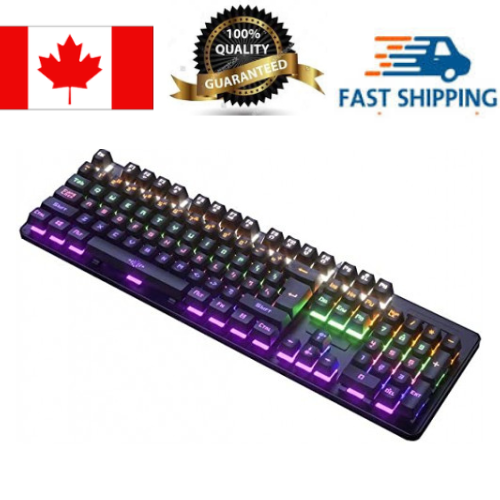
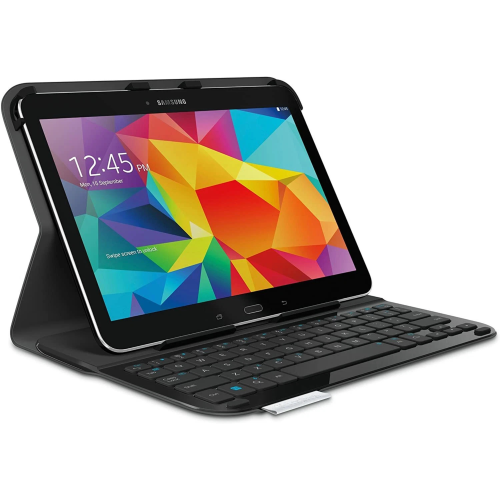
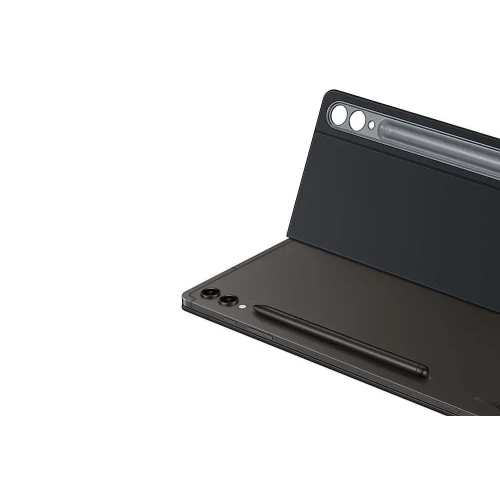
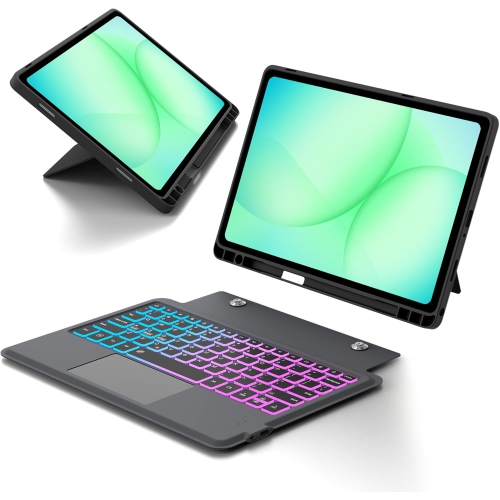
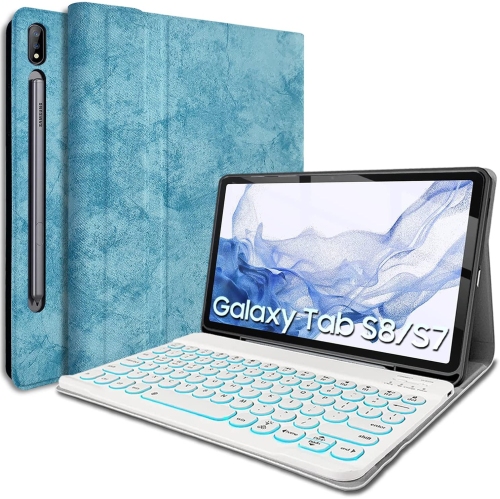
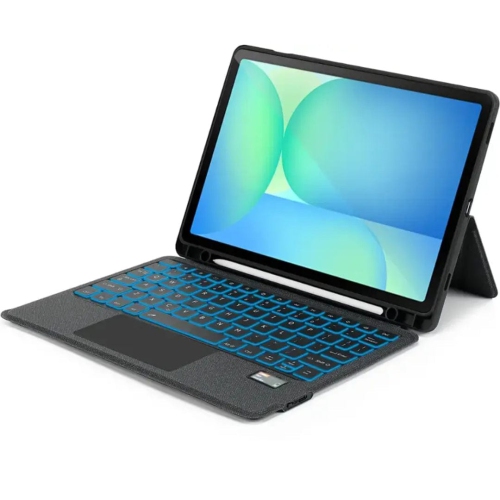
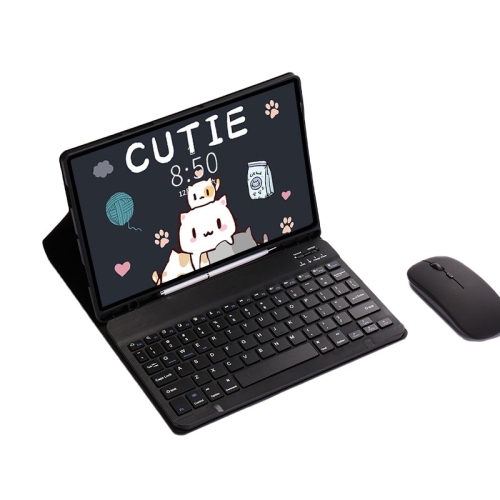
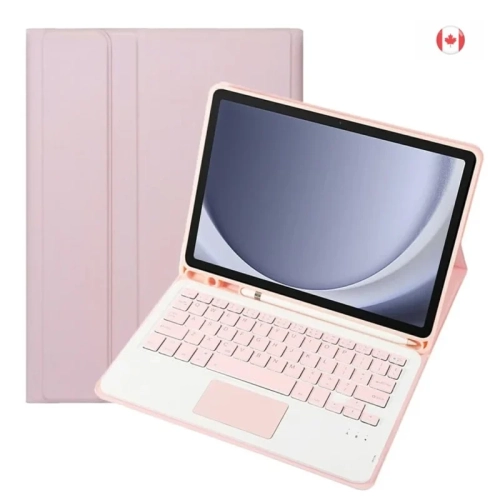
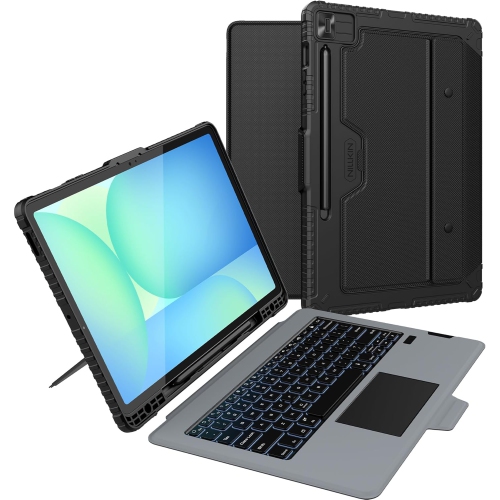
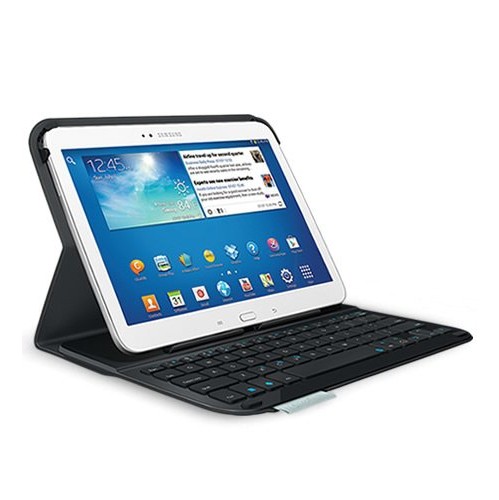
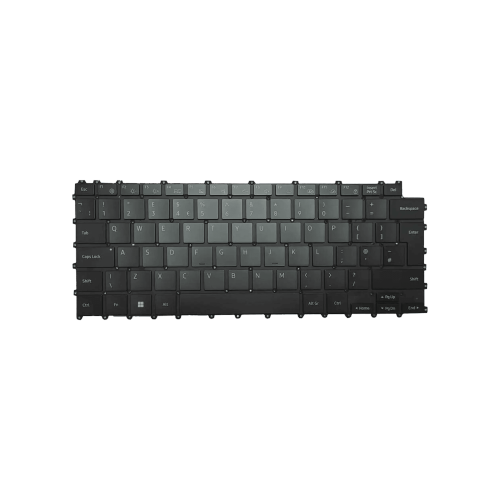
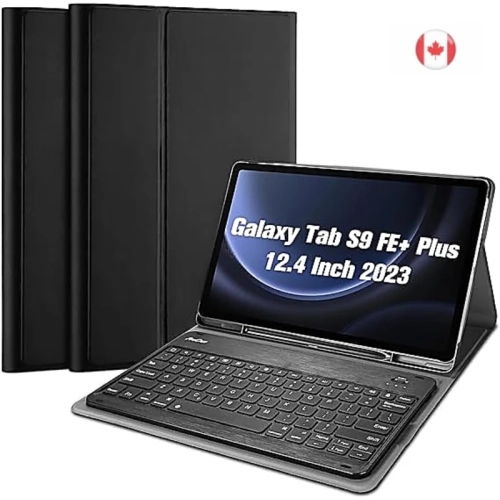
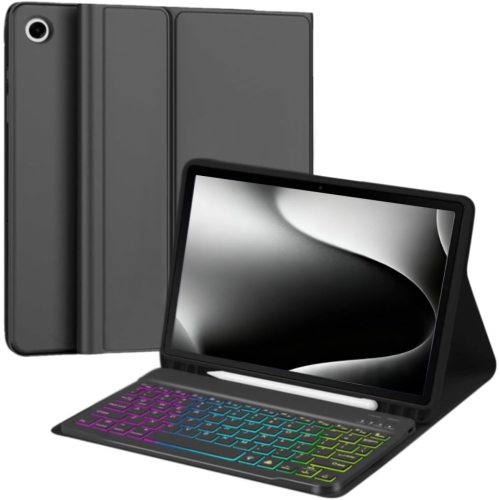
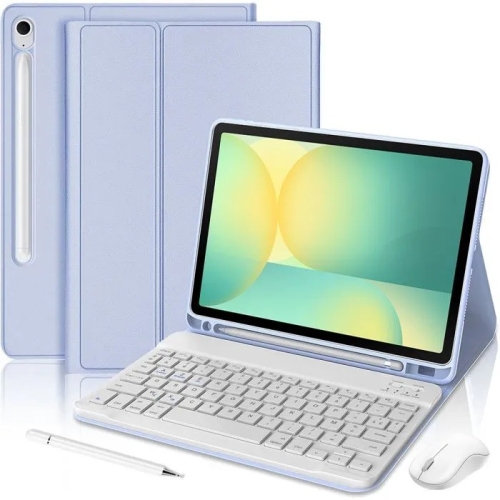
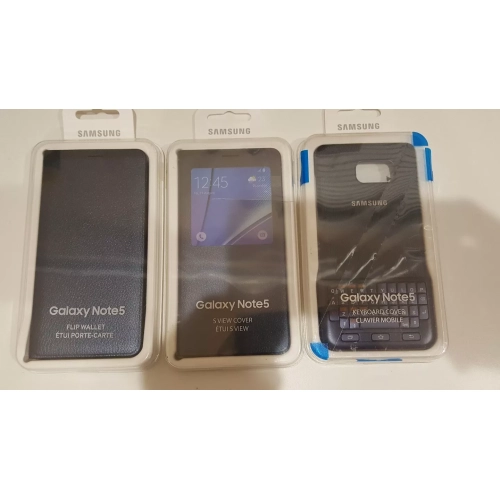
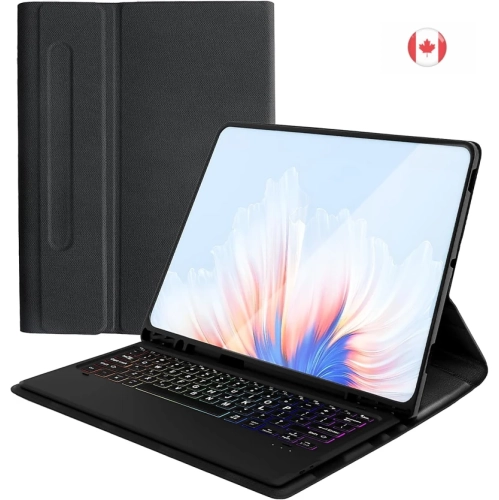
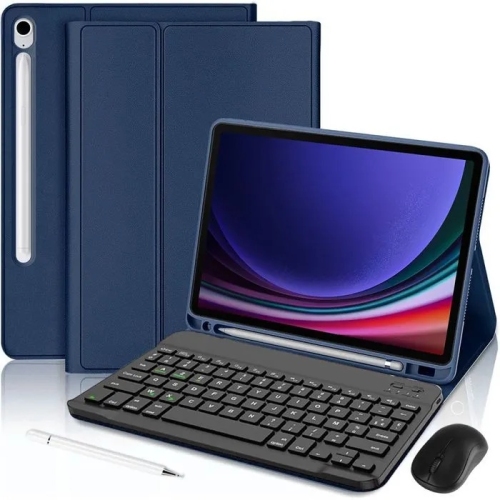
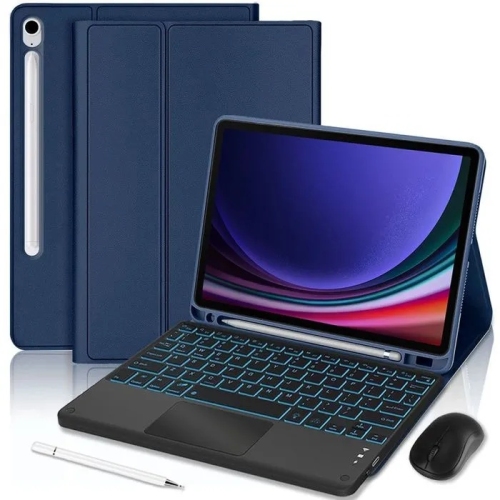
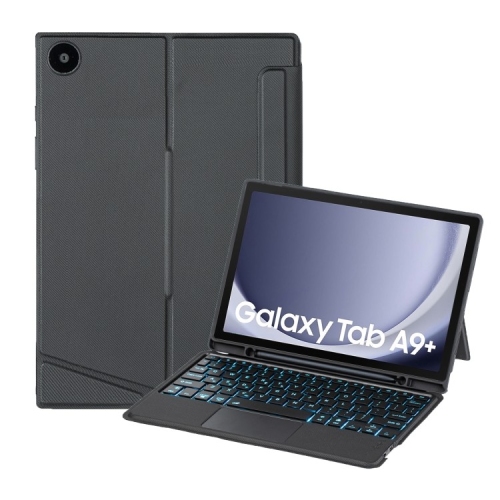
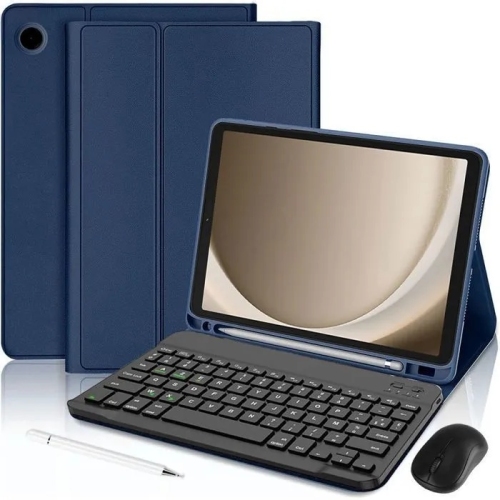
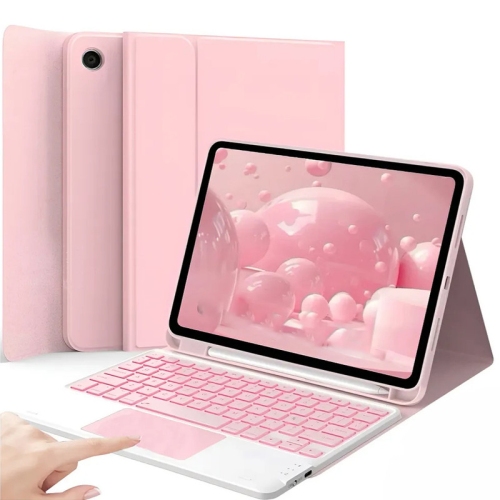
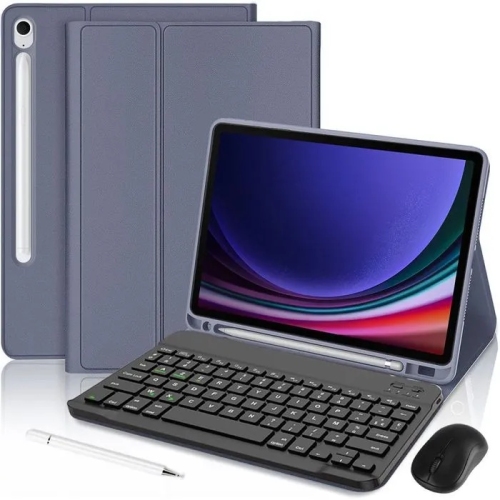
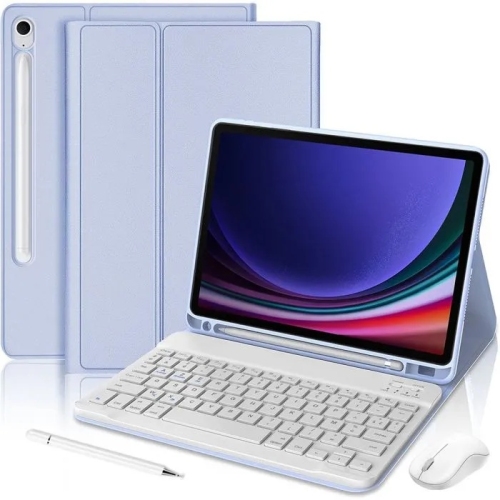
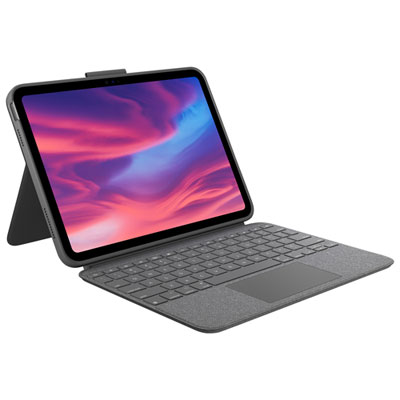
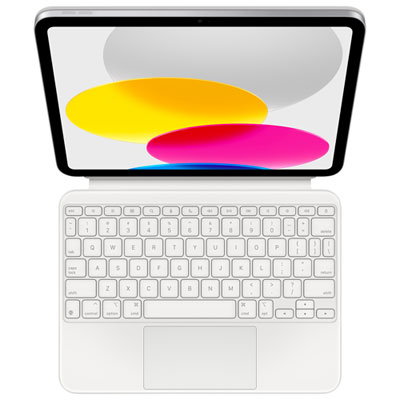
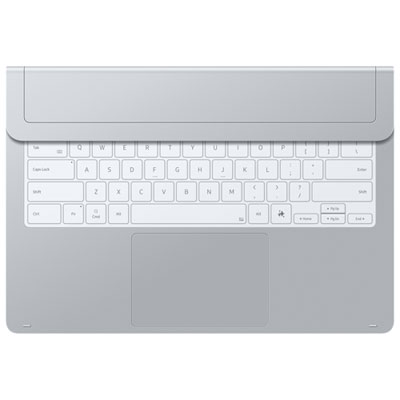
Samsung Galaxy keyboards can make typing on a compatible Galaxy tablet feel far more natural, especially when your work involves lengthy emails, school assignments, spreadsheets, messages, or documents. Rather than tapping across a glass screen for every word, a physical keyboard gives you familiar, responsive keys and a steadier place to rest your hands. Keyboard covers are particularly useful for people who want an all-in-one setup: the folio-style design helps protect the tablet while the integrated keyboard creates a laptop-like workstation on a kitchen counter, library table, home office desk, or tray table during a trip. Many include a built-in trackpad, allowing you to move a pointer, select text, open menus, and navigate between apps without repeatedly reaching for the display. A magnetic connection can make attaching and removing the keyboard simple, while adjustable viewing angles help you find a comfortable position for typing, streaming, video calls, and reading. Before choosing one, check the exact Galaxy tablet model and screen size listed in the compatibility information. Even tablets that look similar may use different dimensions, connector locations, or case layouts, and a precise fit helps keep ports, cameras, speakers, and controls accessible. A keyboard cover is a practical gift for a student preparing for another term, a family member organizing household records, or anyone who has begun using a tablet for more than casual browsing. It can also be a thoughtful choice for a traveller who wants a compact writing setup without carrying a separate laptop, provided the recipient’s tablet is compatible with the keyboard.
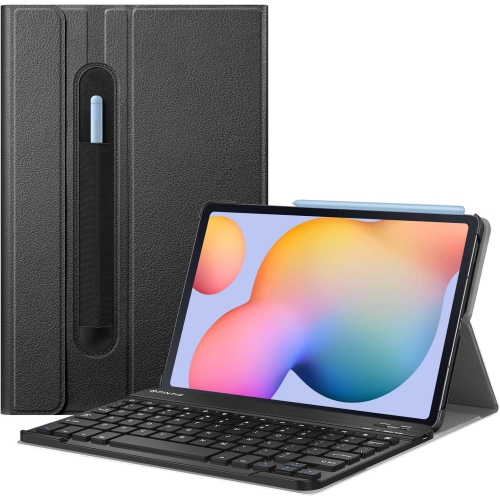
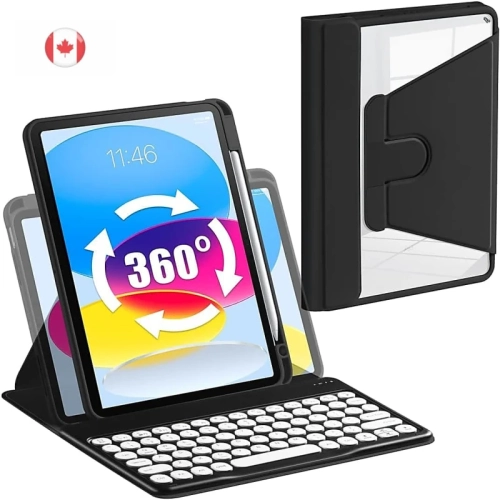
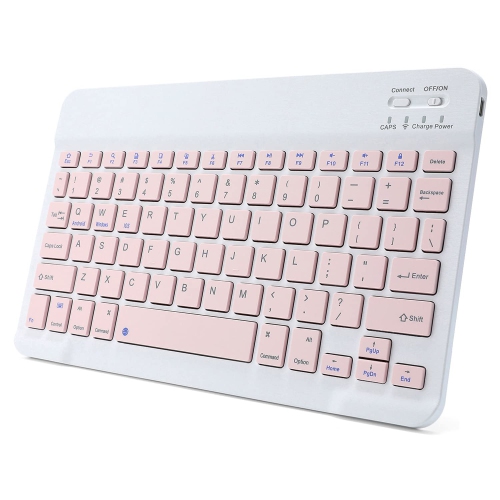
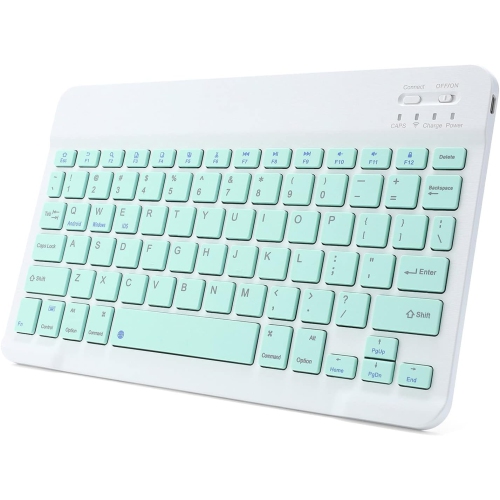
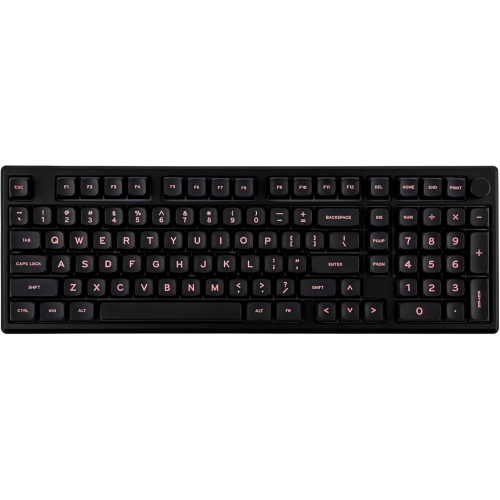
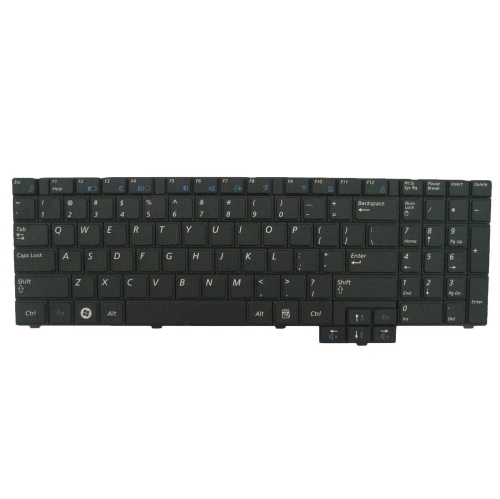
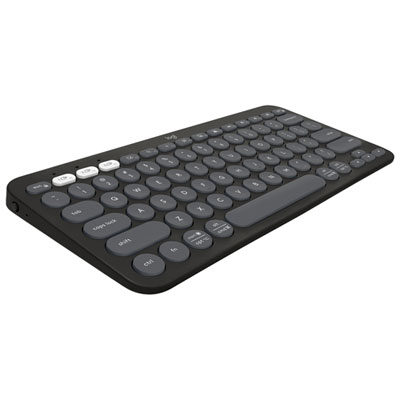
Portable Bluetooth keyboards offer another approach for Galaxy users who prefer to keep their tablet in a separate stand, case, or bag. They can be placed at a comfortable distance from the screen and moved easily between a desk, meeting room, living room, and shared workspace. This flexibility is helpful when a tablet serves several roles throughout the day, such as a note-taking device in the morning, a recipe display while preparing dinner, and an entertainment screen during the evening. Look for a layout that suits the type of writing you do most often. A full-size arrangement may be more comfortable for regular documents and spreadsheet work, while a slimmer design can take up less room in a backpack or carry-on. Dedicated shortcut keys can speed up common actions such as adjusting volume, changing brightness, controlling media, or returning to the home screen. Some newer keyboards also include a dedicated key for accessing built-in assistant features, which may be useful when dictating notes, finding information, or managing everyday tasks. Multi-device pairing is worth considering for households or workstations where one keyboard may be shared between several compatible screens. Battery life, charging method, key travel, backlighting, weight, and the presence of a number pad all affect the day-to-day experience. A backlit keyboard can be easier to use in a dim room during the cooler months, while a quieter key mechanism is considerate in a shared office, classroom, or bedroom. If your tablet is an iPhone rather than a Galaxy device, explore IPhone Keyboards for accessories designed around that platform.
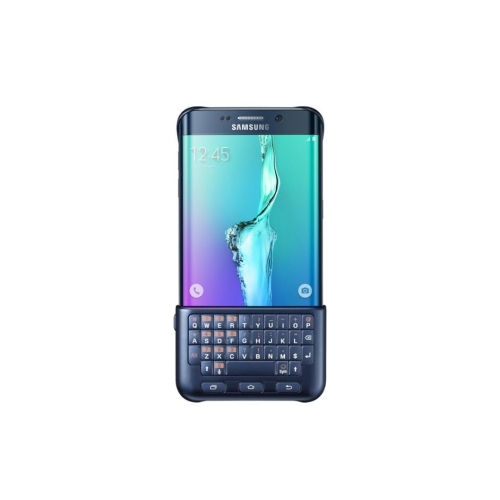
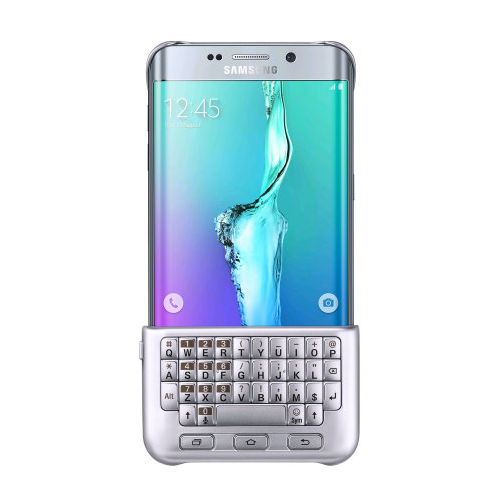
Not every Galaxy keyboard has physical keys. Galaxy tablets and phones also include an on-screen keyboard that can be adjusted to match different habits and accessibility preferences. Settings may allow you to change the layout, language, key size, number row, text shortcuts, voice input, and other typing options. Features such as using the spacebar as a cursor control can make it easier to correct a sentence without repeatedly tapping a precise spot on the screen, while text shortcuts can expand a few typed characters into a commonly used phrase. Users who enjoy personalizing their devices may also be able to adjust keyboard colours, effects, layouts, and emoji arrangements through compatible customization tools and settings. The software keyboard is convenient because it is always available and adds no weight to a mobile device, making it well suited to quick searches, short messages, sign-in fields, and notes taken while standing or travelling. A physical keyboard becomes more valuable when typing stretches from a few lines into several pages, or when you want a clearer separation between the display and your hands. Some people keep both options available, using the on-screen keyboard for casual tasks and a cover or Bluetooth model for focused work. When shopping, consider how often you type, where you usually use your Galaxy device, whether you need tablet protection, and whether portability matters more than a spacious layout. Comparing compatibility, connection type, keyboard dimensions, trackpad functionality, shortcut controls, battery requirements, and price can help you choose a setup that feels comfortable from the first message through a full afternoon of writing. Physical Galaxy keyboards commonly range from about $150 to $350, depending on their materials, features, size, and compatibility, while the built-in software keyboard is included with the device and can be customized through its available settings.
Portable Bluetooth keyboards offer another approach for Galaxy users who prefer to keep their tablet in a separate stand, case, or bag. They can be placed at a comfortable distance from the screen and moved easily between a desk, meeting room, living room, and shared workspace. This flexibility is helpful when a tablet serves several roles throughout the day, such as a note-taking device in the morning, a recipe display while preparing dinner, and an entertainment screen during the evening. Look for a layout that suits the type of writing you do most often. A full-size arrangement may be more comfortable for regular documents and spreadsheet work, while a slimmer design can take up less room in a backpack or carry-on. Dedicated shortcut keys can speed up common actions such as adjusting volume, changing brightness, controlling media, or returning to the home screen. Some newer keyboards also include a dedicated key for accessing built-in assistant features, which may be useful when dictating notes, finding information, or managing everyday tasks. Multi-device pairing is worth considering for households or workstations where one keyboard may be shared between several compatible screens. Battery life, charging method, key travel, backlighting, weight, and the presence of a number pad all affect the day-to-day experience. A backlit keyboard can be easier to use in a dim room during the cooler months, while a quieter key mechanism is considerate in a shared office, classroom, or bedroom. If your tablet is an iPhone rather than a Galaxy device, explore IPhone Keyboards for accessories designed around that platform.
Not every Galaxy keyboard has physical keys. Galaxy tablets and phones also include an on-screen keyboard that can be adjusted to match different habits and accessibility preferences. Settings may allow you to change the layout, language, key size, number row, text shortcuts, voice input, and other typing options. Features such as using the spacebar as a cursor control can make it easier to correct a sentence without repeatedly tapping a precise spot on the screen, while text shortcuts can expand a few typed characters into a commonly used phrase. Users who enjoy personalizing their devices may also be able to adjust keyboard colours, effects, layouts, and emoji arrangements through compatible customization tools and settings. The software keyboard is convenient because it is always available and adds no weight to a mobile device, making it well suited to quick searches, short messages, sign-in fields, and notes taken while standing or travelling. A physical keyboard becomes more valuable when typing stretches from a few lines into several pages, or when you want a clearer separation between the display and your hands. Some people keep both options available, using the on-screen keyboard for casual tasks and a cover or Bluetooth model for focused work. When shopping, consider how often you type, where you usually use your Galaxy device, whether you need tablet protection, and whether portability matters more than a spacious layout. Comparing compatibility, connection type, keyboard dimensions, trackpad functionality, shortcut controls, battery requirements, and price can help you choose a setup that feels comfortable from the first message through a full afternoon of writing. Physical Galaxy keyboards commonly range from about $150 to $350, depending on their materials, features, size, and compatibility, while the built-in software keyboard is included with the device and can be customized through its available settings.
Top selling and popular products
-
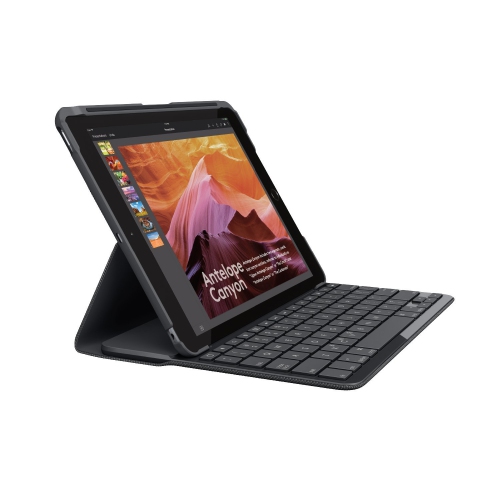 Your price for this item is $89.99
 -
 Your price for this item is $49.99
 -
 Your price for this item is $79.99
 -
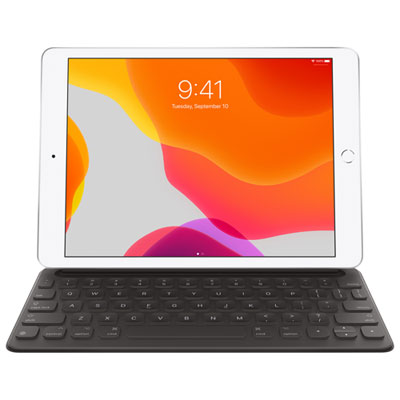 Your price for this item is $218.97
 -
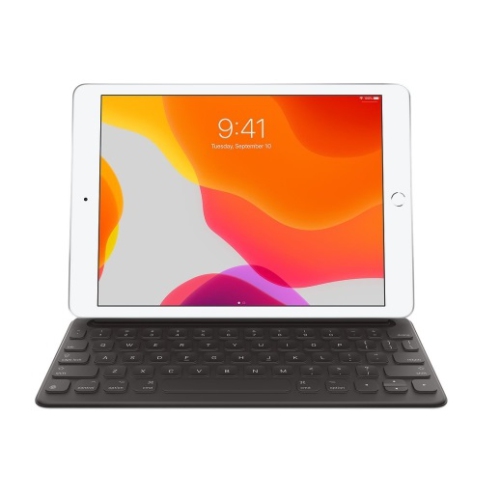 Your price for this item is $49.99
 -
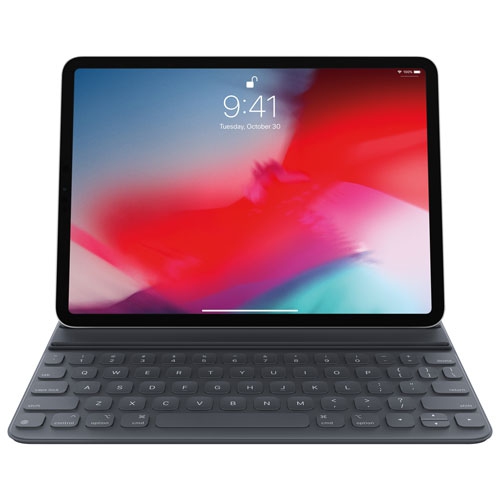 Your price for this item is $199
 -
 Your price for this item is $219.99
 -
 Your price for this item is $329.99
Discover more categories related to Samsung Galaxy Keyboards

Top Collections:
Pokemon Centers, Best Cameras for Sports Photography, Kindle Devices, Samsung Galaxy Phones, Canon G7X Cameras, Pokémon 30th Celebration Cards, Refurbished Apple Laptops, iPhone 15 Apple, Laptops for Students, Budget Smartphones
Some products may be subject to Environmental Handling Fees
(EHF) depending on your province.
Learn more about EHFs.