Samsung Galaxy Tab And Keyboards
Explore the versatility and convenience of the Samsung Galaxy Tab And Keyboard, designed to enhance productivity and entertainment on the go. Whether for work, study, or leisure, pairing a tablet with a compatible keyboard offers a seamless experience for typing, browsing, and multitasking. Discover options that suit your needs and elevate your mobile computing with the Samsung Galaxy Tab And Keyboard collection.
Sort
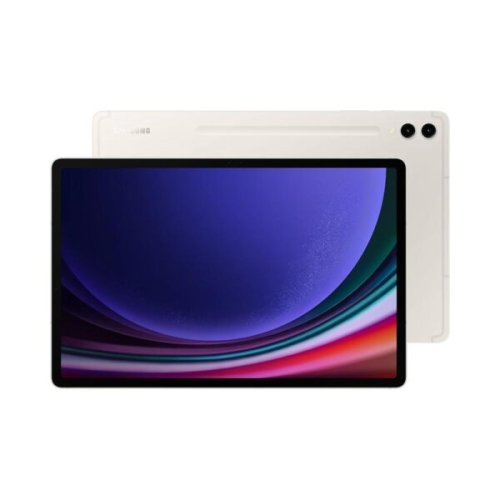
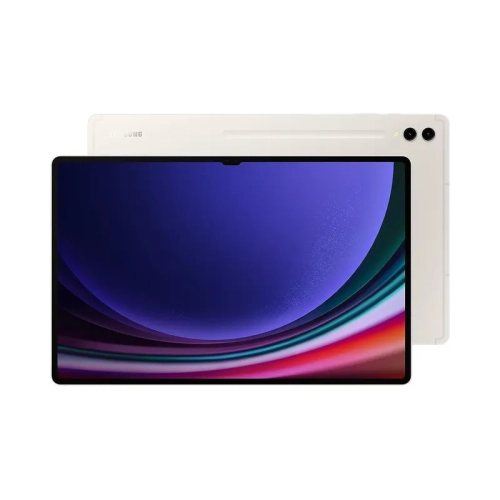
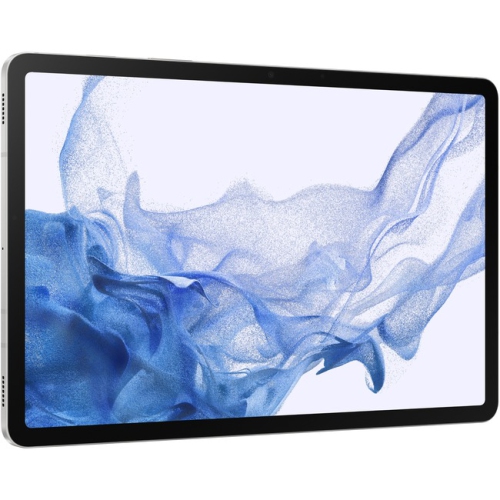
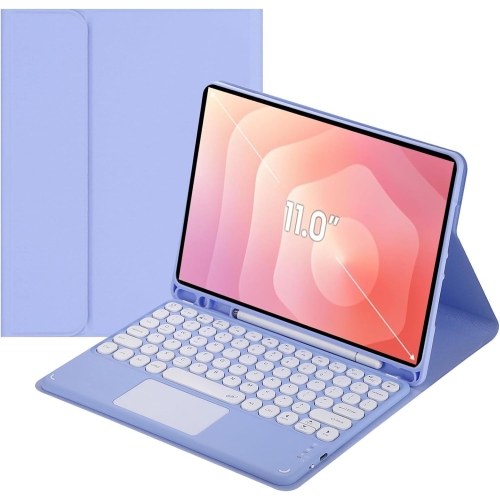
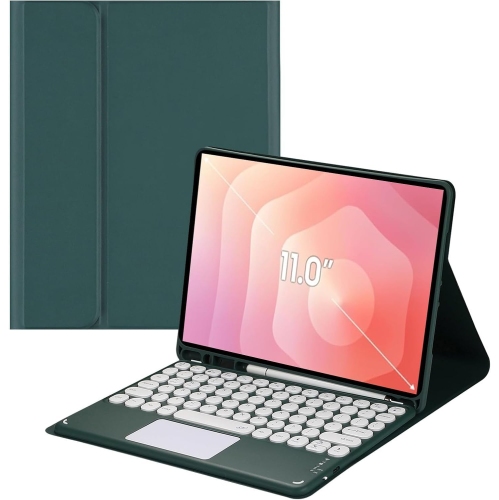
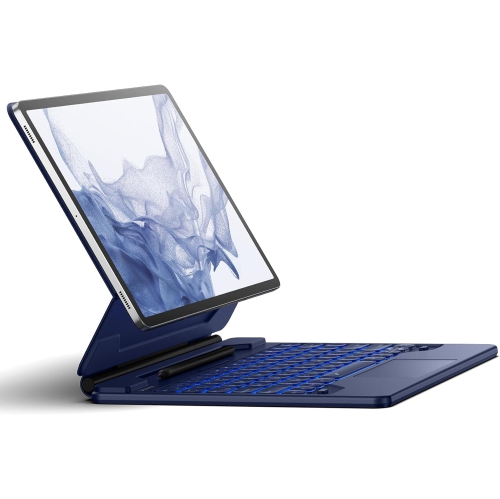
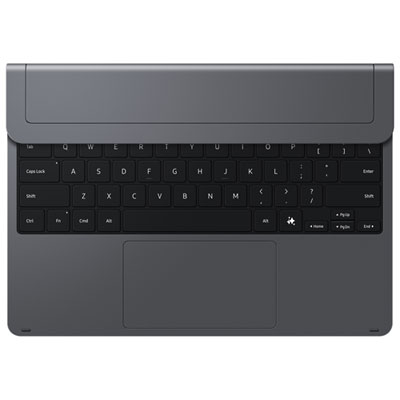
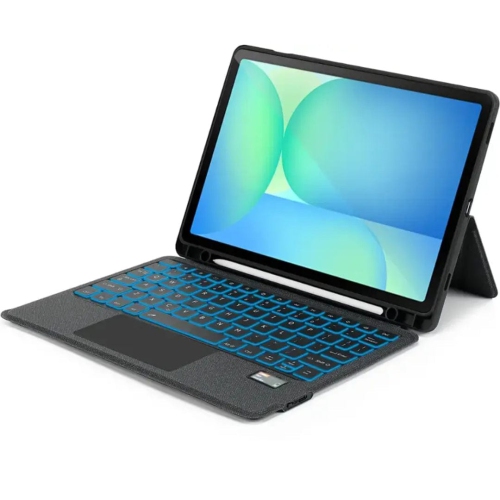
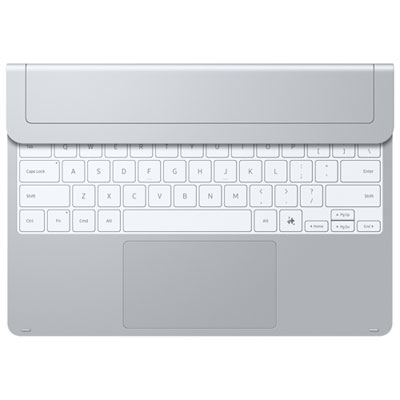
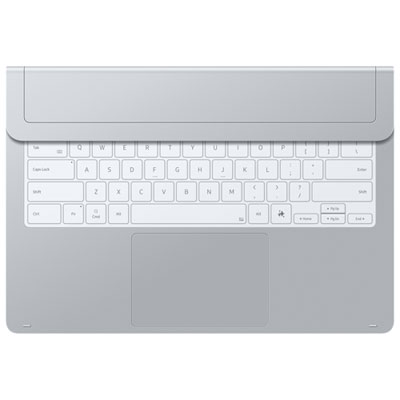
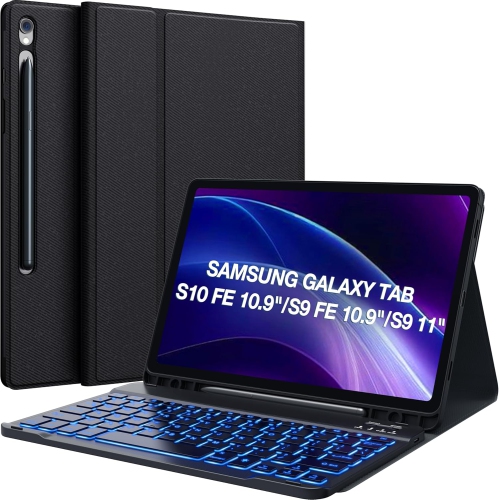
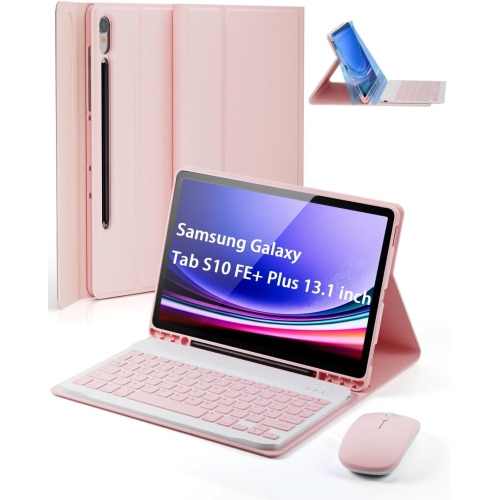
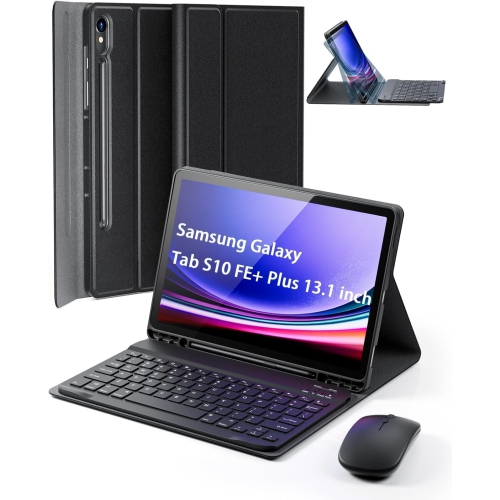
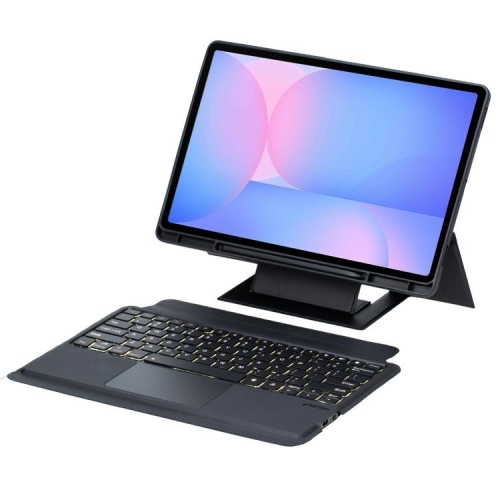
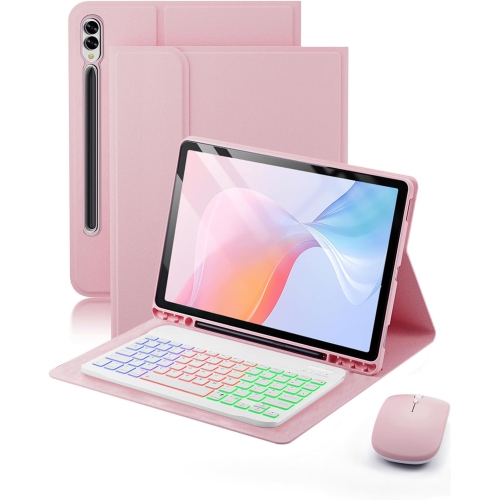
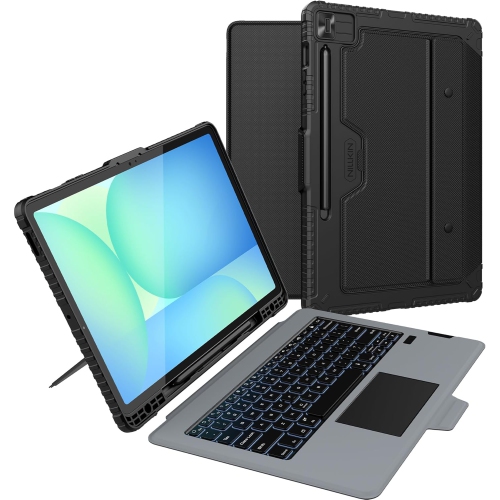
A flexible typing setup for work, study and travel
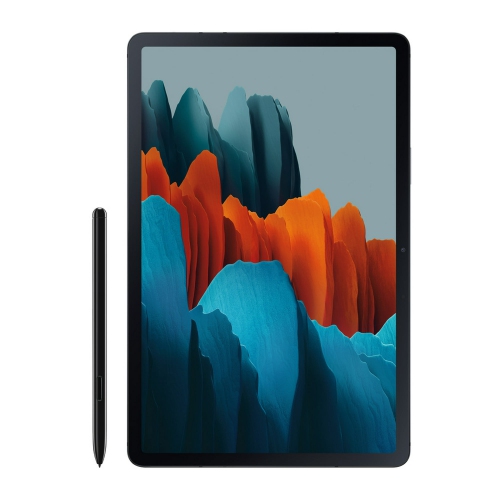
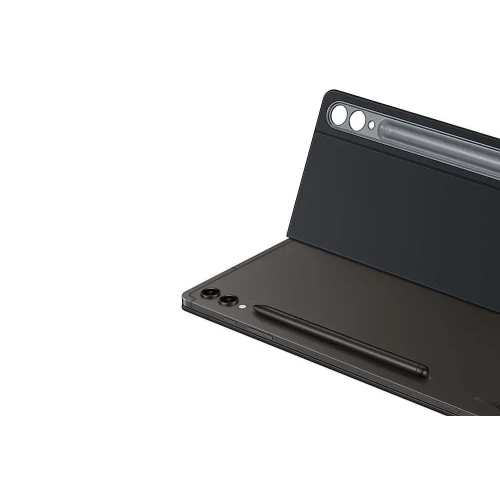
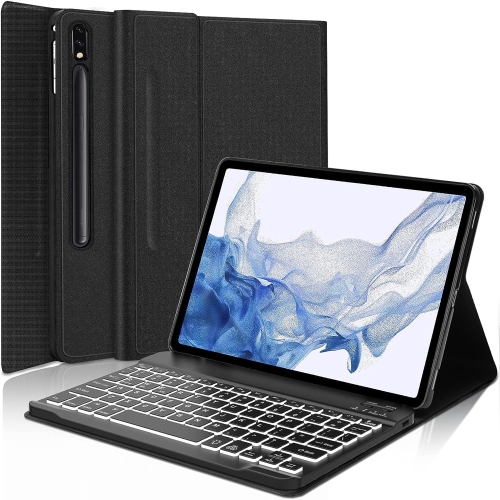
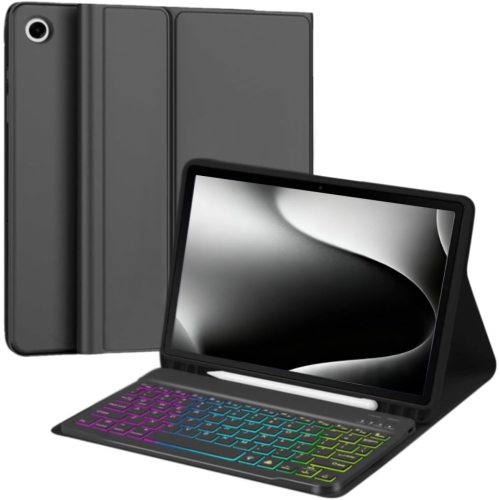
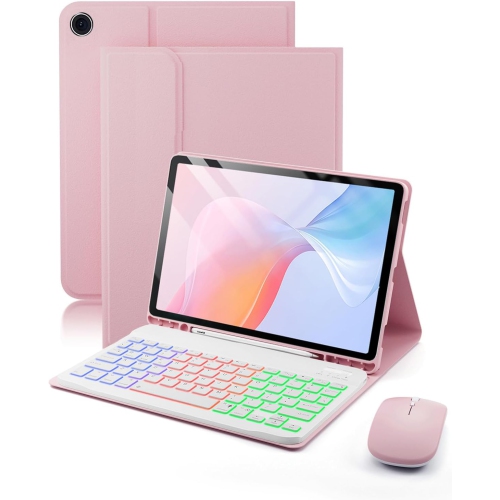
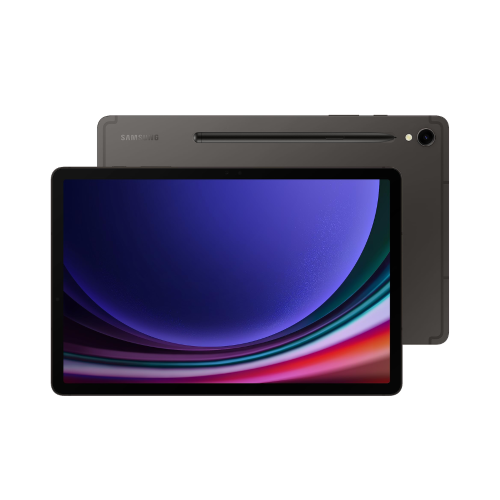
A tablet paired with the right keyboard can move easily between entertainment, communication and productive work. The tablet remains light enough for reading, browsing, streaming, video calls and handwritten notes, while a physical keyboard gives you a more familiar way to compose emails, edit documents, manage calendars and complete online forms. This combination suits students, remote workers, travellers and anyone who wants a flexible device without carrying a full-sized laptop. It can also be a thoughtful gift for someone heading back to classes, setting up a home office or looking for a more comfortable way to stay connected during the cooler months. Before choosing a keyboard, start by confirming the exact tablet model and screen size. Even tablets that look similar may have different dimensions, camera cutouts, speaker placement or connector locations, so a case designed for one generation may not fit another. A keyboard cover should sit securely around the tablet, leave essential ports accessible and provide enough protection for the corners and rear panel. For help comparing compatible options, browse Samsung Galaxy Keyboards. Checking the product description for model compatibility is one of the simplest ways to avoid an inconvenient fit.
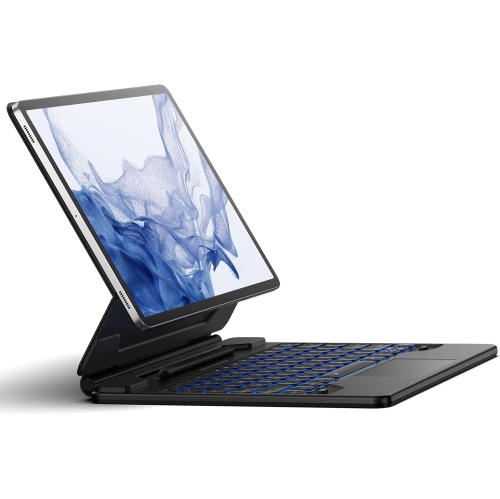
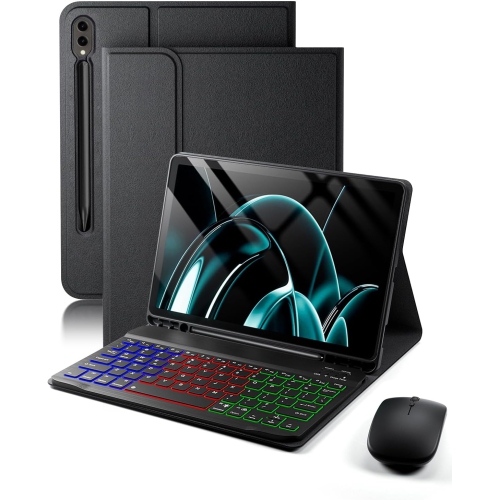
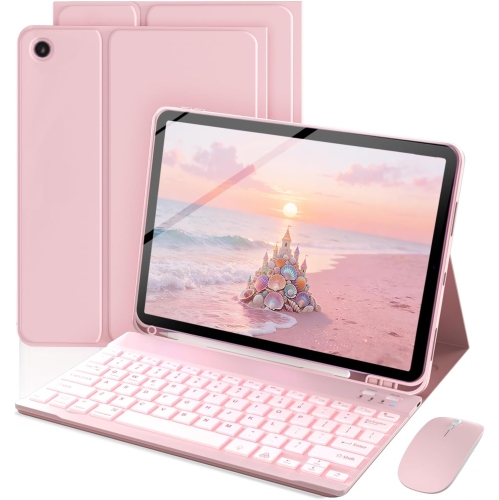
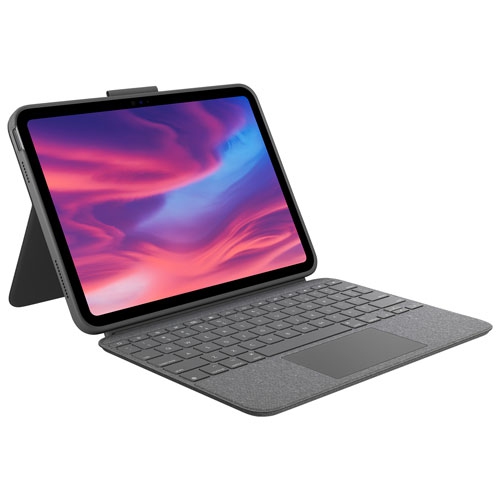
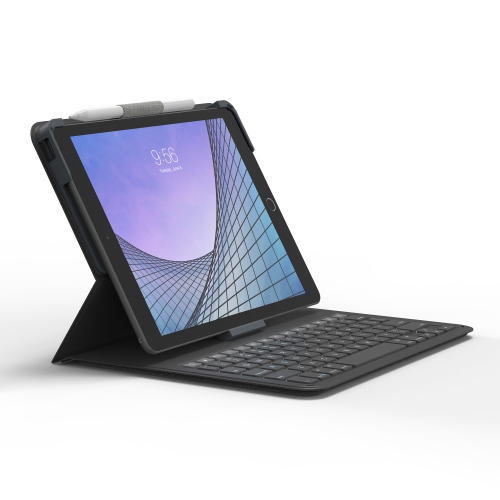
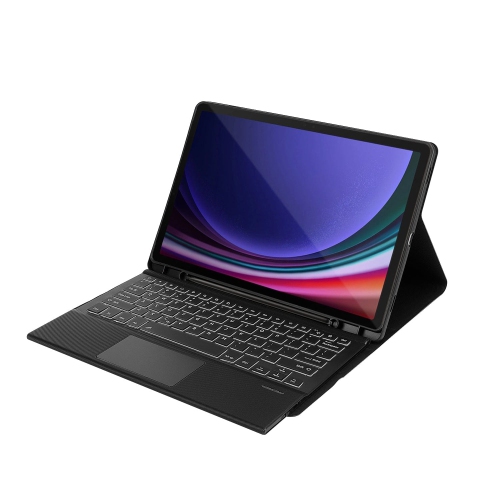
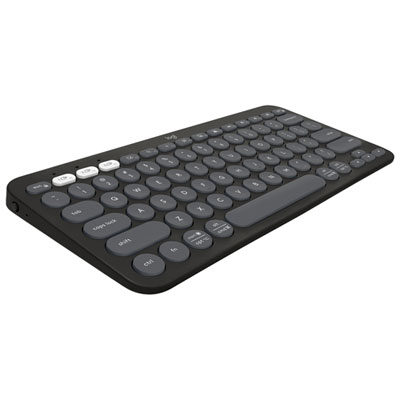
Keyboard design makes a noticeable difference in everyday use. A folio-style model can protect the screen when closed and fold into several viewing positions when open, making it useful at a kitchen counter, library desk or café table. Some designs use a magnetic connection and dedicated contact points to attach neatly and draw power from the tablet, reducing the need to manage another charging cable. Wireless models can offer more flexibility when the tablet is placed on a stand, while a detachable keyboard lets you use the tablet on its own when typing is not part of the task. Look for full-size or well-spaced keys if you expect to write for long periods, and consider key travel, backlighting and the overall layout if you often work in dim rooms or on the move. A built-in trackpad can make document editing and multitasking feel more natural, especially when you are selecting text, dragging files or moving between windows. Shortcut keys may open frequently used apps, adjust volume, control media or change screen brightness with less tapping. Some compatible setups also support a desktop-style interface, helping you arrange several windows and work with menus in a way that feels familiar to computer users. If you use voice assistants or productivity tools, a dedicated shortcut can provide quick access, but it is worth considering whether that feature will be useful in your daily routine rather than choosing it solely for the specification list.
Think about where and how the keyboard will be used before deciding on the best style. Someone who writes reports, posts, assignments or long messages may appreciate a sturdy hinge, a comfortable palm rest and a trackpad that responds accurately to small movements. A commuter or frequent traveller may prefer a slim folio that closes securely and adds minimal weight to a bag. For casual browsing, recipes, video calls and streaming, a simple stand-and-type design may provide all the convenience required. Families can use a keyboard-equipped tablet for shared calendars, school portals, travel planning and light household administration, while older students may find it easier to organize research, take notes and draft assignments with physical keys. A keyboard can also make a tablet more inviting for creative work, including writing captions, outlining stories or maintaining a personal journal. Consider the surface where typing will usually happen: a rigid base is more comfortable on a lap or soft furniture than a flexible cover, while a lighter design is easier to carry from room to room. Pay attention to the closed dimensions, hinge strength, material feel and cleaning requirements, particularly if the tablet will be used by children or in busy family spaces. The best choice balances typing comfort, portability, protection and compatibility, creating a setup that feels ready for both a quick email and a longer work session without taking over your desk or travel bag.
Keyboard design makes a noticeable difference in everyday use. A folio-style model can protect the screen when closed and fold into several viewing positions when open, making it useful at a kitchen counter, library desk or café table. Some designs use a magnetic connection and dedicated contact points to attach neatly and draw power from the tablet, reducing the need to manage another charging cable. Wireless models can offer more flexibility when the tablet is placed on a stand, while a detachable keyboard lets you use the tablet on its own when typing is not part of the task. Look for full-size or well-spaced keys if you expect to write for long periods, and consider key travel, backlighting and the overall layout if you often work in dim rooms or on the move. A built-in trackpad can make document editing and multitasking feel more natural, especially when you are selecting text, dragging files or moving between windows. Shortcut keys may open frequently used apps, adjust volume, control media or change screen brightness with less tapping. Some compatible setups also support a desktop-style interface, helping you arrange several windows and work with menus in a way that feels familiar to computer users. If you use voice assistants or productivity tools, a dedicated shortcut can provide quick access, but it is worth considering whether that feature will be useful in your daily routine rather than choosing it solely for the specification list.
Think about where and how the keyboard will be used before deciding on the best style. Someone who writes reports, posts, assignments or long messages may appreciate a sturdy hinge, a comfortable palm rest and a trackpad that responds accurately to small movements. A commuter or frequent traveller may prefer a slim folio that closes securely and adds minimal weight to a bag. For casual browsing, recipes, video calls and streaming, a simple stand-and-type design may provide all the convenience required. Families can use a keyboard-equipped tablet for shared calendars, school portals, travel planning and light household administration, while older students may find it easier to organize research, take notes and draft assignments with physical keys. A keyboard can also make a tablet more inviting for creative work, including writing captions, outlining stories or maintaining a personal journal. Consider the surface where typing will usually happen: a rigid base is more comfortable on a lap or soft furniture than a flexible cover, while a lighter design is easier to carry from room to room. Pay attention to the closed dimensions, hinge strength, material feel and cleaning requirements, particularly if the tablet will be used by children or in busy family spaces. The best choice balances typing comfort, portability, protection and compatibility, creating a setup that feels ready for both a quick email and a longer work session without taking over your desk or travel bag.
Top selling and popular products
-
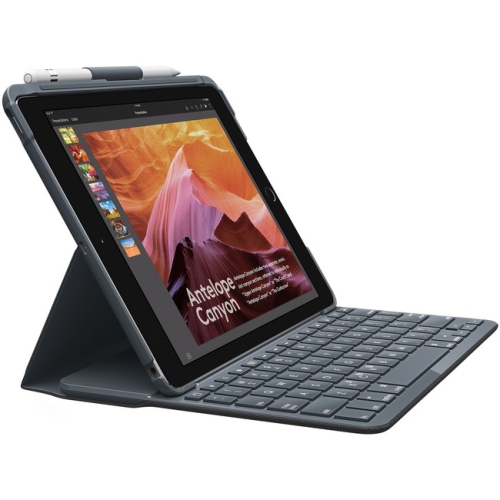 Your price for this item is $152.47
 -
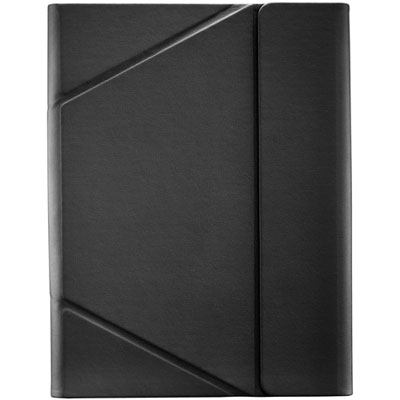 Your price for this item is $44.99
 -
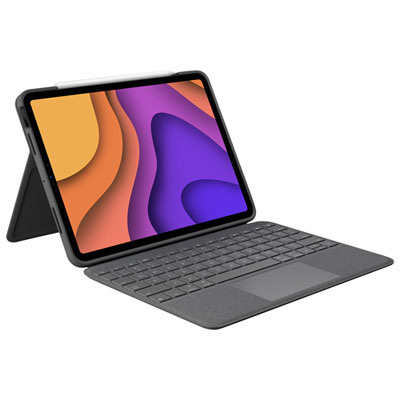 Your price for this item is $229.99
 -
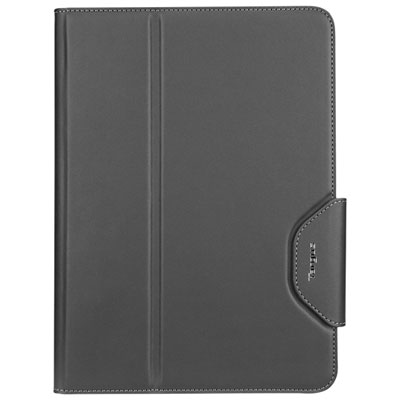 Your price for this item is $51.98
 -
 Your price for this item is $187.47
 -
 Your price for this item is $44.98
 -
 Your price for this item is $115.68
 -
 Your price for this item is $69.99
Discover more categories related to Samsung Galaxy Tab And Keyboards

Top Collections:
Pokemon Centers, Best Cameras for Sports Photography, Kindle Devices, Samsung Galaxy Phones, Canon G7X Cameras, Pokémon 30th Celebration Cards, Refurbished Apple Laptops, iPhone 15 Apple, Laptops for Students, Budget Smartphones
Some products may be subject to Environmental Handling Fees
(EHF) depending on your province.
Learn more about EHFs.