Android Keyboards
Explore the world of Android keyboards and elevate your typing experience with the perfect blend of functionality and style. Whether you're sending texts, composing emails, or gaming on your Android device, a well-designed keyboard can make all the difference. With a range of options tailored to meet diverse needs, from ergonomic designs to compact layouts, finding the ideal keyboard has never been easier. Discover keyboards that offer seamless connectivity, responsive keys, and durable construction to enhance your daily interactions with your device. Dive into our selection and find a keyboard that complements your Android lifestyle.
Sort

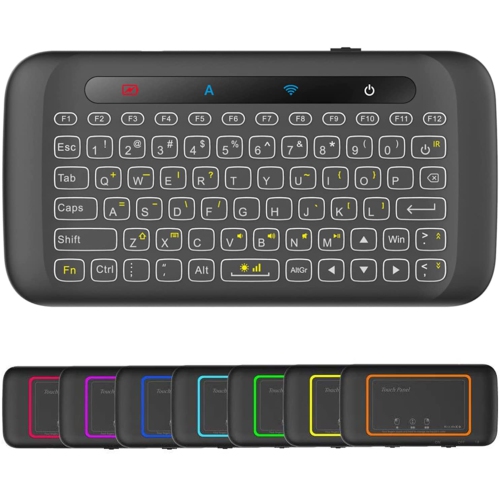
![REYTID [] 2.4Ghz Wireless Smart Ikeyboard With Touchpad for Gaming, Smartphones, Tv Android](https://multimedia.bbycastatic.ca/multimedia/products/500x500/129/12906/12906757.jpg)


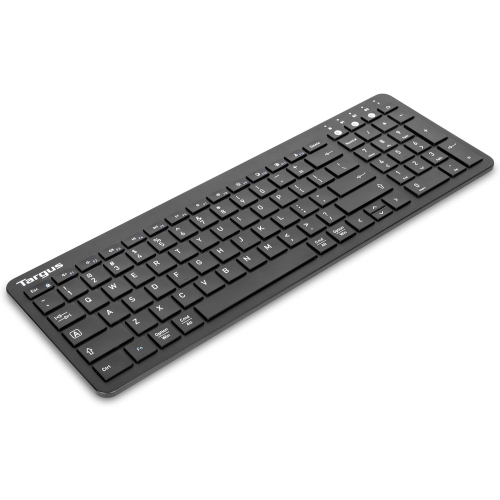
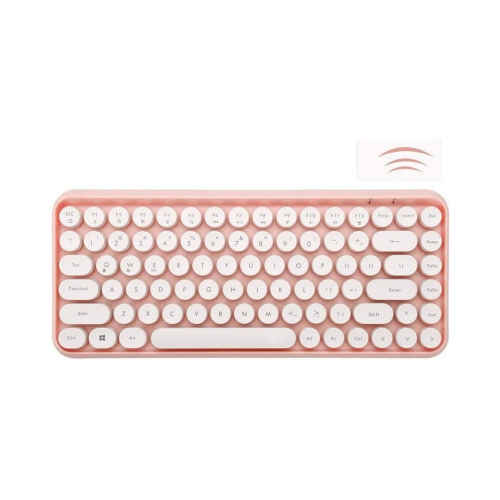
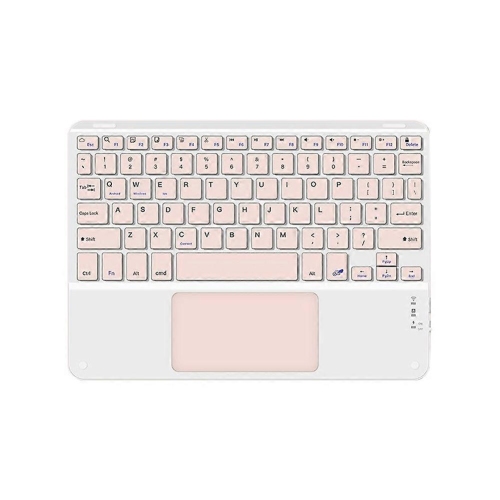
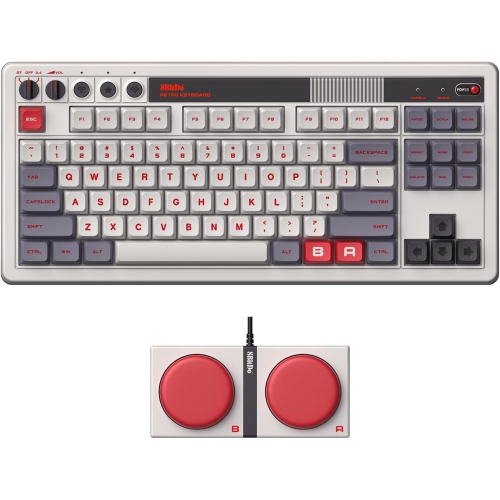

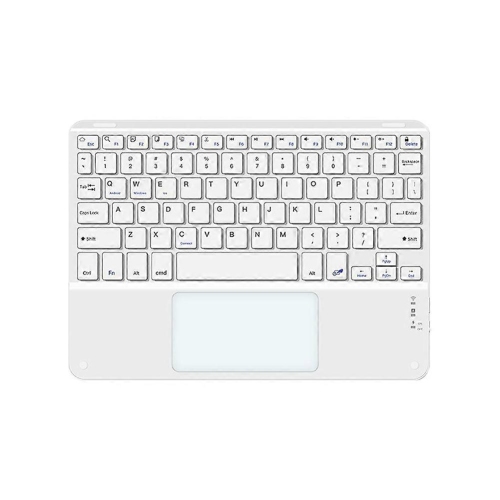
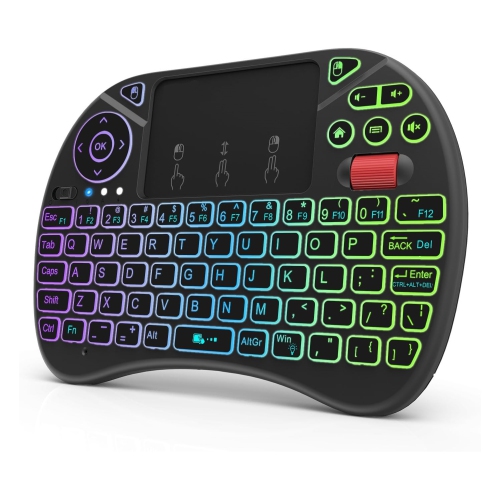
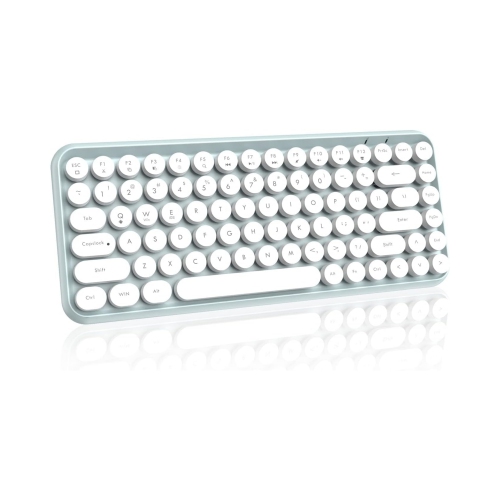
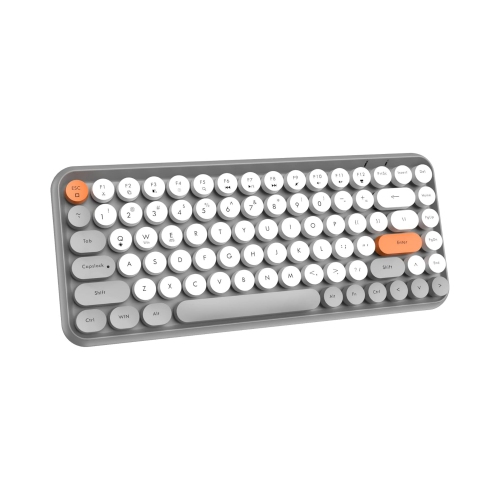
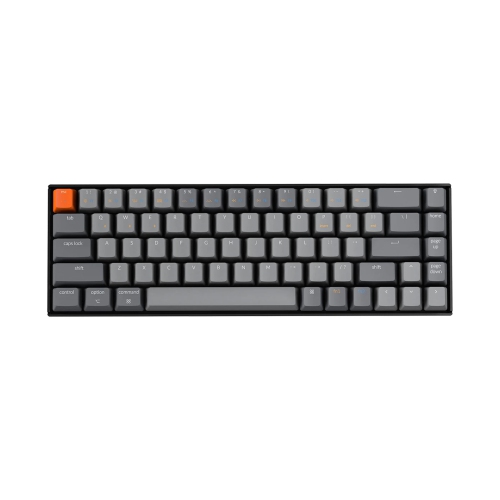
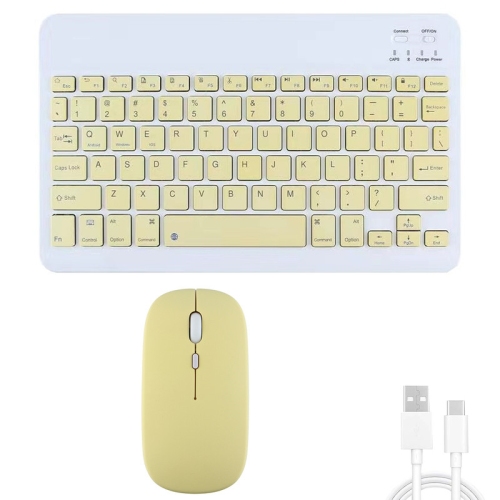
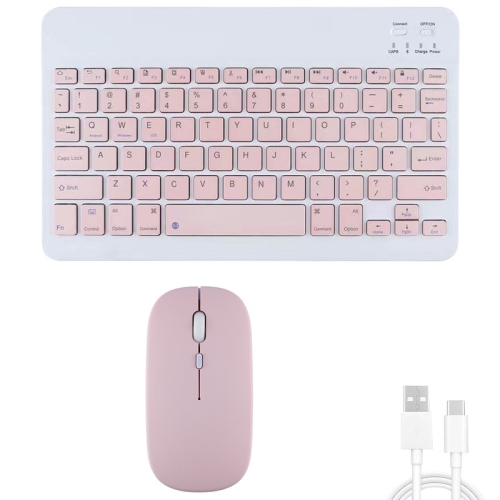
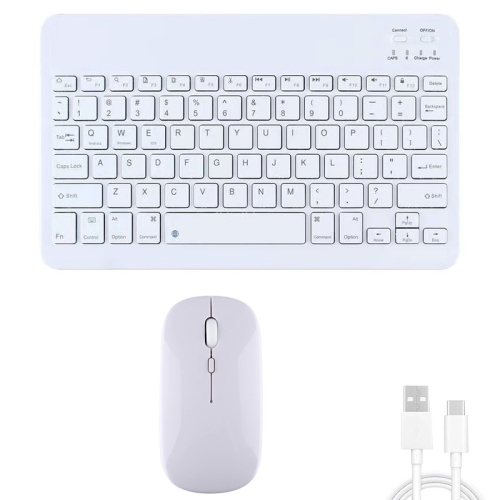
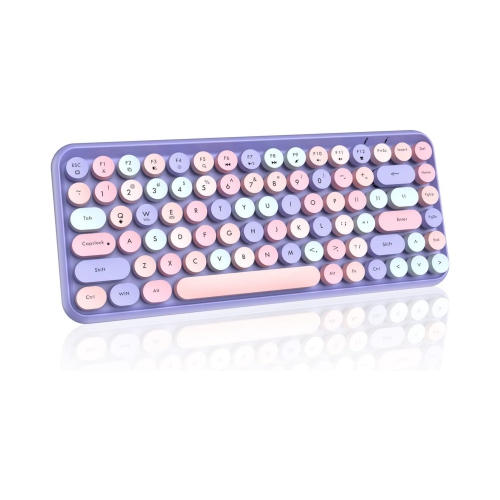
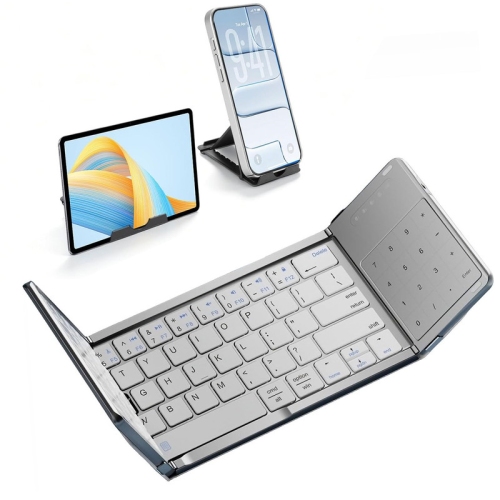
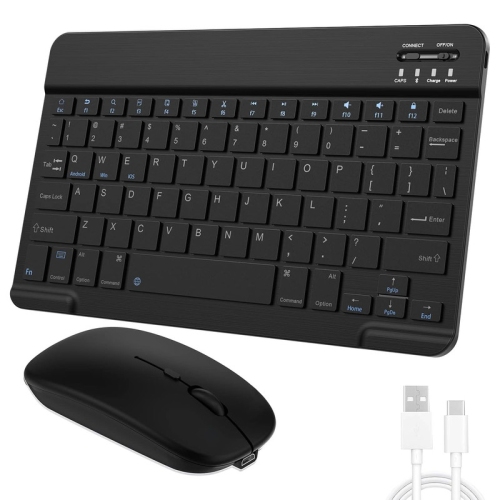
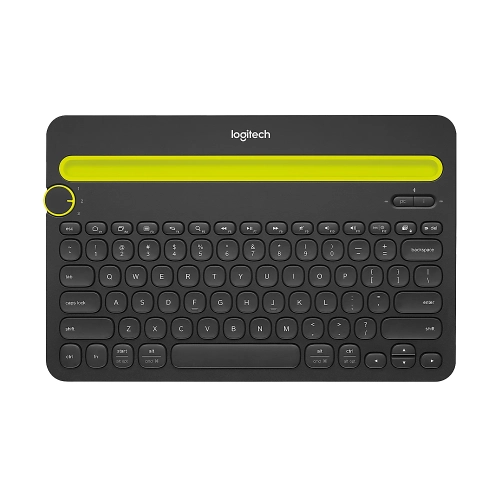
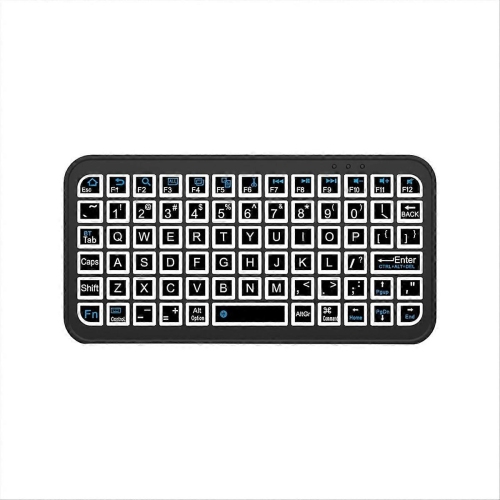
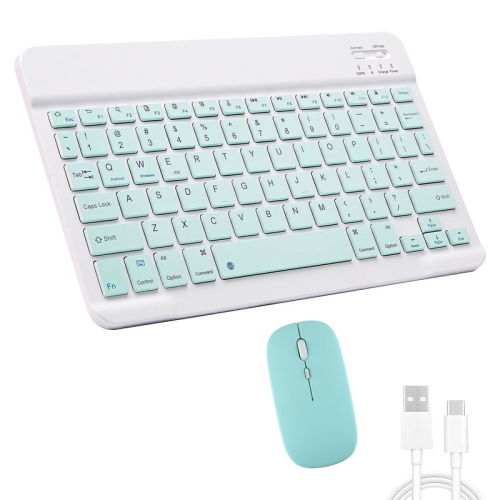
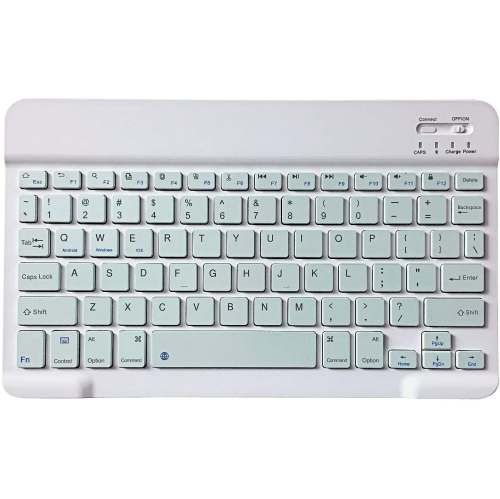
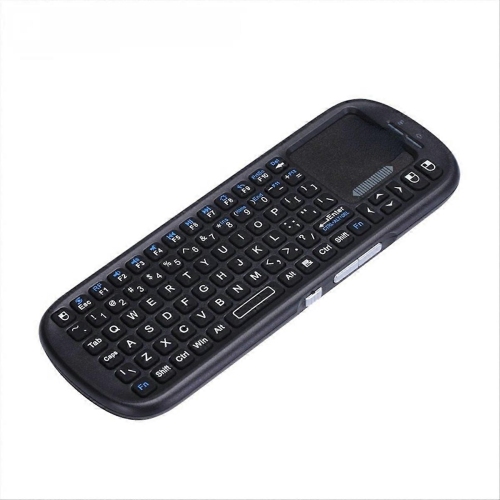
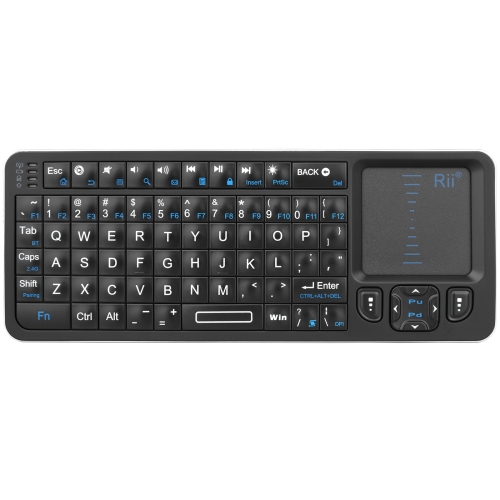
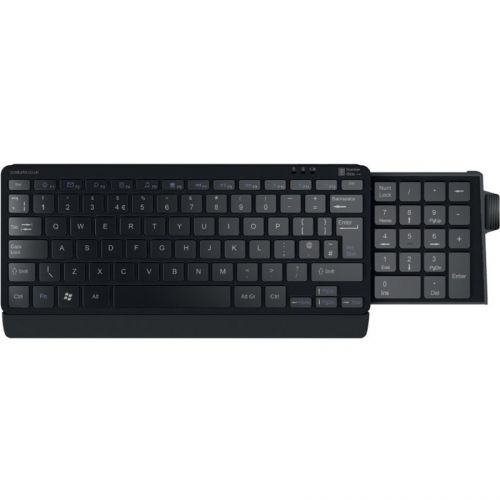
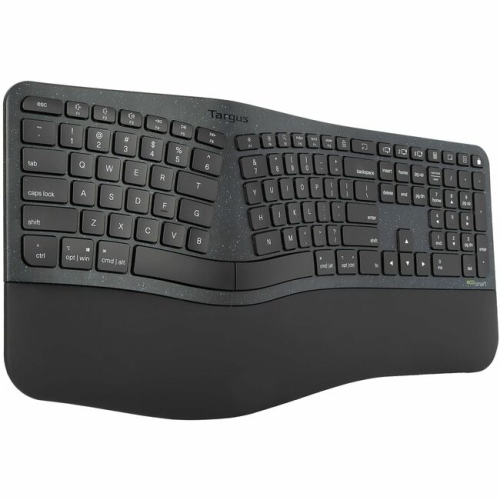
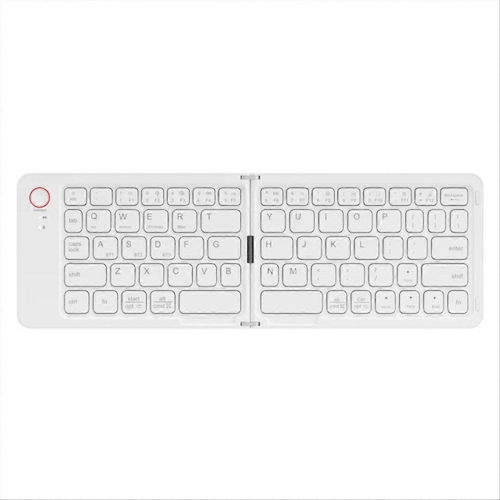
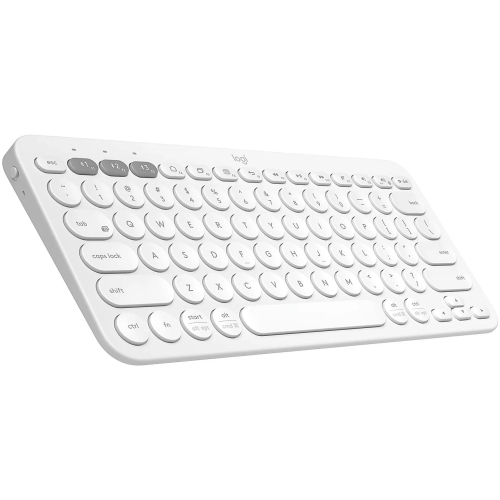
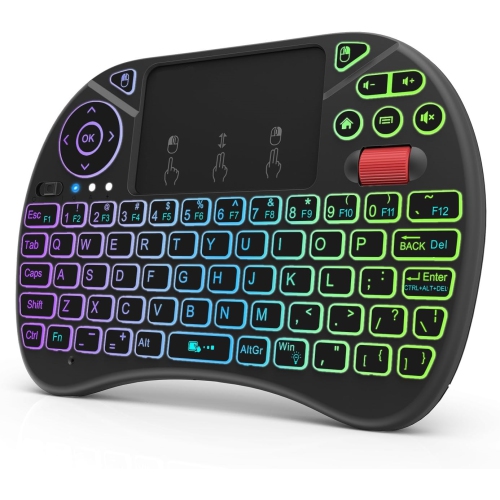
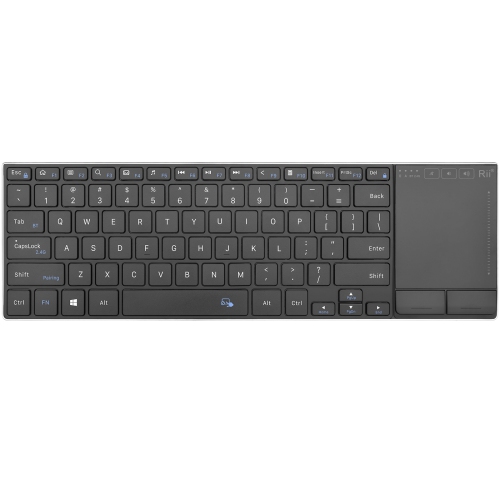
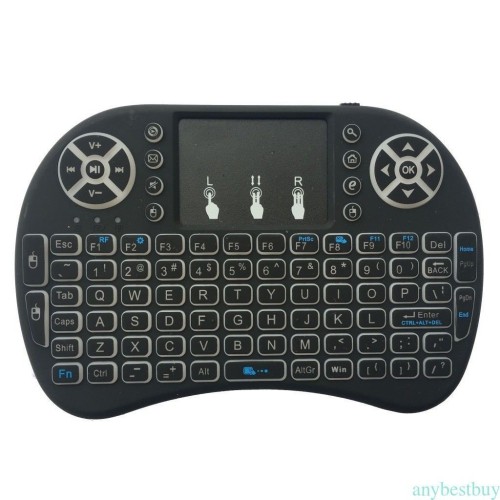
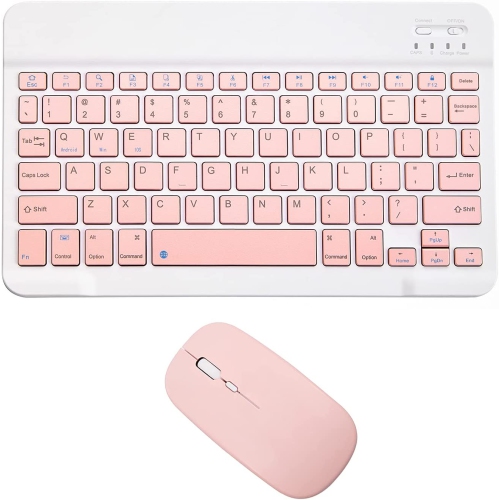
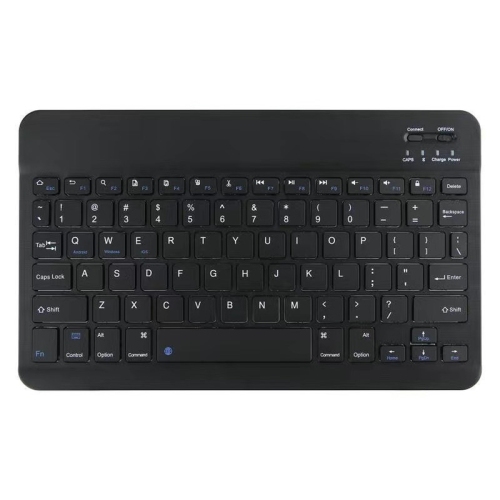
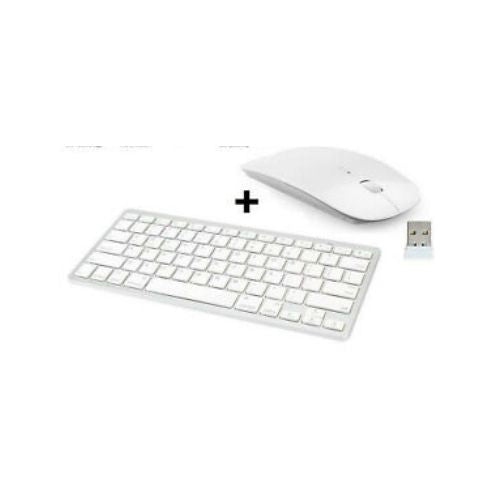
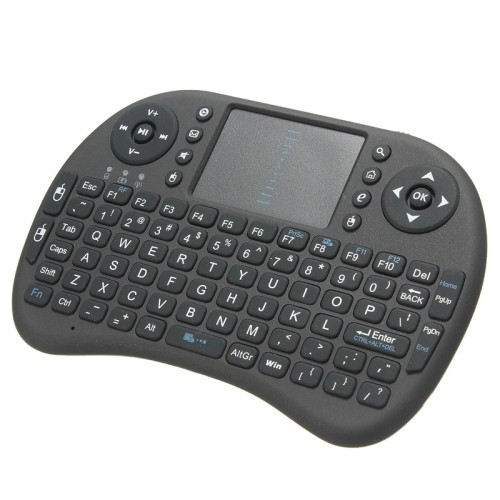
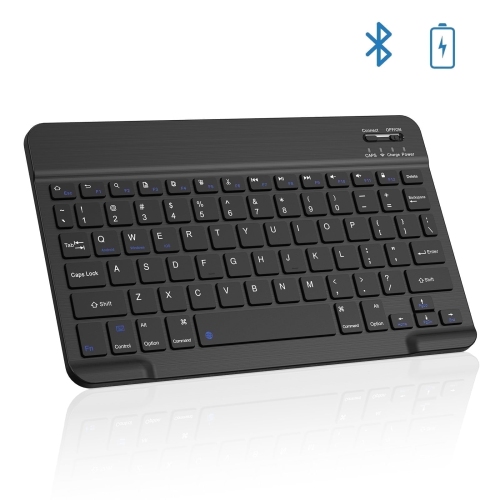
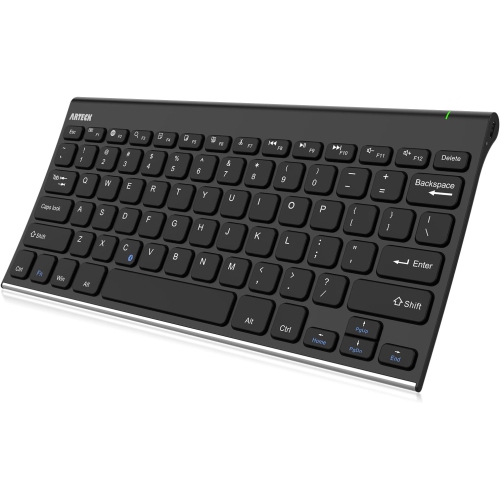
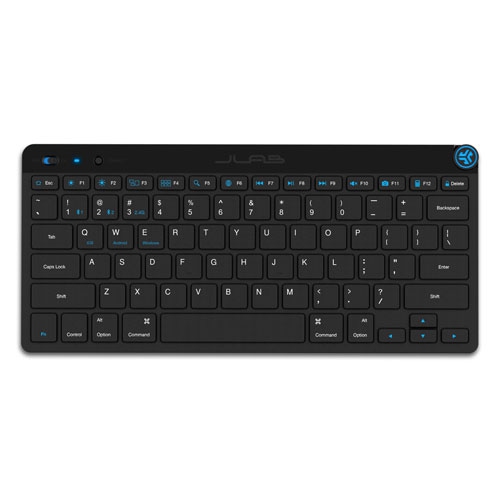
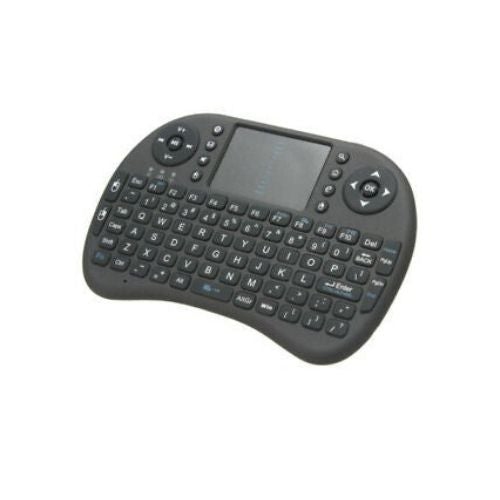
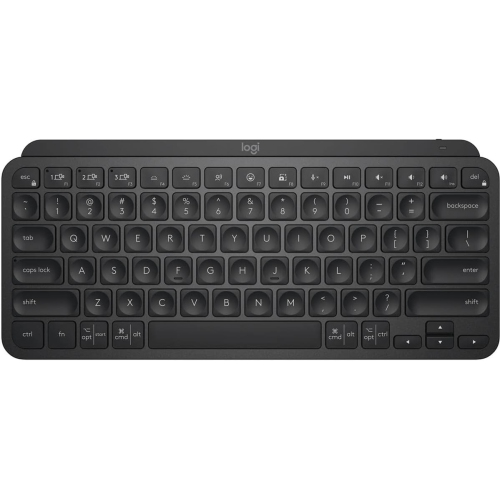
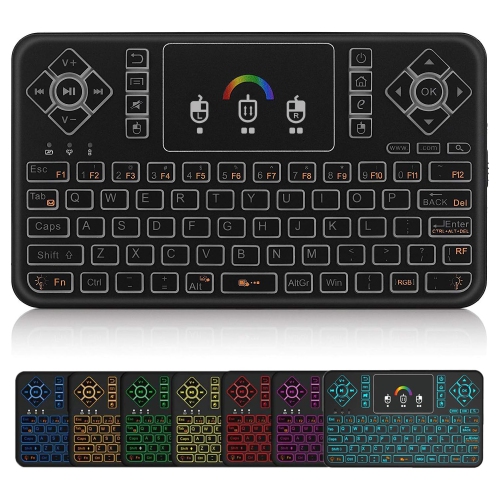
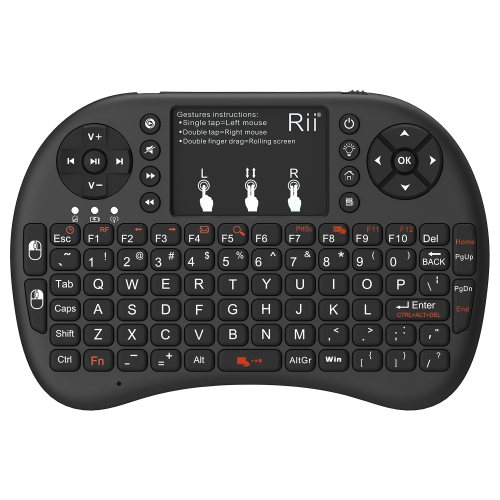
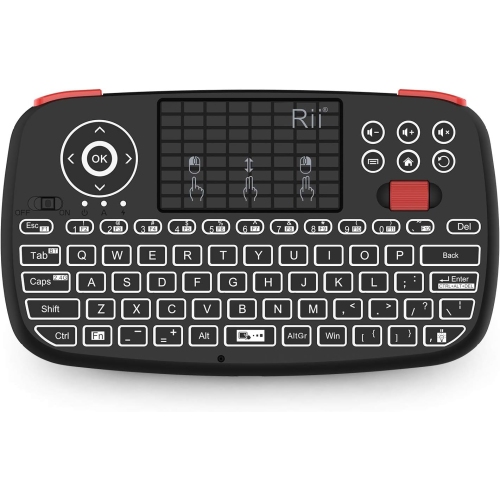
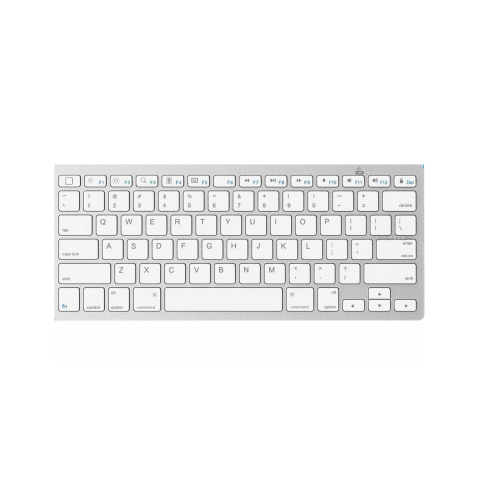
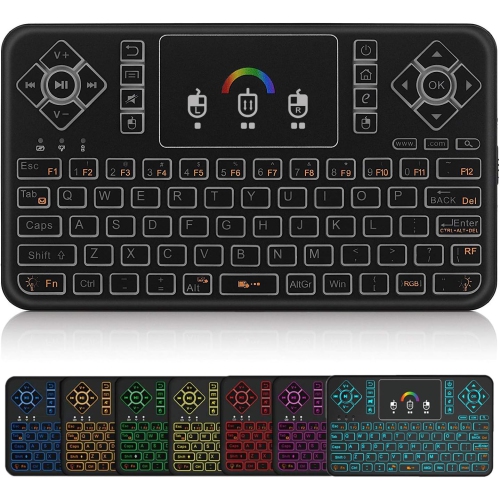

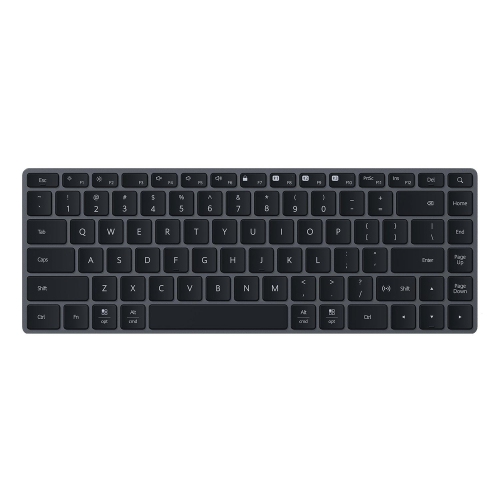
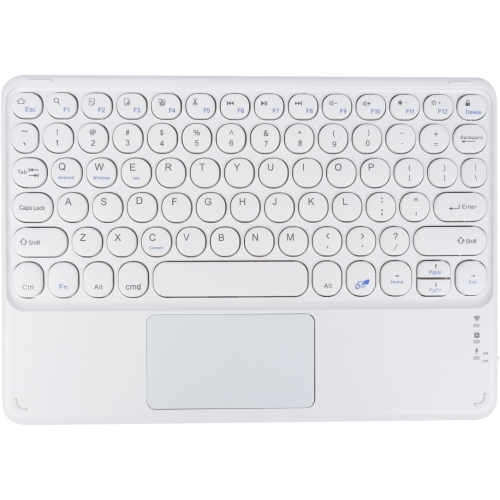
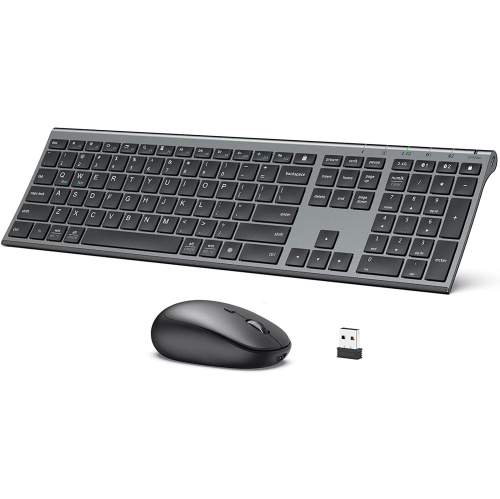
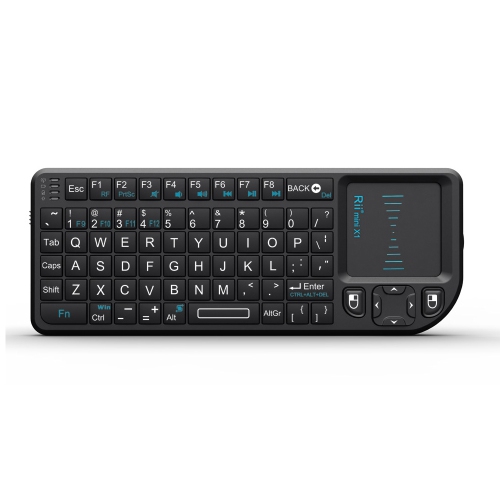
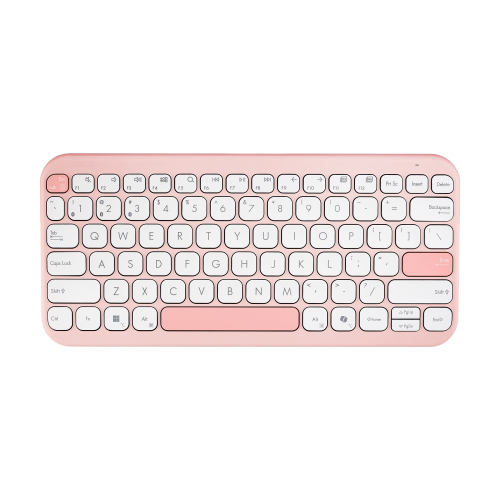
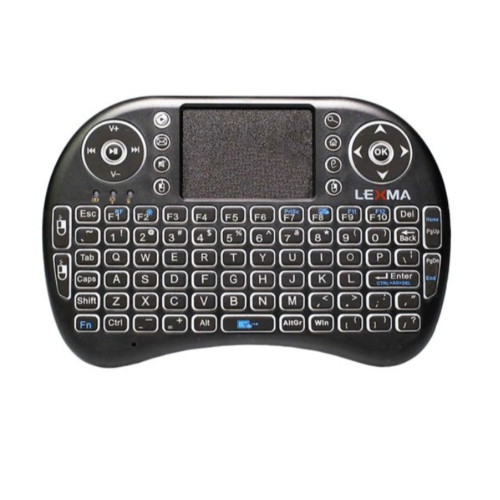
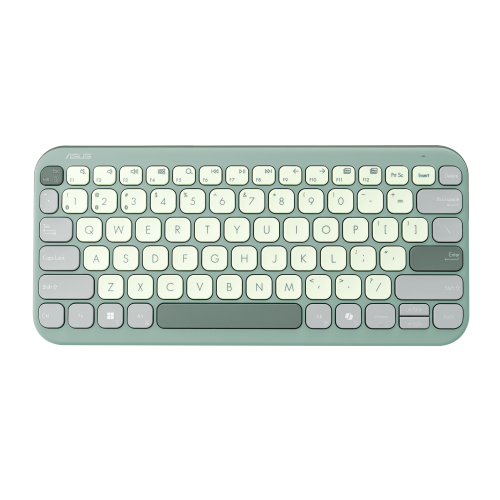
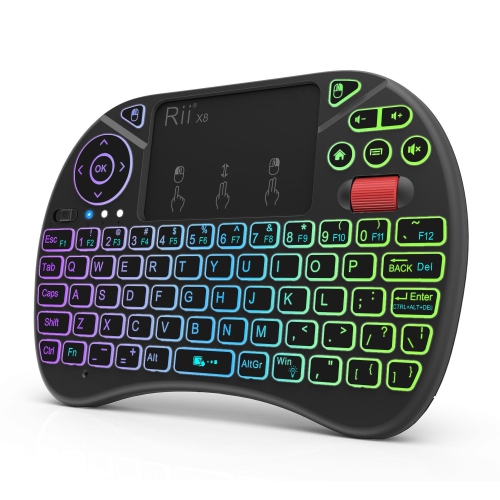
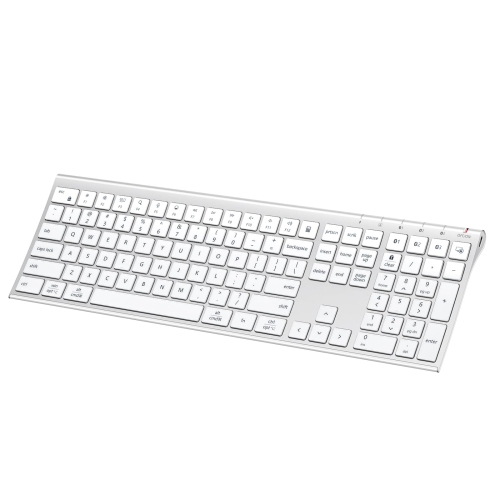


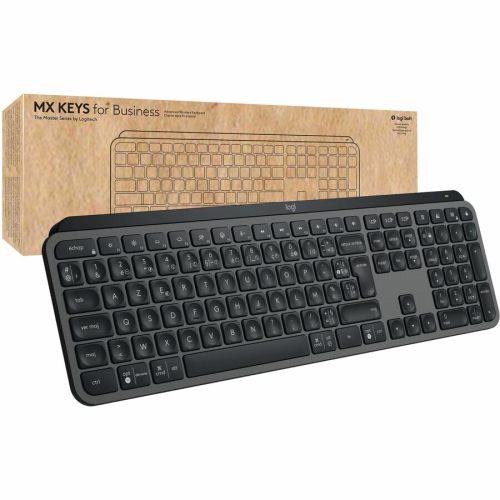
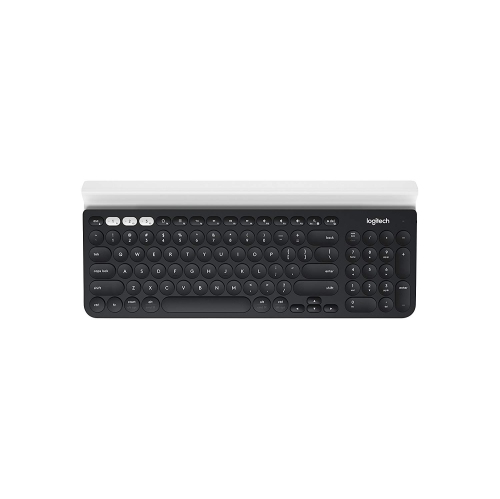
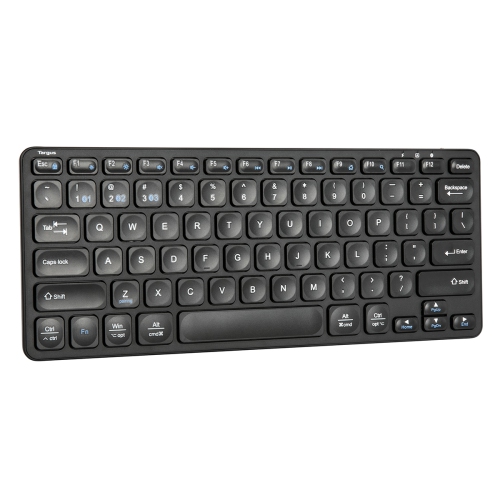
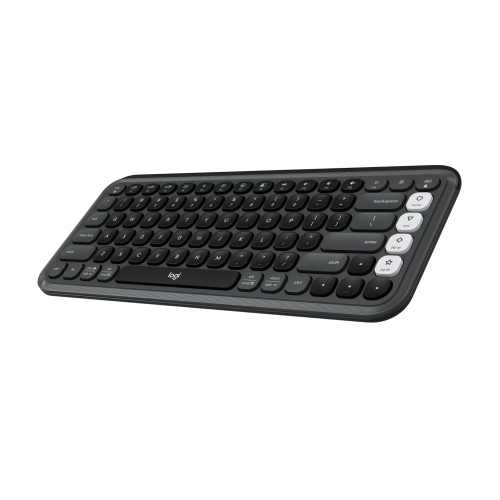
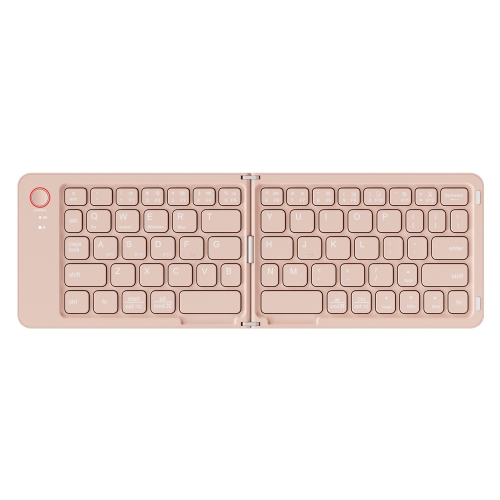
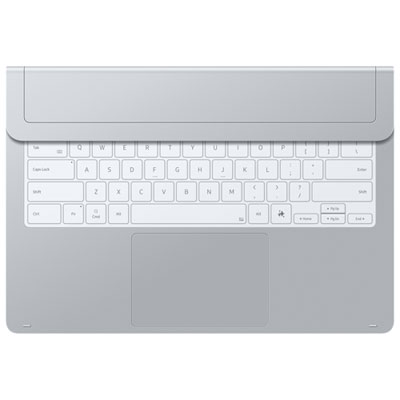
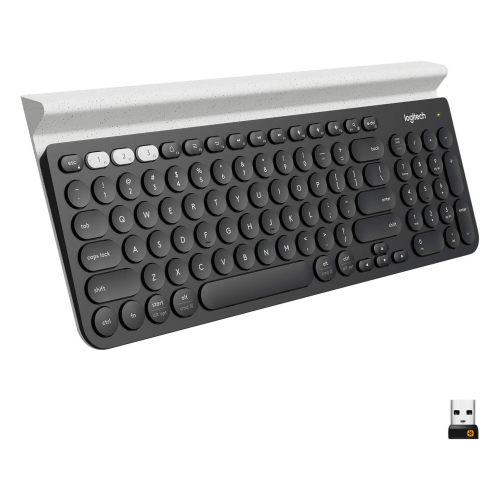
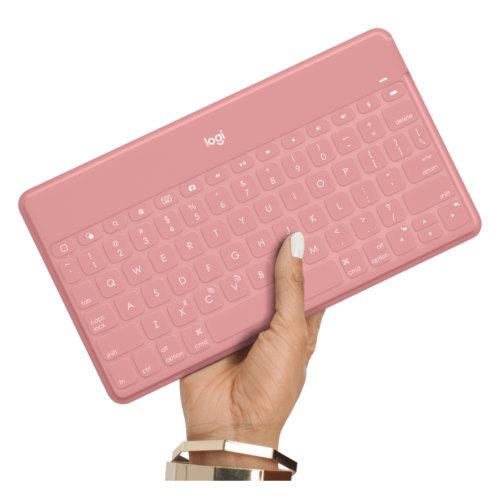
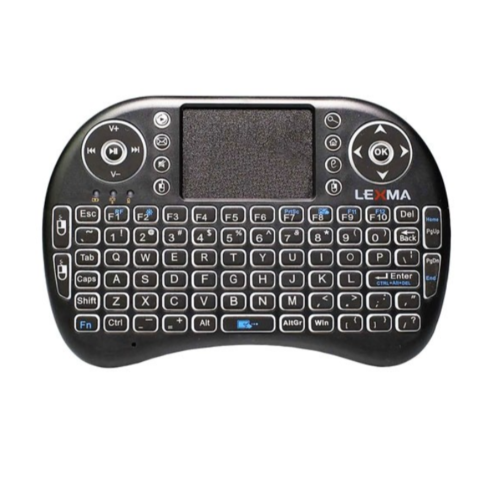
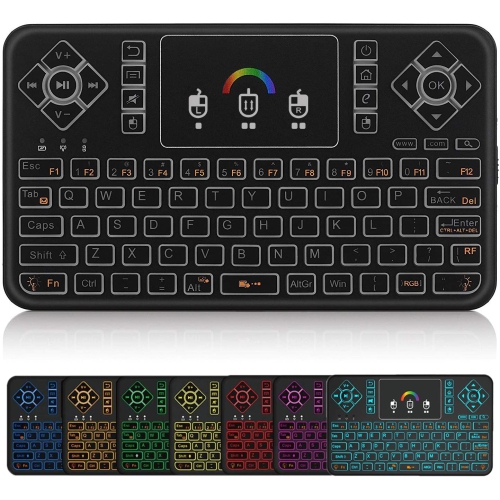
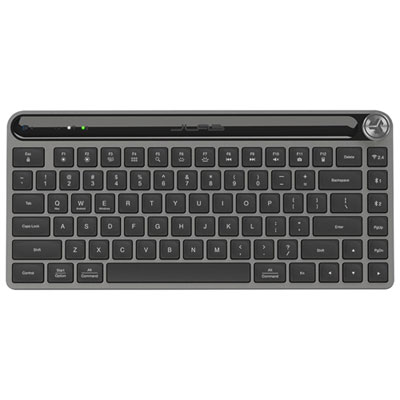
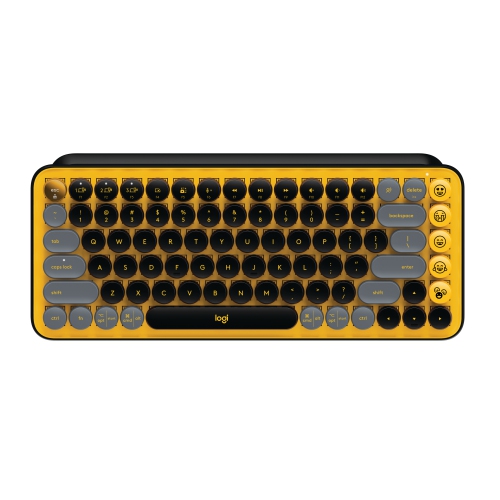
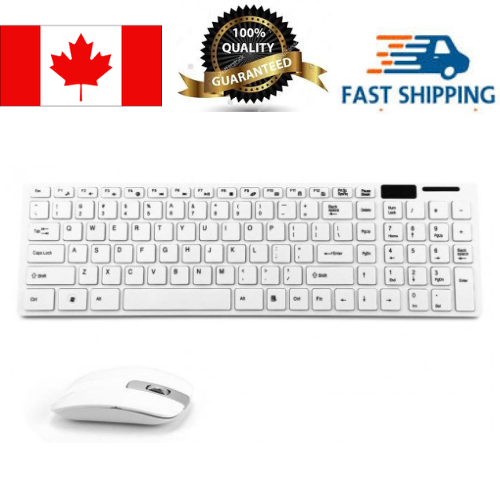
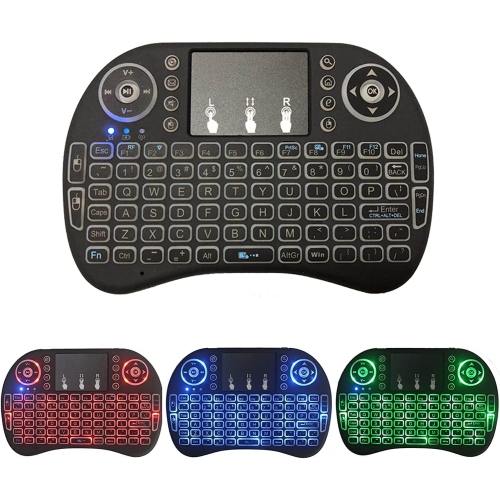
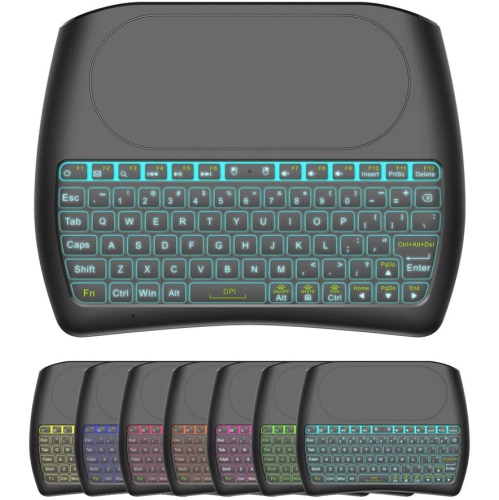

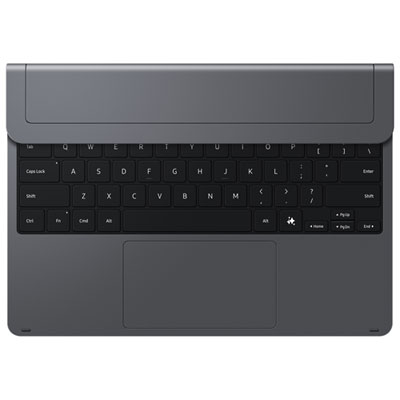

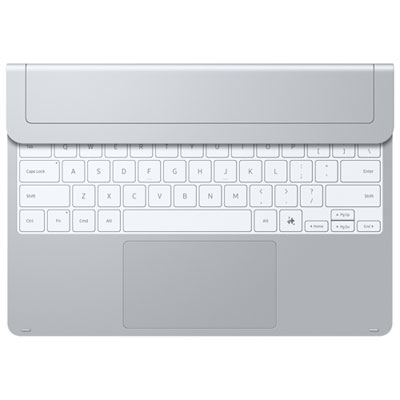
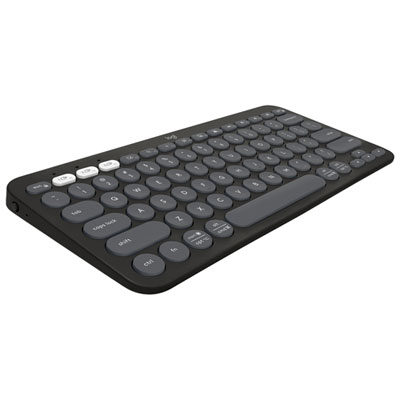
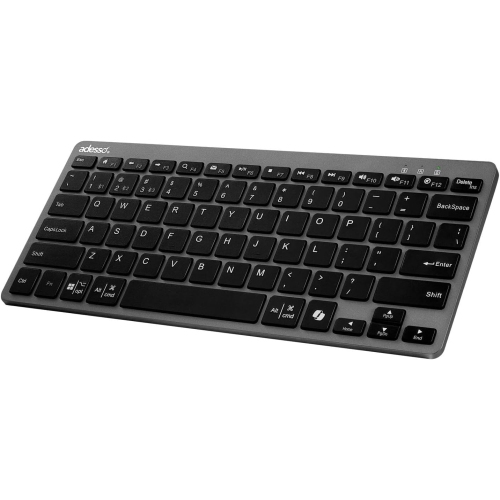
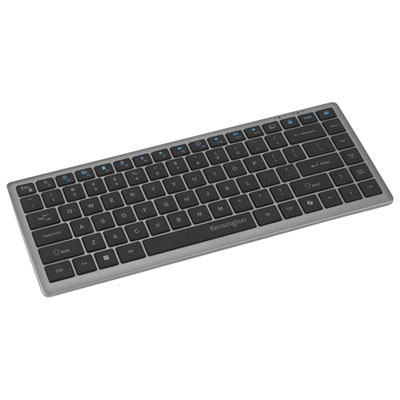
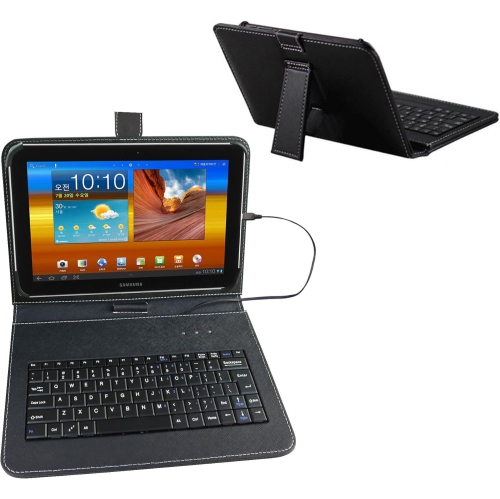
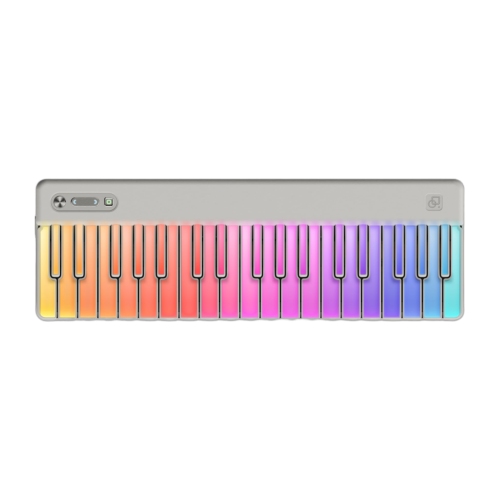
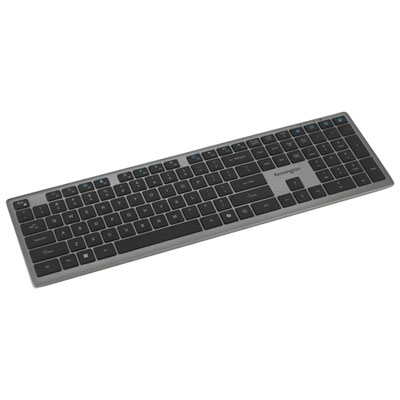
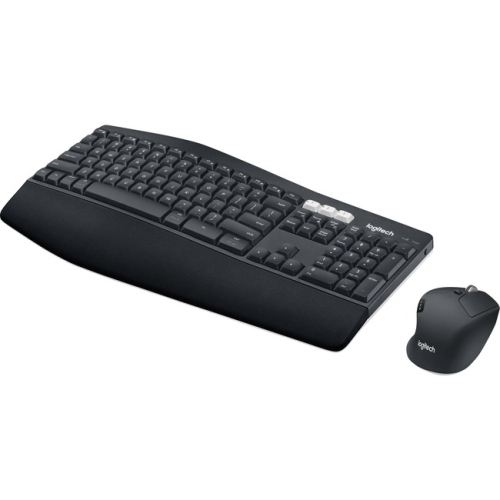
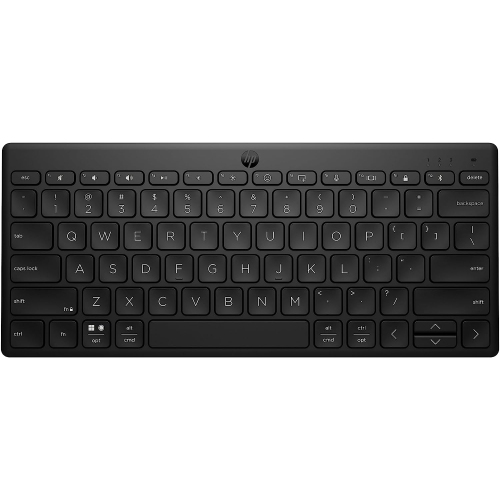
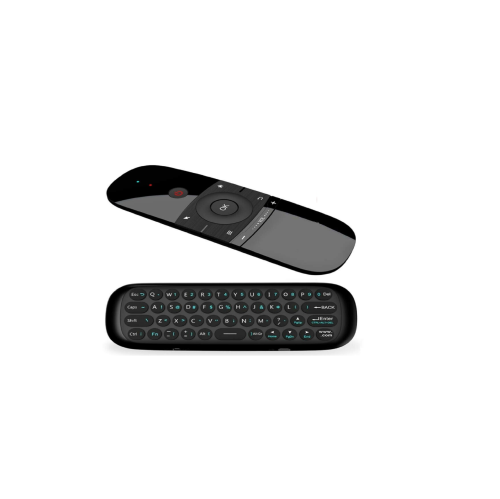
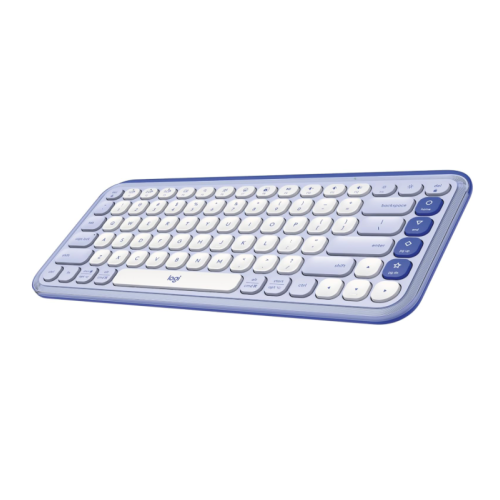
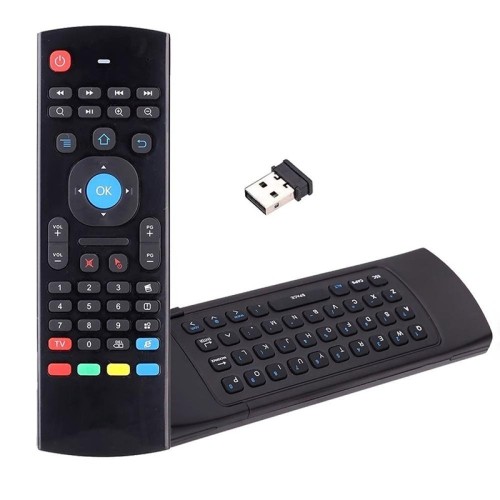
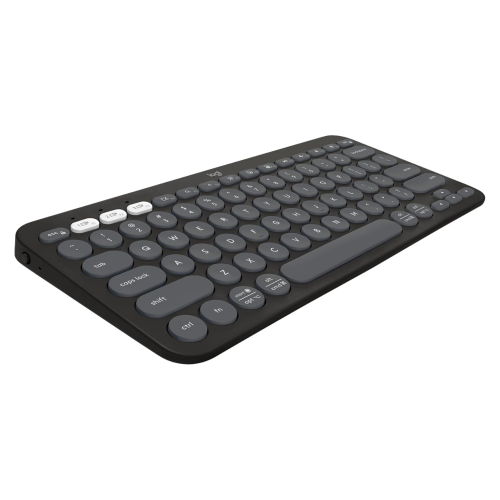
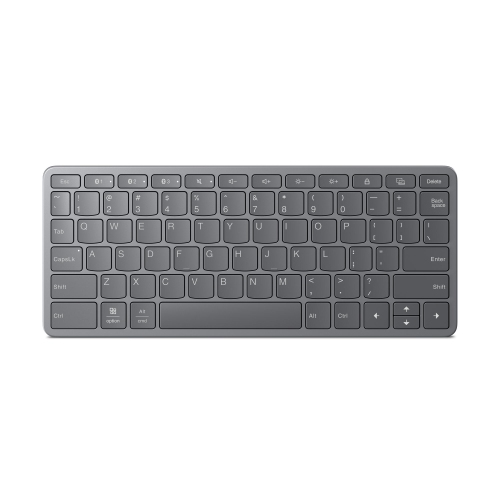
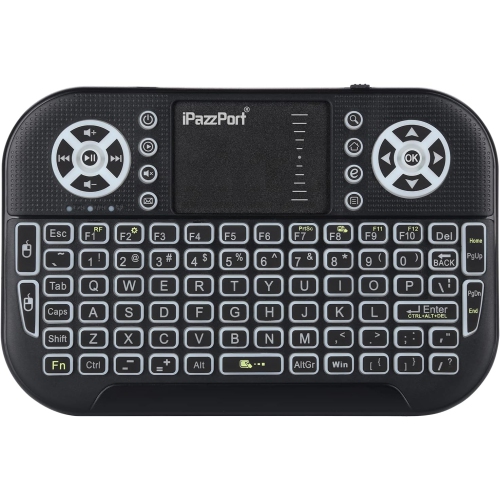
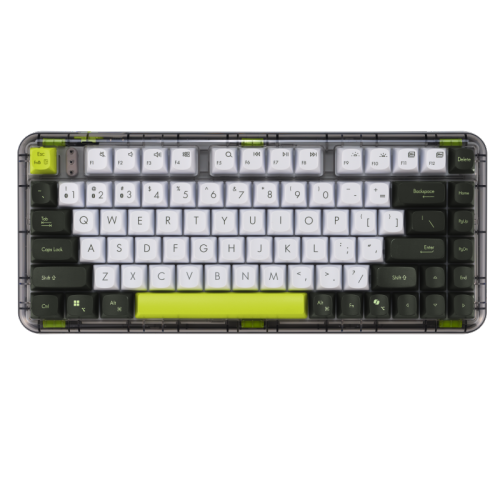
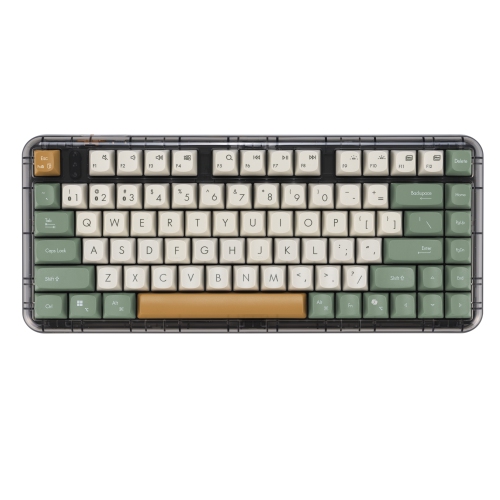
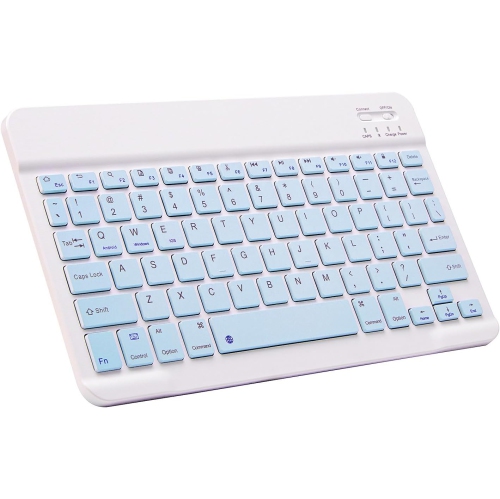
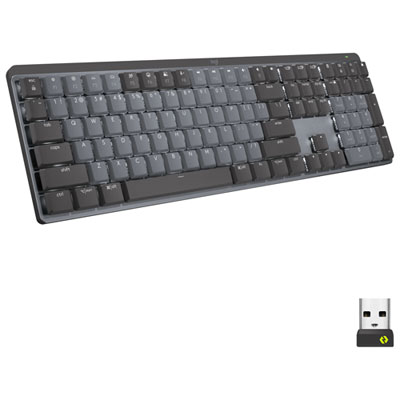
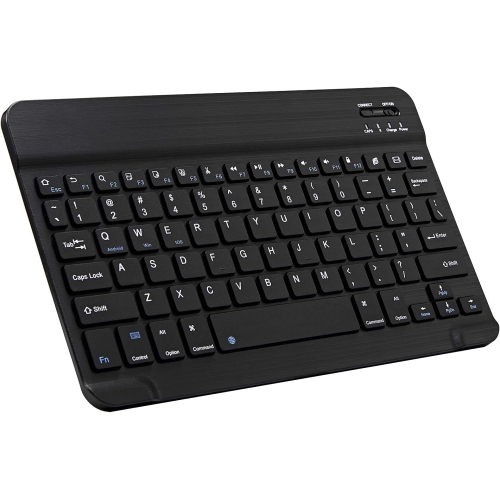
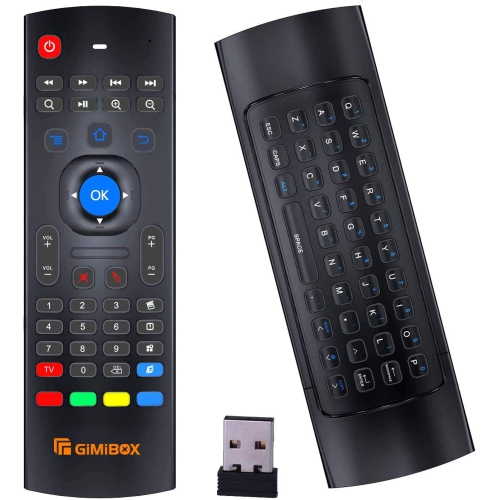
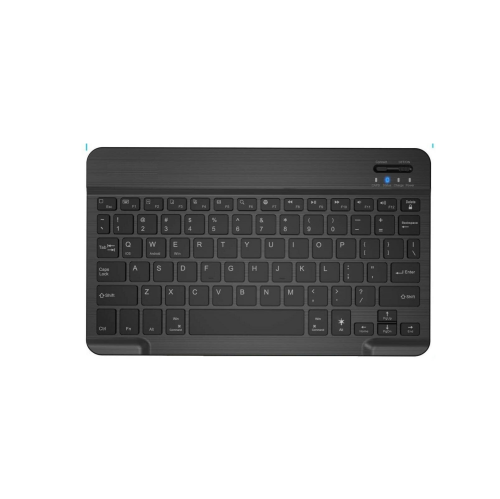
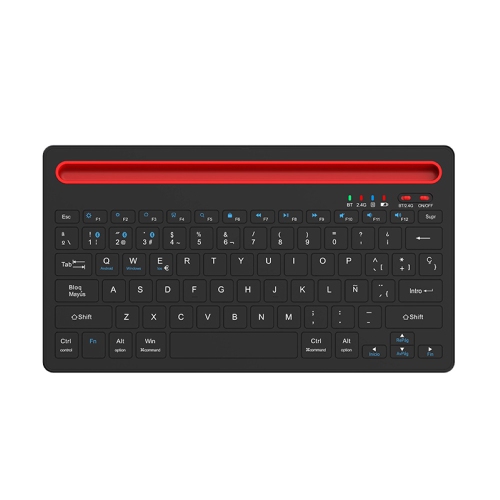
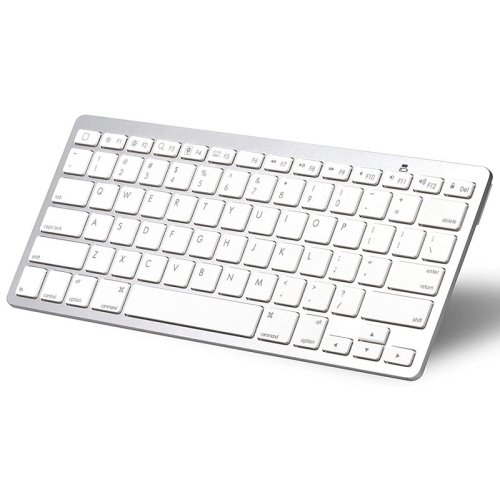
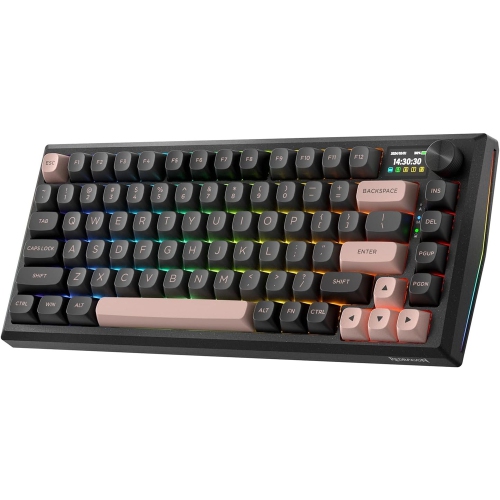
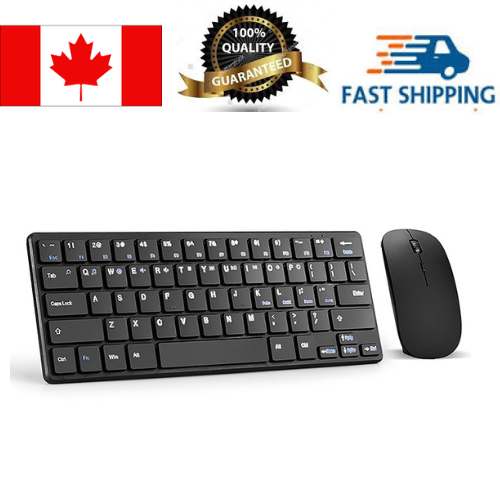
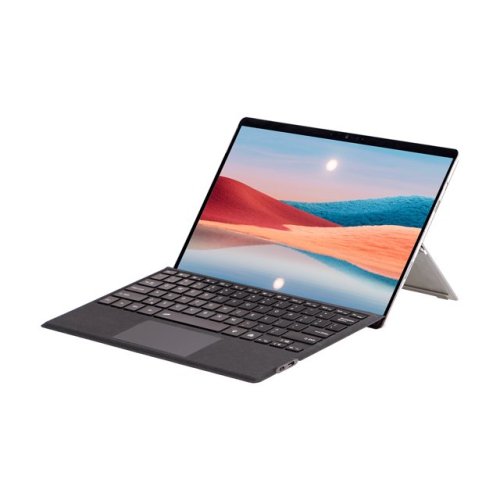
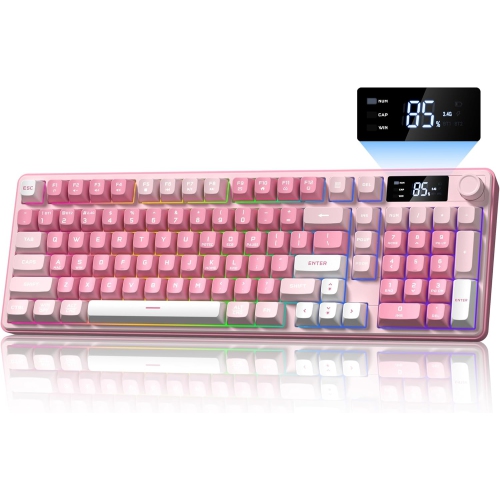
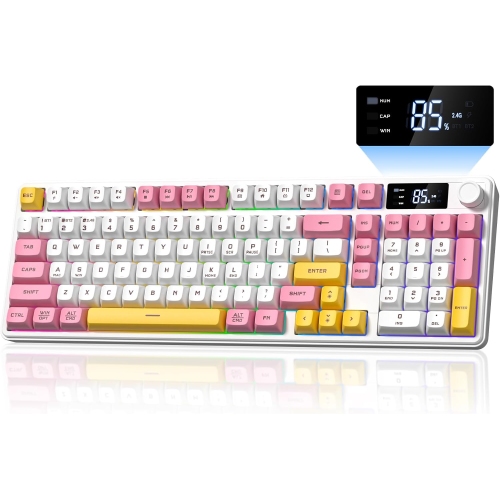

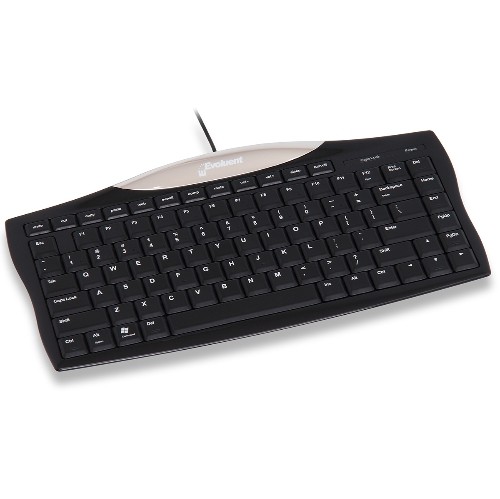
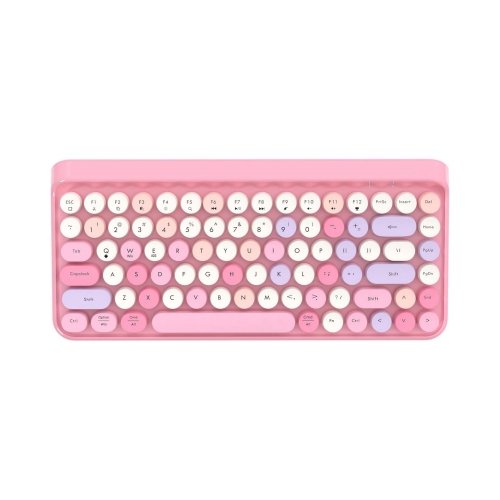
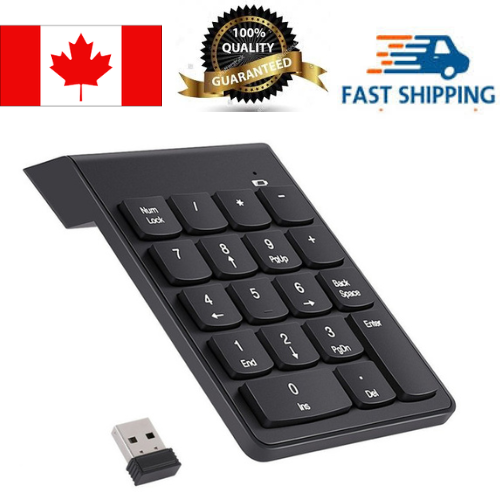
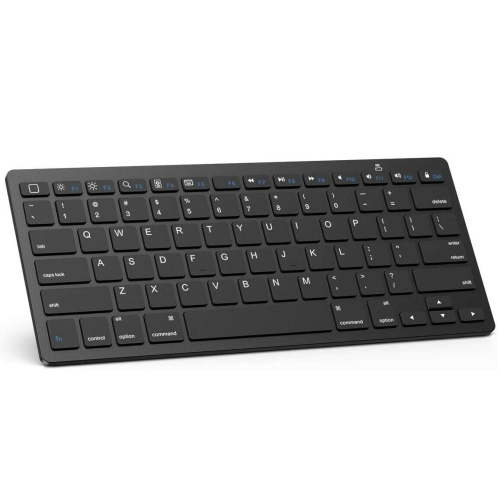
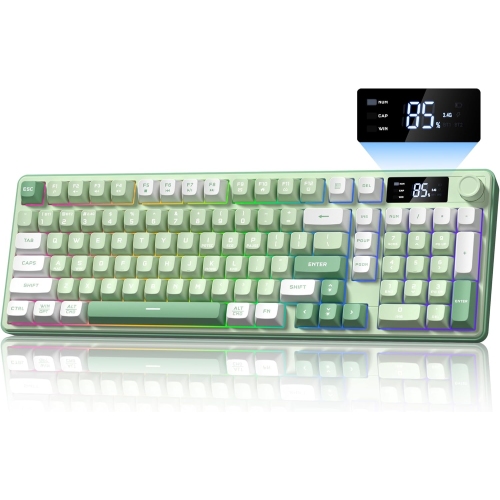
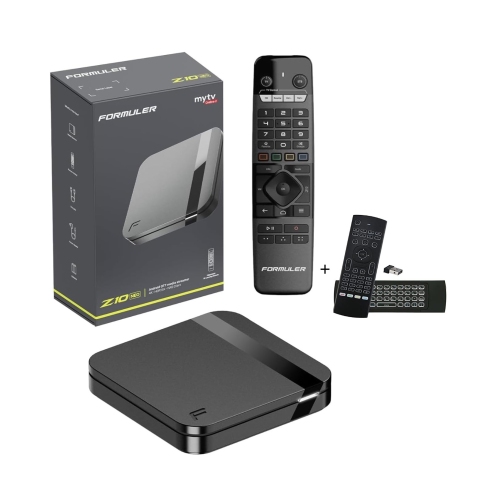
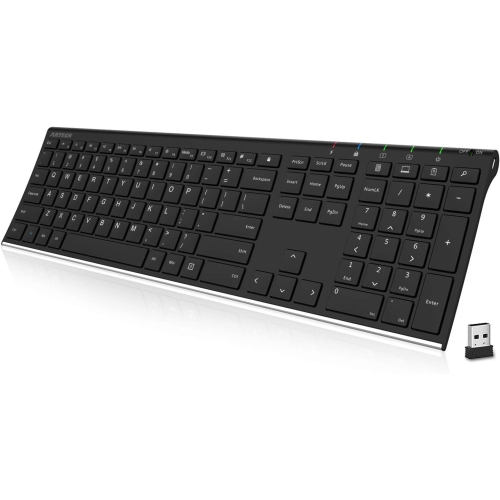
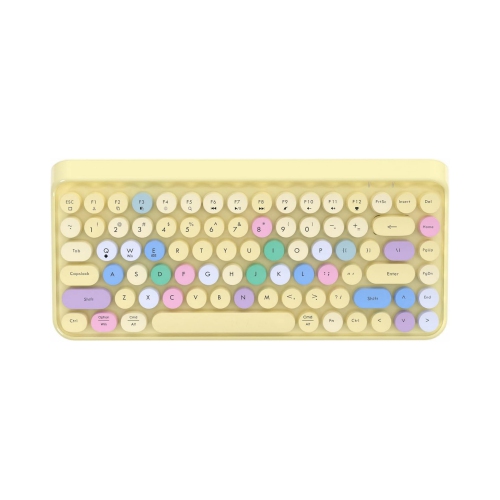
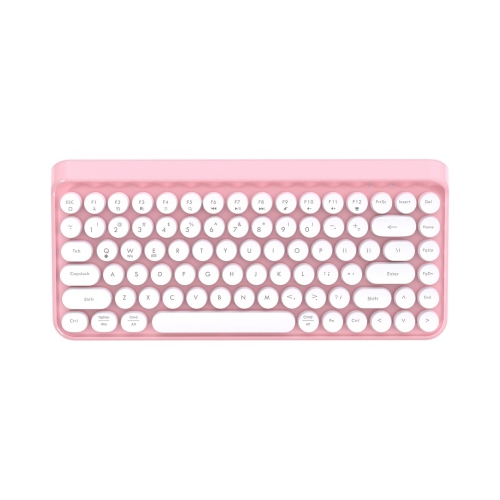
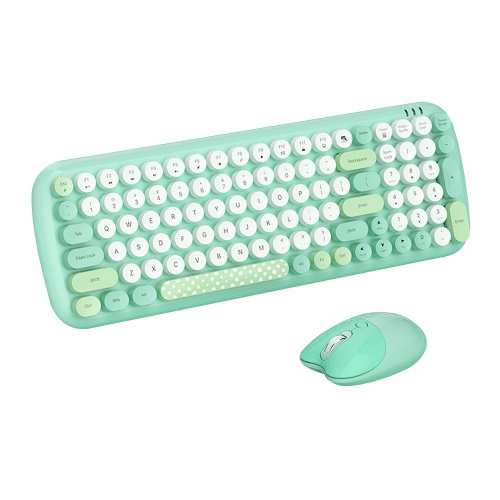
Physical keys that make longer mobile typing feel familiar
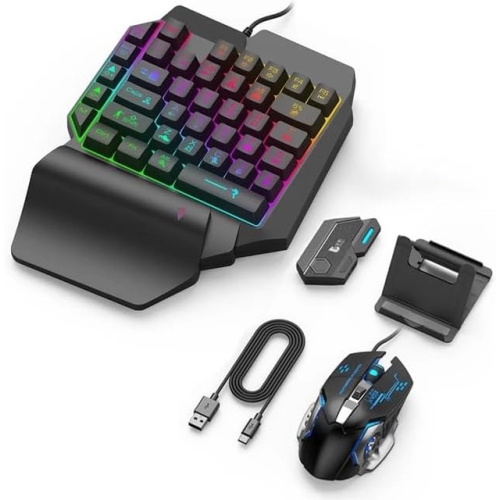
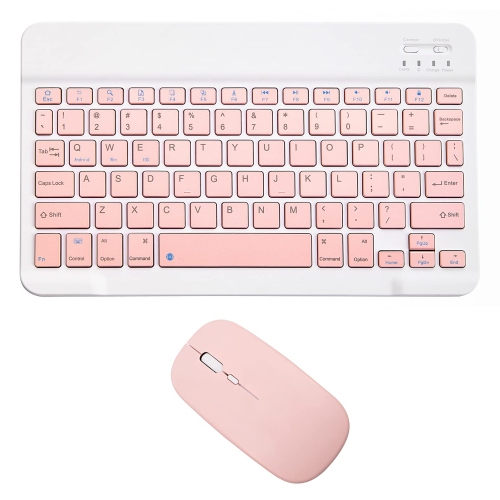
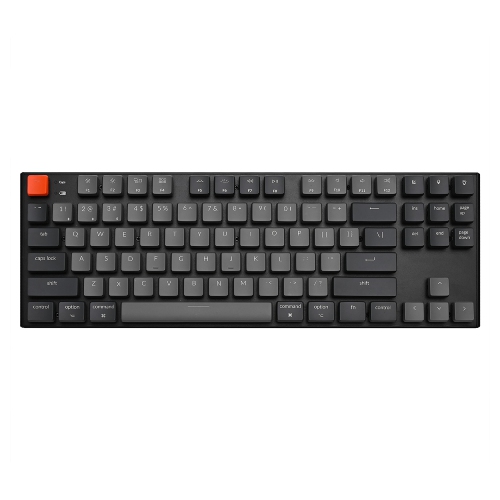
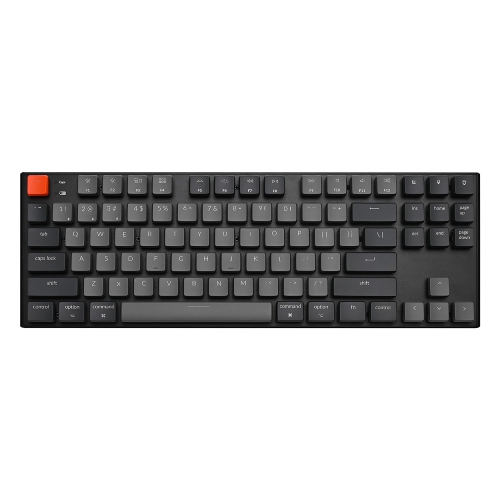
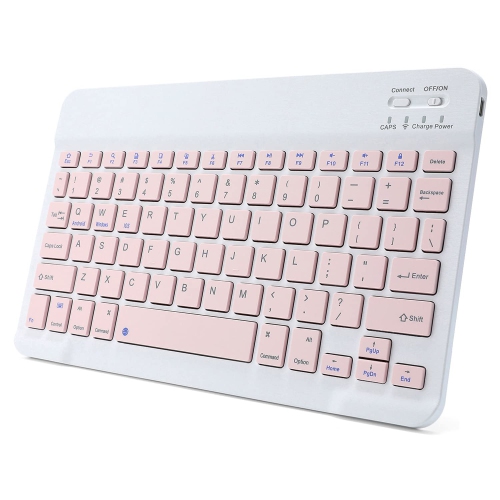
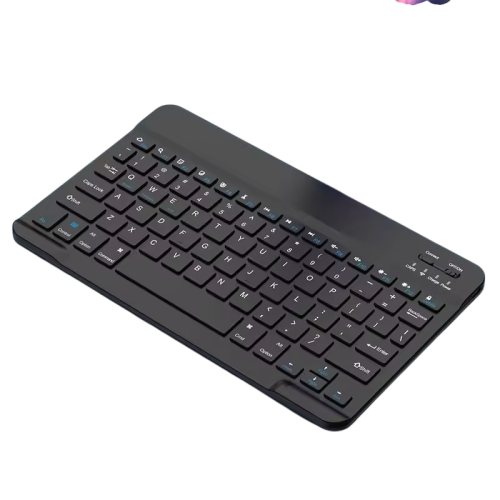
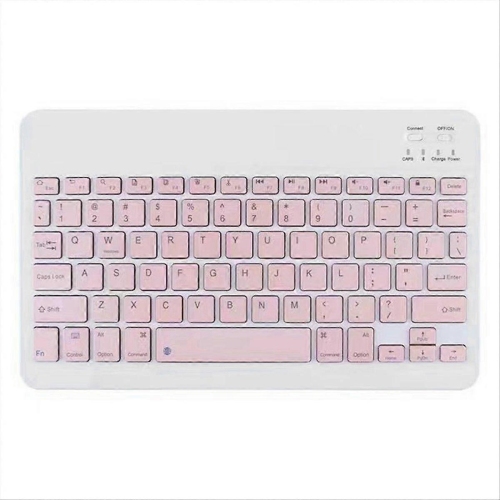
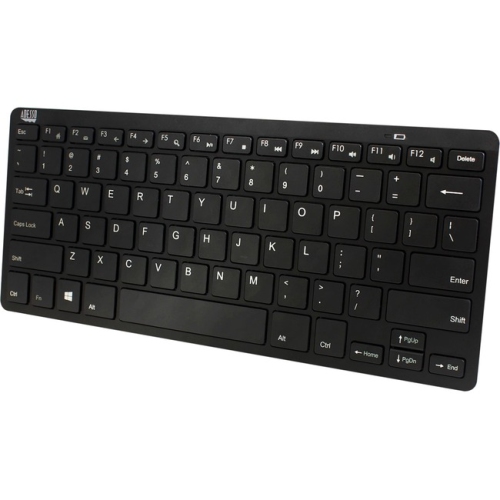
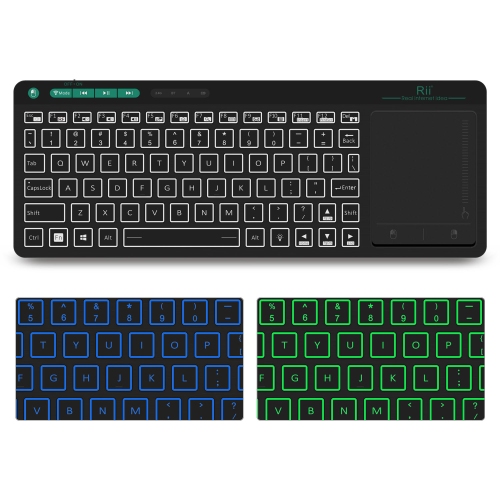
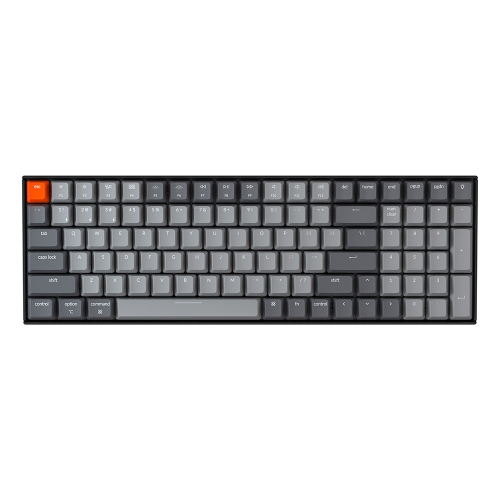
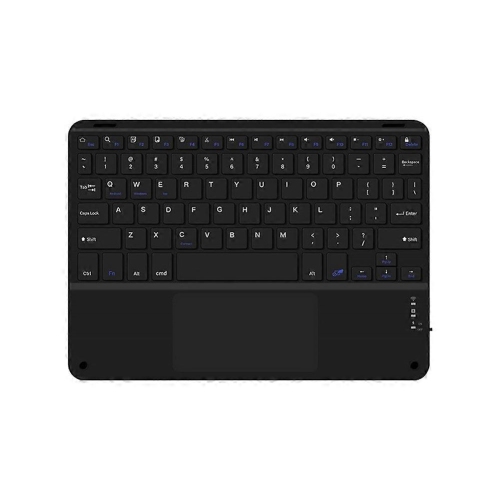
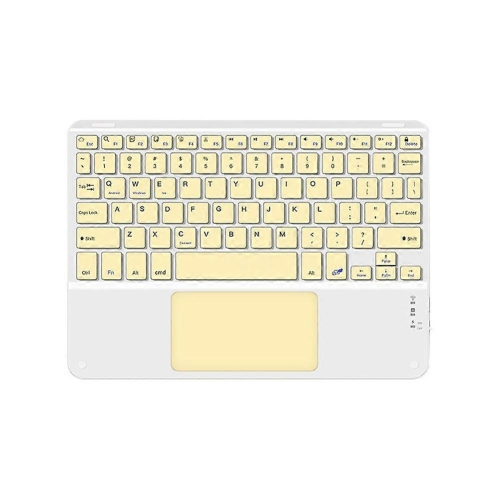
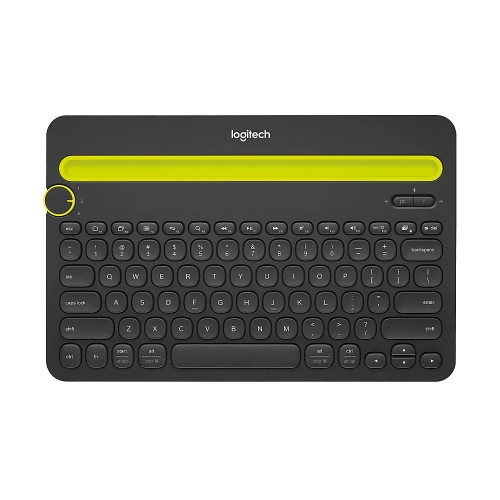
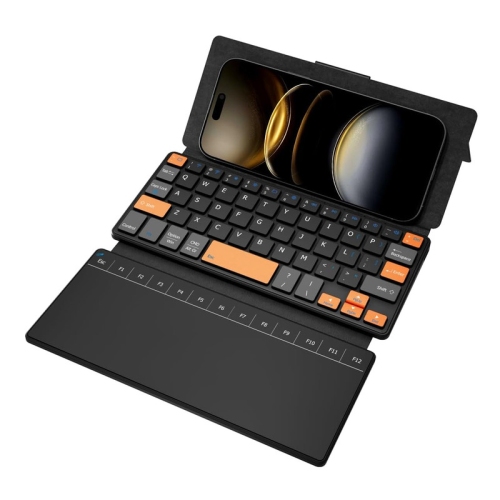
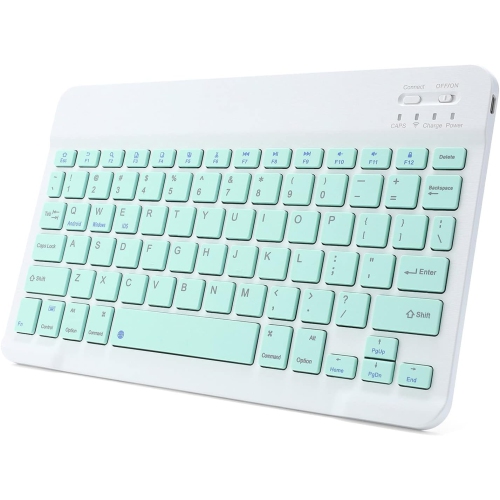
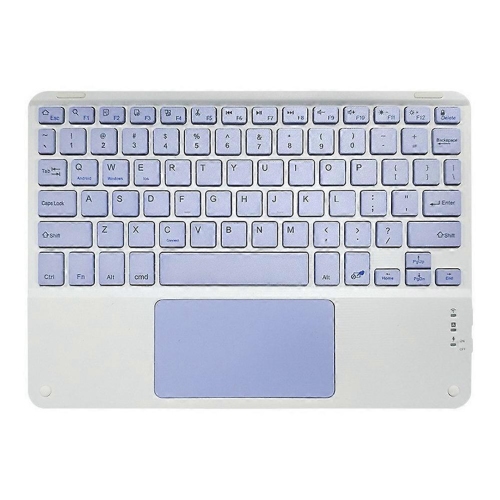
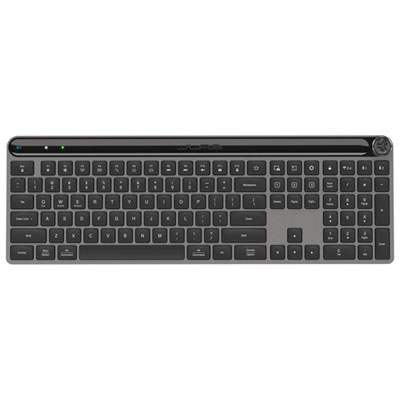
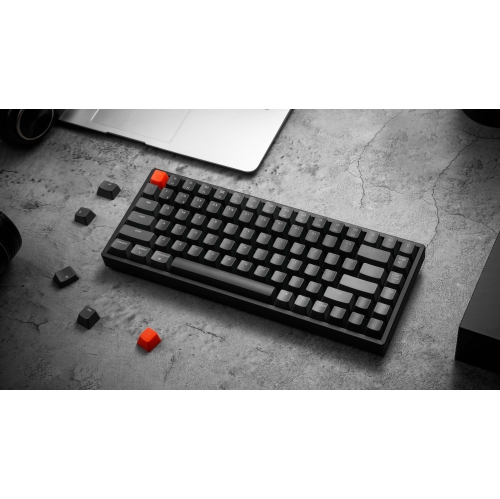
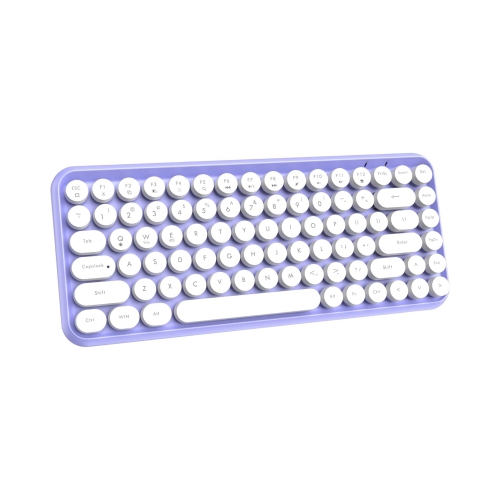
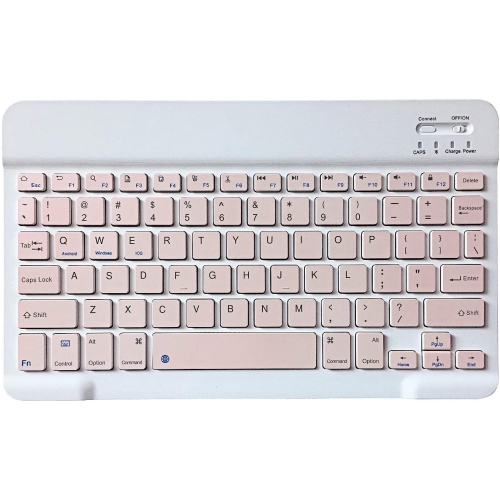
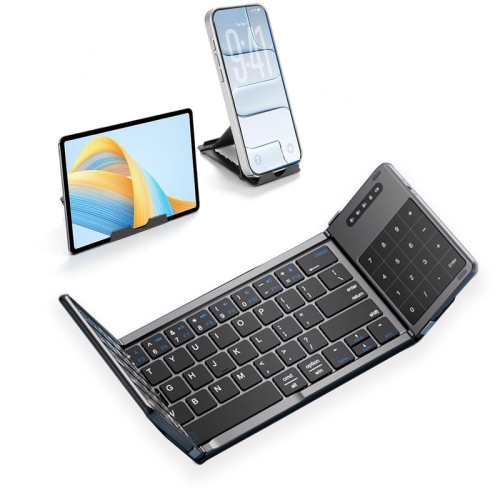
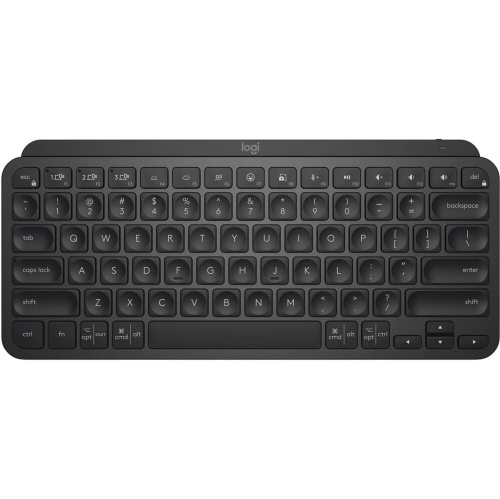
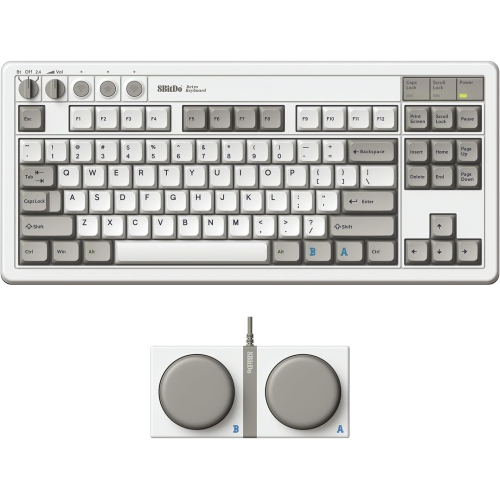
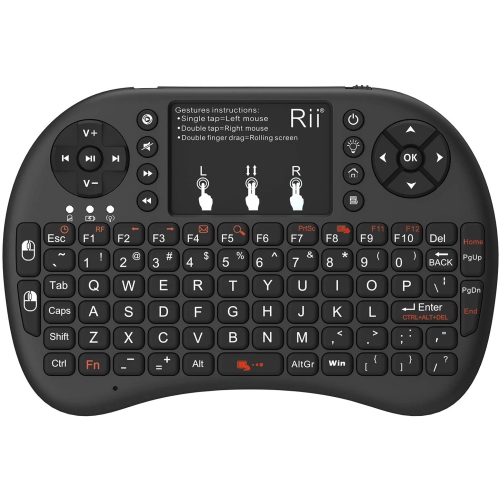
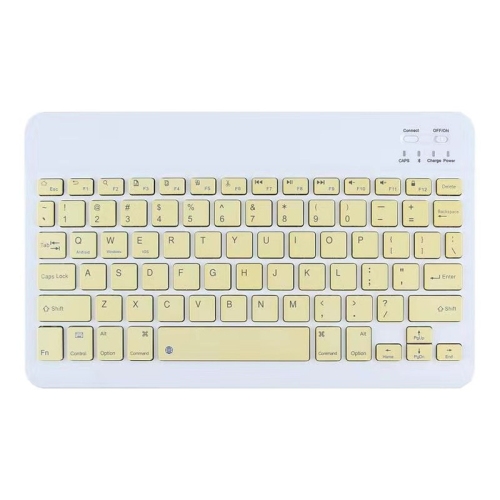
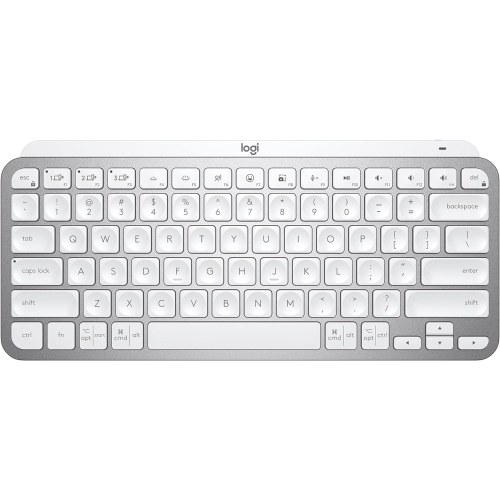
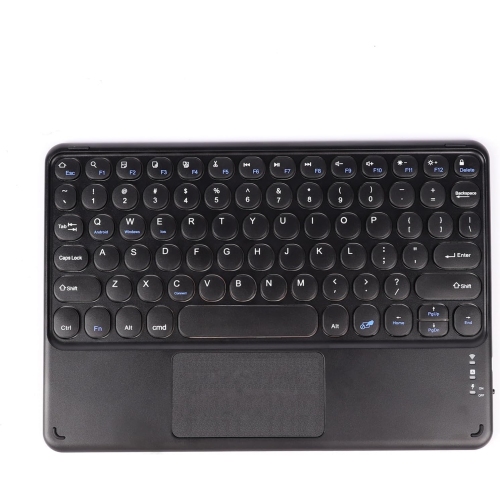
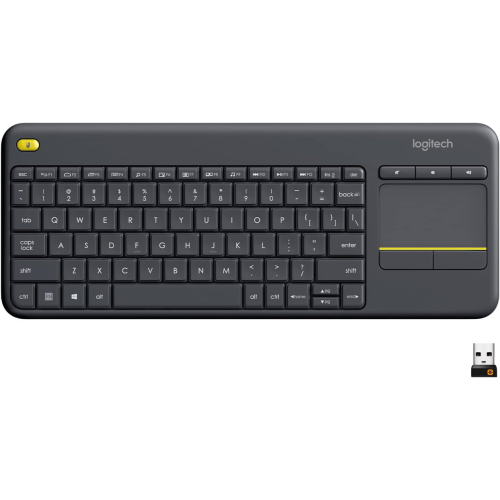
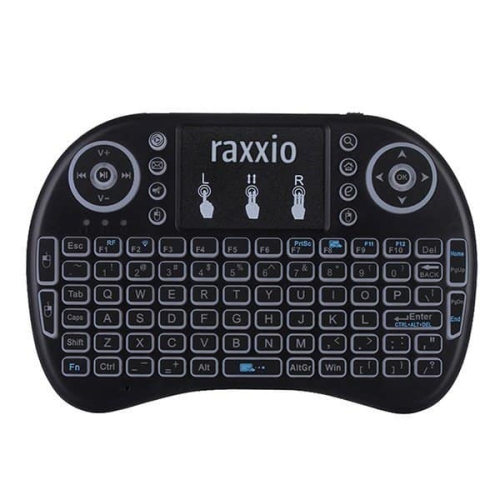
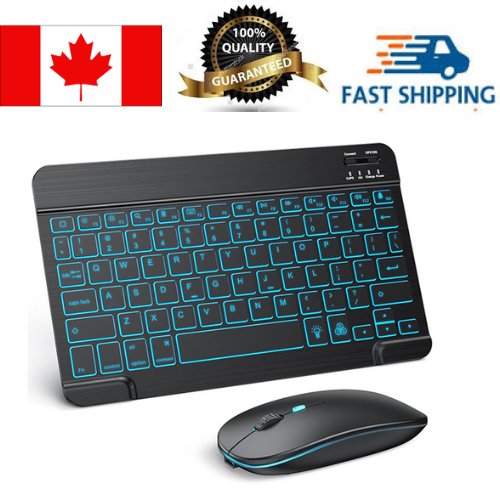
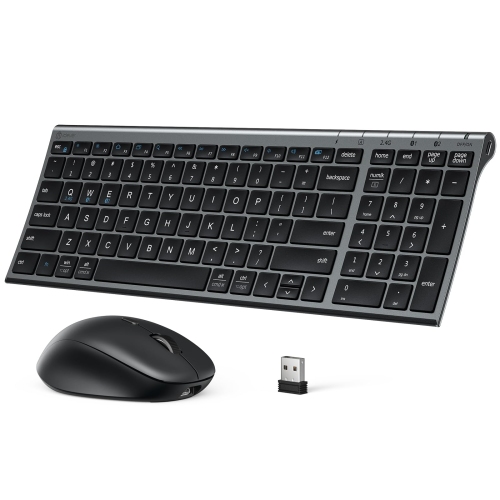
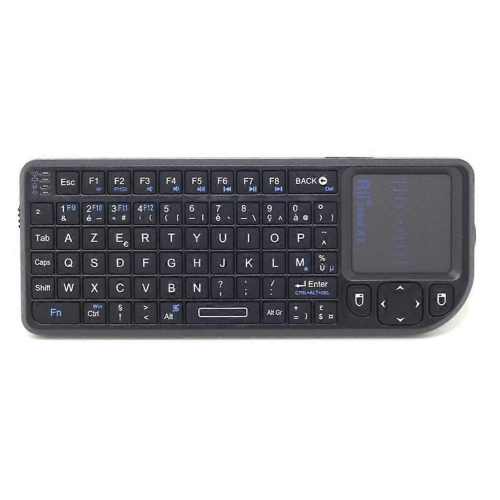
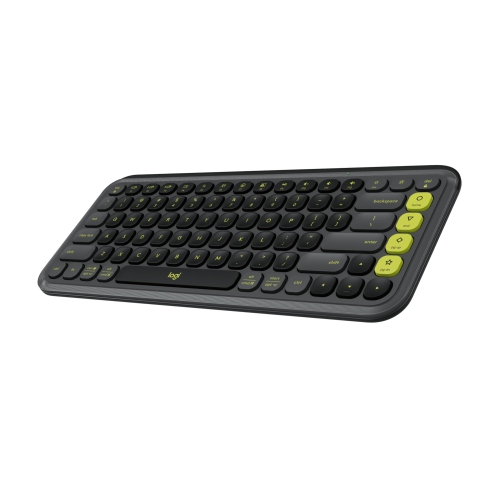
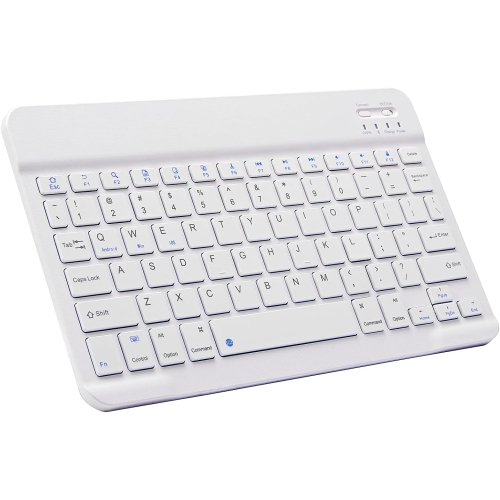
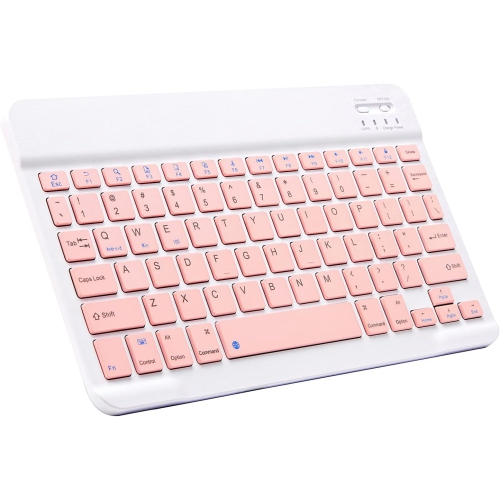
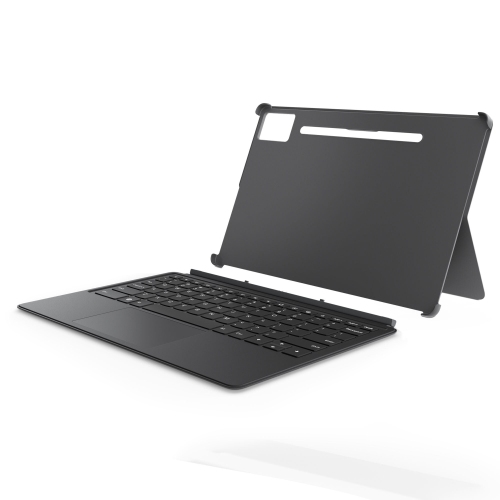
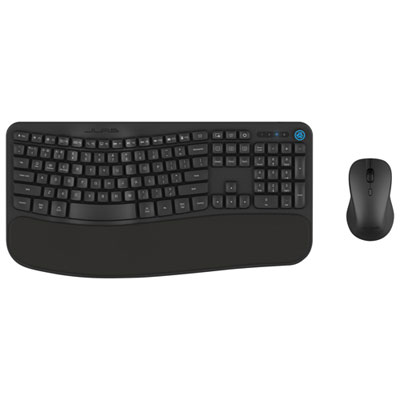
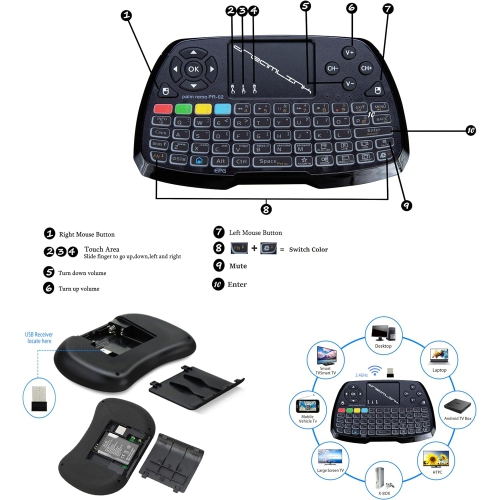
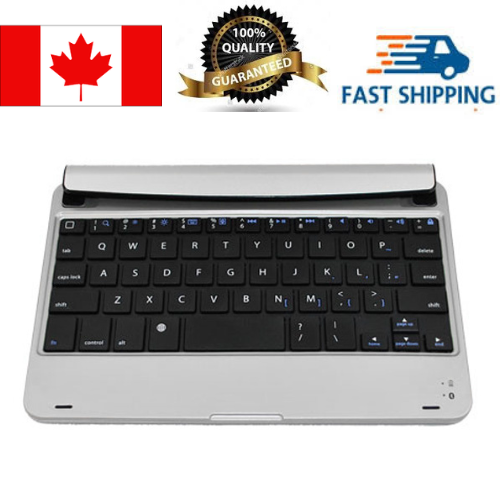
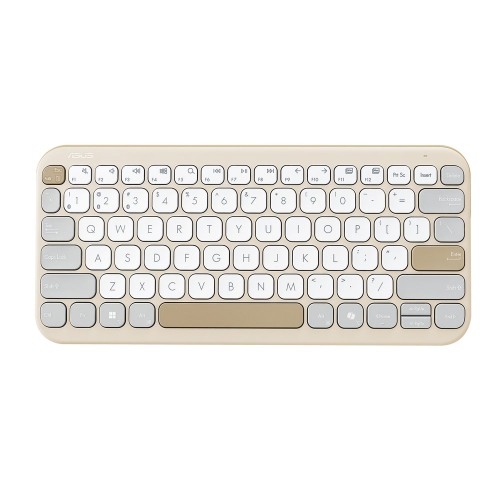
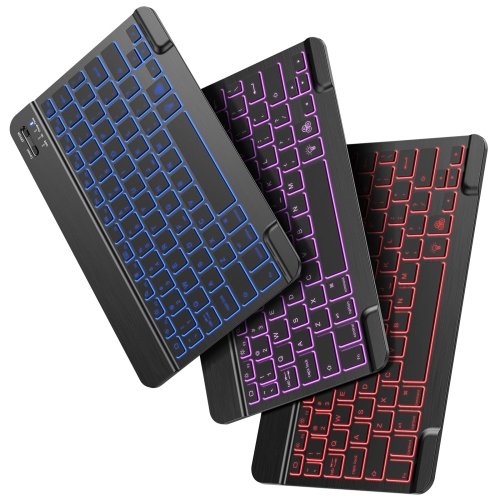
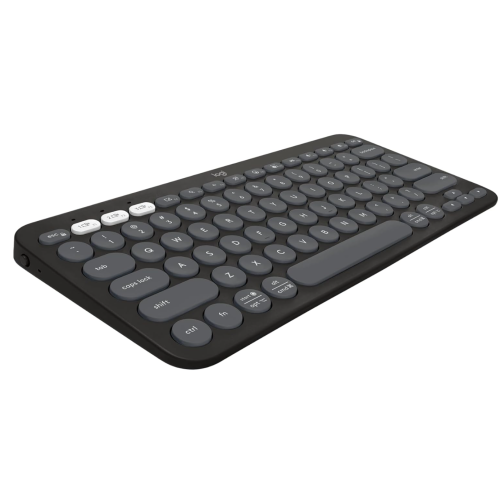
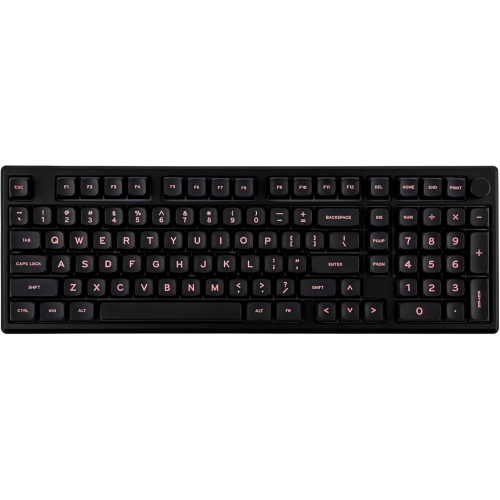
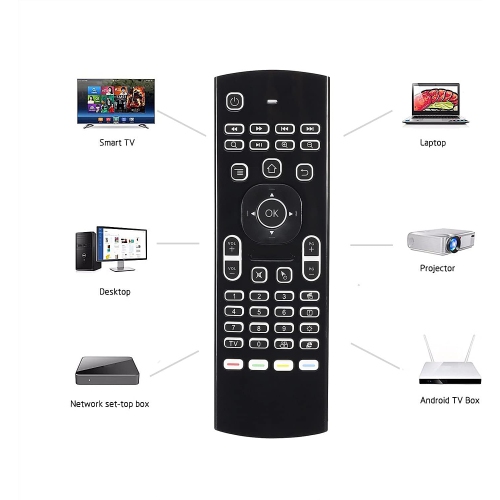
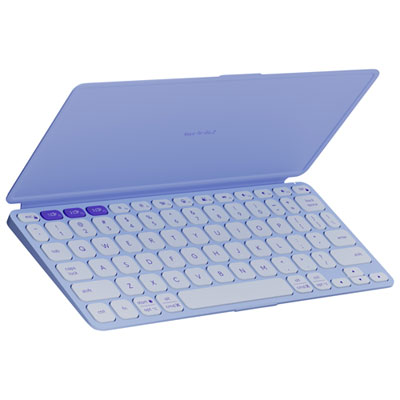
Android keyboards include the on-screen keyboards used on phones and tablets, as well as physical keyboards that connect to compatible Android devices. For a product collection, the focus is on physical keyboards: accessories that give you individual keys for writing, editing, messaging, and navigating supported apps. An on-screen keyboard is convenient for a quick reply, but a physical keyboard can make longer typing sessions feel more familiar, especially if you spend much of your day at a laptop or desktop. Picture a tablet propped beside a notebook, with enough room on the display to see a full paragraph rather than just the lines above the touch keyboard. That extra viewing space can be useful when drafting an assignment, reviewing a document, or catching up on correspondence, although whether the on-screen keyboard hides automatically depends on your device and settings. Wireless models typically pair through Bluetooth, while wired models need a compatible connection and support for external input. Some keyboards are standalone accessories that work with several device types; others are built into cases designed for particular tablets. The distinction matters because a case must fit the tablet’s dimensions, camera placement, and attachment points, not simply match its advertised screen size. A standalone keyboard offers more flexibility if you switch between devices or prefer to position the keys separately from the display. Neither style replaces Android itself or necessarily changes your default virtual keyboard app. On many Android devices, on-screen keyboard choices appear in Settings under System or General Management, though menu names vary by manufacturer and software version. Physical keyboard settings may appear separately and can include language and layout options. Understanding that difference helps narrow the purchase: a keyboard app changes how you type on the touchscreen, while a physical Android-compatible keyboard adds a separate typing surface for your phone or tablet.
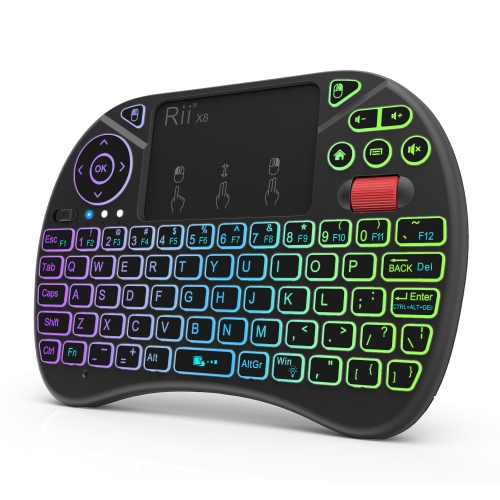
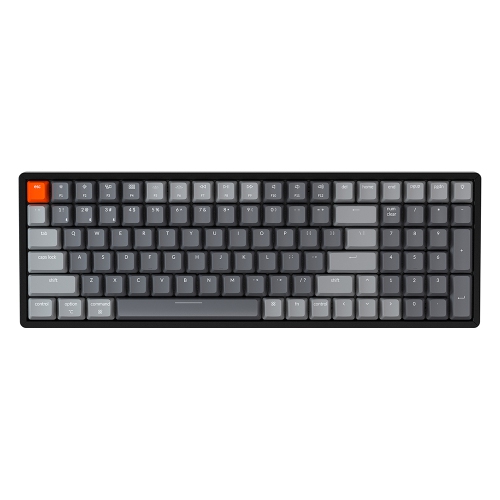
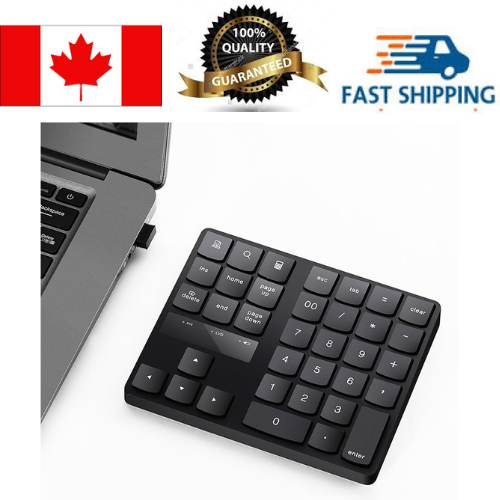
The most useful purchase considerations are compatibility, key layout, size, and how the keyboard will fit into an ordinary day. Check that the stated operating system requirements include your version of Android, and look closely at any limitations on shortcut keys, touchpads, or special functions. A keyboard may handle standard typing well even when a particular media key or gesture is not supported by an app. For wired use, a matching plug alone is not enough; the phone or tablet must support the necessary USB input connection, and an adapter may be required. Wireless keyboards keep the connection cable out of the way, but their power source deserves attention. Rechargeable models need occasional charging, while models with replaceable batteries require the correct battery type. Published battery-life estimates depend on usage, with features such as backlighting affecting how often power needs replenishing. Key spacing is another detail that becomes noticeable after the first few sentences. A compact layout saves space in a bag, but narrower keys or repositioned punctuation can take adjustment. A larger keyboard gives your hands more room, and a number pad can be useful for spreadsheets, household budgets, or repeated numerical entry. Low-profile keys often suit people accustomed to laptop typing; keys with more travel may appeal to those who prefer a more pronounced press. Sound matters, too, particularly in a shared study area or during calls. Backlit keys can make characters easier to see in dimmer light, though brightness controls and availability vary by model. If you regularly write in French and English, consider the printed key layout alongside Android’s available input languages, since the characters produced may depend on the selected software layout. Shoppers interested in additional keyboard formats can also browse Interactive Keyboards, keeping device compatibility and intended use central to the comparison. The best fit is not necessarily the keyboard with the longest feature list, but the one whose layout and connections suit the work you actually do.
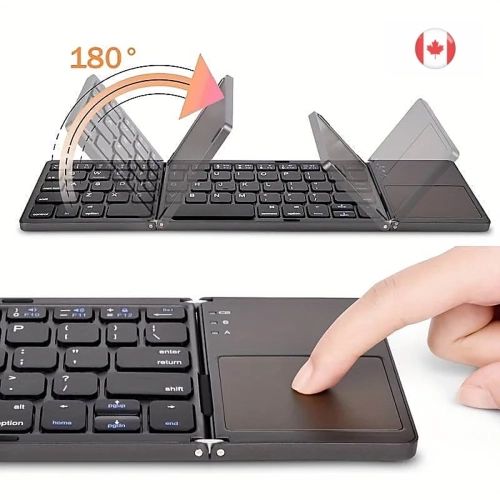
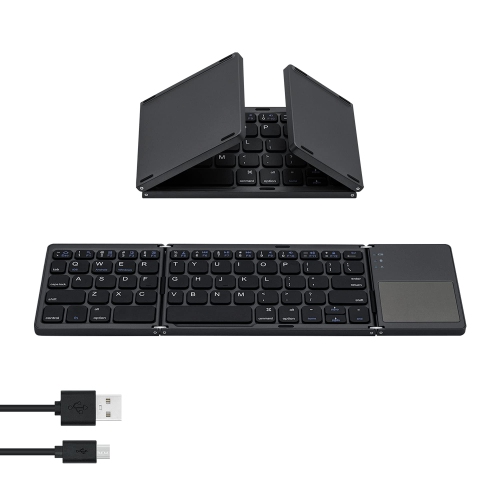
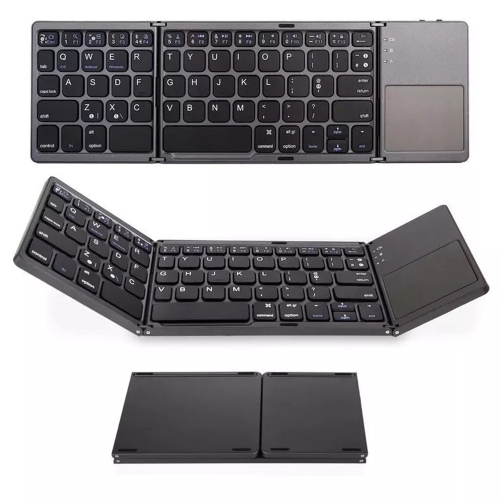
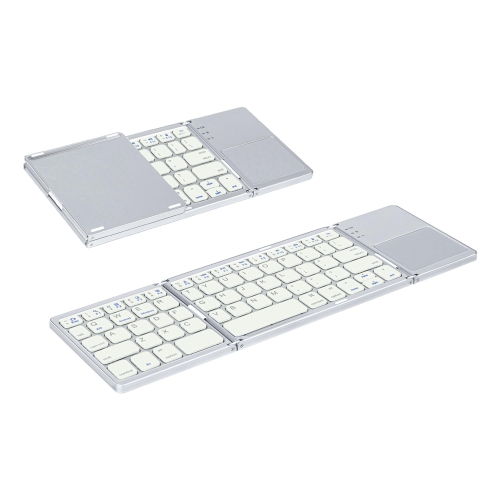
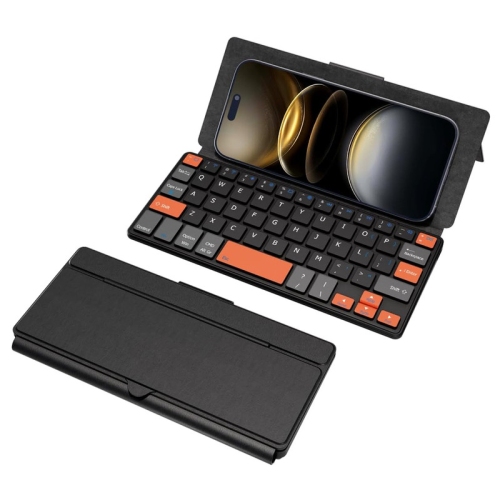
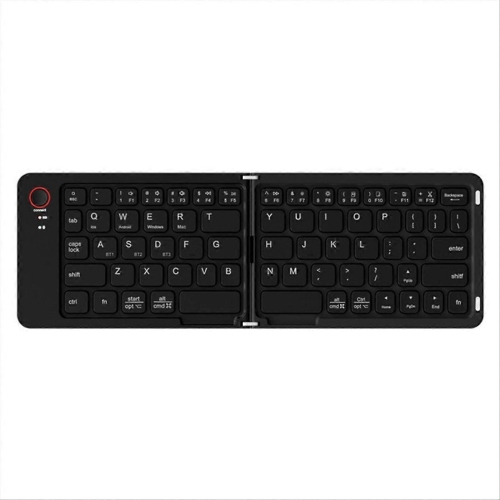
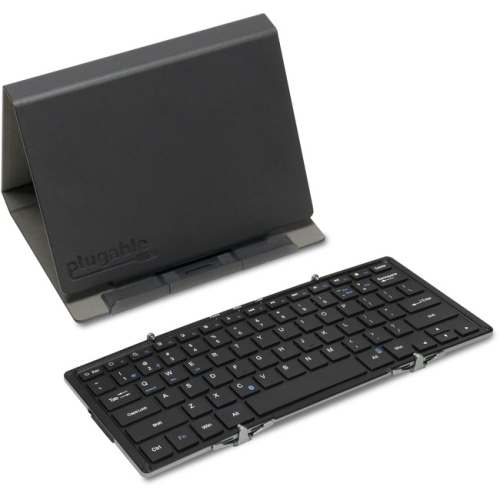
Android-compatible keyboards can serve students, frequent travellers, remote workers, and anyone who wants a more comfortable way to write on a mobile device. A student might use one to turn a tablet into a compact note-taking setup, then tuck it away before heading to the next class. At home, a separate keyboard can make everyday tasks such as filling out forms, organizing a family schedule, or writing a thoughtful message less cramped than typing with two thumbs. During the cooler months, when more work and leisure time may happen indoors, a small setup that moves easily between a desk and the kitchen table can be particularly practical. Portability involves more than weight: consider whether the keyboard needs a separate stand, whether its keys are protected in a bag, and whether it sits steadily on the surface where you plan to use it. Folding designs reduce packed size, but hinge placement and altered key spacing are worth checking. Keyboard cases keep compatible components together, while a separate keyboard and adjustable stand allow more freedom to raise the screen and choose a comfortable viewing angle. A built-in touchpad may reduce how often you reach for the display, although pointer behaviour and gestures depend on Android and the app in use. Multi-device pairing, when included, can be handy for someone who alternates between a phone, tablet, and another supported device; check how switching works and how many connections the keyboard can store. As a gift, a keyboard makes the most sense when you know the recipient’s device model and typing habits. Someone who writes pages of notes may value generous key spacing, while a person who travels light may prefer a smaller accessory that slips into an existing bag. For shared spaces, a quieter typing feel may matter more than lighting or extra controls. Allow room in the decision for posture as well: keeping the screen at a comfortable height, leaving space for your hands, and taking regular breaks can make a portable setup easier to use. A thoughtfully chosen keyboard adds practical flexibility without asking the phone or tablet to become something it is not.
The most useful purchase considerations are compatibility, key layout, size, and how the keyboard will fit into an ordinary day. Check that the stated operating system requirements include your version of Android, and look closely at any limitations on shortcut keys, touchpads, or special functions. A keyboard may handle standard typing well even when a particular media key or gesture is not supported by an app. For wired use, a matching plug alone is not enough; the phone or tablet must support the necessary USB input connection, and an adapter may be required. Wireless keyboards keep the connection cable out of the way, but their power source deserves attention. Rechargeable models need occasional charging, while models with replaceable batteries require the correct battery type. Published battery-life estimates depend on usage, with features such as backlighting affecting how often power needs replenishing. Key spacing is another detail that becomes noticeable after the first few sentences. A compact layout saves space in a bag, but narrower keys or repositioned punctuation can take adjustment. A larger keyboard gives your hands more room, and a number pad can be useful for spreadsheets, household budgets, or repeated numerical entry. Low-profile keys often suit people accustomed to laptop typing; keys with more travel may appeal to those who prefer a more pronounced press. Sound matters, too, particularly in a shared study area or during calls. Backlit keys can make characters easier to see in dimmer light, though brightness controls and availability vary by model. If you regularly write in French and English, consider the printed key layout alongside Android’s available input languages, since the characters produced may depend on the selected software layout. Shoppers interested in additional keyboard formats can also browse Interactive Keyboards, keeping device compatibility and intended use central to the comparison. The best fit is not necessarily the keyboard with the longest feature list, but the one whose layout and connections suit the work you actually do.
Android-compatible keyboards can serve students, frequent travellers, remote workers, and anyone who wants a more comfortable way to write on a mobile device. A student might use one to turn a tablet into a compact note-taking setup, then tuck it away before heading to the next class. At home, a separate keyboard can make everyday tasks such as filling out forms, organizing a family schedule, or writing a thoughtful message less cramped than typing with two thumbs. During the cooler months, when more work and leisure time may happen indoors, a small setup that moves easily between a desk and the kitchen table can be particularly practical. Portability involves more than weight: consider whether the keyboard needs a separate stand, whether its keys are protected in a bag, and whether it sits steadily on the surface where you plan to use it. Folding designs reduce packed size, but hinge placement and altered key spacing are worth checking. Keyboard cases keep compatible components together, while a separate keyboard and adjustable stand allow more freedom to raise the screen and choose a comfortable viewing angle. A built-in touchpad may reduce how often you reach for the display, although pointer behaviour and gestures depend on Android and the app in use. Multi-device pairing, when included, can be handy for someone who alternates between a phone, tablet, and another supported device; check how switching works and how many connections the keyboard can store. As a gift, a keyboard makes the most sense when you know the recipient’s device model and typing habits. Someone who writes pages of notes may value generous key spacing, while a person who travels light may prefer a smaller accessory that slips into an existing bag. For shared spaces, a quieter typing feel may matter more than lighting or extra controls. Allow room in the decision for posture as well: keeping the screen at a comfortable height, leaving space for your hands, and taking regular breaks can make a portable setup easier to use. A thoughtfully chosen keyboard adds practical flexibility without asking the phone or tablet to become something it is not.
Top selling and popular products
-
 Your price for this item is $39.99
 -
 Your price for this item is $49.72
 -
 Your price for this item is $159
 -
 Your price for this item is $219.99
 -
 Your price for this item is $189.99
 -
 Your price for this item is $44.99
 -
 Your price for this item is $29.99
 -
 Your price for this item is $159.99
Discover more categories related to Android Keyboards

Top Collections:
Pokemon Centers, Best Cameras for Sports Photography, Kindle Devices, Samsung Galaxy Phones, Canon G7X Cameras, Pokémon 30th Celebration Cards, Refurbished Apple Laptops, iPhone 15 Apple, Laptops for Students, Budget Smartphones
Some products may be subject to Environmental Handling Fees
(EHF) depending on your province.
Learn more about EHFs.