Samsung Galaxy Tab A7 Lite
Discover the versatility and convenience of the Samsung Galaxy Tab A7 Lite, designed to fit seamlessly into your daily routine. Whether you're browsing, streaming, or staying connected on the go, this tablet offers a reliable solution for a variety of needs. Explore a range of options and find the perfect fit for your lifestyle with the Samsung Galaxy Tab A7 Lite.
Sort








More room for everyday entertainment without the bulk
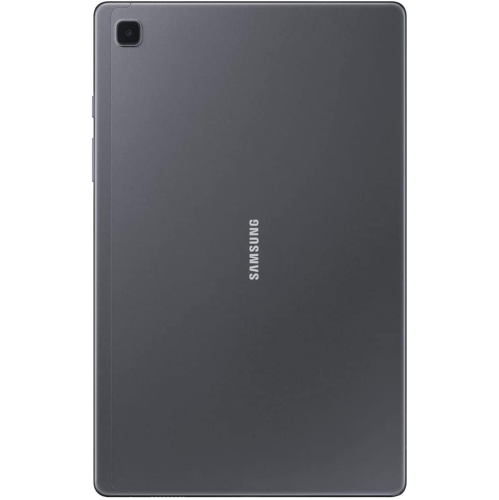
Compact tablets with an 8.7-inch screen offer a practical middle ground between a phone and a full-size tablet, giving everyday content more room without taking up much space in a bag. This format suits reading an ebook on the bus, following a recipe at the kitchen counter, checking email from the sofa, or watching a downloaded episode while travelling. A smaller display is generally easier to hold for longer stretches, although its usefulness depends as much on screen proportions, weight, and grip as on the diagonal measurement. For reading, adjustable text size and comfortable brightness settings can matter more than a high pixel count alone. Display resolution still affects how sharply small lettering appears, particularly in digital magazines, scanned documents, and webpages with dense layouts. Enlarging text can improve readability, but it also means more scrolling and less content visible at once. Compact screens are well suited to one task at a time; a spreadsheet beside a video call can feel crowded, even when the software supports split-screen viewing. Built-in stereo speakers can make dialogue easier to follow, while headphones offer a more private listening experience in shared spaces. Speaker placement matters when the tablet rests horizontally, since hands or a case can cover sound openings. Streaming quality also depends on the service, subscription, app compatibility, and device certification, rather than display resolution alone. For someone who mainly reads novels, watches familiar shows, and browses a few favourite websites, a straightforward tablet can be a comfortable companion without needing to replace a laptop. It can also make a thoughtful gift for a reader, a relative who enjoys video calls, or a child ready for supervised access to digital books and learning activities. Comparing screen size and portability with related Samsung Tab A7 options can help put the compact format into perspective, especially when deciding between easier carrying and more room for text, pictures, and on-screen controls.
Everyday tablet performance comes from the combination of processor, memory, storage, and software, not a single specification. Basic browsing, music playback, and reading place different demands on a device than detailed games, video editing, or frequent switching between several large apps. Memory helps keep active tasks ready, while internal storage holds the operating system, applications, downloads, and personal files. The storage capacity printed in a specification is not the same as the space left for personal use: system files and preinstalled software occupy part of that total before the first book or film is downloaded. On a tablet with modest internal storage, a few large games or a collection of offline videos can leave little room for updates. A compatible memory card can provide useful space for photos, music, and certain downloads, but it does not add working memory or guarantee that apps can be moved off internal storage. Supported card capacities and download locations vary, so those details matter for anyone planning to carry a sizeable media library. Wi-Fi connectivity suits use around the home and at trusted hotspots; mobile data requires a compatible cellular version and a separate service arrangement. Downloaded content can be useful away from a connection, provided the app permits offline access and any viewing limits have not expired. Software compatibility deserves equal attention, particularly with older tablet designs. An app may require a newer operating system than the device supports, and the length of remaining security update support affects its suitability for sensitive tasks. For shared household use, supported profiles, screen locks, purchase approvals, and parental controls help separate activities and manage access. A front-facing camera and microphone are useful for family calls, but a stable connection, good room lighting, and a stand that holds the screen near eye level often make a more noticeable difference than camera resolution alone. These considerations help distinguish a tablet intended for relaxed entertainment from one expected to handle school assignments or regular work.
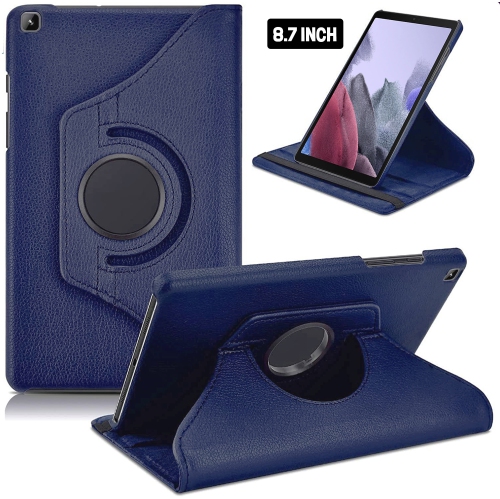
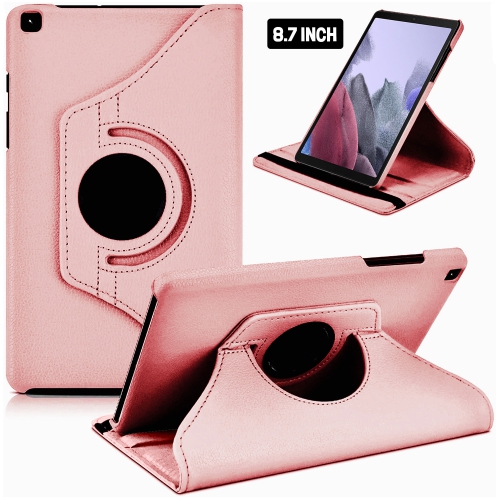
Materials and accessory fit shape how a compact tablet feels in daily use and how well it handles being carried from room to room. A metal back can give the body a solid feel, but it does not make the display resistant to every drop or the whole device waterproof. A fitted case adds grip and can protect corners from minor knocks, while a folding cover or stand supports hands-free viewing on a table. Cases need to match the exact device dimensions and generation, not merely the advertised screen size: camera openings, buttons, speakers, and charging ports may sit in different places on otherwise similar tablets. A raised edge can help keep the screen from touching a flat surface, and a compatible screen protector can reduce everyday scratching without replacing careful handling. For children, a substantial grip and a stable stand may be more useful than a slim decorative cover. For readers, a lighter case may be preferable because the combined weight is what the hands actually support. Battery life varies with brightness, volume, wireless activity, app demands, and battery age, so a capacity figure alone cannot promise a fixed number of viewing hours. Charging speed likewise depends on the tablet, cable, power adapter, and supported charging standard working together. A connector that fits does not necessarily deliver the fastest supported charging rate. Routine care is straightforward: a soft, lint-free cloth removes fingerprints, while cleaning liquid belongs on the cloth rather than directly on the screen. Excess moisture should stay away from ports and speaker openings, and abrasive cleaners can damage surface coatings. Carrying the tablet separately from loose keys helps prevent scratches; packing it where it will not bend under heavy books adds another layer of protection. When choosing a tablet as a gift, the recipient’s routine is a useful starting point. Comfortable text, manageable weight, straightforward controls, and suitable accessibility settings can matter more than extra features that rarely get used. A well-matched compact tablet fits naturally into small daily moments, from reading a chapter over breakfast to sharing photos with family.
Everyday tablet performance comes from the combination of processor, memory, storage, and software, not a single specification. Basic browsing, music playback, and reading place different demands on a device than detailed games, video editing, or frequent switching between several large apps. Memory helps keep active tasks ready, while internal storage holds the operating system, applications, downloads, and personal files. The storage capacity printed in a specification is not the same as the space left for personal use: system files and preinstalled software occupy part of that total before the first book or film is downloaded. On a tablet with modest internal storage, a few large games or a collection of offline videos can leave little room for updates. A compatible memory card can provide useful space for photos, music, and certain downloads, but it does not add working memory or guarantee that apps can be moved off internal storage. Supported card capacities and download locations vary, so those details matter for anyone planning to carry a sizeable media library. Wi-Fi connectivity suits use around the home and at trusted hotspots; mobile data requires a compatible cellular version and a separate service arrangement. Downloaded content can be useful away from a connection, provided the app permits offline access and any viewing limits have not expired. Software compatibility deserves equal attention, particularly with older tablet designs. An app may require a newer operating system than the device supports, and the length of remaining security update support affects its suitability for sensitive tasks. For shared household use, supported profiles, screen locks, purchase approvals, and parental controls help separate activities and manage access. A front-facing camera and microphone are useful for family calls, but a stable connection, good room lighting, and a stand that holds the screen near eye level often make a more noticeable difference than camera resolution alone. These considerations help distinguish a tablet intended for relaxed entertainment from one expected to handle school assignments or regular work.
Materials and accessory fit shape how a compact tablet feels in daily use and how well it handles being carried from room to room. A metal back can give the body a solid feel, but it does not make the display resistant to every drop or the whole device waterproof. A fitted case adds grip and can protect corners from minor knocks, while a folding cover or stand supports hands-free viewing on a table. Cases need to match the exact device dimensions and generation, not merely the advertised screen size: camera openings, buttons, speakers, and charging ports may sit in different places on otherwise similar tablets. A raised edge can help keep the screen from touching a flat surface, and a compatible screen protector can reduce everyday scratching without replacing careful handling. For children, a substantial grip and a stable stand may be more useful than a slim decorative cover. For readers, a lighter case may be preferable because the combined weight is what the hands actually support. Battery life varies with brightness, volume, wireless activity, app demands, and battery age, so a capacity figure alone cannot promise a fixed number of viewing hours. Charging speed likewise depends on the tablet, cable, power adapter, and supported charging standard working together. A connector that fits does not necessarily deliver the fastest supported charging rate. Routine care is straightforward: a soft, lint-free cloth removes fingerprints, while cleaning liquid belongs on the cloth rather than directly on the screen. Excess moisture should stay away from ports and speaker openings, and abrasive cleaners can damage surface coatings. Carrying the tablet separately from loose keys helps prevent scratches; packing it where it will not bend under heavy books adds another layer of protection. When choosing a tablet as a gift, the recipient’s routine is a useful starting point. Comfortable text, manageable weight, straightforward controls, and suitable accessibility settings can matter more than extra features that rarely get used. A well-matched compact tablet fits naturally into small daily moments, from reading a chapter over breakfast to sharing photos with family.
Top selling and popular products
-
 Your price for this item is $499.99
-
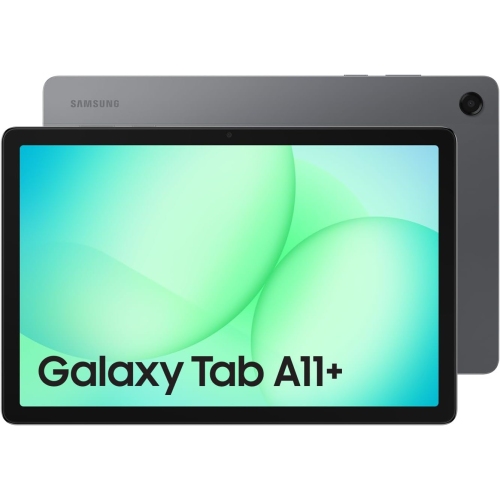 Your price for this item is $350
-
 Your price for this item is $399.99
-
 Your price for this item is $979.99
-
 Your price for this item is $399.99
-
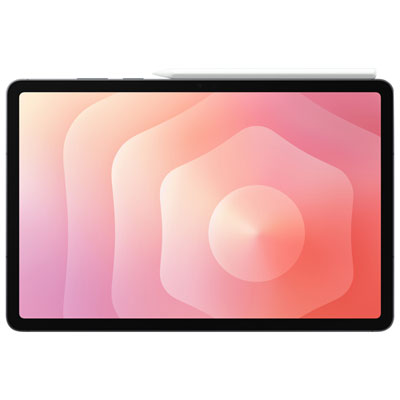 Your price for this item is $1399.99
-
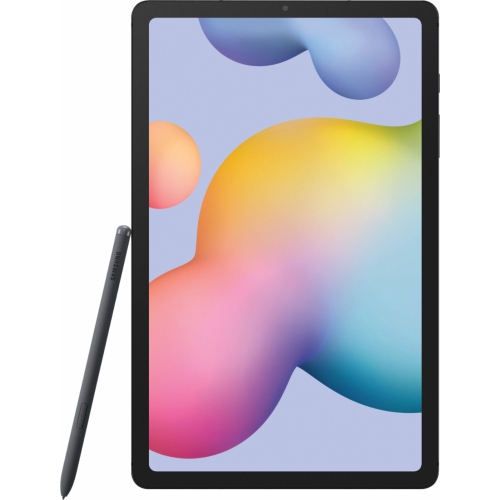 Your price for this item is $699.99
-
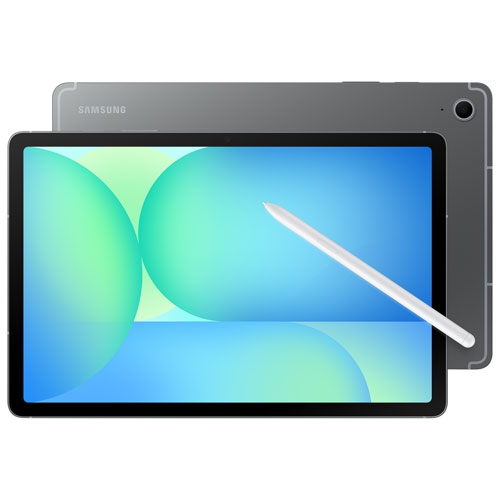 Your price for this item is $664.95
Discover more categories related to Samsung Galaxy Tab A7 Lite
Top Collections:
Best Black Friday Deals This Year, Best Black Friday Deals On Electronics, Kindle Devices, Pokemon Centers, Best Black Friday Deals On Apple Products, Best Cameras for Sports Photography, Dyson Airwrap, Pokémon 30th Celebration Cards, Apple iPhone 17 Pro, Canon G7X Cameras
Some products may be subject to Environmental Handling Fees
(EHF) depending on your province.
Learn more about EHFs.