Samsung Tab A7
Discover the versatility and convenience of the samsung tab a7, designed to fit seamlessly into your daily routine. Whether you’re working, streaming, or staying connected with friends and family, the samsung tab a7 offers an intuitive experience for users of all ages. Explore a range of options to find the perfect match for your lifestyle and enjoy reliable performance wherever you go.
Sort

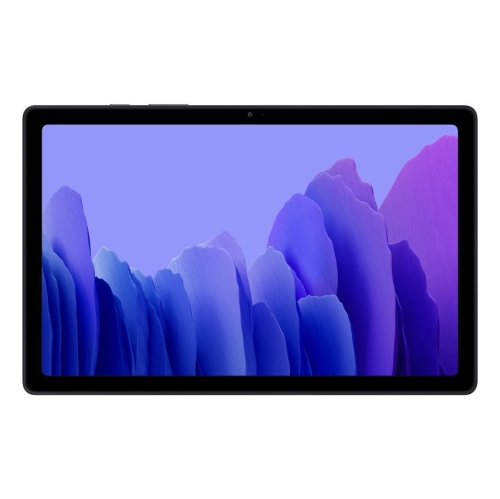

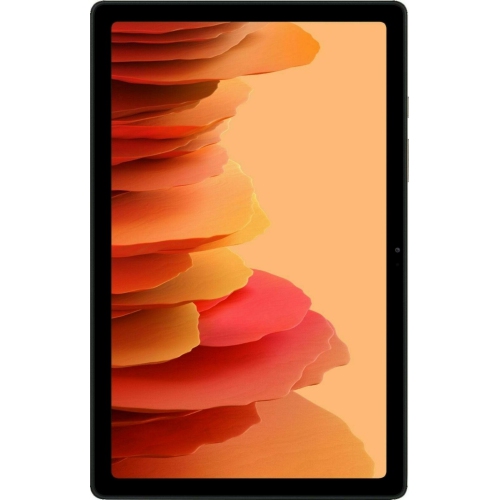
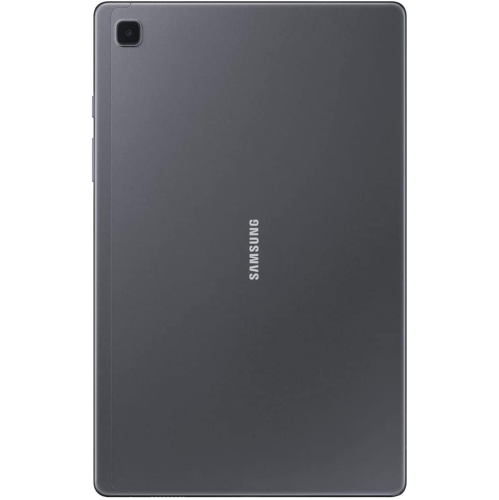





More screen space without the laptop bulk
Tablets bring reading, entertainment, video calls, and everyday browsing into a format that is easier to carry than a laptop and roomier than a phone. A 10.4-inch screen offers space for a recipe beside a mixing bowl, a digital textbook on a desk, or a film watched from a comfortable chair. This size can suit students reviewing course material, adults catching up on news, and families sharing a device for games and streaming. The appeal is often the balance between screen space and portability: text has room to breathe, touch controls are easier to distinguish, and photographs can be viewed without constant zooming. Display resolution, brightness, and viewing angles all influence that experience. Clear text matters during longer reading sessions, while a screen that remains easy to see from the side is useful when two people watch together. Reflections can affect visibility near a window or beneath overhead lighting, regardless of the screen’s size. Sound deserves similar attention, since speaker placement and volume can make dialogue easier to follow when the tablet rests on a table. Headphone connectivity offers a more private option for shared rooms or travel. For video calls, the front camera, microphone, and position of the device work together; a stable stand at face height is often more comfortable than holding a tablet throughout a conversation. Battery life depends on the activity, with video calls, demanding games, and higher brightness generally drawing more power than reading downloaded text. A touchscreen is convenient for tapping through photos or turning pages, while longer messages and documents may feel easier with a compatible keyboard. These practical differences help distinguish a tablet intended mainly for relaxed viewing from one expected to support regular schoolwork or light productivity. For many households, its most useful role is as a companion device that handles familiar tasks without taking over an entire workspace.
Storage, memory, and connectivity shape how comfortably a tablet fits into daily routines. A listed capacity of 32GB refers to built-in storage, not the full amount of space available for personal files, because the operating system and preinstalled software occupy part of it. Downloaded films, larger games, and saved videos can fill storage much faster than ebooks or ordinary documents. Expandable storage can provide room for certain files when a compatible memory card is supported, although not every application can be moved to a card. Memory serves a different purpose: it helps the device manage active applications and switch between tasks. Someone reading articles and checking messages may have different performance needs from a student moving between a video lesson, browser tabs, and notes. Processor capability and software compatibility also influence how responsive those activities feel, especially with newer applications. Wi-Fi connectivity supports browsing, streaming, downloads, and online calls through a suitable network, but it does not by itself provide a mobile data connection away from Wi-Fi. Downloaded books or videos can be useful during journeys where a connection is uncertain, provided the relevant service supports offline access. Charging connections, supported accessories, and included cables are worth distinguishing, since a connector’s shape alone does not establish charging speed or compatibility with other equipment. Software version and security update support also matter for banking, account access, and applications that handle personal information. Some services require a minimum operating system version, and those requirements can change over time. For a smaller format within the same tablet family, the Samsung Galaxy Tab A7 Lite offers a useful size comparison, particularly when carrying space and handheld reading are priorities. Similar family names do not mean identical dimensions, performance, or accessory fit. The exact model details remain important when matching a tablet to an existing case, a preferred application, or a particular charging setup.
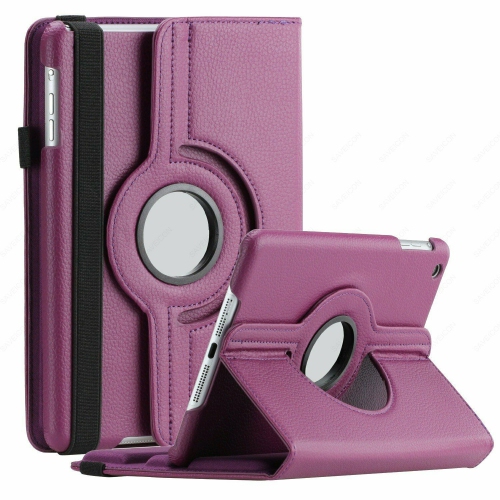
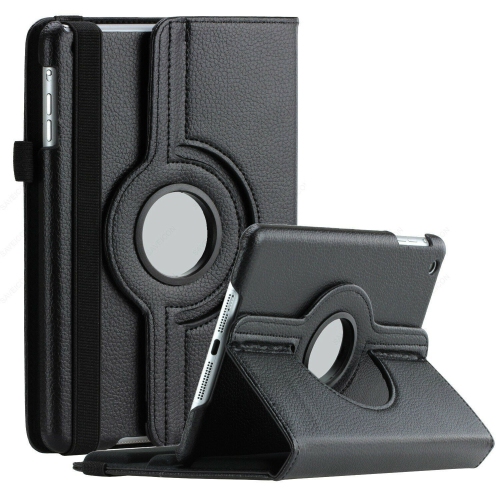
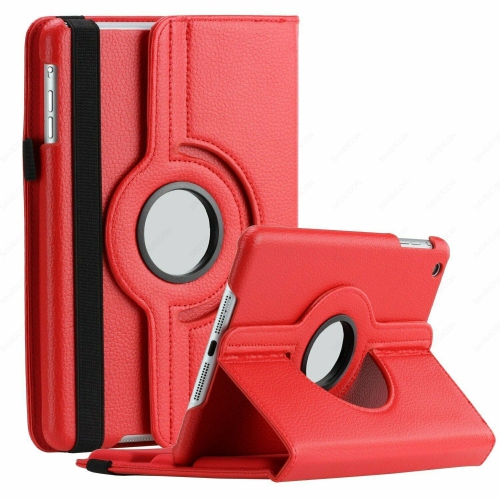
Comfort, protection, and condition can make as much difference to daily ownership as technical specifications. A slim tablet may slip easily into a bag, but its screen and corners still benefit from a well-fitting cover. Flexible edges can improve grip, while a rigid back panel can help the device feel steadier in the hand. Folio-style covers offer screen coverage between uses, and folding designs can support viewing or typing, though their stability varies with the surface and angle. A case should match the exact model so that cameras, speakers, buttons, and charging connections remain accessible. Screen protectors also need the correct dimensions and cut-outs; a close fit is more useful than a broad claim of compatibility with a similarly named device. For reading in bed or following instructions at a desk, a stand can reduce the need to hold the tablet continuously. Larger text, display magnification, captions, and other accessibility settings may make everyday use more comfortable, depending on the software and application. In a shared household, supported parental controls and account settings can help separate children’s activities from an adult’s messages or saved payment details. A tablet can also be a thoughtful gift for someone who enjoys ebooks, puzzles, family photographs, or video conversations, particularly when its size and controls suit their habits. If a listing describes a previously owned or refurbished device, cosmetic condition, battery information, included accessories, and warranty terms help clarify what is being offered. For care, a clean, soft cloth is generally suitable for removing fingerprints, with cleaning methods guided by the manufacturer’s directions. Keeping grit away from the screen and avoiding pressure from tightly packed bags helps protect the finish and display. A dependable everyday tablet is ultimately one whose screen, software, storage, and physical design suit the person using it, whether that means reading quietly, joining a class discussion, or keeping in touch with family.
Storage, memory, and connectivity shape how comfortably a tablet fits into daily routines. A listed capacity of 32GB refers to built-in storage, not the full amount of space available for personal files, because the operating system and preinstalled software occupy part of it. Downloaded films, larger games, and saved videos can fill storage much faster than ebooks or ordinary documents. Expandable storage can provide room for certain files when a compatible memory card is supported, although not every application can be moved to a card. Memory serves a different purpose: it helps the device manage active applications and switch between tasks. Someone reading articles and checking messages may have different performance needs from a student moving between a video lesson, browser tabs, and notes. Processor capability and software compatibility also influence how responsive those activities feel, especially with newer applications. Wi-Fi connectivity supports browsing, streaming, downloads, and online calls through a suitable network, but it does not by itself provide a mobile data connection away from Wi-Fi. Downloaded books or videos can be useful during journeys where a connection is uncertain, provided the relevant service supports offline access. Charging connections, supported accessories, and included cables are worth distinguishing, since a connector’s shape alone does not establish charging speed or compatibility with other equipment. Software version and security update support also matter for banking, account access, and applications that handle personal information. Some services require a minimum operating system version, and those requirements can change over time. For a smaller format within the same tablet family, the Samsung Galaxy Tab A7 Lite offers a useful size comparison, particularly when carrying space and handheld reading are priorities. Similar family names do not mean identical dimensions, performance, or accessory fit. The exact model details remain important when matching a tablet to an existing case, a preferred application, or a particular charging setup.
Comfort, protection, and condition can make as much difference to daily ownership as technical specifications. A slim tablet may slip easily into a bag, but its screen and corners still benefit from a well-fitting cover. Flexible edges can improve grip, while a rigid back panel can help the device feel steadier in the hand. Folio-style covers offer screen coverage between uses, and folding designs can support viewing or typing, though their stability varies with the surface and angle. A case should match the exact model so that cameras, speakers, buttons, and charging connections remain accessible. Screen protectors also need the correct dimensions and cut-outs; a close fit is more useful than a broad claim of compatibility with a similarly named device. For reading in bed or following instructions at a desk, a stand can reduce the need to hold the tablet continuously. Larger text, display magnification, captions, and other accessibility settings may make everyday use more comfortable, depending on the software and application. In a shared household, supported parental controls and account settings can help separate children’s activities from an adult’s messages or saved payment details. A tablet can also be a thoughtful gift for someone who enjoys ebooks, puzzles, family photographs, or video conversations, particularly when its size and controls suit their habits. If a listing describes a previously owned or refurbished device, cosmetic condition, battery information, included accessories, and warranty terms help clarify what is being offered. For care, a clean, soft cloth is generally suitable for removing fingerprints, with cleaning methods guided by the manufacturer’s directions. Keeping grit away from the screen and avoiding pressure from tightly packed bags helps protect the finish and display. A dependable everyday tablet is ultimately one whose screen, software, storage, and physical design suit the person using it, whether that means reading quietly, joining a class discussion, or keeping in touch with family.
Top selling and popular products
-
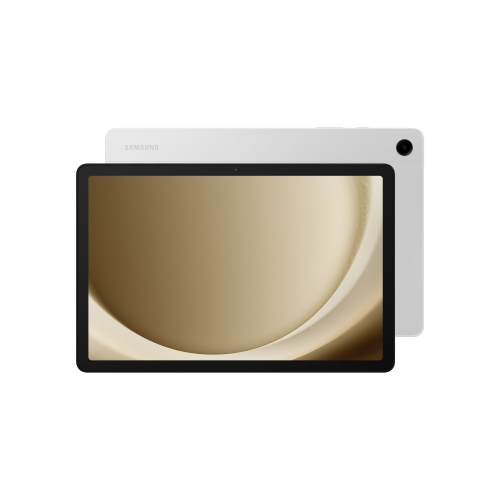 Your price for this item is $499.99
-
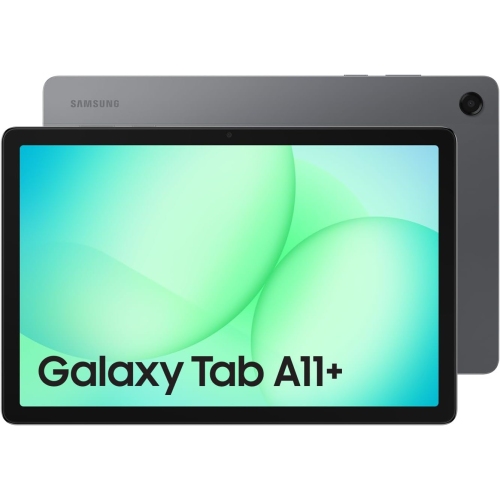 Your price for this item is $350
-
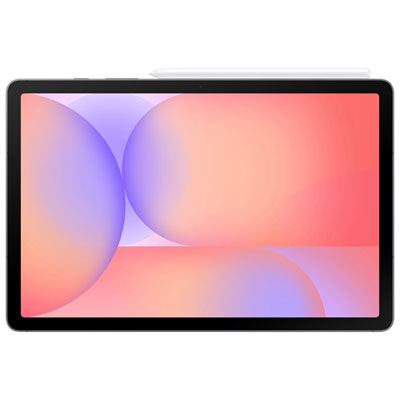 Your price for this item is $399.99
-
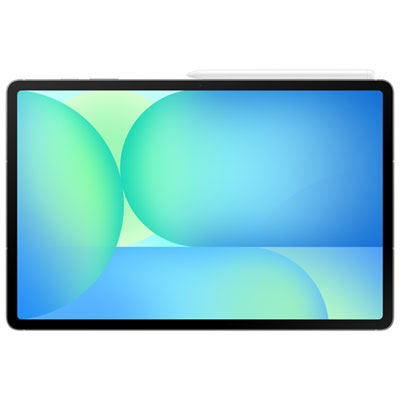 Your price for this item is $979.99
-
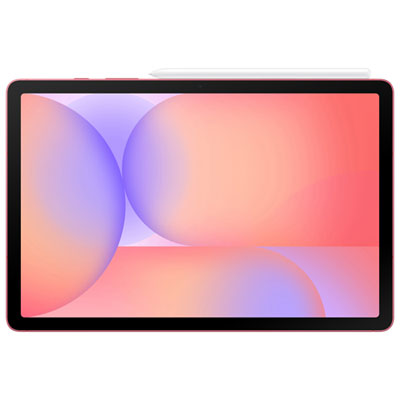 Your price for this item is $399.99
-
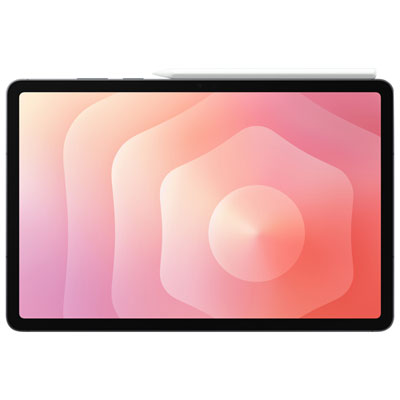 Your price for this item is $1399.99
-
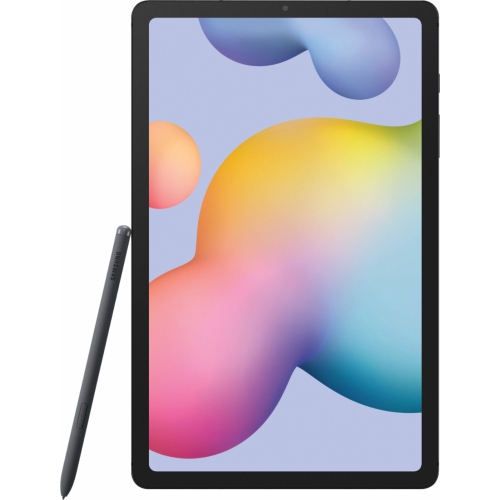 Your price for this item is $699.99
-
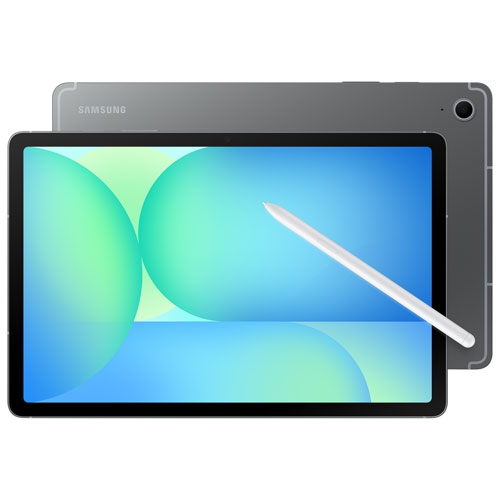 Your price for this item is $664.95
Discover more categories related to Samsung Tab A7

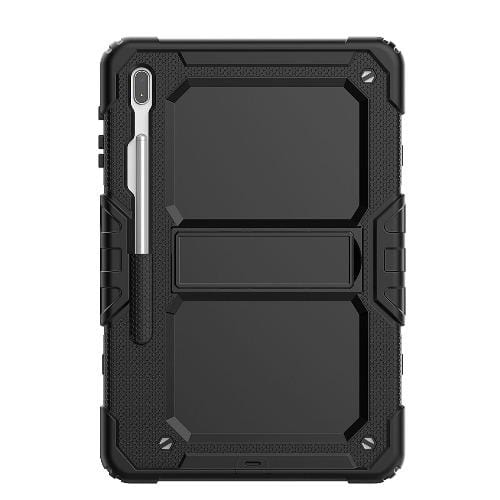
Top Collections:
Best Black Friday Deals This Year, Best Black Friday Deals On Electronics, Kindle Devices, Pokemon Centers, Best Black Friday Deals On Apple Products, Best Cameras for Sports Photography, Dyson Airwrap, Pokémon 30th Celebration Cards, Apple iPhone 17 Pro, Canon G7X Cameras
Some products may be subject to Environmental Handling Fees
(EHF) depending on your province.
Learn more about EHFs.