Tablet Samsung Tab A7
Discover the perfect blend of performance and convenience with the Tablet Samsung Tab A7. Designed to fit seamlessly into your daily routine, this versatile tablet is ideal for work, entertainment, and staying connected on the go. Whether you're browsing, streaming, or catching up on emails, the Tablet Samsung Tab A7 delivers a smooth experience every time. Explore a range of options to find the one that suits your needs and enjoy reliable technology at your fingertips.
Sort





A tablet’s everyday usefulness goes beyond screen size
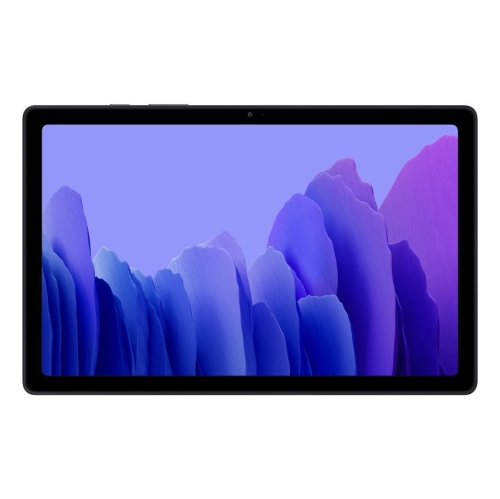
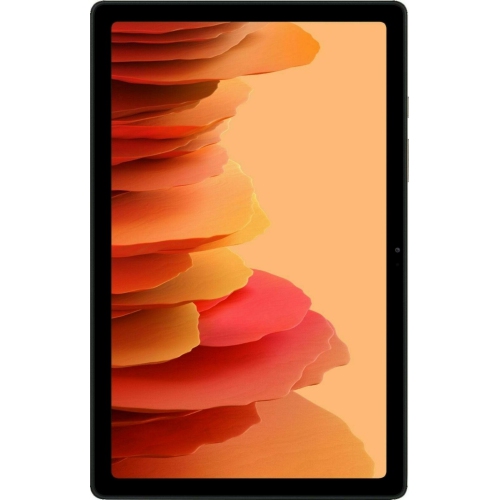
An Android tablet brings everyday entertainment and useful tools to a screen that is easier to share than a phone and easier to carry than a laptop. Displays around 10.4 inches offer room for book pages, video calls, recipes, and streaming video without making the device awkward to hold on a sofa or tuck into a bag. That size can be especially comfortable for someone who finds phone text cramped but does not need a full desktop setup. A tablet can serve as a reading companion, a screen for following a cooking demonstration on the countertop, or a way to review class notes between lectures. Its usefulness depends on more than screen size: resolution affects the clarity of small lettering, viewing angles matter when two people watch together, and screen brightness influences how easily the display can be read near a window. Built-in speakers are convenient for casual listening, while headphones offer more privacy in shared spaces. Front-facing cameras and microphones support conversations with family, online appointments, and occasional meetings, although call quality also depends on lighting and the internet connection. For everyday use, responsive navigation and enough memory for the intended apps often matter more than impressive-looking specifications. Reading, email, and video streaming place different demands on a device than detailed drawing, large games, or frequent switching between several apps. A tablet is well suited to these lighter routines, but it does not necessarily replace a computer for specialized software, complex spreadsheets, or long writing sessions. Touchscreen controls make browsing approachable, and adjustable text sizes can make reading more comfortable. Features such as split-screen viewing may help with keeping notes beside a webpage, where the software supports them. For a student, a casual reader, or a household wanting a shared screen, the appeal is often straightforward: a familiar set of apps in a portable format that moves easily from one task to another.
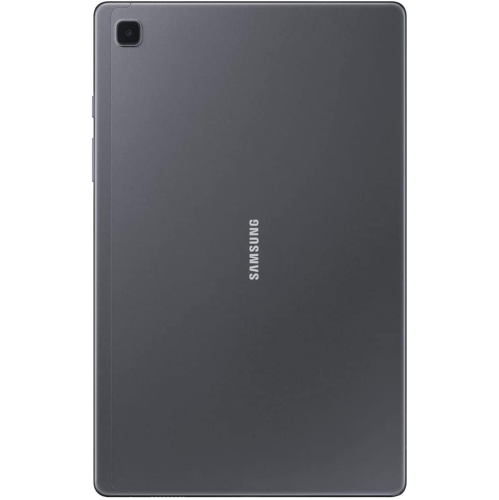
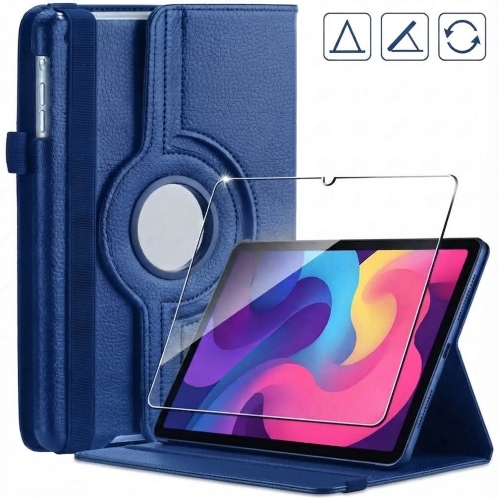
The physical design matters just as much when a tablet is handled every day. A metal back can feel firm and substantial, while plastic sections may help keep weight manageable; either finish can show wear where the device rests against a table or rubs against objects in a bag. The front glass remains vulnerable to impacts, especially at the corners, so a fitted case can be useful for commuting, shared family use, or frequent trips between rooms. A folding cover can also provide a stand for watching a lesson or keeping a recipe visible, although its stability depends on the angle and the surface underneath it. Case compatibility is more precise than a screen measurement alone suggests. Two tablets with similar display sizes may have different body dimensions, button positions, camera openings, and charging ports. A properly fitted cover leaves those areas accessible and does not press against the controls. Screen protectors have similar requirements, with accurate sizing helping prevent lifted edges or interference with a case. Tempered glass adds a separate surface over the display, while thin film offers a different feel and profile; neither makes a device immune to damage. For typing, a compatible wireless keyboard can make emails and notes less tiring, but connection support, keyboard layout, and the need for a separate stand all affect the setup. A basic touchscreen stylus can help with tapping and casual sketches, whereas pressure sensitivity and precise handwriting require support from both the tablet and the pen. Day-to-day care is usually simple: a soft, lint-free cloth helps remove fingerprints, and liquid should stay away from ports and openings. Excess pressure, abrasive cleaners, and loose keys in the same bag can damage finishes or glass. Keeping the charging connector free of debris and avoiding strain on the cable also helps protect the parts that receive the most repeated handling.
Storage, connectivity, and software support shape how comfortably a tablet fits into daily life over time. For anyone considering Galaxy Tab A7 32GB, the stated storage capacity is different from the space left for personal files, because the operating system and preinstalled software occupy part of it. Streaming music and video uses less local storage than keeping entire playlists and downloaded episodes on the device, while games, photos, and saved documents can gradually fill the remaining space. Where a memory card slot is supported, a compatible card may provide room for media and files, but it does not automatically increase working memory or allow every app to move off internal storage. Cloud services offer another way to access documents and photos, with access depending on account settings and an internet connection. A Wi-Fi tablet relies on a wireless network for online activities unless it connects through a compatible phone hotspot; mobile data access is a separate capability, not something every tablet includes. This distinction matters for commuting, travel, or use away from home. Battery life also varies with screen brightness, video playback, games, background activity, and the condition of the battery, so a single advertised figure cannot describe every routine. Software compatibility deserves similar attention, particularly with older hardware: an app may require a newer operating system, and security support is separate from whether the device still turns on and runs familiar tasks. In a shared household, supported parental controls and account settings can help separate personal information and manage children's access. As a gift, a tablet is most useful when it matches the recipient's habits, whether that means larger text for reading, an uncomplicated video-calling setup, or space for downloaded entertainment. The strongest fit is not necessarily the device with the most features, but one whose screen, storage, controls, and accessory support make the intended activities comfortable.
The physical design matters just as much when a tablet is handled every day. A metal back can feel firm and substantial, while plastic sections may help keep weight manageable; either finish can show wear where the device rests against a table or rubs against objects in a bag. The front glass remains vulnerable to impacts, especially at the corners, so a fitted case can be useful for commuting, shared family use, or frequent trips between rooms. A folding cover can also provide a stand for watching a lesson or keeping a recipe visible, although its stability depends on the angle and the surface underneath it. Case compatibility is more precise than a screen measurement alone suggests. Two tablets with similar display sizes may have different body dimensions, button positions, camera openings, and charging ports. A properly fitted cover leaves those areas accessible and does not press against the controls. Screen protectors have similar requirements, with accurate sizing helping prevent lifted edges or interference with a case. Tempered glass adds a separate surface over the display, while thin film offers a different feel and profile; neither makes a device immune to damage. For typing, a compatible wireless keyboard can make emails and notes less tiring, but connection support, keyboard layout, and the need for a separate stand all affect the setup. A basic touchscreen stylus can help with tapping and casual sketches, whereas pressure sensitivity and precise handwriting require support from both the tablet and the pen. Day-to-day care is usually simple: a soft, lint-free cloth helps remove fingerprints, and liquid should stay away from ports and openings. Excess pressure, abrasive cleaners, and loose keys in the same bag can damage finishes or glass. Keeping the charging connector free of debris and avoiding strain on the cable also helps protect the parts that receive the most repeated handling.
Storage, connectivity, and software support shape how comfortably a tablet fits into daily life over time. For anyone considering Galaxy Tab A7 32GB, the stated storage capacity is different from the space left for personal files, because the operating system and preinstalled software occupy part of it. Streaming music and video uses less local storage than keeping entire playlists and downloaded episodes on the device, while games, photos, and saved documents can gradually fill the remaining space. Where a memory card slot is supported, a compatible card may provide room for media and files, but it does not automatically increase working memory or allow every app to move off internal storage. Cloud services offer another way to access documents and photos, with access depending on account settings and an internet connection. A Wi-Fi tablet relies on a wireless network for online activities unless it connects through a compatible phone hotspot; mobile data access is a separate capability, not something every tablet includes. This distinction matters for commuting, travel, or use away from home. Battery life also varies with screen brightness, video playback, games, background activity, and the condition of the battery, so a single advertised figure cannot describe every routine. Software compatibility deserves similar attention, particularly with older hardware: an app may require a newer operating system, and security support is separate from whether the device still turns on and runs familiar tasks. In a shared household, supported parental controls and account settings can help separate personal information and manage children's access. As a gift, a tablet is most useful when it matches the recipient's habits, whether that means larger text for reading, an uncomplicated video-calling setup, or space for downloaded entertainment. The strongest fit is not necessarily the device with the most features, but one whose screen, storage, controls, and accessory support make the intended activities comfortable.
Top selling and popular products
-
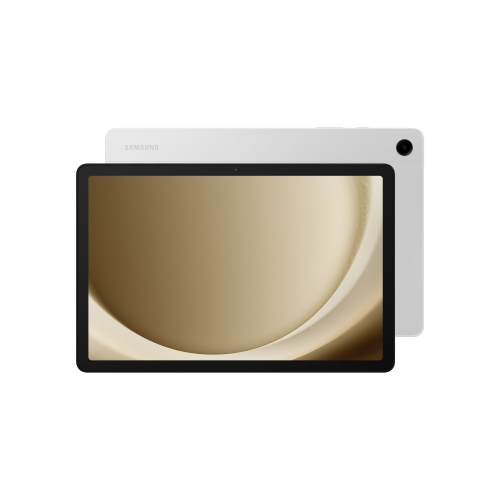 Your price for this item is $499.99
-
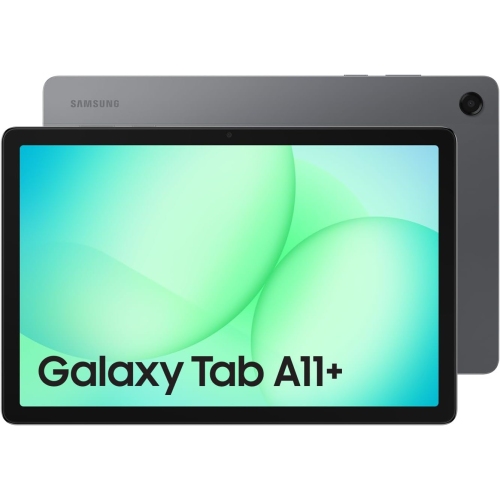 Your price for this item is $350
-
 Your price for this item is $399.99
-
 Your price for this item is $979.99
-
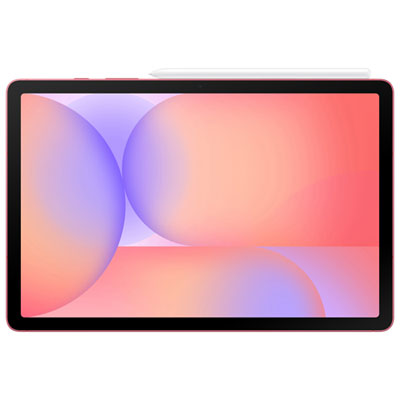 Your price for this item is $399.99
-
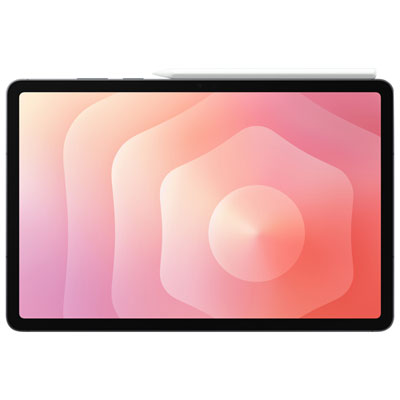 Your price for this item is $1399.99
-
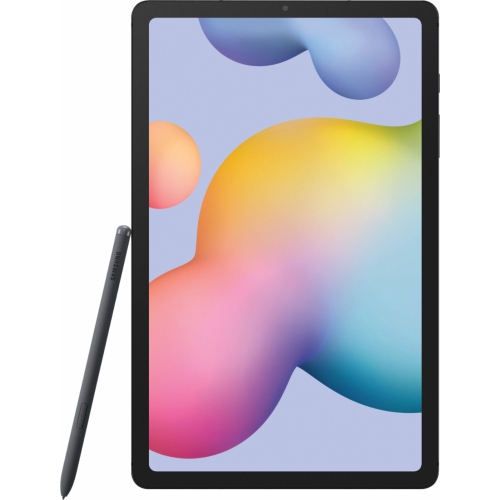 Your price for this item is $699.99
-
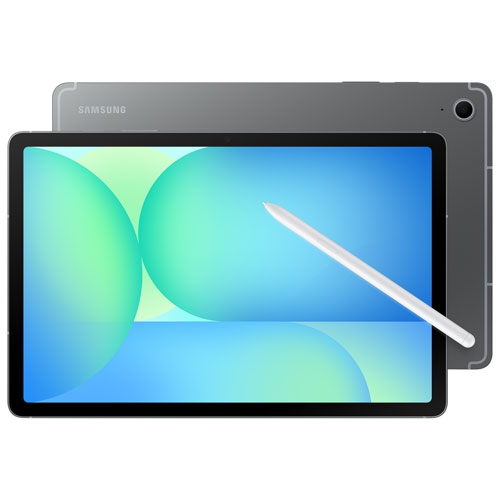 Your price for this item is $664.95
Discover more categories related to Tablet Samsung Tab A7

Top Collections:
Best Black Friday Deals This Year, Best Black Friday Deals On Electronics, Kindle Devices, Pokemon Centers, Best Black Friday Deals On Apple Products, Best Cameras for Sports Photography, Dyson Airwrap, Pokémon 30th Celebration Cards, Apple iPhone 17 Pro, Canon G7X Cameras
Some products may be subject to Environmental Handling Fees
(EHF) depending on your province.
Learn more about EHFs.