Samsung Galaxy Tab E
Discover the versatility and convenience of the Samsung Galaxy Tab E, designed to fit seamlessly into your daily routine. Whether you're browsing the web, streaming your favorite shows, or staying productive on the go, this tablet offers a user-friendly experience for work and play. Explore a range of options to find the perfect Samsung Galaxy Tab E to match your needs and enjoy reliable performance wherever you are.
Sort
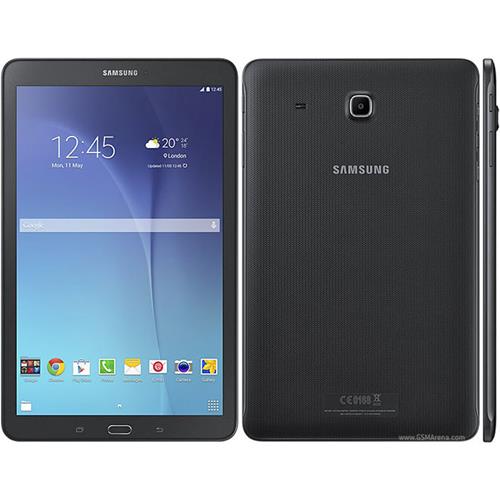
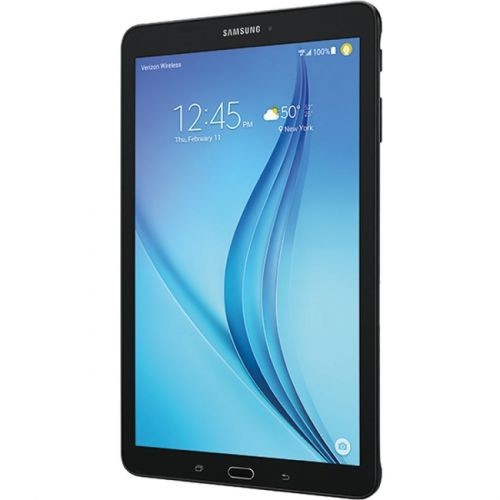
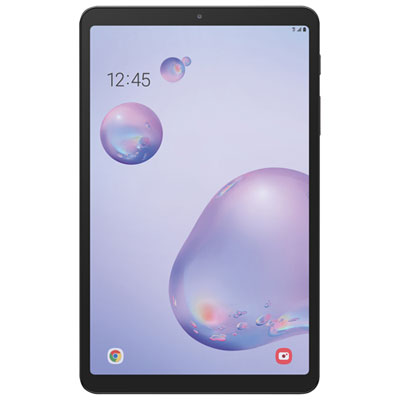
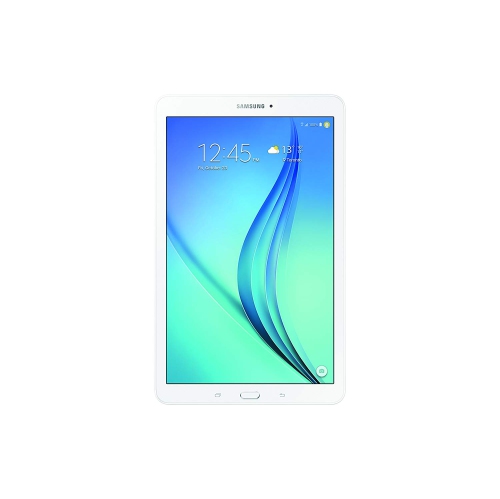
What an older tablet can still do well
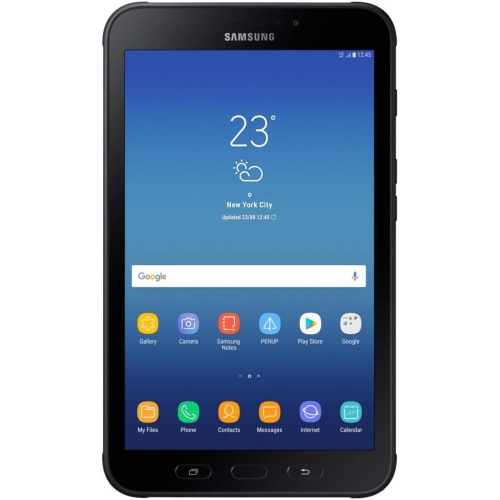
An entry-level tablet offers a larger view than a phone while remaining easy to carry from a bedside table to a kitchen counter. Older tablets in this category are best suited to straightforward activities such as reading downloaded books, viewing saved photos, listening to music, and using compatible apps for simple games or everyday organization. A screen around 9.6 inches provides room for a recipe, a magazine page, or a video without taking up the space of a laptop. Display resolution matters alongside screen size: a larger panel does not necessarily show finer detail, and smaller text may look less crisp on an older, lower-resolution screen. Enlarging the text can make reading more comfortable, although it also reduces how much fits on each page. For someone who mainly wants a familiar touchscreen for a few specific tasks, ease of use may matter more than advanced features. A tablet can serve as a dedicated music player beside a favourite chair, hold a collection of downloaded reading material, or display family photos on a stand. These uses make modest demands on the hardware, provided the necessary software still works. Limited memory and an older processor can make switching between apps slow, especially when several browser tabs or background tasks remain open. Built-in cameras may be sufficient for casual snapshots in good light, but they should not be expected to match the detail or low-light performance of newer devices. Video calling also depends on whether a compatible calling app remains supported. For a child, an occasional reader, or a relative receiving a tablet as a gift, the most useful match is one that can reliably handle the intended activity rather than one chosen by screen size alone. A simple home screen with a few clearly arranged shortcuts can make everyday navigation less confusing, while accessibility settings such as larger text may help when those options are supported.
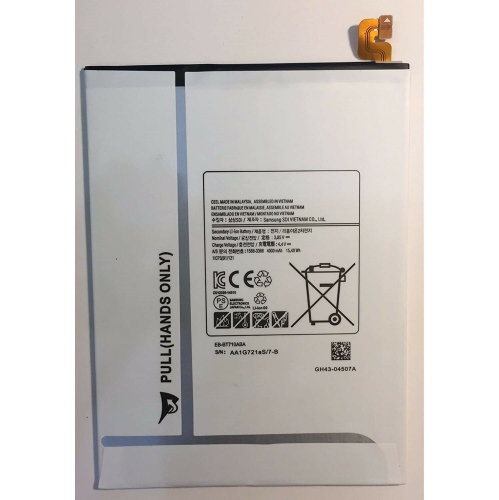
Software compatibility is an important consideration with an older tablet, particularly when the intended use involves streaming, schoolwork, or signing in to online accounts. The operating system version determines which apps can be installed, and a service that once worked on a device may later require newer software. Checking the requirements of essential apps helps establish whether the tablet suits its intended role. A web browser is not always a substitute for an unsupported app, since websites can also require capabilities that older browsers lack. Devices that no longer receive security updates are a poor choice for sensitive activities such as banking or storing confidential work information; keeping their use focused on lower-risk tasks is more appropriate. Storage deserves similar attention. The stated capacity includes space used by the operating system and preinstalled software, so the amount left for personal files will be smaller. A compatible memory card can provide room for photos, music, and other supported files, but it does not increase processing memory or guarantee that apps can be moved off internal storage. Card capacity limits and supported formats vary by model. Wireless features also differ: Wi-Fi connectivity does not imply that a tablet can connect to a mobile network, and a cellular version may depend on network technologies that a carrier no longer supports. For use away from home, downloaded files can be practical when a supported app permits offline access. Battery condition is another major factor because rechargeable batteries lose capacity with age and use. A published battery capacity describes the original specification, not the remaining health of an individual device. Screen brightness, wireless activity, and the demands of an app all affect time between charges. For a tablet intended to show recipes on a counter or play music nearby, convenient access to a compatible charger may matter more than long unplugged sessions. For reading during a commute, remaining battery health and comfortable handling become more important.
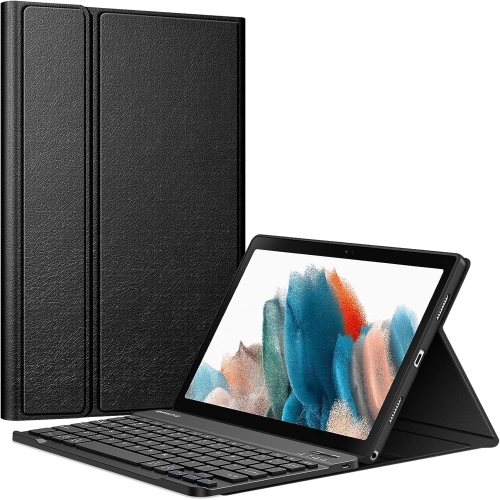
Physical condition and accessory fit influence how pleasant an older tablet is to use day after day. Plastic housings are common in entry-level designs and can keep a device manageable to carry, while the glass touchscreen needs protection from scratches, knocks, and pressure inside a bag. A folio-style cover can shield the screen when closed and may fold into a stand for hands-free viewing. Flexible cases can improve grip, while more structured covers may provide firmer support on a desk. Fit must be checked against the exact model number, not just the screen measurement: tablets with similar display sizes can have different body dimensions, button positions, speaker openings, and camera placements. A properly fitted case should leave the charging port accessible and should not press against the power or volume controls. The same precision matters for screen protectors, which need correctly positioned openings and a smooth fit without lifted edges. For reading in an armchair, the combined weight of the tablet and cover can be more noticeable than expected during a long session; a stable stand can reduce the need to hold the device continuously. When assessing a previously owned or refurbished tablet, useful details include touchscreen responsiveness, charging-port condition, working speakers, and whether it has been reset and removed from the previous owner’s account. Cosmetic wear should be distinguished from functional issues such as unreliable charging or patches of the screen that do not respond to touch. For shoppers whose priorities include more recent hardware, the Galaxy Tab A9 page offers a related tablet option to explore, with exact specifications and compatibility still worth checking. Routine care remains straightforward: use a soft microfibre cloth, avoid spraying liquid directly onto the screen, and keep moisture away from ports and openings. Follow the manufacturer’s cleaning and charging directions, and stop using a device with a swollen battery or separating casing. Thoughtful handling, a correctly fitted cover, and realistic expectations help make a tablet a practical companion for reading, listening, and other familiar everyday tasks.
Software compatibility is an important consideration with an older tablet, particularly when the intended use involves streaming, schoolwork, or signing in to online accounts. The operating system version determines which apps can be installed, and a service that once worked on a device may later require newer software. Checking the requirements of essential apps helps establish whether the tablet suits its intended role. A web browser is not always a substitute for an unsupported app, since websites can also require capabilities that older browsers lack. Devices that no longer receive security updates are a poor choice for sensitive activities such as banking or storing confidential work information; keeping their use focused on lower-risk tasks is more appropriate. Storage deserves similar attention. The stated capacity includes space used by the operating system and preinstalled software, so the amount left for personal files will be smaller. A compatible memory card can provide room for photos, music, and other supported files, but it does not increase processing memory or guarantee that apps can be moved off internal storage. Card capacity limits and supported formats vary by model. Wireless features also differ: Wi-Fi connectivity does not imply that a tablet can connect to a mobile network, and a cellular version may depend on network technologies that a carrier no longer supports. For use away from home, downloaded files can be practical when a supported app permits offline access. Battery condition is another major factor because rechargeable batteries lose capacity with age and use. A published battery capacity describes the original specification, not the remaining health of an individual device. Screen brightness, wireless activity, and the demands of an app all affect time between charges. For a tablet intended to show recipes on a counter or play music nearby, convenient access to a compatible charger may matter more than long unplugged sessions. For reading during a commute, remaining battery health and comfortable handling become more important.
Physical condition and accessory fit influence how pleasant an older tablet is to use day after day. Plastic housings are common in entry-level designs and can keep a device manageable to carry, while the glass touchscreen needs protection from scratches, knocks, and pressure inside a bag. A folio-style cover can shield the screen when closed and may fold into a stand for hands-free viewing. Flexible cases can improve grip, while more structured covers may provide firmer support on a desk. Fit must be checked against the exact model number, not just the screen measurement: tablets with similar display sizes can have different body dimensions, button positions, speaker openings, and camera placements. A properly fitted case should leave the charging port accessible and should not press against the power or volume controls. The same precision matters for screen protectors, which need correctly positioned openings and a smooth fit without lifted edges. For reading in an armchair, the combined weight of the tablet and cover can be more noticeable than expected during a long session; a stable stand can reduce the need to hold the device continuously. When assessing a previously owned or refurbished tablet, useful details include touchscreen responsiveness, charging-port condition, working speakers, and whether it has been reset and removed from the previous owner’s account. Cosmetic wear should be distinguished from functional issues such as unreliable charging or patches of the screen that do not respond to touch. For shoppers whose priorities include more recent hardware, the Galaxy Tab A9 page offers a related tablet option to explore, with exact specifications and compatibility still worth checking. Routine care remains straightforward: use a soft microfibre cloth, avoid spraying liquid directly onto the screen, and keep moisture away from ports and openings. Follow the manufacturer’s cleaning and charging directions, and stop using a device with a swollen battery or separating casing. Thoughtful handling, a correctly fitted cover, and realistic expectations help make a tablet a practical companion for reading, listening, and other familiar everyday tasks.
Top selling and popular products
-
 Your price for this item is $499.99
 -
 Your price for this item is $199.95
 -
 Your price for this item is $325
 -
 Your price for this item is $579.99
 -
 Your price for this item is $139.99
 -
 Your price for this item is $119.99
 -
 Your price for this item is $979.99
 -
 Your price for this item is $579.99
Discover more categories related to Samsung Galaxy Tab E
Top Collections:
Pokemon Centers, Kindle Devices, Best Budget Office Chairs, Apple iPhones 16, Best Laptops for Writers, iPhone 15 Apple, Canon G7X Cameras, Refurbished Apple Laptops, Alarm Clock, Motorola Razr Phones
Some products may be subject to Environmental Handling Fees
(EHF) depending on your province.
Learn more about EHFs.