Samsung Galaxy Tab S7 Cases
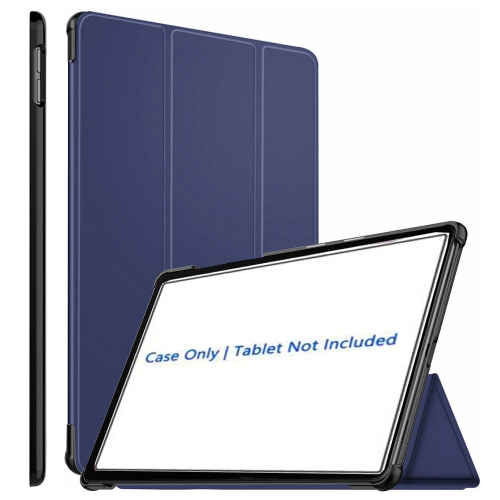
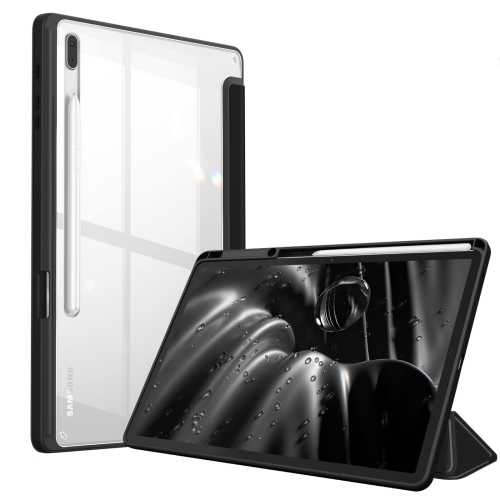
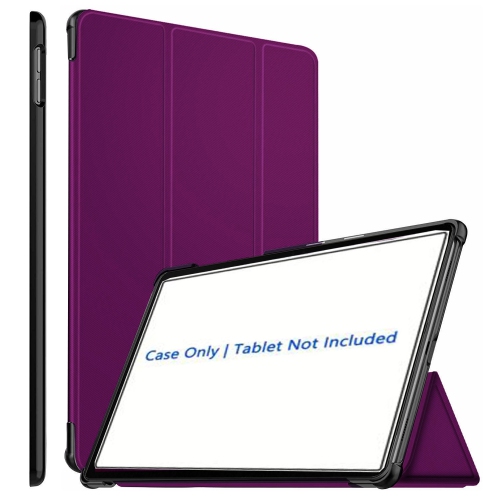
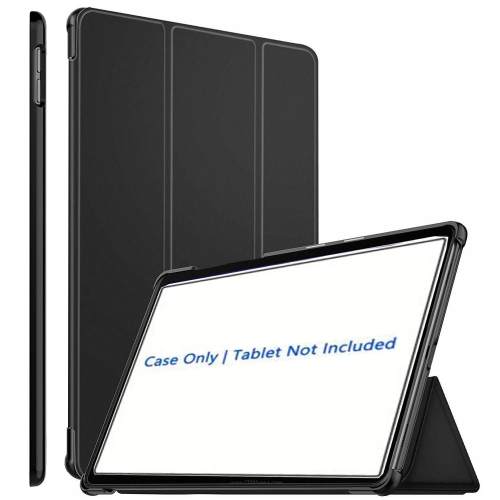
Protect your Samsung Galaxy Tab S7 with style and functionality using our selection of cases. Whether you're looking for sleek and slim designs or rugged and durable protection, our range of Samsung Galaxy Tab S7 cases offers something for everyone. From vibrant colors to classic neutrals, find the perfect case that suits your personal style while keeping your tablet safe from scratches, bumps, and accidental drops. With a variety of materials and features to choose from, you can ensure that your Samsung Galaxy Tab S7 remains protected and ready for all your daily adventures.
Sort

























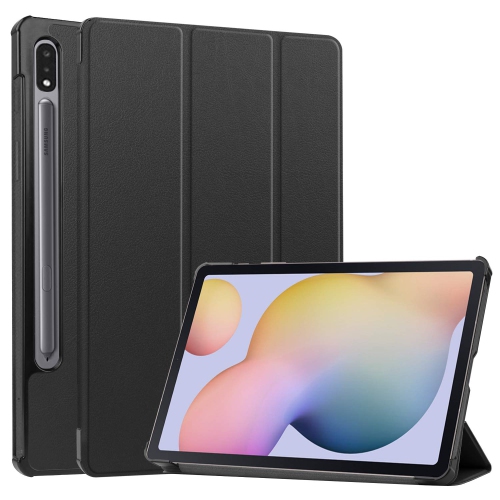

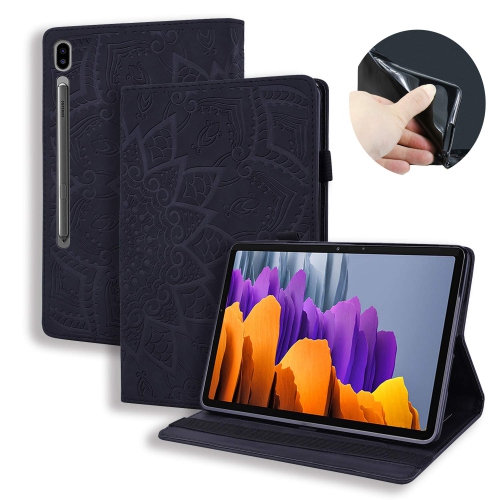

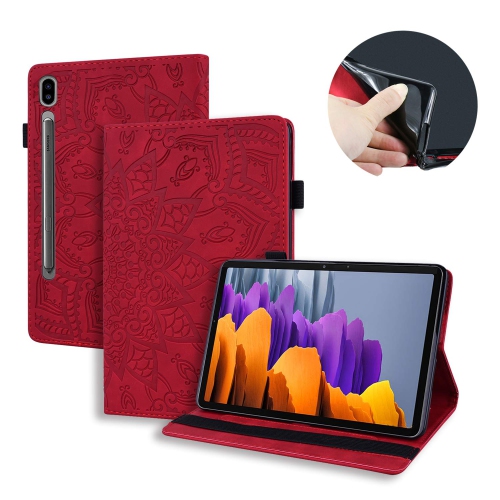



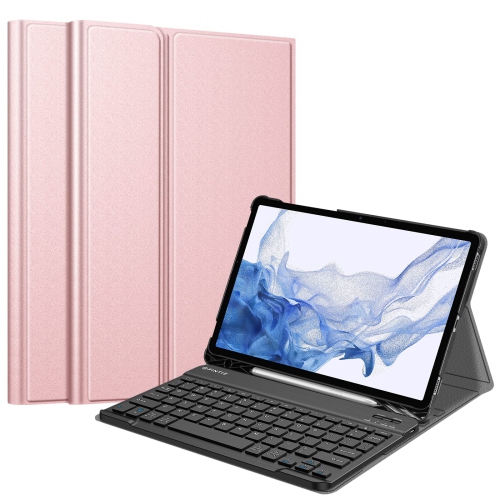


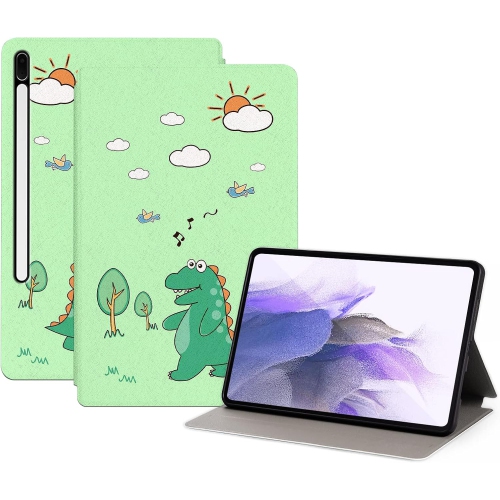
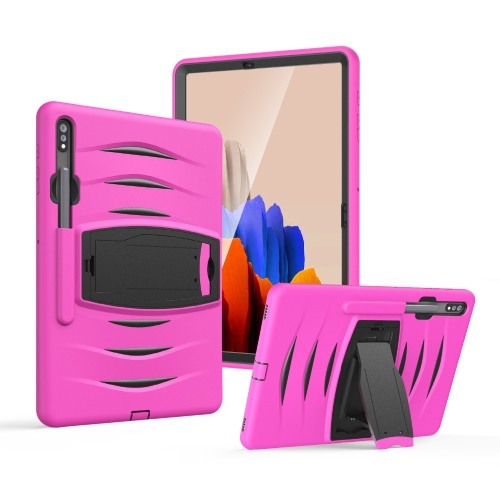
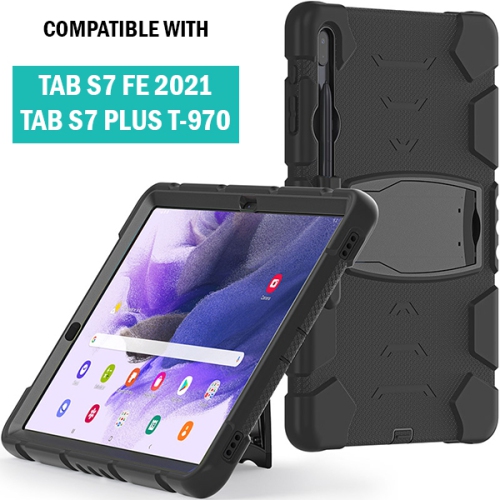
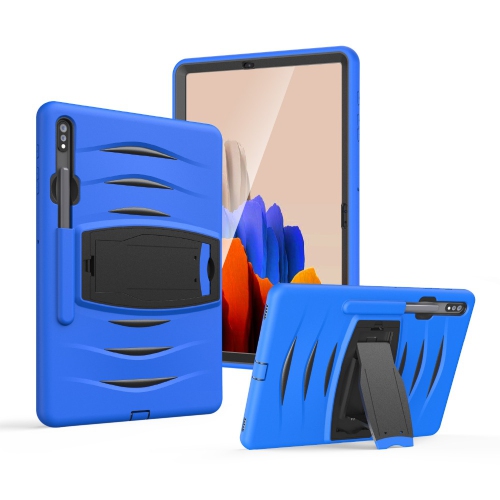


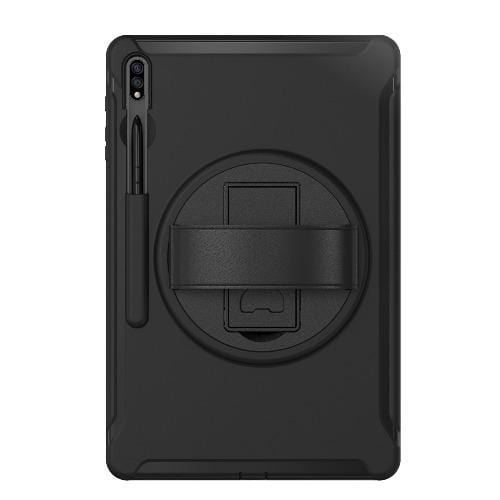
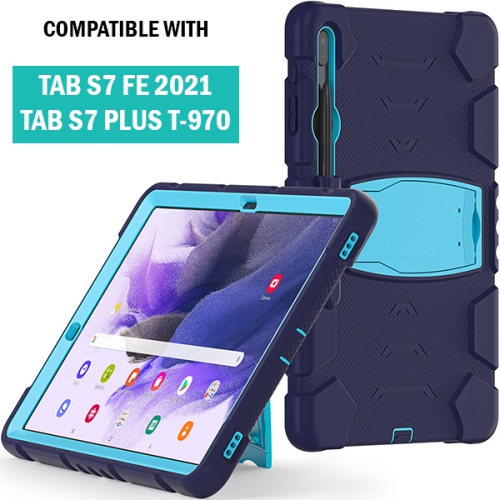
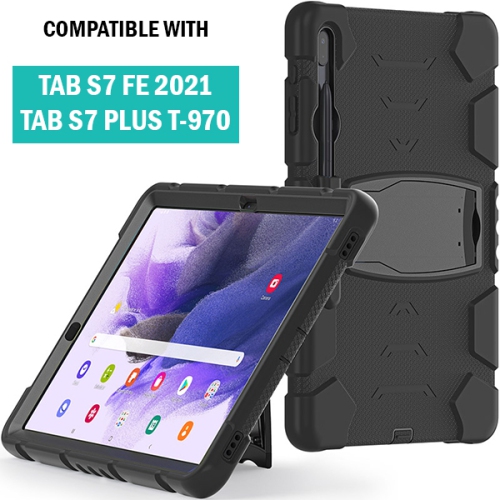
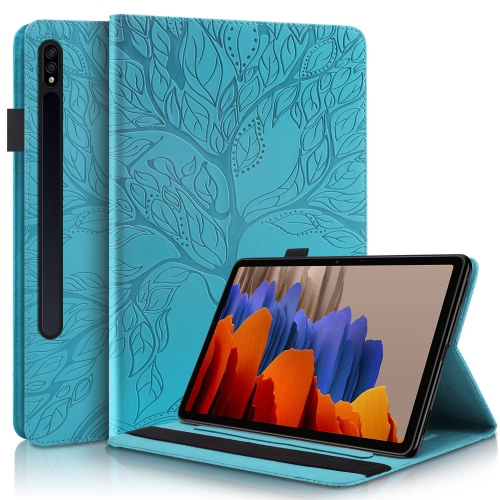
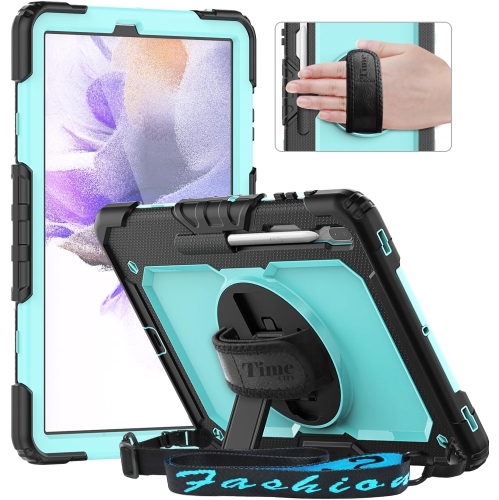
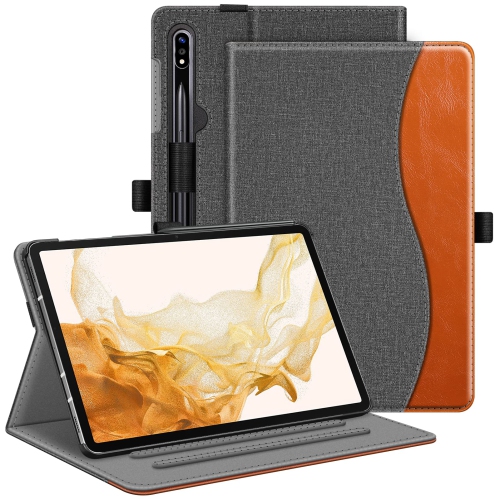
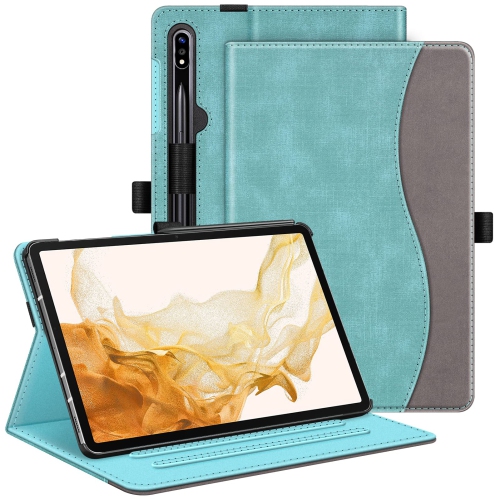

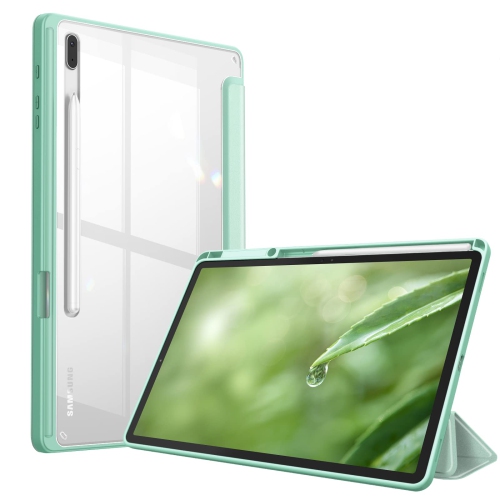
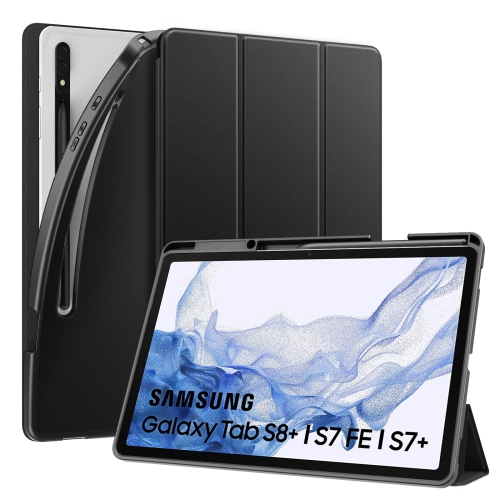
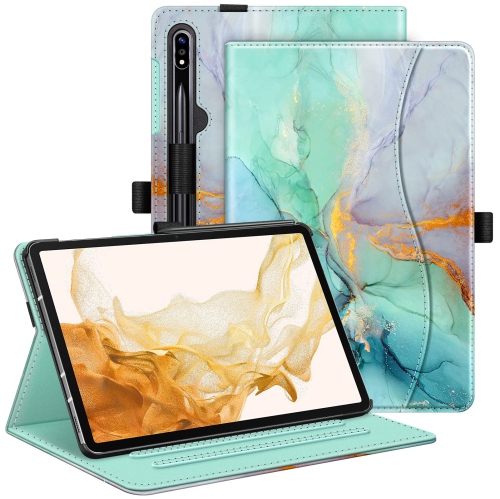
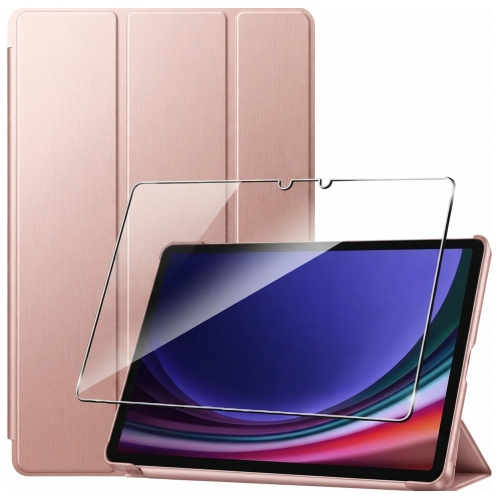















Why tablet case fit goes beyond screen size
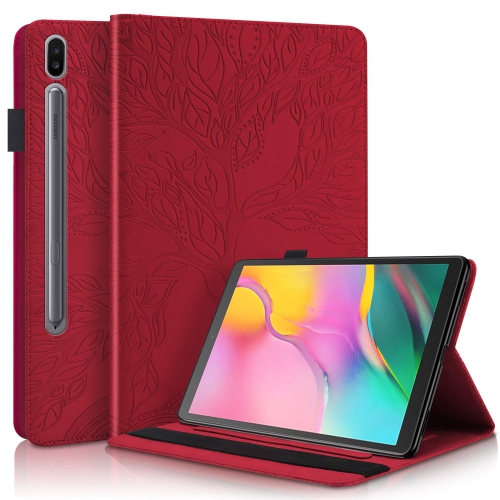
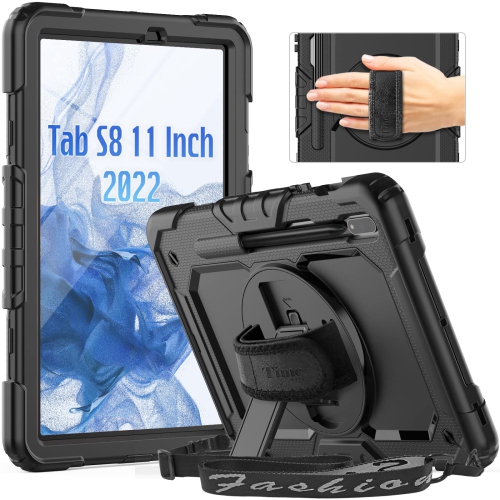
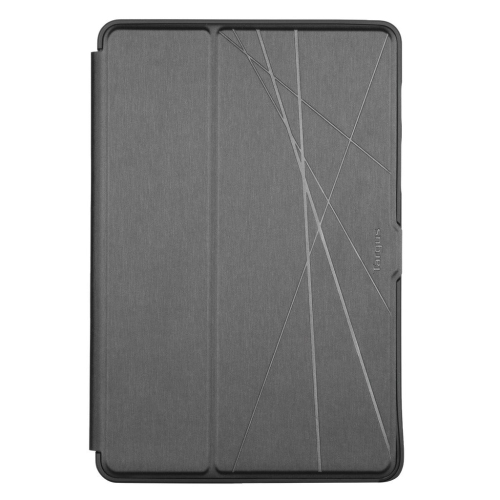
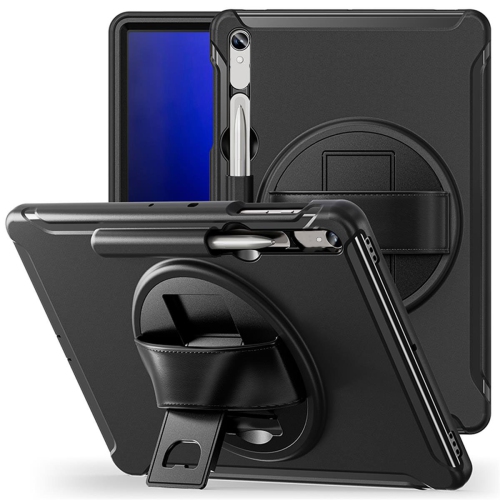
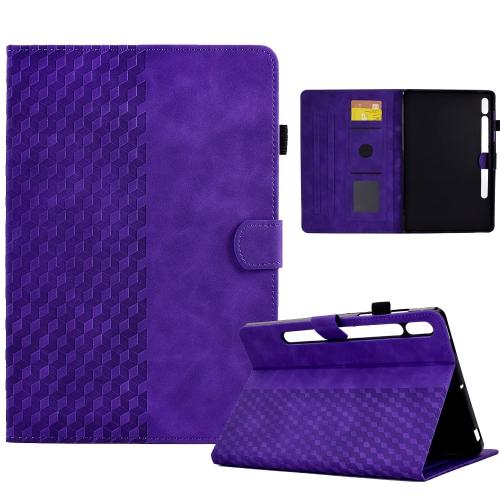
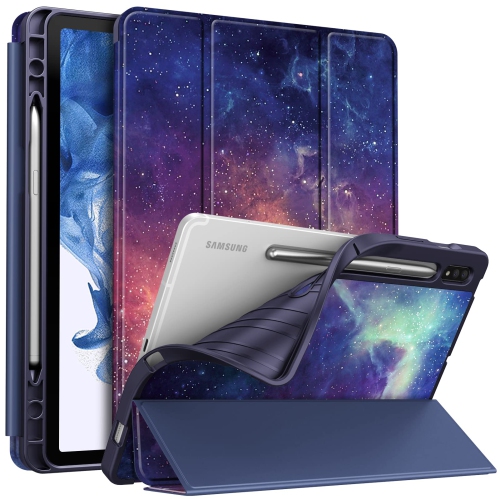
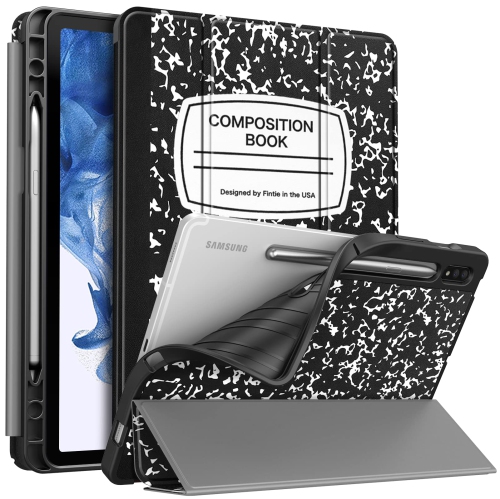
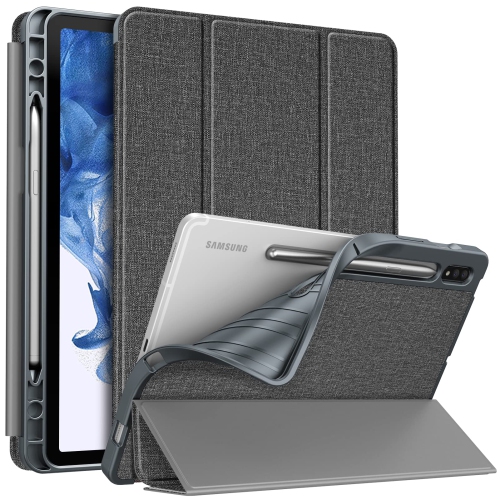
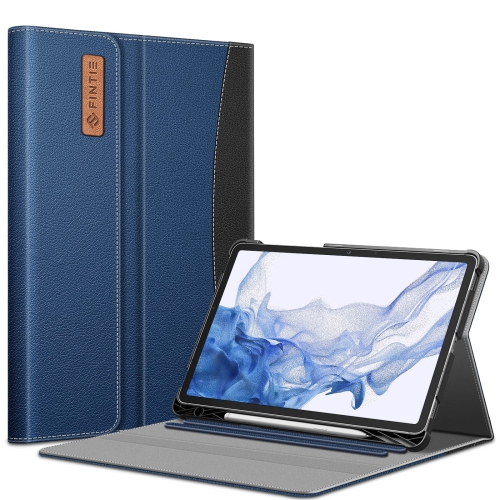
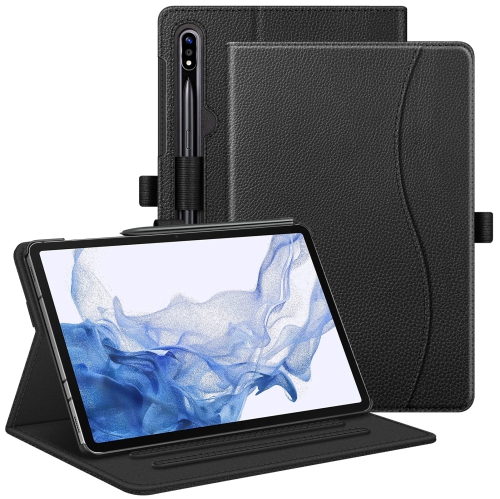
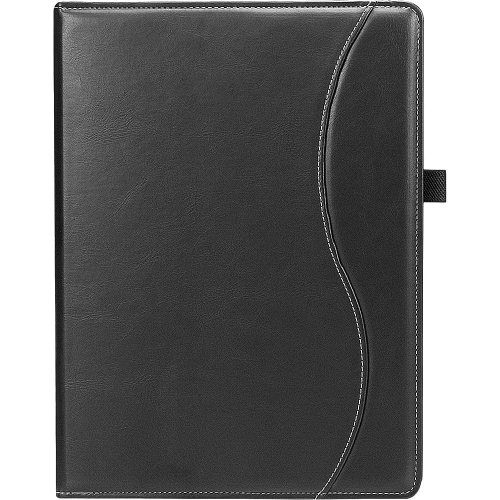
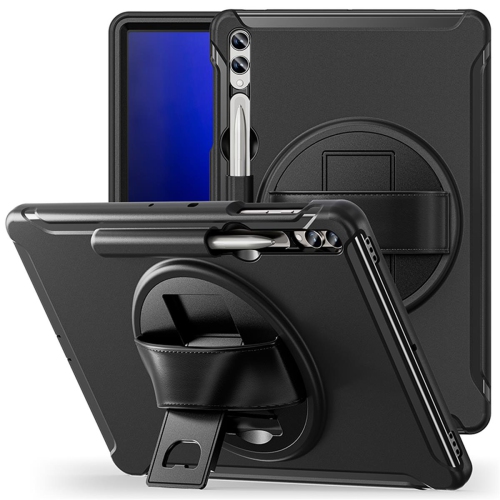
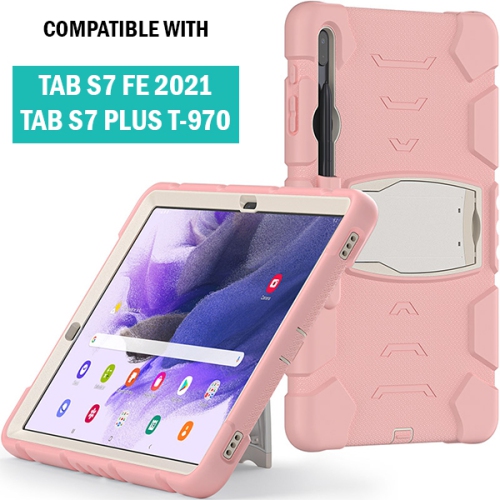
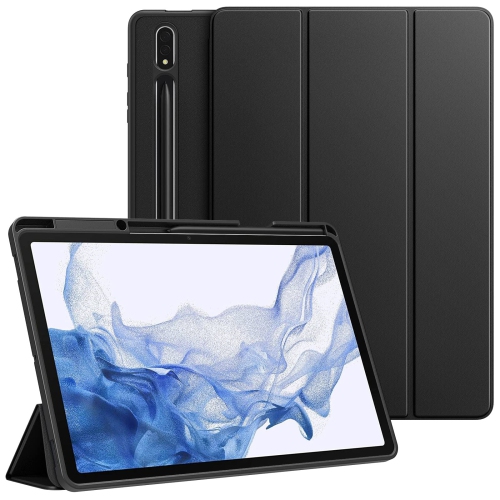
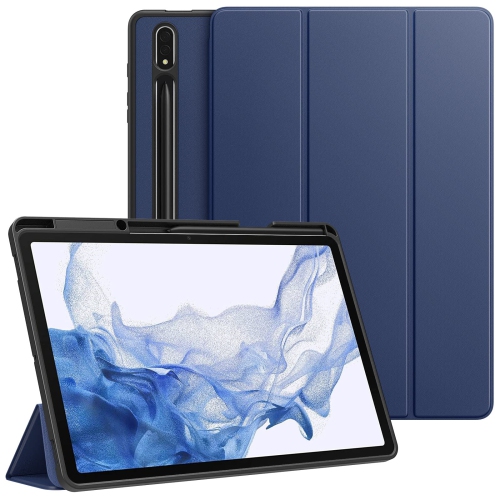
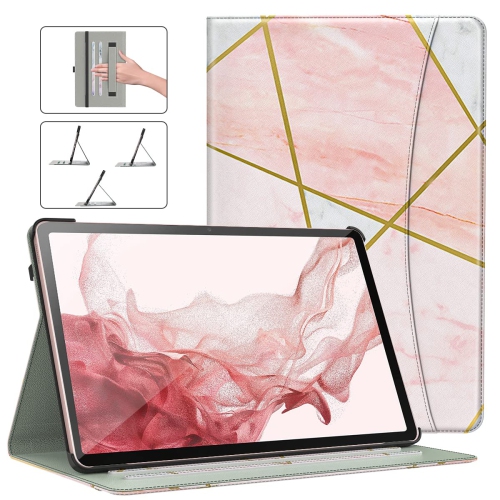
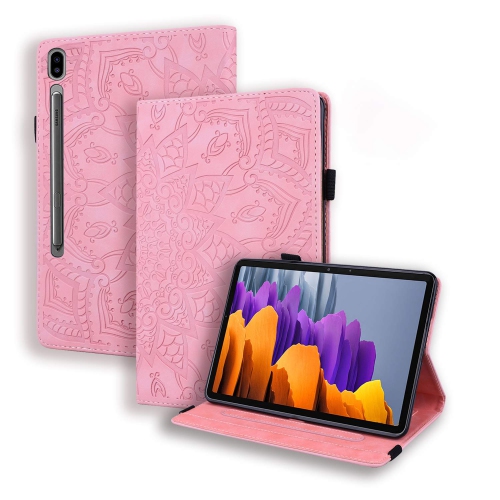
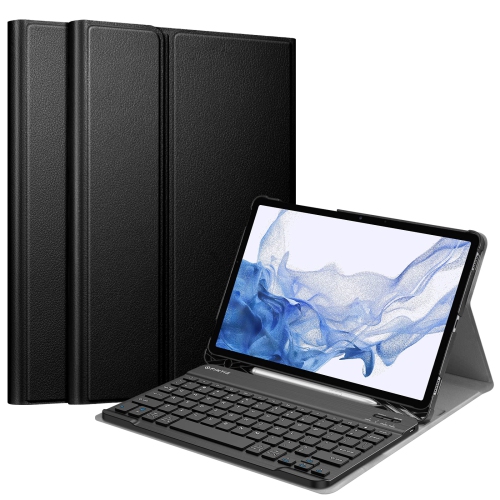
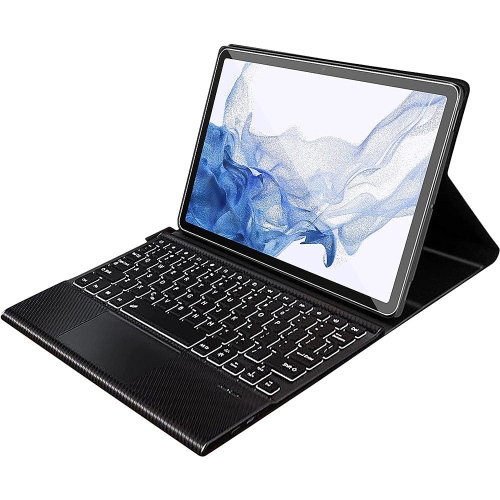
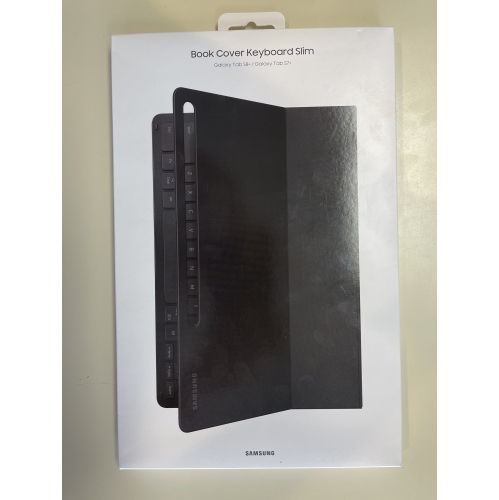
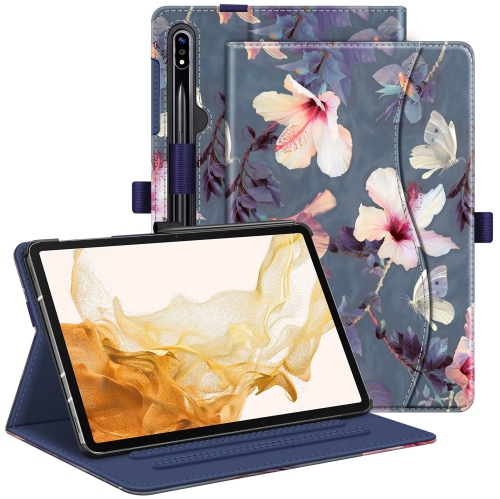
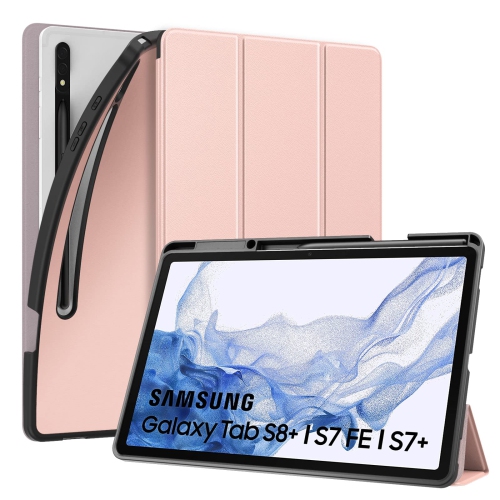
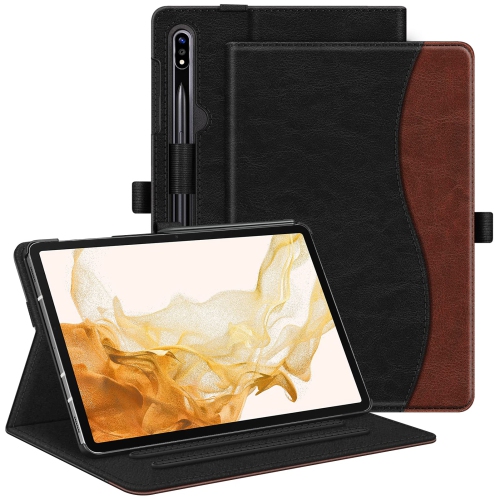
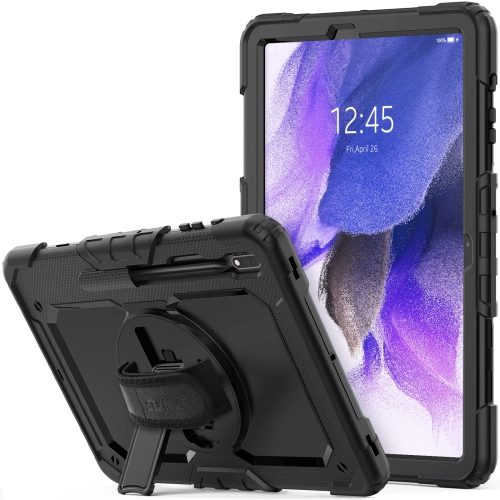
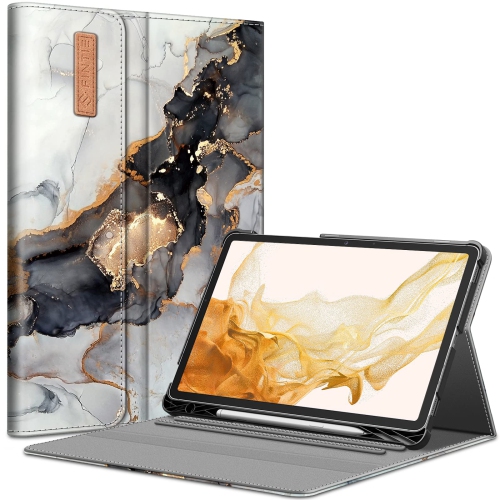
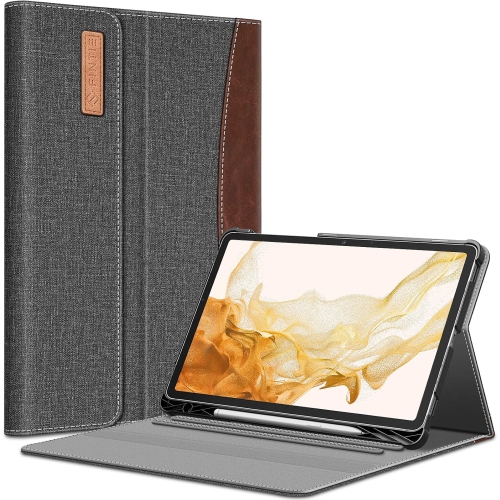
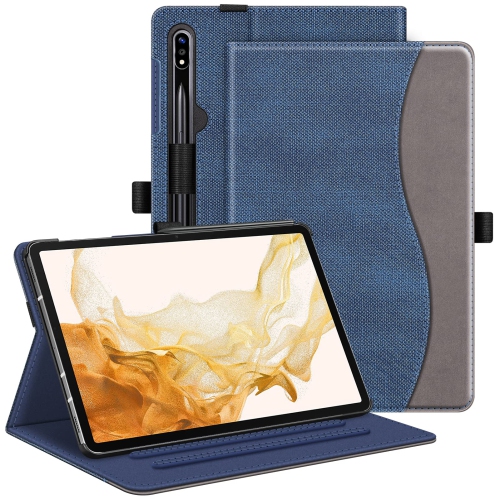
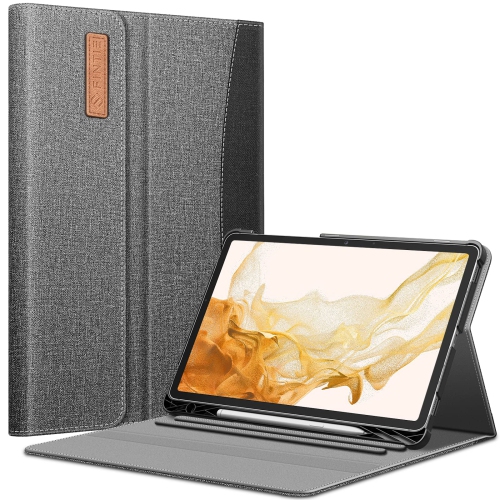
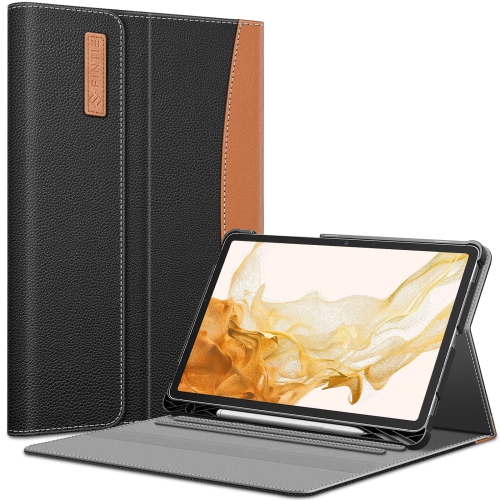
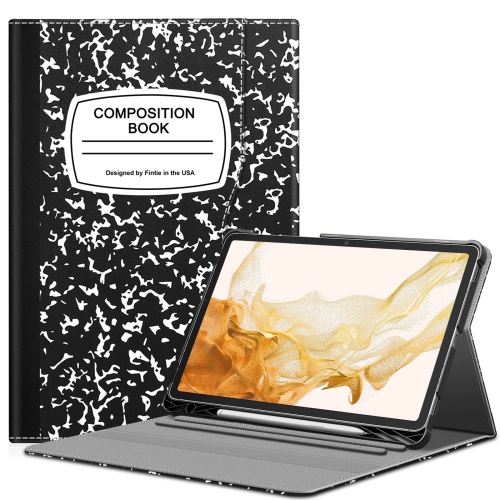
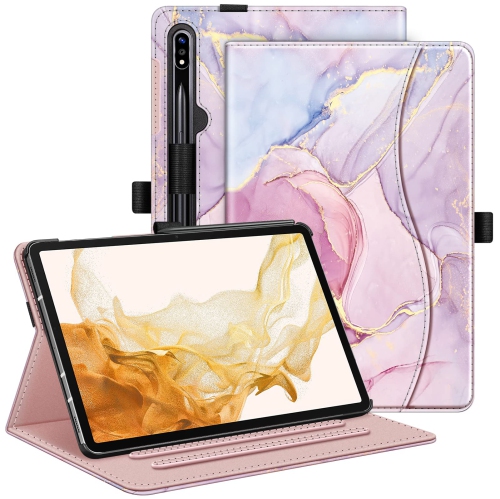
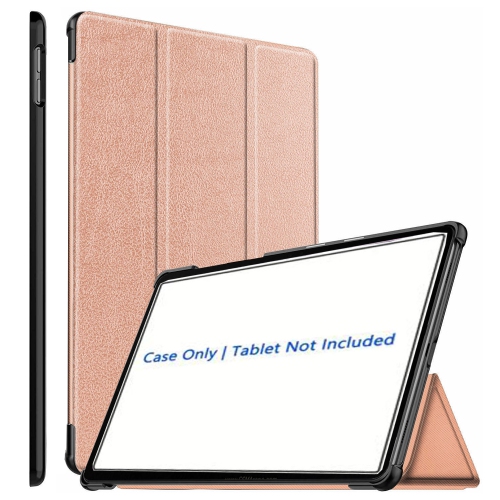
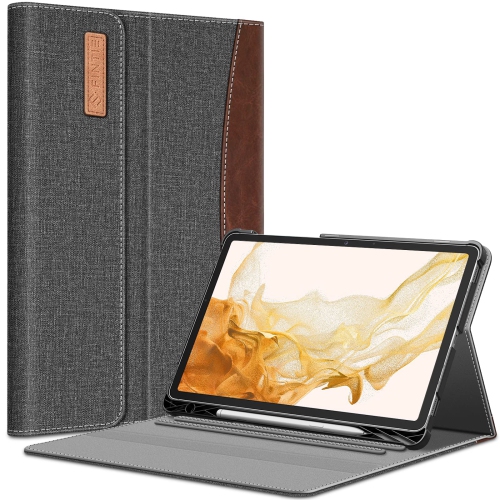
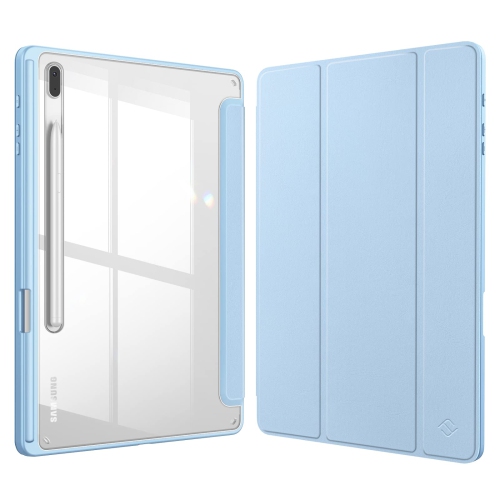
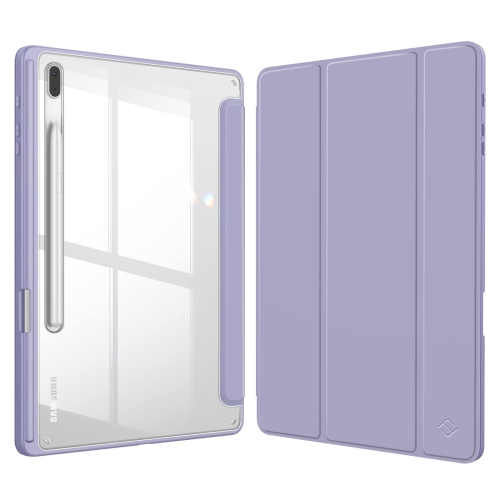
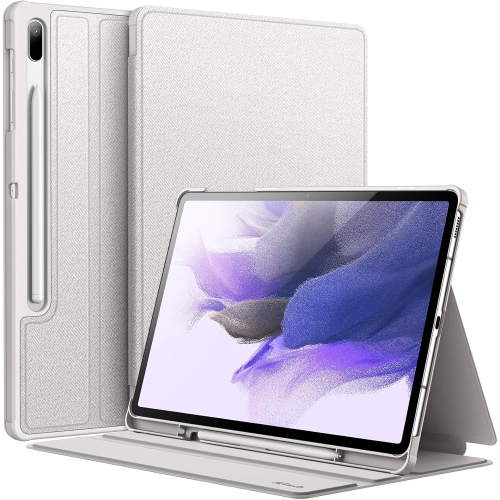
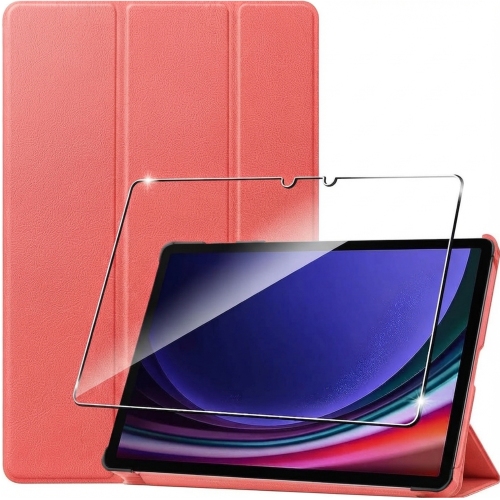
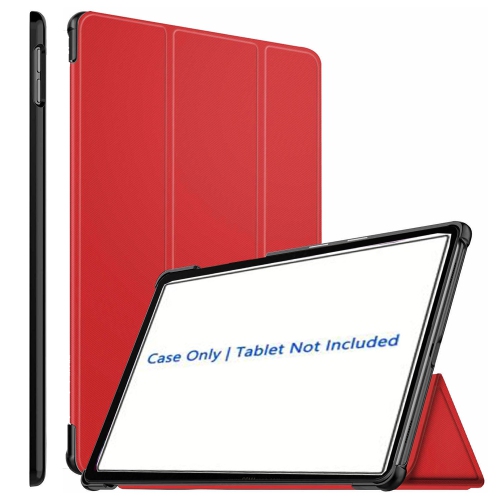
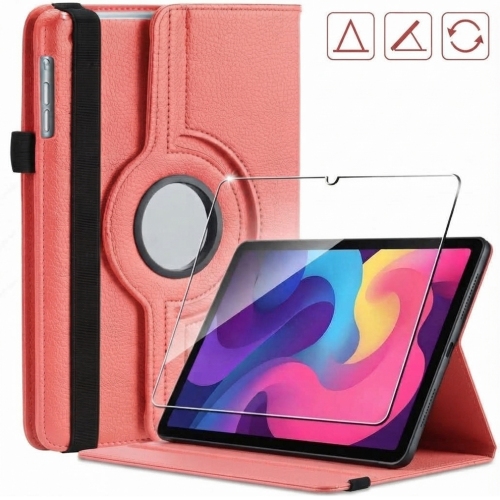
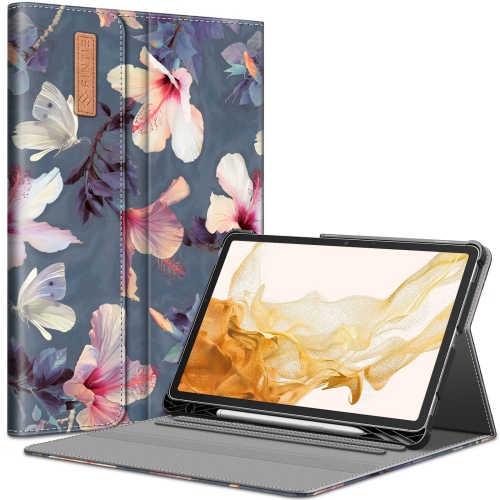
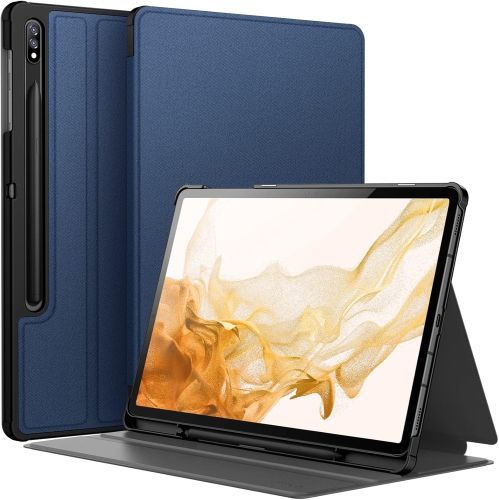
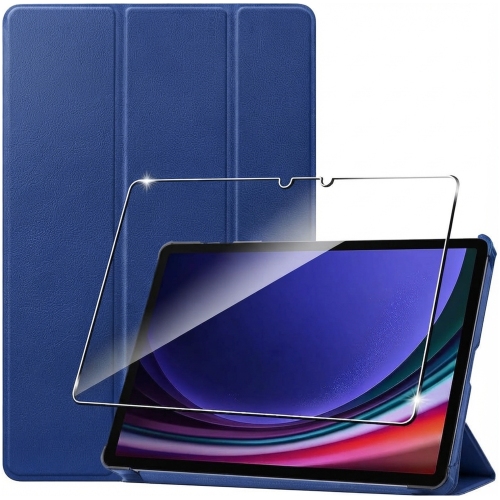
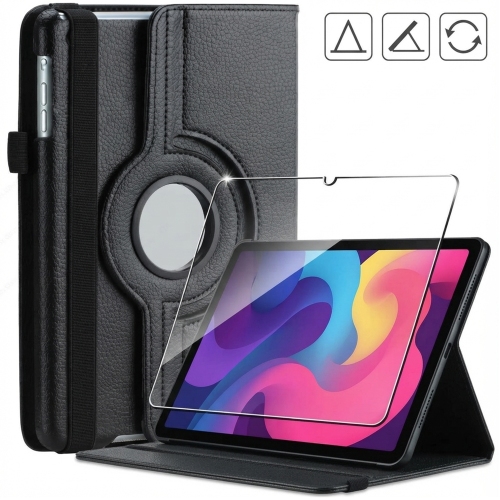
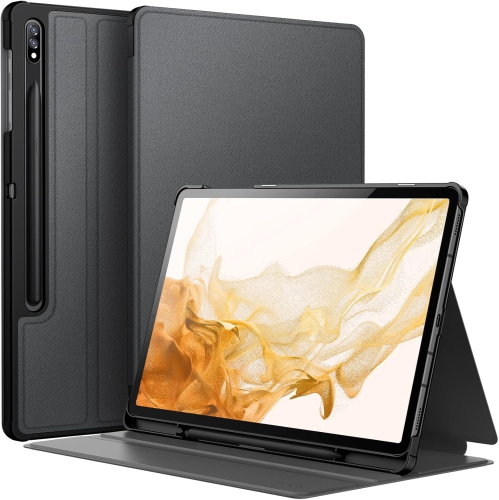
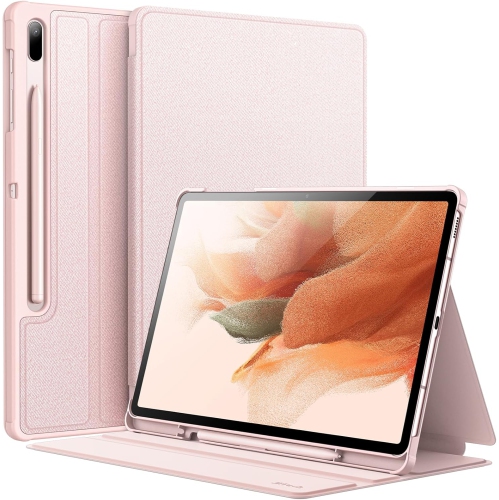
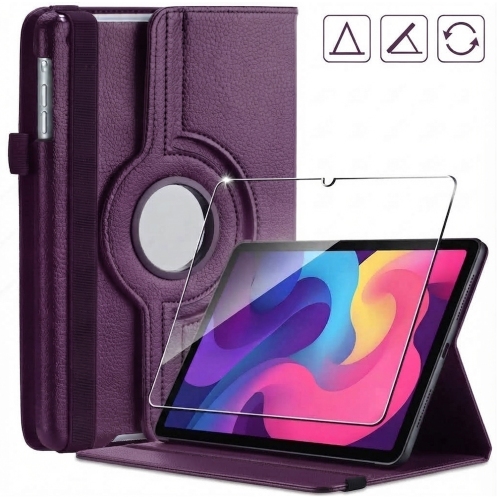
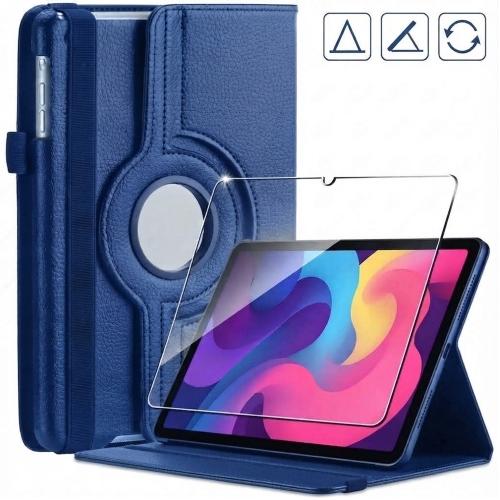
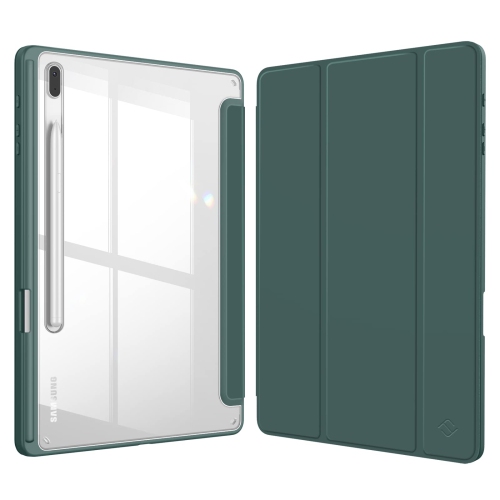
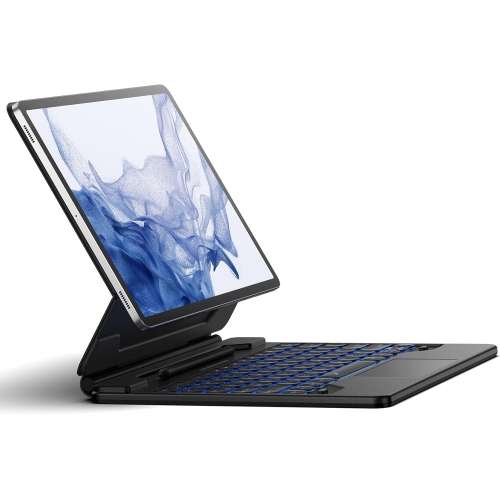
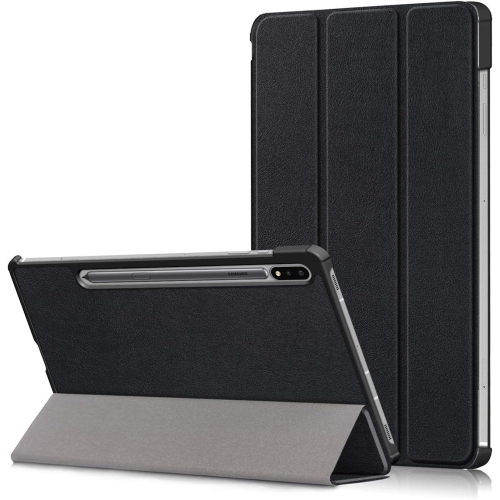
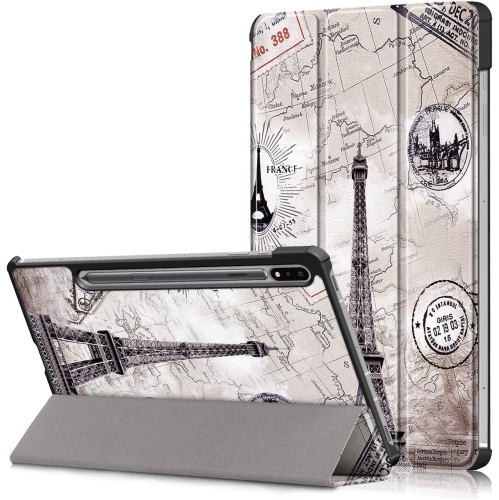
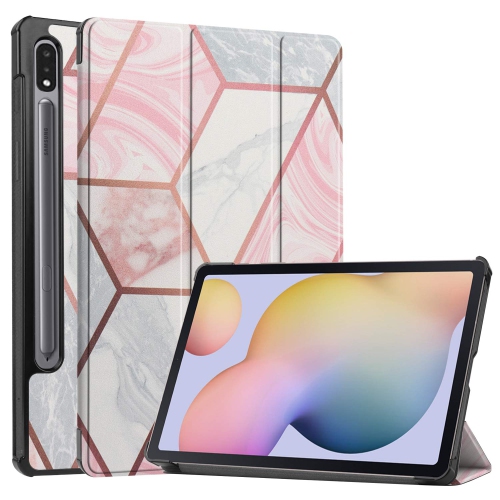
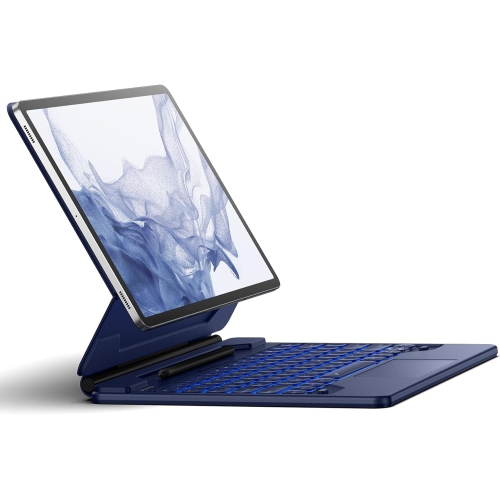
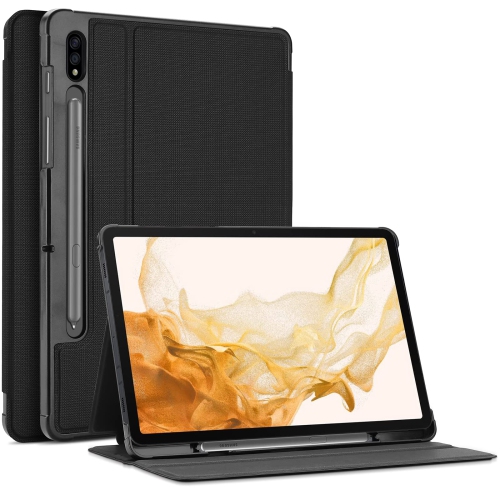
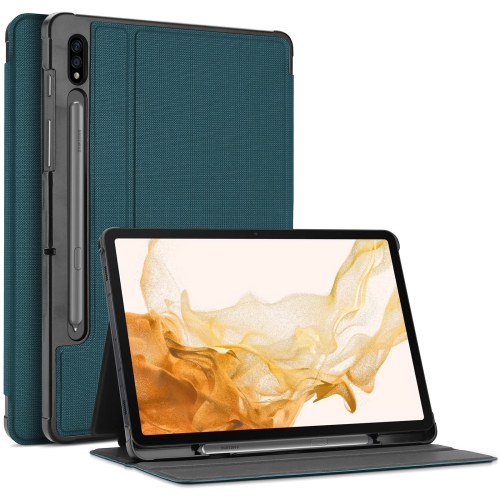
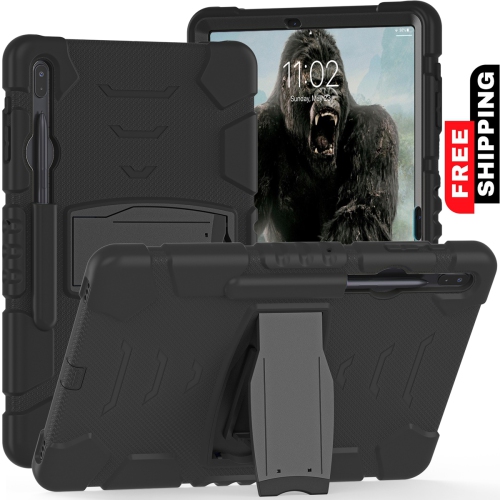
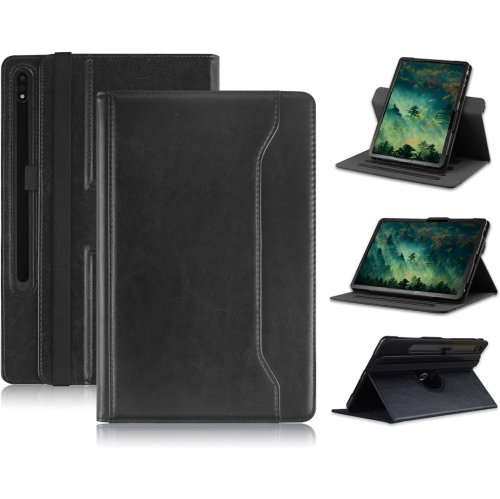
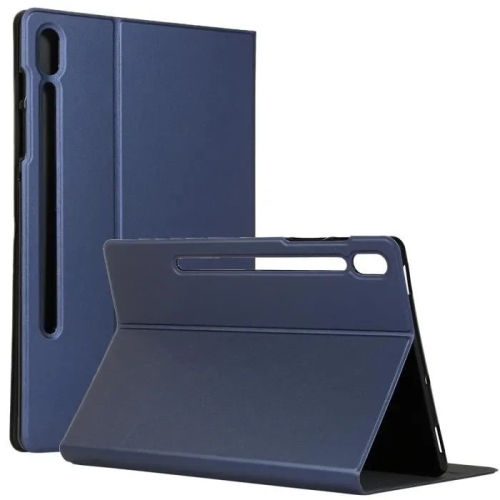
Tablet cases range from lightweight folio covers and flexible back shells to reinforced designs with stands, hand straps, or detachable keyboards. Each style changes how an 11-inch tablet feels in the hand, rests on a desk, and travels in a bag. A slim shell covers the back and edges without adding a flap across the display, making it convenient for someone who frequently picks up the tablet to read, take notes, or check a recipe. A folio adds a front cover that closes over the screen between uses and may fold into a support for viewing or typing. Reinforced cases typically add more material around the corners and edges, where bumps can leave marks or damage exposed surfaces. These differences matter, but accurate fit comes first: screen size alone does not establish compatibility. The case needs to match the tablet’s exact model, body dimensions, button positions, and camera layout. Tablets with similar names or the same display measurement can have different shapes and openings. A properly fitted case sits securely around the device without forcing the corners into place or pressing against buttons. Openings should leave the charging port, speakers, microphones, and cameras unobstructed, while the edge around the screen should allow comfortable access to touch controls. Where the power button doubles as a fingerprint reader, its opening also needs to leave room for a finger to rest naturally. Stylus access is another practical detail, especially for handwritten notes and drawing. Some designs provide a storage loop or recessed holder, while others leave the tablet’s magnetic attachment area accessible. Storage and charging are separate functions, so a stylus compartment does not necessarily support charging while the pen is inside it. For a tablet used throughout the day, these small details can matter as much as the amount of coverage.
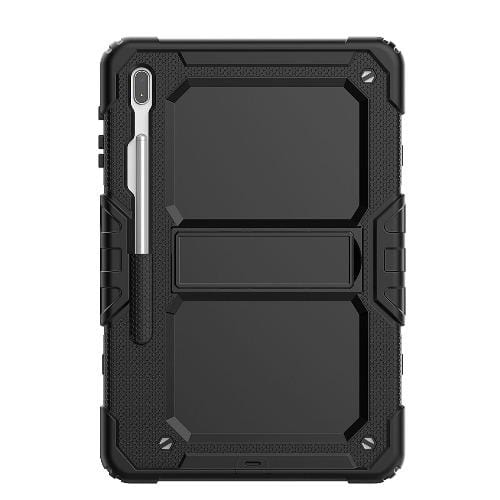
Materials influence grip, flexibility, weight, and the way a case wears with regular handling. Silicone and flexible thermoplastic polyurethane can provide a softer feel and help keep a tablet from sliding easily across a smooth surface. Rigid polycarbonate shells hold their shape, while layered designs may combine a firm outer structure with a more flexible inner section. Folio covers often use fabric, leather, or synthetic leather on the outside, paired with a softer lining against the display. Smooth finishes are generally easier to wipe down, whereas textured surfaces can offer a more secure hold but may collect lint in grooves or seams. No material makes a tablet immune to damage, and a raised edge only helps keep the screen or camera away from a flat surface when its height and fit are suitable. Drop-protection claims are most useful when accompanied by clear testing details; a bulky appearance alone does not establish how a case will perform. Intended use helps distinguish useful features from unnecessary weight. A student carrying a tablet between lectures may appreciate a closing folio and a stable typing position, while someone reading on a sofa may prefer a lighter shell with rounded edges. For video calls at a kitchen counter or desk, a stand that holds its angle without slowly slipping can be more valuable than several rarely used extras. Lower stand positions suit drawing and handwriting, while more upright positions support viewing. A hand strap can steady the tablet during presentations or when moving from room to room, although its placement should remain comfortable in either orientation. Keyboard covers can make longer messages and document work more convenient, but they also add thickness and need a stable surface. When a keyboard connects wirelessly, its charging requirements and connection method are worth considering alongside the case itself.
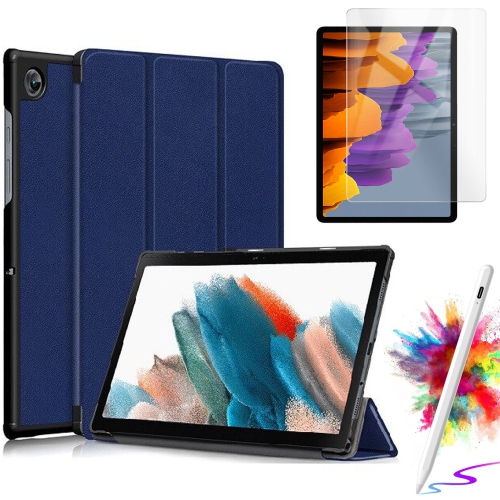
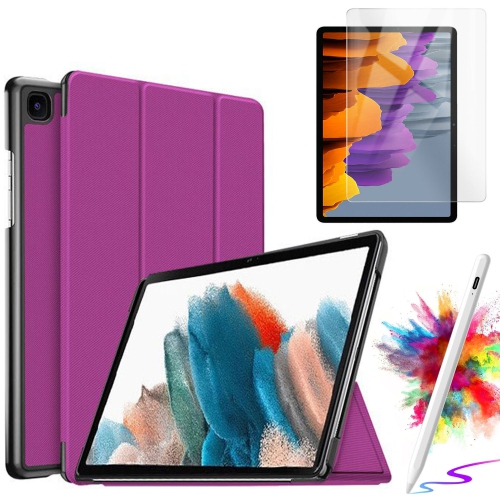
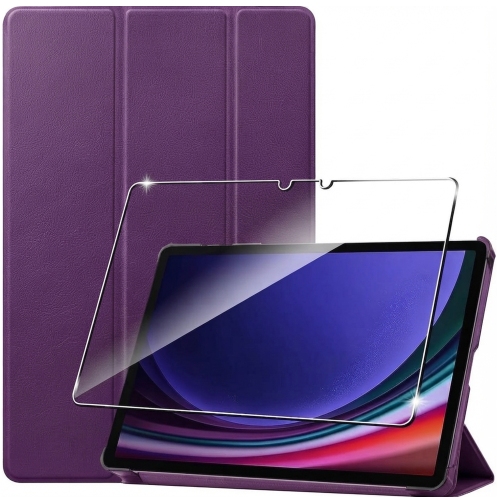
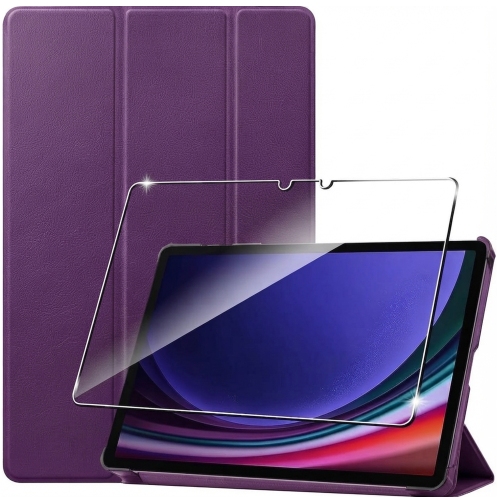
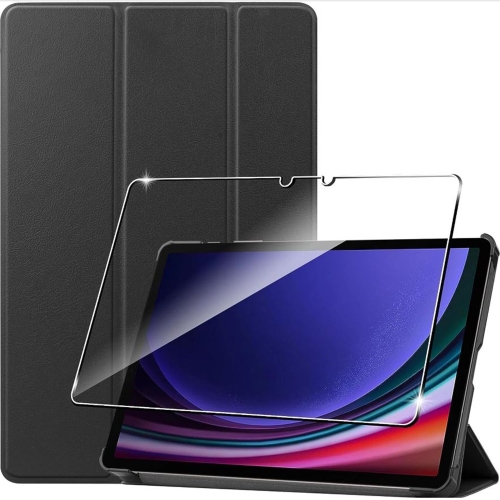
Everyday care helps preserve the case’s finish and keeps trapped debris from rubbing against the tablet. Dust and crumbs can gather around corner cushions, camera openings, and the fold of a folio, particularly when the device moves between a backpack, desk, and shared living space. Removing the tablet periodically allows those areas to be cleaned according to the case manufacturer’s directions. A soft cloth is suitable for many surfaces, but leather, fabric, silicone, and coated finishes can require different treatment; harsh cleaners or an overly wet cloth may damage the material or leave moisture near the device. The case should be dry before the tablet is refitted. A cover is not a waterproof barrier unless its specifications explicitly say so, and an open charging port remains exposed to spills. Hinges, stand folds, elastic loops, and closure points deserve occasional attention because they receive repeated strain. A stand that no longer holds its position or a corner that has stretched away from the tablet can reduce both convenience and security. Screen protectors may complement a case, provided the case’s rim does not lift their edges, and a separate sleeve can add coverage inside a bag when its interior dimensions accommodate the fitted case. For gifting, knowing the recipient’s exact tablet model is more useful than guessing from its appearance. A lightweight cover may suit an enthusiastic reader, a stable folio can support a student’s notes, and an easy-to-grip shell may be welcome for a tablet shared at home. Colour and texture offer room for personal preference without replacing the need for accurate compatibility. For households using a different device, Samsung Galaxy Tab A7 Lite Cases provides a separate model-specific option; cases should not be treated as interchangeable between tablet models. A well-matched case brings together secure fit, manageable weight, accessible controls, and features that support the way the tablet is actually used.
Materials influence grip, flexibility, weight, and the way a case wears with regular handling. Silicone and flexible thermoplastic polyurethane can provide a softer feel and help keep a tablet from sliding easily across a smooth surface. Rigid polycarbonate shells hold their shape, while layered designs may combine a firm outer structure with a more flexible inner section. Folio covers often use fabric, leather, or synthetic leather on the outside, paired with a softer lining against the display. Smooth finishes are generally easier to wipe down, whereas textured surfaces can offer a more secure hold but may collect lint in grooves or seams. No material makes a tablet immune to damage, and a raised edge only helps keep the screen or camera away from a flat surface when its height and fit are suitable. Drop-protection claims are most useful when accompanied by clear testing details; a bulky appearance alone does not establish how a case will perform. Intended use helps distinguish useful features from unnecessary weight. A student carrying a tablet between lectures may appreciate a closing folio and a stable typing position, while someone reading on a sofa may prefer a lighter shell with rounded edges. For video calls at a kitchen counter or desk, a stand that holds its angle without slowly slipping can be more valuable than several rarely used extras. Lower stand positions suit drawing and handwriting, while more upright positions support viewing. A hand strap can steady the tablet during presentations or when moving from room to room, although its placement should remain comfortable in either orientation. Keyboard covers can make longer messages and document work more convenient, but they also add thickness and need a stable surface. When a keyboard connects wirelessly, its charging requirements and connection method are worth considering alongside the case itself.
Everyday care helps preserve the case’s finish and keeps trapped debris from rubbing against the tablet. Dust and crumbs can gather around corner cushions, camera openings, and the fold of a folio, particularly when the device moves between a backpack, desk, and shared living space. Removing the tablet periodically allows those areas to be cleaned according to the case manufacturer’s directions. A soft cloth is suitable for many surfaces, but leather, fabric, silicone, and coated finishes can require different treatment; harsh cleaners or an overly wet cloth may damage the material or leave moisture near the device. The case should be dry before the tablet is refitted. A cover is not a waterproof barrier unless its specifications explicitly say so, and an open charging port remains exposed to spills. Hinges, stand folds, elastic loops, and closure points deserve occasional attention because they receive repeated strain. A stand that no longer holds its position or a corner that has stretched away from the tablet can reduce both convenience and security. Screen protectors may complement a case, provided the case’s rim does not lift their edges, and a separate sleeve can add coverage inside a bag when its interior dimensions accommodate the fitted case. For gifting, knowing the recipient’s exact tablet model is more useful than guessing from its appearance. A lightweight cover may suit an enthusiastic reader, a stable folio can support a student’s notes, and an easy-to-grip shell may be welcome for a tablet shared at home. Colour and texture offer room for personal preference without replacing the need for accurate compatibility. For households using a different device, Samsung Galaxy Tab A7 Lite Cases provides a separate model-specific option; cases should not be treated as interchangeable between tablet models. A well-matched case brings together secure fit, manageable weight, accessible controls, and features that support the way the tablet is actually used.
Top selling and popular products
-
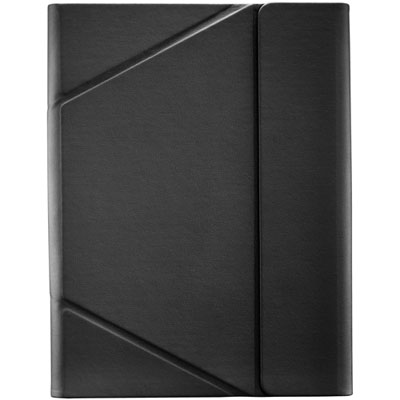 Your price for this item is $44.99
-
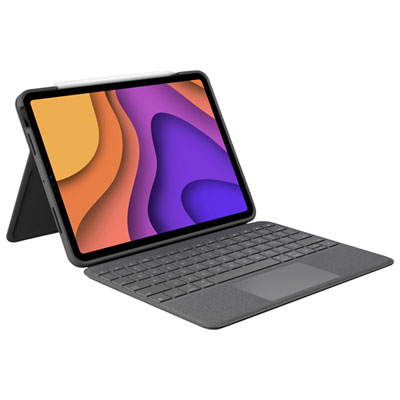 Your price for this item is $229.99
-
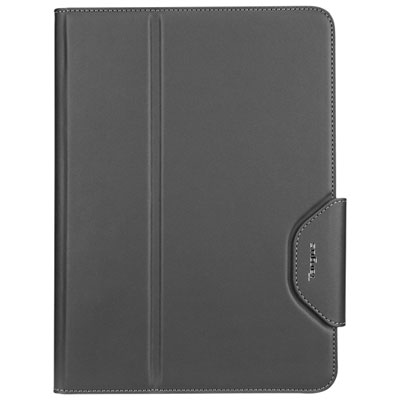 Your price for this item is $62.99
-
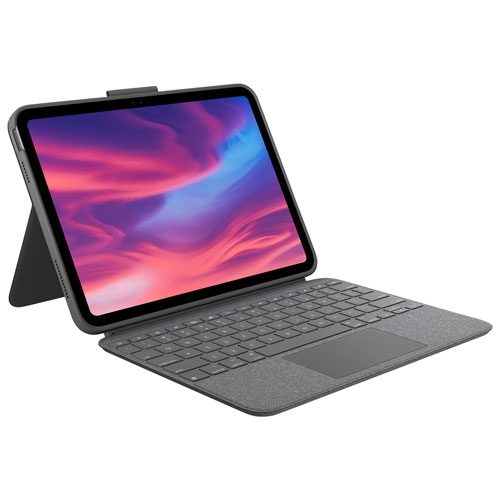 Your price for this item is $179.99
-
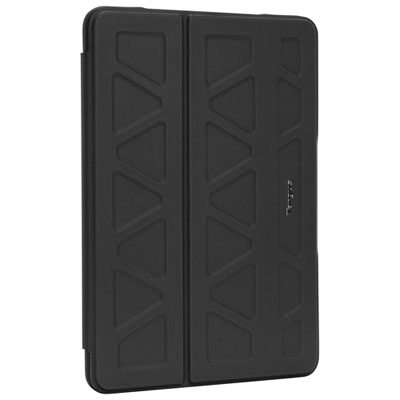 Your price for this item is $41.98
-
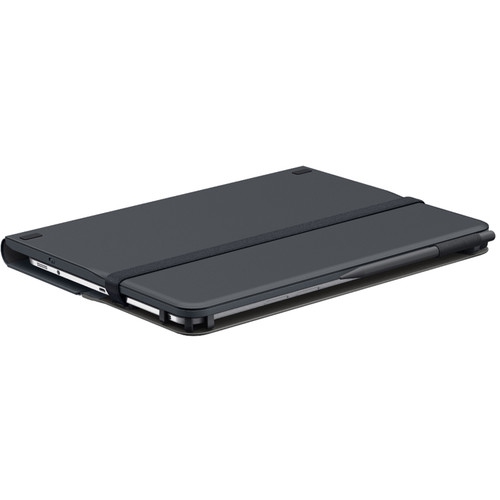 Your price for this item is $115.68
-
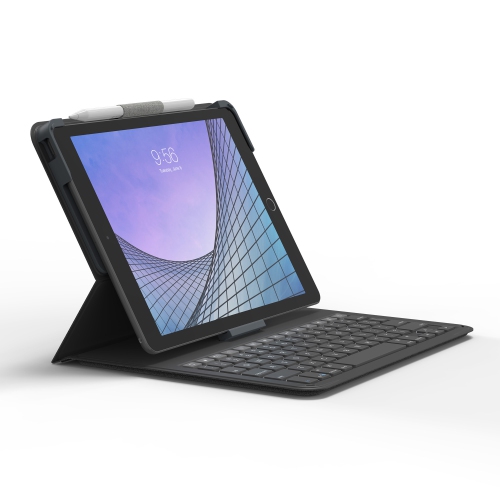 Your price for this item is $69.99
-
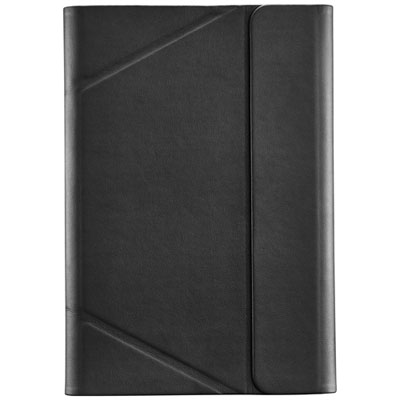 Your price for this item is $39.99
Discover more categories related to Samsung Galaxy Tab S7 Cases

Top Collections:
Best Black Friday Deals This Year, Best Black Friday Deals On Electronics, Kindle Devices, Pokemon Centers, Best Black Friday Deals On Apple Products, Best Cameras for Sports Photography, Dyson Airwrap, Pokémon 30th Celebration Cards, Apple iPhone 17 Pro, Canon G7X Cameras
Some products may be subject to Environmental Handling Fees
(EHF) depending on your province.
Learn more about EHFs.