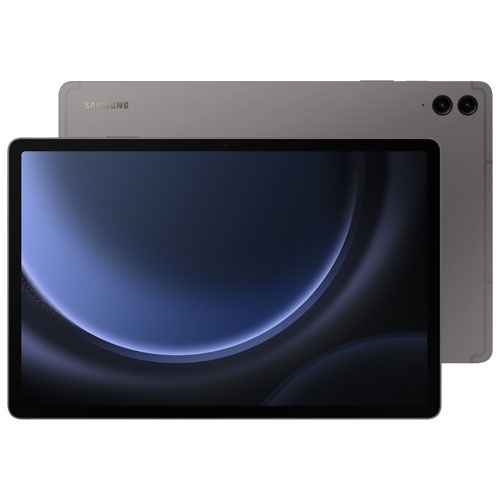
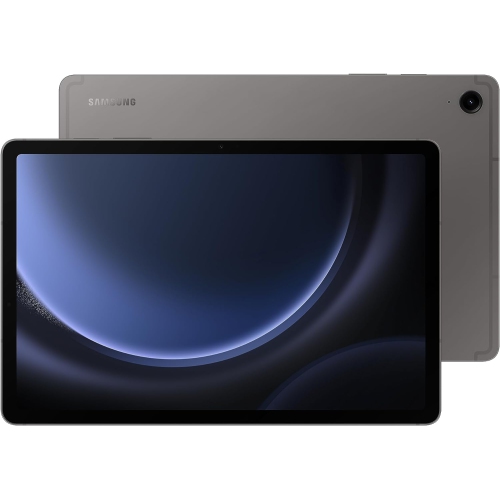
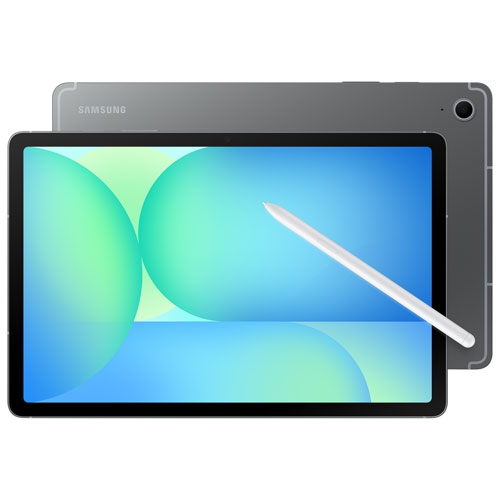
Samsung Galaxy Tab S9 FE Gray
Discover the versatility and style of the Samsung Galaxy Tab S9 FE Gray, designed to complement both your productivity and entertainment needs. With its sleek gray finish, this tablet offers a modern look that fits seamlessly into any setting. Whether you're working on the go, streaming your favorite shows, or staying connected with friends and family, the Samsung Galaxy Tab S9 FE Gray delivers a user-friendly experience for every lifestyle. Explore a range of options to find the perfect fit for your daily routine.
Sort




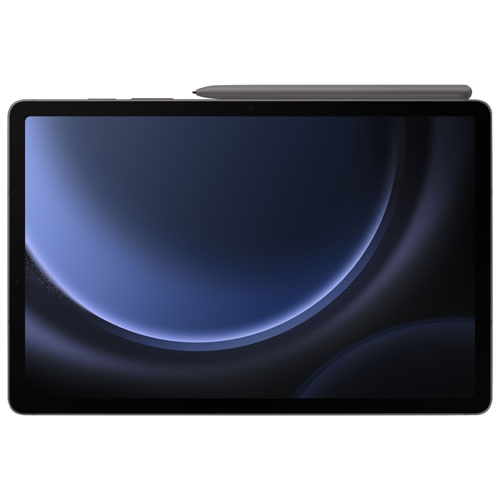


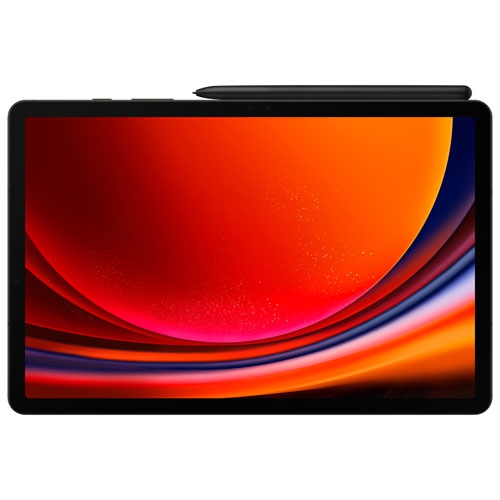

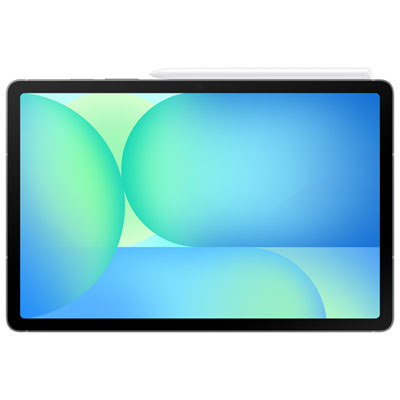
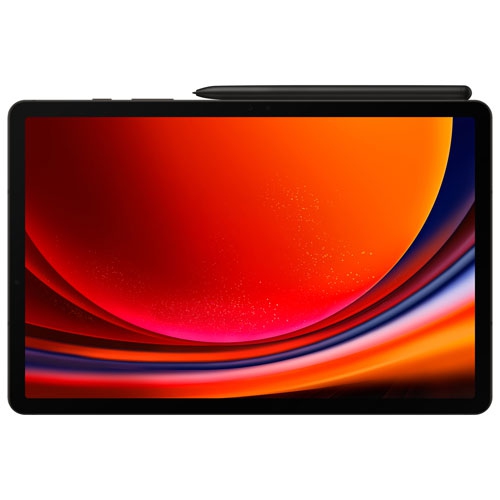

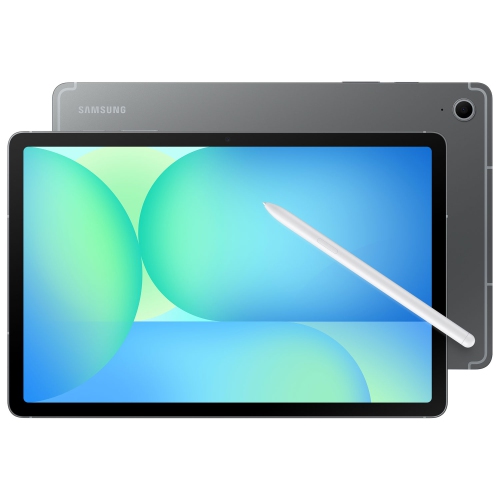
More screen space for handwritten notes and favourite shows
A grey tablet offers a versatile space for handwritten notes, reading, entertainment and everyday tasks, with a neutral finish that looks at home beside a laptop, on a bedside table or in a meeting room. The understated colour pairs easily with different case styles, while the touchscreen provides a more spacious view than a phone without taking up as much room as a conventional computer. For students, that can mean keeping a textbook open beside lecture notes; for home use, it might mean following a recipe on the countertop or settling into a favourite series. Screen size, resolution and brightness all influence the experience, but the way a tablet feels in the hand matters just as much. A larger display gives documents and split-screen apps more breathing room, while overall weight and edge shape affect comfort when reading without a stand. Display measurements refer to the diagonal screen size, so the tablet’s full dimensions are more useful when considering a bag compartment or protective cover. Metal housings can provide a firm, substantial feel, though the material and finish should be confirmed in the specifications rather than judged from colour alone. Grey finishes can also look different under indoor lighting, ranging from a soft silver tone to a deeper charcoal appearance. A slim bezel keeps attention on the display, but enough space to hold the edges comfortably remains useful during longer reading sessions. Touch responsiveness helps with scrolling and navigation, while viewing angles matter when two people share a video or review photographs together. For anyone who regularly reads small text, adjustable font sizes and display scaling can be more helpful than screen size alone. A well-matched tablet brings these details together: a display that suits the task, a shape that is comfortable to carry and controls that are easy to reach in both portrait and landscape positions.
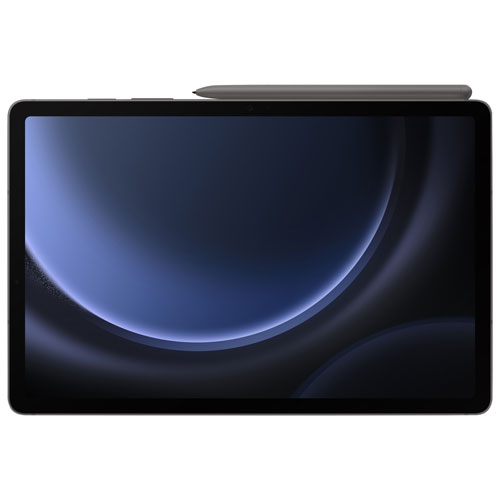
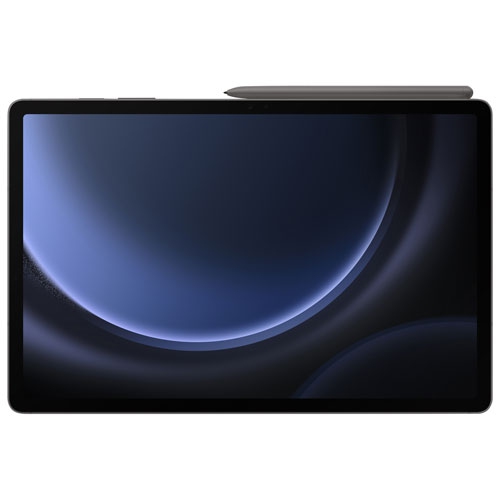
Pen support adds another dimension to a tablet, particularly for people who prefer writing a quick reminder to typing it. On compatible screens, a digital pen can make it easier to annotate a document, sketch a room layout, work through equations or mark up a presentation. The writing experience depends on the pen technology, app support and screen surface; features such as pressure sensitivity and palm rejection should not be assumed to work identically across devices and apps. A secure place to store the pen is useful for anyone moving between classrooms, workspaces or appointments. For longer emails and written assignments, a compatible keyboard can make a tablet more practical, especially when paired with a stable stand. Keyboard layouts, connection methods and shortcuts vary, and a case designed for one tablet may not align with another tablet’s camera, buttons or charging port. Performance needs also differ by activity. Reading, video calls and web browsing place different demands on a device than layered artwork, large documents or frequent app switching. Memory helps support multitasking, while storage capacity determines how much space remains for apps, downloaded videos, photographs and files. Expandable storage, where supported, can provide extra room for suitable files, but it does not necessarily replace internal storage for every app. Wi-Fi connectivity is central to streaming and online work, while mobile network access requires a compatible device and service. Downloaded documents and supported offline apps can remain useful away from a connection. Battery life varies with brightness, video playback, wireless use and other settings, so everyday routines are a better reference than a single headline figure. Charging requirements deserve similar attention: a compatible cable, adapter and supported charging standard help keep the setup straightforward. Software compatibility matters too, particularly when school or workplace tasks depend on a particular app, file format or account.
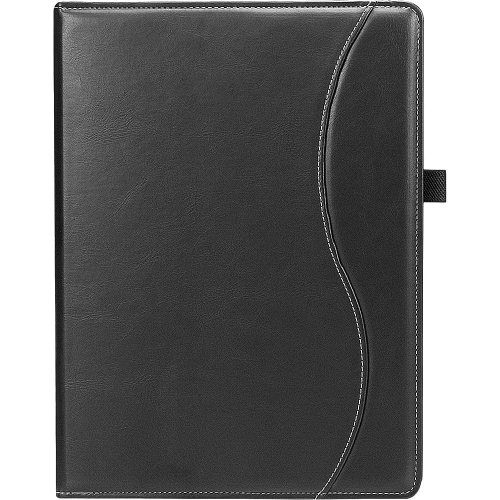
Protection and everyday care help preserve both the appearance and usability of a grey tablet. A fitted folio can cover the screen during transport and double as a stand, while a more protective case may suit shared family use or frequent travel between locations. Extra protection adds bulk, so the balance between cushioning and portability depends on how the tablet will be carried. Case compatibility is specific to the device’s dimensions and layout, not simply its screen size or colour. The same care applies when comparing generations through related pages such as Samsung Galaxy Tab S7 FE Wi-Fi, since similar names do not establish whether covers, keyboards or pens are interchangeable. A screen protector may help limit surface scratches, although its fit and effect on pen use should be considered. For routine cleaning, a soft, lint-free cloth and the manufacturer’s care directions are preferable to abrasive materials or household cleaners. Dust or grit trapped inside a cover can rub against the finish, making occasional case removal worthwhile. Water-resistance claims, where provided, have specific test conditions and do not mean that every spill or type of liquid is harmless. A tablet carried in a bag also benefits from a separate compartment rather than sharing space with loose keys or other hard objects. Beyond protection, small setup choices can make daily use more comfortable: a stand brings the screen closer to eye level for video calls, headphones provide private listening, and accessibility settings can adjust text, contrast and interaction. As a gift, a pen-capable tablet can suit a student who annotates course material, a reader who enjoys adjustable text or a family member who wants a larger screen for calls and photographs. The recipient’s familiar apps, preferred screen size and comfort with touchscreen controls are useful starting points. A practical match is one that fits naturally into those routines, whether it becomes a portable notebook, a shared entertainment screen or a companion for everyday organization.
Pen support adds another dimension to a tablet, particularly for people who prefer writing a quick reminder to typing it. On compatible screens, a digital pen can make it easier to annotate a document, sketch a room layout, work through equations or mark up a presentation. The writing experience depends on the pen technology, app support and screen surface; features such as pressure sensitivity and palm rejection should not be assumed to work identically across devices and apps. A secure place to store the pen is useful for anyone moving between classrooms, workspaces or appointments. For longer emails and written assignments, a compatible keyboard can make a tablet more practical, especially when paired with a stable stand. Keyboard layouts, connection methods and shortcuts vary, and a case designed for one tablet may not align with another tablet’s camera, buttons or charging port. Performance needs also differ by activity. Reading, video calls and web browsing place different demands on a device than layered artwork, large documents or frequent app switching. Memory helps support multitasking, while storage capacity determines how much space remains for apps, downloaded videos, photographs and files. Expandable storage, where supported, can provide extra room for suitable files, but it does not necessarily replace internal storage for every app. Wi-Fi connectivity is central to streaming and online work, while mobile network access requires a compatible device and service. Downloaded documents and supported offline apps can remain useful away from a connection. Battery life varies with brightness, video playback, wireless use and other settings, so everyday routines are a better reference than a single headline figure. Charging requirements deserve similar attention: a compatible cable, adapter and supported charging standard help keep the setup straightforward. Software compatibility matters too, particularly when school or workplace tasks depend on a particular app, file format or account.
Protection and everyday care help preserve both the appearance and usability of a grey tablet. A fitted folio can cover the screen during transport and double as a stand, while a more protective case may suit shared family use or frequent travel between locations. Extra protection adds bulk, so the balance between cushioning and portability depends on how the tablet will be carried. Case compatibility is specific to the device’s dimensions and layout, not simply its screen size or colour. The same care applies when comparing generations through related pages such as Samsung Galaxy Tab S7 FE Wi-Fi, since similar names do not establish whether covers, keyboards or pens are interchangeable. A screen protector may help limit surface scratches, although its fit and effect on pen use should be considered. For routine cleaning, a soft, lint-free cloth and the manufacturer’s care directions are preferable to abrasive materials or household cleaners. Dust or grit trapped inside a cover can rub against the finish, making occasional case removal worthwhile. Water-resistance claims, where provided, have specific test conditions and do not mean that every spill or type of liquid is harmless. A tablet carried in a bag also benefits from a separate compartment rather than sharing space with loose keys or other hard objects. Beyond protection, small setup choices can make daily use more comfortable: a stand brings the screen closer to eye level for video calls, headphones provide private listening, and accessibility settings can adjust text, contrast and interaction. As a gift, a pen-capable tablet can suit a student who annotates course material, a reader who enjoys adjustable text or a family member who wants a larger screen for calls and photographs. The recipient’s familiar apps, preferred screen size and comfort with touchscreen controls are useful starting points. A practical match is one that fits naturally into those routines, whether it becomes a portable notebook, a shared entertainment screen or a companion for everyday organization.
Top selling and popular products
-
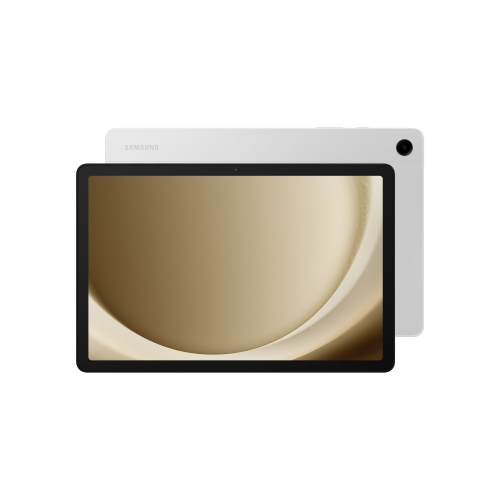 Your price for this item is $499.99
-
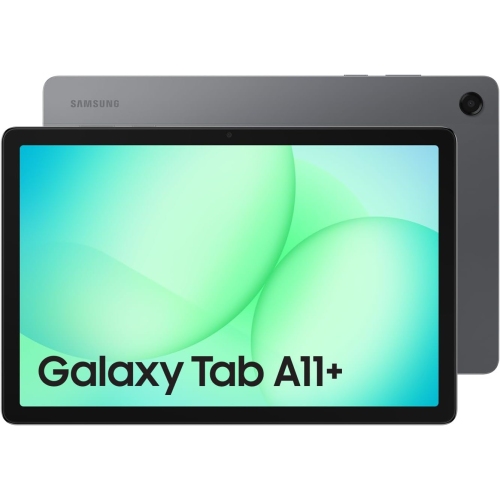 Your price for this item is $350
-
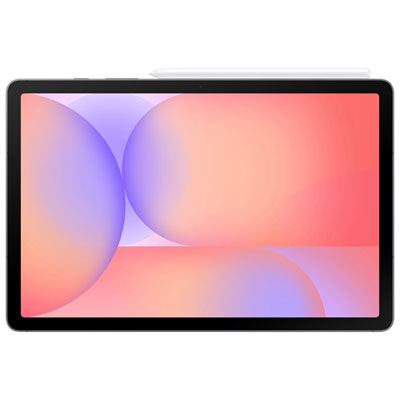 Your price for this item is $399.99
-
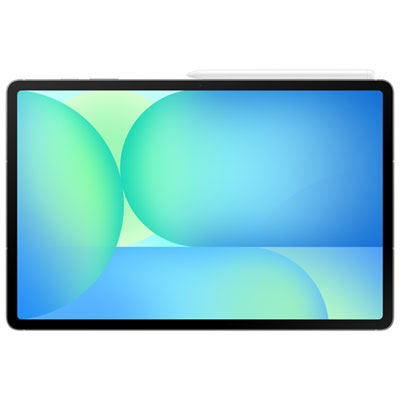 Your price for this item is $979.99
-
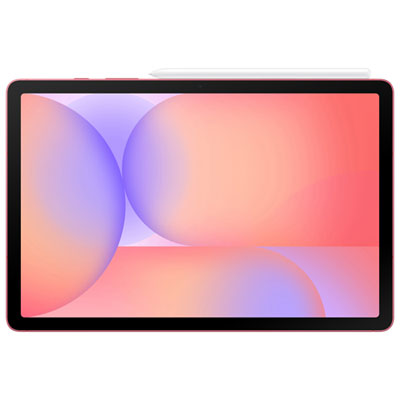 Your price for this item is $399.99
-
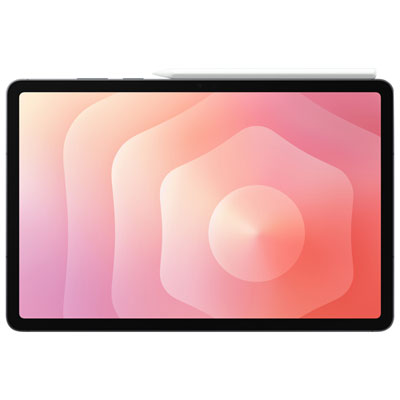 Your price for this item is $1399.99
-
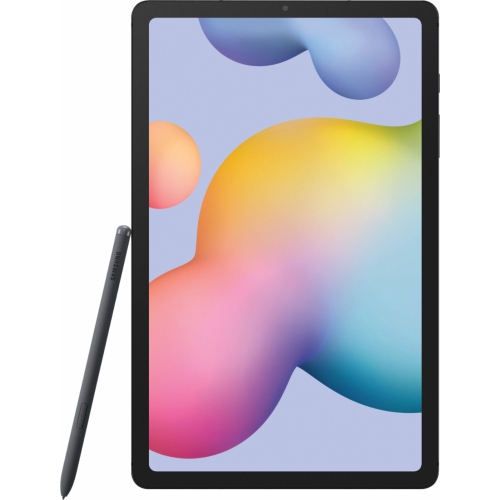 Your price for this item is $699.99
-
 Your price for this item is $664.95
Discover more categories related to Samsung Galaxy Tab S9 FE Gray
Top Collections:
Best Black Friday Deals This Year, Best Black Friday Deals On Electronics, Kindle Devices, Pokemon Centers, Best Black Friday Deals On Apple Products, Best Cameras for Sports Photography, Dyson Airwrap, Pokémon 30th Celebration Cards, Apple iPhone 17 Pro, Canon G7X Cameras
Some products may be subject to Environmental Handling Fees
(EHF) depending on your province.
Learn more about EHFs.