Galaxy Tablet S7
Discover the versatility and performance of the Galaxy Tablet S7, designed to keep up with your busy lifestyle. Whether you're working on projects, streaming your favorite shows, or staying connected with friends and family, the Galaxy Tablet S7 offers a seamless experience for both productivity and entertainment. Explore a range of options to find the perfect fit for your needs and enjoy advanced technology at your fingertips.
Sort


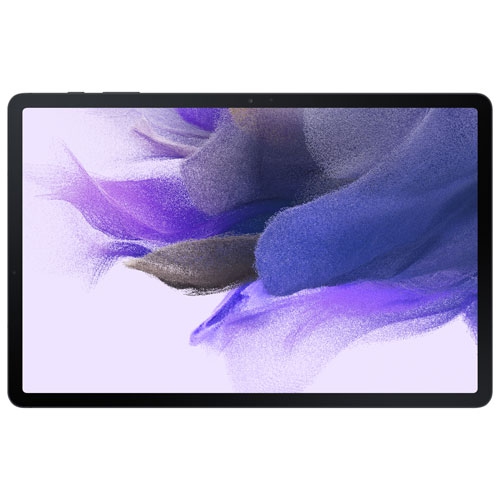
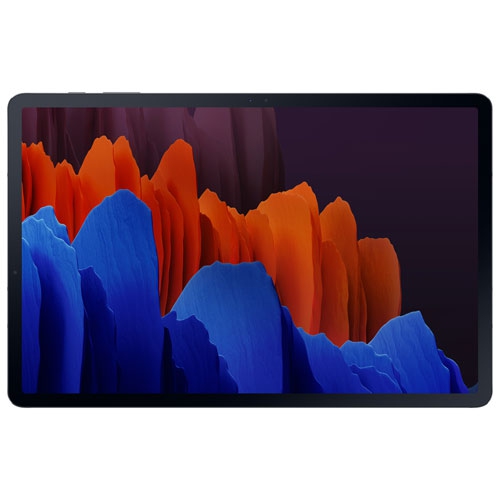
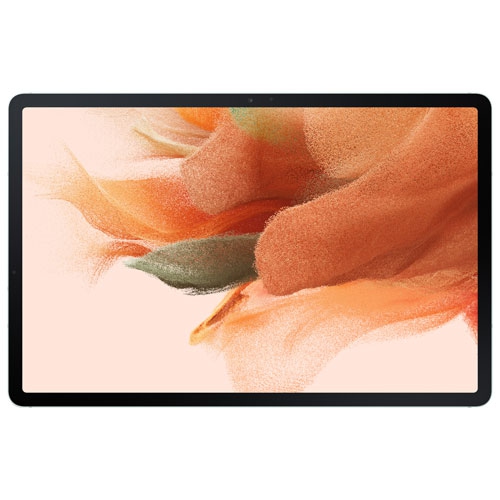
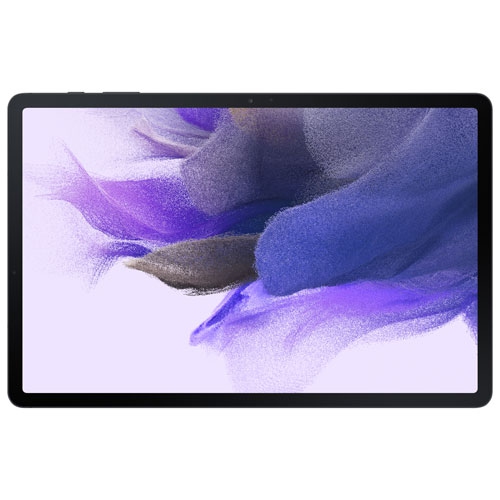
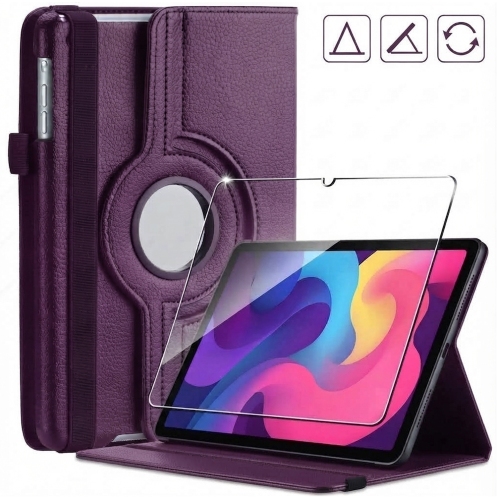
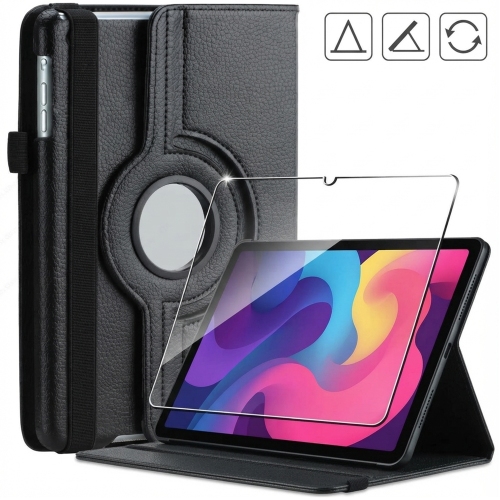
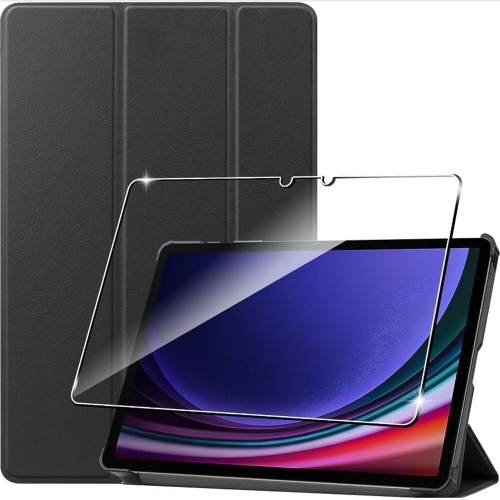

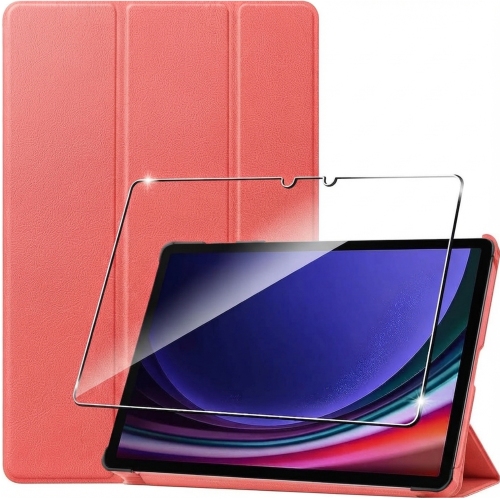
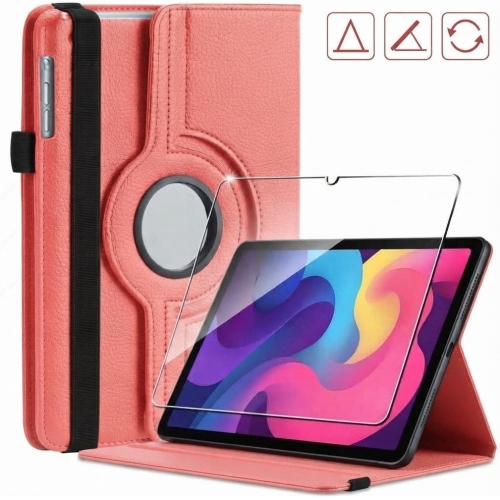

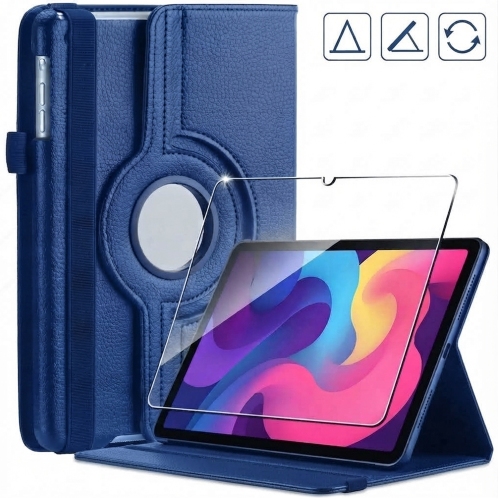
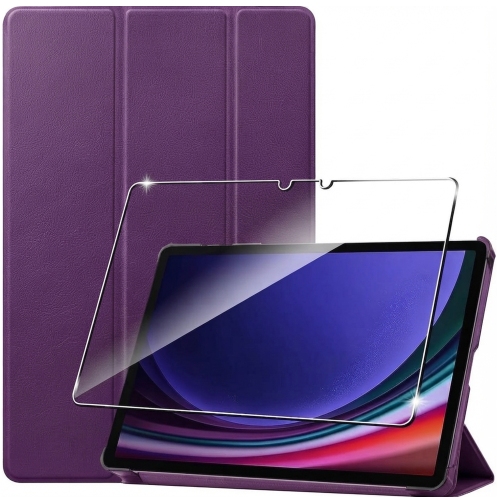
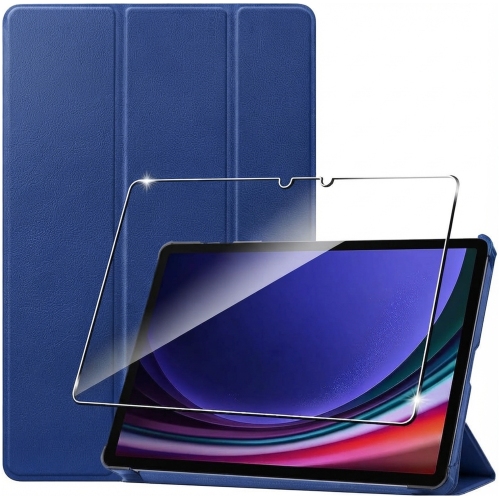

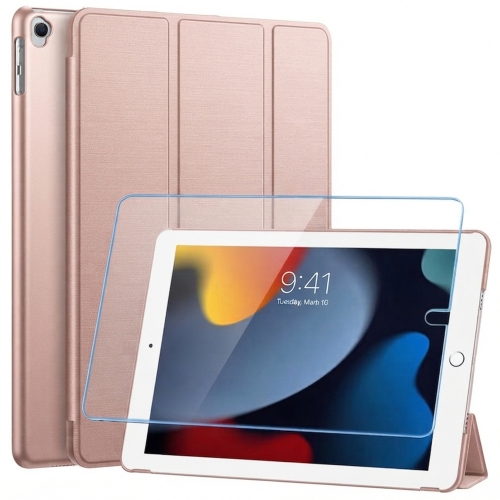


An 11-inch tablet for desk work and downtime
An 11-inch tablet brings together the portability of a handheld screen and the space needed for comfortable reading, viewing, and touch controls. It is a practical format for following a recipe on a kitchen counter, reviewing lecture slides between classes, or watching a film without balancing a full-size computer on a lap. A high-resolution display helps small text, diagrams, and photographs remain clear, while screen brightness and viewing angles affect comfort when the tablet is shared or propped up beside a workspace. A display with a 120Hz refresh rate can make scrolling, supported games, and pen movements look smoother, although the experience also depends on the app and its settings. Screen proportions matter, too: a wider layout accommodates video and side-by-side windows, while portrait orientation feels natural for documents and digital books. Performance depends on more than the processor alone. Memory, app requirements, and the number of tasks running together all influence how quickly a tablet responds when switching from a video call to a document or opening a large illustration. Internal storage holds apps, downloaded media, and working files; expandable storage, where supported, can provide additional room for photos and videos, though not every app can be moved to a memory card. Wi-Fi connectivity supports streaming, online research, and file syncing, while mobile connectivity requires compatible hardware and a suitable service plan. Battery life varies with brightness, wireless connections, gaming, and other demanding tasks, so a stated capacity does not translate into the same number of hours for every person. Charging speed also depends on the tablet, cable, and power adapter working together. For students, commuters, and households sharing a screen, this balance of display size, responsiveness, storage, and portability shapes how useful a tablet feels throughout an ordinary day. Downloaded reading material and media can also make it useful away from a connection, provided the relevant apps support offline access and files have been saved beforehand.
Pen input gives a tablet a different role from a device used only for tapping and scrolling. Handwritten meeting notes, a quick sketch of a room layout, or annotations beside a passage in a textbook can feel more direct than typing into a text box. Pressure sensitivity and palm rejection, when supported by both the pen and app, help make drawing and writing more controlled. The screen surface is still different from paper, and the feel can change with a screen protector or replacement pen tip. A compatible active pen may support functions that a basic capacitive stylus cannot, so physical resemblance alone does not establish compatibility. Some pens also need charging or pairing for particular features, even when basic writing works differently. For longer writing sessions, a keyboard can make emails, essays, and document edits more comfortable, while a mouse or trackpad provides more precise control over small on-screen elements. A desktop-style interface, where supported, can arrange apps in separate windows and make a tablet feel closer to a compact workstation. That does not make every desktop program available: mobile apps, browser-based tools, file formats, and external display support still determine which tasks fit the device. A student might keep a reference document open beside handwritten notes, while someone preparing a presentation could review slides with a keyboard attached and then detach it for reading. Case and keyboard fit should account for the exact dimensions, camera position, charging port, and any accessory connectors. A case labelled for the same general screen size may still obstruct a button or fail to hold the tablet securely. Adjustable stands and folio covers can support different viewing angles, but stability matters when tapping the screen or using a pen. Headphones and compatible wireless accessories add flexibility for shared spaces, video calls, and entertainment without changing the tablet’s basic footprint. For anyone moving between desk work and relaxed viewing, accessories are most useful when they support those distinct positions without adding unnecessary bulk.
Materials and construction influence both the feel of a tablet and how it handles everyday movement. A metal body can feel solid and resist flex, while the glass display benefits from protection against scratches and impacts. Neither material makes a device immune to damage: a fall onto a corner, pressure inside an overfilled bag, or grit trapped against the screen can leave marks or cause breakage. A fitted case with protected corners and a raised edge helps reduce direct contact with surfaces, and a separate compartment keeps the tablet away from loose keys and other hard objects. Cleaning is usually straightforward with a soft, lint-free cloth and the manufacturer’s recommended method; abrasive cleaners, excessive moisture, and liquid entering ports can damage finishes or components. Port covers, pen holders, and removable keyboards also need occasional attention so that dust and debris do not interfere with a secure fit. For a previously owned or refurbished tablet, battery condition, screen condition, included accessories, and any stated testing or warranty details are meaningful considerations. A device that runs everyday apps comfortably may still have a shorter remaining software support period than a newer generation. Operating system compatibility and security update history matter for school platforms, workplace accounts, banking, and other services that may require recent software. Personal files should be backed up, and a device being passed to another person should have accounts removed and be reset according to the manufacturer’s instructions. As a gift, a tablet can suit a reader, student, hobby artist, or frequent traveller, particularly when its size and input options match the recipient’s habits. Existing chargers, preferred apps, and accessibility needs are worth considering alongside screen and storage specifications. The Galaxy Tab S10 FE Tablets collection offers a related range for comparison, with case, keyboard, and pen compatibility assessed separately for each device. A well-matched tablet and accessories can support reading, creating, communication, and entertainment without requiring the same setup for every activity.
Pen input gives a tablet a different role from a device used only for tapping and scrolling. Handwritten meeting notes, a quick sketch of a room layout, or annotations beside a passage in a textbook can feel more direct than typing into a text box. Pressure sensitivity and palm rejection, when supported by both the pen and app, help make drawing and writing more controlled. The screen surface is still different from paper, and the feel can change with a screen protector or replacement pen tip. A compatible active pen may support functions that a basic capacitive stylus cannot, so physical resemblance alone does not establish compatibility. Some pens also need charging or pairing for particular features, even when basic writing works differently. For longer writing sessions, a keyboard can make emails, essays, and document edits more comfortable, while a mouse or trackpad provides more precise control over small on-screen elements. A desktop-style interface, where supported, can arrange apps in separate windows and make a tablet feel closer to a compact workstation. That does not make every desktop program available: mobile apps, browser-based tools, file formats, and external display support still determine which tasks fit the device. A student might keep a reference document open beside handwritten notes, while someone preparing a presentation could review slides with a keyboard attached and then detach it for reading. Case and keyboard fit should account for the exact dimensions, camera position, charging port, and any accessory connectors. A case labelled for the same general screen size may still obstruct a button or fail to hold the tablet securely. Adjustable stands and folio covers can support different viewing angles, but stability matters when tapping the screen or using a pen. Headphones and compatible wireless accessories add flexibility for shared spaces, video calls, and entertainment without changing the tablet’s basic footprint. For anyone moving between desk work and relaxed viewing, accessories are most useful when they support those distinct positions without adding unnecessary bulk.
Materials and construction influence both the feel of a tablet and how it handles everyday movement. A metal body can feel solid and resist flex, while the glass display benefits from protection against scratches and impacts. Neither material makes a device immune to damage: a fall onto a corner, pressure inside an overfilled bag, or grit trapped against the screen can leave marks or cause breakage. A fitted case with protected corners and a raised edge helps reduce direct contact with surfaces, and a separate compartment keeps the tablet away from loose keys and other hard objects. Cleaning is usually straightforward with a soft, lint-free cloth and the manufacturer’s recommended method; abrasive cleaners, excessive moisture, and liquid entering ports can damage finishes or components. Port covers, pen holders, and removable keyboards also need occasional attention so that dust and debris do not interfere with a secure fit. For a previously owned or refurbished tablet, battery condition, screen condition, included accessories, and any stated testing or warranty details are meaningful considerations. A device that runs everyday apps comfortably may still have a shorter remaining software support period than a newer generation. Operating system compatibility and security update history matter for school platforms, workplace accounts, banking, and other services that may require recent software. Personal files should be backed up, and a device being passed to another person should have accounts removed and be reset according to the manufacturer’s instructions. As a gift, a tablet can suit a reader, student, hobby artist, or frequent traveller, particularly when its size and input options match the recipient’s habits. Existing chargers, preferred apps, and accessibility needs are worth considering alongside screen and storage specifications. The Galaxy Tab S10 FE Tablets collection offers a related range for comparison, with case, keyboard, and pen compatibility assessed separately for each device. A well-matched tablet and accessories can support reading, creating, communication, and entertainment without requiring the same setup for every activity.
Top selling and popular products
-
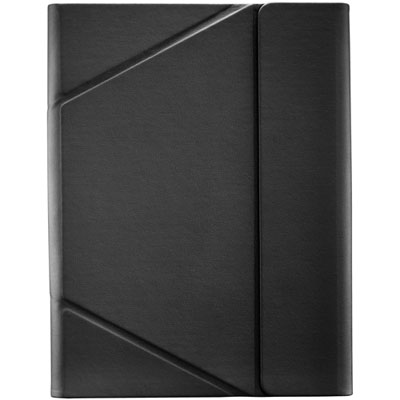 Your price for this item is $44.99
-
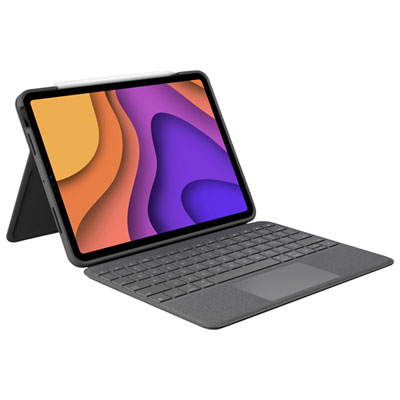 Your price for this item is $229.99
-
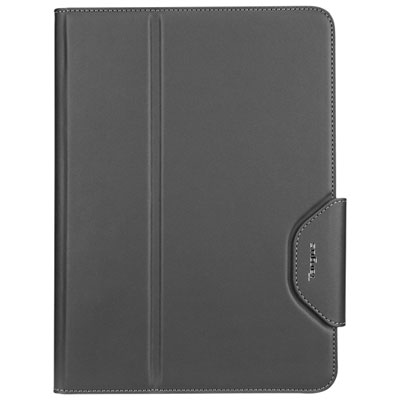 Your price for this item is $62.99
-
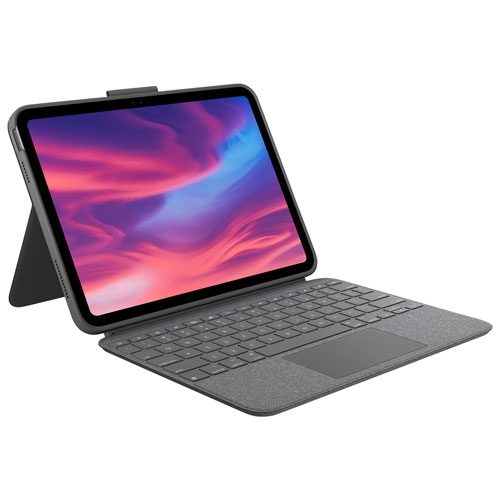 Your price for this item is $179.99
-
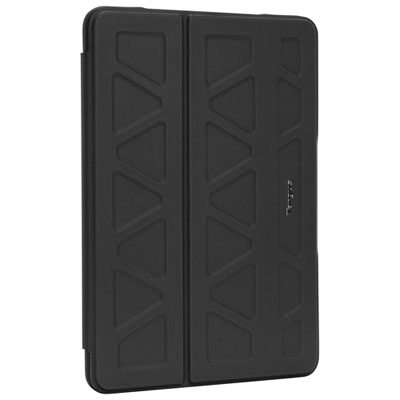 Your price for this item is $41.98
-
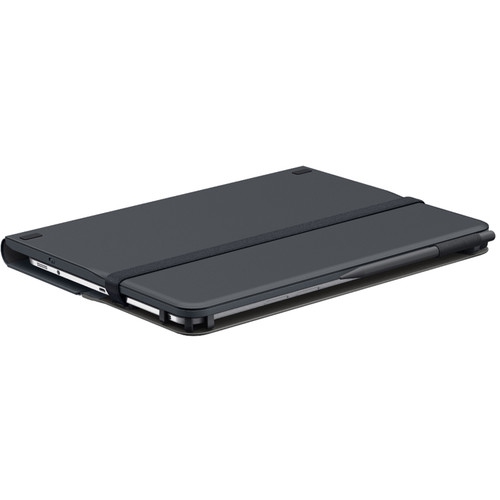 Your price for this item is $115.68
-
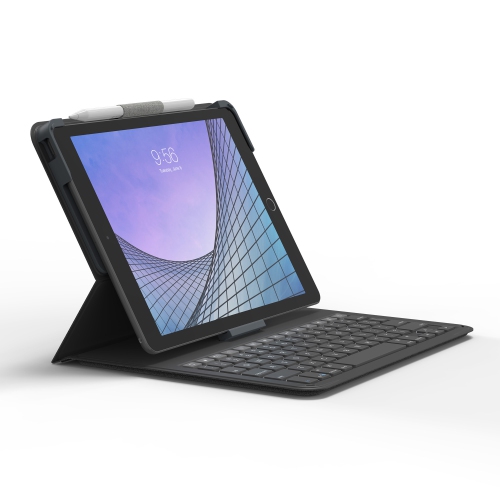 Your price for this item is $69.99
-
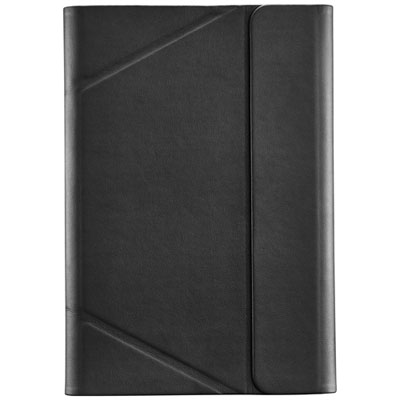 Your price for this item is $39.99
Discover more categories related to Galaxy Tablet S7
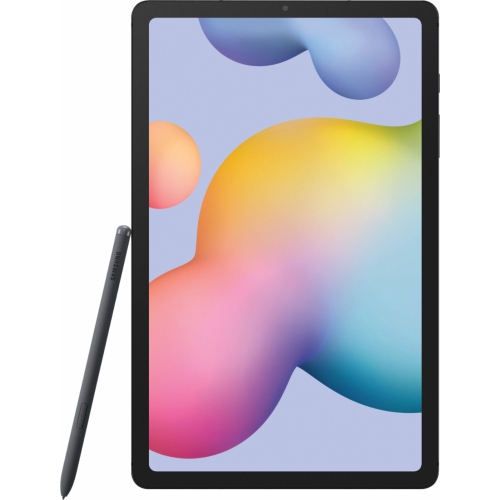
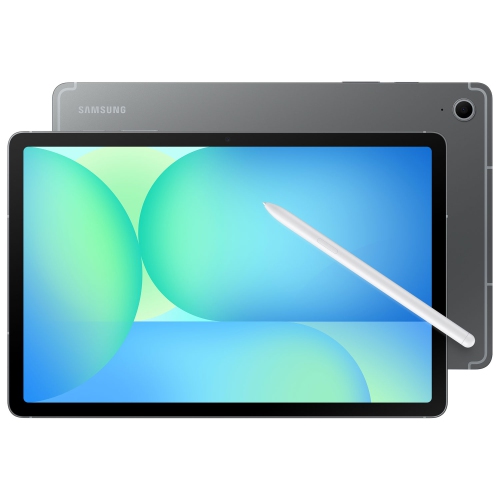

Top Collections:
Best Black Friday Deals This Year, Best Black Friday Deals On Electronics, Kindle Devices, Pokemon Centers, Best Black Friday Deals On Apple Products, Best Cameras for Sports Photography, Dyson Airwrap, Pokémon 30th Celebration Cards, Apple iPhone 17 Pro, Canon G7X Cameras
Some products may be subject to Environmental Handling Fees
(EHF) depending on your province.
Learn more about EHFs.