SATA Adapter Converters
Upgrade your connectivity and streamline your data management with a SATA Adapter Converter. Perfect for bridging the gap between different devices, these adapters offer a convenient solution for connecting hard drives, SSD storage, and other compatible components to your computer or laptop. Whether you’re transferring files, expanding storage, or performing system upgrades, a SATA Adapter Converter helps simplify your setup and enhances your workflow. Discover options designed to suit a variety of needs and make the most of your digital experience.
Sort


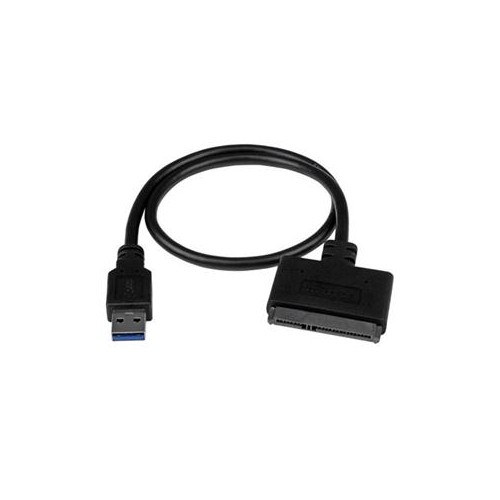
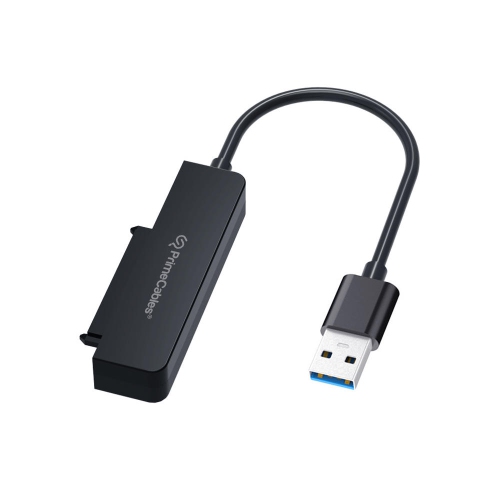
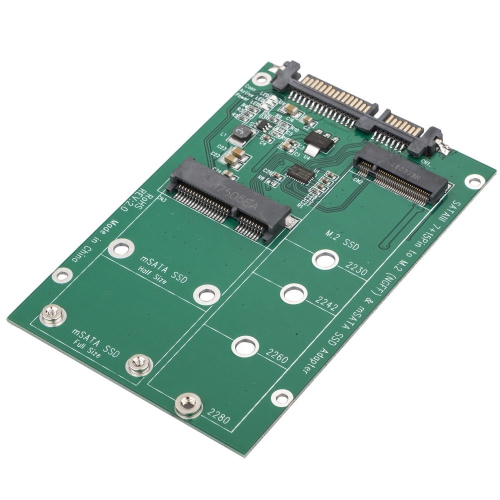


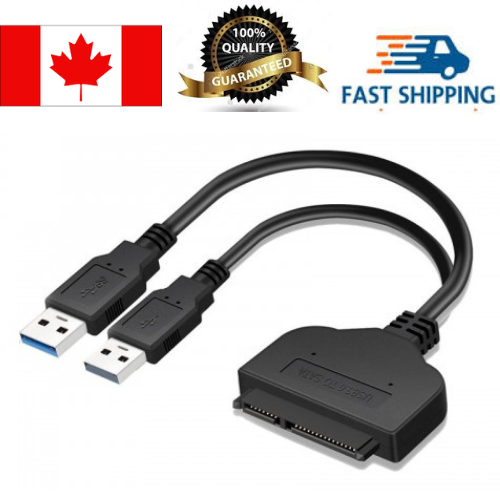


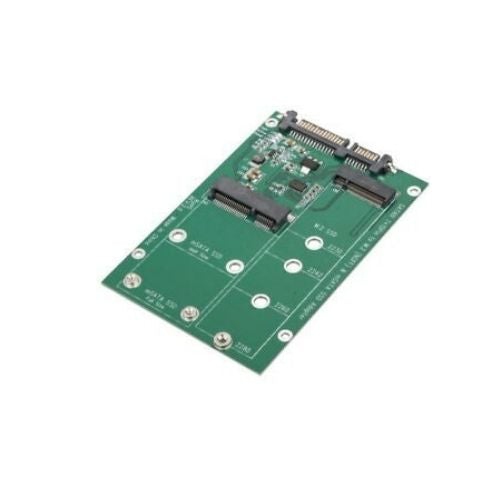

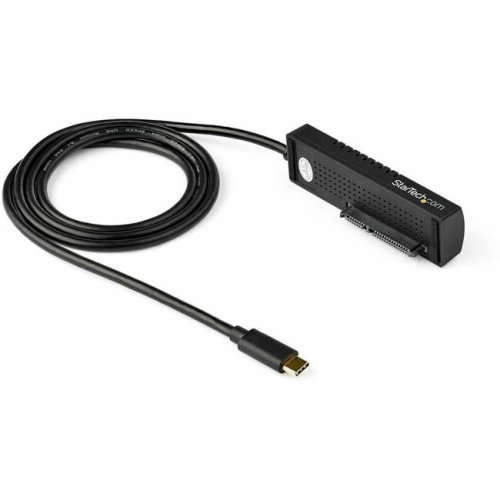


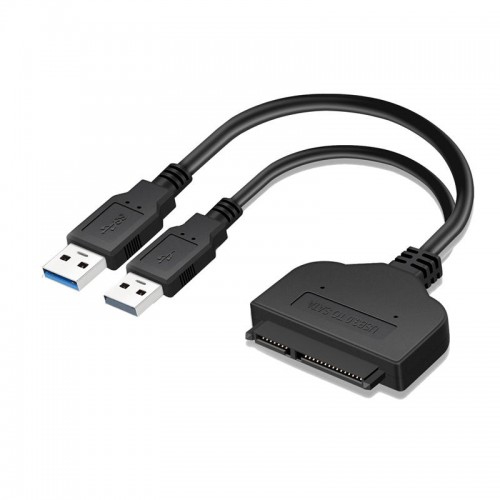


Internal drives can work beyond their original computers
SATA adapter converters connect compatible Serial ATA (SATA) hard disk drives and solid-state drives to another supported interface, making storage accessible beyond its original installation. Depending on the design, an adapter may connect a bare SATA drive to a computer through USB, link a SATA drive with a compatible older interface, or adapt a particular connector layout inside a computer. These connections are useful when moving files from a retired desktop, replacing a laptop’s storage, checking a spare drive, or preparing a larger drive before an upgrade. A USB-to-SATA adapter, for example, can give a compatible internal drive a temporary external connection without requiring it to be installed inside the computer. Compatibility starts with the drive itself: its interface, physical format, connector arrangement, and power requirements all matter. Conventional 2.5-inch SATA drives are common in laptops and compact storage setups, while 3.5-inch SATA hard drives are often associated with desktop computers. Both commonly use adjacent SATA data and power connectors, but their power needs differ. Smaller formats require closer attention to the actual interface rather than appearance alone. An M.2 drive may use SATA or PCIe/NVMe, and those technologies are not interchangeable simply because the drives have similar shapes. An adapter made for a conventional SATA connector will not directly accept an M.2 module, while an M.2 SATA adapter does not automatically support NVMe storage. Older IDE drives also use a different connection, so adapters intended to bridge IDE and SATA need to match the drive type and the direction of the connection. A converter designed to connect one kind of drive to a particular host interface may not work in reverse. These distinctions make SATA adapter converters especially useful for computer enthusiasts, repair technicians, home-office users, and anyone working with storage from more than one generation of equipment. Broader categories such as Hard Drive Adapters can also include connections for storage formats beyond SATA.
The connection to the computer is just as important as the connection to the drive. USB-to-SATA adapters contain bridge electronics that let a compatible computer communicate with SATA storage through USB; a simple SATA data cable does not perform that conversion. USB-A and USB-C describe connector shapes, not a guaranteed transfer rate, so the supported USB standard remains an important part of the specification. The computer’s port, the adapter, the cable, and the drive all contribute to actual performance. An SSD can benefit from a faster connection during large transfers, but an adapter cannot make the drive exceed its own capabilities. Mechanical hard drives have their own speed limits, and folders filled with thousands of small files often transfer differently from a single large video file. Power is another practical distinction between adapter types. Many 2.5-inch SATA SSDs and hard drives can operate from power supplied through a suitable USB connection, provided the adapter and host port meet the drive’s requirements. A 3.5-inch desktop hard drive generally needs an external power supply because it requires power that a basic USB connection alone does not provide. The correct voltage, sufficient current, and a compatible power connector are essential; a plug that physically fits is not enough to establish electrical compatibility. Internal adapters may also require separate power connections even when their data connectors fit neatly. Support for drive capacity, operating systems, and features such as drive-health reporting can vary between adapter designs. File-system compatibility matters too: a drive can be detected successfully while its contents remain inaccessible to an operating system that cannot read its format. Encryption, account permissions, and a drive’s condition can further affect access. For storage upgrades, cloning may require separate software and a suitable destination drive, rather than being a function provided by the adapter alone.
Physical construction influences how comfortably an adapter fits into everyday tasks and how well it stands up to repeated handling. Compact cable-style adapters take up little space in a repair pouch or desk drawer, while enclosed bridge modules can offer a more substantial grip around the electronics. Moulded plastic housings, metal shells, reinforced cable exits, and securely fitted connectors are common design details worth considering alongside compatibility. A firm connector fit helps maintain contact, but SATA connectors should never need to be forced or bent into place. Cable length also affects usability: a little extra reach can let a drive rest securely beside a laptop instead of hanging from a port, while a shorter cable can keep a crowded work surface tidier. Inside a desktop case, straight and right-angle connectors suit different clearances, although the orientation of an angled connector must match the available space. Bare-drive adapters generally leave the drive exposed, so they serve a different purpose from an enclosure that surrounds the storage device for regular transport. A stable, dry, non-conductive surface helps support a connected drive, and exposed circuit boards need protection from contact, liquids, and static discharge. Mechanical drives should remain still while operating rather than being moved around during a transfer. For routine care, disconnected connectors can be kept free of dust, cables stored without tight bends, and power supplies kept with the adapters they are intended to support. Internal connections should be made with the computer powered down and disconnected from power; externally connected storage should be safely ejected before disconnection where the operating system provides that option. These small details matter during familiar jobs, whether copying family photos from an older computer, transferring a project archive, or testing storage before installation. An adapter can provide access to a working drive, but it cannot repair damaged hardware, bypass encryption, or guarantee that files can be retrieved. Unexpected formatting prompts deserve caution when existing files matter, since initializing or formatting a drive can put those files at risk. For valuable or irreplaceable data, maintaining a separate backup remains important regardless of the connection used.
The connection to the computer is just as important as the connection to the drive. USB-to-SATA adapters contain bridge electronics that let a compatible computer communicate with SATA storage through USB; a simple SATA data cable does not perform that conversion. USB-A and USB-C describe connector shapes, not a guaranteed transfer rate, so the supported USB standard remains an important part of the specification. The computer’s port, the adapter, the cable, and the drive all contribute to actual performance. An SSD can benefit from a faster connection during large transfers, but an adapter cannot make the drive exceed its own capabilities. Mechanical hard drives have their own speed limits, and folders filled with thousands of small files often transfer differently from a single large video file. Power is another practical distinction between adapter types. Many 2.5-inch SATA SSDs and hard drives can operate from power supplied through a suitable USB connection, provided the adapter and host port meet the drive’s requirements. A 3.5-inch desktop hard drive generally needs an external power supply because it requires power that a basic USB connection alone does not provide. The correct voltage, sufficient current, and a compatible power connector are essential; a plug that physically fits is not enough to establish electrical compatibility. Internal adapters may also require separate power connections even when their data connectors fit neatly. Support for drive capacity, operating systems, and features such as drive-health reporting can vary between adapter designs. File-system compatibility matters too: a drive can be detected successfully while its contents remain inaccessible to an operating system that cannot read its format. Encryption, account permissions, and a drive’s condition can further affect access. For storage upgrades, cloning may require separate software and a suitable destination drive, rather than being a function provided by the adapter alone.
Physical construction influences how comfortably an adapter fits into everyday tasks and how well it stands up to repeated handling. Compact cable-style adapters take up little space in a repair pouch or desk drawer, while enclosed bridge modules can offer a more substantial grip around the electronics. Moulded plastic housings, metal shells, reinforced cable exits, and securely fitted connectors are common design details worth considering alongside compatibility. A firm connector fit helps maintain contact, but SATA connectors should never need to be forced or bent into place. Cable length also affects usability: a little extra reach can let a drive rest securely beside a laptop instead of hanging from a port, while a shorter cable can keep a crowded work surface tidier. Inside a desktop case, straight and right-angle connectors suit different clearances, although the orientation of an angled connector must match the available space. Bare-drive adapters generally leave the drive exposed, so they serve a different purpose from an enclosure that surrounds the storage device for regular transport. A stable, dry, non-conductive surface helps support a connected drive, and exposed circuit boards need protection from contact, liquids, and static discharge. Mechanical drives should remain still while operating rather than being moved around during a transfer. For routine care, disconnected connectors can be kept free of dust, cables stored without tight bends, and power supplies kept with the adapters they are intended to support. Internal connections should be made with the computer powered down and disconnected from power; externally connected storage should be safely ejected before disconnection where the operating system provides that option. These small details matter during familiar jobs, whether copying family photos from an older computer, transferring a project archive, or testing storage before installation. An adapter can provide access to a working drive, but it cannot repair damaged hardware, bypass encryption, or guarantee that files can be retrieved. Unexpected formatting prompts deserve caution when existing files matter, since initializing or formatting a drive can put those files at risk. For valuable or irreplaceable data, maintaining a separate backup remains important regardless of the connection used.
Top selling and popular products
-
 Your price for this item is $19.99
-
 Your price for this item is $99.99
-
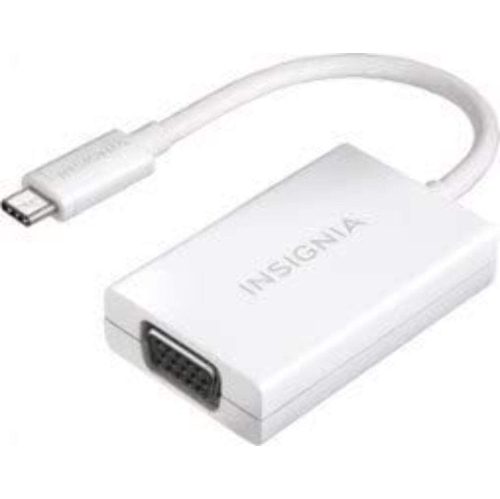 Your price for this item is $15
-
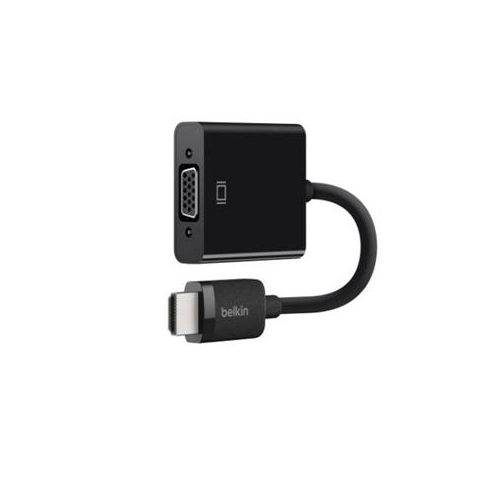 Your price for this item is $50.68
-
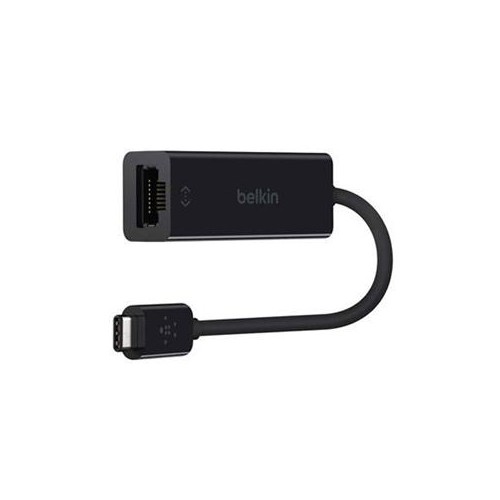 Your price for this item is $51.68
-
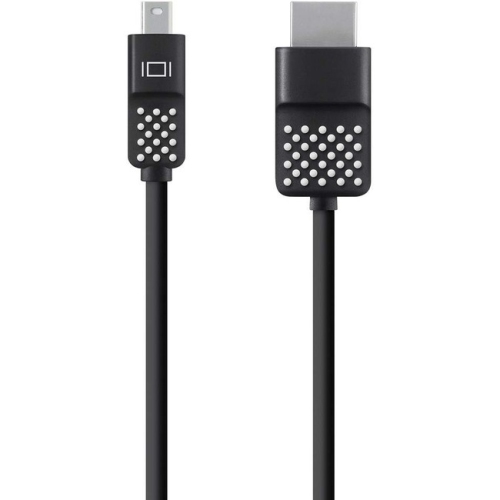 Your price for this item is $29.68
-
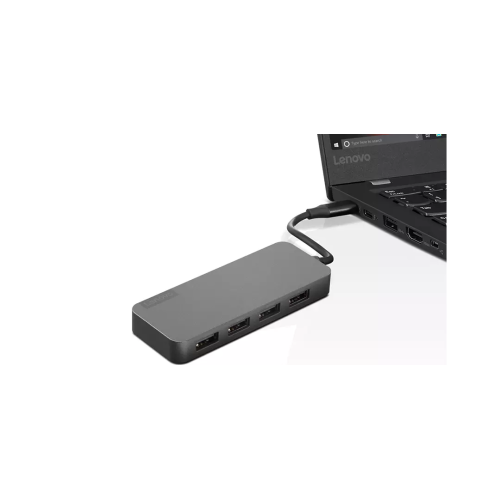 Your price for this item is $39.99
-
 Your price for this item is $51.68
Discover more categories related to SATA Adapter Converters


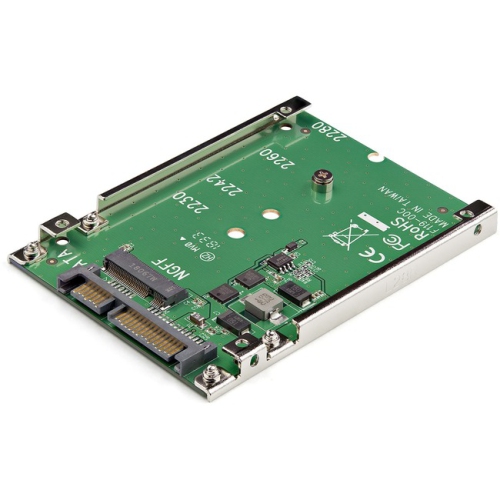
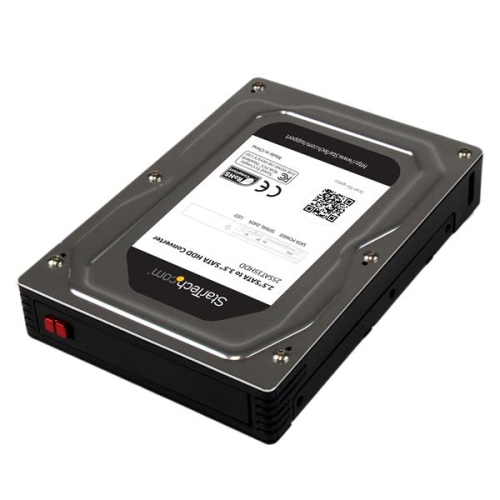
Top Collections:
Best Black Friday Deals This Year, Best Black Friday Deals On Electronics, Kindle Devices, Pokemon Centers, Best Black Friday Deals On Apple Products, Best Cameras for Sports Photography, Dyson Airwrap, Pokémon 30th Celebration Cards, Apple iPhone 17 Pro, Canon G7X Cameras
Some products may be subject to Environmental Handling Fees
(EHF) depending on your province.
Learn more about EHFs.