SATA Adapters
Unlock the potential of your devices with SATA adapters, essential tools for bridging connections and enhancing compatibility between various components. Whether you're upgrading your computer, transferring data, or simply looking to streamline your setup, these versatile adapters offer seamless integration and flexibility. Ideal for both tech enthusiasts and everyday users, SATA adapters are designed to simplify connectivity challenges, ensuring you can efficiently manage your digital world with ease. Explore our selection to find the perfect solution that meets your needs and keeps your devices running smoothly.
Sort
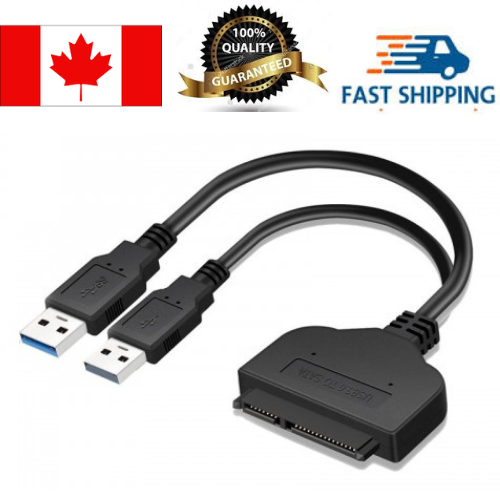

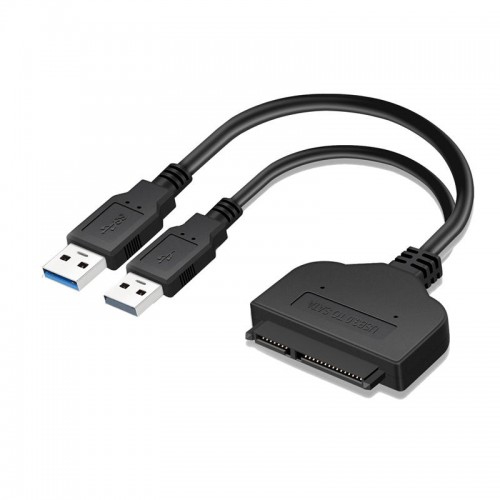


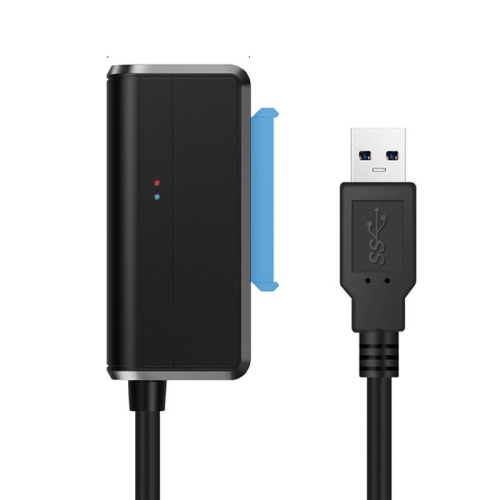
The right connection brings stored files within reach
SATA adapters connect Serial ATA storage devices to a different connection on a computer, making an internal hard drive or solid-state drive accessible without necessarily installing it inside the computer. Depending on the design, an adapter can connect a SATA drive through USB, add internal SATA ports through a PCIe expansion slot, or accommodate a compatible drive in another supported interface. These different functions suit different tasks: copying family photos from a retired laptop drive, preparing an SSD before a storage upgrade, or connecting additional drives inside a desktop tower. A SATA to USB adapter is particularly useful for temporary access, with the drive resting beside the computer while documents, music libraries, or project folders are transferred. Internal expansion adapters are better suited to systems where drives will remain installed and connected. Physical drive size and power requirements are central to compatibility. Many 2.5-inch SATA SSDs and laptop hard drives can operate using power supplied through a suitable USB connection, while 3.5-inch desktop hard drives generally need an adapter with a separate power supply that provides the required voltages. A cable that fits a desktop drive is not necessarily able to power it. Standard SATA drives have separate data and power connections, commonly combined into a single connector on an external adapter. Other storage formats can look similar without being interchangeable. Slimline SATA optical drives, older IDE drives, and compact M.2 SSDs need connections designed for their particular interfaces. Support for a full-size SATA optical drive also needs to be stated explicitly, since not every adapter supports disc-reading or writing functions. For households, students, technicians, and home-office users, the value lies in reaching usable storage through a connection that suits the computer and the job. An adapter can help access a working drive removed from another machine, but it cannot repair mechanical damage, bypass encryption, or guarantee that files on a failing drive will be readable.
Connection type affects both convenience and performance, so SATA adapter specifications describe more than the shape of the plug. USB-A and USB-C identify connector styles; the supported USB data standard determines the connection’s potential transfer rate. A USB-C connector alone does not guarantee faster file transfers than USB-A. SATA III supports a theoretical signalling rate of 6 Gbps, while many common USB adapters use a 5 Gbps USB connection. Faster USB connections can reduce that particular limitation, but they cannot make a SATA drive exceed its own capabilities. Actual file-copy speeds also depend on the drive, the computer, the adapter’s controller, and the size and number of files being moved. A folder containing thousands of small documents can transfer differently from one large video file, and a mechanical hard drive will not perform like an SSD simply because both use the same adapter. UASP support can improve transfer efficiency when the adapter, computer, and operating system all support it, particularly with SSDs and workloads involving multiple requests. Internal PCIe SATA cards introduce another set of considerations, including an available expansion slot, clearance inside the case, compatible drivers, and enough power connections for the attached drives. Several drives connected to one card share the bandwidth available to that card. Boot support and RAID features are separate capabilities rather than assumptions. M.2 compatibility requires similar care: M.2 describes a physical format used by devices with different electrical interfaces. A passive M.2 SATA adapter does not convert an NVMe SSD into a SATA drive, and an M.2 controller that adds SATA ports must match the host slot’s supported interface and physical requirements. Operating-system compatibility matters as well, especially with older computers or specialized setups. Access to an existing drive also depends on its file system and any encryption. A drive that appears in a system utility but not in the file browser may need further assessment; formatting it would erase existing data rather than make those files accessible.
Construction and handling become especially important when a SATA adapter is used repeatedly. Flexible cable jackets, secure connector housings, and strain relief where the cable enters the plug help withstand ordinary movement around a desktop or workbench. Compact adapters are easy to carry in a laptop bag, while designs with a longer cable can give a connected drive a stable resting place instead of leaving its weight hanging from a computer port. Plastic housings keep weight down, and metal housings can provide additional rigidity, although material alone does not establish durability or transfer performance. An exposed adapter is different from a complete drive enclosure: it provides a connection but may leave the drive’s circuit board and connectors uncovered. That makes it practical for occasional transfers or testing, but less protective for a drive that travels frequently. A loose hard drive needs a clean, stable surface, with room around it for airflow and without pressure on exposed components. Mechanical drives are particularly vulnerable to knocks while operating, and neither hard drives nor SSDs benefit from spills, dust buildup, or sharply bent cables. Gentle connector alignment helps protect the keyed SATA connections; resistance is a reason to check orientation rather than force the fit. For external power supplies, the specified voltage, polarity, and connector must match the adapter’s requirements. Internal installations also need secure drive mounting and cable routing that stays clear of fans. Safe removal through the operating system helps ensure pending writes are finished before an external drive is disconnected. For a broader range of connections and storage formats, Hard Drive Adapters covers related options beyond SATA-specific uses. The most suitable SATA adapter brings together the right drive interface, sufficient power, a compatible computer connection, and a form factor suited to occasional file access or a permanent installation. Those practical details make the difference between a connector that merely fits and a dependable connection for everyday storage tasks.
Connection type affects both convenience and performance, so SATA adapter specifications describe more than the shape of the plug. USB-A and USB-C identify connector styles; the supported USB data standard determines the connection’s potential transfer rate. A USB-C connector alone does not guarantee faster file transfers than USB-A. SATA III supports a theoretical signalling rate of 6 Gbps, while many common USB adapters use a 5 Gbps USB connection. Faster USB connections can reduce that particular limitation, but they cannot make a SATA drive exceed its own capabilities. Actual file-copy speeds also depend on the drive, the computer, the adapter’s controller, and the size and number of files being moved. A folder containing thousands of small documents can transfer differently from one large video file, and a mechanical hard drive will not perform like an SSD simply because both use the same adapter. UASP support can improve transfer efficiency when the adapter, computer, and operating system all support it, particularly with SSDs and workloads involving multiple requests. Internal PCIe SATA cards introduce another set of considerations, including an available expansion slot, clearance inside the case, compatible drivers, and enough power connections for the attached drives. Several drives connected to one card share the bandwidth available to that card. Boot support and RAID features are separate capabilities rather than assumptions. M.2 compatibility requires similar care: M.2 describes a physical format used by devices with different electrical interfaces. A passive M.2 SATA adapter does not convert an NVMe SSD into a SATA drive, and an M.2 controller that adds SATA ports must match the host slot’s supported interface and physical requirements. Operating-system compatibility matters as well, especially with older computers or specialized setups. Access to an existing drive also depends on its file system and any encryption. A drive that appears in a system utility but not in the file browser may need further assessment; formatting it would erase existing data rather than make those files accessible.
Construction and handling become especially important when a SATA adapter is used repeatedly. Flexible cable jackets, secure connector housings, and strain relief where the cable enters the plug help withstand ordinary movement around a desktop or workbench. Compact adapters are easy to carry in a laptop bag, while designs with a longer cable can give a connected drive a stable resting place instead of leaving its weight hanging from a computer port. Plastic housings keep weight down, and metal housings can provide additional rigidity, although material alone does not establish durability or transfer performance. An exposed adapter is different from a complete drive enclosure: it provides a connection but may leave the drive’s circuit board and connectors uncovered. That makes it practical for occasional transfers or testing, but less protective for a drive that travels frequently. A loose hard drive needs a clean, stable surface, with room around it for airflow and without pressure on exposed components. Mechanical drives are particularly vulnerable to knocks while operating, and neither hard drives nor SSDs benefit from spills, dust buildup, or sharply bent cables. Gentle connector alignment helps protect the keyed SATA connections; resistance is a reason to check orientation rather than force the fit. For external power supplies, the specified voltage, polarity, and connector must match the adapter’s requirements. Internal installations also need secure drive mounting and cable routing that stays clear of fans. Safe removal through the operating system helps ensure pending writes are finished before an external drive is disconnected. For a broader range of connections and storage formats, Hard Drive Adapters covers related options beyond SATA-specific uses. The most suitable SATA adapter brings together the right drive interface, sufficient power, a compatible computer connection, and a form factor suited to occasional file access or a permanent installation. Those practical details make the difference between a connector that merely fits and a dependable connection for everyday storage tasks.
Top selling and popular products
-
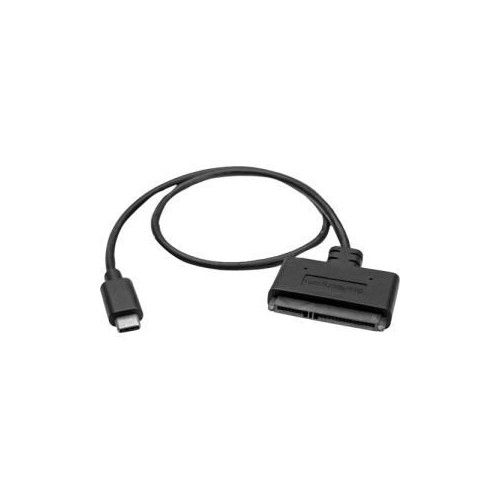 Your price for this item is $36.68
-
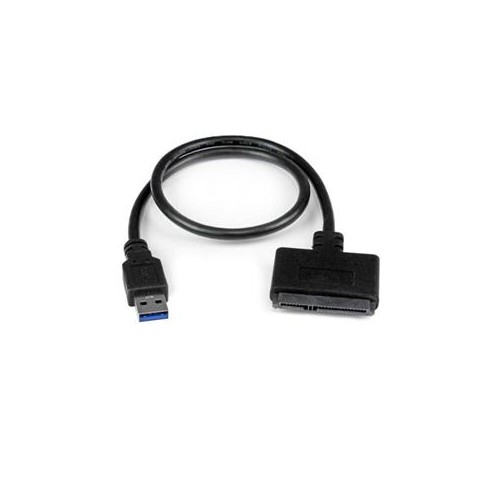 Your price for this item is $17.68
-
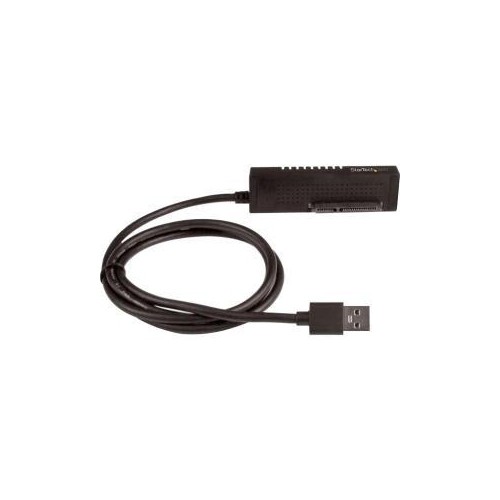 Your price for this item is $56.68
-
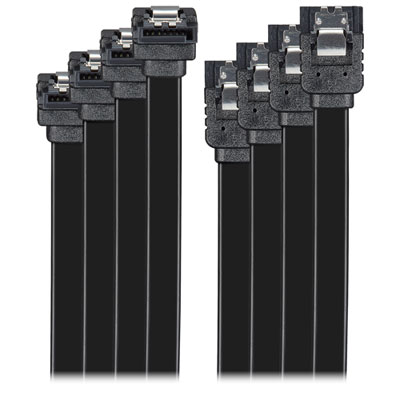 Your price for this item is $9.99
-
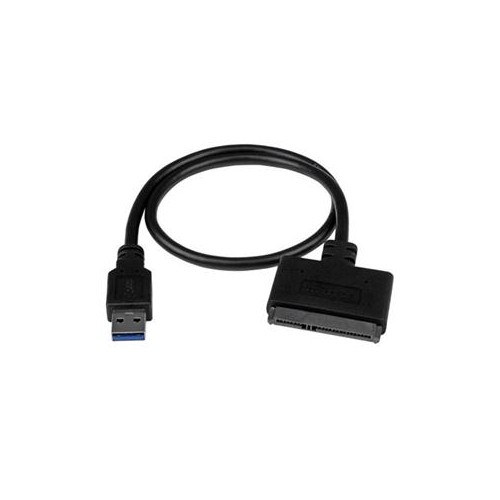 Your price for this item is $27.68
-
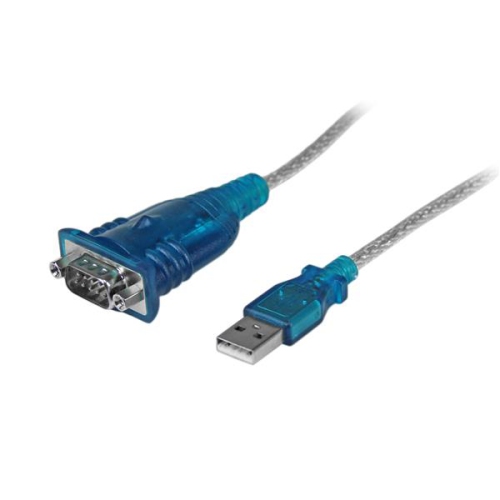 Your price for this item is $36.99
-
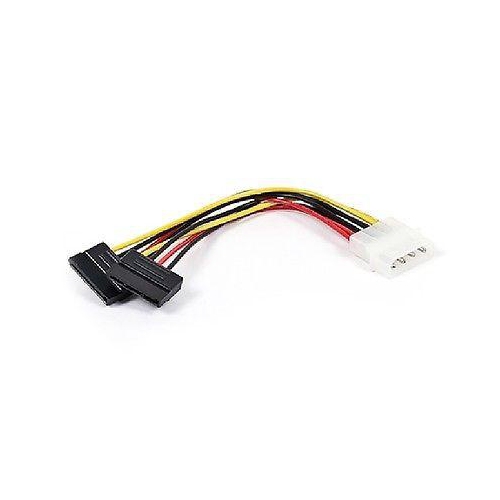 Your price for this item is $6.5
-
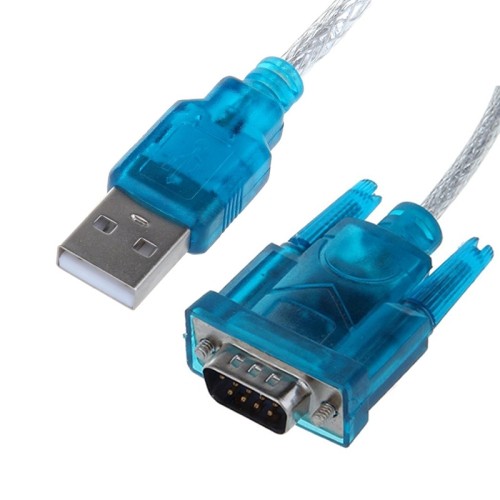 Your price for this item is $9.99
Discover more categories related to SATA Adapters
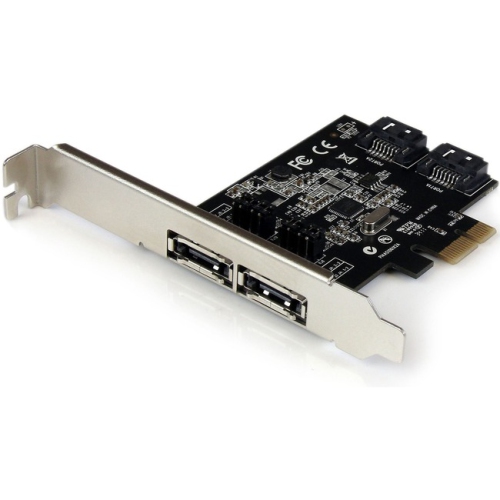

Top Collections:
Best Black Friday Deals This Year, Best Black Friday Deals On Electronics, Kindle Devices, Pokemon Centers, Best Black Friday Deals On Apple Products, Best Cameras for Sports Photography, Dyson Airwrap, Pokémon 30th Celebration Cards, Apple iPhone 17 Pro, Canon G7X Cameras
Some products may be subject to Environmental Handling Fees
(EHF) depending on your province.
Learn more about EHFs.