Sata Controller Cards
Looking to enhance the performance and expand the storage capabilities of your computer? Look no further than our wide selection of SATA controller cards. These powerful devices are designed to provide seamless connectivity between your motherboard and additional hard drives, allowing you to effortlessly transfer data, increase storage capacity, and improve overall system performance. They are the perfect solution for anyone looking to upgrade their existing storage capabilities.
Sort

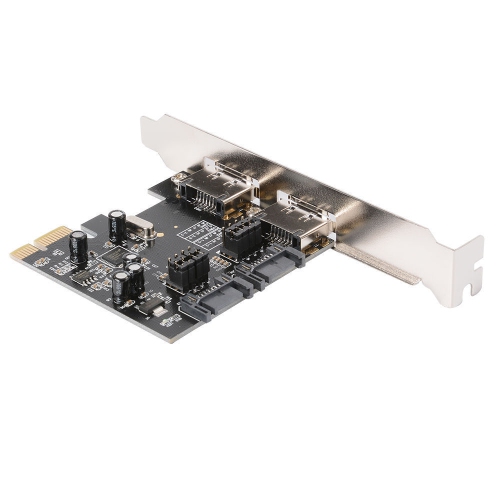

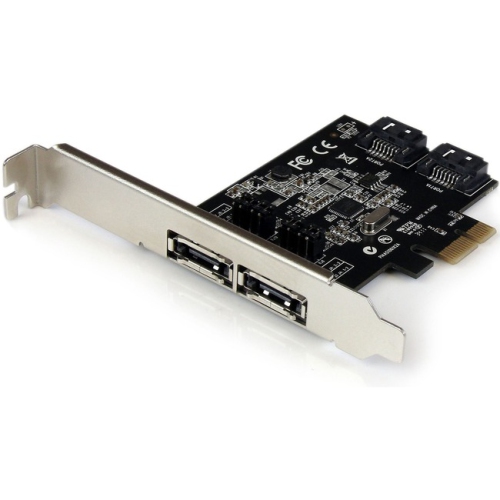


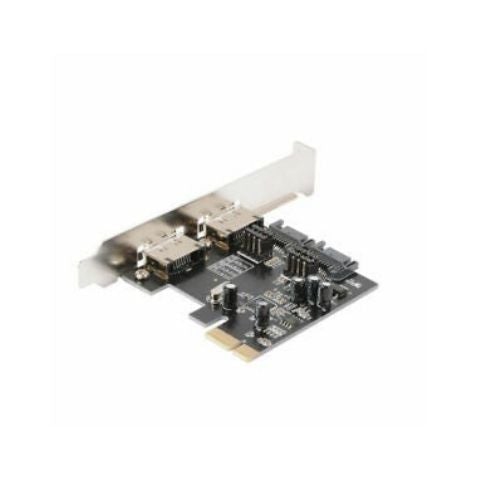
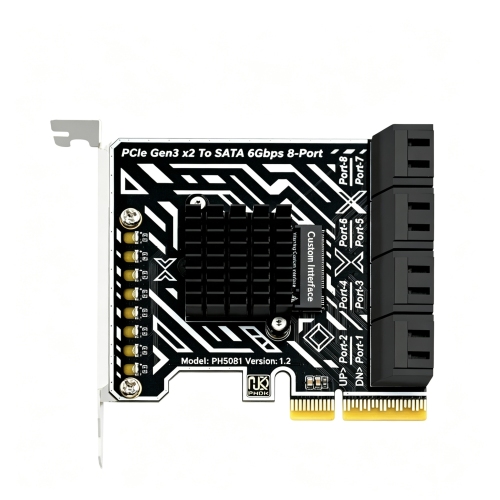
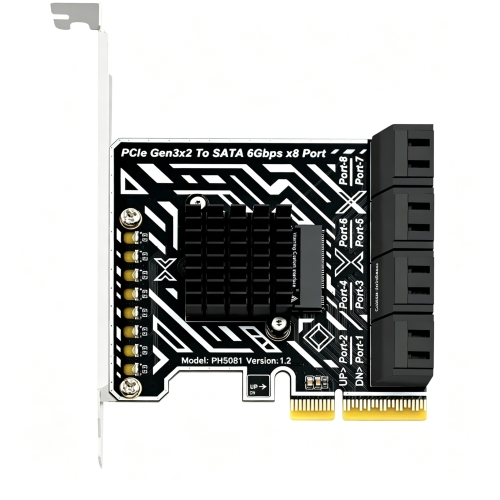
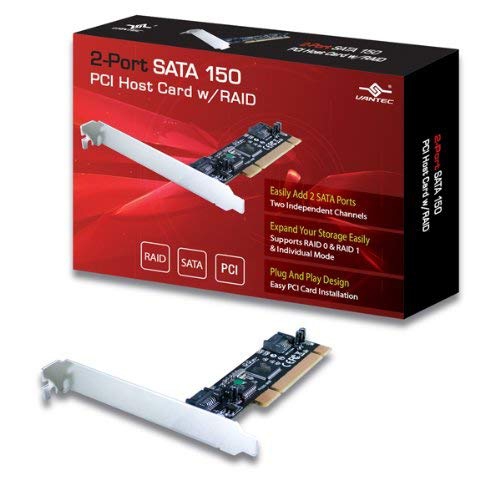
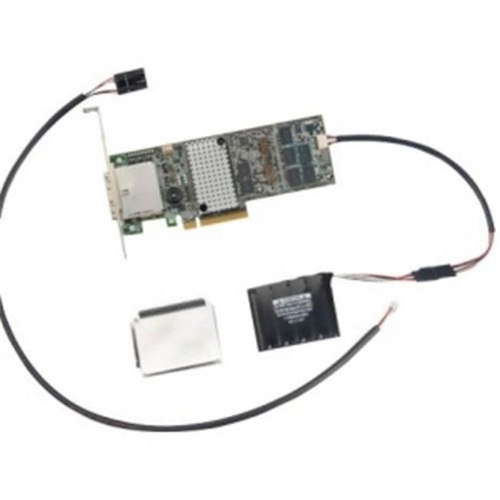

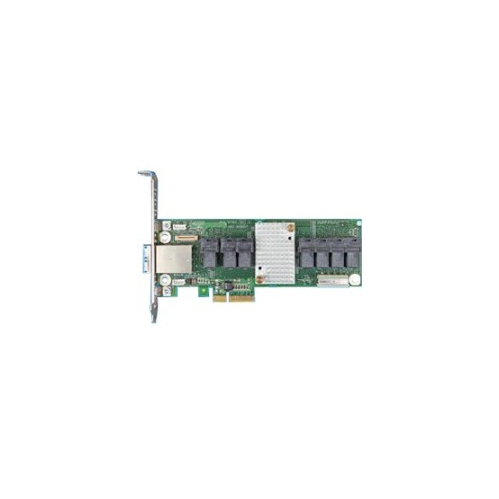
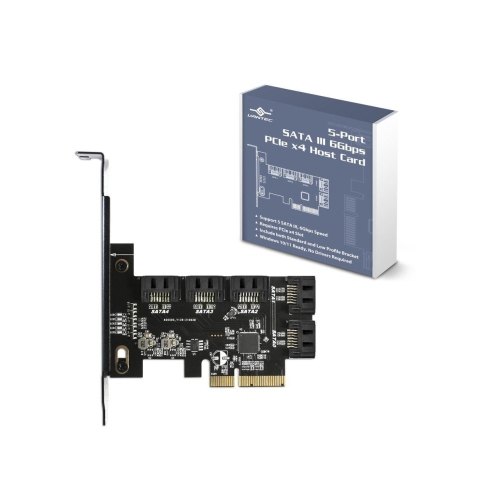



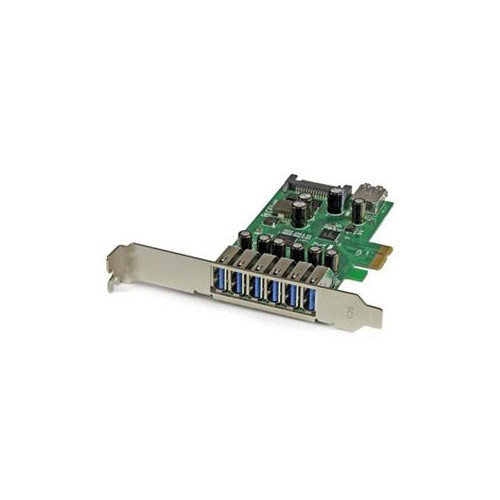






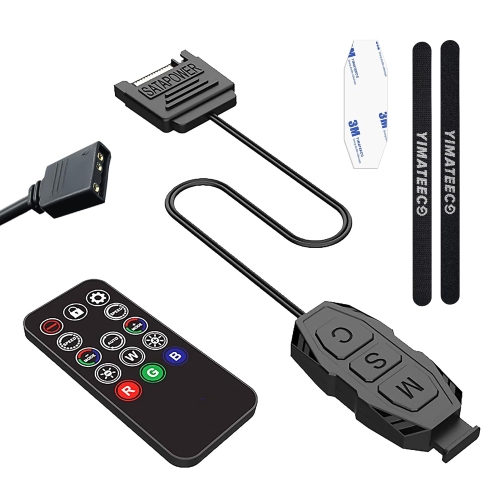

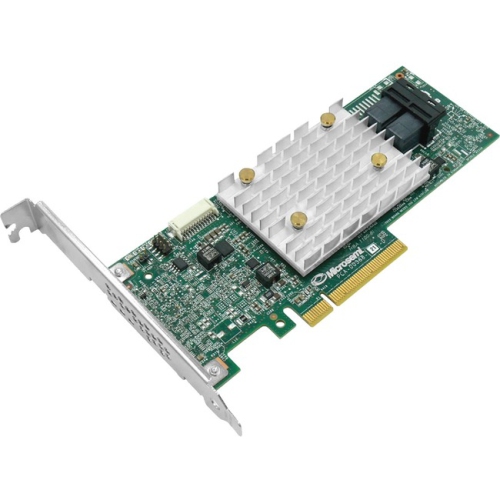

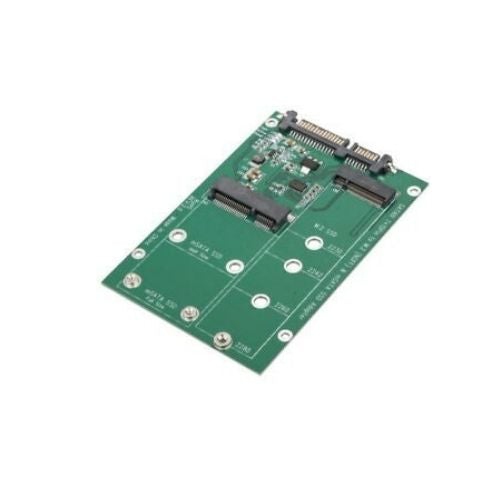


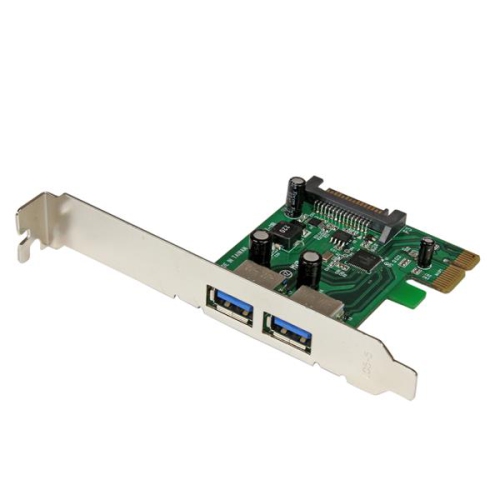

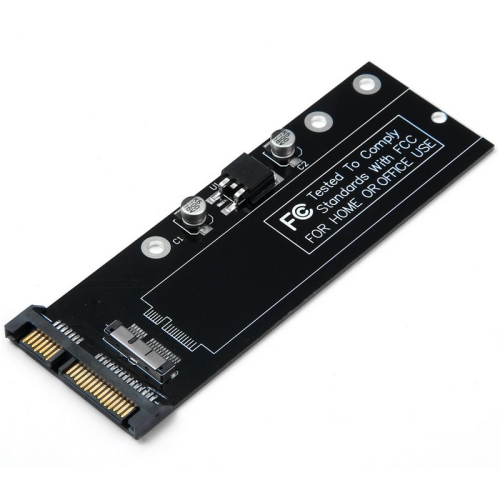


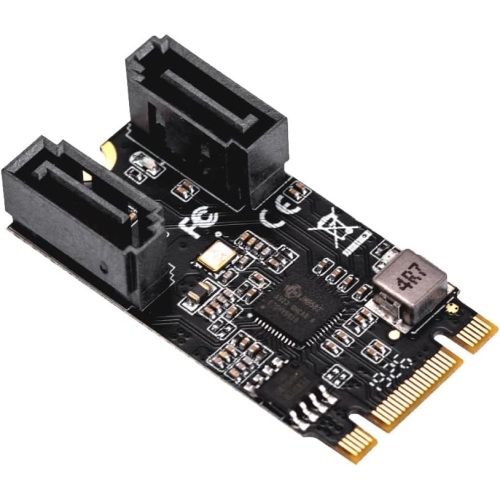


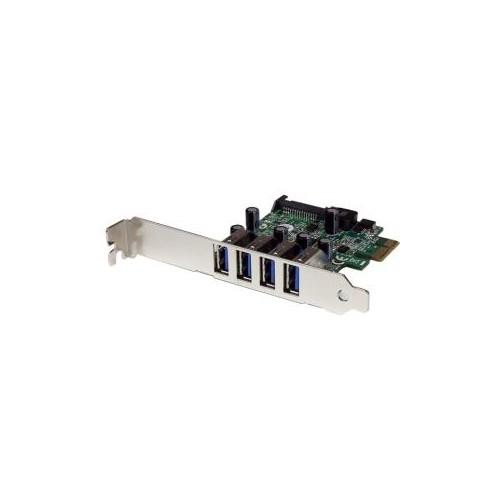
More drive connections without replacing your motherboard
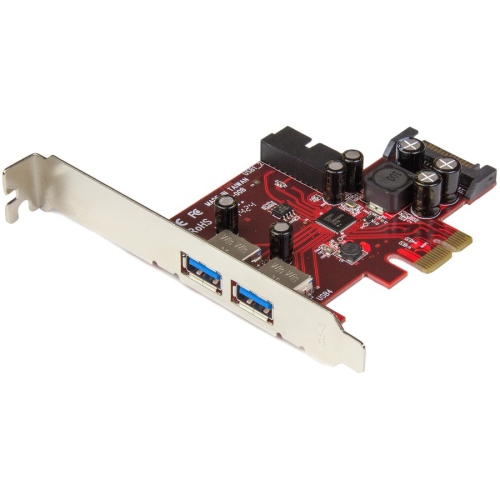
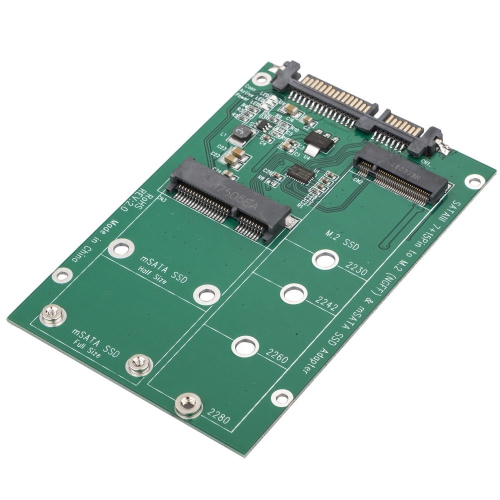
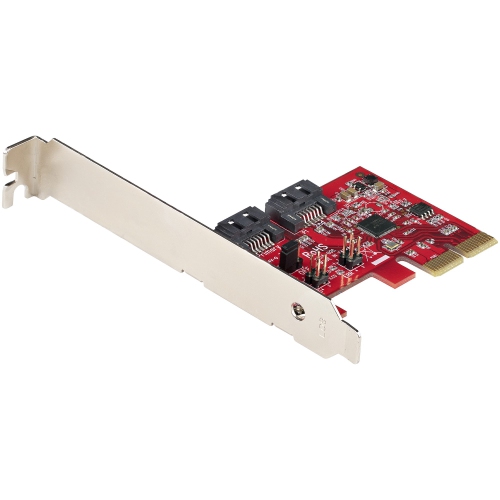
SATA controller cards expand a computer’s storage connectivity by adding Serial ATA ports through a motherboard expansion slot, usually PCI Express (PCIe). They provide connections for compatible SATA hard drives, solid-state drives, and, where supported, optical drives when the motherboard’s built-in ports are already occupied. Most designs provide internal SATA ports, while cards equipped with eSATA ports support compatible external storage connections. Older controller designs may use a conventional PCI slot rather than PCIe, making the connection type an important distinction. These cards serve a different purpose from storage drives: they create additional connections but do not add storage capacity on their own. Capacity comes from the drives attached to them. For a photographer with separate drives for original images, edited files, and archived projects, extra ports can make an existing desktop more useful without replacing its motherboard. Video editors, home lab enthusiasts, and small-office users may also need several drives connected at once for working files, media libraries, or scheduled backups. A SATA controller can help organize those connections inside a suitable computer case, provided there are enough drive bays, power connectors, and accessible expansion slots. The category includes straightforward port-expansion cards as well as controllers with additional storage-management features, so the number of connectors is only part of the picture. Some configurations prioritize connecting several independent drives, while others support particular RAID arrangements. RAID support is not a feature of every SATA controller card, and its capabilities depend on the controller’s hardware, firmware, and software. For many desktop storage projects, a card that presents each drive separately is the intended fit. For others, a controller designed for a specific storage arrangement may be more appropriate. This distinction matters whether the goal is adding a single archive drive or building a larger collection of connected storage devices.
Physical fit and electrical compatibility shape how a SATA controller card works within a computer. A full-height desktop case and a compact system may require different mounting brackets, and a low-profile bracket is only useful when the card itself also fits the available space. The location of nearby graphics cards, cooling hardware, and drive cages can affect clearance, especially when SATA connectors face the edge of the board. PCIe cards also differ in their required slot size and lane count. A card’s advertised port count does not reveal how much bandwidth its connection to the motherboard can carry, and several active drives may share that connection. This is particularly relevant when multiple SATA solid-state drives are transferring large files simultaneously. A setup used mainly for occasional access to hard-drive archives places different demands on the controller than a workstation moving footage between several SSDs. SATA revision names describe the drive-side connection: SATA III supports a nominal signalling rate of 6Gb/s per port, but actual file-transfer speeds depend on the drives, controller, PCIe connection, workload, and other system components. Adding a controller does not make an older hard drive perform like an SSD, nor does it give a SATA SSD the interface capabilities of an NVMe drive. Standard SATA ports are intended for compatible SATA devices; an M.2 NVMe drive cannot connect directly through a SATA data cable. Operating-system support is another practical consideration, including whether the controller uses built-in drivers or requires a separate installation. Firmware support can also determine whether a connected drive can serve as the computer’s startup drive. A card that works well for additional file storage may not support booting in every system. Motherboard documentation remains relevant because expansion slots can share resources with other connections, and installing a card may affect which onboard ports or slots remain usable. Compatibility therefore involves the complete system rather than the connector shape alone.
Reliable storage expansion also depends on the hardware surrounding the controller. A typical internal SATA drive needs both a data connection to the controller and a separate power connection from the computer’s power supply. The controller card does not normally supply drive power through its SATA data ports, so spare power connectors and sufficient power-supply capacity matter when adding drives. External eSATA connections generally require the enclosure or drive to have its own power source. Cable routing affects everyday practicality: cables need enough length to reach their drives without pulling on connectors, but excessive slack can crowd a small case. Right-angle and straight SATA cable ends suit different layouts, and locking connectors can help keep compatible connections seated securely. Connector orientation matters in tightly packed drive cages, where a cable that fits one position may obstruct another. Related connection accessories, including SATA Adapters, address different compatibility needs and are not interchangeable with a controller card that adds host ports. Card construction commonly includes a printed circuit board, a metal mounting bracket, and, on some designs, a heatsink over the controller chip. Secure mounting, unobstructed airflow, and cables kept clear of fans support dependable operation. Handling precautions against static discharge and disconnecting system power before installation help protect internal components. Hot-swap capability should not be assumed simply because a drive uses SATA; it depends on support across the controller, operating system, drive connection, and enclosure or backplane. Storage-management features deserve similar attention. RAID can provide particular performance or drive-failure protections depending on its configuration, but it does not replace a separate backup of important files. Accidental deletion, file corruption, or a problem affecting the whole computer can still put data at risk. For someone expanding a family media library, maintaining project archives, or adding storage to a desktop workstation, the most useful controller is one whose connections, physical dimensions, software support, and bandwidth match the intended workload. Those details determine whether additional drives become a straightforward part of the computer’s daily use.
Physical fit and electrical compatibility shape how a SATA controller card works within a computer. A full-height desktop case and a compact system may require different mounting brackets, and a low-profile bracket is only useful when the card itself also fits the available space. The location of nearby graphics cards, cooling hardware, and drive cages can affect clearance, especially when SATA connectors face the edge of the board. PCIe cards also differ in their required slot size and lane count. A card’s advertised port count does not reveal how much bandwidth its connection to the motherboard can carry, and several active drives may share that connection. This is particularly relevant when multiple SATA solid-state drives are transferring large files simultaneously. A setup used mainly for occasional access to hard-drive archives places different demands on the controller than a workstation moving footage between several SSDs. SATA revision names describe the drive-side connection: SATA III supports a nominal signalling rate of 6Gb/s per port, but actual file-transfer speeds depend on the drives, controller, PCIe connection, workload, and other system components. Adding a controller does not make an older hard drive perform like an SSD, nor does it give a SATA SSD the interface capabilities of an NVMe drive. Standard SATA ports are intended for compatible SATA devices; an M.2 NVMe drive cannot connect directly through a SATA data cable. Operating-system support is another practical consideration, including whether the controller uses built-in drivers or requires a separate installation. Firmware support can also determine whether a connected drive can serve as the computer’s startup drive. A card that works well for additional file storage may not support booting in every system. Motherboard documentation remains relevant because expansion slots can share resources with other connections, and installing a card may affect which onboard ports or slots remain usable. Compatibility therefore involves the complete system rather than the connector shape alone.
Reliable storage expansion also depends on the hardware surrounding the controller. A typical internal SATA drive needs both a data connection to the controller and a separate power connection from the computer’s power supply. The controller card does not normally supply drive power through its SATA data ports, so spare power connectors and sufficient power-supply capacity matter when adding drives. External eSATA connections generally require the enclosure or drive to have its own power source. Cable routing affects everyday practicality: cables need enough length to reach their drives without pulling on connectors, but excessive slack can crowd a small case. Right-angle and straight SATA cable ends suit different layouts, and locking connectors can help keep compatible connections seated securely. Connector orientation matters in tightly packed drive cages, where a cable that fits one position may obstruct another. Related connection accessories, including SATA Adapters, address different compatibility needs and are not interchangeable with a controller card that adds host ports. Card construction commonly includes a printed circuit board, a metal mounting bracket, and, on some designs, a heatsink over the controller chip. Secure mounting, unobstructed airflow, and cables kept clear of fans support dependable operation. Handling precautions against static discharge and disconnecting system power before installation help protect internal components. Hot-swap capability should not be assumed simply because a drive uses SATA; it depends on support across the controller, operating system, drive connection, and enclosure or backplane. Storage-management features deserve similar attention. RAID can provide particular performance or drive-failure protections depending on its configuration, but it does not replace a separate backup of important files. Accidental deletion, file corruption, or a problem affecting the whole computer can still put data at risk. For someone expanding a family media library, maintaining project archives, or adding storage to a desktop workstation, the most useful controller is one whose connections, physical dimensions, software support, and bandwidth match the intended workload. Those details determine whether additional drives become a straightforward part of the computer’s daily use.
Top selling and popular products
-
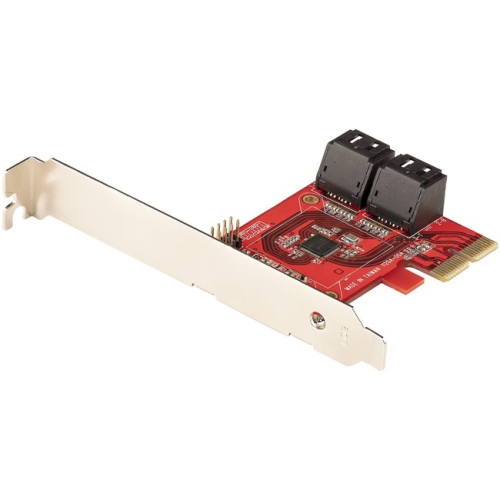 Your price for this item is $101.68
-
 Your price for this item is $73.99
-
 Your price for this item is $1589.68
-
 Your price for this item is $1100.68
-
 Your price for this item is $49.98
-
 Your price for this item is $1505.68
-
 Your price for this item is $2714.68
-
 Your price for this item is $2559.69
Discover more categories related to Sata Controller Cards

Top Collections:
Best Black Friday Deals This Year, Best Black Friday Deals On Electronics, Kindle Devices, Pokemon Centers, Best Black Friday Deals On Apple Products, Best Cameras for Sports Photography, Dyson Airwrap, Pokémon 30th Celebration Cards, Apple iPhone 17 Pro, Canon G7X Cameras
Some products may be subject to Environmental Handling Fees
(EHF) depending on your province.
Learn more about EHFs.