Slim Mice
Discover the perfect blend of style and functionality with our selection of slim mice at Best Buy Canada. Ideal for both work and play, these sleek devices offer a modern aesthetic that complements any desktop setup. Whether you're navigating through spreadsheets or indulging in your favourite online games, slim mice provide the precision and comfort you need for seamless control. Explore options designed to fit effortlessly into your hand while enhancing your productivity and elevating your tech experience.
Sort
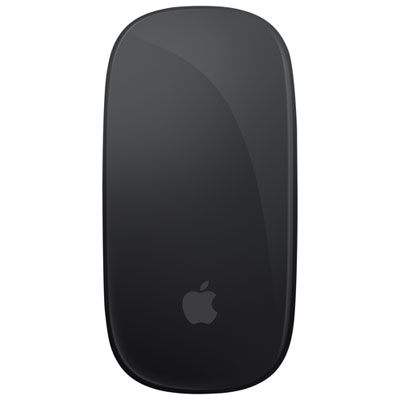
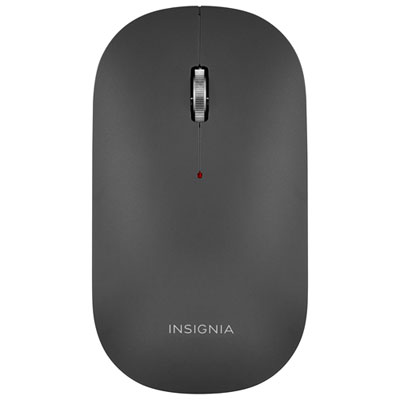
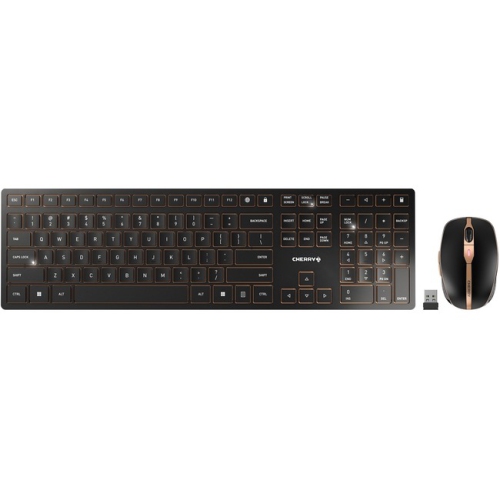
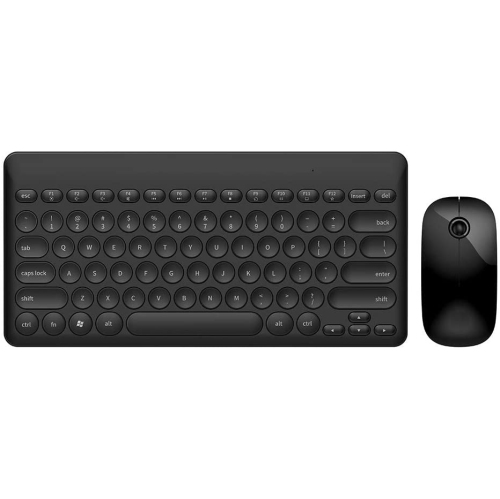
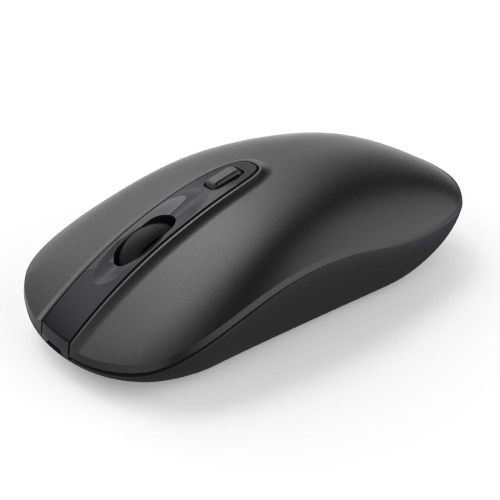
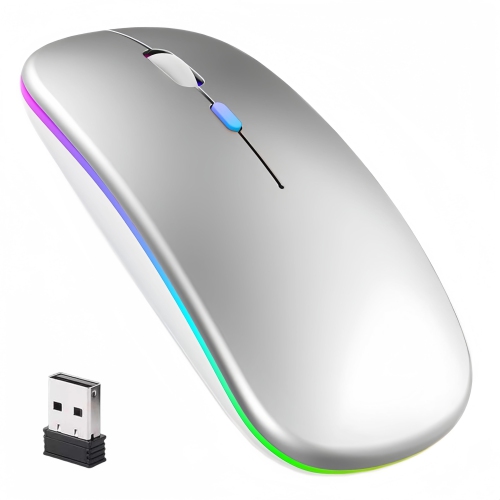
Portable comfort and connectivity for mobile computer use
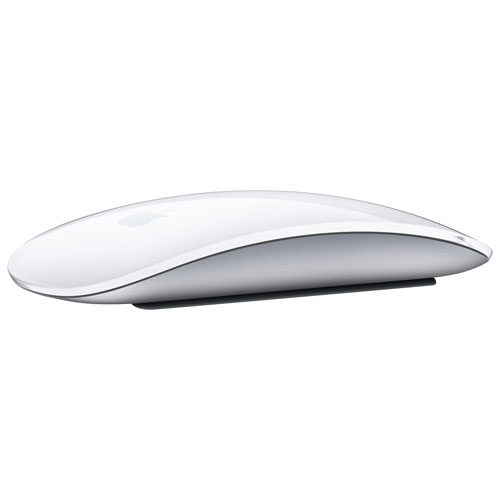
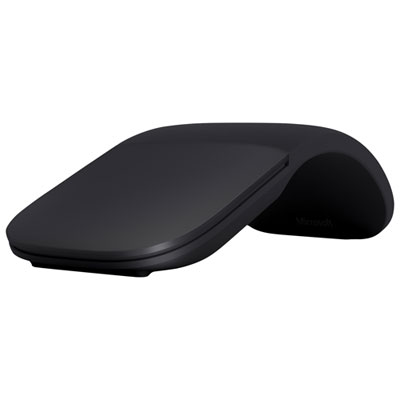
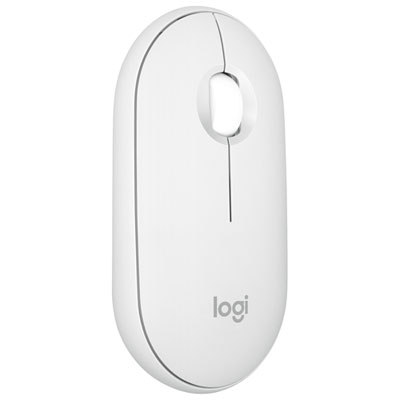
Slim mice are ultra-thin computer mice designed for easy transport, uncluttered workspaces and comfortable everyday navigation. Their low-profile shape slides neatly into a laptop sleeve, backpack pocket or desk drawer, making them a practical choice for students, commuters, remote workers and anyone who regularly moves between rooms or locations. Unlike a traditional, fuller-sized mouse, a slim design takes up very little space beside a laptop, notebook or coffee mug. This can be especially helpful at a shared desk, in a library, on a train or at a small kitchen table where every centimetre matters. Many slim mice are lightweight as well, often weighing less than 80 grams, so they add little bulk to a mobile setup. Some have a smooth, rounded profile that feels natural in the hand, while foldable or arc-style designs remain nearly flat during transport and curve into a more usable shape when it is time to work. The best choice depends on how the mouse will be carried and used. A compact, fixed shape may be ideal for quick browsing and travel, while a design with a more pronounced contour can provide added support during longer sessions. Slim mice are also a thoughtful gift for a student heading to school, a family member setting up a home office or a colleague who works with a laptop in multiple locations. Their understated appearance suits a wide range of desks, and their simple operation makes them approachable for people who want a dependable pointing device without a complicated setup.
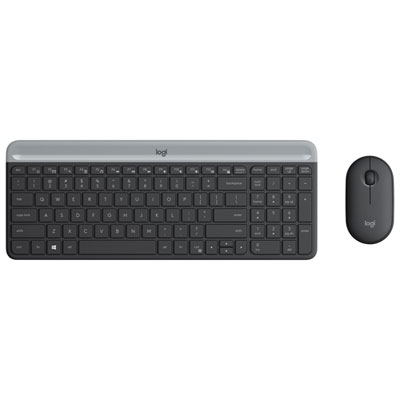
Connectivity is one of the most important considerations when choosing a slim mouse. Bluetooth models connect directly to many laptops, tablets and other compatible devices without occupying a USB port, which helps preserve a clean, dongle-free workspace. This is particularly useful for newer laptops that have limited ports, or for people who prefer to keep their computer bag free of small accessories that can be misplaced. Some Bluetooth mice can switch between two or more paired devices, allowing one mouse to move from a work laptop to a personal computer with the press of a button. Other slim mice use a 2.4 GHz wireless USB receiver, offering plug-and-play convenience and a stable connection once the receiver is inserted. A receiver can be stored inside the mouse or carried in a laptop case, although it is worth checking whether the computer has a compatible USB port or requires an adapter. Wired slim mice are less common for travel-focused setups, but they can be useful when a constant connection and no battery management are priorities. Battery life is another detail that can make a noticeable difference during everyday use. Models powered by AA or AAA batteries may operate for many months or longer before a replacement is needed, while USB-C rechargeable options can be topped up alongside a laptop or phone. Consider where the mouse will be used and whether carrying spare batteries or a charging cable fits naturally into that routine. A power switch, automatic sleep mode and a battery indicator can help prevent unexpected interruptions. When moving between a warm home office and cooler travel environments during the changing seasons, a simple charging habit can keep a portable setup ready without adding much effort.
Comfort and sound are just as important as size. A slim mouse should be easy to guide across a desk, with buttons that respond consistently and a scroll wheel that moves smoothly through documents, web pages and spreadsheets. Ambidextrous shapes can suit households or shared workspaces where the mouse may be used with either hand, while a more sculpted design may feel better for someone who spends several hours a day navigating detailed projects. If possible, pay attention to the width of the mouse and how much of the palm it supports. Very compact designs are convenient for short tasks, but some users may prefer a slightly broader profile for extended work. Surface material also affects the experience: a smooth finish can slip easily into a sleeve, while textured sides may provide a more secure grip when carrying or using the mouse away from a full-size desk. Quiet or low-noise switches are helpful in libraries, classrooms, offices, shared bedrooms and late-night workspaces, where sharp clicks can become distracting. For more options designed around reduced clicking sounds, explore Silent Mice. Slim mice are generally suited to browsing, writing, schoolwork, video calls, office applications and everyday navigation, while users working with high-precision creative software or competitive games may prefer a larger model with additional buttons and a more substantial sensor layout. Before choosing, check compatibility with the computer’s operating system, the required connection type, battery or charging method, button layout and the dimensions listed by the manufacturer. A little attention to these details helps ensure the mouse feels natural from the first click and remains a useful companion through busy study days, mobile work sessions and quieter evenings at home.
Connectivity is one of the most important considerations when choosing a slim mouse. Bluetooth models connect directly to many laptops, tablets and other compatible devices without occupying a USB port, which helps preserve a clean, dongle-free workspace. This is particularly useful for newer laptops that have limited ports, or for people who prefer to keep their computer bag free of small accessories that can be misplaced. Some Bluetooth mice can switch between two or more paired devices, allowing one mouse to move from a work laptop to a personal computer with the press of a button. Other slim mice use a 2.4 GHz wireless USB receiver, offering plug-and-play convenience and a stable connection once the receiver is inserted. A receiver can be stored inside the mouse or carried in a laptop case, although it is worth checking whether the computer has a compatible USB port or requires an adapter. Wired slim mice are less common for travel-focused setups, but they can be useful when a constant connection and no battery management are priorities. Battery life is another detail that can make a noticeable difference during everyday use. Models powered by AA or AAA batteries may operate for many months or longer before a replacement is needed, while USB-C rechargeable options can be topped up alongside a laptop or phone. Consider where the mouse will be used and whether carrying spare batteries or a charging cable fits naturally into that routine. A power switch, automatic sleep mode and a battery indicator can help prevent unexpected interruptions. When moving between a warm home office and cooler travel environments during the changing seasons, a simple charging habit can keep a portable setup ready without adding much effort.
Comfort and sound are just as important as size. A slim mouse should be easy to guide across a desk, with buttons that respond consistently and a scroll wheel that moves smoothly through documents, web pages and spreadsheets. Ambidextrous shapes can suit households or shared workspaces where the mouse may be used with either hand, while a more sculpted design may feel better for someone who spends several hours a day navigating detailed projects. If possible, pay attention to the width of the mouse and how much of the palm it supports. Very compact designs are convenient for short tasks, but some users may prefer a slightly broader profile for extended work. Surface material also affects the experience: a smooth finish can slip easily into a sleeve, while textured sides may provide a more secure grip when carrying or using the mouse away from a full-size desk. Quiet or low-noise switches are helpful in libraries, classrooms, offices, shared bedrooms and late-night workspaces, where sharp clicks can become distracting. For more options designed around reduced clicking sounds, explore Silent Mice. Slim mice are generally suited to browsing, writing, schoolwork, video calls, office applications and everyday navigation, while users working with high-precision creative software or competitive games may prefer a larger model with additional buttons and a more substantial sensor layout. Before choosing, check compatibility with the computer’s operating system, the required connection type, battery or charging method, button layout and the dimensions listed by the manufacturer. A little attention to these details helps ensure the mouse feels natural from the first click and remains a useful companion through busy study days, mobile work sessions and quieter evenings at home.
Top selling and popular products
-
 Your price for this item is $29.99
 -
 Your price for this item is $50.44
 -
 Your price for this item is $39.99
 -
 Your price for this item is $49.99
 -
 Your price for this item is $159.95
 -
 Your price for this item is $44.68
 -
 Your price for this item is $44.68
 -
 Your price for this item is $31
Discover more categories related to Slim Mice

Top Collections:
Pokemon Centers, Budget 4K TVs, Kindle Devices, Canon G7X Cameras, Apple iPhones 16, iPhone 15 Apple, Laptops for Business Work, Flip Phones, Xiaomi Phones, Refurbished Apple Laptops
Some products may be subject to Environmental Handling Fees
(EHF) depending on your province.
Learn more about EHFs.