Small Business Essentials
Small business essentials are the key to creating a productive, efficient workspace that supports your daily operations. From office technology to furniture and accessories, finding the right tools can help streamline tasks and keep your team connected. Discover a wide range of small business essentials designed to help you stay organized, enhance collaboration, and maintain a professional environment as your business grows.
Sort









Business tools that fit the work you actually do
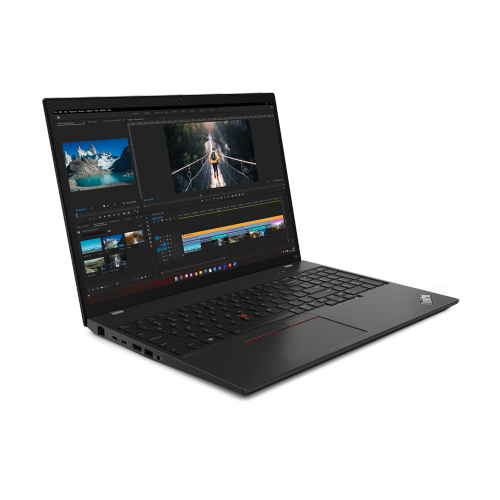
Small business essentials are the everyday tools that support administration, communication, customer service, and sales. For a Canadian small business, that can mean a dependable computer for invoices and appointments, a comfortable workstation for focused tasks, and connected equipment that keeps information moving between employees and customers. The right mix depends on how the business operates: a home-based consultant may spend most of the day reviewing documents and joining video calls, while a small retail team may divide its attention between a service counter, online orders, and back-office paperwork. Computers are central to many of these routines, with processing power, memory, and storage requirements shaped by the work involved. Email, spreadsheets, and browser-based applications place different demands on a system than design files, video editing, or several business applications running together. A portable computer suits someone who moves between client appointments and a workspace, while a desktop setup can provide a permanent place for shared administrative tasks. Screen size, keyboard comfort, and connections for displays and accessories also affect how well a workstation fits the working day. Accounting and invoicing software can help organize transactions and payment records, while customer management tools bring contact details, follow-ups, and appointment histories into a more consistent workflow. Software compatibility, user permissions, and licensing terms matter when more than one person needs access. A clear digital filing structure also makes it easier to retrieve an estimate during a customer call or send supporting documents to an accountant. For those furnishing a first workspace, the related Business Startup Essentials collection provides another place to explore equipment for day-to-day operations. Whether a business is just taking shape or adding another workstation, useful essentials have a clear role: helping people complete recurring tasks with fewer interruptions and less unnecessary handling of the same information. A bookkeeper, independent designer, shop owner, and mobile service provider may need different setups, but each benefits from equipment matched to actual workloads rather than occasional possibilities.
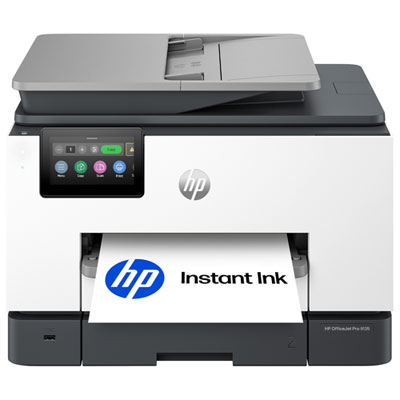
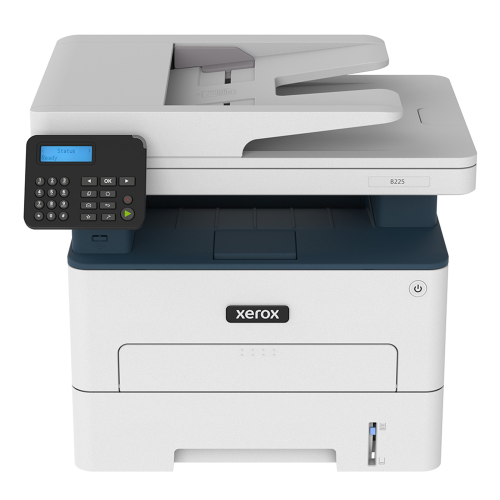
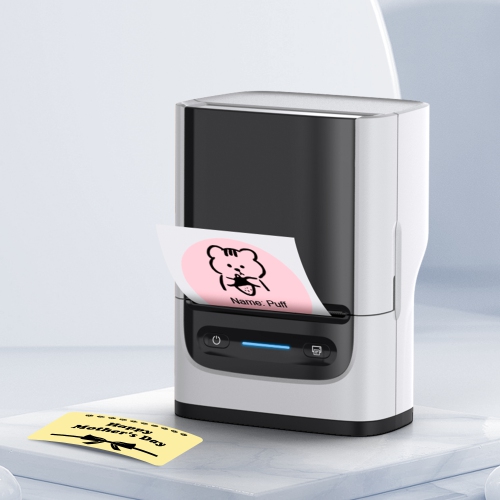
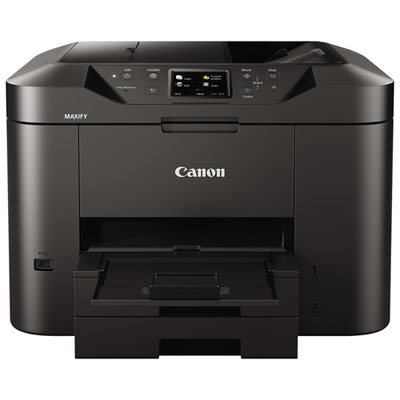
Reliable connectivity helps turn individual devices into a practical business setup. Wi-Fi coverage, wired connections, and the number of connected devices all influence how comfortably a small team can share files, process online transactions, or take calls. A compact office with a few workstations has different networking needs from a business with a customer area, a separate workroom, and equipment spread across several rooms. Guest network features can help separate visitor access from business devices, while supported security updates and manageable access settings are important considerations for connected equipment. Video meetings and telephone conversations also depend on more than the internet connection: a clear microphone, a suitably positioned camera, and a headset that remains comfortable through repeated calls can make customer communication feel more professional. Printed documents still have a place alongside digital systems, particularly for signed forms, shipping paperwork, and records that need to move between people. Printing volume, colour requirements, two-sided printing, and scanning capabilities help determine the most appropriate type of office equipment. An automatic document feeder can be useful when a business regularly digitizes multi-page documents, whereas occasional single-page scanning creates a different workload. Paper compatibility and the ongoing care required by the equipment deserve attention, especially where several employees share it. Label-making and document-organizing supplies can support clear identification of parcels, files, and storage areas without relying on handwritten notes that become difficult to read. Data storage and backup tools serve another essential purpose: maintaining access to working files and supporting recovery when a device fails or information is accidentally deleted. Backup software features, storage capacity, encryption options, and restore procedures all affect suitability. A backup is most useful when important files are included and recovery has been tested. Power protection also needs to match the task, since a surge protector and a battery backup serve different functions. Battery runtime and connected equipment requirements matter when the goal is to save work and shut down safely during an interruption.
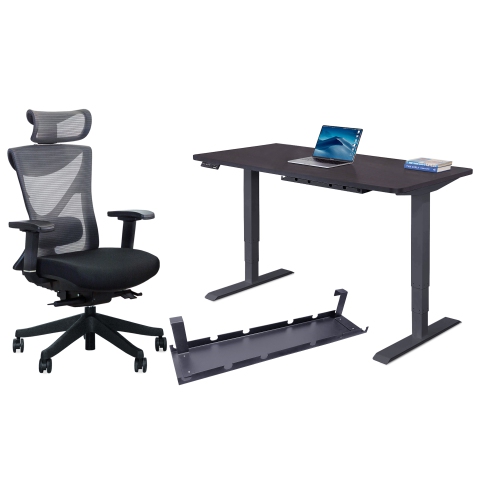
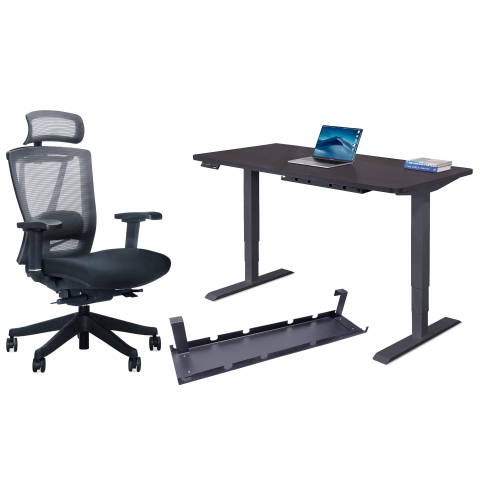
Furniture, storage, and everyday office supplies shape how a workspace functions just as much as its technology. A desk needs enough usable surface for the tasks performed there, whether that involves two displays, paperwork beside a keyboard, or a clear area for preparing customer orders. Overall dimensions matter, but so do legroom, access to drawers, cable routing, and space to move a chair without blocking a doorway. Adjustable seating can help accommodate different users, with seat height, back support, and armrest position influencing fit. In a shared office, adjustments that are easy to reach make it more practical for each person to establish a comfortable position. Materials should suit the setting and expected wear: powder-coated metal frames, laminate work surfaces, and upholstery each have different cleaning needs and responses to frequent handling. Manufacturer care directions help protect finishes, particularly when surfaces are wiped regularly or equipment is moved during cleaning. Storage works best when it reflects what needs to be stored. Frequently used forms benefit from accessible filing, confidential paperwork may call for lockable storage, and heavier supplies need shelving with an appropriate weight rating. For businesses handling deliveries, a designated packing area can keep tape, labels, and protective materials together while leaving administrative desks clear. A sturdy work surface and packaging suited to the contents help support a more consistent dispatch routine. Customer-facing spaces have their own practical needs, including clear signage, comfortable seating where appropriate, and a tidy place to complete forms or discuss an order. Even modest details, such as task lighting that illuminates paperwork without reflecting directly into a screen, can improve the experience of using the space. Durability is especially relevant wherever furniture or accessories are handled by several people throughout the day. Intended use, assembly requirements, cleaning instructions, and warranty terms help distinguish equipment suited to frequent business use from options better matched to occasional tasks. Across a home office, shared studio, service counter, or small commercial workspace, well-matched essentials support an organized setting where employees can work comfortably and customers can receive attentive service.
Reliable connectivity helps turn individual devices into a practical business setup. Wi-Fi coverage, wired connections, and the number of connected devices all influence how comfortably a small team can share files, process online transactions, or take calls. A compact office with a few workstations has different networking needs from a business with a customer area, a separate workroom, and equipment spread across several rooms. Guest network features can help separate visitor access from business devices, while supported security updates and manageable access settings are important considerations for connected equipment. Video meetings and telephone conversations also depend on more than the internet connection: a clear microphone, a suitably positioned camera, and a headset that remains comfortable through repeated calls can make customer communication feel more professional. Printed documents still have a place alongside digital systems, particularly for signed forms, shipping paperwork, and records that need to move between people. Printing volume, colour requirements, two-sided printing, and scanning capabilities help determine the most appropriate type of office equipment. An automatic document feeder can be useful when a business regularly digitizes multi-page documents, whereas occasional single-page scanning creates a different workload. Paper compatibility and the ongoing care required by the equipment deserve attention, especially where several employees share it. Label-making and document-organizing supplies can support clear identification of parcels, files, and storage areas without relying on handwritten notes that become difficult to read. Data storage and backup tools serve another essential purpose: maintaining access to working files and supporting recovery when a device fails or information is accidentally deleted. Backup software features, storage capacity, encryption options, and restore procedures all affect suitability. A backup is most useful when important files are included and recovery has been tested. Power protection also needs to match the task, since a surge protector and a battery backup serve different functions. Battery runtime and connected equipment requirements matter when the goal is to save work and shut down safely during an interruption.
Furniture, storage, and everyday office supplies shape how a workspace functions just as much as its technology. A desk needs enough usable surface for the tasks performed there, whether that involves two displays, paperwork beside a keyboard, or a clear area for preparing customer orders. Overall dimensions matter, but so do legroom, access to drawers, cable routing, and space to move a chair without blocking a doorway. Adjustable seating can help accommodate different users, with seat height, back support, and armrest position influencing fit. In a shared office, adjustments that are easy to reach make it more practical for each person to establish a comfortable position. Materials should suit the setting and expected wear: powder-coated metal frames, laminate work surfaces, and upholstery each have different cleaning needs and responses to frequent handling. Manufacturer care directions help protect finishes, particularly when surfaces are wiped regularly or equipment is moved during cleaning. Storage works best when it reflects what needs to be stored. Frequently used forms benefit from accessible filing, confidential paperwork may call for lockable storage, and heavier supplies need shelving with an appropriate weight rating. For businesses handling deliveries, a designated packing area can keep tape, labels, and protective materials together while leaving administrative desks clear. A sturdy work surface and packaging suited to the contents help support a more consistent dispatch routine. Customer-facing spaces have their own practical needs, including clear signage, comfortable seating where appropriate, and a tidy place to complete forms or discuss an order. Even modest details, such as task lighting that illuminates paperwork without reflecting directly into a screen, can improve the experience of using the space. Durability is especially relevant wherever furniture or accessories are handled by several people throughout the day. Intended use, assembly requirements, cleaning instructions, and warranty terms help distinguish equipment suited to frequent business use from options better matched to occasional tasks. Across a home office, shared studio, service counter, or small commercial workspace, well-matched essentials support an organized setting where employees can work comfortably and customers can receive attentive service.
Top selling and popular products
-
 Your price for this item is $199.99
-
 Your price for this item is $189.99
-
 Your price for this item is $144.99
-
 Your price for this item is $49.99
-
 Your price for this item is $49.99
-
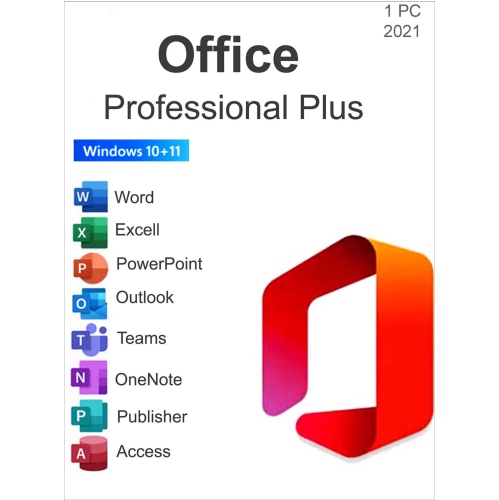 Your price for this item is $47.99
-
 Your price for this item is $334.99
-
 Your price for this item is $319
Discover more categories related to Small Business Essentials
Top Collections:
Pokemon Centers, Best Black Friday Deals This Year, Best Black Friday Deals On Electronics, Kindle Devices, Best Budget Office Chairs, Best Black Friday Deals On Apple Products, Best Cameras for Sports Photography, Pokémon 30th Celebration Cards, Dyson Airwrap, Canon G7X Cameras
Some products may be subject to Environmental Handling Fees
(EHF) depending on your province.
Learn more about EHFs.