Small Form Factors
Small Form Factor devices are designed to maximize performance while minimizing space, making them an ideal choice for those seeking efficiency without compromising on capability. Whether outfitting a compact workspace, upgrading a home office, or looking for tech solutions that fit seamlessly into any environment, Small Form Factor options offer versatility and style to suit your needs. Explore a wide selection tailored to deliver powerful results in a streamlined design.
Sort
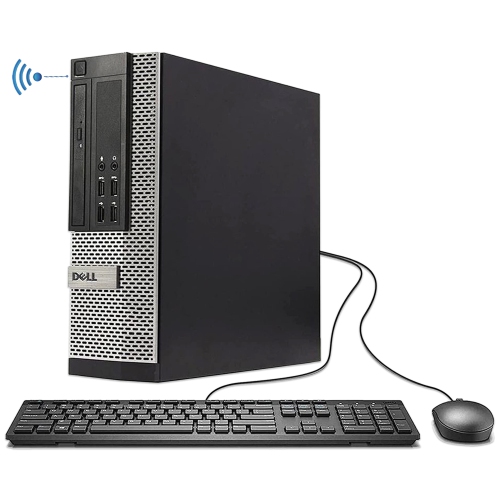
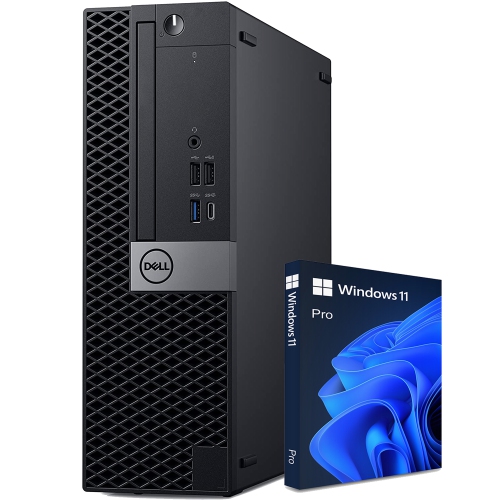


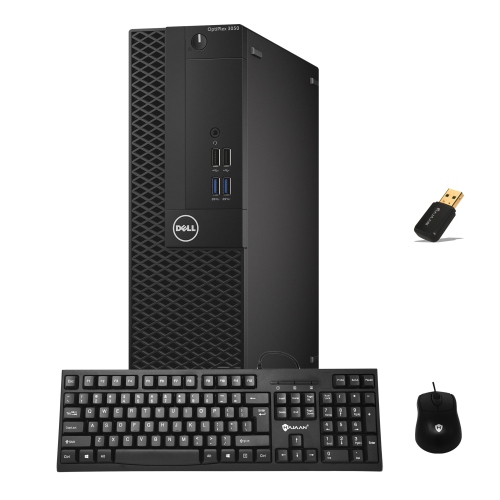

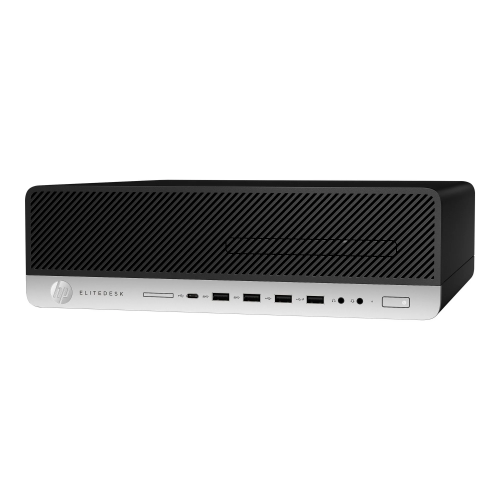


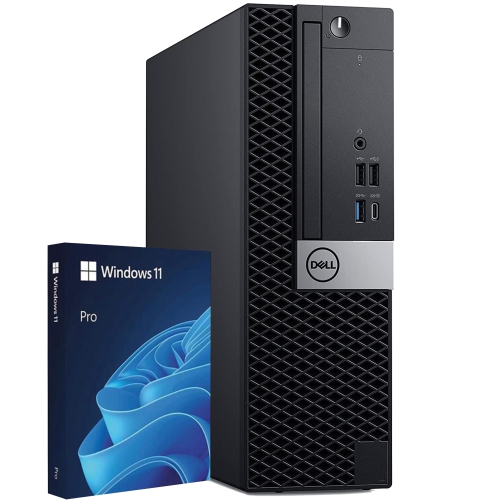
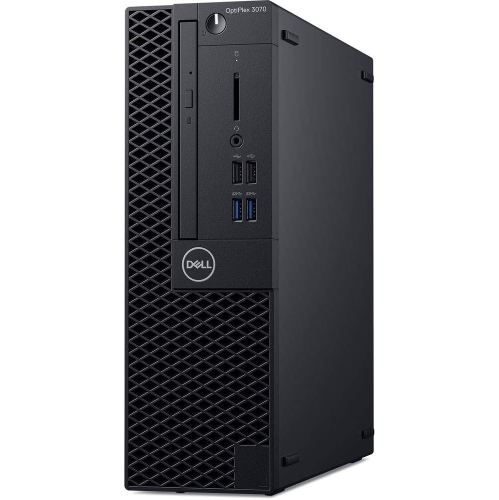
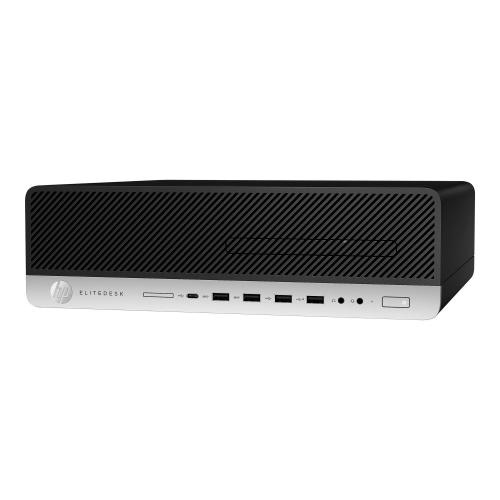
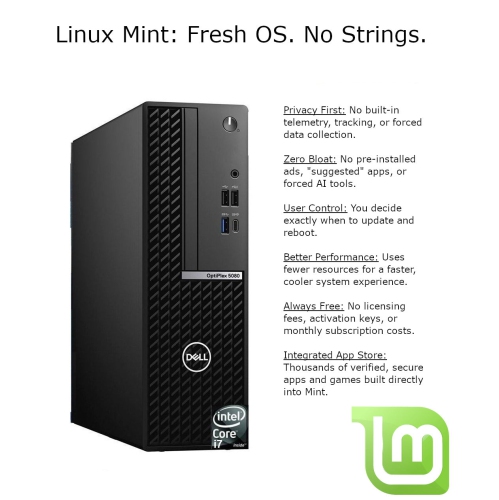

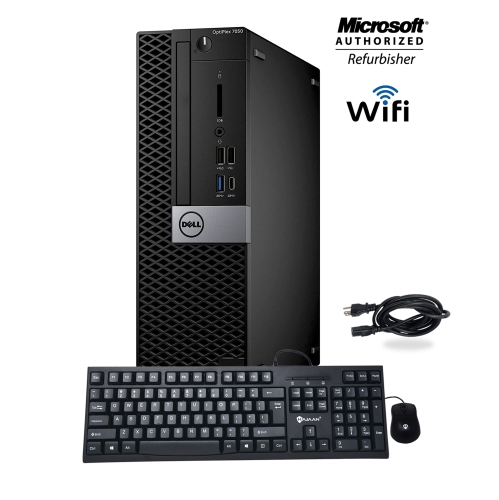


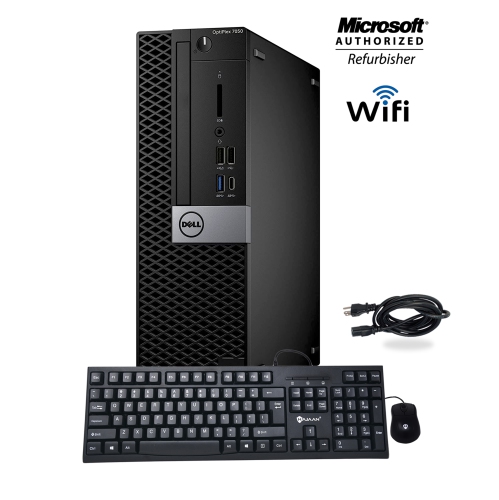
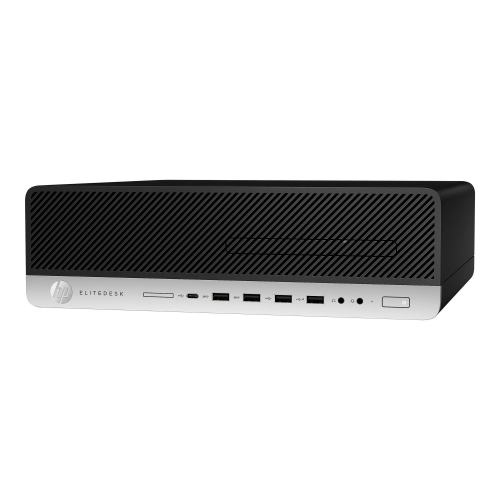
Desktop flexibility without the full-size tower footprint
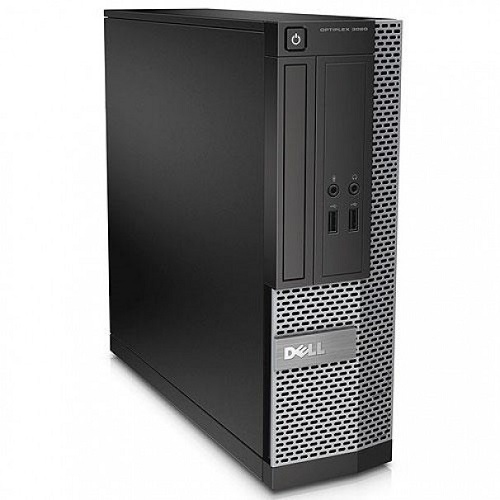
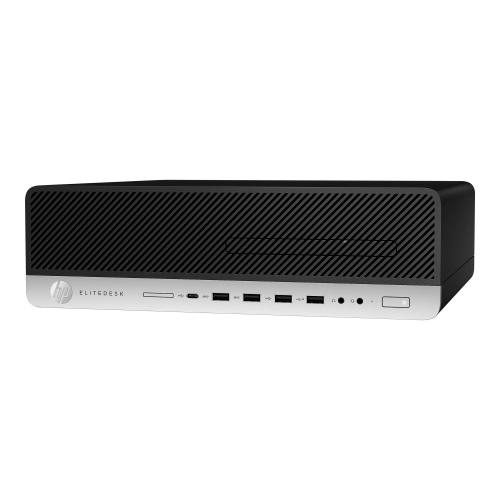
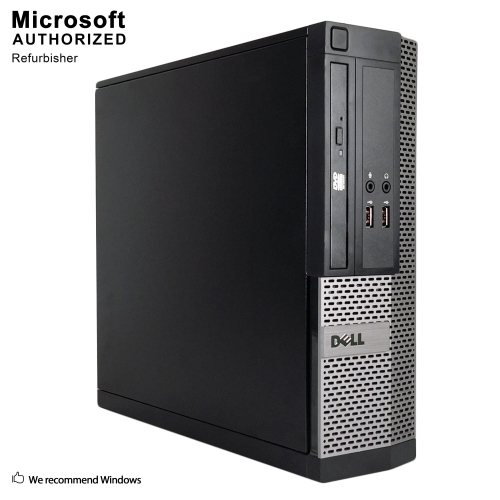
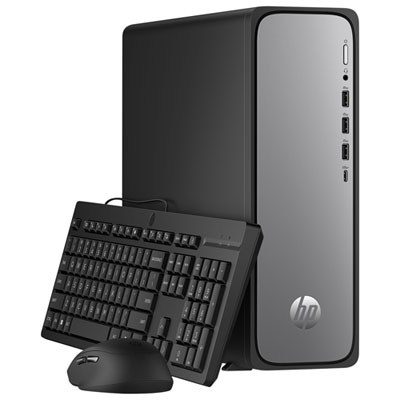
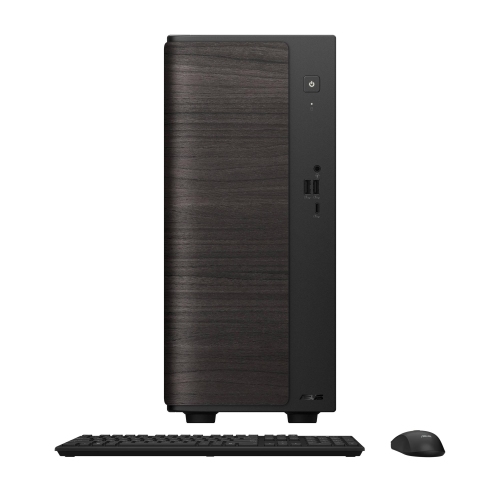
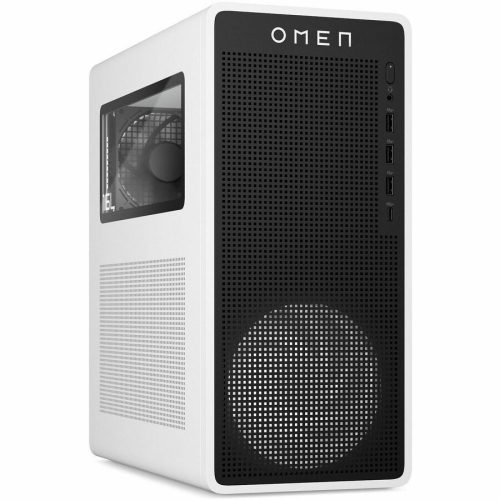
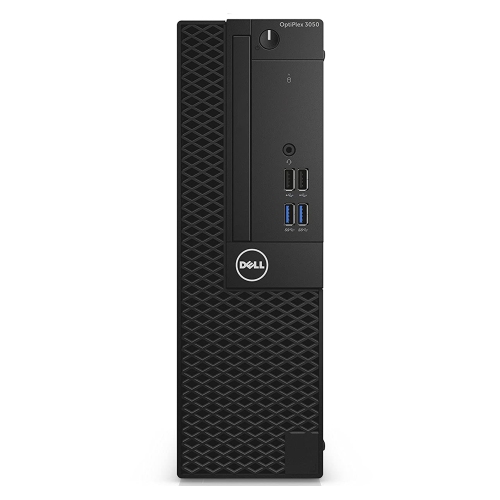
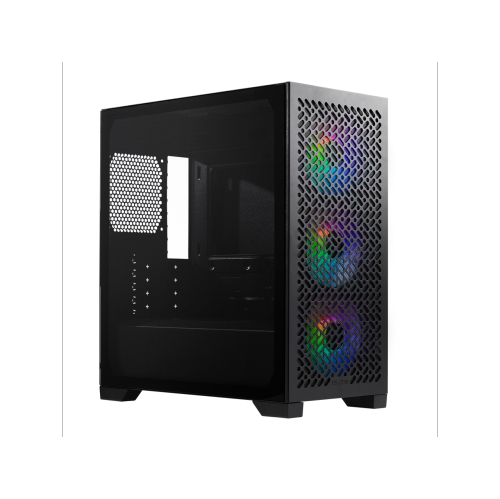
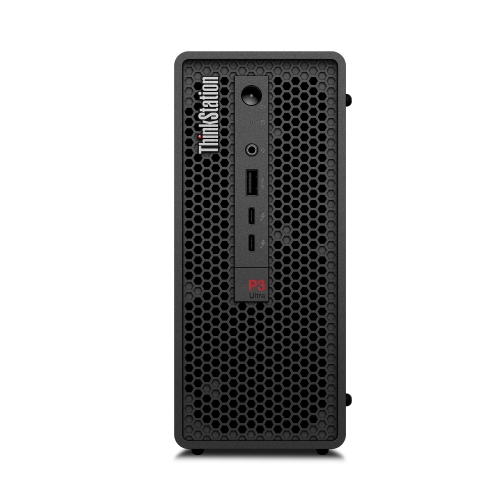
Small form factor computers are compact desktop PCs designed to take up less space than a traditional tower while retaining the usefulness of a desktop setup with a separate monitor, keyboard, and mouse. Often shortened to SFF, the term describes the size and layout of the computer rather than a particular level of performance. Many small form factor systems occupy roughly 5 to 25 litres, although there is no single size limit used across every design, and some compact PCs are smaller still. Their appeal is easy to picture: a computer tucked beside a monitor on a shallow desk, a slim desktop keeping a reception counter clear, or a compact workstation leaving room for a drawing tablet and notebook. Unlike a laptop, an SFF desktop does not need a built-in screen or keyboard, making it well suited to a fixed workspace with peripherals chosen for the task. Smaller dimensions can also make a computer easier to move between rooms, though weight depends on the chassis and installed hardware. Steel and aluminium are common chassis materials, sometimes combined with plastic front panels, mesh sections, or removable covers. Steel provides a sturdy structure, while aluminium can reduce weight; neither material alone determines the quality of the finished computer. Panel fit, secure fasteners, stable feet, and accessible ports all contribute to everyday usability and durability. Some designs stand upright, others sit horizontally, and certain ultra-compact systems support mounting behind a monitor with a compatible bracket. That mounting option is not universal, so the computer, bracket, and monitor need matching specifications. The space a system needs also extends beyond its stated dimensions. Power connectors, display cables, ventilation openings, and room to reach the power button affect how comfortably it fits. A compact desktop works best in a position that keeps those connections accessible without crowding the surrounding work surface or blocking airflow.
The performance of a small form factor PC depends on its processor, memory, storage, graphics hardware, and cooling design, not simply on the size of its enclosure. A system intended for email, document editing, video calls, and browser-based work has different requirements from one used for video production, detailed design work, or gaming. Integrated graphics can suit everyday computing and some creative tasks, while more demanding visual workloads may benefit from dedicated graphics hardware. Compact dimensions do not rule out strong performance, but they make component compatibility especially important. Mini-ITX motherboards, measuring 170 mm by 170 mm, are common in compact custom builds. Some larger SFF cases accommodate Micro-ATX boards, while many prebuilt business desktops use layouts designed specifically for their chassis. Power supplies can follow compact standards such as SFX or use a system-specific design, so physical size and connector compatibility matter alongside power capacity. Graphics card fit involves more than length: card height, thickness, expansion-slot space, and clearance for power cables can all affect whether a card belongs in a particular case. A low-profile desktop may require low-profile expansion cards, whereas a compact gaming chassis may have room for a larger card through a different internal arrangement. Processor cooling has similar constraints, with some systems using low-profile air coolers and others supporting compact liquid-cooling assemblies. These details distinguish a complete desktop from an empty case or a barebones system, which may require additional components before it is ready to use. Memory capacity and storage configuration also shape the experience. Having enough memory for several applications helps with multitasking, while solid-state storage supports responsive startup and file access. For a student switching between research tabs and coursework, or a home office user working with spreadsheets during a video call, a balanced configuration is often more useful than a specification aimed at an unrelated workload. Cooling and fan design matter as well, particularly when the computer sits close to the user. A smaller case is not automatically quieter, and unobstructed ventilation helps the installed hardware perform as intended.
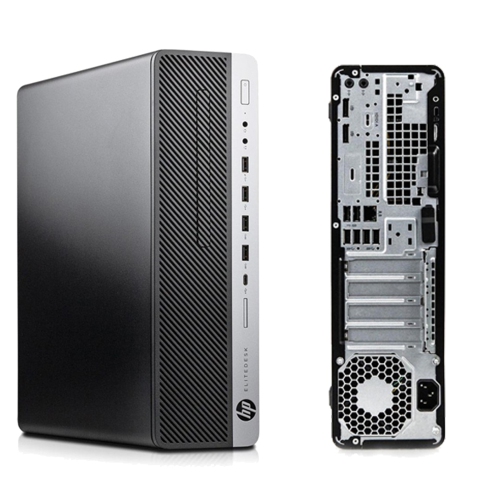
For households and workplaces considering SFF Computers, everyday convenience often comes down to connections, placement, and ease of ownership. Front-facing USB ports can make a headset or removable drive easier to connect, while rear ports help keep permanent connections tucked out of sight. USB-C support varies by computer, so the presence of that connector does not necessarily mean it supports video output, charging, or every data-transfer speed. Display connections and graphics capabilities determine how many monitors a system can support and at which resolutions. This matters for a dual-monitor office desk, where one screen might hold a document and the other a reference page or meeting window. Ethernet provides a wired network connection, while built-in Wi-Fi and Bluetooth can reduce the need for certain cables or external adapters when those features are included. The operating system and software compatibility remain important for school applications, workplace tools, and accessibility needs. A compact desktop can suit a student with limited desk space, a professional setting up a dedicated home office, or a household creating a shared computer station. It can also be a practical gift when the recipient’s monitor, software needs, and preferred connections are understood. Long-term ownership benefits from accessible service panels, clear upgrade specifications, and replaceable components where the design permits them; a small enclosure does not necessarily offer the same expansion room as a full-size tower. Routine care is straightforward: keep vents clear, remove surface dust with a soft cloth, and follow the supplied instructions for cleaning filters or opening the chassis. Liquids should stay away from ports and internal parts, and cables should not pull against their connectors. When moving the computer, disconnect peripherals and support the chassis rather than lifting it by a cable or panel edge. Thoughtful placement and a configuration matched to its intended use allow a small form factor desktop to provide a capable, orderly workspace without occupying more room than the task requires.
The performance of a small form factor PC depends on its processor, memory, storage, graphics hardware, and cooling design, not simply on the size of its enclosure. A system intended for email, document editing, video calls, and browser-based work has different requirements from one used for video production, detailed design work, or gaming. Integrated graphics can suit everyday computing and some creative tasks, while more demanding visual workloads may benefit from dedicated graphics hardware. Compact dimensions do not rule out strong performance, but they make component compatibility especially important. Mini-ITX motherboards, measuring 170 mm by 170 mm, are common in compact custom builds. Some larger SFF cases accommodate Micro-ATX boards, while many prebuilt business desktops use layouts designed specifically for their chassis. Power supplies can follow compact standards such as SFX or use a system-specific design, so physical size and connector compatibility matter alongside power capacity. Graphics card fit involves more than length: card height, thickness, expansion-slot space, and clearance for power cables can all affect whether a card belongs in a particular case. A low-profile desktop may require low-profile expansion cards, whereas a compact gaming chassis may have room for a larger card through a different internal arrangement. Processor cooling has similar constraints, with some systems using low-profile air coolers and others supporting compact liquid-cooling assemblies. These details distinguish a complete desktop from an empty case or a barebones system, which may require additional components before it is ready to use. Memory capacity and storage configuration also shape the experience. Having enough memory for several applications helps with multitasking, while solid-state storage supports responsive startup and file access. For a student switching between research tabs and coursework, or a home office user working with spreadsheets during a video call, a balanced configuration is often more useful than a specification aimed at an unrelated workload. Cooling and fan design matter as well, particularly when the computer sits close to the user. A smaller case is not automatically quieter, and unobstructed ventilation helps the installed hardware perform as intended.
For households and workplaces considering SFF Computers, everyday convenience often comes down to connections, placement, and ease of ownership. Front-facing USB ports can make a headset or removable drive easier to connect, while rear ports help keep permanent connections tucked out of sight. USB-C support varies by computer, so the presence of that connector does not necessarily mean it supports video output, charging, or every data-transfer speed. Display connections and graphics capabilities determine how many monitors a system can support and at which resolutions. This matters for a dual-monitor office desk, where one screen might hold a document and the other a reference page or meeting window. Ethernet provides a wired network connection, while built-in Wi-Fi and Bluetooth can reduce the need for certain cables or external adapters when those features are included. The operating system and software compatibility remain important for school applications, workplace tools, and accessibility needs. A compact desktop can suit a student with limited desk space, a professional setting up a dedicated home office, or a household creating a shared computer station. It can also be a practical gift when the recipient’s monitor, software needs, and preferred connections are understood. Long-term ownership benefits from accessible service panels, clear upgrade specifications, and replaceable components where the design permits them; a small enclosure does not necessarily offer the same expansion room as a full-size tower. Routine care is straightforward: keep vents clear, remove surface dust with a soft cloth, and follow the supplied instructions for cleaning filters or opening the chassis. Liquids should stay away from ports and internal parts, and cables should not pull against their connectors. When moving the computer, disconnect peripherals and support the chassis rather than lifting it by a cable or panel edge. Thoughtful placement and a configuration matched to its intended use allow a small form factor desktop to provide a capable, orderly workspace without occupying more room than the task requires.
Top selling and popular products
-
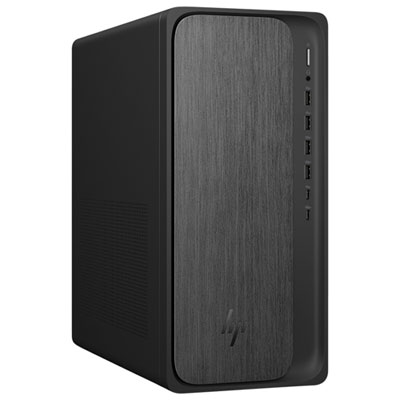 Your price for this item is $1999.99
-
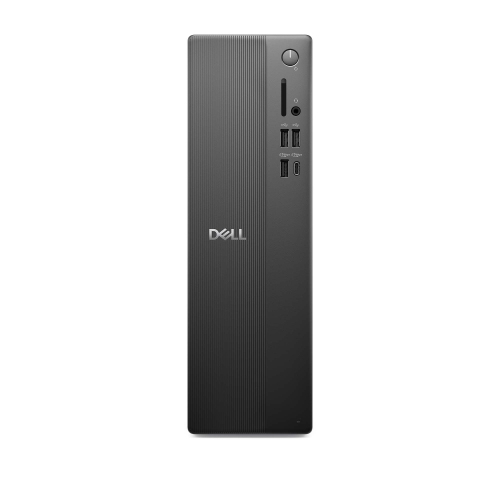 Your price for this item is $1629.79
-
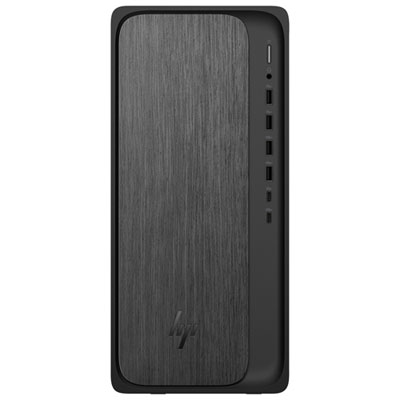 Your price for this item is $1399.99
-
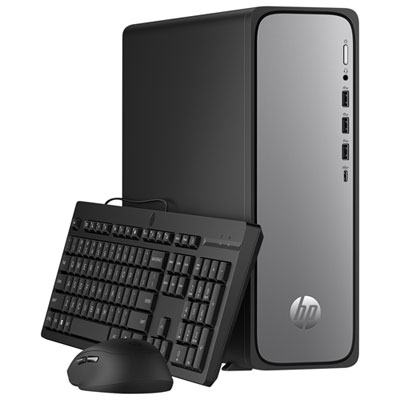 Your price for this item is $649.99
-
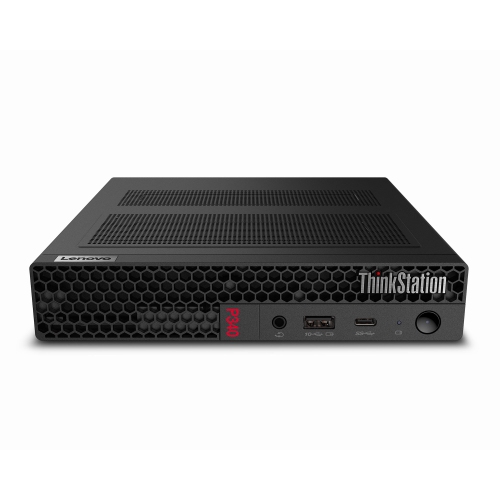 Your price for this item is $699.79
-
 Your price for this item is $1759.99
-
 Your price for this item is $3149
-
 Your price for this item is $2513.59
Discover more categories related to Small Form Factors

Top Collections:
Pokemon Centers, Kindle Devices, Best Black Friday Deals This Year, Pokémon 30th Celebration Cards, Best Black Friday Deals On Electronics, Best Cameras for Sports Photography, Best Black Friday Deals On Apple Products, Canon G7X Cameras, iPhone 15 Apple, Candle Warmer Lights
Some products may be subject to Environmental Handling Fees
(EHF) depending on your province.
Learn more about EHFs.