Small Form Factor Cases
Looking for a sleek and space-saving solution to house your computer components? Look no further than our collection of small form factor cases. These compact and efficient cases are designed to accommodate all the essential hardware while taking up minimal desk or floor space. Whether you're a gamer looking to build a powerful rig or a professional in need of a compact workstation, our selection of small form factor cases offers a range of options to suit your needs. With their stylish designs and innovative features, these cases prove that big things can indeed come in small packages.
Sort
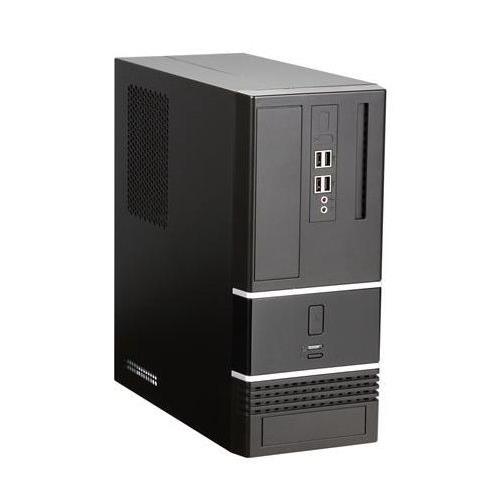
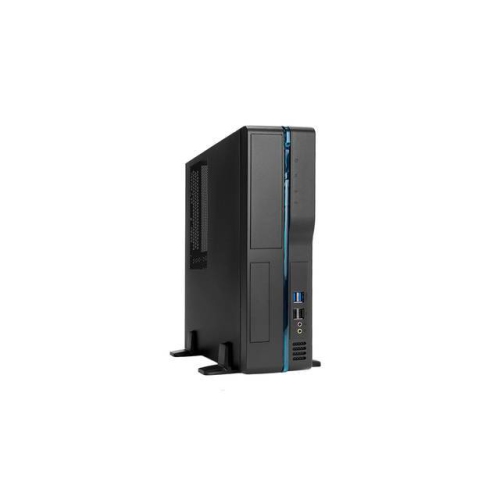
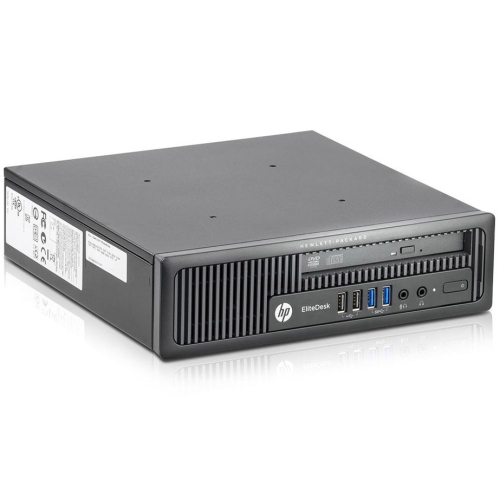
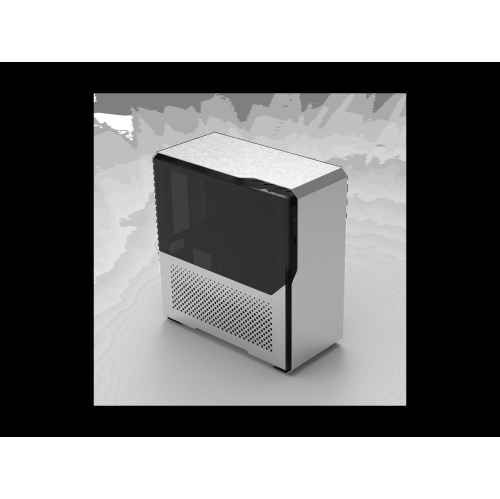
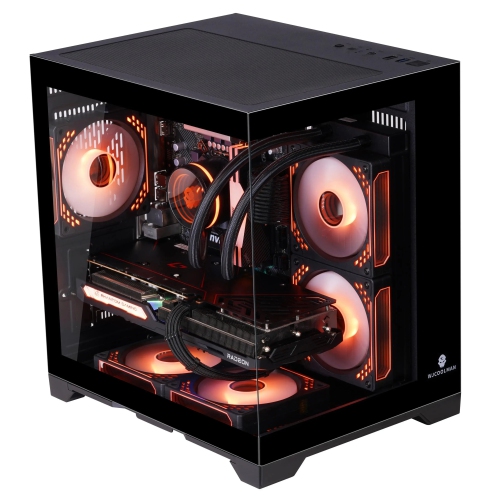
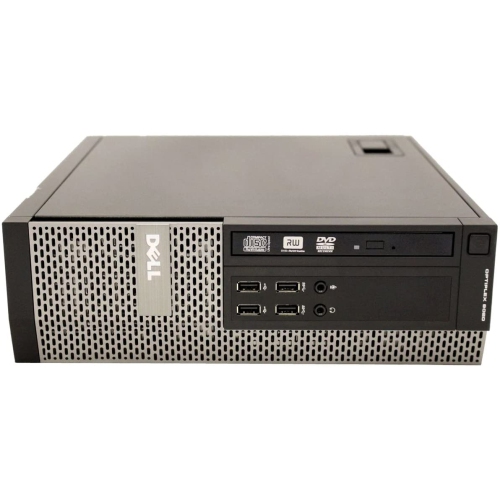
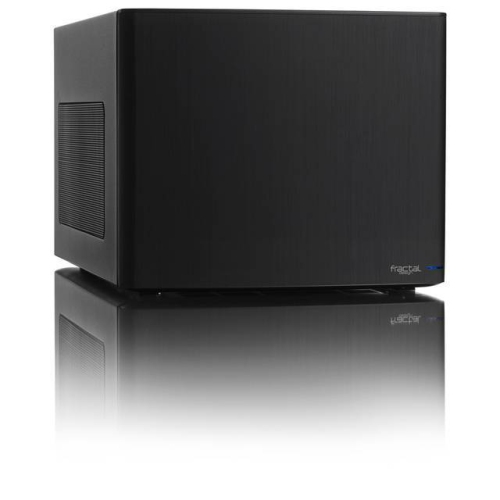
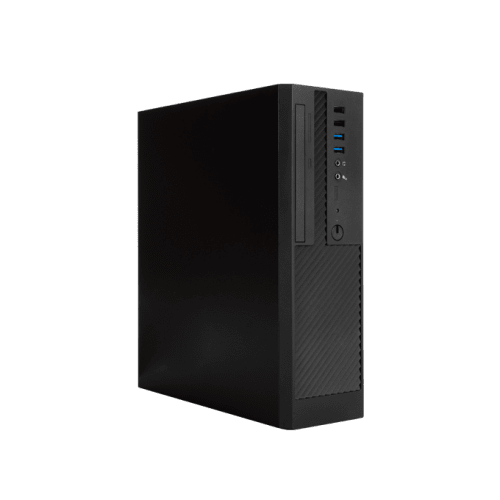
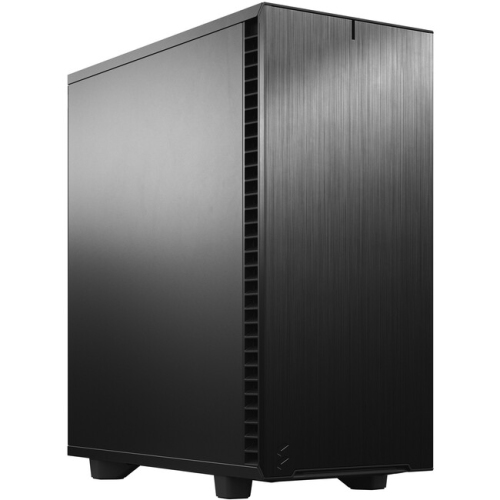
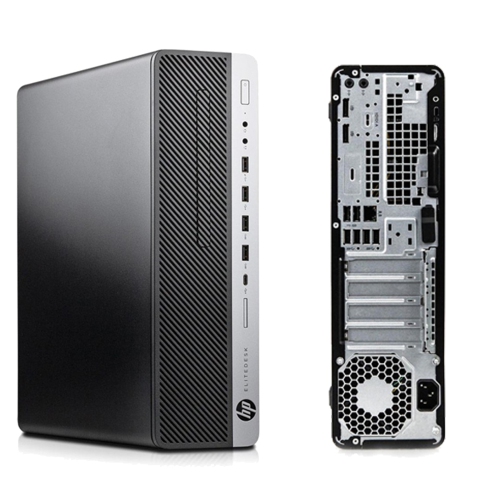
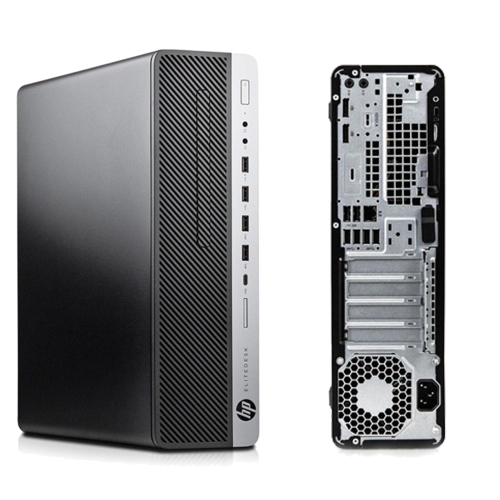
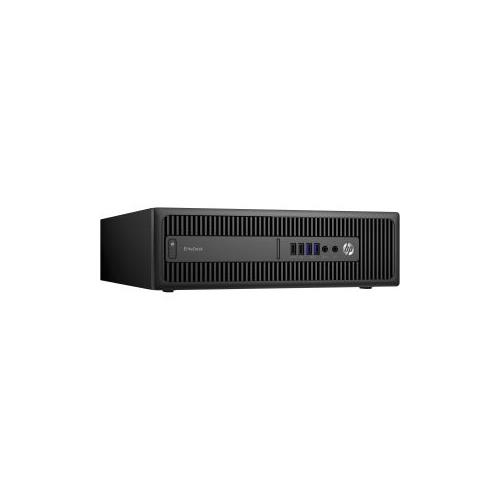
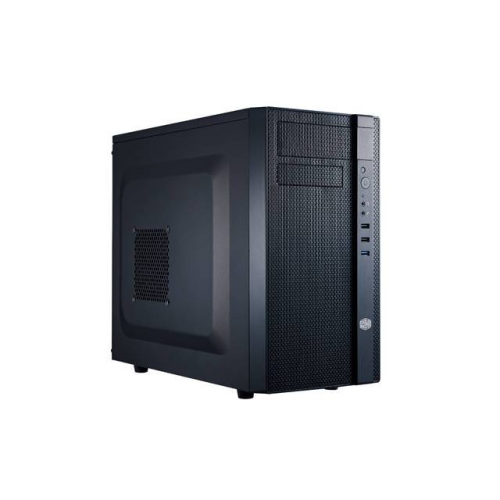
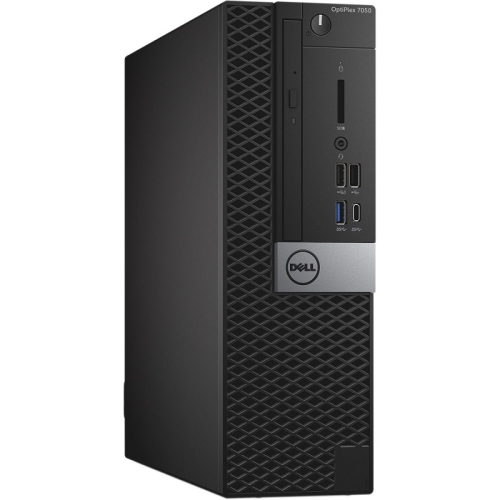
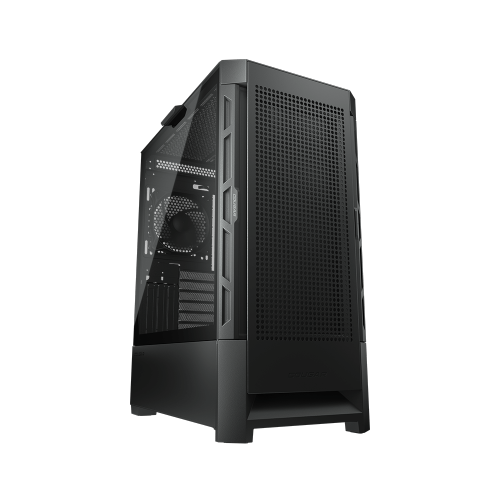
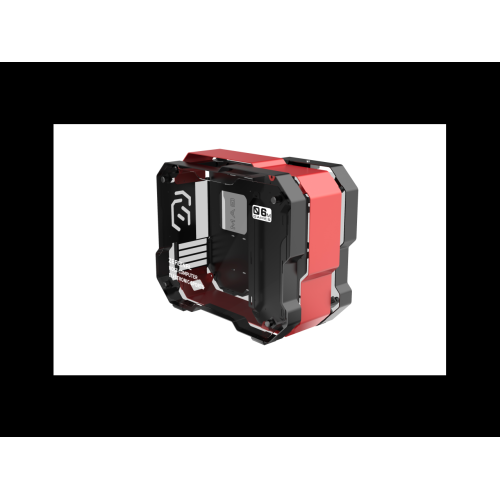
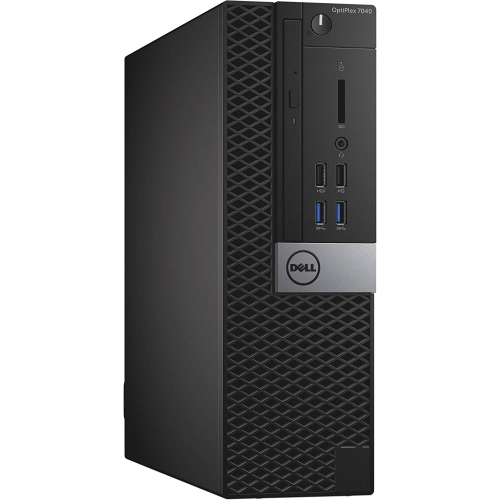
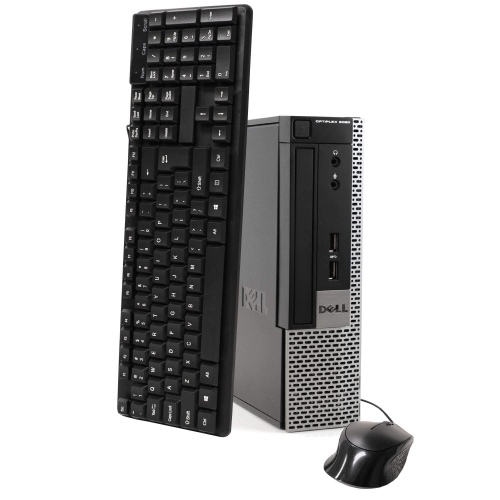
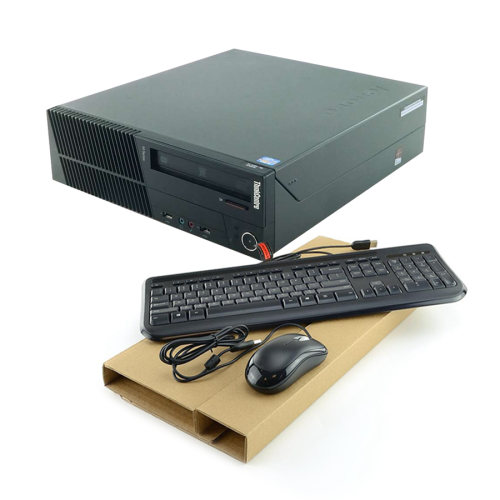
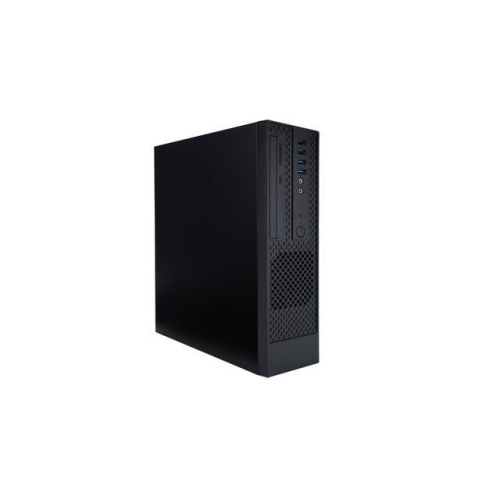
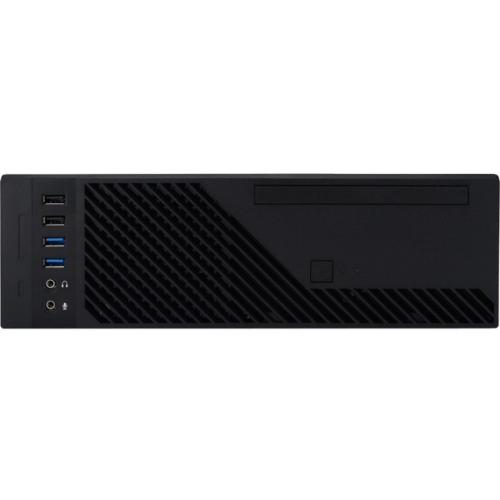
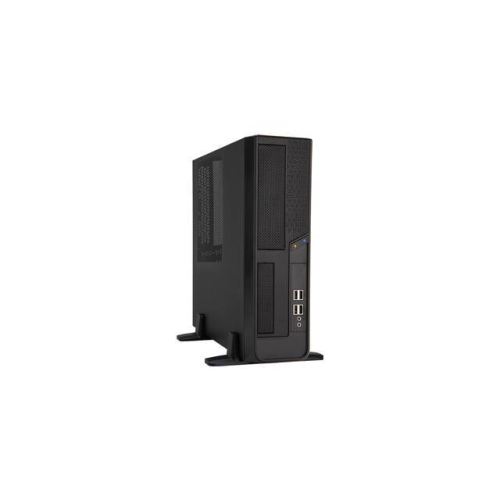
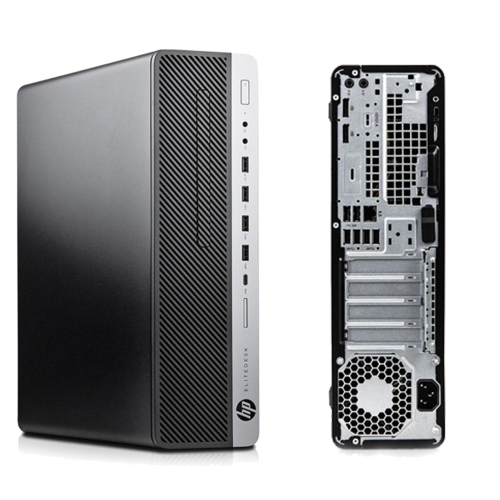
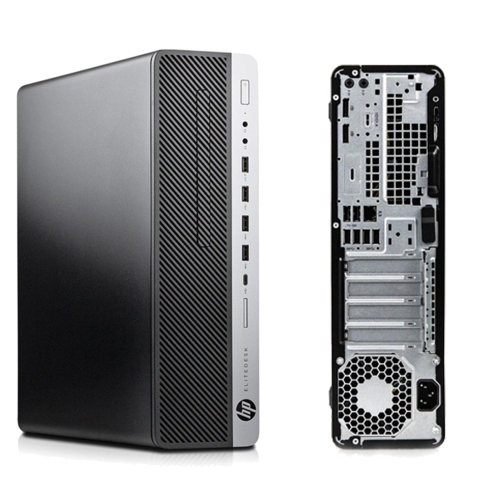
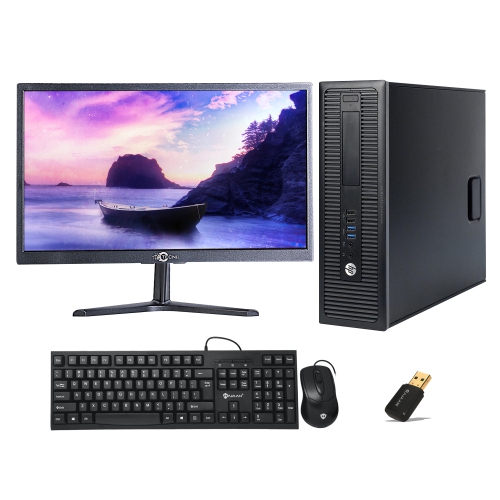

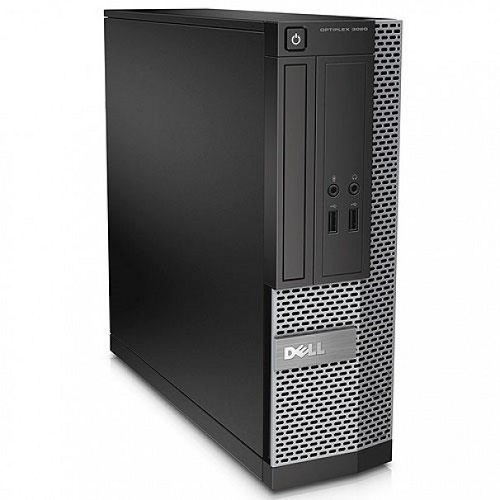
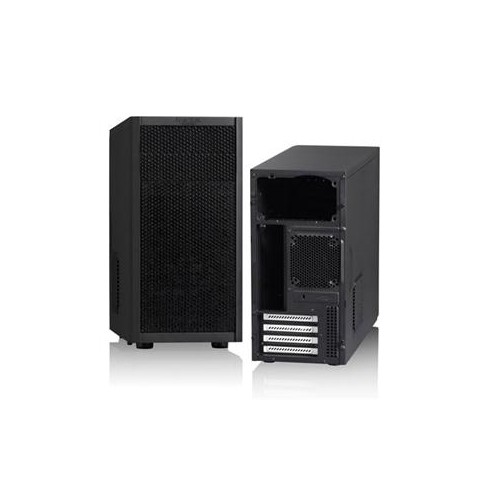
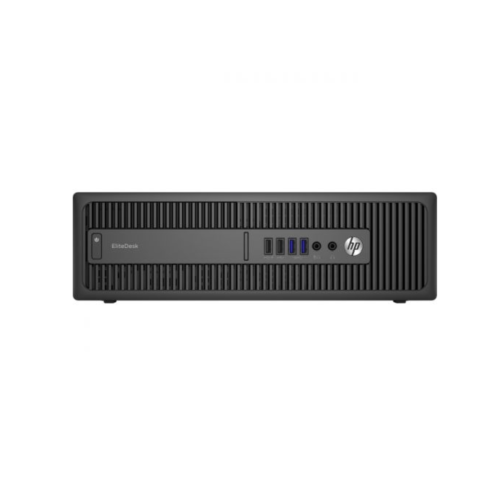
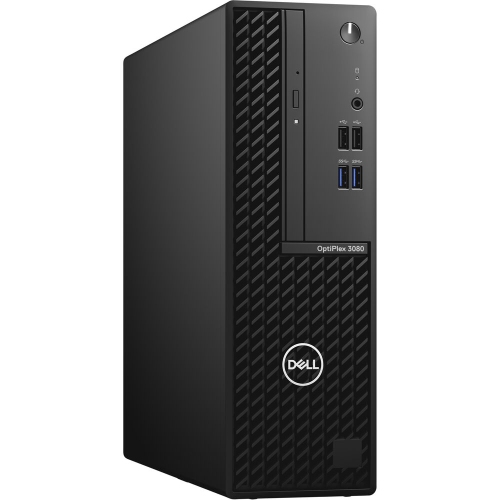
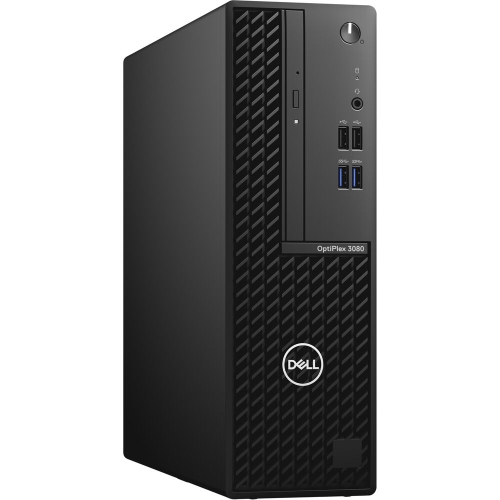
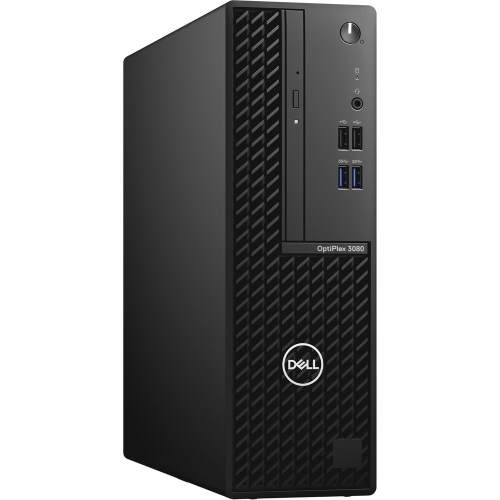
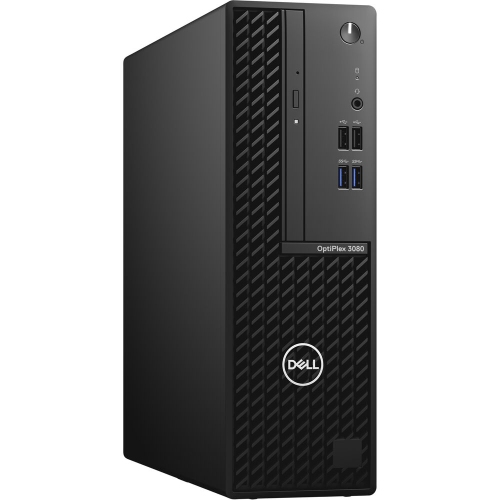
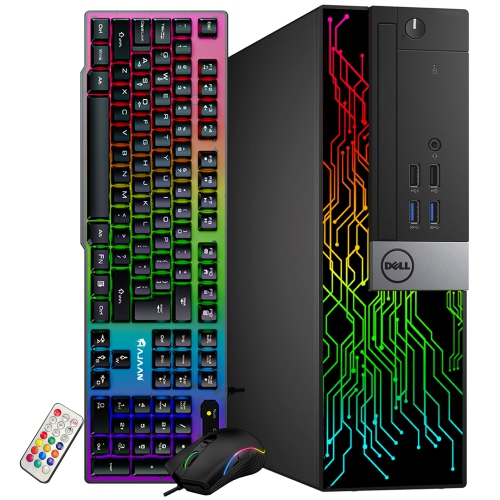

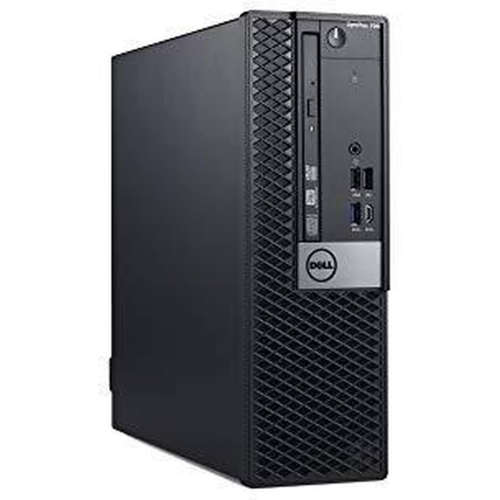
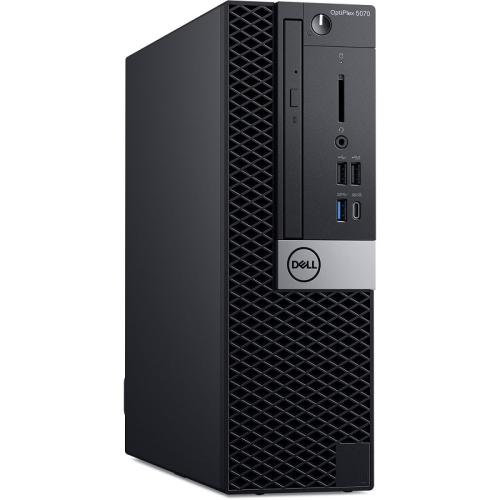
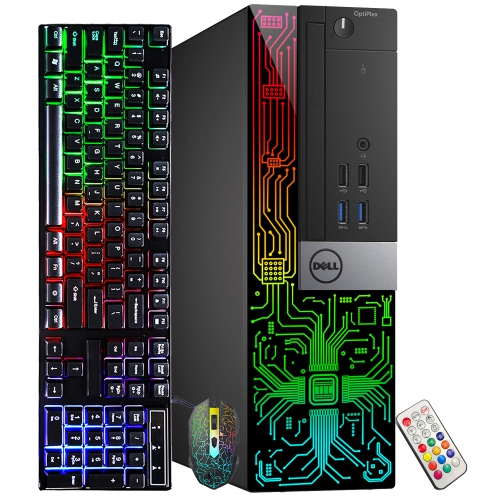
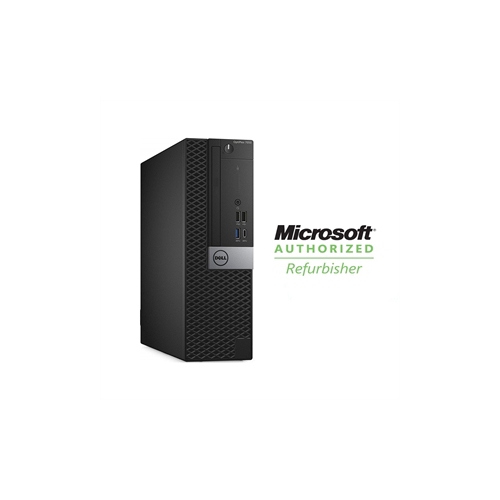
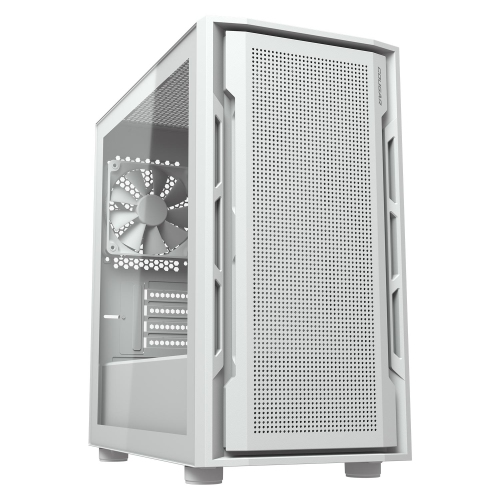
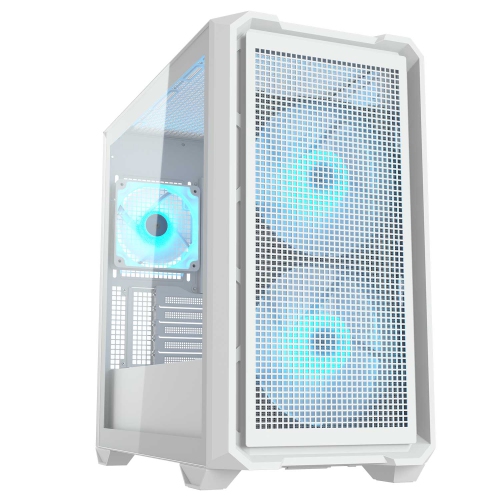
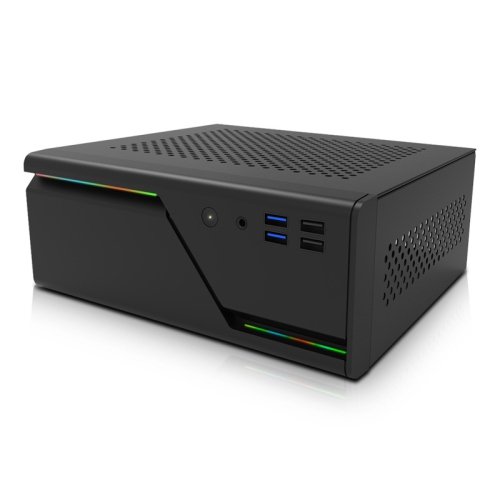
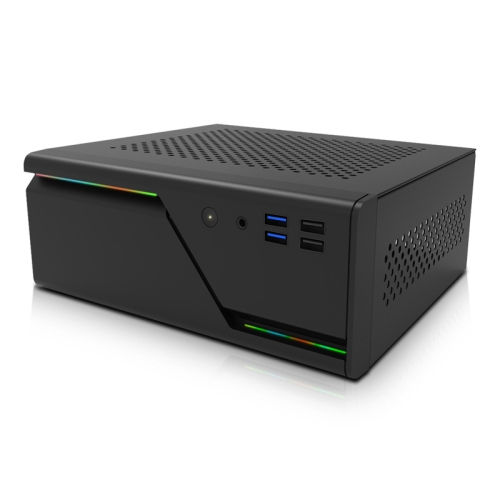
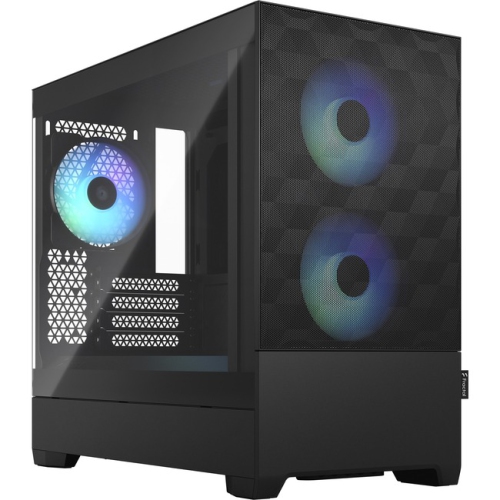

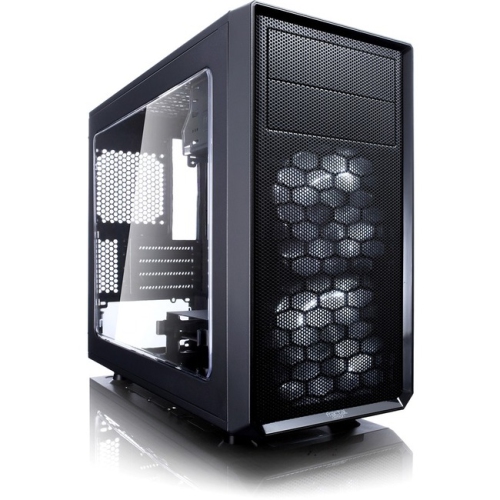
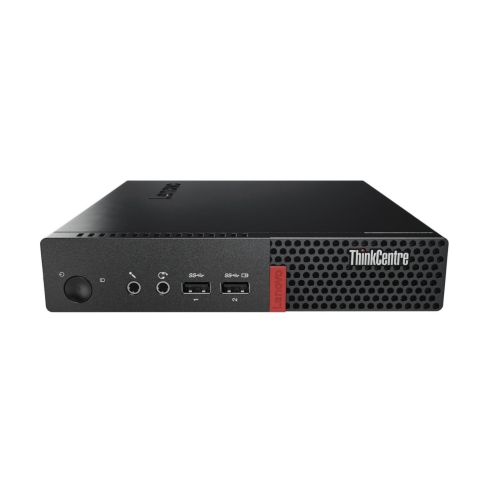
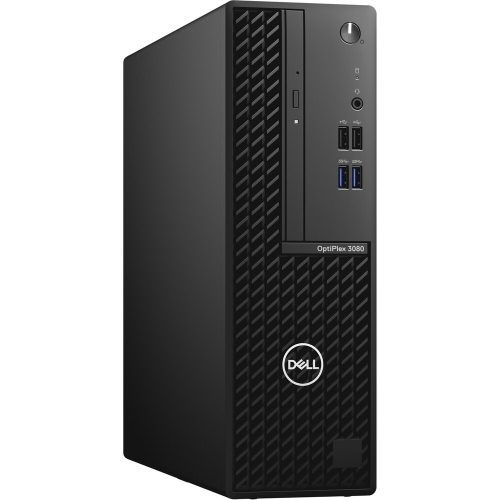
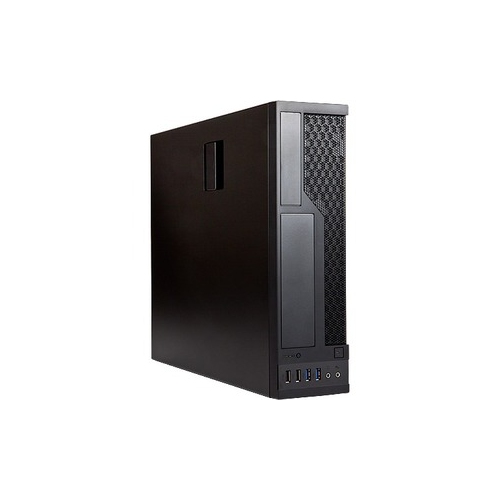
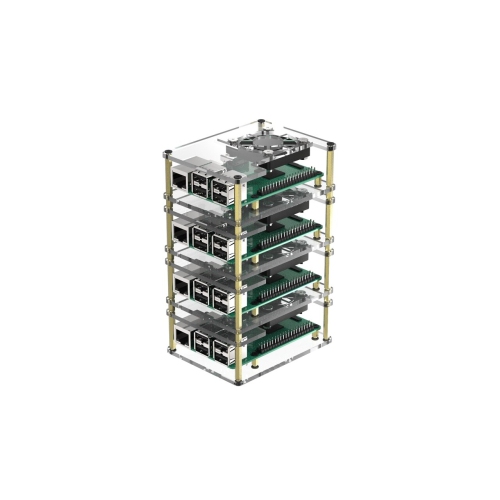
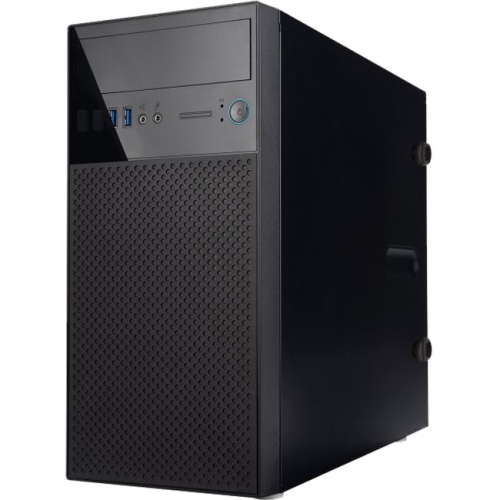
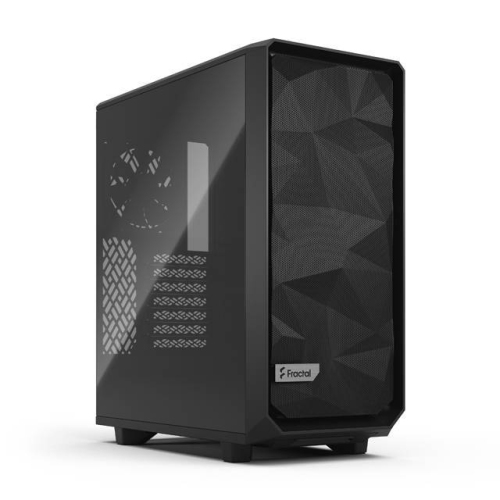
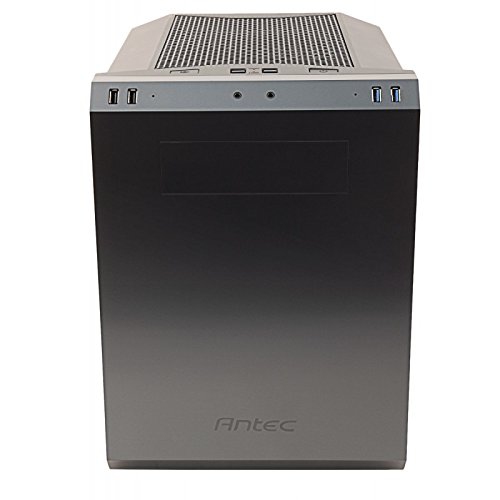
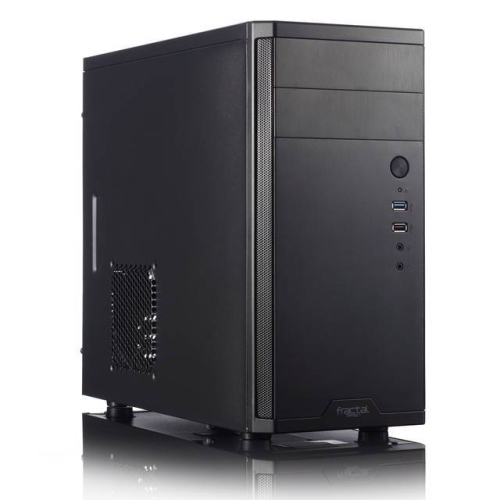
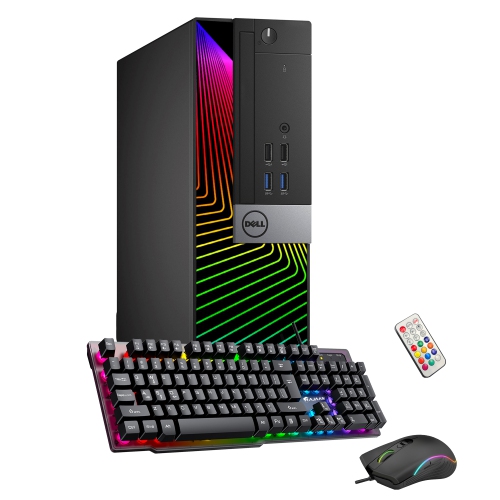
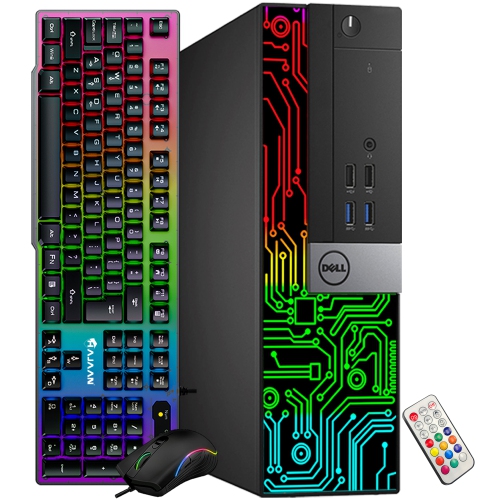
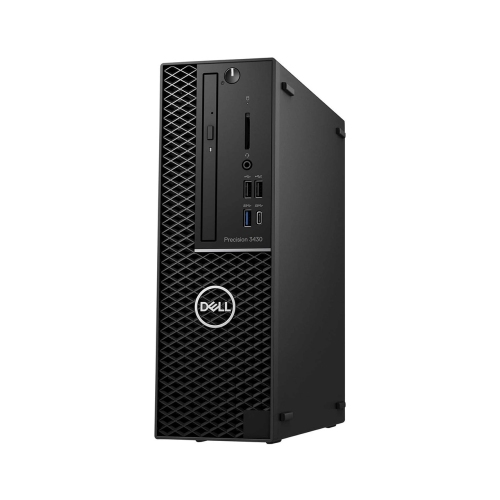
Compact desktop builds demand careful planning for fit and airflow
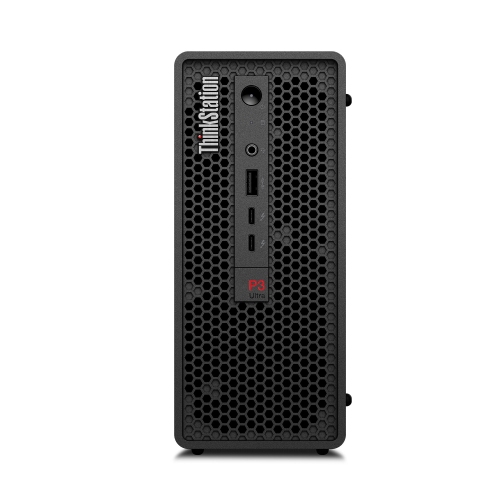
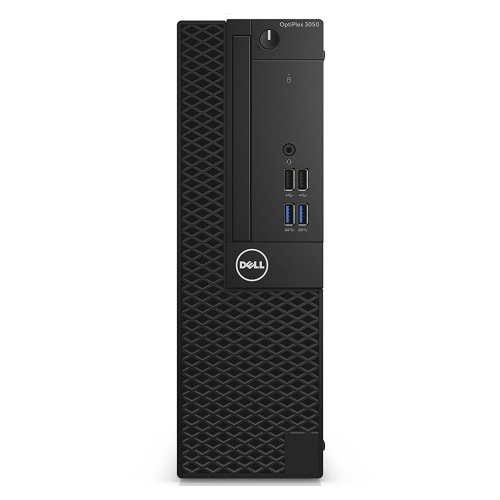
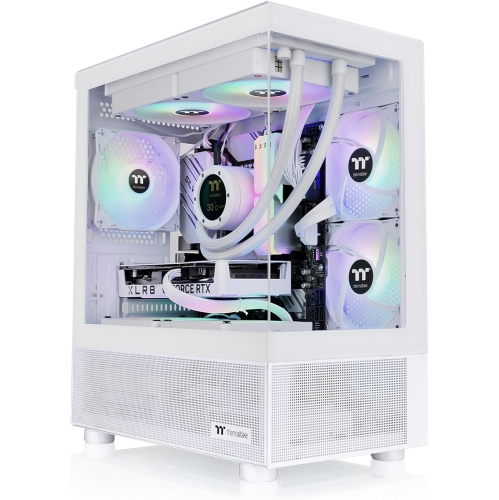
Small form factor cases make it possible to build a capable desktop in a compact footprint, making them a practical choice for workspaces where every centimetre matters. They are well suited to apartment desks, dorm rooms, home offices, entertainment areas, and multipurpose rooms where a full-size tower may feel oversized. A carefully planned compact build can handle everyday productivity, creative applications, gaming, media playback, and other demanding tasks while taking up less room beside a monitor. These cases are also useful for anyone who frequently rearranges a workspace or carries a computer between rooms, although the finished system can still be surprisingly heavy once the motherboard, power supply, graphics hardware, storage, and cooling components are installed. When comparing options, start with the case’s internal layout and supported motherboard size rather than judging by its exterior dimensions alone. Small form factor cases can accommodate different motherboard formats, and each format affects the available space for memory, storage, expansion cards, and cooling. Check the maximum graphics card length, height, and thickness, as well as the clearance for a CPU cooler or liquid cooling radiator. A graphics card may fit by length but not by width if it blocks neighbouring expansion slots, while a tall air cooler can interfere with the side panel or prevent the case from closing properly. Power supply support also deserves careful attention; some compact cases use smaller power supply formats, while others accept a standard unit but leave very little room for cables. Reviewing these measurements before purchasing helps prevent the frustrating experience of having a collection of components that are individually compatible but cannot be installed together. Storage planning matters as well. A case may support a combination of solid-state drives and hard disk drives, but mounting locations can compete with radiator space, fan positions, or cable routing. For a clean and dependable build, consider where the operating system, applications, games, project files, and backups will be stored, then confirm that the case offers suitable mounting points and access. Front-panel connections are another useful detail, particularly when the computer will sit beneath a desk or beside a television. Convenient USB ports, audio connections, and a well-positioned power button can make a compact desktop easier to use every day.
Cooling and assembly are central to the small form factor experience. A smaller enclosure does not automatically run hot, but it leaves less empty space for air to move and provides less room to correct an inefficient layout. Look for ventilation on the panels that face open air, support for appropriately sized intake and exhaust fans, and a clear path for warm air to leave the enclosure. Dust filters can make routine maintenance easier, while removable panels and accessible mounting brackets can reduce the time spent working in a tight interior. Cable management is especially important in a compact case because excess wiring can obstruct airflow, press against fans, or make future upgrades difficult. Modular or appropriately sized power supplies may help create a neater installation, but compatibility should always be confirmed before choosing components. Builders who enjoy hands-on projects may appreciate the thoughtful planning these cases require: laying components on a table, measuring clearances, deciding which cables to connect first, and arranging each part so the final system feels almost architectural. Someone assembling their first desktop may prefer a case with a straightforward interior, clear documentation, and tool-friendly access, while an experienced builder may be comfortable with a denser layout that prioritizes a very small footprint. Small form factor cases can also make thoughtful gifts for a computer enthusiast, student, remote worker, or family member planning a custom desktop, provided the recipient’s intended components and performance goals are known. They are particularly appealing to people who want a tidy gaming station, a discreet office computer, or a flexible media centre without dedicating an entire corner to a large tower. If the priority is a slim enclosure for a modest workstation or a computer that needs to fit into a narrow shelf, explore the selection of Thin Computer Cases as another option. During warmer weather, good ventilation can help a compact system maintain comfortable operating temperatures, while during the cooler months, a well-organized case continues to provide quiet, reliable performance in a home office, study area, or entertainment space. Before completing a purchase, compare the case dimensions with the intended desk or cabinet, allow room for cables and airflow around the exterior, and verify every major component specification. With the right balance of size, compatibility, cooling, and accessibility, a small form factor case can support a desktop that feels capable, organized, and naturally suited to the space around it.
Cooling and assembly are central to the small form factor experience. A smaller enclosure does not automatically run hot, but it leaves less empty space for air to move and provides less room to correct an inefficient layout. Look for ventilation on the panels that face open air, support for appropriately sized intake and exhaust fans, and a clear path for warm air to leave the enclosure. Dust filters can make routine maintenance easier, while removable panels and accessible mounting brackets can reduce the time spent working in a tight interior. Cable management is especially important in a compact case because excess wiring can obstruct airflow, press against fans, or make future upgrades difficult. Modular or appropriately sized power supplies may help create a neater installation, but compatibility should always be confirmed before choosing components. Builders who enjoy hands-on projects may appreciate the thoughtful planning these cases require: laying components on a table, measuring clearances, deciding which cables to connect first, and arranging each part so the final system feels almost architectural. Someone assembling their first desktop may prefer a case with a straightforward interior, clear documentation, and tool-friendly access, while an experienced builder may be comfortable with a denser layout that prioritizes a very small footprint. Small form factor cases can also make thoughtful gifts for a computer enthusiast, student, remote worker, or family member planning a custom desktop, provided the recipient’s intended components and performance goals are known. They are particularly appealing to people who want a tidy gaming station, a discreet office computer, or a flexible media centre without dedicating an entire corner to a large tower. If the priority is a slim enclosure for a modest workstation or a computer that needs to fit into a narrow shelf, explore the selection of Thin Computer Cases as another option. During warmer weather, good ventilation can help a compact system maintain comfortable operating temperatures, while during the cooler months, a well-organized case continues to provide quiet, reliable performance in a home office, study area, or entertainment space. Before completing a purchase, compare the case dimensions with the intended desk or cabinet, allow room for cables and airflow around the exterior, and verify every major component specification. With the right balance of size, compatibility, cooling, and accessibility, a small form factor case can support a desktop that feels capable, organized, and naturally suited to the space around it.
Top selling and popular products
-
 Your price for this item is $1599
 -
 Your price for this item is $1629.79
 -
 Your price for this item is $1999.99
 -
 Your price for this item is $1459.79
 -
 Your price for this item is $929
 -
 Your price for this item is $1249.99
 -
 Your price for this item is $1839
 -
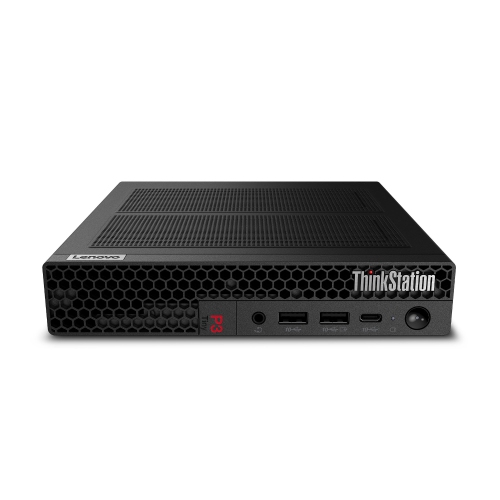 Your price for this item is $1259
Discover more categories related to Small Form Factor Cases
Top Collections:
Pokemon Centers, Budget 4K TVs, Kindle Devices, Canon G7X Cameras, Apple iPhones 16, iPhone 15 Apple, Laptops for Business Work, Flip Phones, Xiaomi Phones, Refurbished Apple Laptops
Some products may be subject to Environmental Handling Fees
(EHF) depending on your province.
Learn more about EHFs.